
Key Takeaways
-
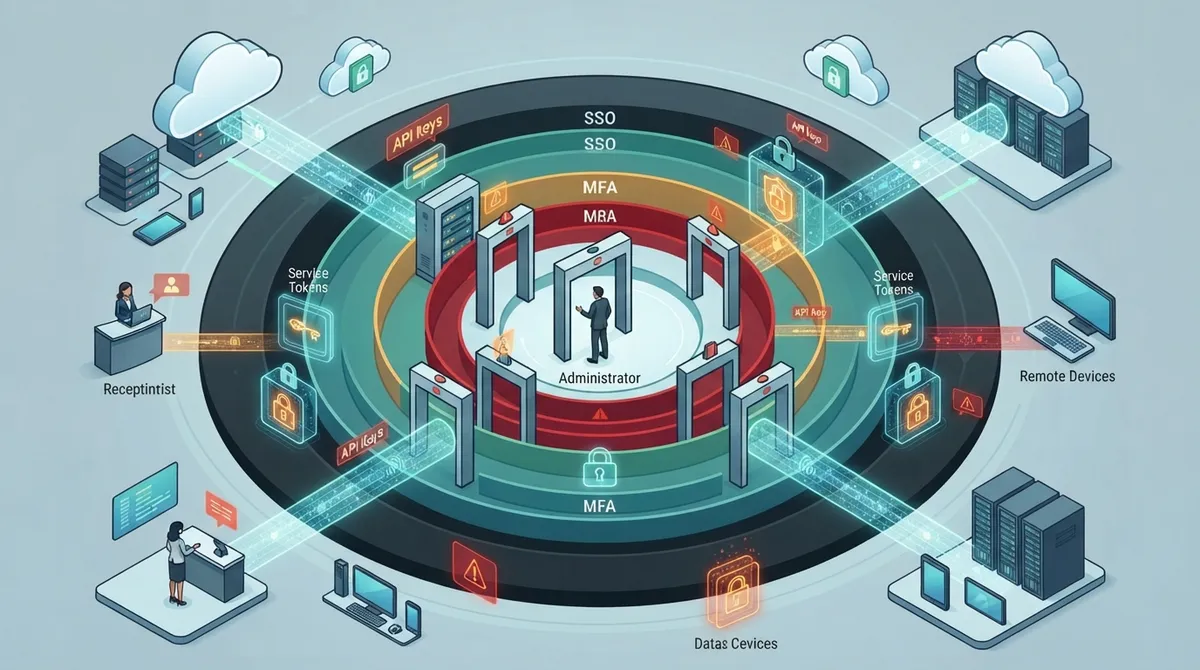
Start with a complete inventory of all systems including VoIP platforms, contact-center software, networking tools, and cloud consoles before configuring access, as many businesses discover forgotten accounts and unused API keys during audits.
-
Implement a centralized identity provider with single sign-on (SSO) and multi-factor authentication (MFA) as the foundation, especially critical for distributed teams working across multiple locations and devices.
-
Apply least privilege access by defining clear roles (receptionist, supervisor, administrator) and granting each person only the permissions needed for their specific job function.
-
Combine identity checks with network-level protection tools like SASE, SSE, and ZTNA for secure access to telecom resources, particularly important for franchise locations and remote staff.
-
Secure non-human identities by inventorying API keys and service accounts, setting expiration dates for credentials, and regularly removing unused integrations to eliminate common weak spots.
-
Centralize logging of authentication events, administrative changes, and API activity, then set alert thresholds to quickly detect unusual login patterns or suspicious behavior in your telecom environment.
Setting up cloud access control configuration can feel overwhelming, especially when your business relies on VoIP phones, cloud storage, and remote teams all at once. The good news? You don’t have to be a tech wizard to get it right. Whether you’re a small business owner in Tampa juggling one office or a franchise operator managing locations across the country, smart access control keeps your systems, calls, and customer data safe without slowing anyone down.
In this friendly guide, we’ll walk through nine practical steps to configure cloud access control for your business telecom setup. We’ll cover everything from identity management to logging, using real guidance from national cybersecurity standards. By the end, you’ll feel confident about locking down your cloud phone systems, networking tools, and building access, all while keeping your team productive and happy. Let’s dig in together!

1. Start With a Full Inventory of Your Systems
Before you touch a single setting, take stock of everything you use. This means your VoIP and unified communications platforms, contact-center software, SD-WAN or networking portals, cloud consoles, and any apps that store customer data. Think of it like doing a home inventory before buying insurance. You can’t protect what you don’t know you have.
Many office managers skip this step and regret it later. A quick audit often reveals forgotten accounts, old vendor logins, or unused API keys still floating around. If you want expert eyes on this process, our team can review your setup during a free consultation and point out gaps you might miss.
What to Include in Your Inventory
- Cloud phone and VoIP platforms, including call recordings and voicemail
- Contact-center software and customer data storage
- Networking tools like SD-WAN dashboards or SASE portals
- Cloud video security and access control consoles
- Third-party vendor and support-engineer accounts
2. Build a Strong Identity Foundation
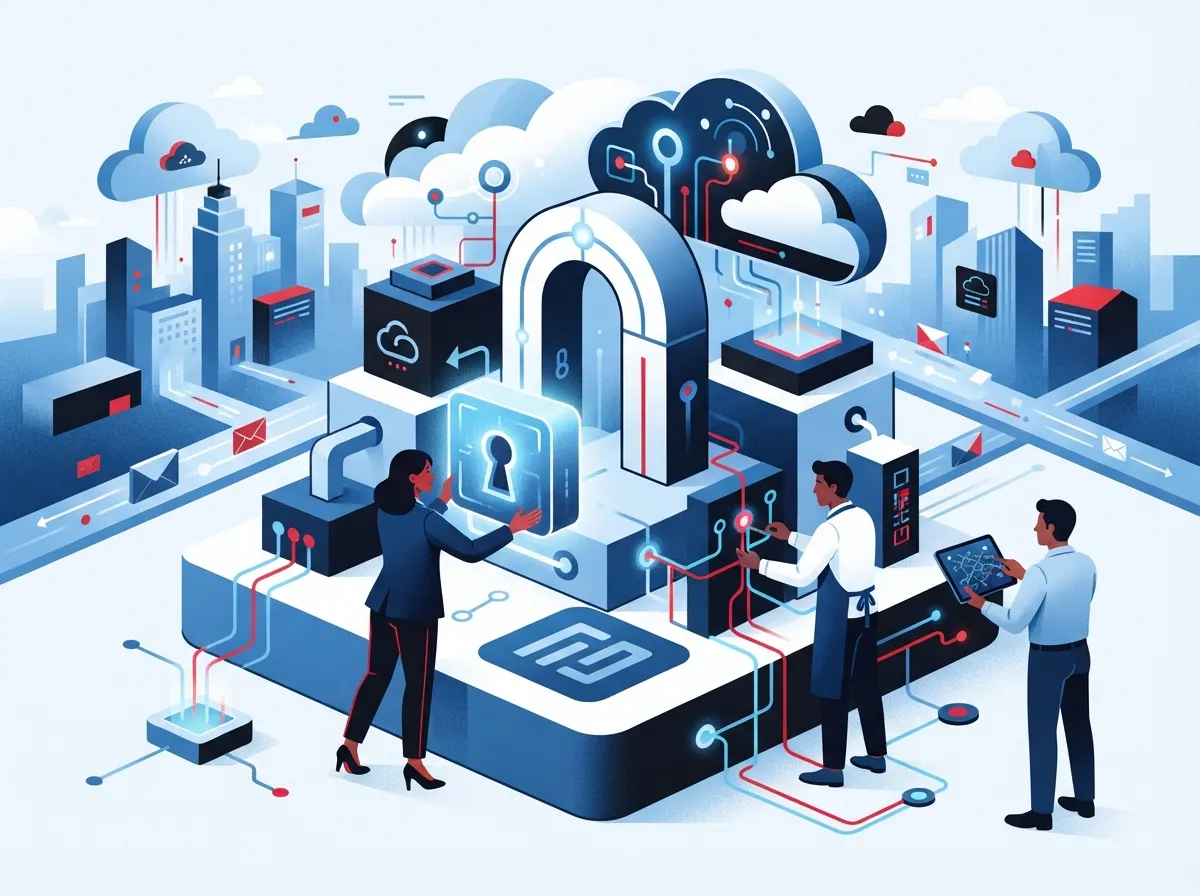
Identity and access management, often called IAM, is the backbone of any solid cloud access control configuration. This means setting up a central identity provider that handles single sign-on (SSO) and multi-factor authentication (MFA) for everyone who touches your systems. According to NIST, modern zero-trust models continuously check identity and context rather than trusting someone just because they’re on the company network.
For growing companies and mid-sized enterprises, this step matters even more. You likely have employees working from home, the office, and maybe even different states. A centralized identity system means one login connects safely to your phone system, internet tools, and security cameras, without juggling ten different passwords.
Key IAM Components to Configure
- A central identity provider connected to your directory services
- Single sign-on across all cloud telecom and networking apps
- Phishing-resistant or app-based multi-factor authentication
- Automatic account creation and removal tied to HR systems
- Regular access reviews to catch outdated permissions
3. Apply Least Privilege and Separate Duties
Not everyone needs the keys to everything. This is the idea behind least privilege: give each person only the access they truly need to do their job. A receptionist doesn’t need billing admin rights, and your billing team doesn’t need to reconfigure the phone system.
Separating duties also protects your business from mistakes and misuse. If one person controls configuration, billing, user management, and security all at once, that’s a lot of risk sitting in one login. Splitting these roles keeps things safer and easier to audit later.
Common Telecom Roles to Define
| Role | Typical Access |
|---|---|
| End User | Basic calling, messaging, voicemail |
| Supervisor | Team call monitoring and reporting |
| Contact-Center Manager | Queue settings, call routing, agent stats |
| Telecom Administrator | System configuration and integrations |
| Billing Administrator | Invoices, payment methods, plan changes |
| Security Administrator | Access policies, MFA settings, audit logs |
4. Set Smart, Context-Aware Access Policies
Identity alone isn’t enough anymore. Good cloud access control configuration also looks at the situation around each login attempt. Is the device compliant? Is the person logging in from an unusual location? Is it 3 a.m. on a Sunday?
These context clues help your system catch trouble before it happens. If something looks risky, like an impossible travel pattern or a login from an unmanaged device, you can require extra verification or block access completely. This approach lines up with the zero-trust model that NIST recommends for hybrid work environments.
Conditions Worth Configuring
- Device compliance and operating system health checks
- Geographic or network-based risk scoring
- Time-of-day restrictions for sensitive systems
- Step-up authentication triggers for high-risk actions
- Automatic session termination after suspicious behavior
5. Combine Identity With Network-Level Protection
For businesses with multiple offices or remote teams, identity checks alone won’t cover everything. That’s where network-tier tools like SASE, SSE, and ZTNA come in. These technologies protect access to your voice systems, contact-center platforms, and business apps without relying on old-fashioned network perimeters.
A 2025 survey found that 32% of organizations were actively implementing SASE, while another 31% were evaluating it. Secure remote access was the top reason cited by 45% of respondents. If your franchise locations or remote staff need secure connections to shared telecom resources, these tools are worth exploring alongside your SD-WAN setup.
Network-Tier Tools to Consider
- Secure Access Service Edge (SASE) for unified security and networking
- Security Service Edge (SSE) for cloud-focused protection
- Zero Trust Network Access (ZTNA) instead of traditional VPNs
- Secure web gateways and next-gen firewalls
- Network segmentation to isolate sensitive telecom systems
6. Don’t Forget Service Accounts and APIs
Human users aren’t the only identities that need protecting. Your cloud telecom environment likely has service accounts and APIs quietly running in the background, connecting your phone system to CRM tools or your networking dashboard to monitoring software.
NIST SP 800-207A specifically recommends both identity-tier and network-tier policies for these non-human identities. Long-lived API keys and forgotten service accounts are a common weak spot. Rotate keys regularly, limit what each service account can access, and remove any that are no longer in use.
Steps to Secure Non-Human Identities
- Inventory all API keys, tokens, and service accounts
- Set expiration dates instead of permanent credentials
- Limit service accounts to only the systems they truly need
- Monitor API activity for unusual spikes or patterns
- Remove unused integrations during regular reviews
7. Manage Vendor and Support-Engineer Access Carefully
If you work with a managed telecom partner or outside support engineers, their access needs special attention too. Document exactly what subcontractors and vendors can see and do. Set up emergency or break-glass procedures for urgent situations, and make sure there’s a clear process for removing access the moment a contract ends.
This is one area where working with an experienced partner really pays off. Ideal Solutions Provider has spent over 24 years helping businesses set up secure, well-documented access across cloud access control systems and telecom platforms, acting as a single point of contact instead of leaving you to manage a dozen vendor relationships alone.
Vendor Access Checklist
- Document tenant isolation and administrator boundaries
- Define support-engineer access limits in writing
- Create emergency access procedures with logging
- Confirm data residency and encryption standards
- Set a clear offboarding process for ended contracts
8. Turn On Logging and Keep Watching
Configuration isn’t a “set it and forget it” job. You need to record authentication events, administrative changes, API activity, and access to sensitive call data. Send these logs to a centralized monitoring tool so your team, or your telecom partner, can spot problems fast.
The 2025 SSE Adoption Report found that 79% of organizations planned to implement a security service platform within 24 months, with 61% preferring a single-vendor approach for simpler management. Good logging supports this kind of unified strategy and makes audits far less stressful.
Logging Best Practices
- Centralize logs from telecom, networking, and security tools
- Set alert thresholds for unusual login or admin activity
- Retain logs according to your industry’s compliance rules
- Test your policies regularly, including emergency calling scenarios
- Review privileged account activity on a set schedule
9. Avoid the Most Common Configuration Mistakes
Even well-meaning IT teams fall into predictable traps. Shared administrator logins, forgotten former employees with active access, and relying only on IP allowlists are some of the biggest offenders. These mistakes create openings that are easy for attackers to exploit.
The table below breaks down common mistakes and simple fixes you can apply right away.
| Common Mistake | Better Approach |
|---|---|
| Shared admin accounts | Individual logins with MFA for every admin |
| Long-lived API keys | Rotating keys with expiration dates |
| Relying only on IP allowlists | Layered zero-trust identity and device checks |
| Slow employee offboarding | Automated deprovisioning tied to HR systems |
| Untested emergency calling | Regular test runs of failure scenarios |
A Quick Deployment Sequence to Follow
- Inventory your systems, users, and data
- Map devices, services, and trust relationships
- Define roles and resource ownership clearly
- Integrate your identity provider and enforce MFA
- Apply least-privilege access policies
- Add device and network risk conditions
- Protect APIs and service accounts
- Centralize logging across all systems
- Test normal use and failure scenarios, then review often
A 2025 survey also found that 38% of organizations were already implementing zero trust, with another 42% planning to do so within the year. That’s a strong sign this approach is becoming the standard, not the exception, across business telecom environments.
Bringing It All Together for Your Business
Cloud access control configuration touches nearly everything in your telecom setup, from your cloud phone system to your building’s front door. It might sound like a lot, but taking it one step at a time makes it manageable, even for a small team without a dedicated IT department.
Whether you’re securing a single Tampa office or coordinating access across franchise locations nationwide, the goal stays the same: protect your people, your data, and your customers without adding unnecessary friction. Pairing strong identity management with smart network policies and honest vendor documentation gives you a setup that actually holds up under pressure.
If your business relies on structured cabling, cloud phones, or networked security cameras, it’s worth checking how your current provider handles access. Many businesses discover after an audit that their permissions are outdated or too broad. You can follow updates and tips from our team on Facebook or catch how-to videos on YouTube to keep learning at your own pace.
Final Thoughts
Getting cloud access control configuration right takes some planning, but you don’t have to do it alone. From identity setup to logging and vendor management, each step builds a safer, more reliable telecom environment for your business. And once it’s in place, you’ll spend far less time worrying about who has access to what.
Ready to see how your current setup measures up? Reach out to our team for a free consultation, or give us a call today to talk through your options with a real person who understands business telecom inside and out.
FAQs
Q: What is cloud access control configuration for business telecom systems?
A: It’s the process of setting up who can access your cloud phone system, networking tools, and customer data, and under what conditions. Think of it as building smart locks for your digital doors, not just your building’s front entrance. Done right, it keeps your team productive while keeping outsiders out.
Q: How do I configure role-based access for VoIP and contact-center platforms?
A: Start by defining clear roles like end user, supervisor, and telecom administrator, then limit each role to only what they need. This keeps your billing team out of security settings and your front desk out of admin controls. It’s a simple change that prevents a lot of headaches down the road.
Q: What’s the difference between cloud IAM, SASE, SSE, and zero-trust network access?
A: IAM manages who someone is and what they’re allowed to do, while SASE and SSE protect how data moves across your network. ZTNA replaces old-school VPNs with smarter, identity-based connections. Together, they cover both the people and the pathways in your telecom setup.
Q: How should MFA and single sign-on be set up for remote employees?
A: Connect all your cloud telecom tools to one central identity provider, then require MFA for every login, especially for admins. This way, your remote team only needs one secure login instead of a dozen scattered passwords. It’s easier for them and much safer for you.
Q: What are the most common cloud access control mistakes businesses make?
A: Shared admin logins, forgotten API keys, and slow employee offboarding top the list. Many businesses also skip testing their policies against real scenarios, like emergency calling. A quick audit usually uncovers these gaps before they turn into bigger problems.





