
Key Takeaways
-
Cloud cameras store footage off-site automatically, eliminating data loss risks from hardware theft or failure that plague traditional NVR/DVR systems stored on-site.
-
Before installing cloud cameras, test your internet bandwidth during peak hours—video footage consumes significant data, and inadequate connectivity causes laggy footage and missed alerts.
-
Strategically place cameras at front entrances, reception areas, server rooms, parking lots, and loading docks to maximize theft deterrence and incident documentation with minimal coverage gaps.
-
Hybrid storage systems combine local high-resolution footage with cloud metadata syncing, providing backup protection during internet outages while maintaining remote access convenience for unreliable connections.
-
Cloud systems scale effortlessly by adding cameras in minutes without hardware installation, making them ideal for franchise operators managing multiple locations from a single dashboard.
-
Verify encryption standards, two-factor authentication, access control permissions, and data retention policies with providers before signup to ensure compliance with industry-specific security requirements.
Picture this: you’re at home on a Saturday, and your phone buzzes with a motion alert from your office front door. You open an app, watch the live feed, and see it’s just the mail carrier. No drive back to the office. No wondering what’s happening. That’s the magic of cloud security cameras for offices, and it’s changing how business owners protect their workplaces.
If you’re a small business owner juggling a dozen tasks, an office manager keeping daily operations smooth, or an IT manager overseeing multiple locations, this guide is for you. We’ll walk through exactly how cloud security cameras work, what they cost, and how to pick the right setup for your office. Let’s get started.
What Are Cloud Security Cameras for Offices
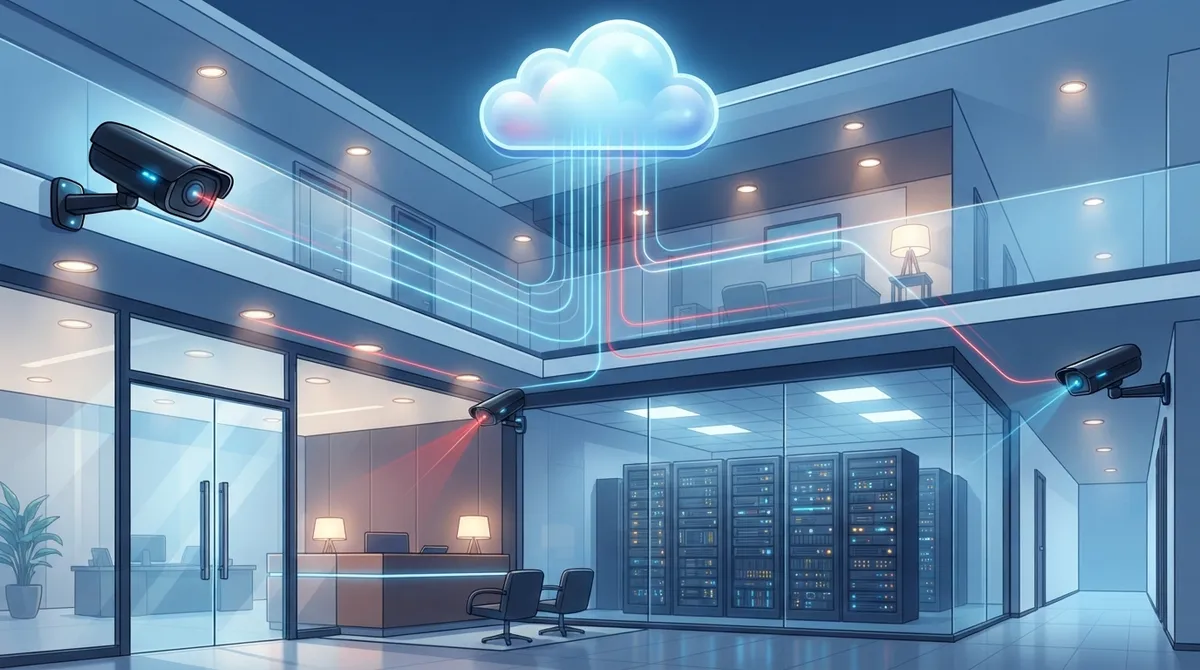
Cloud security cameras are internet-connected cameras that send video straight to secure cloud storage. Unlike old-school systems, they skip the bulky recorder sitting in a closet. Instead, footage lives safely online where you can access it anytime.
These systems work over Wi-Fi or a wired Internet Service Provider connection. Once footage hits the cloud, authorized team members can log in from a phone, tablet, or laptop. No need to be standing in the office to check on things.
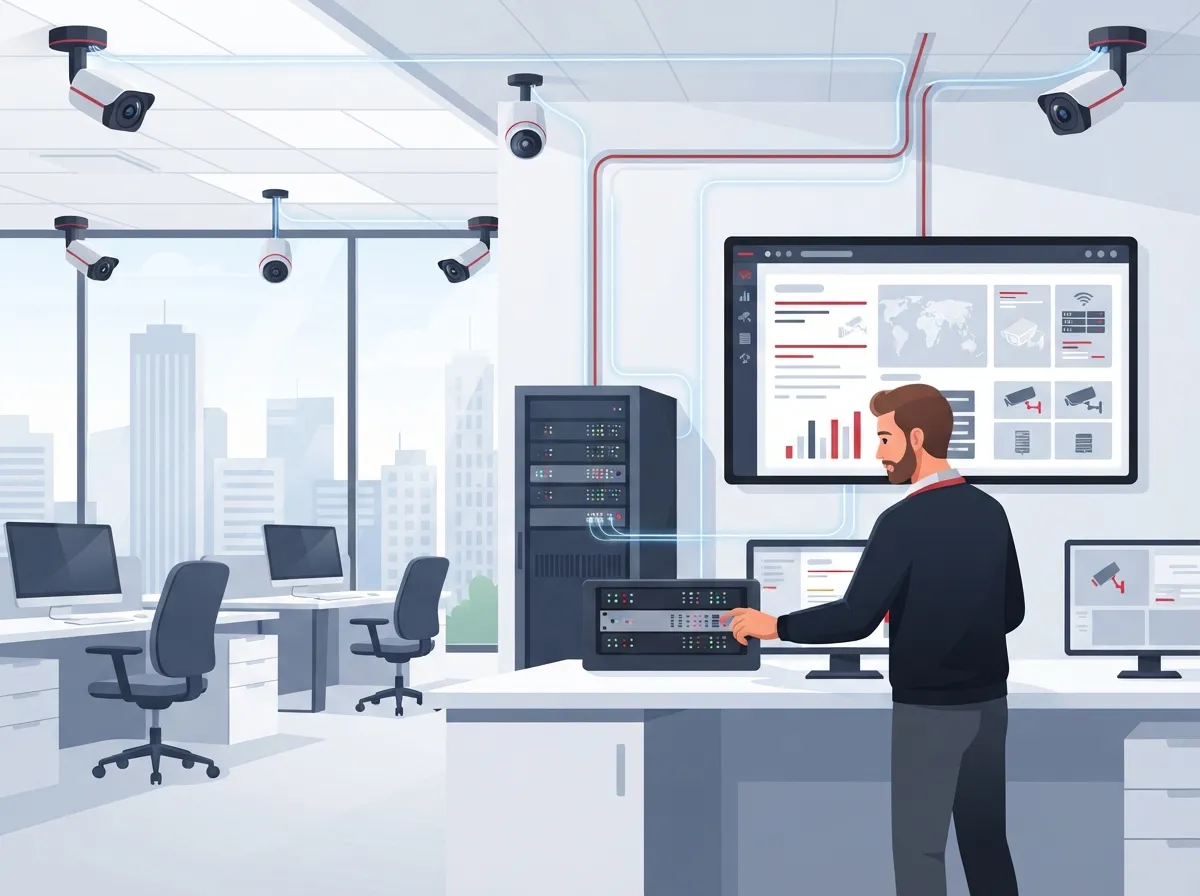
This setup is especially helpful for offices with multiple locations. A franchise operator managing five sites can check every camera from one dashboard. That kind of centralized control used to require expensive, complicated hardware. Now it’s just a login away.
How Cloud Cameras Differ From Traditional Systems
Traditional camera systems rely on NVR or DVR boxes stored on-site. If that box breaks or gets stolen, you lose your footage. Cloud systems solve this problem by storing video off-site automatically.
Here’s a simple breakdown of the differences:
| Feature | Cloud Security Cameras | Traditional NVR/DVR Systems |
|---|---|---|
| Storage Location | Off-site cloud servers | On-site hardware box |
| Remote Access | Yes, via app or web | Limited or requires setup |
| Scalability | Easy to add cameras/locations | Often requires new hardware |
| Upfront Hardware Costs | Lower | Higher |
| Internet Dependency | High | Low |
| Monthly Fees | Usually required | Rare, one-time cost model |
Choosing between these two often comes down to priorities. If you value flexibility and remote access, cloud wins. If you want zero subscription fees and full local control, a traditional system might fit better.
Why Offices Are Switching to Cloud-Based Systems
More businesses are moving away from clunky, on-site recorders. Here’s why cloud cameras have become the go-to choice for modern offices.
- Lower upfront hardware costs since there’s no need for large storage boxes
- Remote viewing lets managers check in from anywhere, anytime
- Centralized dashboards make managing multiple office locations simple
- Automatic software updates keep security features current
- Motion alerts and AI analytics reduce the need for constant manual monitoring
- Easy scaling means adding a new camera takes minutes, not a service call
For growing companies and franchise operators, that scalability is a huge win. You don’t need to rebuild your whole system every time you open a new location.
Common Office Areas That Benefit Most
Not every corner of your office needs a camera, but some spots matter more than others. According to guidance from major telecom providers, businesses commonly focus coverage on:
- Front entrances and exits, where most foot traffic happens
- Reception areas, to monitor visitor activity
- Server rooms or IT closets, protecting sensitive equipment
- Parking lots, deterring vandalism or break-ins
- Loading docks, especially for offices handling deliveries
- Blind spots or hallways with limited natural visibility
Placing cameras strategically in these areas helps deter theft and gives you a clear record if something does happen.
How Cloud Security Cameras Work in a Business Setting
The process is simpler than most people expect. Cameras capture footage, then send it over your network to cloud storage. From there, the video gets encrypted and stored based on your plan’s retention settings.
Most systems today support live streaming plus recorded playback. That means you can watch what’s happening right now or scroll back through yesterday’s footage. Many platforms also send instant alerts when they detect motion or unusual activity.
One thing to know upfront: cloud systems need a dependable internet connection to work well. If your office internet is spotty, you might experience delays or gaps in coverage. This is exactly why pairing your camera system with solid high-speed internet for your business matters so much.
Bandwidth and Connectivity Considerations
Video footage uses a lot of data, especially in high resolution. If your office already runs VoIP phones, cloud backups, and video calls, adding cameras adds more load to your network.
Before installing a cloud camera system, consider these steps:
- Test your current internet speed during peak business hours
- Estimate how much bandwidth each camera will use based on resolution
- Talk to your provider about dedicated bandwidth for security devices
- Consider a backup internet connection for redundancy
- Ask your installer about hybrid options that store some footage locally too
If your team already struggles with slow internet, upgrading your connection first makes sense. You can learn more about picking the right setup in our guide on how to choose the right internet speed for your business.
Choosing the Right Cloud Camera Features for Your Office
Not all cloud camera systems are created equal. Some are built for tiny offices, while others handle sprawling, multi-location businesses. Here’s what to look for.
| Feature | Why It Matters |
|---|---|
| Mobile app access | Lets managers view footage from anywhere |
| Motion-triggered alerts | Reduces need for constant screen-watching |
| AI-based analytics | Flags unusual activity automatically |
| Multi-site dashboard | Ideal for franchise or multi-location businesses |
| Flexible storage plans | Matches retention needs to your budget |
| Encrypted data transmission | Protects footage from unauthorized access |
Retention periods vary quite a bit between providers. Most cloud systems keep footage for about 30 to 90 days, depending on your storage plan. If you need longer retention for compliance reasons, ask your provider about extended plans before signing up.
Security and Privacy Considerations
Business owners often worry about whether cloud storage is actually safe. The good news is that reputable providers use strong encryption both during transmission and while footage sits in storage.
Still, it helps to ask a few smart questions before choosing a provider:
- Does the provider encrypt footage in transit and at rest?
- Who has access to your stored video, and can you control permissions?
- What happens to your footage if you cancel the service?
- Is there two-factor authentication for account logins?
- Does the system meet any industry-specific compliance requirements?
These questions matter more for regulated industries like healthcare or finance, where data privacy rules are strict. If your business handles sensitive information, this due diligence is worth the extra time.
Steps to Set Up Cloud Security Cameras for Your Office
Ready to get started? Here’s a simple, step-by-step approach that works whether you’re outfitting one office or twenty.
- Audit your current setup and identify gaps in coverage
- Map out priority areas like entrances, server rooms, and parking lots
- Confirm your internet bandwidth can support added camera traffic
- Choose a provider offering the retention period and features you need
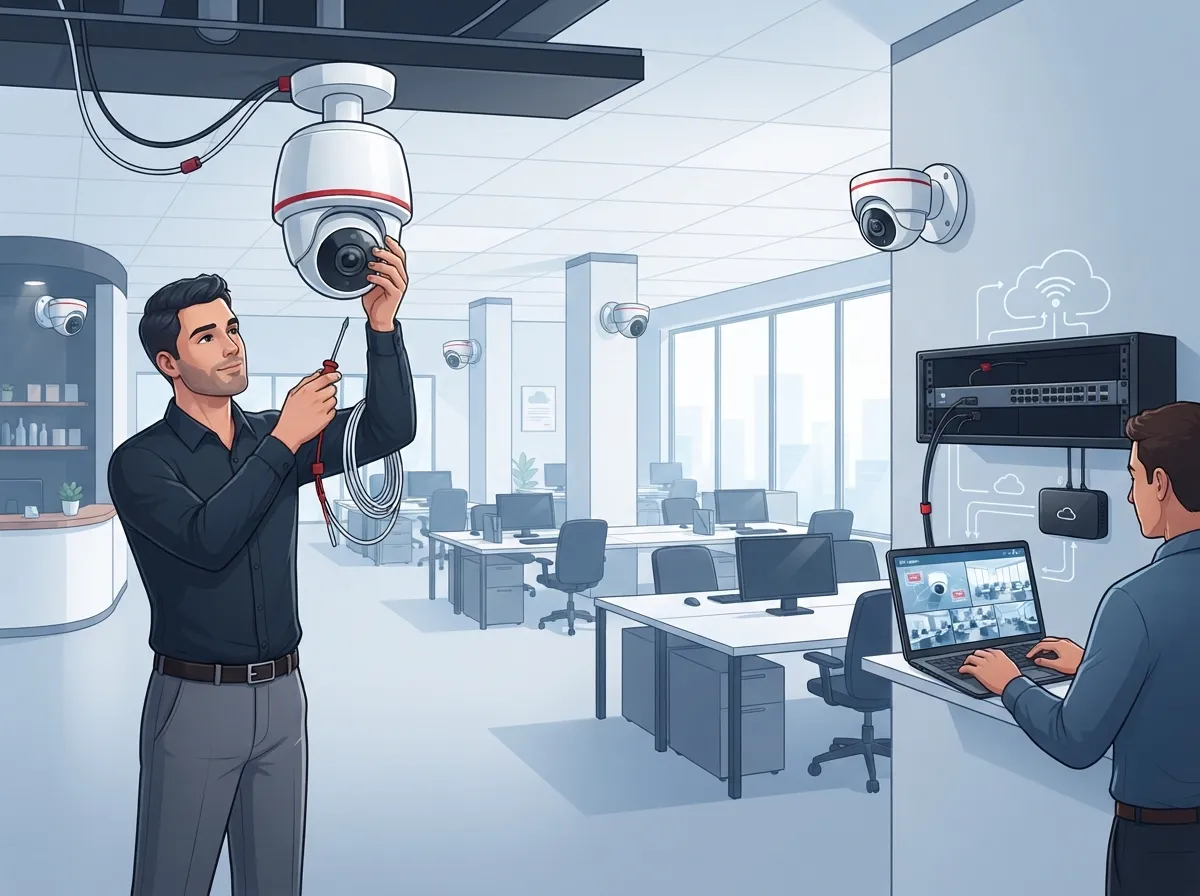
- Schedule professional installation to avoid blind spots or wiring issues
- Test remote access on mobile devices before going fully live
- Train staff on how to use alerts and review footage properly
- Set a schedule to review system performance every few months
Skipping steps, especially the bandwidth check, is one of the most common mistakes offices make. A rushed installation often leads to laggy footage or missed alerts down the road.
Working With a Single Telecom Partner
Many offices juggle separate vendors for phones, internet, cabling, and cameras. That’s a lot of invoices and a lot of headaches when something breaks.
This is where working with one trusted partner saves serious time. Ideal Solutions Provider handles cloud video security alongside VoIP phones, structured cabling, and networking, all under one roof. That means one call gets your camera system, your internet, and your phones working together smoothly.
Since cameras rely so heavily on strong structured cabling and dependable networking, pairing these services just makes sense. It also means fewer finger-pointing moments when something isn’t working right.
Cloud vs. Hybrid Storage: Which Fits Your Office
Some businesses want the best of both worlds. Hybrid systems keep full-resolution footage stored locally while syncing key details, called metadata, to the cloud. This speeds up searches and alerts without relying entirely on internet speed.
| System Type | Best For |
|---|---|
| Fully Cloud-Based | Offices needing remote access and easy scaling |
| Hybrid (Cloud + Local) | Offices with unreliable internet or high-res needs |
| Fully Local (NVR/DVR) | Offices wanting zero subscription fees |
Mid-sized enterprises with multiple buildings often prefer hybrid setups. It gives them backup protection if internet service drops, while still enjoying cloud convenience most of the time.
Questions to Ask Before You Commit
Before signing any contract, run through this quick list:
- What’s the monthly or annual cost per camera?
- Can the system scale easily if I open new locations?
- What happens during an internet outage?
- Is installation included, or is that a separate cost?
- Does the provider offer ongoing support and maintenance?
Getting clear answers upfront avoids surprise fees and frustration later. It’s worth reaching out directly to compare options tailored to your office size and needs.
Bringing It All Together
Cloud security cameras for offices offer a smart, flexible way to protect your workplace without drowning in hardware and maintenance. From small Tampa businesses to nationwide franchise operations, the benefits stack up: remote access, easier scaling, and smarter alerts that actually save time.
Of course, the real key to success is pairing your camera system with reliable internet and professional installation. That’s where having one trusted partner for your whole telecom setup pays off big time. Ideal Solutions Provider has spent over 24 years helping businesses across Tampa and beyond build systems that actually work together, cameras, phones, internet, and cabling included.
Ready to see what a properly connected office looks like? Contact us today for a free consultation, or simply call us to talk through your office’s security needs. You can also follow along on Facebook, Instagram, or YouTube for more tips on keeping your office running smoothly and securely.
FAQs
Q: What are cloud security cameras for offices?
A: They’re internet-connected cameras that send footage straight to secure cloud storage instead of a local recorder. This means you can check in on your office from anywhere using your phone or laptop. It’s a simple way to stay connected to your workplace without being physically there.
Q: Do cloud security cameras need constant internet access?
A: Yes, most cloud systems rely heavily on a steady internet connection to upload and store footage. If your internet drops often, you might experience gaps in your recordings. Pairing your camera system with reliable business internet really does make a difference here.
Q: How much cloud storage do office security cameras need?
A: It depends on how many cameras you have and how long you want to keep footage. Most providers offer retention periods between 30 and 90 days. Higher resolution cameras and longer storage windows will need bigger storage plans, so it’s worth chatting with your provider about your specific needs.
Q: Are cloud security cameras secure for business use?
A: Reputable providers encrypt footage both while it’s traveling to the cloud and while it sits in storage. That said, it’s smart to ask about two-factor authentication and access controls before choosing a system. A little upfront research goes a long way toward peace of mind.
Q: How do cloud security cameras fit into managed telecom services?
A: Cloud cameras work best when paired with strong internet, cabling, and networking, which is exactly what a managed telecom partner handles. Bundling everything together means fewer vendors to manage and smoother troubleshooting if something goes wrong. It’s honestly one of the easiest ways to simplify your office’s tech setup.





