
Key Takeaways
-
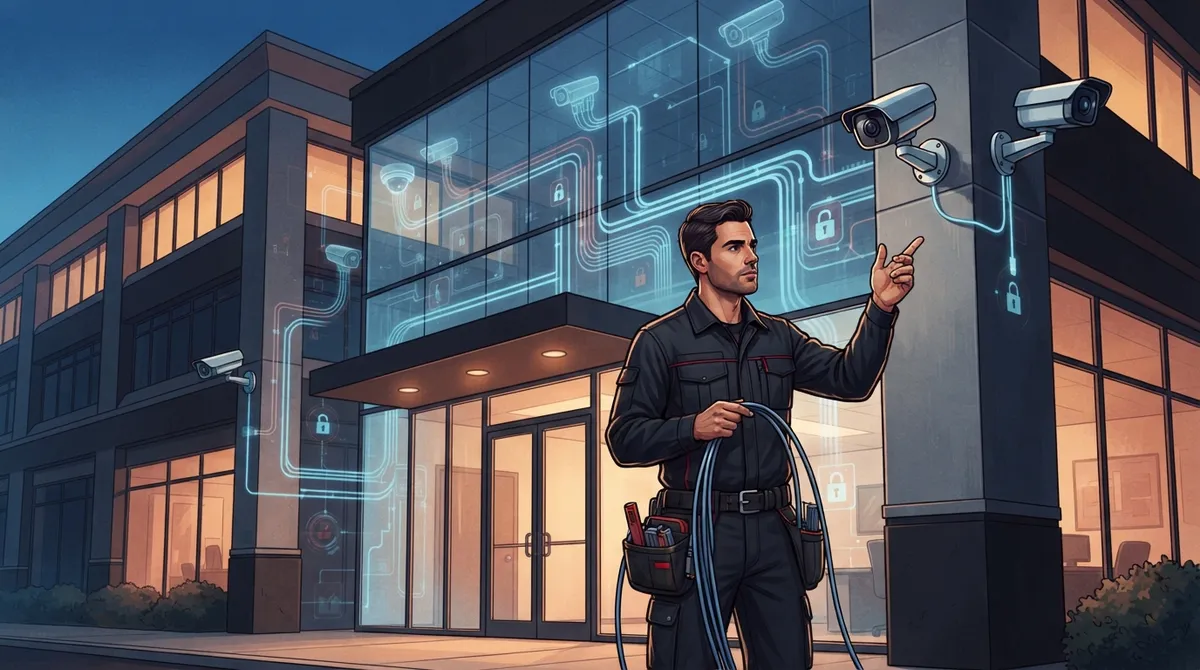
Professional security camera installation is a complete project involving site surveys, cable planning, network configuration, and testing—not just mounting cameras to walls, with proper execution protecting your business while poor installation creates coverage gaps and security vulnerabilities.
-
IP-based camera systems send digital video over your business network to an NVR or cloud platform, requiring expertise in networking, PoE switches, bandwidth calculation, and cabling—making a telecom partner more valuable than a general camera installer.
-
Power over Ethernet (PoE) technology transmits both data and power through a single cable, simplifying installations and reducing complexity, with 802.3af (15.4W) and 802.3at (30W) standards supporting most commercial cameras.
-
Camera systems connected to your network require strong cybersecurity practices: change default passwords, enable multifactor authentication, isolate cameras on separate VLANs, update firmware regularly, and restrict access via firewalls or VPNs to prevent hacker exploitation.
-
Local network access is required for cameras to record, but internet connectivity is only necessary for cloud storage, remote mobile viewing, and alerts—allowing flexibility in system design based on your business needs and internet reliability.
-
A proper maintenance routine including quarterly image reviews, lens cleaning, firmware updates, storage verification, and detailed documentation of camera locations and IP addresses ensures long-term system reliability and simplifies future expansions or troubleshooting.
If you have ever typed “what is security camera installation” into Google late at night while worrying about your storefront or warehouse, you are not alone. So many Tampa business owners reach out to us feeling overwhelmed by talk of PoE switches, NVRs, and bandwidth. Take a breath. We are going to walk through this together, in plain language, like a friendly chat over coffee.
Security camera installation is not just screwing a camera to a wall and hoping for the best. It is a full process that ties your cameras into your network, your internet, and your daily operations. Done right, it protects your team, your customers, and your bottom line. Done poorly, it can leave gaps in coverage or open doors for hackers. In this article, we will break down exactly what goes into a professional business installation, why it overlaps so much with telecom and networking, and how to set your business up for years of reliable video security.
1. What Security Camera Installation Really Means for a Business
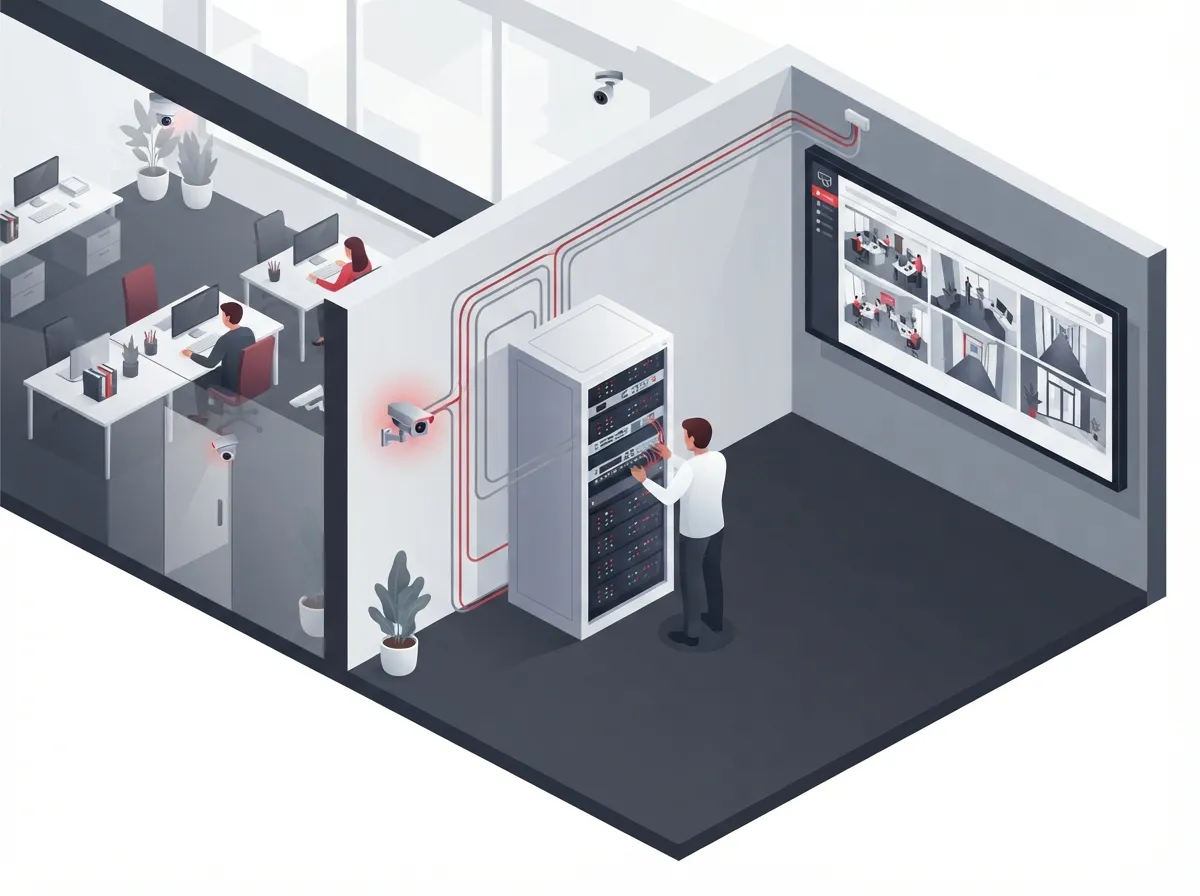
At its core, business security camera installation is the planning, mounting, wiring, networking, and testing of a full video surveillance system. It is not a single task. It is a project that touches your building, your network, and your ongoing IT support.
Most modern systems use IP cameras. These cameras turn video into digital data and send it over your business network to a recorder, software platform, or cloud service. This is very different from older analog cameras, which rely on coaxial cable and a separate recorder called a DVR. Many businesses today choose IP-based or cloud systems because they offer sharper video and easier remote access.
Because IP cameras run on your network, installation is closely tied to your existing telecom setup. Your internet connection, your structured cabling, and your network switches all play a role. This is exactly why a telecom and IT partner, rather than a random camera installer, often makes the most sense for busy companies.
The Core Building Blocks
A typical commercial installation includes these pieces working together:
- IP cameras chosen for indoor, outdoor, or low-light conditions
- A Network Video Recorder (NVR) or a cloud recording service
- Surveillance-rated storage sized for your camera count and retention needs
- PoE switches or a PoE-capable NVR to power the cameras
- Ethernet cabling, usually Cat5e or Cat6, running to each camera
- Mounting hardware suited to walls, ceilings, or poles
- A router or network connection for local and remote viewing
- Backup power to keep cameras running during short outages
One 2024 installation guide from Avigilon points out that five elements form the backbone of most IP-camera setups: PoE cameras, an NVR, Ethernet cabling, PoE switches, and a monitoring solution. That lines up with what we see every day working with Tampa Bay businesses.
2. How the Installation Process Actually Works, Step by Step
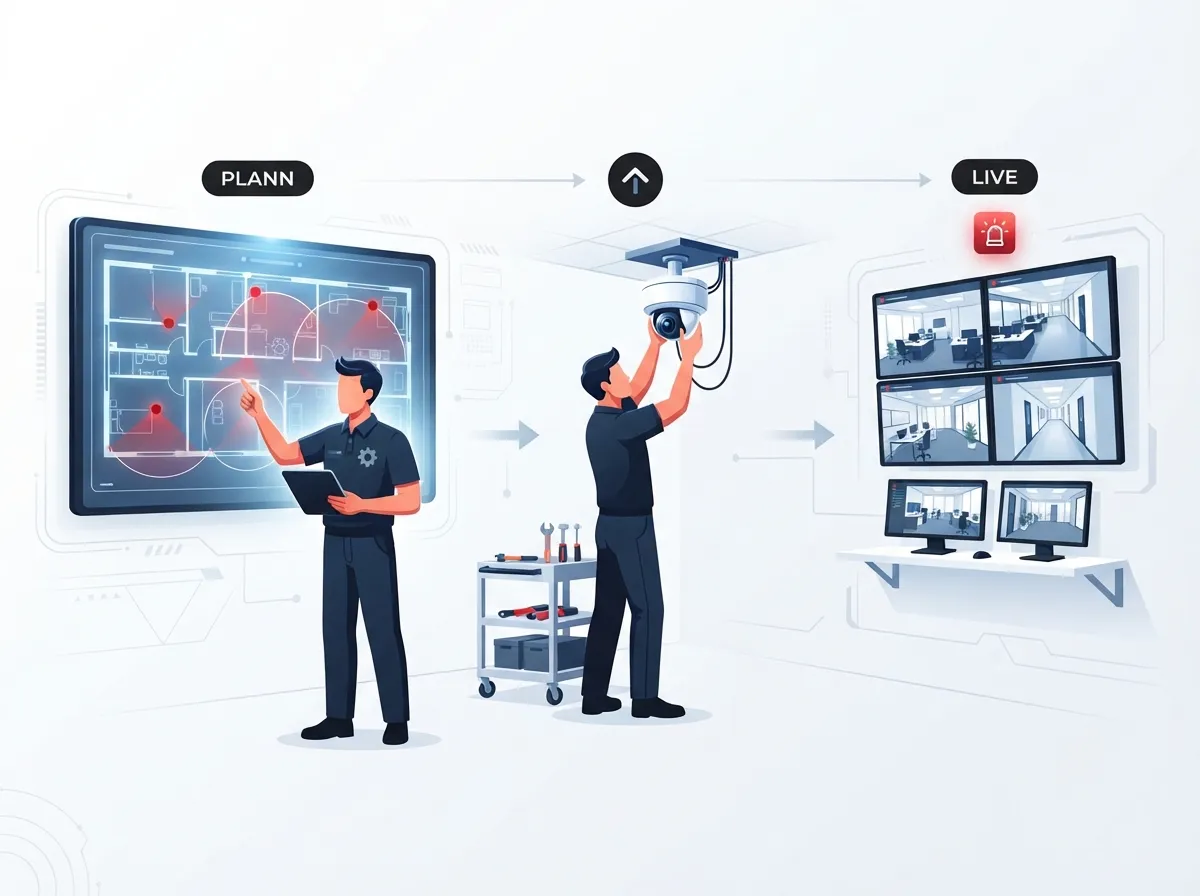
Every good installation starts long before anyone touches a ladder. Here is the general order of operations for a professional commercial job.
- Site survey. The installer walks your building to identify entrances, cash-handling areas, loading docks, hallways, and parking lots that need coverage.
- Camera and lens selection. Choices depend on lighting, distance, weather exposure, and whether you need zoom or wide-angle views.
- Coverage and bandwidth design. The team maps out how much network capacity and storage your cameras will need.
- Cable-path planning. Routes are mapped to keep cable runs efficient, since standard Ethernet is generally limited to about 100 meters before extra equipment is needed.
- Mounting and cable termination. Cameras go up, and cables are properly terminated and labeled.
- Network and recorder configuration. Cameras are connected to the NVR, cloud platform, or video-management software.
- User-permission setup. Access levels are assigned so only the right people can view or manage footage.
- Testing. The installer checks image quality, night performance, motion detection, recording, storage retention, and remote access before calling the job done.
This is also the stage where a telecom-savvy provider adds real value. Cameras need a stable, well-designed network to perform well. If you are already thinking about whether your Tampa business needs structured cabling, camera installation is a great time to handle both projects together.
IP vs. Analog vs. Cloud: A Quick Comparison
| System Type | How It Works | Best For |
|---|---|---|
| IP Cameras | Send digital video over your network to an NVR or software platform | Businesses wanting high resolution and network integration |
| Analog Cameras | Use coaxial cable to send video to a DVR | Simple, budget setups with fewer cameras |
| Cloud Cameras | Store footage off-site and allow remote viewing through an app | Multi-location businesses needing anytime, anywhere access |
Many franchise operators and multi-location businesses lean toward cloud systems because they can check every site from one dashboard. If that sounds appealing, our guide on choosing cloud security cameras for Tampa commercial buildings is worth a read.
3. Why PoE, Networking, and Security Matter So Much
Here is where telecom expertise really shines. Power over Ethernet, or PoE, lets one cable carry both data and electrical power to each camera. That means fewer separate power outlets and simpler cable runs. Most commercial cameras use either the 802.3af standard, delivering up to 15.4 watts per port, or the more powerful 802.3at standard, delivering up to 30 watts per port. Actual usable power is always a bit lower once you factor in cable loss, so your switch and cable choices matter.
Businesses also need to think seriously about bandwidth. More cameras, higher resolution, and longer retention periods all demand more network capacity and storage. This is not a one-size-fits-all number. It has to be calculated based on your camera count, resolution, frame rate, and how many days of footage you plan to keep.
Do Cameras Need Internet Access?
Here is some good news: a local network is required for IP cameras to work, but internet access is not strictly necessary for local live viewing and recording. However, if you want cloud recording, mobile alerts, or the ability to check cameras from your phone while at lunch, you will need a reliable internet connection. This is another reason many businesses bundle camera installation with their high-speed internet setup rather than treating them as separate projects.
Locking Down Cybersecurity
A camera system connected to your network is also a potential target for hackers if it is not secured properly. Here are the basics every business should have in place:
- Change all default usernames and passwords immediately
- Keep camera and recorder firmware updated
- Use strong, unique passwords and multifactor authentication where possible
- Put cameras on their own separate network or VLAN
- Restrict remote access using firewalls or a VPN
- Encrypt video connections whenever available
- Limit who has viewing and admin permissions
- Keep a simple backup and incident-response plan ready
IT managers overseeing corporate networks will recognize these steps as standard best practice, similar to how you would treat any connected device on your network. If your company already values a strong Internet Service Provider relationship and firewall setup, extending that same discipline to your camera system is a natural next step.
Planning Camera Placement and Coverage
Knowing where to put cameras is just as important as picking the right hardware. Most businesses focus coverage on these key areas first:
- Main entrances and exits
- Cash registers and payment areas
- Loading docks and storage rooms
- Parking lots and outdoor perimeters
- Hallways and stairwells connecting sensitive areas
- Reviewing footage quality and camera angles every few months
- Cleaning camera lenses, especially outdoor units exposed to weather
- Updating firmware on cameras, switches, and recorders
- Checking storage capacity and retention settings
- Confirming remote access and user permissions are still accurate
- Documenting camera locations, IP addresses, and cable routes for future reference
The exact number of cameras you need depends on your building size, layout, and risk areas. A single-office small business might need four to six cameras, while a warehouse or multi-story building could need dozens. It also helps to check local privacy rules before installation, since cameras generally should not point into restrooms, changing rooms, or other spaces where people expect privacy.
Common NVR and Storage Questions
| Question | Quick Answer |
|---|---|
| NVR vs. DVR? | NVR handles digital IP camera data; DVR handles analog camera signals over coaxial cable |
| How many channels do I need? | Common commercial NVRs support 8, 16, or 32 channels, with larger systems scaling further |
| How long should footage be kept? | Retention varies by business type; it depends on camera count, resolution, and storage capacity |
The global video surveillance market reflects just how seriously businesses are taking this investment. One 2025 estimate from Straits Research puts the global market at $87.24 billion, with IP-based systems now representing 61.8% of the total. Meanwhile, a separate 2025 Memoori report estimates surveillance equipment, software, and services revenue at roughly $33.8 billion for 2024 alone. These numbers use different methodologies, but they both point in the same direction: businesses everywhere are upgrading to smarter, network-based video security.
Why Pairing Cameras With Telecom Expertise Makes Sense
Security cameras do not operate in a vacuum. They share your network with VoIP phones, Wi-Fi, and your internet connection. If your switches are overloaded or your cabling is outdated, camera performance will suffer right along with your phone calls and file transfers.
This is exactly the gap Ideal Solutions Provider fills for businesses across Tampa Bay and nationwide. With over 24 years of experience and partnerships with 35+ vetted suppliers, the team designs camera systems alongside your cabling, network, and internet service, so everything works together instead of competing for bandwidth. Whether you are a small office adding your first four cameras or a franchise operator standardizing cloud security across a dozen locations, having one point of contact for cameras, cabling, and connectivity saves time and headaches. You can see real examples of this approach in the company’s overview of what security cameras really do for your business.
Maintenance: The Part Everyone Forgets
Installation is not the finish line. Cameras need periodic check-ins to stay effective. A good maintenance routine includes:
Keeping this documentation organized makes life much easier when you add cameras later or need to troubleshoot an issue quickly. You can follow the company’s updates and behind-the-scenes installation tips on Facebook, Instagram, or YouTube for a closer look at real projects.
Bringing It All Together
So, what is security camera installation, really? It is a thoughtful, layered process that blends physical hardware with network design, cybersecurity, and ongoing care. It is about protecting your people and your property while making sure the system actually works when you need it most.
Whether you run a cozy Tampa storefront, manage IT for a growing mid-sized company, or oversee multiple franchise locations, getting camera installation right pays off for years. The good news is you do not have to figure this out alone. A trusted telecom partner can handle the cameras, the cabling, and the network all at once, so nothing falls through the cracks.
Ready to see what a properly designed camera system looks like for your business? Contact us for a free consultation, or give us a call to talk through your options today.
FAQs
Q: What does security camera installation include for a business?
A: It includes a lot more than mounting cameras. Think site surveys, cable runs, network setup, recorder configuration, and thorough testing before you ever start watching footage. A good installer handles all of it so you just get a working system.
Q: Do business security cameras need internet access?
A: Not always! Your local network is required for cameras to record and let you view footage on-site. But if you want cloud storage or to check cameras from your phone at the grocery store, you will need internet access too.
Q: What is PoE and why does it matter for camera installation?
A: PoE stands for Power over Ethernet, and it is honestly a small miracle for installers. One cable carries both data and power, which means fewer wires, faster installs, and a cleaner setup overall.
Q: How many cameras does my business actually need?
A: It really depends on your building size and layout. A small office might only need four or five cameras, while a warehouse could need dozens. A site survey is the best way to nail down the right number for your space.
Q: Can a telecom company install and manage my security cameras?
A: Absolutely, and it often makes the most sense! Since cameras run on your network anyway, pairing installation with your telecom and IT provider means everything is designed to work together smoothly from day one.





