
Key Takeaways
-
Match indoor cameras to climate-controlled spaces and outdoor cameras to weatherproof environments with IP66/IP67 ratings to avoid fogged lenses and early failure within a year.
-
Invest in network infrastructure with adequate bandwidth, PoE switches, and reliable internet before installing cameras, as footage quality depends on the supporting network, not just the camera itself.
-
Implement basic cybersecurity measures immediately: change default passwords, create separate VLANs for camera traffic, apply firmware updates, and back up recordings to prevent hacking and data loss.
-
Choose a single trusted partner handling consultation, installation, and support across multiple locations to ensure consistent camera setups, unified dashboards, and integration with access control and alarm systems.
Picking indoor outdoor business cameras feels simple until you actually start shopping. Suddenly you’re staring at confusing specs, weatherproof ratings, and storage plans that don’t make sense. Here’s the good news: you don’t need to become a security expert overnight. You just need to avoid a handful of common mistakes that trip up busy owners and managers every single day.
Whether you run a small Tampa storefront or manage cameras across a dozen franchise locations, the same slip-ups tend to happen. Buying the wrong camera for the wrong spot. Forgetting about the network behind the scenes. Skipping cybersecurity basics. We’ve seen it all, and we’re here to walk you through it with a friendly hand on your shoulder, not a lecture.
The global video surveillance market hit an estimated $83.48 billion in 2025 and is expected to reach $204.68 billion by 2033, growing at 11.7% a year. That growth tells you something important: more businesses than ever are investing in smarter cameras, and IP-based systems already make up more than 55% of that market. Let’s make sure your investment actually pays off.
Mistake 1: Treating Indoor and Outdoor Cameras as Interchangeable
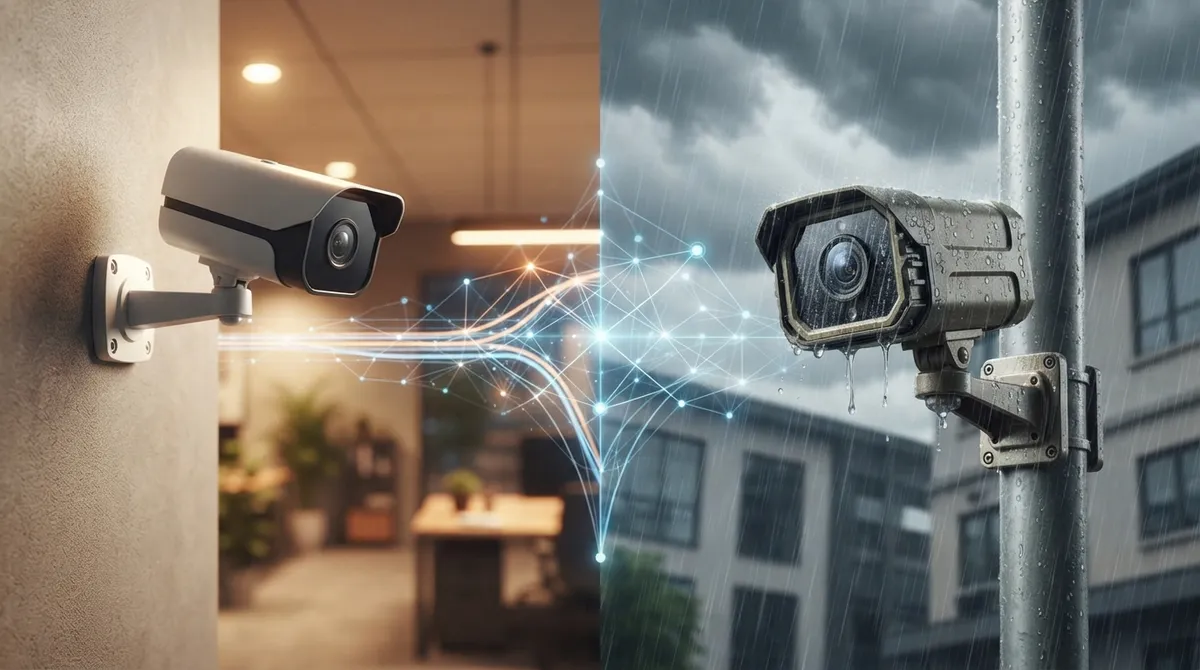
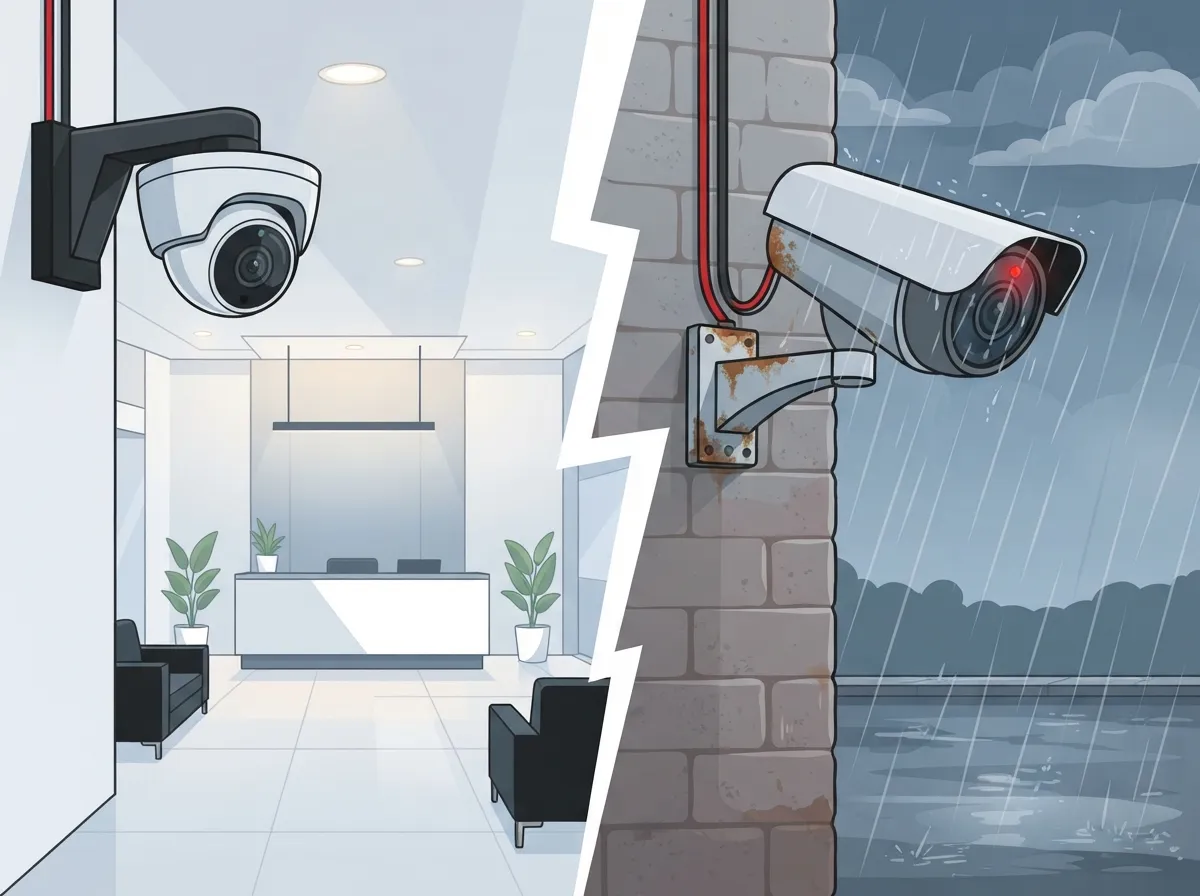
This is the biggest mistake we see, hands down. Indoor cameras are built for cozy, climate-controlled spaces like your lobby, break room, or server closet. They aren’t designed to handle rain, heat, or blazing sun.
Outdoor cameras need serious weatherproofing. Look for an IP66 or IP67 rating, which means the camera resists dust, rain, and snow. They also need UV-resistant housings and wide temperature tolerance, especially here in Florida where summer heat and sudden storms are just part of life.
Mixing these up leads to fogged lenses, water damage, and cameras that die within a year. Save yourself the headache and match the camera to its environment from day one.
Quick Placement Checklist
- Indoor: reception areas, cash registers, stockrooms, hallways, employee-only doors, server rooms
- Outdoor: entrances, parking lots, loading docks, perimeter fences, gates, delivery zones
- Avoid pointing cameras directly into bright sunlight or headlights to prevent glare
- Never aim cameras into private areas like restrooms or break rooms where privacy is expected

Mistake 2: Ignoring the Network Behind the Cameras
A camera is only as good as the network supporting it. Too many businesses buy great cameras, then plug them into a weak, overloaded network and wonder why footage keeps freezing or dropping out.
IP cameras are the preferred choice for most business deployments because they run over Ethernet and often use Power over Ethernet, or PoE. That means one cable can carry both data and power, cutting down on messy electrical work. But that only works well if your structured cabling and network infrastructure can handle the load.
If your building still runs on outdated cabling or a sluggish internet connection, cameras will suffer. Pairing your camera project with a review of your high-speed internet setup and network design saves you from frustrating surprises later.
What a Strong Camera Network Needs
- Enough bandwidth to handle live streaming and recording without slowing down other business systems
- PoE switches sized correctly for the number of cameras you’re installing
- VLANs that separate camera traffic from your regular office network
- Reliable structured cabling using structured cabling standards for long-term durability
- A dependable internet connection from a trustworthy Internet Service Provider for cloud access
Mistake 3: Choosing Resolution Without Thinking About Storage
Higher resolution sounds like a no-brainer upgrade, right? More detail means better identification of faces, license plates, and incidents. But higher resolution also eats up more bandwidth and storage space fast.
Before you pick your cameras, think through the full picture: frame rate, low-light performance, infrared night vision, and wide dynamic range, or WDR, all matter just as much as raw resolution. A camera with great night vision in a dim parking lot is often more useful than one with slightly sharper daytime video.
Also plan your storage strategy early. Will you use an on-site network video recorder, a cloud video management system, or a hybrid setup? Each option affects your monthly costs and how long footage stays available.
| Storage Option | Best For | Key Tradeoff |
|---|---|---|
| On-Site NVR | Businesses wanting local control and no recurring cloud fees | Requires on-site hardware maintenance |
| Cloud VMS | Multi-location businesses needing remote access | Monthly subscription costs |
| Hybrid System | Businesses wanting local backup plus cloud convenience | Slightly more complex setup |
Mistake 4: Skipping Cybersecurity Basics
Here’s something that surprises a lot of business owners: your cameras are computers connected to the internet. That means they can be hacked just like any other device if you don’t take basic precautions.
ONVIF, a leading industry group, recommends several cybersecurity steps for IP-based cameras. These include changing default passwords, creating individual user accounts, applying firmware updates regularly, and using encrypted connections whenever possible.
It also helps to separate your camera traffic onto its own VLAN, avoid unnecessary internet exposure, and back up important footage. These steps aren’t optional extras anymore. They’re basic hygiene for any business running networked cameras in 2026.
Cybersecurity Checklist for Business Cameras
- Change every default username and password immediately after installation
- Set up a separate VLAN for camera traffic to isolate it from other systems
- Apply firmware updates as soon as they’re released
- Limit user access based on job role, so only the right people see footage
- Keep logs and back up recordings regularly in case of an incident
Mistake 5: Forgetting About Multi-Location Consistency
If you run more than one location, whether it’s a franchise or a growing regional business, inconsistent camera setups will haunt you. One store might have cloud cameras, another might still use an old DVR system nobody checks anymore.
This creates blind spots, both literally and in terms of management. You want one dashboard where you can view live and recorded video across every site, not five different logins and five different headaches.
A unified network solution built for multiple locations makes this possible. It ties your cameras, internet, and phone systems together so your team can manage everything from one place, no matter how many addresses you operate under.
Mistake 6: Overlooking Integration With Other Systems
Cameras don’t have to work alone. Some of the most useful setups connect video with access control, alarms, and even your business phone system. Imagine getting a notification the moment someone badges into a restricted door, complete with video confirmation.
This kind of integration turns your camera system into a genuine security tool instead of just a recording device that sits there collecting footage nobody watches until something goes wrong.
Pairing cloud access control with your camera system also helps with incident investigation. If a package goes missing or a door alarm triggers, you can pull matching video instantly instead of scrubbing through hours of footage.
Mistake 7: Handling Everything Alone Without Expert Support
Here’s the truth: most business owners aren’t camera experts, and they shouldn’t have to be. Juggling camera vendors, internet providers, cabling contractors, and IT support separately eats up time you don’t have.
This is exactly where working with a single, trusted partner pays off. Ideal Solutions Provider has spent over 24 years helping businesses across Tampa and nationwide design camera systems that actually fit their needs, backed by partnerships with 35+ vetted suppliers. Instead of juggling five different vendors, you get one point of contact handling consultation, installation, and ongoing support.
This matters because cameras rarely exist in isolation. They depend on your network, your internet connection, and your cabling all working together smoothly. A knowledgeable partner catches the gaps before they become costly problems.
Common Questions Business Owners Ask
Many business owners wonder how many cameras they actually need, or whether cloud storage beats a local recorder. The honest answer depends on your building size, foot traffic, and budget. A quick walkthrough with a knowledgeable installer usually clears this up fast.
Others ask whether Wi-Fi cameras work as well as wired ones. Generally, wired PoE connections offer more reliable performance, especially for outdoor cameras facing weather and distance challenges. Wi-Fi can work for smaller indoor setups but tends to struggle at scale.
You can also follow ongoing tips and updates from Ideal Solutions Provider on Facebook, Instagram, and YouTube for real examples of camera and telecom setups in action.
Bringing It All Together
Avoiding these seven mistakes puts you miles ahead of businesses still struggling with grainy footage, dead cameras, and confusing storage plans. Indoor outdoor business cameras work best when they’re matched to the right environment, backed by a solid network, protected with basic cybersecurity, and connected to the rest of your business systems.
You don’t have to figure this out solo. If you’re ready to talk through camera placement, network readiness, or multi-location planning, feel free to get in touch with our team for a friendly, no-pressure consultation. Or if you’d rather talk it through directly, give us a call and we’ll walk you through your options step by step.
FAQs
Q: What is the difference between indoor and outdoor business security cameras?
A: Indoor cameras work great in controlled spaces like offices and stockrooms, while outdoor cameras need weatherproof housing, usually rated IP66 or IP67, to handle rain, heat, and dust. Mixing them up leads to fogged lenses or early camera failure, so it’s worth matching the camera to its environment.
Q: How many security cameras does a small business need?
A: It really depends on your building size and layout, but most small businesses start with cameras covering entrances, cash registers, and stockrooms. A quick walkthrough with an installer can help you figure out the right number without overspending.
Q: Are IP cameras better than analog cameras for a business?
A: For most modern business setups, yes. IP cameras run over your network, often using PoE, which simplifies wiring and supports better remote access and analytics. They also work beautifully with cloud storage and multi-location management.
Q: Should a business use cloud video surveillance, an NVR, or a hybrid system?
A: Cloud systems are wonderful for remote access across multiple locations, while on-site NVRs give you more local control and can reduce monthly fees. Hybrid setups combine both, giving you local recording plus cloud backup for extra peace of mind.
Q: How do businesses secure cameras against hacking and unauthorized access?
A: Start by changing default passwords, applying firmware updates, and setting up a separate network for your cameras. These simple steps, recommended by ONVIF’s cybersecurity guidelines, go a long way toward keeping your footage and network safe.





