
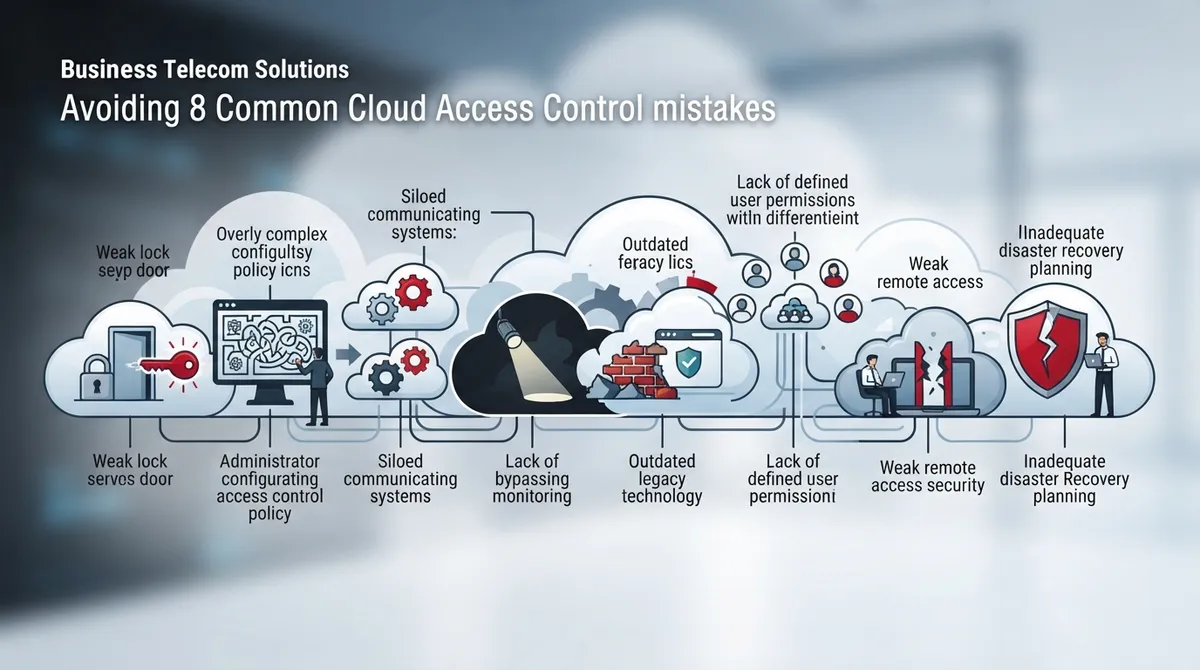
Let’s be honest: most business owners don’t wake up excited to think about access control training. But here’s the thing — a single confused employee clicking the wrong link can open the door to your entire phone system, customer records, and call recordings. That’s not meant to scare you. It’s meant to remind you that a little education goes a long way, and we’re here to make it feel simple, not scary.
Cloud access control education means teaching your team how to safely manage who gets into your cloud-based phone systems, video platforms, and building access tools. It covers passwords, permissions, and good habits. Whether you run a five-person office or a franchise with a dozen locations, this guide will walk you through the most common mistakes businesses make — and how to fix them with warmth, clarity, and a little bit of humor along the way.

Mistake 1: Skipping Cloud Access Control Education Altogether
Many businesses assume their cloud phone system or cloud based access control platform is “secure by default” and never train staff at all. That’s a bit like buying a car with airbags but never teaching anyone to wear a seatbelt. The technology helps, but people still need to know how to use it safely.
- New hires often receive login credentials without any security guidance
- Long-time employees rarely get refresher training
- Vendors and contractors are frequently forgotten in training plans
- Owners assume “someone else” is handling security education
According to Verizon’s 2025 Data Breach Investigations Report, the human element was involved in about 60% of breaches. That statistic alone makes a strong case for regular, friendly training sessions instead of a one-time email nobody reads.
Mistake 2: Confusing Authentication With Authorization
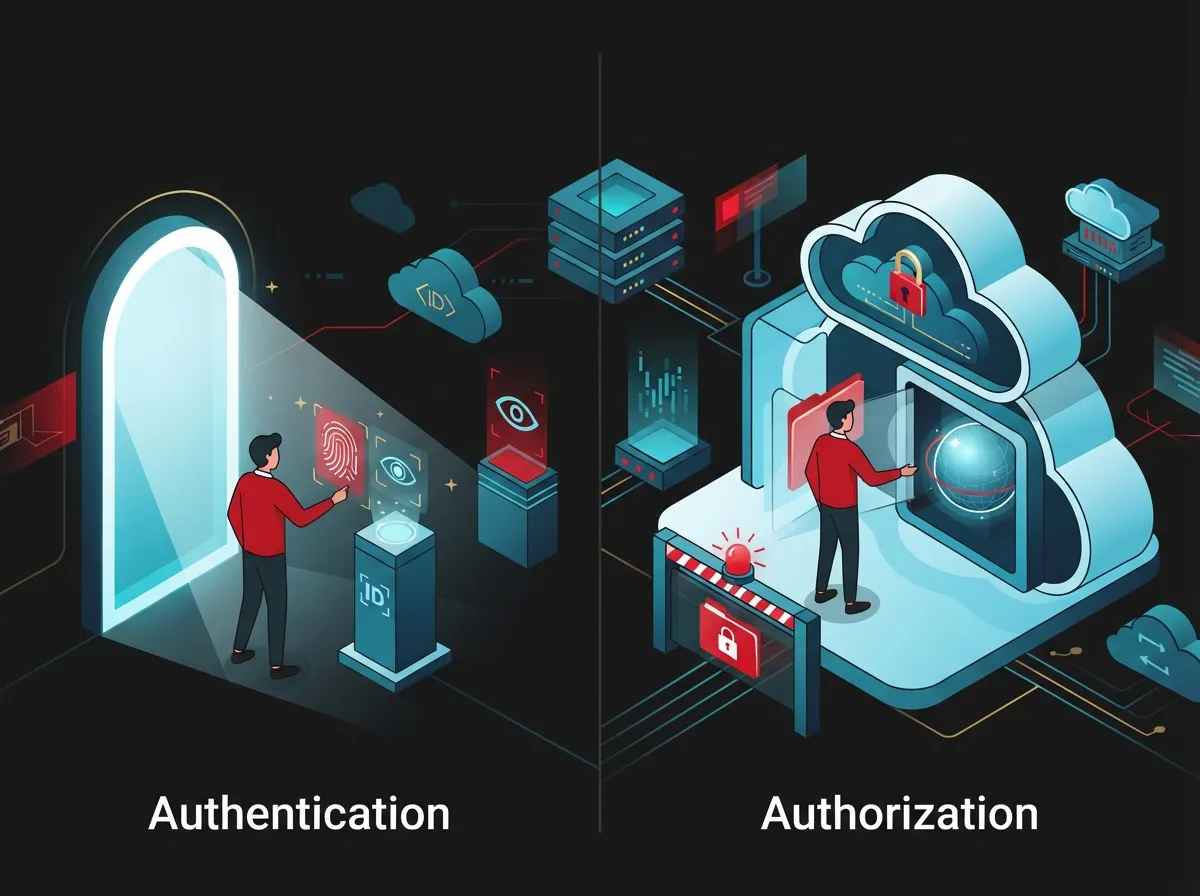
This one trips up even tech-savvy teams. Authentication proves who you are — like showing your ID. Authorization decides what you’re allowed to do once you’re inside — like which rooms you can enter. In telecom terms, authentication confirms a person logging into your VoIP portal is really them. Authorization determines whether they can view call recordings, change routing rules, or access billing.
Teaching this difference helps your team understand why not everyone needs “administrator” access just because they’re trusted. If you’re unsure how these concepts apply to your setup, our guide on which cloud-based phone system is best for Tampa businesses is a great place to start.
Mistake 3: Ignoring the Principle of Least Privilege
Giving everyone “just in case” access feels convenient, but it’s a security risk waiting to happen. The least-privilege principle means each person, device, or app should only get the access it truly needs to do its job.
How to Apply Least Privilege in Telecom Systems
- List every role in your company, from receptionist to IT manager
- Match each role to the exact systems it needs to touch
- Remove shared admin logins and assign individual accounts
- Review permissions every quarter, not just once a year
- Document who approved each access change
Shared logins are especially risky. If five people use the same “admin” password for your hosted PBX, you’ll never know who made a change — or who caused a problem.
Mistake 4: Skipping Multifactor Authentication (MFA) Training
MFA adds a second layer of proof, like a text code or app approval, on top of a password. Skipping MFA education is one of the biggest mistakes we see. Verizon’s 2025 DBIR found credential abuse remained the top initial access method in breaches, accounting for 22% of incidents.
| Role | MFA Requirement | Why It Matters |
|---|---|---|
| Cloud phone system admins | Mandatory | Full control over call routing and recordings |
| Remote employees | Mandatory | Access from unknown networks increases risk |
| Finance and billing staff | Mandatory | Access to payment and account data |
| Front desk or general staff | Recommended | Limits damage if password is stolen |
Passkeys and security keys (called FIDO2 devices) are even stronger than text-message codes. Teaching your staff why MFA matters — not just how to click “approve” — builds a security-minded culture.
Mistake 5: Forgetting the Joiner-Mover-Leaver Process
People join your company, change roles, and eventually leave. If your access control education doesn’t cover this cycle, old accounts pile up like unopened mail.
A Simple Joiner-Mover-Leaver Checklist
- Approve access before the first day, not after
- Review permissions whenever someone changes roles
- Remove access immediately when someone leaves or a contract ends
- Audit vendor and contractor access on a set schedule
- Keep a simple log of who approved what and when
Verizon’s 2025 report also noted that third-party involvement in breaches doubled from 15% to 30% year over year. That’s a strong reminder to review vendor access to your telecom systems just as carefully as employee access.
Mistake 6: Overlooking Telecom-Specific Threats
General cybersecurity training is helpful, but it often misses risks unique to phone and communication systems. Toll fraud, for example, happens when someone hijacks your VoIP system to make expensive international calls. Unauthorized call forwarding can quietly reroute your customer calls elsewhere.
- Toll fraud through compromised extensions or admin portals
- Unauthorized call forwarding to premium-rate numbers
- Exposed voicemail boxes with weak or default PINs
- Leaked call recordings due to poor permission settings
- Fraudulent number-porting attempts targeting your business lines
- Misconfigured APIs connecting your phone system to other apps
- Excessive contact-center agent access to customer data
These risks are exactly why we built our guide on 15 cloud phone system mistakes Tampa small businesses make — many of them tie directly back to access control gaps.
Mistake 7: Not Understanding the Shared Responsibility Model
Here’s a common misunderstanding: businesses often think their telecom or cloud provider handles all the security. In reality, security is shared. The provider secures the platform itself. You’re responsible for how your team uses it.
| Provider Responsibility | Business Responsibility |
|---|---|
| Platform uptime and infrastructure security | Setting up user permissions correctly |
| Data center physical security | Training employees on safe habits |
| Security patches and updates | Enforcing MFA and strong passwords |
| Built-in security features | Monitoring logins and unusual activity |
The National Institute of Standards and Technology (NIST) offers helpful, free guidance on this topic. Their identity and access management resources, along with the newly updated Digital Identity Guidelines SP 800-63 Revision 4 released in August 2025, are worth bookmarking for any IT manager building a training program.
Mistake 8: Treating Training as a One-Time Event
The final — and maybe biggest — mistake is treating cloud access control education like a checkbox you tick once and forget. Threats change. New employees join. Systems get updated. Training needs to keep up.
Building an Ongoing Education Program
- Schedule short refresher sessions every quarter
- Send friendly reminder emails about phishing red flags
- Celebrate teams that report suspicious activity quickly
- Update training whenever you add new tools or vendors
- Track simple metrics to see what’s working
Speaking of metrics, here are a few worth watching:
- Percentage of staff enrolled in MFA
- Number of shared accounts eliminated
- Time it takes to remove access after someone leaves
- Number of blocked toll-fraud attempts
- Completion rates for role-specific training
Small, consistent check-ins build a stronger culture than one long annual lecture nobody remembers by lunchtime.
Why This Matters More in 2026 Than Ever Before
Cloud communication tools keep growing more powerful, but that also means more doors to secure. Verizon’s credential-stuffing research found that on average, 19% of daily login attempts observed in SSO logs were credential stuffing attempts — automated efforts to break into accounts using stolen passwords. For enterprise organizations, that median jumped to 25%.
This isn’t meant to alarm you. It’s meant to show why a little education really does protect your team, your customers, and your reputation. Businesses using single sign-on (SSO) and role-based access control (RBAC) tend to fare much better, since these tools reduce password fatigue and limit who can see sensitive data.
Bringing It All Together for Your Team
Good cloud access control education doesn’t need to feel overwhelming. Start small: teach the difference between authentication and authorization, turn on MFA, clean up old accounts, and revisit training every few months. If you’re managing multiple locations, our article on scalable access control systems for multi-location businesses offers helpful next steps.
You don’t have to figure this out alone, either. As a Tampa-based telecom and IT partner with over 24 years of experience, Ideal Solutions Provider works with 35+ vetted suppliers to help businesses nationwide set up secure, easy-to-manage systems — from VoIP phones to cloud access control. We’re happy to review what you have and point out any gaps, free of judgment and free of jargon.
You can also follow along and see real client stories on our Facebook page, check out helpful videos on YouTube, or catch quick tips on Instagram. And if your office is still relying on outdated wiring alongside your cloud tools, it may be worth learning more about structured cabling and how it supports secure, reliable connections.
Ready to Strengthen Your Access Control Education?
Security doesn’t have to feel like a chore, and it definitely doesn’t have to be confusing. With the right training, the right tools, and a partner who genuinely cares about your success, you can protect your business without slowing your team down. If you’d like a friendly, no-pressure review of your current setup, reach out to our team today, or simply give us a call to talk through your options. We’d love to help you feel confident about who has the keys to your business.
FAQs
Q: What is cloud access control in business telecom?
A: It’s how businesses manage who can log in and what they can do inside cloud-based phone systems, video platforms, and building access tools. Think of it as digital keys and permissions, all managed from one dashboard. It keeps your calls, recordings, and customer data safe from the wrong hands.
Q: Why is MFA important for cloud phone systems?
A: MFA adds a second check, like a code on your phone, so a stolen password alone can’t get someone into your system. Since credential abuse is still a leading cause of breaches, this simple step makes a huge difference. It’s quick to set up and honestly becomes second nature after a few days.
Q: How do I prevent toll fraud in a cloud VoIP system?
A: Start by locking down admin access with MFA and removing anyone who doesn’t need control over call routing. Set voicemail PINs that aren’t the default, and monitor for unusual international calling patterns. Regular training helps your team spot warning signs early, too.
Q: How should businesses manage employee access when staff join, change roles, or leave?
A: Approve access before day one, review it whenever someone’s role changes, and remove it right away when they leave. This is often called the joiner-mover-leaver process, and it’s one of the easiest ways to close security gaps. A simple checklist can make this painless for your whole team.
Q: What should a cloud telecom access-control training program include?
A: It should cover MFA, password habits, phishing awareness, and how to spot suspicious calls or login alerts. It also helps to explain the difference between authentication and authorization in plain language. Keep sessions short, repeat them regularly, and celebrate progress along the way.





