
Key Takeaways
-
Tampa data center choice hinges on carrier-neutral access, but carrier-neutral doesn't guarantee physical diversity: ask how many fiber entry points the building has and where the routes run.
-
A December 2025 directory snapshot reported no direct hyperscale cloud on-ramps in Tampa, with Miami as the nearest hub, so ask about cloud link routes, latency, and extra charges.
-
Colocation costs stack up beyond the rack price, including bandwidth, cross-connect setup and monthly fees, and remote hands, so request a fully itemized quote.
-
A second site in the same metro area may face the same hurricane, so place a disaster-recovery backup in a different region and test failover at least once a year.
-
Build redundancy with two or more internet paths from different carriers and physical routes, and consider SD-WAN to automatically steer traffic across them.
-
Verify power backup design, fuel plans, flood exposure, and uptime SLA credits directly with each provider, since directory figures and services change often.
If your business depends on phones, internet, cloud tools, or security systems, you have probably wondered where all that digital stuff actually lives. For many companies, the answer is a data center. And if you run a business in Florida’s Gulf Coast region, the search for a data center Tampa offers can feel a little overwhelming at first.
Here’s the good news: you don’t need to be a network engineer to make a smart choice. You just need to know what to ask. A data center is more than a building full of servers. It’s a place where power, cooling, security, and network connections come together to keep your business online.
In this friendly guide, we’ll walk through how the Tampa market works, what to compare, and where businesses often trip up. We’ll also share a simple checklist you can use with any provider. Think of us as the neighbor who has been through this before and wants to save you a few headaches. Let’s dive in.
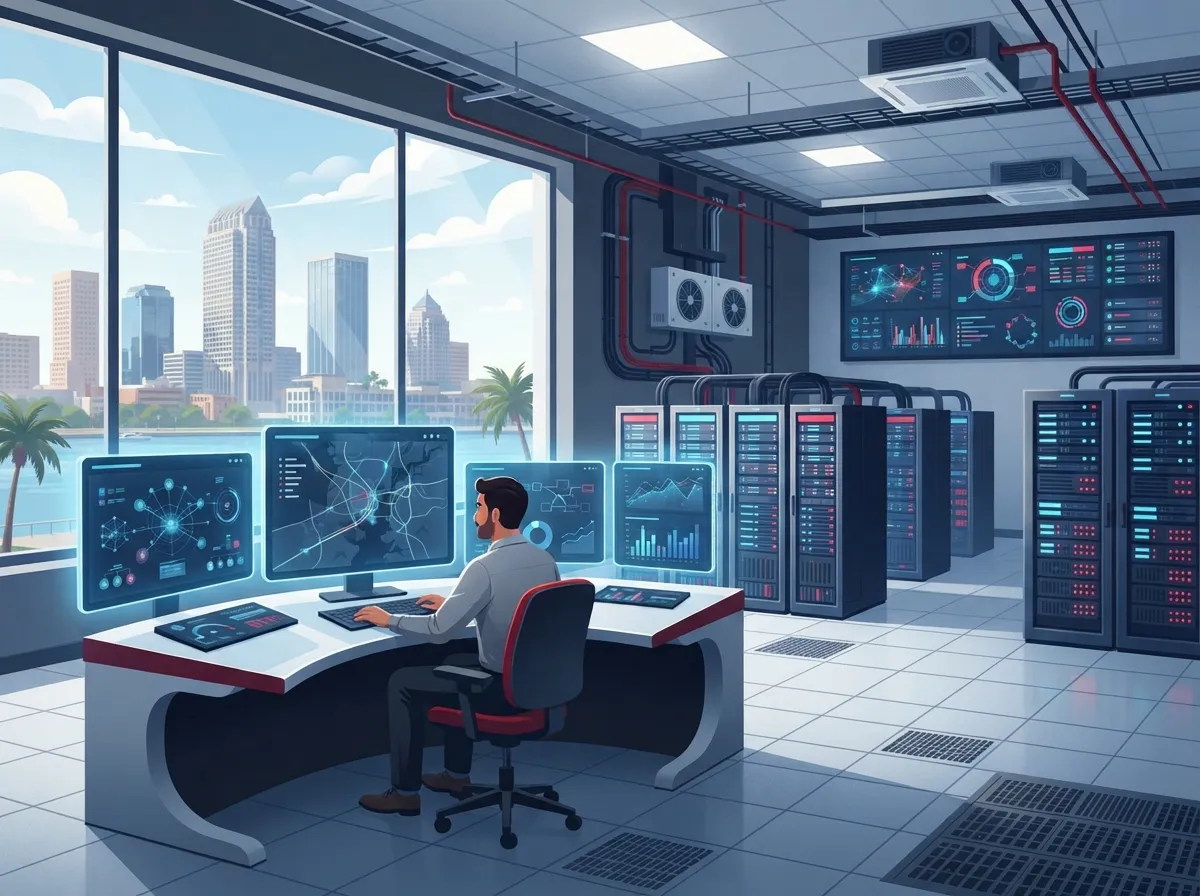
What Is a Data Center, and Why Does Your Business Care?
A data center is a secure facility that houses servers, storage, and networking gear. Businesses rent space there, often called colocation, instead of running equipment in a back closet. You get better power, cooling, security, and internet access than most offices can offer.
For telecom-dependent businesses, the real prize is connectivity. A good facility lets you reach many network providers from one location. That can mean faster speeds, better pricing options, and backup routes if one carrier has trouble.
Here are a few common reasons Tampa businesses look at a data center:
- Reliability: Protected power and cooling keep systems running.
- Connectivity: Access to multiple carriers and internet routes.
- Security: Controlled entry, cameras, and monitored spaces.
- Disaster recovery: A safe place to keep backup systems and data.
- Growth: Room to add equipment without rebuilding your office.
What Does the Tampa Data Center Market Look Like?
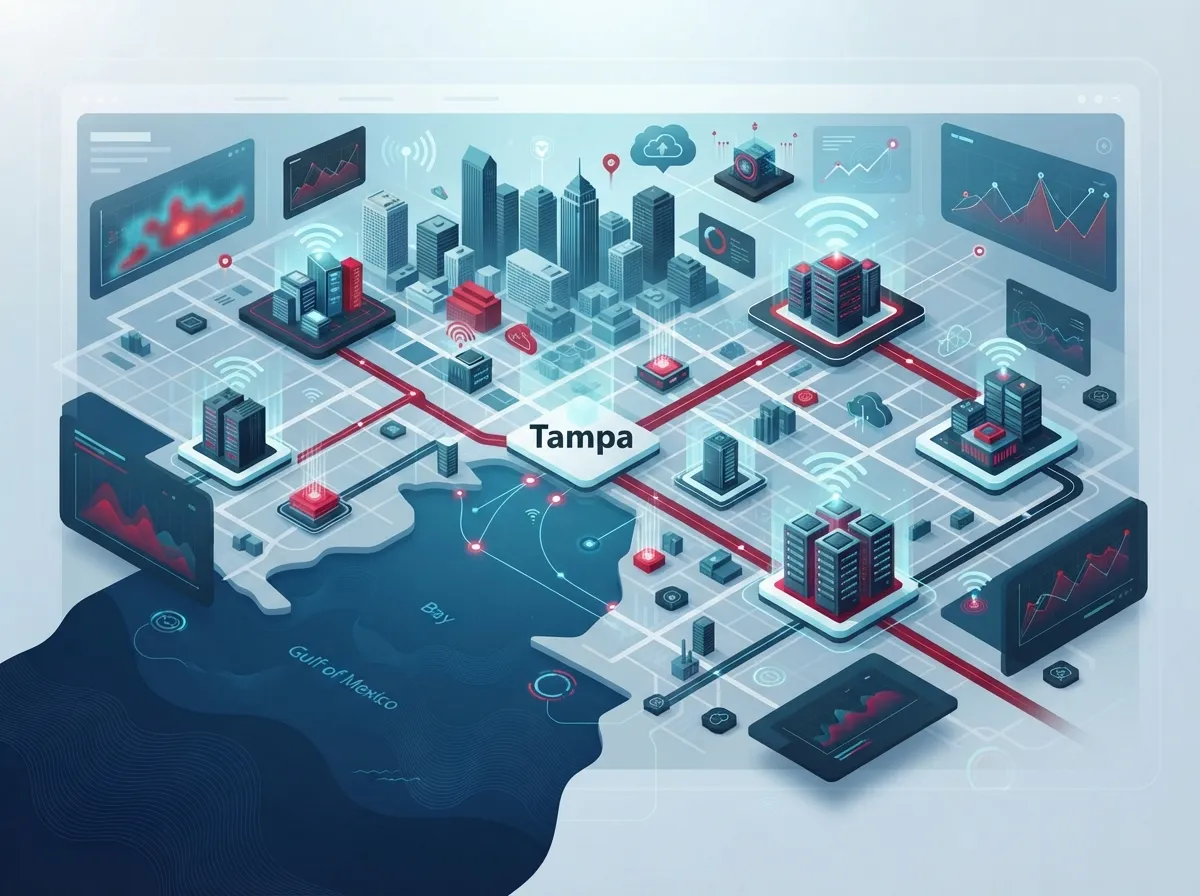
Tampa has a mix of facilities. Some are downtown carrier hotels, which are buildings packed with network connections. Others are larger suburban campuses with more space and power. Together, they support colocation, dedicated servers, carrier connectivity, and disaster-recovery setups for businesses across Tampa Bay and the Gulf Coast.
Provider-reported numbers vary quite a bit, so it helps to compare them carefully. The table below shows a few figures pulled from provider and directory listings. These describe different operators, so please don’t add them together as a single market total.
| Source | Reported Detail | What It Tells You |
|---|---|---|
| Centersquare (Tampa facility) | 19,245 sq. ft. raised floor, 9 MW utility power, 11 network providers | A mid-sized site with solid power and carrier choice |
| Flexential (Tampa market) | Over 91,000 sq. ft. and 4.81 MW across two locations | A larger footprint spread over more than one site |
| H5 Data Centers (downtown) | Access to 23 carriers and the Tampa Internet Exchange (TPA-IX) | A carrier-rich downtown location |
| Baxtel directory | 14 facilities, 9 operators, 31 MW in the Tampa area | A directory snapshot; boundaries may differ from other sources |
Always confirm these details directly with each operator. Numbers change, and directory counts can use different market boundaries.
What Does Carrier-Neutral Really Mean?
You will see the phrase “carrier-neutral” a lot. It means the facility does not force you to use one network provider. Instead, you can pick from several carriers and connect directly to other customers or networks using cross-connects.
This matters because choice gives you leverage. If one provider raises prices or has an outage, you have options. It’s similar to how a good telecom broker compares options for Tampa businesses instead of pushing a single carrier.
But here’s a friendly warning: carrier-neutral does not automatically mean physically diverse. Two carriers might enter the building through the same conduit. If a backhoe hits that line, both go down. Ask each facility to show you how many fiber entry points the building has and where the routes go.
Does Tampa Have Direct Cloud On-Ramps?
This one surprises many people. Cloud connectivity is not the same thing as a direct on-ramp to a major cloud platform. One directory snapshot from December 2025 reported more than 15 carriers in Tampa but no direct hyperscale cloud on-ramps, and it pointed to Miami as the nearest primary hub.
That does not mean you can’t use the cloud from Tampa. You absolutely can. It just means your private connection may travel farther, which can affect speed, latency, and cost. Before you sign anything, ask each facility these questions:
- Do you offer private cloud connectivity, and to which platforms?
- What route does the traffic take, and where does it exit the building?
- What latency should I expect to my cloud region?
- Are there extra monthly or one-time charges for that link?
If you’re weighing cloud tools for your phones and security, our guide on how to choose cloud solutions for your business telecom needs pairs nicely with this one.
How Do You Compare Tampa Data Centers Side by Side?
A simple scorecard keeps you from getting lost in sales brochures. Use the factors below to compare any data center Tampa operators put in front of you.
Connectivity and Carriers
Count the carriers actually available in the building today, not just in the metro area. Ask about internet exchange access, bandwidth options, and how quickly new circuits can be turned up. A good Internet Service Provider mix gives you room to grow and room to negotiate.
Power and Cooling
Look at power density per rack, backup generator design, and fuel plans. Ask how the facility handles long outages. In a Gulf Coast city, this is not a small question.
Security and Support
Check for controlled entry, camera coverage, and on-site staff. Ask about remote hands support, which lets the provider’s team handle small tasks for you. Facilities that use modern security often rely on tools similar to cloud access control to manage who can enter.
Contracts and Service Levels
Read the service level agreement closely. Look at uptime promises, credits for downtime, and what counts as an outage.
| Factor | What to Ask | Why It Matters |
|---|---|---|
| Carrier choice | Which carriers are in the building today? | More choice means better pricing and backup |
| Fiber diversity | How many physical entry points exist? | Prevents a single cut from taking you offline |
| Power design | What backup and fuel plans are in place? | Keeps you running through storms |
| Cross-connects | What are the setup and monthly fees? | These small fees add up fast |
| Cloud access | Is private cloud connectivity offered? | Affects speed, latency, and cost |
| Support | Is 24/7 remote hands available? | Saves you emergency trips |
What Does Colocation in Tampa Really Cost?
Here’s the honest answer: it depends. Pricing varies by provider, space, power, and contract length. Instead of quoting a number that may be out of date, it’s better to understand the pieces that make up your bill.
- Space and power: Usually priced by the rack, cabinet, or amount of power you reserve.
- Bandwidth: Billed by speed or usage, depending on the carrier.
- Cross-connects: One-time setup fees plus a monthly charge for each connection.
- Remote hands: Hourly or monthly support for hands-on help.
- Extras: Security services, DDoS protection, and cloud links.
Ask for a full, itemized quote. Many businesses are surprised when cross-connect and bandwidth fees land on top of the rack price. If you want to keep your overall costs in check, our tips on ways to reduce business telecom costs in Tampa can help you spot savings.
How Do Hurricanes and Flooding Affect Tampa Data Centers?
Living on the Gulf Coast means planning for weather. A good facility is built with this in mind, but you should still ask direct questions.
Look at where the building sits and how it handles flood risk and evacuation. Ask about utility feeds, generators, and how long fuel can last. Then think about your own backup plan.
Here’s a key point many people miss: a second facility in the same metro area may not give you true disaster-recovery diversity. If a major storm hits Tampa Bay, both sites could face the same trouble. Many businesses choose a backup location in a different region so a single event can’t take everything down.
Your office network matters just as much as the data center. A strong, well-built cabling system keeps your connection to the facility steady. Learn more in our guide to professional structured cabling services for Tampa businesses.
How Can You Build Redundant Internet and Disaster Recovery?
Redundancy simply means having a backup for your backup. It keeps your phones, cameras, and cloud tools running when something fails. Here is a simple path to follow.
- List what must stay online. Phones, point-of-sale, security cameras, and key apps usually top the list.
- Pick two or more internet paths. Use different carriers and, if possible, different physical routes into your building.
- Choose a primary facility. Compare carriers, power, and support using the scorecard above.
- Add a distant backup site. Place it far enough away that one storm can’t hit both.
- Test your plan. Run a failover drill at least once a year and fix any gaps.
Technologies like SD-WAN can automatically steer traffic across multiple connections. For businesses with several sites, our article on reliable network solutions for multi-location Tampa businesses shows how it all fits together.
Carrier Hotel, Colocation, or Cloud Data Center: What’s the Difference?
These terms get tossed around like confetti, so here is a quick, plain-English breakdown.
- Carrier hotel: A building packed with network providers, built mainly for connecting networks together.
- Colocation facility: A data center where you rent space and power for your own equipment.
- Cloud data center: A large facility run by a cloud company, where you rent computing power instead of hardware.
Some Tampa sites blend these roles. A downtown location may serve as both a carrier hotel and a colocation space. Knowing the difference helps you ask for the right thing.
Who Should Consider a Data Center in Tampa?
Different businesses have different needs, so here’s how it might look for you.
Small business owners may not need their own rack at all. Cloud phones and hosted services often do the job at a friendly price. If that sounds like you, see our guide on which cloud-based phone system is best for Tampa businesses.
Mid-sized companies and IT managers often want colocation for critical systems, along with dedicated circuits and backup routes. A dedicated fiber internet connection is a common building block here.
Office managers usually care most about uptime and simple support. You want to know who to call when something goes wrong, and you want one clear answer.
Franchise operators with many locations need steady connections between every site and a central hub. That is where thoughtful planning pays off big.
How Can Ideal Solutions Provider Help?
Picking a facility is only half the story. You also need the right circuits, cabling, phones, and security to make everything work together. That’s where having one trusted partner makes life easier.
Ideal Solutions Provider is a Tampa-based telecom and IT partner with over 24 years of experience and relationships with 35+ vetted suppliers. They compare options for you, review your current setup, and recommend solutions based on your needs. They can also handle structured cabling, networking, cloud security cameras, and access control, so you aren’t juggling a pile of vendors. You can see more about how a single partner helps in our article on reasons to use one telecom partner in Tampa FL. You can also follow along on YouTube for helpful tips.
Ready to Find the Right Fit?
Choosing a data center in Tampa doesn’t have to feel like cracking a secret code. Focus on building-level carrier choice, physically diverse fiber, honest pricing, strong power and security, and a disaster-recovery plan that doesn’t rely on a single location. Confirm every spec directly with the provider, since numbers and services change.
You’ve got this, and you don’t have to do it alone. If you’d like a friendly second opinion on your setup, contact us for a free consultation and let’s talk through your options together.
FAQs
Q: What data centers and colocation providers are available in Tampa, Florida?
A: Tampa has a mix of downtown carrier hotels and larger suburban campuses run by several operators. Directory listings count roughly 14 facilities across 9 operators, though counts vary by source. Always confirm current availability, carriers, and specs directly with each provider.
Q: Does Tampa have direct AWS, Microsoft Azure, or Google Cloud on-ramps?
A: One directory snapshot from December 2025 reported no direct hyperscale cloud on-ramps in Tampa and named Miami as the nearest hub. You can still reach the cloud from Tampa, but ask each facility about private cloud links, routes, latency, and any extra charges.
Q: How do I choose a Tampa data center for business internet and telecom connectivity?
A: Start with the carriers actually available in the building, then check fiber route diversity, cross-connect fees, bandwidth options, power design, and support hours. A simple side-by-side scorecard keeps the comparison clear and fair.
Q: How reliable are Tampa data centers during hurricanes or power outages?
A: Reliability depends on the building’s location, flood exposure, generators, and fuel plans, so ask each provider for specifics. For stronger protection, consider a backup site in a different region, since a second Tampa location may face the same storm.
Q: What does colocation in Tampa cost?
A: Pricing varies by provider, power, space, and contract length. Request an itemized quote that includes rack space, power, bandwidth, cross-connects, and remote hands so there are no surprises later.