
Key Takeaways
-
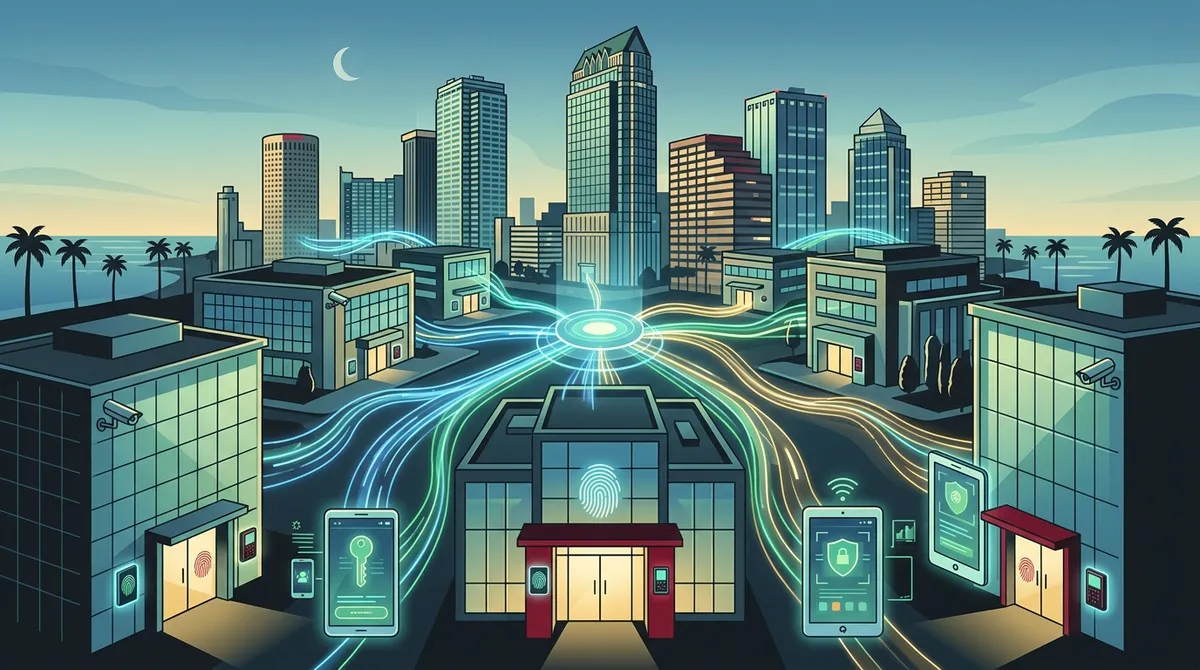
Cloud-based access control systems allow Tampa multi-location businesses to manage all doors, users, and permissions from a single central dashboard, eliminating the need for separate security setups at each location.
-
Scalable systems grow with your business—start with one office and expand to multiple locations without replacing your entire setup, making them ideal for franchises and rapidly expanding Tampa businesses.
-
Modern access control integrates with video surveillance, VoIP alerts, and network infrastructure to create automated security responses; for example, unauthorized entry can trigger camera recording and manager alerts simultaneously.
-
Mobile credentials and biometric readers eliminate physical keycards, reduce replacement costs, and allow instant employee access removal from any location—critical for managing turnover across multiple sites.
-
Cloud-based systems typically cost $1,500–$20,000+ depending on doors and locations, use subscription pricing that spreads costs over time, and require solid network infrastructure (reliable internet and structured cabling) to function properly.
-
Choose installers with multi-location deployment experience, vendor partnerships with 35+ suppliers, transparent pricing, and ongoing support services to ensure successful rollout across all Tampa business locations.
If you run a business with more than one location in Tampa, you already know how complicated security can get. Managing who comes and goes across multiple sites is a real headache — especially when each location has its own systems, keys, and rules. Scalable access control systems for multi-location businesses in Tampa solve exactly that problem. They let you manage all your doors, users, and permissions from one central dashboard, no matter how many sites you have. Whether you operate two offices or twenty, the right system grows with you. In 2026, cloud-based access control has become the go-to solution for Tampa businesses that want security without the complexity. Let’s walk through everything you need to know.
What Is a Scalable Access Control System?
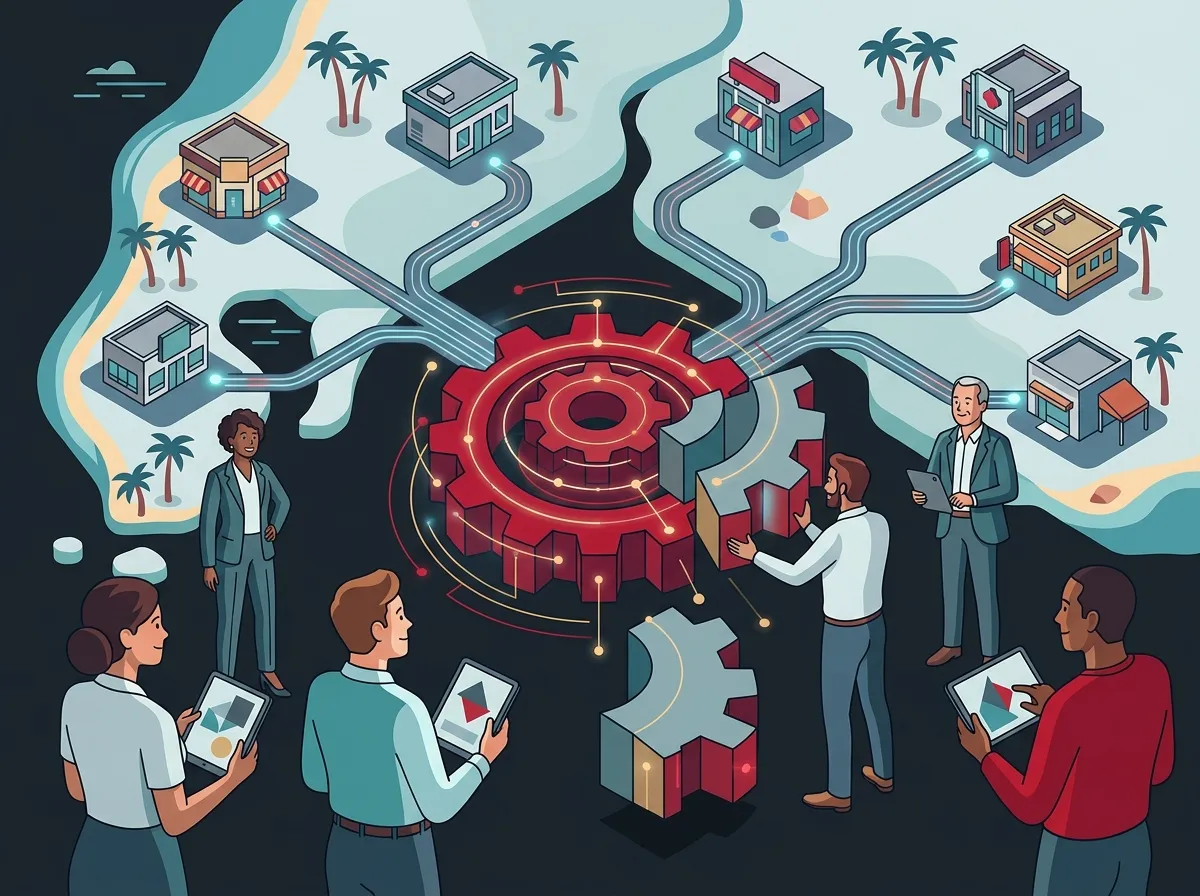
A scalable access control system is a platform that manages building entry across one or more locations. It controls who can access specific doors, at what times, and under what conditions. Unlike old-school lock-and-key setups, these systems are digital. You can add new users, remove old ones, and adjust permissions instantly — without sending someone on-site.
The word “scalable” is key here. It means the system grows with your business. You can start with one office and five doors, then expand to ten locations without replacing your entire setup. For multi-location businesses in Tampa, this flexibility is a game-changer. You can check out how Tampa businesses are embracing cloud access control in 2026 to get a feel for how fast this space is evolving.
Why Multi-Location Businesses in Tampa Need This
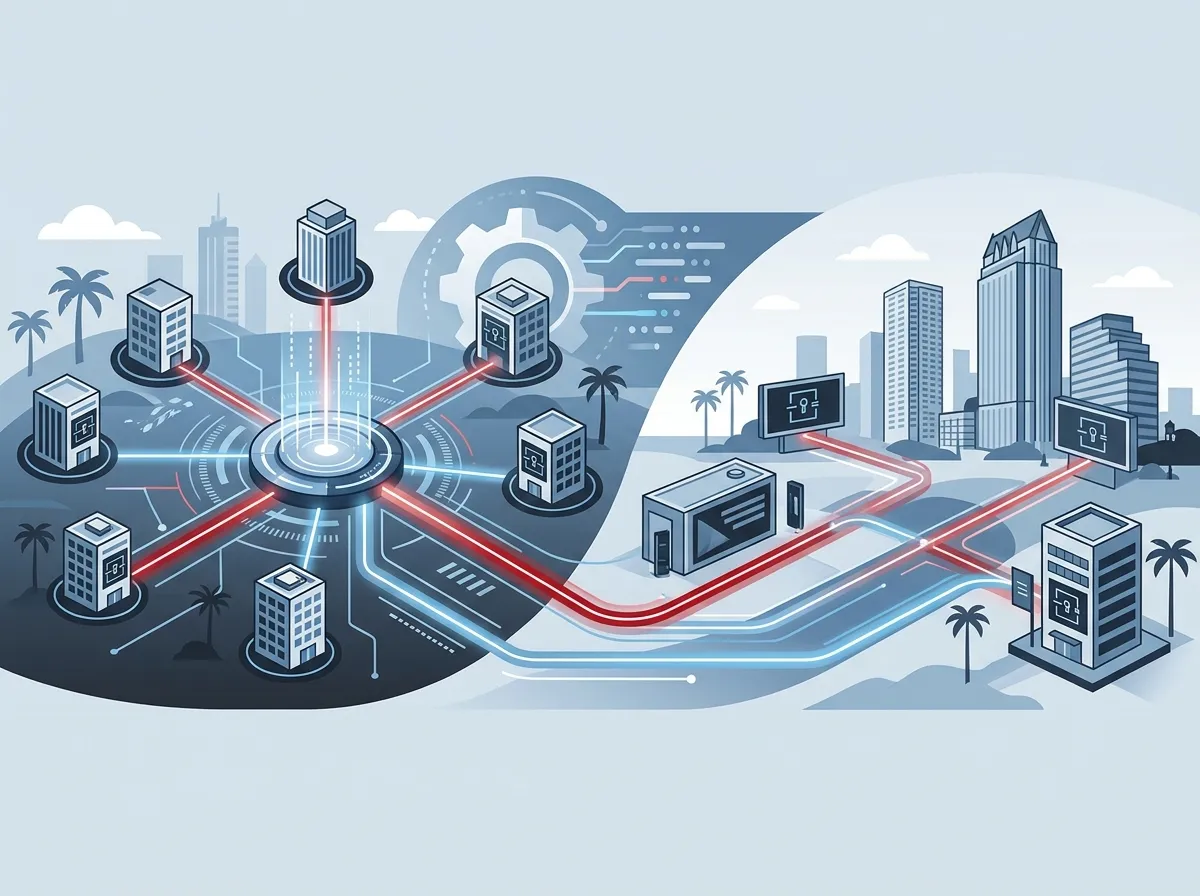
Tampa is a growing metro area. From Ybor City to Wesley Chapel, businesses are expanding fast. With growth comes more locations, more employees, and more security challenges. Managing building access manually across multiple sites wastes time and creates gaps in your security.
Consider a franchise operator with five retail locations across Tampa Bay. Without a centralized system, each manager handles their own keys and codes. That’s five different security setups to manage, audit, and update. A scalable cloud-based system turns that into one simple dashboard. You can learn more about reliable network solutions for multi-location Tampa businesses to understand the full technology picture.
Key Features to Look For
Not all access control systems are created equal. When you’re shopping for a solution that works across multiple Tampa locations, here are the features that matter most:
- Cloud-based management: Lets you control all sites from one online dashboard, from anywhere
- Mobile credentials: Employees use their smartphones as keycards — no physical cards to lose or replace
- Biometric readers: Fingerprint or facial recognition for high-security areas
- Real-time alerts: Instant notifications when a door is propped open or an unauthorized entry is attempted
- Role-based permissions: Set different access levels for managers, staff, contractors, and visitors
- Audit trails: See a full log of who entered where and when
- Integration with video surveillance: Link access events to camera footage for a complete security picture
- Remote lockdown capability: Lock all doors across all locations instantly if needed
These features work together to give you both security and convenience. For context on how this pairs with your broader security setup, see what security cameras really do for your business.
Cloud-Based vs. On-Premise Access Control
This is one of the most common questions Tampa business owners ask. Should you go cloud or on-premise? Here’s a simple breakdown:
| Feature | Cloud-Based | On-Premise |
|---|---|---|
| Remote Management | Yes, from any device | Limited, requires VPN or on-site access |
| Scalability | Easy — add sites with a click | Requires hardware at each new site |
| Software Updates | Automatic and included | Manual, may require IT support |
| Upfront Cost | Lower (subscription model) | Higher (hardware investment) |
| Ongoing Maintenance | Handled by provider | Managed in-house or by contractor |
| Best For | Multi-location businesses | Single-location, high-security facilities |
For most Tampa businesses managing multiple sites, cloud-based access control is the clear winner. It reduces on-site IT overhead and makes scaling to new locations much simpler. You can also explore how Tampa Bay businesses benefit from cloud access control providers for more detail.
How Access Control Integrates With Your Telecom Stack
Here’s where things get really interesting. Modern access control doesn’t live in isolation. It plugs into your broader business technology stack — and that includes your telecom infrastructure. The best setups tie access control together with cloud video surveillance, VoIP phone systems, and network infrastructure.
For example, when someone enters a restricted area, your system can trigger a camera recording, send a VoIP-based alert to a manager’s phone, and log the event — all automatically. This kind of integration is only possible with a solid network foundation. That’s why businesses often upgrade their structured cabling in Tampa and network infrastructure alongside their access control rollout.
Industries in Tampa That Use Multi-Location Access Control
Scalable access control systems serve a wide range of Tampa industries. Here’s a quick look at who benefits most:
| Industry | Common Use Case |
|---|---|
| Healthcare | Restrict access to medication rooms, patient records, and staff-only areas |
| Retail / Franchise | Manage entry across multiple storefronts from one dashboard |
| Professional Services | Control access to executive areas, server rooms, and conference spaces |
| Education | Protect classrooms, admin offices, and after-hours facilities |
| Manufacturing / Warehousing | Limit access to hazardous zones and inventory areas |
| Government / Nonprofits | Meet compliance requirements for secure access logging |
If your business falls into any of these categories, a scalable access control system is likely a smart investment. And since Ideal Solutions Provider works across all these industries nationwide, they can help you find the right fit — check out their free consultation page to start the conversation.
What Does a Commercial Access Control System Cost in Tampa?
Pricing depends heavily on the size of your setup. A basic single-door system might cost a few hundred dollars. A full enterprise deployment across multiple locations can run much higher. Here’s a general cost guide:
| System Size | Estimated Cost Range | Typical Use Case |
|---|---|---|
| Single door / small office | $200 – $1,500 | Startups, small suites |
| Mid-size (5–20 doors) | $1,500 – $8,000 | Growing businesses, single location |
| Enterprise / Multi-location | $8,000 – $20,000+ | Franchises, corporate campuses |
These figures align with industry data showing a typical commercial system range of around $200 to $20,000 depending on hardware, features, and number of doors. Keep in mind that cloud-based systems often use a subscription model, which spreads costs over time and includes ongoing updates and support. For tips on managing your overall technology budget, see 12 business internet cost mistakes Tampa owners make in 2026.
How to Choose a Tampa Access Control Installer
Choosing the right installer is just as important as choosing the right system. Here are the top things to evaluate:
- Experience with multi-location deployments: Make sure they’ve done this before — not just single-site installs
- Vendor partnerships: A good installer works with multiple vetted brands and recommends based on your needs
- Licensing and insurance: Always verify credentials before signing anything
- Ongoing support and maintenance: Ask what happens after installation — who do you call when something breaks?
- Integration capabilities: Can they tie your access control into cameras, alarms, and your network?
- Transparent pricing: Watch out for hidden licensing or maintenance fees
Ideal Solutions Provider checks all these boxes. With over 24 years of experience and relationships with 35+ vetted suppliers, they act as your single point of contact — from consultation through installation and ongoing support. You can also learn more about why Tampa businesses need commercial access control installation before making a decision.
Steps to Deploy Scalable Access Control Across Multiple Tampa Locations
Rolling out a new access control system doesn’t have to be overwhelming. Follow these steps to get it right:
- Audit your current setup: Know what you have, what’s missing, and where your gaps are
- Define your security requirements: Which doors need control? What permission levels do you need?
- Choose a cloud-based platform: Select a system designed for multi-location management
- Plan your network infrastructure: Access control requires solid connectivity — upgrade cabling if needed
- Roll out in phases: Start with your primary location, then expand to others
- Train your team: Make sure managers and employees know how to use the system
- Set up monitoring and alerts: Configure real-time notifications and review access logs regularly
A phased rollout reduces risk and lets you fine-tune the system before scaling across all locations. For additional guidance on planning your tech infrastructure, see how to plan network cabling installation in Tampa Bay.
Mobile and Biometric Credentials: The Future Is Already Here
Physical keycards are becoming a thing of the past. In 2026, most enterprise-grade access control platforms support mobile credentials. Employees simply tap their smartphone on a reader to unlock a door. It’s faster, more secure, and eliminates the cost of replacing lost cards.
Biometric readers take things even further. Fingerprint and facial recognition offer the highest level of security because credentials can’t be lost, stolen, or shared. For high-security zones like server rooms or executive suites, biometrics are worth the investment. You can compare mobile vs. traditional access control for Tampa businesses to decide which approach fits your needs best.
Access Control and Video Surveillance: Better Together
One of the biggest advantages of modern cloud-based access control is how well it integrates with video surveillance. When an access event happens — a door is unlocked, an alarm is triggered, or an unauthorized entry is attempted — the system can automatically pull up the corresponding camera footage.
This integration gives your security team instant context. Instead of reviewing hours of footage after an incident, you jump directly to the relevant clip. To learn more about building a complete security setup, explore cloud video security systems Tampa businesses love and see how cameras and access control work hand-in-hand. You can also follow Ideal Solutions Provider on Facebook for the latest updates on business security solutions in Tampa Bay.
Keyless Entry and Why Tampa Businesses Are Making the Switch
Traditional keys create problems. They get copied, lost, and forgotten. Rekeying locks every time an employee leaves is expensive and time-consuming. Keyless entry systems eliminate all of that.
With a cloud-based system, removing an employee’s access takes seconds — from anywhere. You don’t need to collect keys or change locks. This alone saves Tampa businesses significant time and money every year. Read more about keyless entry vs. traditional keys for Tampa business buildings to weigh the full comparison. For visual inspiration and tips, check out Ideal Solutions Provider on Instagram.
Network Infrastructure: The Foundation of It All
Here’s something many business owners overlook: access control systems depend on your network. A weak or outdated network leads to dropped signals, delayed alerts, and system failures. Before you invest in access control, make sure your connectivity is solid.
This is especially true across multiple locations. Each site needs reliable internet and a well-structured internal network. Learn about why Tampa businesses need dedicated fiber internet and how it supports security-critical applications. You can also explore how to set up a business network in Tampa, Florida for a practical starting point. For a broader look at what enterprise-level support looks like, watch resources available through Ideal Solutions Provider’s YouTube channel.
Conclusion: Scale Your Security Without Scaling Your Stress
Managing building access across multiple Tampa locations doesn’t have to be complicated. Scalable access control systems for multi-location businesses in Tampa give you centralized control, real-time visibility, and the flexibility to grow without replacing your entire security setup. When you combine the right platform with solid networking, professional cabling, and integrated video surveillance, you get a security ecosystem that actually works — and works together.
Whether you’re a small business owner with two locations, a franchise operator with dozens of sites, or an IT manager responsible for enterprise-wide security, the right access control system makes your job easier and your business safer. Ideal Solutions Provider has helped Tampa businesses build these systems for over 24 years, and they’re ready to help you too.
Ready to get started? Reach out to our team today for a free consultation, or give us a call at 813-388-4935 to speak with a local Tampa telecom and security expert who can walk you through your options — no pressure, no jargon, just real solutions.
FAQs
Q: What is a scalable access control system for a multi-location business?
A: A scalable access control system is a cloud-based platform that lets you manage door access, user permissions, and security alerts across multiple business locations from one central dashboard. It grows with your business, so you can add new sites, doors, and users without replacing your entire setup — pretty handy when your Tampa business is on the move!
Q: Why is cloud-based access control better for businesses with multiple Tampa locations?
A: Cloud-based systems let you manage all your locations remotely from any device, update permissions instantly, and receive real-time alerts without needing IT staff on-site at every location. For Tampa businesses with several offices or storefronts, this saves serious time and money while keeping security consistent across all sites.
Q: Can access control systems integrate with video surveillance and alarms?
A: Absolutely! Modern cloud-based access control platforms are designed to integrate with video surveillance cameras, intrusion alarms, and even fire systems. When an access event occurs, the system can automatically trigger a camera recording or send an alert to your team — giving you the full security picture without the guesswork.
Q: How much does a commercial access control system cost in Tampa?
A: Costs vary widely depending on the number of doors, locations, and features you need. A basic single-door system starts around $200, while a full enterprise deployment across multiple Tampa locations can range up to $20,000 or more. Cloud-based systems often use a monthly subscription model, which helps spread costs over time and includes ongoing updates and support.
Q: What should I look for when hiring an access control installer in Tampa?
A: Look for an installer with hands-on experience in multi-location deployments, verified licensing and insurance, partnerships with multiple vetted vendors, and solid ongoing support after installation. It’s also worth asking whether they can integrate your access control with your existing video surveillance, network, and VoIP systems for a truly unified security setup.





