
Key Takeaways
-
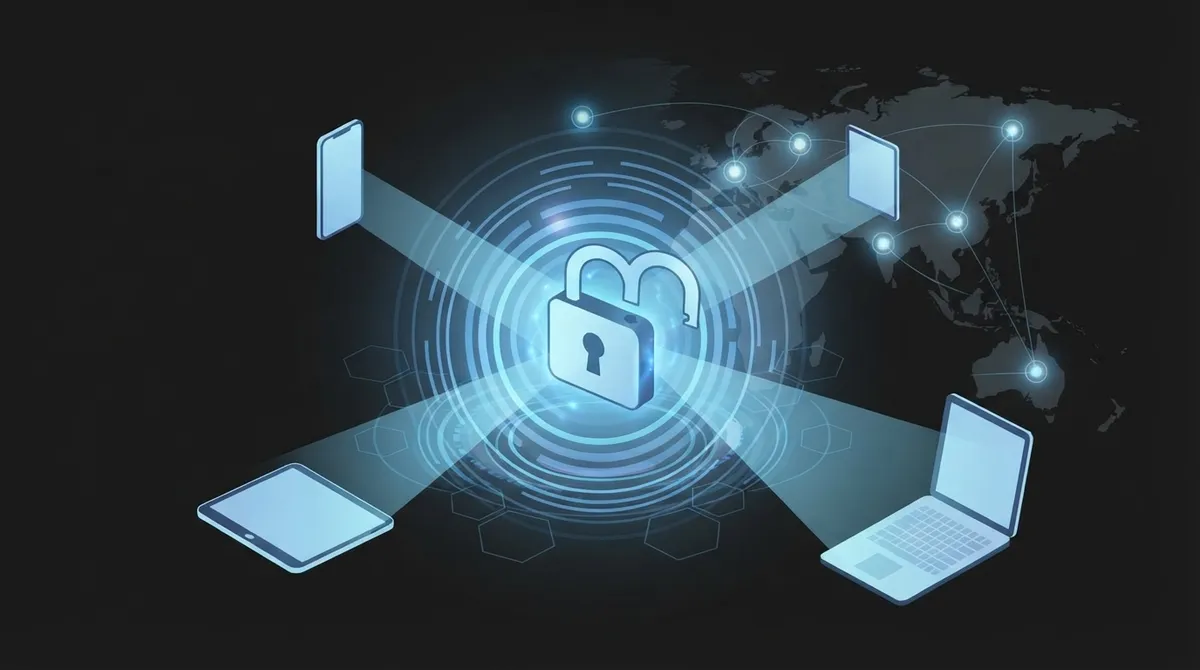
Cloud access control enables remote management of building and system access from any internet-connected device, allowing administrators to grant or revoke access in seconds without physical intervention or technician visits.
-
Authentication (proving identity) and authorization (checking permissions) work together as the core foundation, often enhanced with MFA, RBAC, and SSO to create layered security that's significantly harder to breach than single-method approaches.
-
Multi-location businesses gain unified dashboard control, instant employee offboarding across all sites, real-time alerts, and automatic updates—eliminating the need for separate systems and on-site IT management at each location.
-
Zero trust architecture treats every access request independently by verifying identity and context (device, location, time) regardless of network origin, providing superior protection compared to traditional systems that assume internal network users are automatically trusted.
Ever wonder how a manager in Tampa can lock down an office door in Chicago without leaving their desk? That’s the magic of cloud access control. If you’ve been curious about how cloud access control works, you’re in the right place. We’re going to break it down in plain, friendly language, so you walk away feeling confident instead of confused.
Whether you run a small shop, manage IT for a growing company, or oversee multiple franchise locations, understanding this technology can save you time, money, and a whole lot of headaches. Let’s dig in together.
What Is Cloud Access Control, Really?
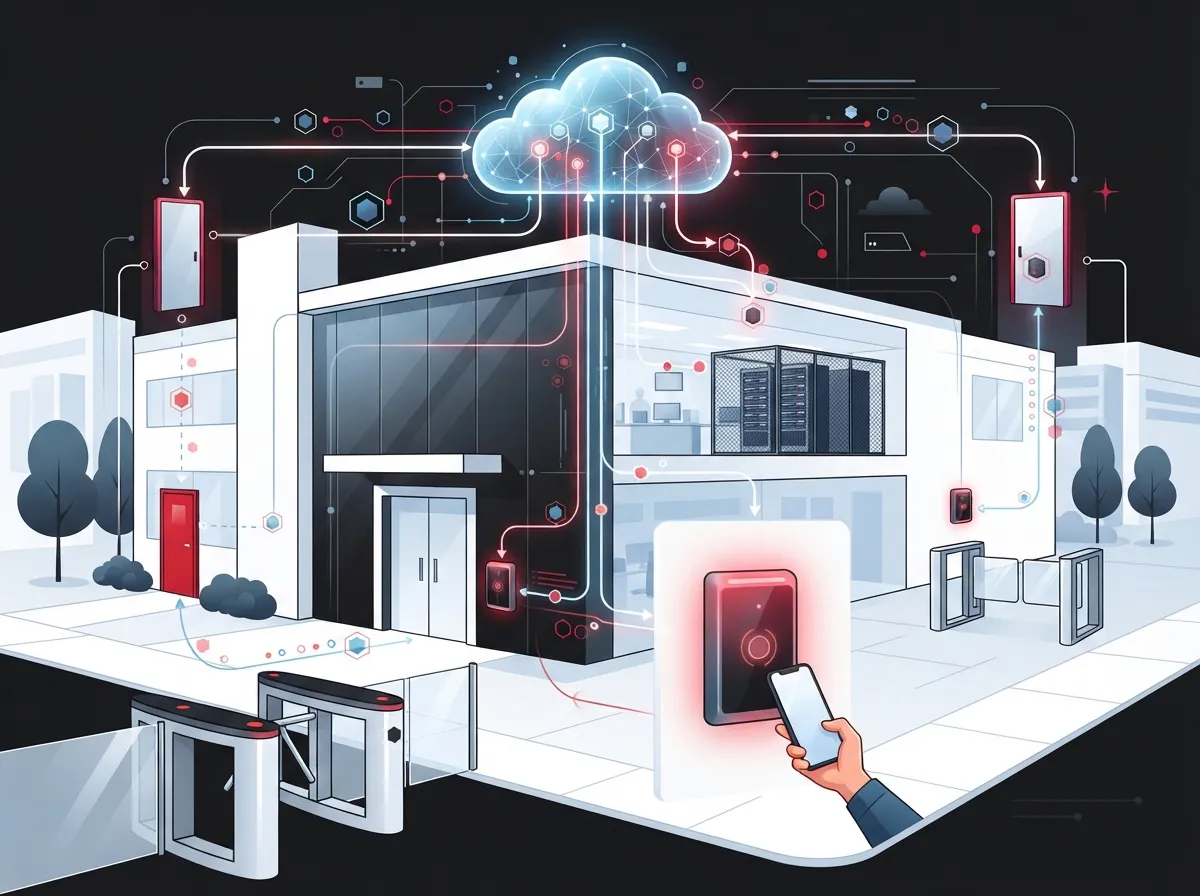
Cloud access control is a way to manage who gets into your systems, data, or buildings, all from the internet. Instead of a bulky control panel sitting in a closet, everything lives on secure servers you can reach from any connected device. Think of it as a digital gatekeeper that never sleeps and never takes a coffee break.
For businesses using cloud based access control, this means you can grant or remove access to a door, an app, or a network resource in seconds. No more waiting for someone to physically swap out a lock or reprogram a keypad.
The Two Building Blocks: Authentication and Authorization
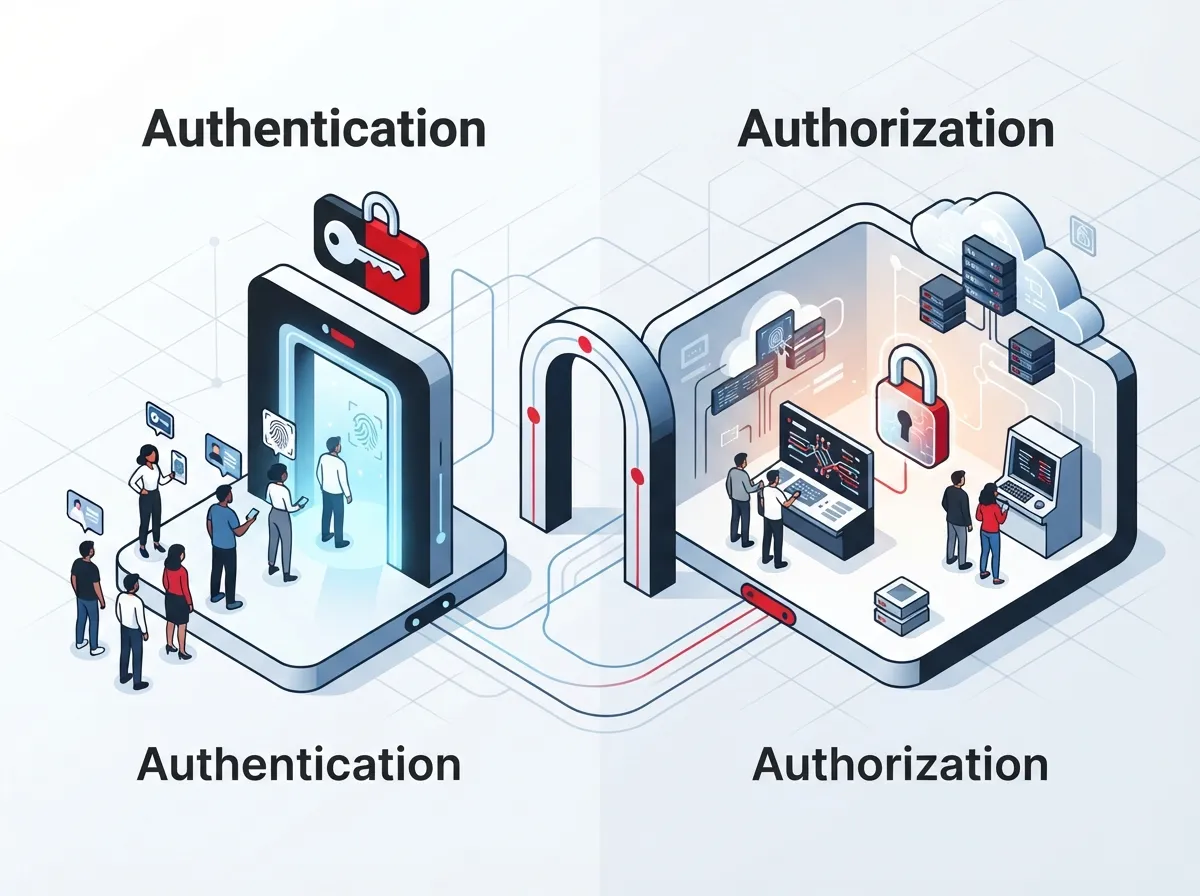
At its core, cloud access control relies on two simple steps. Understanding these makes everything else click into place.
- Authentication: This is the process of proving who you are. It might be a password, a fingerprint, a mobile credential, or a code sent to your phone.
- Authorization: Once your identity is confirmed, the system checks what you’re allowed to do. Can you enter this building? Can you view this customer file? Authorization answers that question instantly.
These two steps work together like a bouncer checking your ID and then checking the guest list. Both have to say yes before you get through the door, literally or digitally.
How Cloud Access Control Works Step by Step
Let’s walk through what actually happens when someone tries to access a system or a building protected by cloud access control.
- Request initiated: A user tries to log in, swipes a badge, or taps a mobile credential at a reader.
- Identity verification: The system checks the credential against stored data, often using multi-factor authentication (MFA) for extra security.
- Policy check: The platform looks at rules like role, time of day, location, or device health to decide if access should be granted.
- Decision made: Access is approved or denied in real time, usually within a second or two.
- Logging and alerts: The system records the event and can send real-time alerts if something looks unusual.
- Remote management: Administrators can adjust permissions instantly from a phone, tablet, or laptop, anywhere with internet access.
This entire process happens in the background, so your team barely notices it. That’s the beauty of a well-designed system.
Why Telecom and IT Environments Need Strong Access Control
Telecom companies and the businesses they serve handle sensitive information every single day. Customer records, network configurations, and billing data are all valuable targets. That’s why access control isn’t just a nice extra, it’s a necessity.
According to guidance from the National Institute of Standards and Technology (NIST), cloud systems should follow key principles like least privilege, separation of duties, and regular policy reviews. Their general access control guidance for cloud systems lays out a solid framework that many businesses now follow.
- Least privilege means giving people only the access they need, nothing more
- Separation of duties prevents any single person from having too much control
- Policy review keeps permissions current as employees change roles or leave
- Audit logs create a clear record for accountability and compliance
Skipping these steps can leave your business exposed. A single weak password or forgotten permission can open the door to serious trouble.
IAM, RBAC, MFA, and SSO: The Building Blocks Explained
You’ve probably heard these acronyms tossed around, so let’s make them simple.
| Term | What It Means | Why It Matters |
|---|---|---|
| IAM (Identity and Access Management) | The overall system that manages user identities and permissions | Acts as the foundation for all access decisions |
| RBAC (Role-Based Access Control) | Permissions assigned based on job role | Simplifies management for teams with many employees |
| MFA (Multi-Factor Authentication) | Requires two or more ways to verify identity | Adds a strong layer of protection against stolen passwords |
| SSO (Single Sign-On) | One login grants access to multiple approved systems | Makes life easier for employees while staying secure |
Telecom-focused IAM research consistently points to MFA, SSO, and RBAC as standard tools for protecting sensitive information. Combining these creates a layered defense that’s much harder to break through than any single method alone.
Zero Trust: A Smarter Way to Think About Access
Zero trust sounds intimidating, but the idea is actually pretty simple. Instead of assuming someone is safe because they’re on your network, zero trust checks every single request based on identity and context.
This means a request from a known device in your Tampa office and a request from an unknown device overseas get treated differently, even if both claim to have valid credentials. Zero trust asks, “Prove it, every time.” This approach fits perfectly with cloud access control since decisions are already made in real time based on rules you set.
Cloud vs. Traditional On-Premises Access Control
If you’re used to old-school keypads or on-site servers, the shift to cloud might feel like a big leap. Here’s a quick comparison to help clear things up.
| Feature | Traditional On-Premises | Cloud Access Control |
|---|---|---|
| Management Location | Must be on-site or connected to local network | Manage from any internet-connected device |
| Updates | Manual, often requires a technician visit | Automatic, pushed remotely |
| Scalability | Difficult to expand across locations | Easy to add new sites or users |
| Real-Time Alerts | Limited or delayed | Instant notifications |
| Maintenance | Requires local hardware upkeep | Handled largely by the cloud provider |
For businesses with multiple locations, cloud access control is often the clear winner. It removes the need to manage separate systems at every site.
Benefits for Multi-Location and Growing Businesses
If you’re a franchise operator or manage several offices, cloud access control can be a genuine game-changer. Here’s why so many multi-site businesses are making the switch.
- Manage permissions for every location from a single dashboard
- Instantly revoke access when an employee leaves, no matter where they worked
- Add new locations without installing separate control panels
- Track activity across all sites with unified audit logs
- Reduce IT travel time since most issues can be fixed remotely
This kind of flexibility supports both physical building access and access to telecom systems, cloud applications, and customer data. It’s a smart fit for franchise operators managing locations across Tampa Bay and beyond.
Common Security Risks of Poor Access Control
Let’s talk about what happens when access control isn’t done right. These risks are more common than you might think.
- Former employees retaining access to sensitive systems after leaving
- Shared logins that make it impossible to track who did what
- Weak passwords with no MFA requirement
- Outdated permissions that no longer match job roles
- No audit trail, making it hard to investigate incidents
- Physical doors left on outdated hardware that can’t be updated remotely
Each of these gaps can lead to data breaches, compliance violations, or unauthorized building access. The good news is that modern cloud platforms are built specifically to close these gaps.
How Ideal Solutions Provider Helps Businesses Get This Right
At Ideal Solutions Provider, we’ve spent over 24 years helping Tampa businesses and companies nationwide simplify their telecom and security setups. We partner with 35+ vetted suppliers to bring you cloud access control solutions that actually fit your business, not a one-size-fits-all package.
Whether you need to connect access control with your business network solutions, pair it with cloud video security, or integrate it with your existing cloud-based phone system, we handle the details so you don’t have to juggle multiple vendors. We also cover the groundwork, like structured cabling services, that keeps everything running smoothly behind the scenes.
Getting Started: What to Look for in a Provider
Choosing the right partner for cloud access control matters just as much as the technology itself. Here are a few things worth checking before you sign on with anyone.
- Do they support MFA, SSO, and RBAC out of the box?
- Can the platform manage multiple locations from one account?
- Does it offer real-time alerts and detailed audit logs?
- Is remote management available from mobile devices?
- Will they help integrate access control with your existing telecom and network setup?
These questions help you avoid surprises down the road and make sure your investment actually solves your problems.
Wrapping It Up
Understanding how cloud access control works doesn’t have to feel overwhelming. At its heart, it’s about verifying who someone is, checking what they’re allowed to do, and making that decision instantly from anywhere in the world. With features like MFA, RBAC, SSO, and zero trust principles, businesses can protect their people, data, and buildings with far less hassle than traditional systems ever allowed.
If you’re ready to explore how this technology can work for your business, our team would love to help. You can always reach out to our team for a free consultation, or feel free to give us a call today to talk through your specific needs. You can also check out our latest updates and behind-the-scenes content on Facebook, Instagram, and YouTube. We’re here, ready, and genuinely excited to help you simplify your security and telecom setup.
FAQs
Q: What is cloud access control in telecom?
A: Cloud access control is a way to manage who can access your telecom systems, data, or buildings using internet-connected software instead of local hardware. It lets you verify identity and set permissions from anywhere, which is a huge relief when you’re juggling multiple locations or a busy schedule.
Q: How does cloud access control work step by step?
A: It starts with a request, like a login or badge tap, then verifies your identity through authentication. After that, the system checks your permissions and makes a decision in real time, logging the event so you have a clear record. It really is that smooth once it’s set up correctly.
Q: What is the difference between cloud access control and traditional on-premises systems?
A: Traditional systems require local hardware and often need a technician on-site for updates, which can slow things down. Cloud access control lets you manage everything remotely, push updates instantly, and scale across multiple locations without extra headaches.
Q: Why is access control important for telecom companies?
A: Telecom companies handle sensitive customer data, network assets, and billing information every day, making them a target for unauthorized access. Strong access control, following principles like least privilege and separation of duties, helps keep that information safe and builds trust with your customers.
Q: How does cloud access control help with multi-location businesses?
A: It lets you manage permissions, alerts, and audit logs for every location from one single account, which is a game-changer for franchise operators. You can add new sites, revoke access instantly, and keep everything consistent without needing separate systems everywhere.





