
Key Takeaways
-
Network reliability is critical—cloud access control readers fail if internet, Wi-Fi, or bandwidth are inadequate; test your current connectivity and add cellular backup before deployment.
-
Plan for outages by confirming whether your system caches credentials locally and implements fail-safe or fail-secure policies to prevent employees being locked out during internet or power failures.
-
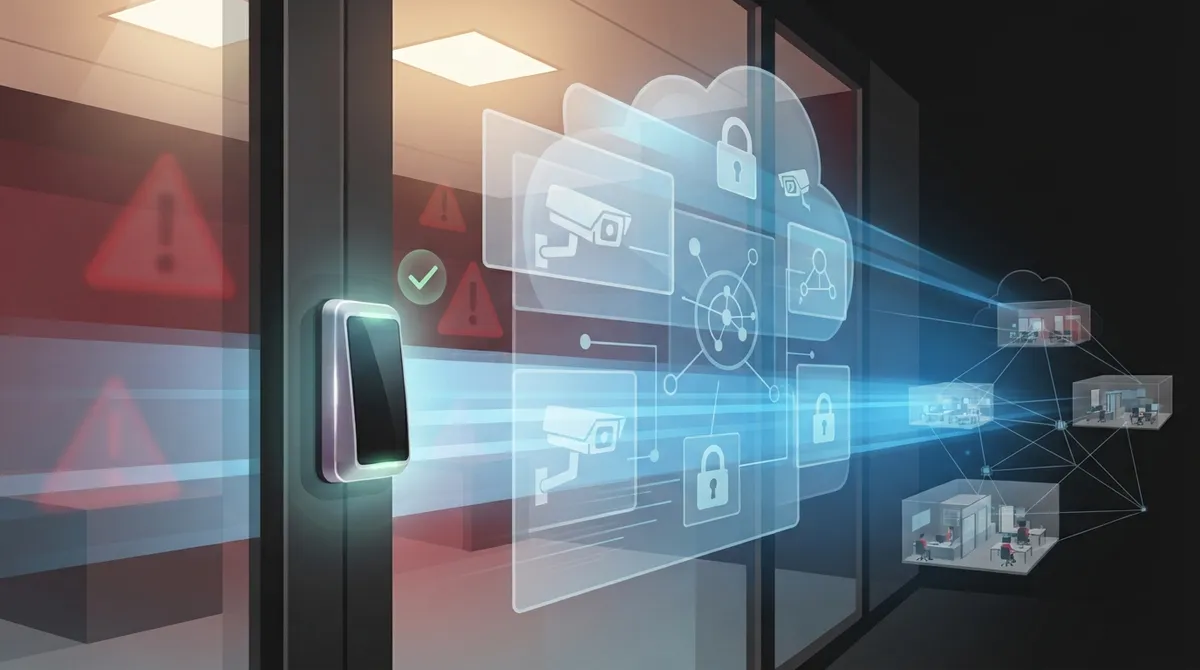
Integrate access control with existing systems like video surveillance, visitor management, and identity directories for comprehensive security visibility rather than isolated badge-only snapshots.
-
Implement NIST-recommended security controls including data encryption in transit and at rest, multifactor authentication for admins, role-based permissions, and detailed audit logging of all access events.
-
For multi-site operations, partner with a telecom provider to design segmented networks, prioritize access-control traffic, and enable centralized remote management across all locations.
-
Choose credentials based on your security needs—RFID for basic office access, NFC smart cards for sensitive areas, and mobile credentials for franchise operations to reduce lost badges and enable instant updates.
Picture this: your team badges into the office every morning without a second thought. Simple, right? But behind that quick tap is a whole system working together, and if even one piece is set up wrong, you could be looking at locked doors, angry employees, or worse, a security gap you never saw coming. Grab a coffee, because we’re about to walk through the most common mistakes businesses make with a cloud access control card reader, and how to sidestep every single one.
If you’re a Tampa business owner, an IT manager juggling five vendors, or a franchise operator managing doors across multiple states, this one’s for you. We’ll keep things friendly, practical, and jargon-free, because you deserve real answers, not a tech lecture.
What Is a Cloud Access Control Card Reader, Anyway?
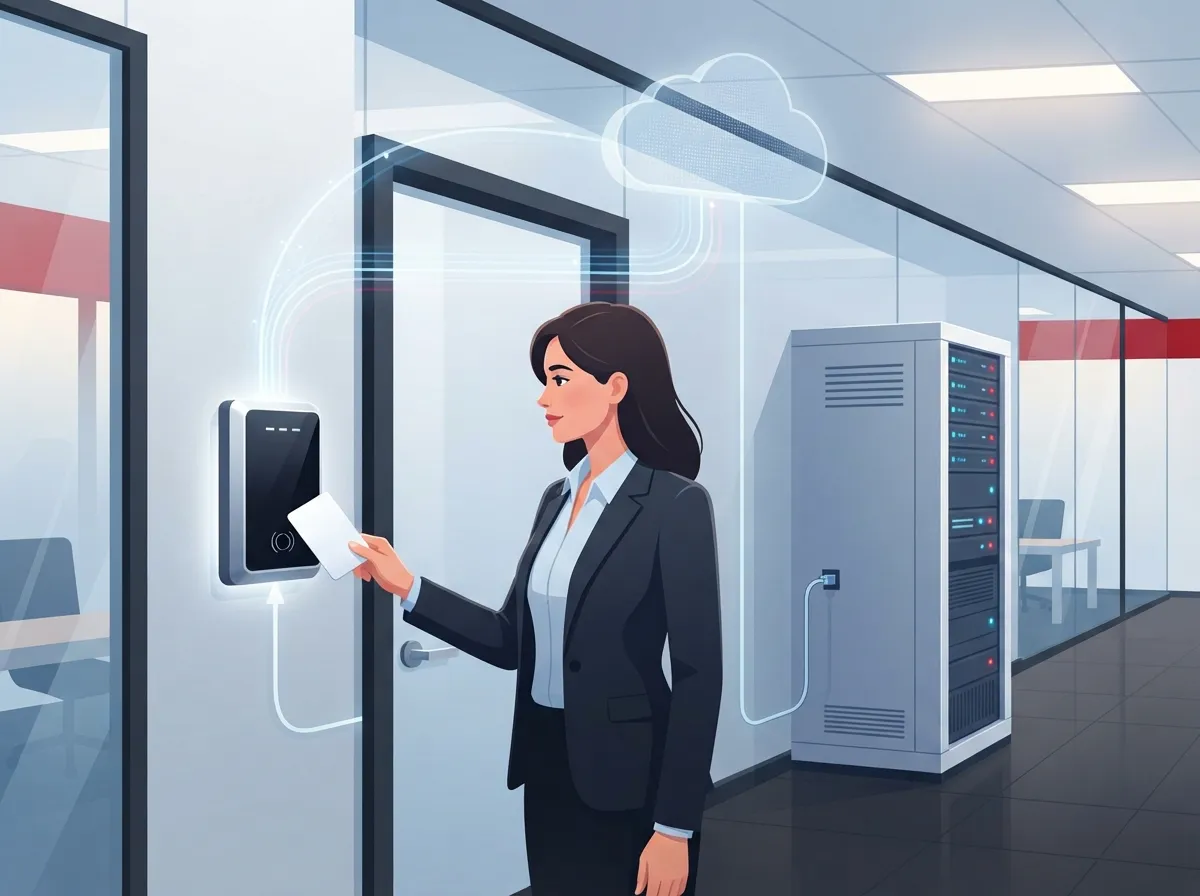
A cloud access control card reader is a network-connected device that checks an employee, contractor, or visitor badge before letting them through a door. Instead of storing all the data on a clunky server in your back closet, the system sends access events straight to cloud-hosted software. That means you can manage doors from your phone, laptop, or tablet, from anywhere.
These readers typically connect over Ethernet, Wi-Fi, cellular, or a managed business network. That last part matters a lot, because the reader is only as good as the connection behind it. This is exactly where a telecom partner like Ideal Solutions Provider becomes useful, since network reliability and access control go hand in hand.
A full deployment usually includes more than just the reader itself. You’ll typically find:
- Credential technology such as RFID, NFC, or smart cards
- A door controller or cloud-connected edge device
- Electric locks and door hardware
- Request-to-exit and door-position sensors
- Cloud management software
- Network connectivity, whether wired, wireless, or cellular backup
Mistake 1: Ignoring the Network Behind the Reader
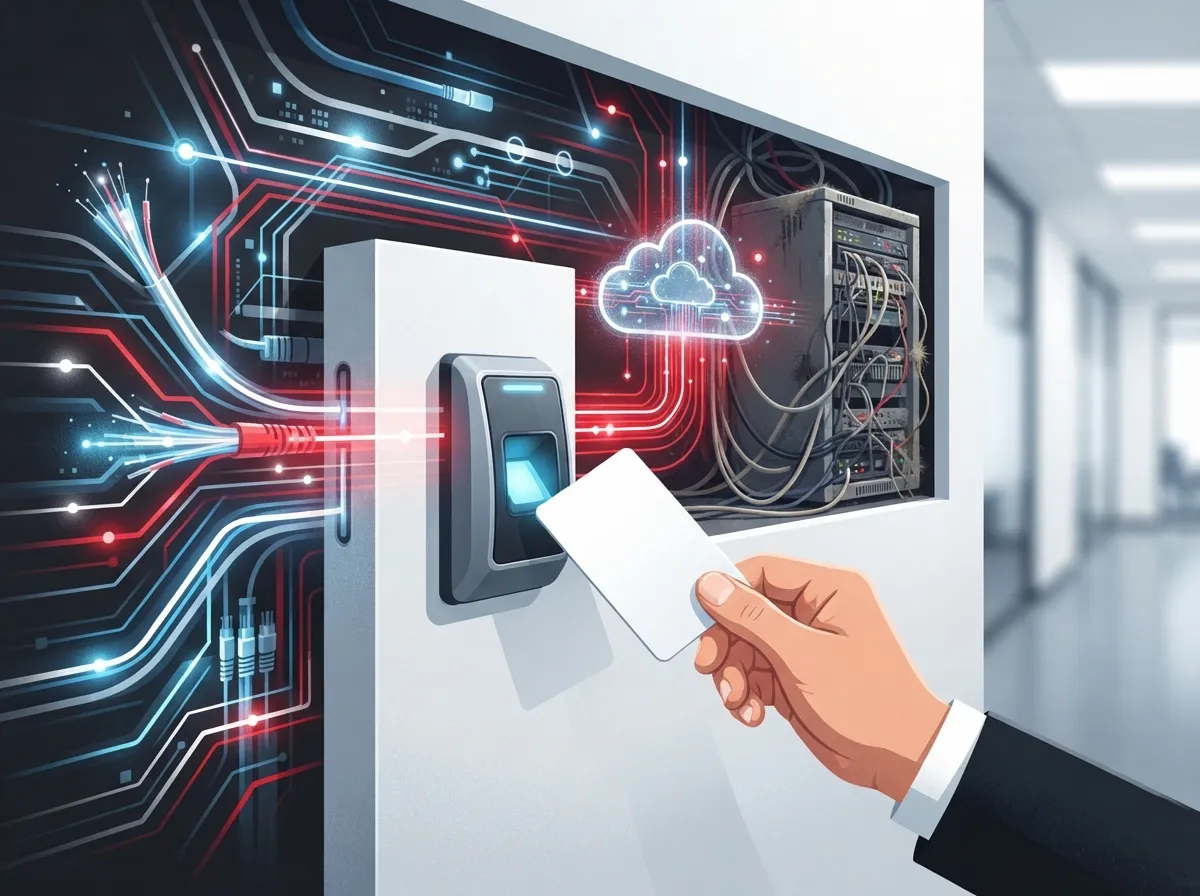
Here’s the truth nobody tells you upfront: a cloud access control card reader is only as reliable as the network it sits on. Businesses often buy the reader hardware first and think about connectivity later. That’s backwards.
Your reader needs stable power, a solid connection, and enough bandwidth to talk to the cloud without lag. If your office already struggles with spotty Wi-Fi or an overloaded internet plan, adding access control traffic on top can slow everything down. Before installing readers, it helps to review your high-speed internet setup and confirm it can handle the extra load.
For businesses with multiple locations, this becomes even more important. A telecom partner can design segmented networks, prioritize access-control traffic, and set up redundant connections so one bad connection doesn’t lock out an entire office.
Quick Fixes for Network Reliability
- Test your current bandwidth before adding new devices
- Ask about cellular backup for internet outages
- Segment access-control traffic from general office traffic
- Confirm Power over Ethernet (PoE) support for your readers
- Schedule regular network health checks with your provider
Mistake 2: Forgetting to Plan for Outages
Cloud systems are wonderful until the internet goes down. And it will, at some point. The real question is: what happens to your doors when that happens?
Some systems cache credentials locally, so doors keep working even without a live cloud connection. Others don’t, and that can mean employees stuck outside or, worse, doors that unlock automatically. Before you commit to any system, ask your provider directly whether doors fail safe or fail secure during an outage.
| Outage Scenario | What Should Happen | Why It Matters |
|---|---|---|
| Internet goes down | Locally cached credentials still work | Employees aren’t locked out |
| Cloud service outage | Local controller keeps basic access working | Business operations continue |
| Power outage | Battery backup keeps critical doors operational | Prevents safety and security risks |
| Full network failure | Defined fail-safe or fail-secure policy applies | Protects people and property |
This is one more reason why pairing your access control rollout with a reliable dedicated fiber internet connection makes such a big difference. A stronger, more dependable connection means fewer headaches later.
Mistake 3: Overlooking Security Basics
It’s easy to get excited about the convenience of cloud access control and forget the security side of things. But according to NIST Special Publication 800-210, published in 2020, cloud access control needs careful planning across encryption, identity checks, and audit logging, no matter which cloud model you use.
NIST also points out five cloud characteristics that affect how access control should be designed: broad network access, resource pooling, rapid elasticity, measured service, and data sharing. In plain English, that means your cloud provider and your business share responsibility for keeping things locked down tight.
Here’s what to check before you sign off on any cloud access-control deployment:
- Encryption for data both in transit and at rest
- Multifactor authentication for administrators
- Role-based permissions so only the right people can make changes
- Detailed audit logs of every entry event
- Regular firmware updates and a clear vulnerability response plan
- Clear policies on data retention and privacy
NIST’s Cybersecurity Framework Protect function also states that access to physical and logical assets should be limited to authorized users and managed according to risk. That’s not just a government checkbox, it’s genuinely good advice for any business, big or small.
Physical Access Devices Deserve Attention Too
NIST’s electronic Physical Access Control Systems overlay, based on SP 800-53 Revision 5, identifies card readers as physical access devices. It recommends businesses maintain device inventories, protect credentials carefully, and track visitor activity through audit logs. These aren’t just best practices for federal agencies, they’re smart moves for any office building, warehouse, or data center.
Mistake 4: Treating the Card Reader as a Standalone Gadget
This might be the biggest mistake of all. A cloud access control card reader shouldn’t live on an island. The real value comes from connecting it with the rest of your business systems.
Think about it this way: your access control platform can talk to your video surveillance, your visitor management system, your alarm monitoring, and even your identity directory like Microsoft Entra ID. When these systems work together, you get a full picture of who’s coming and going, not just isolated snapshots.
Here’s a quick comparison of standalone versus integrated setups:
| Feature | Standalone Reader | Integrated Cloud System |
|---|---|---|
| Multi-site management | Manual, site-by-site | Centralized dashboard |
| Video correlation | Not connected | Linked with camera footage |
| Identity sync | Manual updates | Auto-updates from HR/IT systems |
| Event alerts | Local only | Real-time remote notifications |
Pairing your access control with cloud security cameras gives you visual confirmation of every badge event. And if you’re already using a cloud phone system, integrating alerts through your business VoIP platform means your team gets notified the moment something looks off.
Choosing the Right Credentials for Your Business
Not all badges are created equal. Depending on your industry and security needs, you might choose RFID cards, NFC-enabled smart cards, or even mobile credentials tied to an employee’s smartphone. Here’s a simple breakdown:
- RFID cards – affordable, widely used, good for general office access
- NFC smart cards – more secure encryption, works well for sensitive areas
- Mobile credentials – convenient, reduces lost-badge issues, works through an app
- Biometric add-ons – highest security tier, often paired with card readers for critical rooms
For growing businesses and franchise operators managing multiple locations, mobile credentials often make the most sense. There’s nothing to lose or forget, and updates happen instantly across every site.
Why Multi-Site Businesses Need a Telecom Partner
If you’re running more than one office, warehouse, or franchise location, cloud access control becomes even more valuable, but only if the underlying network supports it. A managed-services partner can design segmented networks, prioritize traffic for access-control devices, and monitor device health across every site from one place.
This kind of centralized administration saves serious time. Instead of driving to each location to update a badge or check an event log, your team can handle it all remotely. It’s also why structured, professional network design matters so much. Poorly planned structured cabling or an unreliable Internet Service Provider connection can undercut even the best access-control software.
Questions to Ask Before You Deploy
- Does the reader support offline credential caching?
- What happens to doors during an internet outage?
- Can the system integrate with our current phone and video platforms?
- How is data encrypted, both moving and at rest?
- Who handles support if something breaks at 2 a.m.?
- Is pricing based on doors, users, or sites?
What Cloud Access Control Costs (Roughly)
Pricing varies quite a bit depending on the number of doors, credential type, and whether you need video integration. Here’s a general idea of what businesses typically budget for:
| Deployment Size | Typical Setup Cost Range | Ongoing Cloud Fees |
|---|---|---|
| Single office, 1-3 doors | Lower end | Monthly per-door fee |
| Mid-size building, 4-10 doors | Moderate | Monthly per-door fee, volume discount possible |
| Multi-site franchise | Higher, scales with locations | Bundled multi-site pricing |
Since 9 out of 10 companies audited turn out to be overpaying or underperforming with their current telecom setups, it’s always worth getting a second opinion before signing a long-term contract.
Bringing It All Together
A cloud access control card reader can genuinely transform how your business manages security, but only when it’s backed by solid network planning, thoughtful security practices, and smart integration with your other systems. Skip the shortcuts, ask the right questions, and treat the reader as one piece of a bigger, connected puzzle.
We know this is a lot to think about, and that’s okay. You don’t have to figure it all out alone. With over 24 years of experience and partnerships with 35 vetted suppliers, our team at Ideal Solutions Provider genuinely loves helping businesses like yours get this right the first time. Whether you’re in Tampa or managing locations nationwide, we’re happy to walk through your current setup together.
Ready to see how a properly connected cloud access control system could work for your business? Reach out to our team today for a friendly, no-pressure consultation, or give us a call and let’s chat about what makes sense for your doors, your network, and your peace of mind.
You can also catch behind-the-scenes tips and client stories on our Facebook page, follow along on Instagram, or check out helpful walkthroughs on our YouTube channel. We’re rooting for you, and we can’t wait to help.
FAQs
Q: What is a cloud access control card reader?
A: It’s a network-connected reader that checks employee, contractor, or visitor badges and sends the entry event straight to cloud-hosted management software. Think of it as your door’s brain living safely in the cloud instead of a dusty server closet down the hall!
Q: What happens if the internet or cloud service goes down?
A: It really depends on how your system was set up, which is why we always ask this question first. Many good systems cache credentials locally so doors keep working during a short outage, but you’ll want to confirm your fail-safe or fail-secure policy before you’re caught off guard.
Q: Can cloud card readers work with our phone system, cameras, and alarms?
A: Absolutely, and this is honestly one of our favorite parts of the job! When your access control talks to your VoIP phones, cameras, and alarm system, you get a much fuller picture of what’s happening at every door.
Q: How much does a cloud access control system typically cost?
A: Costs vary based on the number of doors, credential type, and whether you want video integration, but most businesses pay a setup fee plus a monthly per-door cloud fee. We’re always happy to run the numbers with you so there are no surprises later.
Q: Is cloud access control a good fit for multiple office locations?
A: It’s actually one of the best use cases out there! You get one dashboard to manage every door across every site, which is a huge time-saver for franchise operators and growing companies alike.





