
Key Takeaways
-
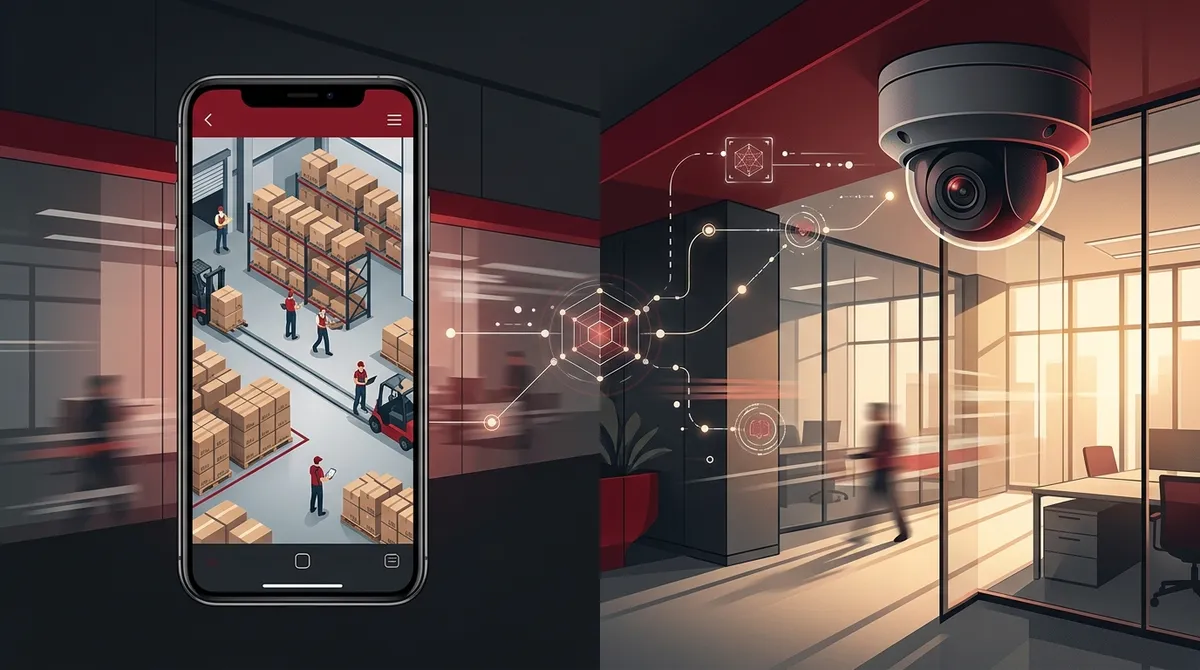
IP cameras deliver high-definition video (up to 8K) with remote access via mobile apps, allowing business owners to monitor their operations from anywhere without rushing to the office.
-
Modern security cameras integrate with access control systems, cloud storage, and network infrastructure to create a unified security ecosystem that multiplies individual component value.
-
Beyond theft prevention, security cameras improve employee accountability, reduce incident disputes through video evidence, and provide operational insights like foot traffic patterns and workflow bottlenecks.
-
Cloud storage is increasingly preferred over on-site storage because it prevents footage tampering or theft, allows off-site access, and scales easily without additional hardware investment.
-
Professional installation and network quality are critical—poor camera placement and weak network connections render systems ineffective; partner with experienced providers to ensure proper setup.
-
Commercial security camera systems must comply with local workplace surveillance laws; always notify employees transparently about camera placement to build trust rather than create tension.
If you run a business, you’ve probably asked yourself this question at least once: Do I really need security cameras? Maybe you’ve been putting it off, thinking it’s too expensive or too complicated. Or maybe you’re not sure what modern business security cameras can actually do beyond just recording footage. The truth is, today’s commercial security camera systems are far more powerful than most people realize. They protect your people, your property, and even your bottom line. And when they’re set up the right way, they can change how you manage your entire operation. Whether you’re a small business owner in Tampa, an IT manager overseeing multiple locations, or a franchise operator expanding across the country, this guide is for you. Let’s break down what security cameras really do — and why they matter more than ever in 2026.
What Are Business Security Cameras?
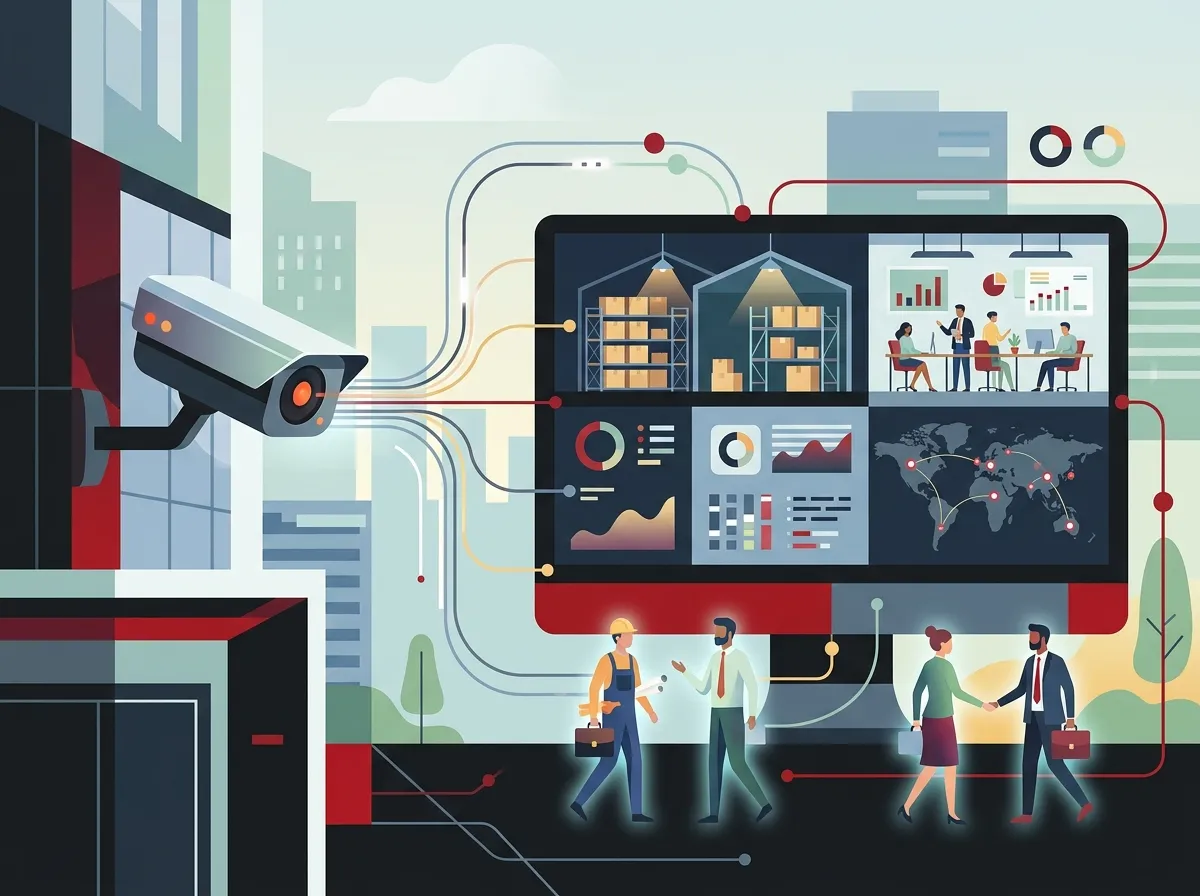
Business security cameras are not the same as the basic webcam you’d find in a home setup. Commercial systems are designed for 24/7 monitoring, harsh environments, and high-traffic locations. They combine cameras, recording hardware or cloud storage, and video management software into one unified system. The goal is to give you clear, reliable visibility into what’s happening at your business — at any time, from anywhere.
Today’s systems lean heavily on IP cameras, which transmit video over a network connection. This means you can access live and recorded footage remotely through a mobile app or web browser. No more rushing to the office just to check on something. You can pull up your cameras from your phone while you’re on the road. That kind of flexibility is a game-changer for busy business owners.
IP Cameras vs. Analog CCTV: What’s the Difference?
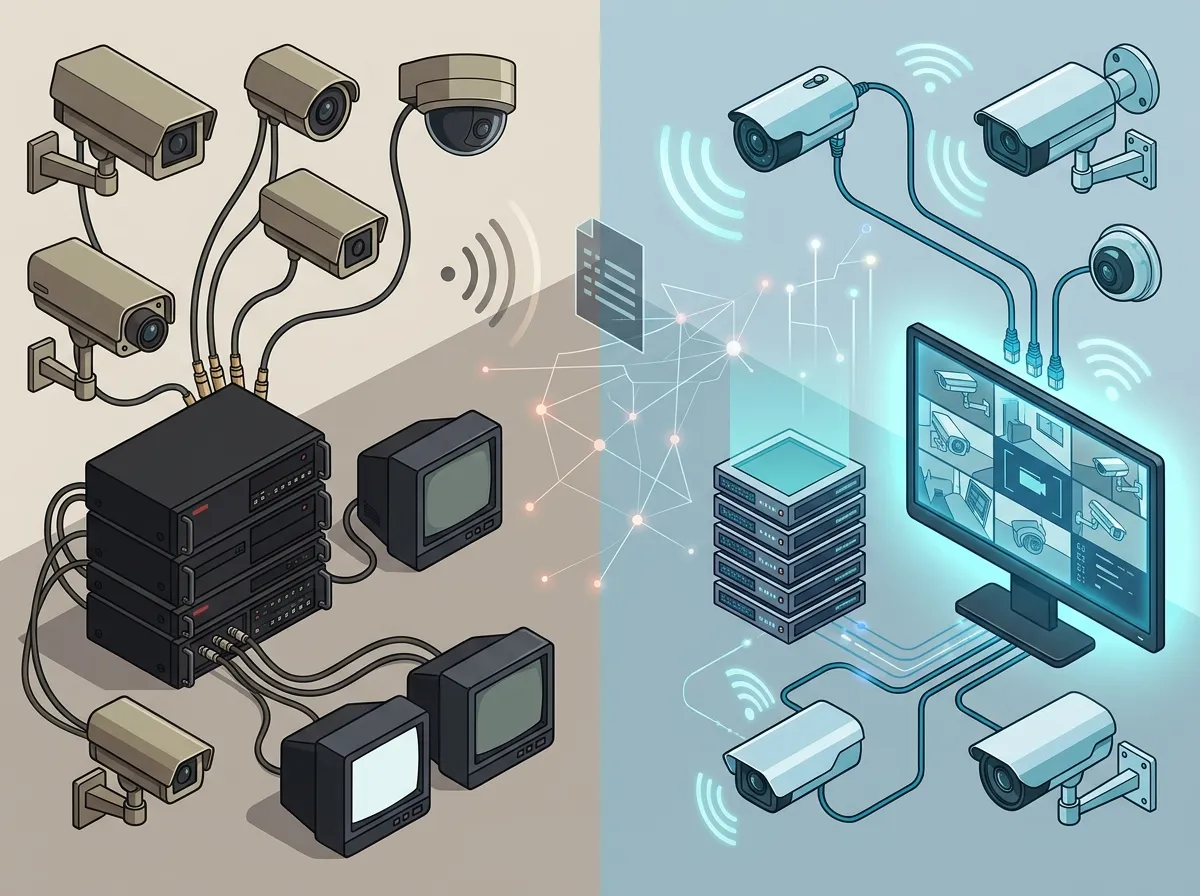
If you’ve looked into security cameras before, you’ve probably come across both IP cameras and older analog CCTV systems. Here’s a simple breakdown of how they compare:
| Feature | IP Cameras | Analog CCTV |
|---|---|---|
| Video Quality | High-definition (up to 8K) | Low to standard definition |
| Remote Access | Yes, via app or browser | Limited or none |
| Network Integration | Fully networked | Requires separate coaxial wiring |
| AI Analytics | Supported on many models | Not supported |
| Scalability | Easy to expand | Complex and costly to expand |
| Cloud Storage | Supported | Not natively supported |
As you can see, IP cameras win on almost every front. They deliver sharper images, integrate with your existing network, and support advanced features like AI-powered motion detection and license plate recognition. They also pair beautifully with cloud video security platforms, which eliminate the need for bulky on-site recording equipment.
Key Components of a Commercial Security Camera System
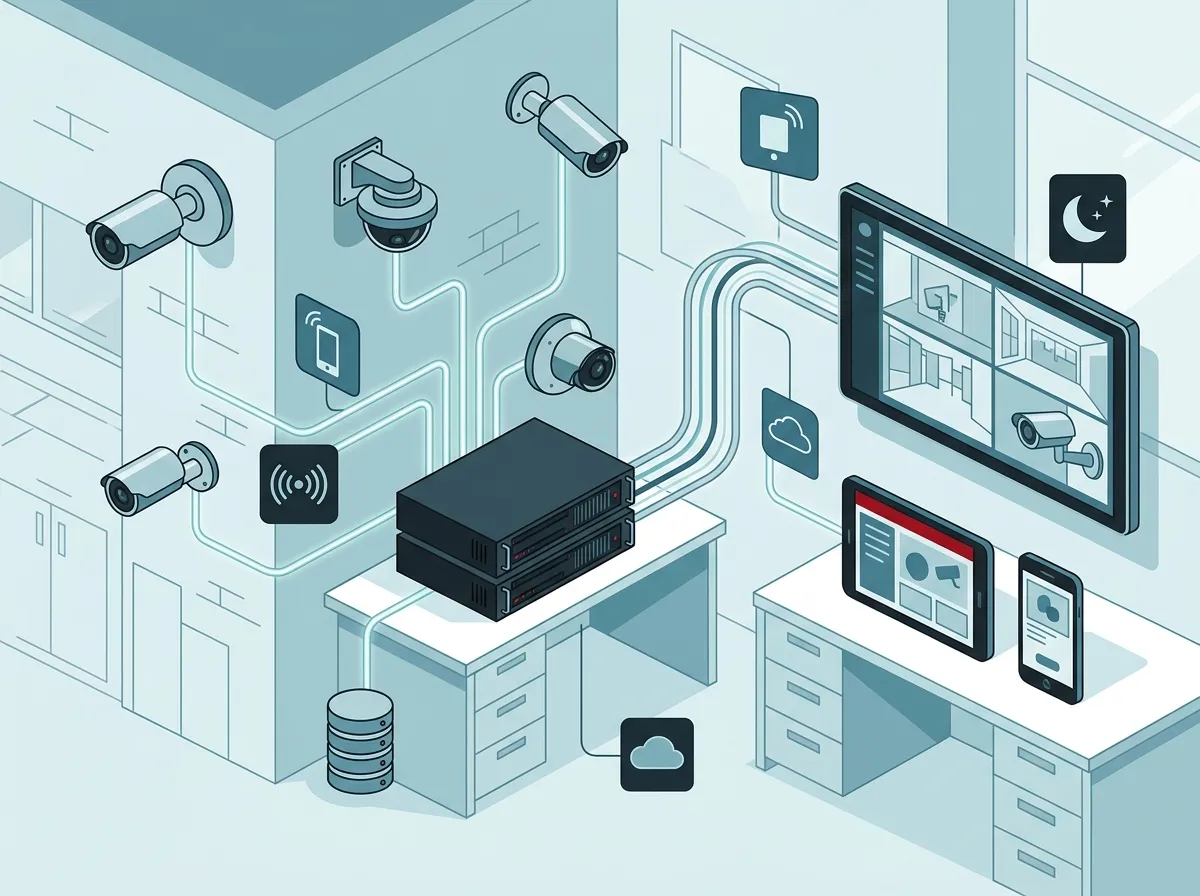
When you invest in a business security camera system, you’re not just buying cameras. A complete system includes several important parts that work together. Here’s what goes into a professional setup:
- IP Cameras — The eyes of your system. Choose indoor, outdoor, PTZ (pan-tilt-zoom), or wide-angle depending on your layout.
- Network Infrastructure — Cameras need a solid network to run on. This includes routers, switches, and sometimes structured cabling services to ensure clean, reliable connectivity.
- Storage Solution — Cloud storage or on-site NVR (network video recorder) hardware to save footage for later review.
- Video Management System (VMS) — Software that lets you view live feeds, search recorded footage, manage alerts, and control multiple cameras from one interface.
- Remote Access Tools — Mobile apps or web portals that let you check in from anywhere.
Each piece of this puzzle matters. If your network isn’t strong enough, your cameras will lag or drop connection. That’s why pairing your camera system with reliable business high-speed internet services is so important. A weak connection is the fastest way to defeat the purpose of your entire investment.
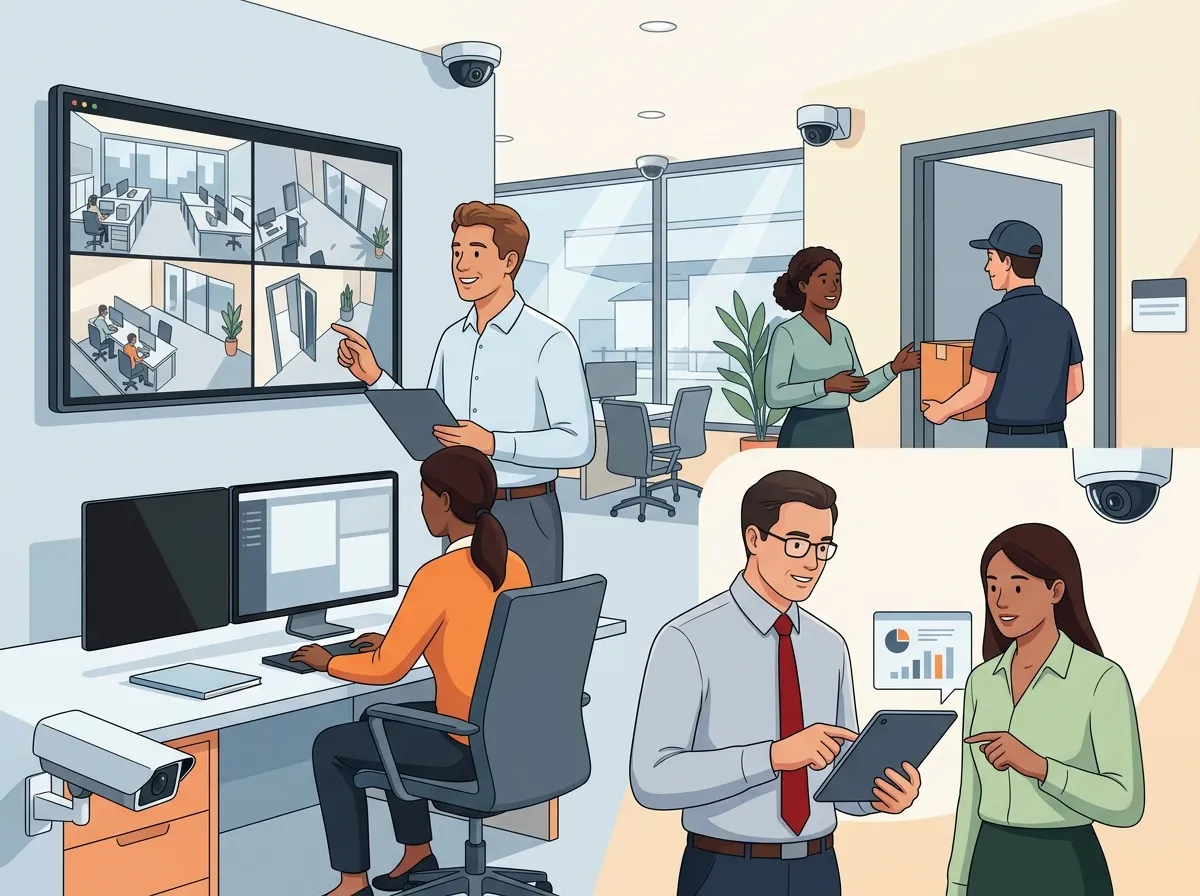
What Can Security Cameras Actually Do for Your Business?
Here’s where things get really interesting. Most people think of security cameras as a theft-prevention tool. And yes, they’re great at that. But modern commercial systems offer so much more. Let’s look at the full range of benefits:
1. Deter Crime and Protect Your Property
Visible cameras are one of the most effective deterrents for theft, vandalism, and break-ins. When potential bad actors see cameras, they often move on. And if something does happen, you have clear footage to provide to law enforcement. High-resolution video — some systems now support up to 8K resolution — means you can capture faces, license plates, and fine details that really matter in an investigation.
2. Improve Employee Productivity and Accountability
This might feel a little sensitive to talk about, but it’s a real benefit. When employees know they’re being monitored fairly and transparently, workplace behavior often improves. Cameras can reduce time theft, unauthorized breaks, and other productivity leaks. The key is to be open and honest with your team about the cameras — that builds trust rather than creating tension.
3. Support Incident Review and Dispute Resolution
Accidents happen. Customers make claims. Employees have disagreements. Having recorded video footage makes it much easier to review exactly what happened. This protects your business from false claims and helps you make fair, informed decisions. Many businesses have saved thousands of dollars in legal fees simply by having video evidence available.
4. Gain Operational Insights
Smart businesses use camera footage to understand how their operations actually flow. Retailers can see which areas of a store attract the most foot traffic. Warehouse managers can spot workflow bottlenecks. Office managers can verify that procedures are being followed. Cloud video security platforms with AI analytics take this even further by automatically flagging unusual activity or generating reports on traffic patterns.
5. Enable Remote Monitoring for Multi-Location Businesses
If you run a franchise or manage multiple office locations, remote access is a lifesaver. Instead of traveling to each site to check in, you can view all your camera feeds from one dashboard. Franchise operators especially love this feature — it gives them visibility across every location without the travel costs. Check out how cloud-based access control can complement this kind of remote oversight for an even more complete security picture.
Industries That Benefit Most from Commercial Security Cameras
Commercial security camera systems are used across a wide range of industries. Here’s a quick look at who benefits most and why:
| Industry | Primary Use Case |
|---|---|
| Retail | Loss prevention, customer behavior analysis |
| Healthcare | Patient safety, access monitoring |
| Education | Campus security, incident review |
| Warehousing/Manufacturing | Safety compliance, workflow oversight |
| Hospitality | Guest safety, staff accountability |
| Transportation/Logistics | Vehicle tracking, loading dock monitoring |
| Banking/Finance | Fraud prevention, ATM security |
| Professional Services/Offices | Entry point control, after-hours monitoring |
No matter the industry, the common thread is visibility and accountability. When you know what’s happening in your business, you can respond faster and make smarter decisions.
How Security Cameras Integrate with Other Business Systems
Here’s something that surprises a lot of business owners: security cameras don’t have to work alone. In 2026, the smartest setups combine cameras with other systems for a truly connected security environment. Here are some great pairings:
- Access Control Integration: Combine cameras with cloud-based access control to see exactly who entered a door and when. If someone badges in at an unusual hour, you can instantly pull up the camera feed for that entry point.
- Network Infrastructure: Your cameras run on your business network. Investing in solid business network solutions ensures your cameras stay online and stream smoothly 24/7.
- Cloud Storage: Store footage securely off-site so it can’t be tampered with or destroyed on-location. Cloud storage also makes it easy to share clips with law enforcement or insurance companies.
- Mobile Alerts: Get real-time push notifications when motion is detected in restricted areas, after hours, or in high-security zones.
- Video Management Software: A VMS acts as your command center — one place to view every camera, review footage, and manage settings across all locations.
The beauty of integrated systems is that they multiply each other’s value. A camera alone is useful. A camera connected to your access control system, your network, and your cloud storage? That’s a powerful security ecosystem. You can learn more about how these solutions work together by visiting the Ideal Solutions Provider homepage or watching their informative videos on business security solutions.
What to Consider When Choosing a System
Picking the right commercial security camera system takes a little planning. Here are the key factors to think through before you buy:
- Property Size and Layout: How large is your space? How many entry points do you need to cover? Larger properties may need multi-sensor or wide-angle cameras to reduce the total number of units needed.
- Indoor vs. Outdoor: Outdoor cameras need weatherproofing and night vision. Indoor cameras may prioritize resolution and discreet design.
- Resolution Needs: Higher resolution is better for identifying faces or license plates. Systems now go up to 8K for critical monitoring areas.
- Storage Preferences: Do you want cloud storage, on-site storage, or a hybrid of both? Cloud storage is increasingly preferred for its security and accessibility.
- Remote Access Requirements: If you travel or manage multiple locations, remote access via a mobile app is a must-have.
- Budget: Entry-level systems start at a few hundred dollars, while enterprise-grade setups can run into the thousands. Work with a trusted advisor to find the right balance.
- Privacy and Compliance: Different states have different rules about workplace surveillance. Always consult local laws and be transparent with your employees about camera placement.
Choosing the Right Partner for Installation and Support
Installing a commercial security camera system isn’t a DIY weekend project — at least not for most businesses. You need cameras positioned correctly, cabling done properly, and software configured for your specific needs. That’s where having the right partner makes all the difference. Ideal Solutions Provider has over 24 years of experience helping businesses across Tampa Bay and nationwide get the right telecom and security solutions in place. They work with 35+ vetted suppliers, compare options side-by-side, and handle everything from installation to ongoing support — all through a single point of contact.
Working with a dedicated partner also means you’re not locked into one brand or one way of doing things. You get honest recommendations based on your actual needs, not a sales quota. Follow their latest tips and updates on Facebook and Instagram to stay informed about the best business security options available.
Common Mistakes Businesses Make with Security Cameras
Want to avoid costly mistakes? Here are some of the most common ones businesses make when setting up security cameras:
- Poor camera placement: Cameras pointed at walls, ceilings, or areas with too much backlighting are nearly useless. Professional placement matters.
- Ignoring network quality: Cameras on a weak or overloaded network will buffer, drop feeds, or go offline entirely. Always pair your cameras with a reliable, high-speed business network.
- Skipping cloud backup: If your only storage is on-site, it can be stolen or damaged in a break-in. Cloud backup is essential.
- Not testing the system regularly: Cameras can fail silently. Schedule regular system checks to make sure everything is working as expected.
- Forgetting about compliance: Not posting visible notices about video surveillance (where required by law) can expose your business to legal risk.
Want to explore more about building a well-connected, secure business environment? Check out these helpful resources on saving money on high-speed internet for business and business network solutions to ensure your camera system has the reliable backbone it needs. You can also explore educational content on their YouTube channel for more guidance.
Quick Comparison: Cloud Storage vs. On-Site Storage for Business Cameras
| Factor | Cloud Storage | On-Site NVR Storage |
|---|---|---|
| Security | Off-site, tamper-proof | Vulnerable to theft or damage on-site |
| Accessibility | Access from anywhere | Typically requires on-site access |
| Scalability | Easily expandable | Limited by hardware capacity |
| Upfront Cost | Lower hardware cost | Higher upfront equipment cost |
| Monthly Cost | Ongoing subscription fee | No recurring fee after purchase |
| Maintenance | Managed by provider | Requires in-house or contracted maintenance |
Most growing businesses are moving toward cloud storage because of its flexibility and security. But a hybrid approach — cloud plus on-site — can give you the best of both worlds, especially for businesses with strict data retention requirements.
Conclusion: Security Cameras Are a Smart Business Investment
Security cameras do a lot more than just record footage. They protect your assets, keep your team accountable, give you operational insights, and integrate seamlessly with your broader business security and telecom infrastructure. Whether you’re protecting a single Tampa storefront or overseeing dozens of franchise locations nationwide, a professionally installed commercial camera system is one of the smartest investments you can make in 2026. The technology has never been better, the costs have never been more accessible, and the peace of mind is absolutely priceless. Ready to get started? Reach out to our team at Ideal Solutions Provider for a free consultation, or give us a call at 813-388-4935 to talk through your business security needs today.
FAQs
Q: What is included in a commercial security camera system?
A: A complete commercial security camera system typically includes IP cameras, a network infrastructure, storage (either cloud-based or on-site), and a video management system (VMS). Think of it as a team effort — each component works together to give you full visibility into your business, day and night!
Q: What is the difference between IP cameras and analog CCTV cameras for business?
A: IP cameras transmit video over a network connection and support high-definition video (up to 8K), remote access, and AI analytics — making them a much smarter choice for modern businesses. Analog CCTV cameras are older technology with limited resolution and no native remote viewing capability. If you’re upgrading, IP is definitely the way to go!
Q: How do security cameras integrate with access control systems?
A: When you pair security cameras with a cloud-based access control system, you can see exactly who entered a door and when — all from one dashboard. It’s like having a digital front desk that never sleeps! This integration gives you a much more complete picture of what’s happening at your business at any given moment.
Q: What are the privacy and compliance rules for business security cameras?
A: Privacy laws for workplace surveillance vary by state, but most require you to notify employees and sometimes customers that cameras are in use. It’s always a good idea to post visible notices and avoid placing cameras in private spaces like restrooms or break rooms. When in doubt, chatting with a local legal advisor will keep you covered and compliant.
Q: How much does a commercial security camera system cost?
A: Costs vary widely depending on the number of cameras, resolution, storage type, and installation complexity — entry-level setups can start at a few hundred dollars, while enterprise systems may run into the thousands. The good news is that cloud-based systems have lower upfront hardware costs compared to traditional setups. A free consultation with a telecom partner like Ideal Solutions Provider can help you find the right fit for your budget!





