
Key Takeaways
-
Cloud access control keypads enable remote door access management in seconds via phone, eliminating the need for physical keys or emergency site visits for contractors and staff.
-
Cloud keypads require stable internet, structured cabling, and Power over Ethernet (PoE), making them part of your broader connected building system that should be managed by the same telecom partner handling your network and phones.
-
Look for multi-credential options (PIN, mobile, biometric), remote management from any browser, real-time event logging, encrypted communication, and automatically generated PINs to ensure strong security and operational flexibility.
-
Cloud systems significantly outpace traditional on-premise access control for multi-location businesses, offering single-dashboard management, automatic updates, and faster user provisioning without requiring site visits.
-
Common installation failures occur when businesses skip network readiness checks, overlook offline behavior plans, or ignore fire-code compliance for emergency egress—requiring professional installation and proper planning beforehand.
-
Global cloud access control market is projected to grow from $12.4 billion in 2025 to $47.8 billion by 2034 at 14.8% annual growth, reflecting rapid business adoption away from legacy systems.
Picture this: your office manager gets a call at 7 a.m. A contractor needs to get into the building before anyone else arrives. In the old days, this meant someone driving in early to unlock the door, or worse, handing out a spare key that never quite makes its way back. A cloud access control keypad fixes that headache in about thirty seconds, right from a phone. That’s the kind of everyday win we love talking about here at Ideal Solutions Provider, and today we’re digging into exactly what these keypads do, how they fit into your bigger telecom picture, and what to look for before you buy.
Whether you run a small Tampa storefront or manage IT for a growing company with several locations, this guide will walk you through the basics in plain language. No confusing tech-speak, we promise. Just friendly, honest information to help you make a smart decision for your building and your team.
What Is a Cloud Access Control Keypad?
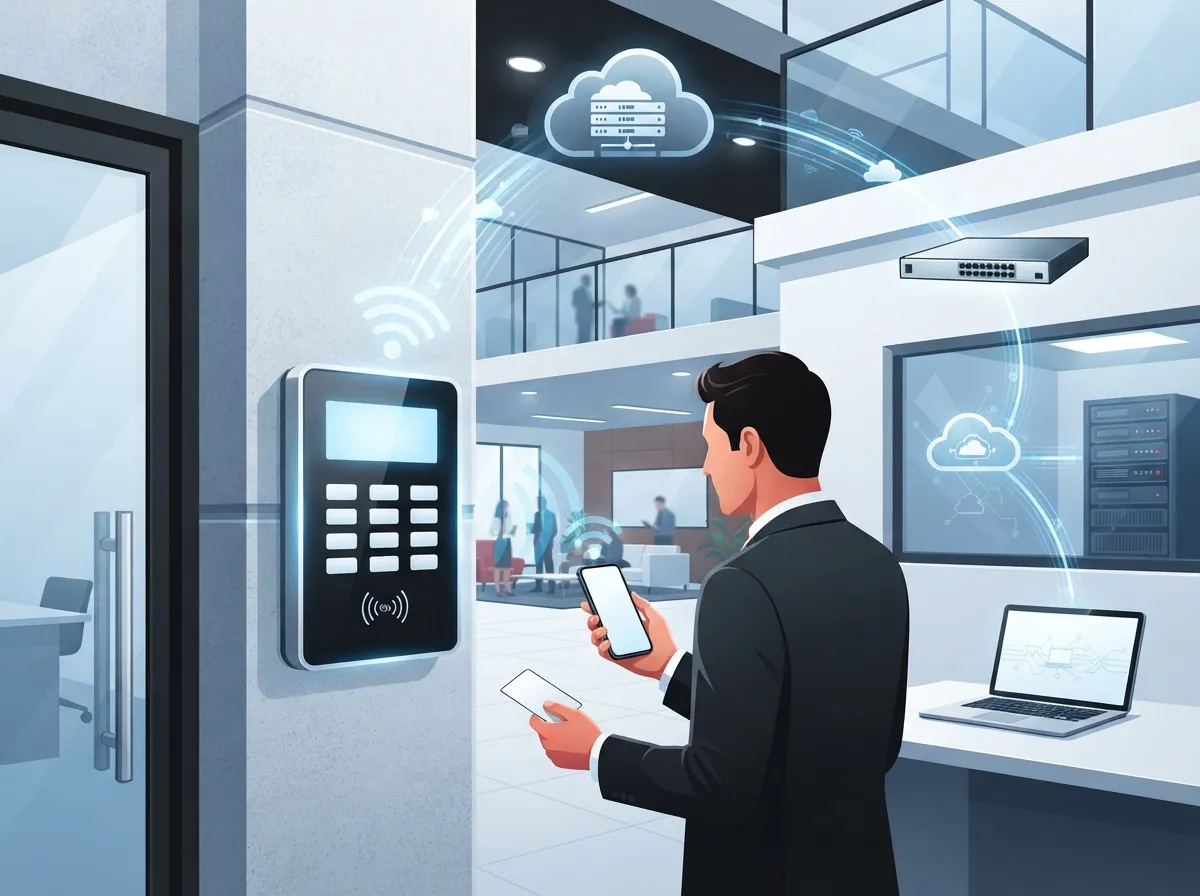
A cloud access control keypad is a door-entry device that reads a PIN code and checks it against a cloud-hosted system, instead of an old-fashioned on-site box in a closet somewhere. Think of it as a smart lock’s more business-savvy cousin. It connects to the internet, talks to a cloud platform, and lets an administrator add, change, or remove access codes from anywhere.
Here’s the simple version of how it works:
- Someone types a PIN into the keypad at the door
- The keypad sends that code to the cloud platform for a quick check
- If it’s valid, the system unlocks the door or releases the electric lock
- The event, who entered and when, gets logged automatically
- Administrators can watch all of this happen in real time from a browser or app
No more physical key cabinets. No more re-keying locks every time someone leaves the company. Just clean, simple, remote control over who gets in and when.
Why This Matters for Business Telecom Solutions
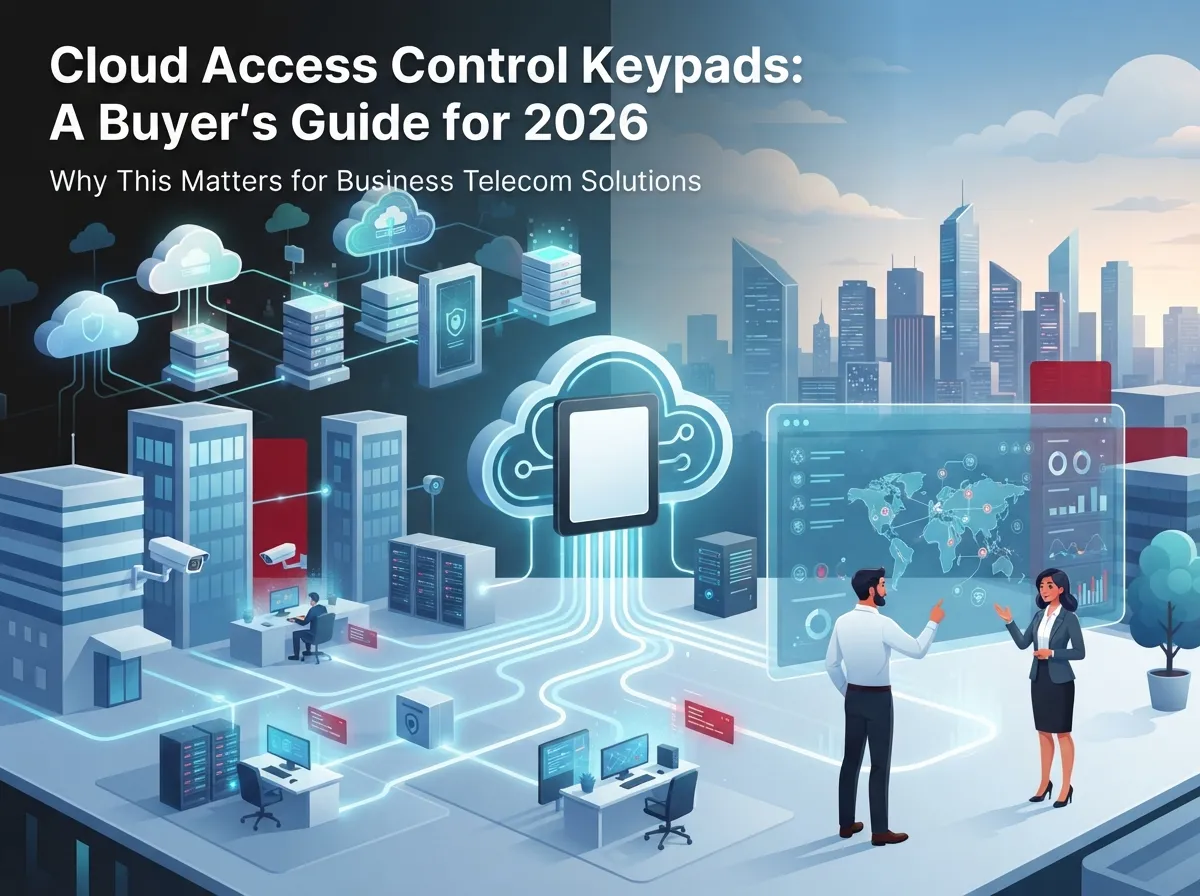
You might be wondering why a telecom company talks about door locks. The truth is, access control isn’t a standalone gadget anymore. It’s part of your connected building, sitting alongside your internet service, your network cabling, your cameras, and even your phone system.
A cloud keypad needs a stable internet connection, proper structured cabling, and often Power over Ethernet (PoE) to run smoothly. That means the same team that helped set up your cloud-based phone system or your office network is often the right team to plan your access control rollout too. It keeps everything talking to each other instead of living in separate silos.
How It Fits With Your Existing Systems
Modern cloud access platforms are built to connect with other tools your business already relies on. Here are common integrations to look for:
- Video intercoms and cloud security cameras for visual verification at the door
- Identity platforms like Microsoft Entra ID or Google Workspace for automatic user syncing
- Visitor management software for guest check-ins
- Unified communications tools that alert staff when someone arrives
- Multi-site networking so one dashboard controls every location
If you’re already working with a provider on your business network solutions, adding access control to that same ecosystem usually saves time, money, and a whole lot of confusion.
Key Features to Look for in a Cloud Access Control Keypad
Not all keypads are created equal. Some are barely smarter than a garage door code, while others pack in serious security. Here’s what separates a good system from a great one.
1. Multiple Credential Options
PIN codes are just the start. Many modern keypads also accept mobile credentials, key fobs, cards, and even biometric scans. Some setups combine two methods, like a PIN plus a mobile tap, for extra protection called multi-factor authentication.
2. Remote Management From Anywhere
Your office manager should be able to add a new employee’s PIN from their couch on a Sunday night if needed. Cloud dashboards make this possible from any browser or mobile app, no site visit required.
3. Real-Time Alerts and Event Logs
Every time someone unlocks a door, the system should record it. This creates a digital paper trail that’s incredibly useful for security reviews, compliance audits, or just figuring out who forgot to lock up on Friday.
4. Encrypted Communication
Data traveling between the keypad and the cloud should be encrypted end to end. This keeps hackers from intercepting PIN codes or access logs.
5. Automatically Generated PINs
Some platforms create long, randomized PINs (like 16-digit codes) instead of letting users pick easy-to-guess numbers like 1234. This dramatically improves security.
Cloud Keypads vs. Traditional Access Systems
Let’s put these two side by side so you can see the real differences.
| Feature | Cloud Access Control Keypad | Traditional On-Premise System |
|---|---|---|
| Management Location | Anywhere with internet access | On-site server only |
| Adding New Users | Minutes, done remotely | Often requires a site visit |
| Multi-Location Control | Single dashboard for all sites | Separate system per location |
| Software Updates | Automatic, cloud-pushed | Manual, often delayed |
| Upfront Hardware Cost | Moderate | Often higher (server required) |
| Ongoing Costs | Monthly subscription fee | Occasional maintenance fees |
| Offline Behavior | Varies by vendor; some cache credentials locally | Fully independent of internet |
Neither option is universally “better.” It depends on your business size, budget, and how many locations you manage. Franchise operators juggling multiple sites almost always benefit more from cloud systems, while a single small shop might weigh things differently.
Steps to Choosing the Right System for Your Business
Ready to explore a cloud access control keypad for your building? Here’s a simple process to follow.
- Assess your current setup. Look at your doors, existing wiring, and internet reliability before choosing hardware.
- Decide on credential types. Will PINs alone work, or do you need mobile credentials and cards too?
- Check your network readiness. Make sure your high-speed internet and cabling can support the added devices.
- Plan for backup power and offline behavior. Ask vendors what happens during an outage, and confirm fire-code compliant emergency egress.
- Review integration options. Confirm the platform works with your identity provider, cameras, and communication tools.
- Compare subscription costs. Look beyond hardware price tags to monthly software fees and support costs.
- Schedule professional installation. A proper install accounts for door hardware, request-to-exit devices, and life-safety requirements.
Skipping any of these steps is how businesses end up with a system that looks great on paper but causes headaches in real life.
Security and Compliance Considerations
Because these keypads control physical entry to your building, security can’t be an afterthought. Here are the main areas to evaluate before committing to a vendor.
- Role-based administrator permissions so only trusted staff can change access rules
- PIN expiration settings for temporary or visitor codes
- Tamper detection alerts if someone messes with the hardware
- Lockdown controls for emergency situations
- Fire-code compliant emergency egress, so doors always allow exit even during a power or network failure
- Clear vendor data practices around who owns and stores your access logs
A good telecom partner will walk through all of this with you before installation, not after something goes wrong. This is exactly the kind of consultative approach Ideal Solutions Provider takes with clients across Tampa Bay and nationwide, reviewing existing setups and making sure new systems actually fit the building’s needs.
Managing Temporary and Visitor Access
One of the best parts of cloud-based systems is how easy they make short-term access. Here’s how most businesses handle it:
- Generate a one-time or time-limited PIN through the cloud dashboard
- Set an expiration date and time so the code stops working automatically
- Send the code to the contractor, delivery driver, or visitor by text or email
- Monitor the entry event in real time if you want extra peace of mind
- Review the access log afterward to confirm everything went as planned
No more handing out spare keys that never come back, and no more calling a locksmith to re-key the whole building after an employee departure.
What the Numbers Tell Us
Cloud access control isn’t a niche trend. It’s growing fast, and the numbers back that up.
| Market Metric | 2025 Estimate | Projected Growth |
|---|---|---|
| Global cloud access control market | ~$12.4 billion | ~$47.8 billion by 2034 (14.8% CAGR) |
| Broader global access control market | ~$11.3 billion | ~$19.9 billion by 2034 (6.28% CAGR) |
| Physical access control software market | ~$3.8 billion | ~$8.4 billion by 2034 (9.2% CAGR) |
| Commercial share of access control market | ~52% of total market | N/A |
According to IMARC Group’s 2025 market estimate, North America represents more than 38% of the global access control market, and commercial end users make up over half of all usage. These figures come from different research methods, so they shouldn’t be compared directly, but the overall trend is clear: businesses are moving away from clunky on-site systems and toward flexible, cloud-managed entry.
Network and Installation Requirements
Before you fall in love with a shiny new keypad, it helps to understand what your building actually needs to support it.
- Reliable internet connectivity, ideally with a backup connection for critical doors
- Power over Ethernet (PoE) or a dedicated power source at each door
- Properly run structured cabling between the keypad, door controller, and network switch
- Request-to-exit devices and compliant emergency egress hardware
- Battery backup in case of a power outage
This is where many businesses run into trouble. A keypad ordered online and installed without proper planning can leave gaps in your security or, worse, violate fire code. That’s why pairing your access control project with an experienced structured cabling and networking partner matters so much.
Common Mistakes Businesses Make
We’ve seen a few patterns repeat themselves across different industries. Here’s what to watch for:
- Choosing a keypad before checking network and cabling readiness
- Ignoring what happens during an internet outage
- Skipping fire-code review for emergency egress
- Underestimating monthly subscription costs over several years
- Failing to set PIN expiration for contractors and vendors
- Not integrating the system with existing security cameras or identity platforms
Avoiding these mistakes usually comes down to working with a partner who looks at the whole picture, not just the keypad itself.
Total Cost of Ownership: What to Expect
Pricing varies widely based on the number of doors, credential types, and integrations you choose. In general, expect these cost categories:
- Hardware costs per door (keypad, controller, electric lock hardware)
- Installation and cabling labor
- Monthly or annual cloud software subscription fees
- Optional add-ons like video intercoms or biometric readers
- Ongoing support and maintenance
Getting a clear, itemized quote upfront helps avoid surprise fees later. A trustworthy provider will walk you through every line item and explain why it’s there.
Why Businesses Choose a Single Telecom Partner for Access Control
Juggling separate vendors for internet, phones, cameras, and door access is exhausting. It also creates gaps where nobody takes full responsibility if something breaks. That’s the exact problem Ideal Solutions Provider was built to solve.
With over 24 years of experience and partnerships across 35+ vetted suppliers, the team acts as a single point of contact for your entire connected building. From consultation through installation and ongoing support, everything runs through one relationship instead of five confusing ones. You can learn more about how this approach benefits growing companies through their cloud-based access control services, or explore their business network solutions page to see how everything connects.
You can also follow their latest projects and tips on Facebook, Instagram, and YouTube for a behind-the-scenes look at how these systems come together in real Tampa Bay businesses.
Final Thoughts
A cloud access control keypad is a small piece of hardware that solves a surprisingly big problem: who gets into your building, and when. When it’s planned properly, alongside your internet service, cabling, and networking, it becomes a seamless part of daily operations instead of one more thing to worry about.
If you’re ready to explore what a connected, cloud-managed entry system could look like for your business, our friendly team would love to help. Reach out to our team today for a free consultation, or give us a call to talk through your building’s specific needs. We’re always happy to chat, no pressure, just honest advice from people who genuinely enjoy solving these puzzles.
FAQs
Q: What is a cloud access control keypad and how does it work?
A: It’s a network-connected keypad that checks your PIN against a cloud platform instead of a local server. When you type in your code, the system verifies it instantly and unlocks the door, all while logging the event for later review. It’s a simple concept that makes managing building access so much easier.
Q: Can a cloud access control keypad work without an internet connection?
A: It depends on the vendor, but many systems cache credentials locally so doors still work briefly during an outage. That said, remote management features pause until the connection returns. We always recommend asking vendors directly about offline behavior before you commit.
Q: How do businesses create temporary PINs for contractors or visitors?
A: Most cloud platforms let you generate a one-time or time-limited code right from the dashboard. You set an expiration date, send the code to your guest, and the system automatically deactivates it afterward. No more worrying about forgotten spare keys floating around!
Q: Are cloud access control keypads secure for offices and commercial buildings?
A: Yes, when set up correctly with encrypted communication, role-based permissions, and automatically generated PINs. Security really comes down to choosing a reputable platform and having it professionally installed. It’s a system we’re happy to help businesses get right from day one.
Q: How much does a cloud access control keypad cost, including installation?
A: Costs vary based on the number of doors, credential types, and integrations you want, plus ongoing subscription fees. Most businesses see a mix of one-time hardware and installation costs alongside a monthly software fee. Getting a clear, itemized quote upfront is the best way to avoid surprises later.





