
Key Takeaways
-
Solve connectivity first by using 4G LTE/5G cellular backhaul, fixed wireless, or fiber instead of trenching cable—cellular camera cabinets work well for remote lots without building network access.
-
Check upload bandwidth before buying cameras; plan for 2-4 Mbps per 1080p camera or 8-12 Mbps for 4K license plate recognition to avoid system bottlenecks.
-
Implement local edge storage on camera bridges or cloud recorders to capture footage during internet outages, then automatically upload when connection restores.
-
Use analytics like license plate recognition, loitering alerts, and virtual tripwires tailored to your lot type, but ensure proper lighting and camera placement for accuracy.
-
Budget for total cost of ownership including hardware, installation, power supply, cellular data plans, and maintenance—not just the monthly subscription.
-
Centralize multiple parking lots into a single cloud dashboard for easier management, especially for franchise operators managing locations across regions.
Parking lots are tricky. They sit far from the building, often lack solid Wi-Fi, and are prime spots for break-ins, vandalism, and disputes. If you’ve ever tried to run camera cable across an open lot, you know it’s a headache. The good news? Cloud video security for parking lots solves this problem without trenching cable across the whole property.
As a Tampa-based telecom and IT partner, Ideal Solutions Provider has helped businesses connect cameras, internet, and networking into one simple system. Whether you run a small shop with a tiny lot or manage parking across several franchise locations, this guide walks you through what actually works. Let’s dig into 10 practical tips for building a parking lot camera system that holds up.

1. Understand What Cloud Video Security Actually Means
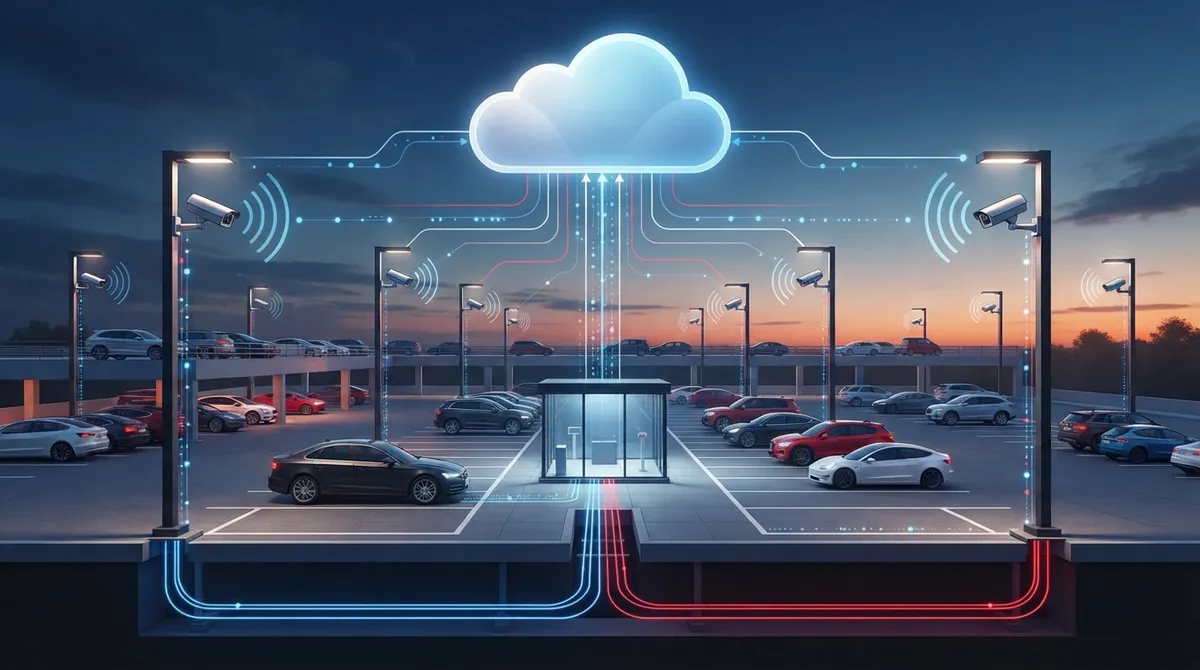
Cloud video security combines a few pieces working together. You get IP cameras, a cloud-based video management system, an internet or cellular connection, and remote access through an app or web browser. Instead of storing footage on a bulky on-site recorder, your video lives safely in the cloud.
This setup means you can check your parking lot from your phone while sitting at home. It also means your footage doesn’t disappear if someone steals or damages the recorder box. For a deeper look at how this compares to older systems, check out this piece on 6 Key Differences Between Cloud Video Security and DVR Systems.
2. Solve the Connectivity Problem First
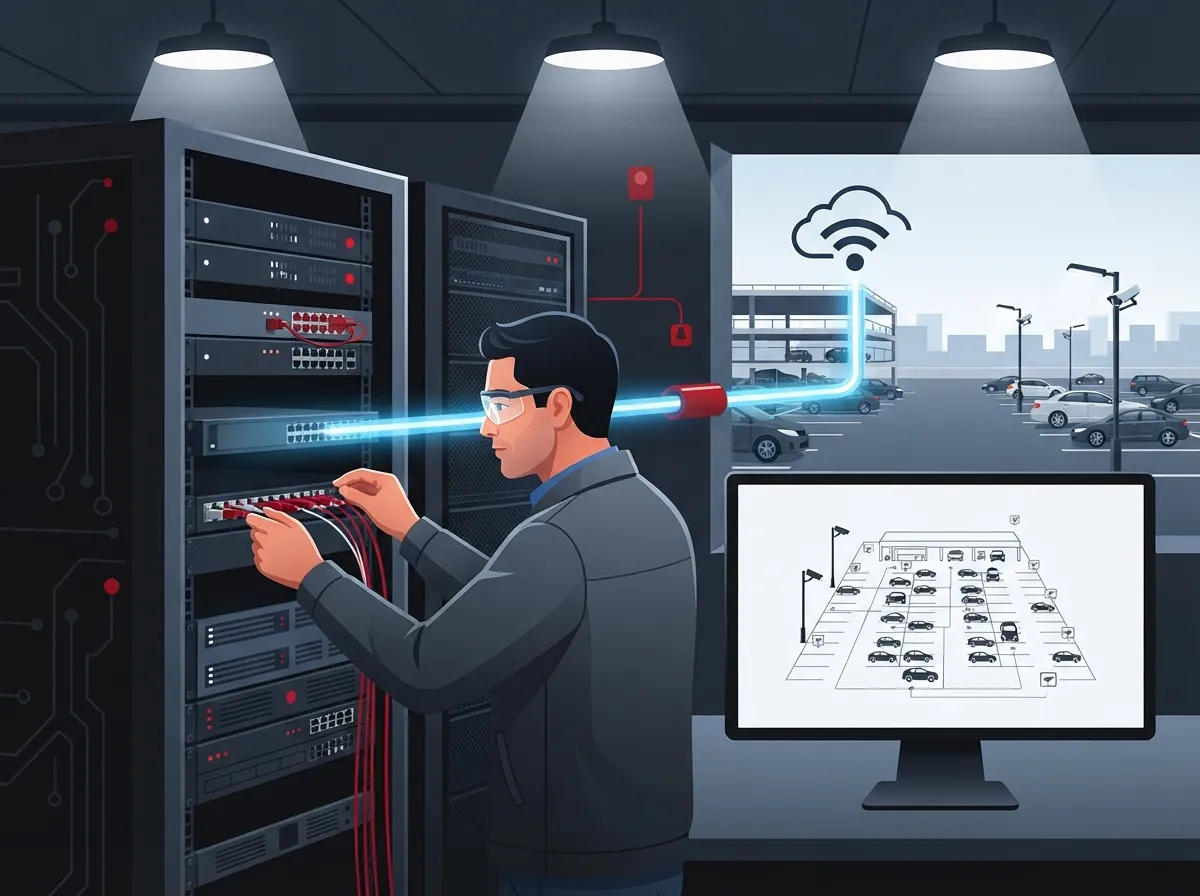
Parking lots don’t usually have easy access to your office network or building Wi-Fi. That’s the number one challenge business owners face. Thankfully, there are several ways to get a signal out to your cameras.
- Fiber or broadband run underground to a pole or camera post
- Fixed wireless beamed from a rooftop antenna
- 4G LTE or 5G cellular backhaul with no wired connection needed
- Solar-powered cellular camera cabinets for remote or temporary lots
Cellular camera cabinets are a great option when running cable is too expensive or the lot is far from the building. Products like the LotGuard MULTI Sensor Pole Camera support 4G LTE, 5G, and Wi-Fi, so you’re not locked into one type of connection. If your business already struggles with slow internet at the main site, it’s worth reading Why Is My Business Internet So Slow in Tampa and How Do I Fix It? before adding more cameras to the mix.
3. Check Your Bandwidth Before You Buy Cameras
Bandwidth is one of those things people forget until it’s too late. Each camera stream eats up upload bandwidth, and parking lot cameras often run high-resolution video around the clock.
A telecom assessment should look at your upload speed, not just download speed. Most home and office internet plans focus on downloads, but cameras need strong uploads to send video to the cloud. If you’re unsure what speed you need, this guide on How to Choose the Right Internet Speed for Your Tampa Business breaks it down simply.
Bandwidth Planning Table
| Camera Resolution | Approx. Upload Needed (per camera) | Best Use Case |
|---|---|---|
| 1080p | 2–4 Mbps | Small lots, general monitoring |
| 4K | 8–12 Mbps | License plate recognition, large lots |
| Multi-camera pole unit | 15–25 Mbps combined | Multi-angle coverage, garages |
4. Plan for Internet or Cellular Outages
Connections drop sometimes. Storms roll through Tampa, cellular towers get congested, or a contractor cuts a line by accident. If your camera loses its connection, you don’t want a black hole in your footage.
This is where local edge storage comes in. A camera bridge or cloud-managed recorder, like the Eagle Eye Bridge 304+ or Eagle Eye CMVR 325+, stores video locally during an outage. Once the connection comes back, it uploads the missing footage automatically. For more on this, see How to Keep Security Cameras Working During Internet Outages.
5. Choose the Right Analytics for Your Lot
Modern cloud cameras do more than record video. They can actually understand what’s happening in the frame. Here are common features worth considering for a parking lot:
- License plate recognition (LPR) for tracking vehicles in and out
- Virtual tripwires that alert you when someone crosses a line after hours
- Loitering alerts for cars or people parked too long
- People counting for busy retail or event lots
- Searchable video so you can find a specific car or time quickly
LPR is especially popular for gated lots, employee parking, and properties with recurring theft issues. But it needs good lighting, the right camera angle, and clean lens placement to work well. Glare, rain, and steep plate angles can throw off accuracy.
6. Centralize Multiple Lots Into One Dashboard
If you manage more than one location, like a franchise operator with lots across Tampa Bay, you don’t want five separate logins. Cloud platforms let you view every parking lot, garage, and building entrance from a single dashboard.
This is a big win for facilities teams, property managers, and IT staff who need to manage users and permissions remotely. It also pairs well with Scalable Access Control Systems for Multi-Location Tampa Businesses, so cameras and door access work together as one system.
7. Lock Down Cybersecurity and Privacy
Cameras connect to the internet, which means they need protection just like any other device on your network. A few basics go a long way here.
- Use encrypted video transmission and storage
- Set up role-based access so only certain staff can view or export footage
- Turn on multi-factor authentication for all camera logins
- Keep firmware updated automatically
- Segment camera traffic away from your main business network
- Write a clear video-retention and disclosure policy
The Federal Communications Commission also requires broadband providers to disclose pricing, data allowances, and network management practices through its Broadband Consumer Labels program, which became mandatory for most providers by April 2024. Knowing what your internet plan actually includes helps you avoid surprise data caps that could interrupt your camera feeds.
8. Decide Between Fiber, Fixed Wireless, and Cellular
Every parking lot is different, so the best connection type depends on the site. Here’s a simple breakdown to help you decide.
Connectivity Comparison
| Connection Type | Best For | Tradeoffs |
|---|---|---|
| Fiber or wired Ethernet | Large, permanent lots and garages | Higher install cost, but predictable capacity |
| Fixed wireless | Lots visible from a rooftop antenna | Needs line of sight, weather can affect signal |
| 4G LTE / 5G cellular | Remote, temporary, or hard-to-wire lots | Data allowances and coverage vary by carrier |
| Solar cellular cabinet | Sites with no power or wiring access | Higher upfront hardware cost |
For permanent facilities with heavy camera counts, dedicated fiber often keeps recurring data costs lower over time. Curious how fiber stacks up against other options? This article on Fiber vs. Cable Business Internet in Tampa: Which Wins? covers the tradeoffs in detail.
9. Budget for the Full Cost, Not Just the Subscription
Cloud video security is usually sold as a monthly subscription. But that subscription is just one piece of the total cost. Businesses often forget to budget for everything else involved.
- Camera hardware and weatherproof housings
- Poles, mounts, and conduit
- Power supply, including solar options for remote sites
- Installation labor and site surveys
- Cellular data plans if using LTE or 5G backhaul
- Ongoing maintenance and eventual equipment replacement
One parking-monitoring provider claims that live video monitoring can save businesses 30% to 50% compared to hiring on-site guards. That’s a vendor estimate, not a guarantee, but it shows why many businesses are shifting toward camera-based monitoring instead of stationing staff in a lot around the clock.
10. Match the Solution to Your Business Size
Not every business needs the same setup. A small shop with a six-space lot has very different needs than a corporate campus with three parking structures.
- Small business: A few fixed cameras with LTE connectivity and basic motion alerts
- Mid-sized company: Fiber-backed cameras, LPR, and centralized cloud management
- Franchise operator: Multi-site dashboard, standardized hardware, and consistent retention policies
- Enterprise or IT department: Redundant connectivity, formal service-level agreements, and access-control integration
Working with a single telecom partner makes this process much easier. Instead of juggling a camera vendor, an internet provider, and a networking company separately, you get one point of contact who understands how all the pieces fit together. If you want to see how this approach benefits growing companies, take a look at 11 Reliable Network Solutions for Multi-Location Tampa Businesses.
Why Video Alone Isn’t Enough
Cameras and analytics are powerful tools, but they don’t replace good lighting, trained staff, or a clear incident-response plan. Video footage helps you investigate theft, vandalism, vehicle damage, and trespassing after the fact. It works best when paired with proper lighting design and a documented plan for who reviews footage and when to call local law enforcement.
It’s also smart to keep your camera system connected to a reliable network backbone. Poor structured cabling inside the building can create bottlenecks even when your outdoor cameras are working fine. And your Internet Service Provider choice matters more than people realize, since upload speed and network reliability directly affect how smoothly your footage reaches the cloud.
Bringing It All Together
Cloud video security for parking lots isn’t just about slapping a camera on a pole. It’s about designing a full system: connectivity, storage, analytics, cybersecurity, and support that all work together. Ideal Solutions Provider has spent over 24 years helping Tampa businesses and companies nationwide build telecom and security systems that actually fit their needs, not a one-size-fits-all package.
If your parking lot feels like a blind spot in your security plan, now’s a great time to fix that. Our team can walk your site, review your connectivity options, and design a system built around your budget and goals. Feel free to reach out to our team for a free consultation, or give us a call to talk through your parking lot security needs today. You can also follow our latest projects and tips on Facebook, Instagram, and YouTube.
FAQs
Q: What is cloud video security for a parking lot?
A: It’s a system where cameras send video over the internet or a cellular connection to a cloud platform. You can view live footage, search past recordings, and get alerts, all from your phone or computer, without a bulky on-site recorder.
Q: Can parking-lot security cameras work without wired internet or Wi-Fi?
A: Absolutely! Cellular camera cabinets using 4G LTE or 5G can operate completely independent of your building’s network. This is a great option when a lot sits far from your office or running cable just isn’t practical.
Q: How much bandwidth does a cloud parking-lot camera system need?
A: It depends on resolution and camera count, but plan for roughly 2 to 4 Mbps upload per 1080p camera, and up to 12 Mbps for 4K cameras used for license plate recognition. A quick bandwidth assessment before installation saves a lot of frustration later.
Q: How does license plate recognition work in parking lots?
A: LPR cameras capture and read plate numbers as vehicles enter or exit, then log that data for searches later. It works best with good lighting, the right camera angle, and minimal glare, so placement really matters here.
Q: How much does cloud video surveillance for a parking lot cost?
A: Costs vary based on camera count, connectivity type, and storage needs, but expect a recurring subscription plus one-time costs for hardware, mounts, and installation. We’re happy to walk through your specific site and build a clear, honest estimate together.





