
Key Takeaways
-
Cloud video security lets retailers manage multiple store locations from one dashboard instead of visiting each site to check local DVRs, enabling faster theft investigations and operational oversight across the business.
-
Bandwidth planning is critical before installation—high-resolution cameras across multiple locations can overwhelm existing internet connections, so calculate requirements upfront with a telecom partner to avoid performance slowdowns.
-
Hybrid deployments combining local edge storage with cloud access provide the best resilience for retail, allowing cameras to keep recording during internet outages and syncing footage automatically when connectivity returns.
-
Cloud systems integrate with POS platforms to link suspicious transactions directly to matching video clips, dramatically reducing investigation time for cash drawer discrepancies and potential fraud.
-
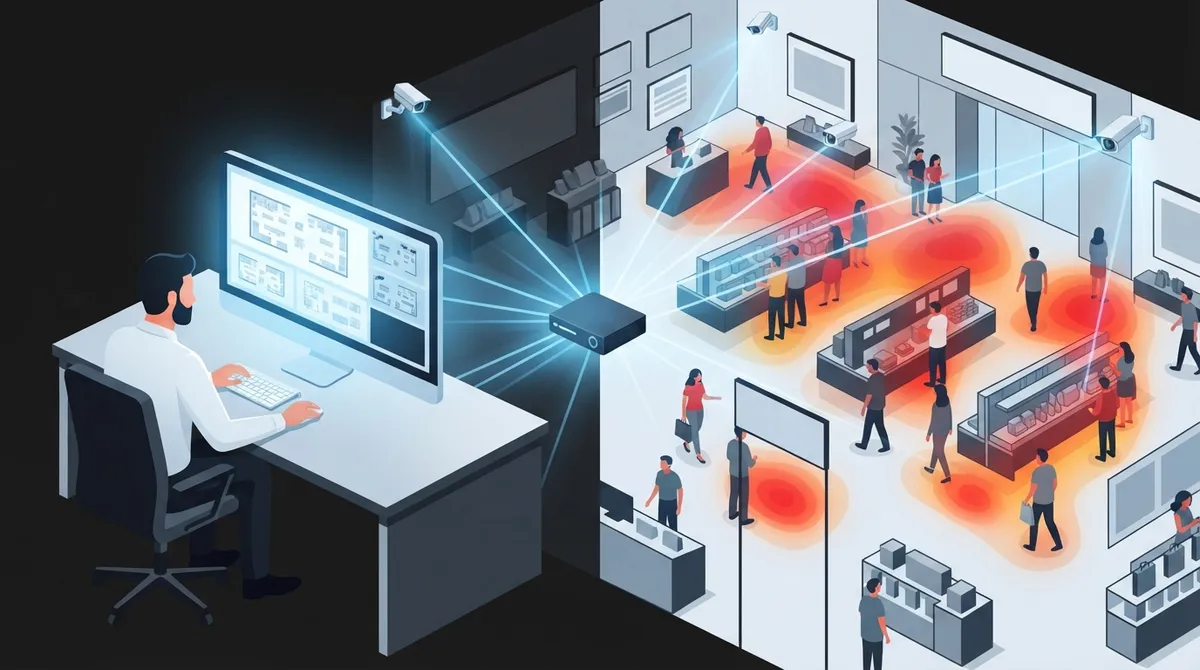
Cloud video security offers operational insights beyond security—heat maps reveal high-traffic areas, queue monitoring improves staffing efficiency, and visual search finds specific incidents in seconds instead of hours.
-
Pair your camera system with a single telecom and IT provider rather than juggling separate vendors; they can handle bandwidth calculations, network design, privacy compliance, and ongoing support as one integrated service.
Picture this: you own three retail stores across Tampa Bay, and something happens at one location while you’re at another. A few years ago, you’d have to drive over, dig through a clunky DVR, and hope the footage was actually there. Today, you can pull up live video from your phone in seconds. That shift is exactly why cloud video security for retail has become such a big deal for store owners, franchise operators, and IT teams managing multiple sites.
This isn’t just about cameras anymore. It’s about connectivity, cybersecurity, and having one partner who understands how it all fits together. As a telecom and IT provider, Ideal Solutions Provider sees firsthand how retailers benefit when video security, internet, and networking work as one system instead of separate headaches. In this guide, we’ll walk through what cloud video security really means for retail, how it helps with theft prevention and daily operations, and what you need to think about before rolling it out across your stores.
What Is Cloud Video Security for Retail?
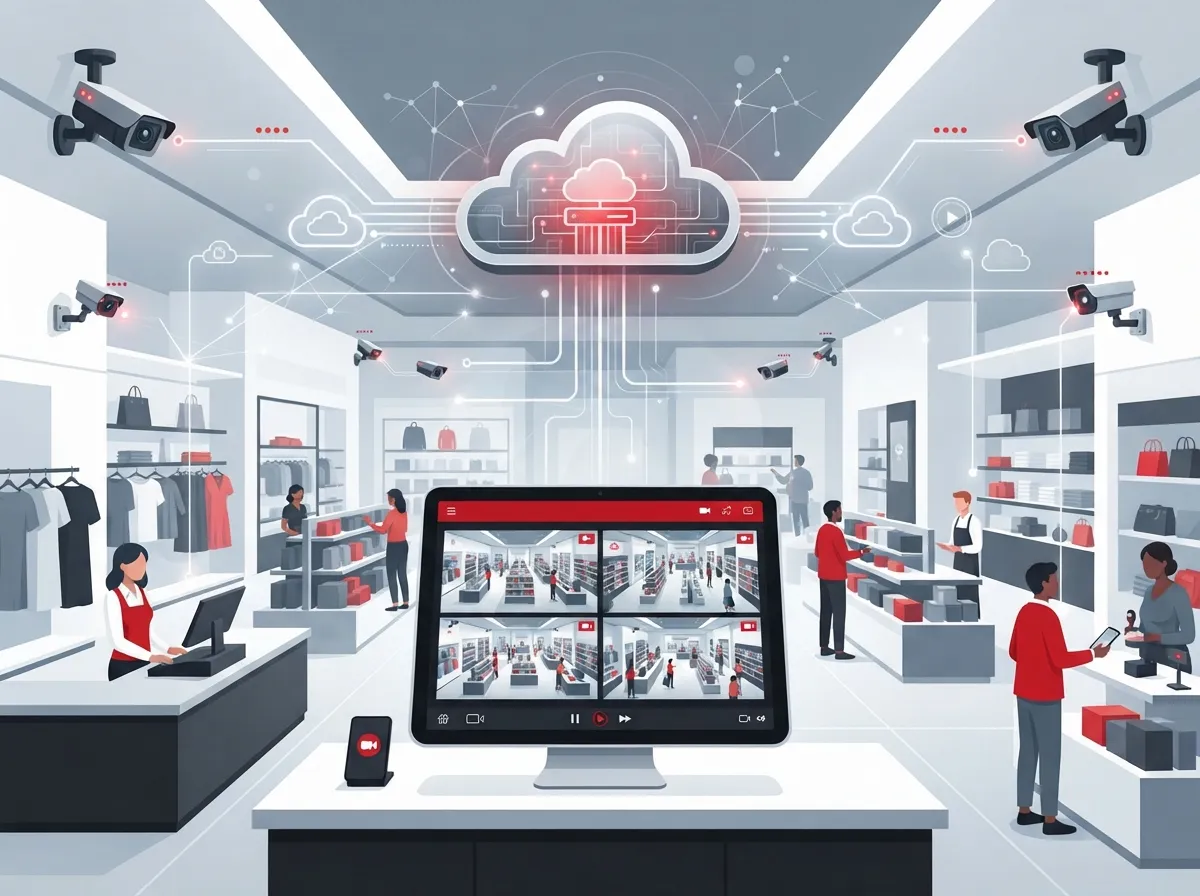
Cloud video security, sometimes called Video Surveillance as a Service (VSaaS), means your cameras send video to a secure online platform instead of a local recorder. You log in through a web browser or app to view, search, and manage footage from anywhere. No more walking into a back office to check a dusty DVR box.
For retail businesses, this model does more than replace old CCTV. It combines cameras, cloud storage, high-speed internet, cybersecurity, and support into one manageable service. That means fewer vendors to call when something breaks, and one bill instead of five.
How It Differs From Traditional CCTV
Traditional CCTV stores footage on-site using a DVR or NVR box. If that box fails or gets stolen, your footage is gone. Cloud video security stores your footage off-site, so it’s protected even if something happens at your store.
- Traditional systems require someone to physically check a local recorder
- Cloud systems let you view footage remotely from any device
- Cloud platforms update automatically with new features and security patches
- Multi-location viewing is far simpler with cloud dashboards
- Cloud systems scale easily as you open new stores
Why Retailers Are Making the Switch
The numbers tell an interesting story. One 2025 market estimate valued the global cloud video-surveillance market at roughly $12.8 billion, with projections reaching $57.3 billion by 2034. That’s a compound annual growth rate of about 17.2%. Retail is a big part of that growth.
A separate 2025 report on retail video analytics estimated the market at $6.8 billion, forecasted to hit $21.4 billion by 2034. That same report found cloud-based deployment made up 58.3% of the market already. Retailers clearly aren’t waiting around to make the switch.
Common Reasons Retail Businesses Choose Cloud Video
- They want to check on multiple stores without visiting each one
- They need faster ways to investigate theft and shrinkage
- They want video linked to point-of-sale transactions for fraud checks
- They need reliable footage for employee safety incidents
- They want smarter alerts instead of hours of manual review
Retail Use Cases That Matter Most
Cloud video security isn’t just about catching shoplifters, though that’s a big part of it. Retailers use these systems for a wide range of daily needs.
- Shoplifting and intrusion detection during open and closed hours
- Employee and customer safety monitoring
- Point-of-sale investigation when cash drawers don’t match receipts
- Inventory and receiving-area oversight to catch loss during deliveries
- Queue and occupancy monitoring to improve customer flow
- License-plate recognition for parking lot security
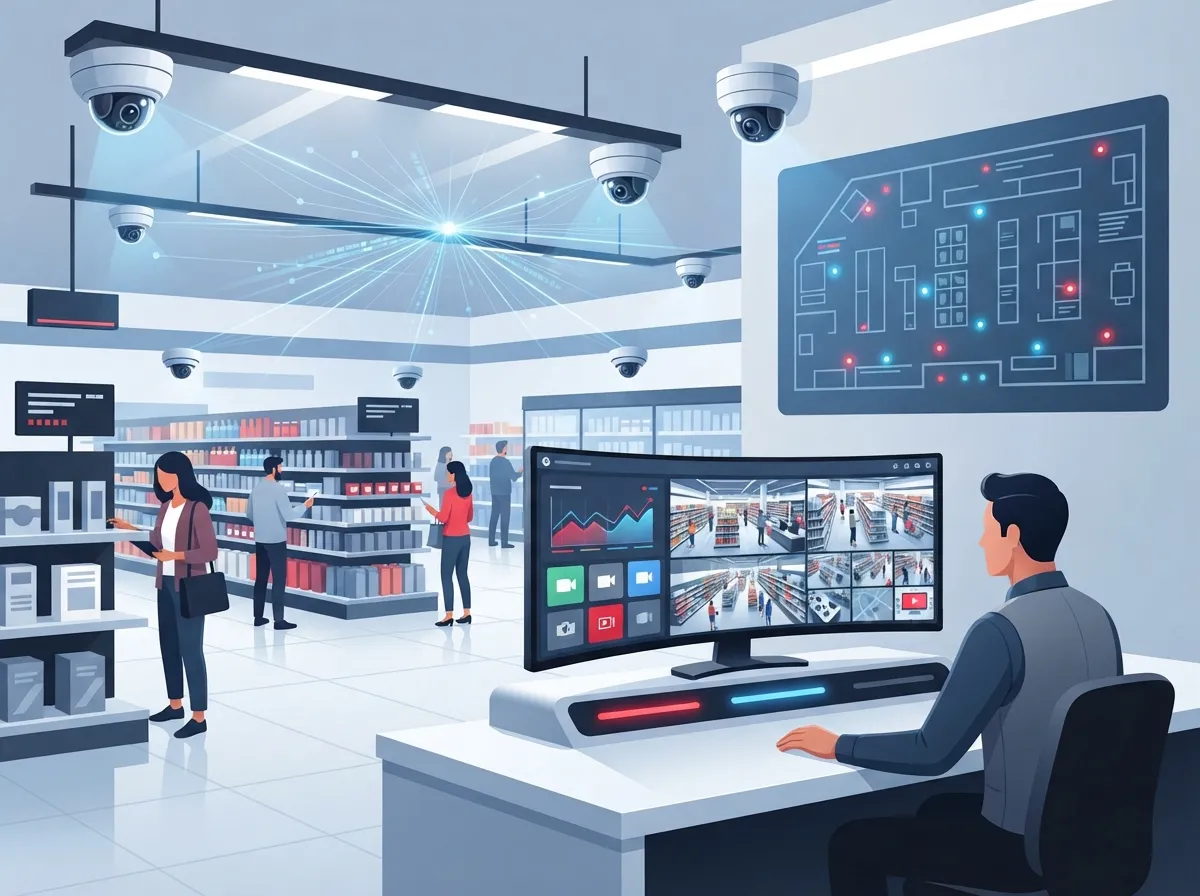
Many platforms now use AI to reduce how much footage a manager has to watch. Features like person detection, loitering alerts, and heat maps help you spot problems faster. Some systems can even link a suspicious POS transaction directly to the matching video clip, which saves huge amounts of time during investigations.
Bandwidth and Connectivity: The Part Retailers Often Miss
Here’s something people don’t think about until it’s a problem: cameras need bandwidth, and a lot of it. High-resolution video, especially across many cameras, can eat up your internet connection fast. If your store’s internet is already stretched thin running your phone system and POS, adding cameras without planning ahead can slow everything down.
Factors That Affect Bandwidth Needs
| Factor | Impact on Bandwidth |
|---|---|
| Camera resolution | Higher resolution means more data uploaded per camera |
| Frame rate | More frames per second increases bandwidth use |
| Number of cameras | Each additional camera adds to total upload needs |
| Compression method | Better compression can significantly reduce bandwidth |
| Retention period | Longer storage doesn’t affect live bandwidth but increases cloud costs |
| Concurrent viewers | More people watching live feeds increases download bandwidth |
A good telecom partner will calculate these numbers before installation, not after your internet starts crawling. This is exactly the kind of planning covered in our guide on choosing the right internet speed for your business.
What Happens When the Internet Goes Down?
This is probably the most common worry we hear from retail owners. If your internet drops, does your security system just stop working? The answer depends on how the system is built.
Steps to Build a Resilient Retail Video Security System
- Choose cameras with local edge storage as a backup
- Add dual-WAN or cellular failover for internet redundancy
- Install UPS battery backup to protect against power outages
- Use network segmentation to keep cameras separate from other systems
- Require multifactor authentication for all user accounts
- Enable automatic firmware updates for security patches
- Set up audit logs to track who accessed footage and when
Edge recording means your cameras can keep recording locally even if the cloud connection drops, then sync footage once the connection returns. This is one reason why picking cameras with onboard storage matters so much for retail locations that can’t afford gaps in coverage.
Privacy and Compliance: Don’t Skip This Step
Cloud video security doesn’t erase your privacy responsibilities. If anything, it raises new questions you need to answer before turning on every feature.
- Define how long you’ll retain footage and stick to that policy
- Restrict video access based on employee roles
- Post required notices where cameras are recording
- Document why you’re monitoring specific areas
- Check state and local laws before using facial recognition or audio recording
- Site survey and camera placement assessment
- Bandwidth calculation based on your camera count and resolution
- Network design, including VLANs to separate camera traffic
- Retention and privacy policy guidance
- Pilot deployment before a full rollout
- User training for store managers and staff
- Ongoing monitoring and technical support
- Camera hardware and installation labor
- Cloud software licenses and storage fees
- Internet or connectivity upgrades if needed
- Cellular failover equipment for backup connectivity
- AI analytics add-ons, if selected
- Ongoing support and monitoring fees
- Replacement hardware over time
- Conduct a site survey at each location
- Assess lighting and camera placement needs
- Calculate bandwidth requirements for all cameras combined
- Design your network, including proper cabling and VLANs
- Define your retention and privacy policies upfront
- Run a pilot at one store before expanding
- Train staff and tune alert settings based on real feedback
- Heat maps show which store areas get the most foot traffic
- Queue monitoring helps you staff registers more efficiently
- Crowd monitoring supports better safety planning during sales events
- Visual search helps you find specific incidents in seconds instead of hours
Retail is often subject to specific rules around employee monitoring and biometric data. It’s worth reviewing your state’s requirements or talking with a legal advisor before enabling advanced analytics features.
Integrating Video With Your Other Retail Systems
One of the biggest advantages of cloud video security is how well it can connect with other tools you’re already using. Open standards like ONVIF help cameras talk to different platforms, though compatibility still varies by brand.
Systems That Commonly Integrate With Retail Video Security
| System | Benefit of Integration |
|---|---|
| Point-of-Sale (POS) | Links transactions to matching video footage |
| Access control | Confirms who entered a door and when |
| Intrusion alarms | Triggers video recording during alarm events |
| Public Wi-Fi analytics | Tracks customer movement patterns in-store |
| Business intelligence tools | Combines video data with sales and traffic reports |
Pairing your camera system with cloud-based access control gives you a much fuller picture of what’s happening at each store, especially during after-hours incidents.
Cloud vs. On-Premises vs. Hybrid: Which Fits Your Retail Business?
There’s no single right answer here. It depends on your store count, internet reliability, and budget.
| Model | Best For | Considerations |
|---|---|---|
| Full Cloud | Multi-location retailers needing remote access | Requires strong, stable internet at each site |
| On-Premises | Single-location stores with limited internet | Harder to scale, higher upfront hardware cost |
| Hybrid | Retailers wanting local backup plus cloud access | Balances cost, reliability, and flexibility |
Many franchise operators lean toward hybrid setups because they get the best of both worlds. Local edge storage keeps things running during outages, while cloud access still allows remote management across every location.
What a Telecom Provider Should Bring to the Table
Not every camera installer understands networking, and not every IT company understands video systems. That gap is exactly where a telecom partner adds real value.
This is where working with a single point of contact makes a real difference, especially for franchise operators managing locations across Tampa Bay and beyond. Instead of juggling a camera vendor, an internet provider, and a networking company separately, everything runs through one relationship.
What Does It Cost?
Retail owners always ask this question, and fair enough. Total cost includes more than just the cameras themselves.
Costs vary widely based on store size and camera count, so it’s worth getting a tailored quote rather than relying on generic online estimates. A proper budget breakdown helps avoid surprises down the road.
Getting Started the Right Way
If you’re considering a switch, don’t just buy cameras and hope for the best. A structured rollout saves headaches later.
Good structured cabling often gets overlooked in these projects, but it’s the backbone that keeps your cameras and network running smoothly. Skimping here tends to cause problems that show up months later.
Real Benefits Beyond Security
Cloud video security isn’t only about stopping theft. Retailers are using video data to make smarter business decisions too.
These operational insights often surprise retail owners who initially just wanted better theft protection. It becomes a tool for running a smarter store, not just a safer one.
Wrapping It Up: Is Cloud Video Security Right for Your Stores?
If you’re managing one store or fifty, cloud video security offers a level of visibility and control that old-school CCTV simply can’t match. It helps with theft prevention, employee safety, and everyday operations, all while giving you the flexibility to check in from anywhere. The key is pairing the right cameras with the right internet connection and network design, since none of these pieces work well in isolation.
At Ideal Solutions Provider, we’ve spent over 24 years helping Tampa businesses and franchise operators bring their telecom, networking, and security systems together under one roof. We compare options across 35+ vetted suppliers so you get a solution built for your stores, not a one-size-fits-all package. If you’re ready to talk through what cloud video security could look like for your retail locations, reach out to our team for a free consultation, or give us a call to get started today. You can also follow along with tips and updates on our Facebook and Instagram pages, or check out real installs on our YouTube channel.
FAQs
Q: What is cloud video security for retail, and how does it differ from traditional CCTV?
A: Cloud video security sends your camera footage to a secure online platform instead of a local DVR box. This means you can view, search, and manage footage from your phone or computer, anywhere you have internet. Traditional CCTV keeps everything on-site, so if that recorder fails or gets stolen, you could lose your footage for good.
Q: How much internet bandwidth do retail security cameras need?
A: It really depends on how many cameras you have, their resolution, and how much footage you’re recording at once. Higher resolution cameras and more of them mean you’ll need more bandwidth. A good telecom partner can calculate this for you before installation so your internet doesn’t slow down once cameras are live.
Q: Can cloud video surveillance work across multiple retail locations?
A: Absolutely, and this is honestly where cloud systems shine the brightest. You can manage cameras, settings, and permissions for every store from one dashboard, without needing separate recorders at each site. It’s a huge time-saver for franchise operators managing several locations at once.
Q: What happens to retail camera footage if the internet connection goes down?
A: This is a great question to ask before you install anything. If your cameras have local edge storage, they’ll keep recording even during an outage, then sync everything once the connection comes back. Adding cellular backup or a dual-WAN setup gives you even more peace of mind.
Q: Should a retailer choose cloud, on-premises, or hybrid video surveillance?
A: It depends on your store count and how reliable your internet is at each location. Many retailers land on a hybrid setup since it combines local backup storage with the convenience of cloud access. We’re always happy to walk through your specific situation and help you figure out the best fit.





