
Key Takeaways
-
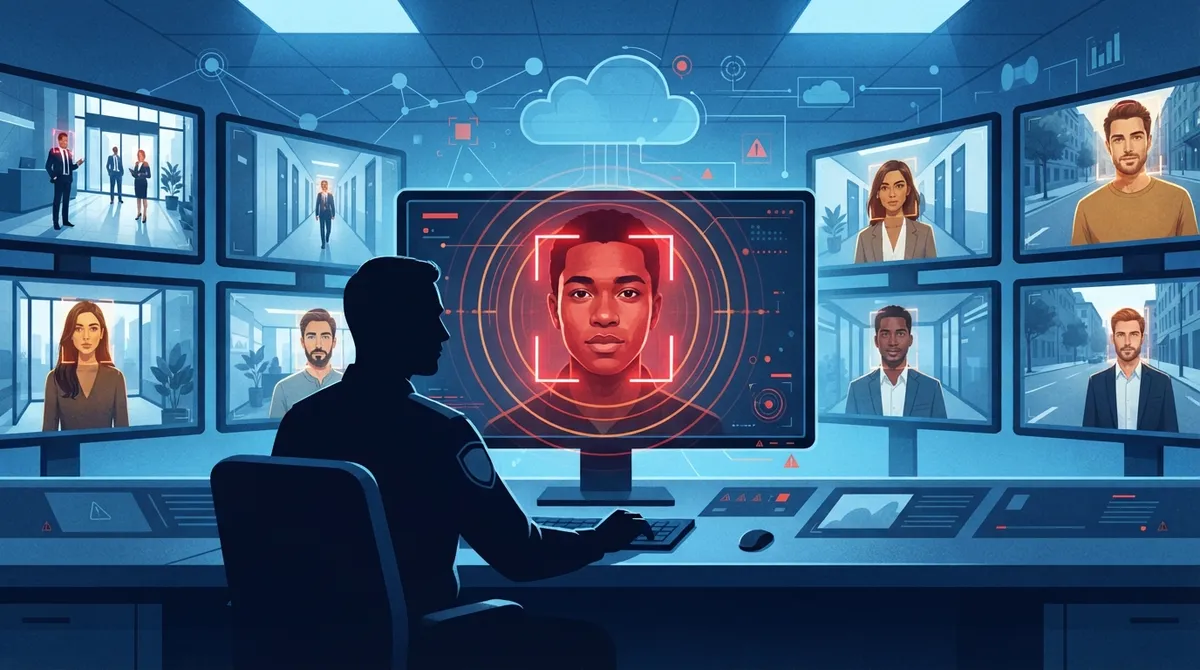
Facial recognition cloud video security can send real-time alerts when unknown faces are detected, enabling proactive threat response instead of only reviewing footage after incidents occur.
-
Accuracy varies significantly by demographic group, lighting, and camera angle; NIST testing found false-positive rates 2-5x higher for women than men, so always verify alerts with human review before taking action.
-
Illinois (BIPA) and Colorado require written consent, clear notice, and defined retention schedules for biometric data collection; compliance varies by state, so consult legal counsel before implementing identification-based systems.
-
1:1 verification (confirming badge holder identity) is lower-risk than 1:N identification (searching entire databases), and many use cases like occupancy counting require only face detection, not identification.
-
Cloud performance depends on high-speed internet, camera quality, proper lighting, viewing angles, and enrollment image quality; a strong network foundation is essential for real-time alerts and accurate matching.
-
Integrate facial recognition with access control, alarms, and VoIP systems to create a connected security ecosystem; use a single provider managing multiple locations to avoid juggling vendors and logins.
Picture this: someone walks into your Tampa office at 7 a.m., long before your team arrives. With a regular camera, you’d just see a blurry figure on playback later. But with facial recognition cloud video security, your system can flag that face, compare it against your approved list, and send you an alert right away. That’s the kind of peace of mind more business owners are asking for these days, and it’s exciting to see how far this technology has come.
At Ideal Solutions Provider, we’ve spent over 24 years helping Tampa businesses (and companies nationwide) build smarter, safer communication and security systems. We’re not here to sell you on hype. We want you to understand what facial recognition cloud video security really does, where it shines, and where you need to be careful. Let’s walk through it together, like friends chatting over coffee.
What Is Facial Recognition Cloud Video Security?
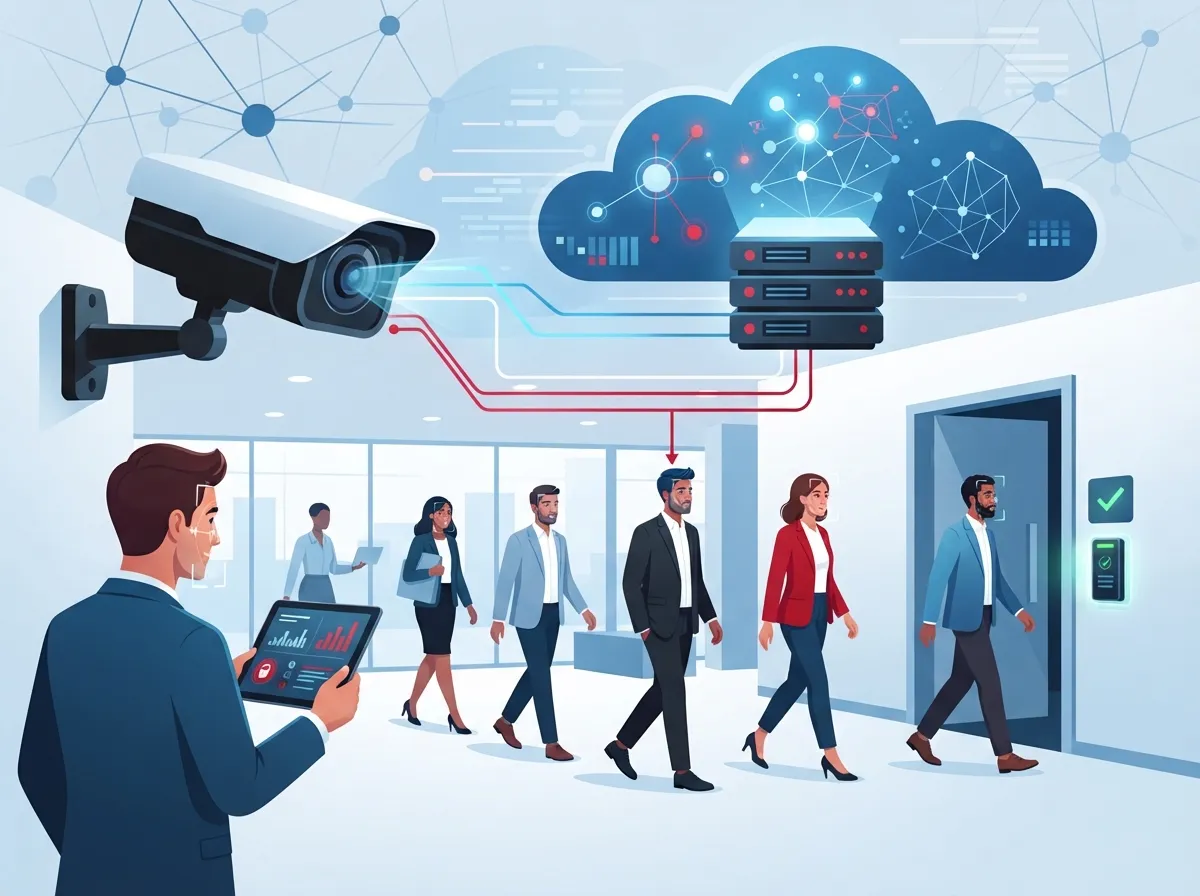
Facial recognition cloud video security combines three things: internet-connected cameras, cloud-based video software, and smart AI that can analyze faces. Instead of storing footage on a clunky box in a back closet, everything lives safely in the cloud. You can pull up video, search for a specific face, or get alerts from anywhere with an internet connection.
This isn’t just about watching grainy footage after something goes wrong. It’s about giving your business real-time information. A good cloud video security setup paired with facial recognition can help you catch problems before they grow into bigger ones.
Face Detection vs. Face Identification
Here’s something people mix up a lot: face detection and face identification are not the same thing.
- Face detection just notices that a face is present in the frame, kind of like motion detection but smarter.
- Face identification goes a step further and tries to match that face to a known person in a database.
Knowing this difference matters because identification carries more responsibility. It touches on biometric data, which means extra privacy rules may apply. We’ll get into that soon.
How Facial Recognition Fits Into a Managed Telecom and Security Package
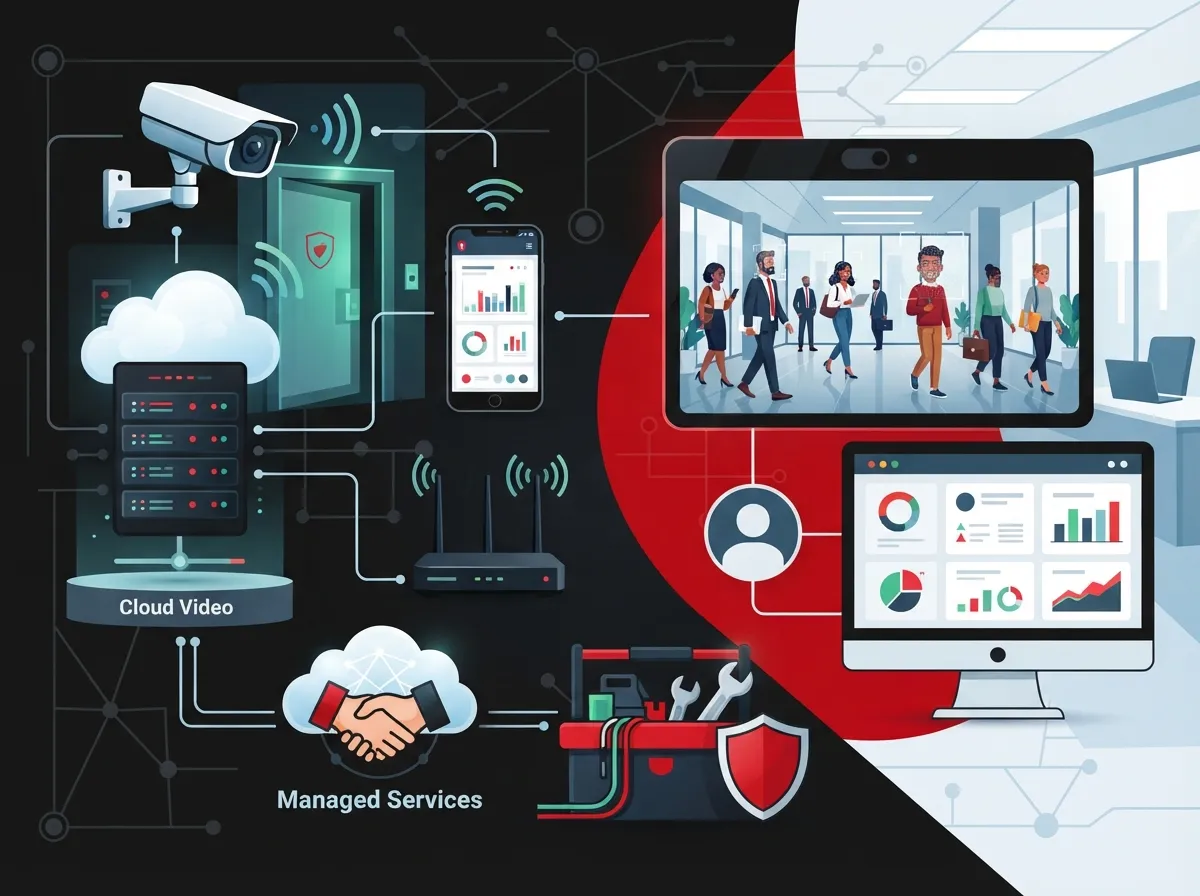
Most small and mid-sized businesses don’t want to become video security experts. They just want it to work. That’s why many business telecom providers, including our team, bundle facial recognition capabilities into a full managed service. Think cameras, secure internet connections, cloud storage, cybersecurity protections, and ongoing support, all rolled into one relationship.
This matters especially if you’re running multiple locations. A franchise owner with five stores across Tampa Bay shouldn’t need five different vendors and five different logins. One dashboard, one point of contact, one bill. That’s the goal.
1:1 Verification vs. 1:N Identification
There are two main ways facial recognition works in a business setting:
- 1:1 Verification: The camera checks if a face matches one specific credential, like confirming an employee badge holder is really that employee.
- 1:N Identification: The camera compares a face against a whole database, such as your employee list, VIP guests, or a watchlist of banned individuals.
Both have their place. Verification tends to be simpler and lower-risk. Identification is more powerful but requires more careful setup and oversight.
Real Business Use Cases That Actually Make Sense
Let’s talk about where this technology genuinely helps, instead of just sounding fancy on a sales sheet.
- Controlled Entry Verification: Confirm that the person badging into a secure area is really who they claim to be.
- Workplace and Campus Security: Spot unauthorized visitors on large properties or multi-building campuses.
- Retail Loss Prevention: Alert staff when a known shoplifter or banned individual enters a store.
- Visitor Management: Speed up front-desk check-ins for expected guests or contractors.
- Incident Investigation: Search recorded footage quickly instead of scrubbing through hours of video by hand.
- Occupancy and Customer Flow: Understand busy times without needing to identify individual shoppers.
Notice that not every use case requires identifying someone by name. Sometimes just detecting a face pattern or counting people is enough, and it’s less risky from a privacy standpoint.
Cloud Architecture: Why It Matters for Performance
One of the biggest perks of cloud-based systems is that you don’t need a room full of servers anymore. But cloud performance depends on a few real-world factors.
| Factor | Why It Matters |
|---|---|
| Camera Quality | Higher resolution cameras capture clearer facial details for accurate matching. |
| Lighting Conditions | Poor lighting or harsh backlighting reduces accuracy significantly. |
| Viewing Angle | Cameras aimed at odd angles struggle to capture full facial features. |
| Network Bandwidth | Slow or unstable internet can delay uploads and real-time alerts. |
| Enrollment Image Quality | Blurry or outdated enrollment photos lower match accuracy over time. |
This is exactly why a strong internet foundation matters so much. If your high-speed internet for business setup can’t keep up, even the best cameras and software won’t perform well. Pairing solid connectivity with proper structured cabling services gives your system the backbone it needs.
Security Features Every Business Should Demand
Because facial recognition involves biometric data, security can’t be an afterthought. Here’s what a responsible provider should offer.
- Encryption for data both in transit and while stored
- Network segmentation to keep camera traffic separate from other systems
- Role-based access so only approved staff can view sensitive footage
- Multifactor authentication for system logins
- Audit logs that track who accessed what and when
- Regular software updates and device-health monitoring
- Clear backup policies and documented data-retention rules
If a vendor can’t clearly explain these protections, that’s a red flag. Your IT manager or office administrator should feel comfortable asking pointed questions before signing anything.
Accuracy: What the Research Actually Shows
Let’s be honest with each other. Facial recognition is impressive, but it isn’t perfect. The National Institute of Standards and Technology (NIST) has tested this extensively.
NIST’s Face Recognition Vendor Test evaluated close to 200 different algorithms from nearly 100 developers, using more than 18 million images of over 8 million people. That’s a massive amount of testing, and it revealed something important: accuracy varies a lot depending on the algorithm, image quality, and who’s being scanned.
According to NIST’s demographic effects study (NISTIR 8280, 2019), false-positive rates were often 2 to 5 times higher for women than men across the algorithms tested. Results also varied based on age and other factors. This doesn’t mean the technology is useless. It means businesses need to test systems in their own environment and never treat a single match as absolute proof of identity.
Best Practices for Accuracy and Fairness
- Test the system in your actual lighting and camera setup before full rollout.
- Keep a human reviewing any high-stakes alert before taking action.
- Track false-positive and false-negative rates over time.
- Update enrollment photos periodically to keep matches fresh.
- Choose vendors who are transparent about testing results.
Privacy Laws and Compliance: What You Need to Know
Here’s where things get a little tricky, but stick with us because it’s important. There’s no single national law in the U.S. covering biometric data like facial images. Instead, it’s a patchwork of state laws, industry rules, and local requirements.
Illinois has one of the strictest laws, called BIPA, requiring written consent, clear notice, and defined retention schedules before collecting biometric data. Colorado joined the list too. Its biometric privacy law took effect July 1, 2025, and requires businesses to provide notice, get consent in covered situations, publish a biometric policy, apply safeguards, and delete data generally within 24 months of the last interaction (with some exceptions).
Because rules vary by state and industry, it’s smart to talk with legal counsel before rolling out identification-based facial recognition, especially if you operate across multiple states as a franchise or growing enterprise.
A Simple Compliance Checklist
- Document exactly what data you collect and why
- Know where the matching process actually happens
- Limit who can access identification results
- Set a clear retention and deletion schedule
- Provide a way for people to ask questions or opt out where required
- Offer a non-biometric alternative when practical, like badges or PINs
Choosing the Right Telecom Partner for Facial Recognition Systems
Not every provider handles security cameras the same way, and definitely not every provider understands the deeper compliance and network side of things. Here’s a quick comparison of what to look for.
| What to Ask | Why It Matters |
|---|---|
| Do they offer a single point of contact? | Avoids the headache of juggling multiple vendors for cameras, internet, and cabling. |
| Can they explain 1:1 vs. 1:N matching? | Shows they understand the technology, not just the sales pitch. |
| Do they discuss data retention openly? | Signals they take privacy and compliance seriously. |
| Do they support multi-location rollouts? | Important for franchise operators and growing enterprises. |
| Do they offer ongoing monitoring and support? | Keeps your system healthy long after installation day. |
This is exactly the kind of question we love answering at Ideal Solutions Provider. We work with over 35 vetted suppliers, which means we’re not stuck pushing one brand regardless of whether it fits your needs. We compare options and find what actually works for your business, your budget, and your locations.
Integrating Facial Recognition With Access Control and Alarms
One of the coolest parts of modern cloud video security is how well it plays with other systems. Facial recognition doesn’t have to work alone.
- Pair it with cloud based access control so doors unlock automatically for verified staff
- Trigger alarms when an unrecognized face appears after hours
- Sync visitor check-ins with your front-desk software for smoother guest experiences
- Connect alerts to your VoIP phone system so managers get instant notifications
This kind of integration turns separate tools into one connected security ecosystem. It’s a big reason why more IT managers are rethinking their entire network setup, not just their cameras.
Steps to Roll Out Facial Recognition the Right Way
Ready to move forward? Here’s a simple roadmap that keeps things smooth and low-stress.
- Define your actual business goal, whether it’s loss prevention, access control, or faster investigations.
- Assess your current network and internet capacity to support video and AI processing.
- Choose a provider who explains accuracy, privacy, and retention clearly.
- Pilot the system in one location before expanding company-wide.
- Train staff on how alerts work and who reviews them.
- Review performance and compliance regularly, not just at launch.
Taking it step by step avoids the classic mistake of buying flashy tech that doesn’t fit your actual workflow.
Why This Matters More Than Ever
Security threats aren’t slowing down, and neither is the technology built to fight them. Businesses across Tampa and beyond are realizing that basic motion-triggered cameras just don’t cut it anymore. Facial recognition cloud video security offers a smarter layer of protection, as long as it’s deployed thoughtfully with privacy and accuracy in mind.
Whether you’re a small business owner trying to protect one location, or a franchise operator managing sites across the state, this technology can genuinely make your team feel safer. You can also check out real client stories and setups on our YouTube channel, or connect with us on Facebook and Instagram for more tips and behind-the-scenes looks.
Bringing It All Together
Facial recognition cloud video security isn’t magic, and it isn’t scary either. It’s simply a smart tool that, when set up correctly, gives your business faster response times, better visitor control, and stronger peace of mind. The key is choosing a partner who understands both the technology and the responsibility that comes with it.
We’d genuinely love to help you figure out whether this fits your business. Our team has spent over two decades guiding Tampa businesses (and companies nationwide) through exactly these kinds of decisions, comparing options across 35+ trusted suppliers so you get what actually works, not just what’s easiest to sell. If you’re curious where to start, feel free to reach out to our team for a friendly consultation, or simply give us a call to talk through your options. We’re always happy to chat, no pressure at all.
FAQs
Q: What is facial recognition cloud video security?
A: It’s a system that combines internet-connected cameras, cloud video storage, and AI-based face matching to identify people, search footage, and send real-time alerts. Think of it as a smarter, more helpful version of your regular security camera setup, all accessible from your phone or computer.
Q: How accurate is facial recognition in cloud video security?
A: Accuracy depends a lot on camera quality, lighting, and the specific algorithm used. NIST testing found that false-positive rates can vary widely by demographic group, so it’s smart to test any system in your own space and always keep a human reviewing important alerts.
Q: Is facial recognition legal for workplace and business surveillance?
A: It depends on where your business operates, since there’s no single national law covering this in the U.S. States like Illinois and Colorado have specific biometric privacy rules requiring notice, consent, and clear data retention policies, so checking your state’s requirements is a must.
Q: What’s the difference between face verification and facial identification?
A: Verification, sometimes called 1:1 matching, simply confirms someone is who they claim to be, like checking a badge holder’s identity. Identification, or 1:N matching, compares a face against a whole database of people, which carries more responsibility and privacy considerations.
Q: How should I choose a telecom provider for managed cloud video security?
A: Look for a provider who explains accuracy limits, data retention policies, and network requirements honestly, not just one selling flashy features. A good partner, like our team at Ideal Solutions Provider, compares multiple suppliers to find what truly fits your business and locations.





