
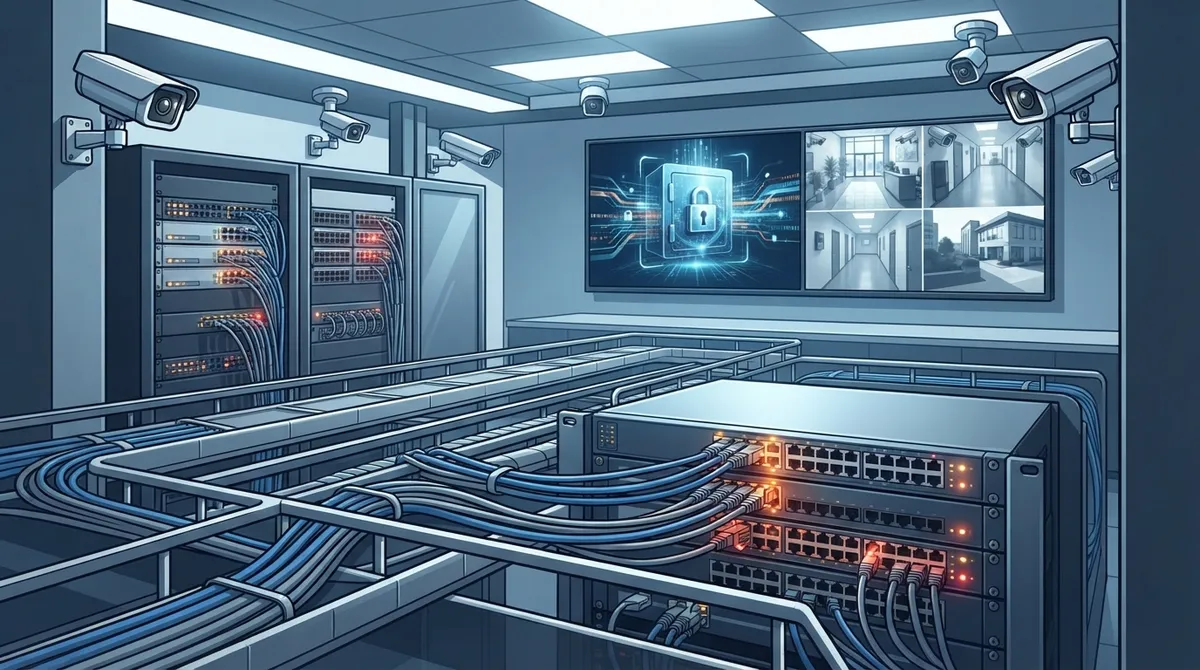
Key Takeaways
-
Verify your network capacity and bandwidth before purchasing IP cameras, as poor connectivity causes lag, dropped frames, and footage loading failures regardless of camera quality.
-
Install proper structured cabling with Power over Ethernet (PoE) instead of relying on Wi-Fi or makeshift wiring to ensure reliable, interference-free camera operation and reduce installation costs.
-
Select cameras based on your specific environment (indoor/outdoor rating, low-light performance, weatherproofing, field of view) rather than generic models to avoid costly mismatches.
-
Implement cybersecurity fundamentals immediately: change default passwords, apply firmware updates regularly, use strong authentication, isolate cameras on a dedicated VLAN, and monitor device activity for threats.
-
Establish a clear storage strategy (cloud, on-premises, or hybrid) and document legal compliance requirements including signage, retention schedules, access logs, and privacy restrictions before deployment.
-
Partner with a single qualified provider for network design, cabling, security, and ongoing support rather than attempting DIY installation, which often overwhelms internal IT resources and creates compatibility issues.
Picture this: something goes missing from your warehouse, and you pull up your camera footage only to find it’s grainy, choppy, or worse, not recorded at all. Frustrating, right? So many Tampa business owners install ip camera systems for business use without thinking through the network, storage, and support side of things. And that one oversight can turn a smart security investment into a costly headache.
The good news? These mistakes are completely avoidable once you know what to look for. At Ideal Solutions Provider, we’ve spent over 24 years helping businesses build telecom and IT setups that actually work, and cloud video security is one of our favorite ways to help clients sleep better at night. Whether you’re a small shop owner, an office manager juggling a dozen tasks, or an IT manager overseeing multiple sites, this friendly guide walks you through the eight biggest mistakes businesses make with IP camera systems, and exactly how to avoid them.

What Are IP Camera Systems for Business, Anyway?
Before we dive into the mistakes, let’s get on the same page. Business IP camera systems use network-connected cameras that send digital video over your internet or Ethernet connection. That footage lands in a cloud platform, a network video recorder, or straight into the hands of an authorized user checking their phone.
This is a big step up from old-school analog CCTV. IP systems typically offer sharper video, remote viewing from anywhere, easier management across multiple locations, and the ability to plug into smart software like motion detection or license plate recognition. If you want a deeper dive into what these systems really do for your company, check out our article on what security cameras really do for your business.

Mistake 1: Ignoring the Network Behind the Cameras
Here’s something a lot of business owners don’t realize: your camera system is only as good as the network carrying it. IP cameras eat up bandwidth, especially with high resolution or multiple angles running at once.
If your internet connection or internal wiring can’t keep up, you’ll see lag, dropped frames, or footage that just won’t load when you need it most. Before buying cameras, take a real look at your network capacity. Our team often recommends pairing new camera installs with an internet check-up. If you’re not sure your connection is up to the task, this guide on high-speed internet for business is a great place to start.
Quick Bandwidth Reality Check
- Higher resolution cameras use more bandwidth per stream
- More cameras mean more total data moving across your network
- Cloud storage adds continuous upload demand around the clock
- Remote viewing by multiple staff adds extra load during business hours
Mistake 2: Skipping Proper Structured Cabling
Some businesses try to save money by running cameras over messy, makeshift wiring or relying too heavily on Wi-Fi. This almost always backfires. Weak signals, dropped connections, and interference are common headaches when cabling isn’t done right.
Power over Ethernet (PoE) is the smarter path for most commercial camera setups. It lets a single Ethernet cable deliver both power and data to each camera, cutting down on installation costs and mess. But PoE only works well when your structured cabling is planned correctly, with the right cable lengths, switch capacity, and backup power in place.
Not sure if your building’s wiring can support a modern camera system? Take a look at our breakdown of signs your business needs structured cabling before you commit to a camera vendor.
Mistake 3: Choosing Cameras Without Thinking About the Environment
Not every camera fits every space. A camera perfect for a bright retail floor won’t necessarily hold up outdoors in Florida humidity or perform well in a dim warehouse corner.
Here’s what businesses should weigh when picking cameras:
- Indoor vs. outdoor rating and weatherproofing
- Low-light performance and infrared range for nighttime coverage
- Wide dynamic range for areas with bright windows or glare
- Field of view needed to cover entrances, aisles, or parking lots
- Vandal-resistant housing for exposed or high-traffic areas
- Resolution needed for reading license plates or facial detail
- Audio capability if you need sound recording
- Edge analytics or local storage options for added reliability
Getting this wrong means paying for cameras that don’t actually solve your problem. A quick consultation can save you from that expensive trial-and-error process.
Mistake 4: Overlooking Cybersecurity
This one surprises a lot of people. IP cameras are network devices, which means they can become an entry point for hackers if left unprotected. Default passwords, outdated firmware, and open internet access are common culprits.
To keep your camera network secure, businesses should:
- Change default usernames and passwords immediately
- Apply firmware updates on a regular schedule
- Use strong authentication for anyone accessing footage
- Isolate cameras on a dedicated VLAN, separate from other business systems
- Limit direct internet exposure and encrypt remote access
- Set clear user permissions so only the right people see footage
- Monitor device activity for anything unusual
This is exactly where a telecom and IT partner earns their keep. We handle the network design and security side so you’re not left guessing. If cybersecurity feels overwhelming, our business network solutions page shows how we build protection into every layer.
Mistake 5: Not Verifying Real ONVIF Compatibility
You’ve probably seen “ONVIF compatible” stamped on camera boxes and video management software. It sounds reassuring, but here’s the catch: not all ONVIF-certified products offer the same features.
ONVIF is meant to help cameras, recorders, and software from different brands talk to each other smoothly. But businesses sometimes assume full compatibility, only to discover certain features don’t transfer between systems. Always ask your provider to confirm the exact ONVIF profiles supported before mixing and matching equipment.
Mistake 6: Picking Cloud, On-Premises, or Hybrid Without a Clear Plan
This decision trips up a lot of business owners, and honestly, there’s no single right answer. It depends on your goals, budget, and how many locations you’re managing.
| Option | Best For | Key Consideration |
|---|---|---|
| Cloud-Managed | Multi-site businesses, remote teams | Easy updates, remote access, recurring subscription cost |
| On-Premises | Businesses wanting local control | Predictable retention costs, continues recording during some outages |
| Hybrid | Growing companies balancing both needs | Combines flexibility with local backup |
Franchise operators managing several locations often lean toward cloud-managed systems because they simplify remote administration across sites. If that sounds like your situation, our guide on cloud video security breaks down how it works across multiple locations.
Mistake 7: Forgetting About Privacy and Retention Rules
It’s easy to focus on hardware and forget the legal side of video surveillance. But this matters just as much, especially for businesses in healthcare, education, or retail.
Responsible camera deployment should include:
- Clear signage where required by local law
- A defined retention schedule for how long footage is kept
- Access logs showing who viewed or exported footage
- An acceptable-use policy for staff handling camera systems
- Restrictions on monitoring private spaces like restrooms or break rooms
Getting this wrong can create real legal exposure. A good telecom partner will walk you through these considerations as part of your camera system design, not leave you to figure it out alone.
Mistake 8: Trying to DIY the Entire Project
We get it. DIY feels like it saves money upfront. But camera systems involve networking, cabling, cybersecurity, storage planning, and ongoing maintenance. Doing it all in-house often means one overworked IT person juggling tasks outside their expertise.
This is where working with a single point of contact makes a real difference. Instead of coordinating separate vendors for cameras, cabling, and network security, businesses can lean on one partner who handles it all. If you want to see how that approach saves time and money, take a look at our piece on why using one telecom partner makes life easier.
The Business Case for Getting It Right
The numbers back up why businesses are investing more in IP surveillance. One 2025 estimate valued the global video surveillance market at roughly $63.1 billion, with projections reaching $162.4 billion by 2035, according to Global Market Insights. Another 2025 estimate from Future Market Insights placed the market closer to $79 billion, forecasting a 10.7% annual growth rate through 2035.
What’s clear across nearly every report is that IP-based systems are leading the charge. Future Market Insights found IP surveillance made up about 62.4% of the total video surveillance market in 2025, while Straits Research put that figure at 61.8%. Global Market Insights projected the IP surveillance segment alone could grow from $31.74 billion in 2025 to $89.33 billion by 2035. These numbers vary because research firms measure things differently, but the trend is undeniable: businesses are moving toward smarter, connected camera systems, and fast.
How Ideal Solutions Provider Helps You Avoid These Mistakes
We’ve walked alongside businesses across Tampa Bay and nationwide as they’ve upgraded from outdated CCTV to modern, cloud-connected camera networks. Because we partner with 35+ vetted suppliers, we’re not tied to pushing one brand or one solution. We look at your building, your network, and your goals, then build a system that actually fits.
From structured cabling and network design to cybersecurity and ongoing support, we handle the pieces that often get overlooked. That means fewer surprises, fewer vendor headaches, and a camera system you can actually trust when it matters most.
Curious how our clients feel about working with us? You can see real feedback and behind-the-scenes looks at our projects on Facebook, Instagram, and YouTube.
Ready to Build a Camera System That Actually Works?
Avoiding these eight mistakes isn’t complicated once you have the right partner guiding you. Whether you’re a small business owner ready for your first camera setup, an IT manager overseeing a multi-site rollout, or a franchise operator scaling across Tampa Bay, we’re here to make the process simple and stress-free.
Let’s talk through your current setup and find the gaps before they cost you. Contact us for a free consultation, or give us a call today to get started on a camera system built for your business, not someone else’s checklist.
FAQs
Q: What are IP camera systems for business?
A: They’re network-connected security cameras that send digital video over your internet or Ethernet connection to a cloud platform, recorder, or authorized user’s device. Unlike old analog CCTV, they offer sharper video, remote viewing, and easy integration with other business tools. Think of them as security cameras that speak the same language as the rest of your network.
Q: How much does a business IP camera system cost?
A: Costs vary widely based on the number of cameras, resolution, storage type, and whether you choose cloud or on-premises storage. Small offices might spend a few thousand dollars total, while multi-site businesses invest much more. The best way to get an accurate number is a free consultation where we assess your specific building and goals.
Q: Do business IP cameras require PoE?
A: Not always, but PoE makes life so much easier. It lets one Ethernet cable handle both power and data, which cuts down on installation costs and messy wiring. If your building already has solid structured cabling, adding PoE switches is usually a smooth upgrade.
Q: Should a business choose cloud, on-premises, or hybrid video surveillance?
A: It really depends on your business. Cloud is great for multi-location companies needing remote access and easy updates, while on-premises gives you more local control and predictable costs. Many growing businesses land on a hybrid setup that gives them the best of both worlds.
Q: Can IP cameras integrate with access control, alarms, or business phone systems?
A: Absolutely, and this is one of the coolest parts of modern camera systems. You can tie cameras into your access control system, alarm alerts, and even your VoIP phone setup for a fully connected security picture. It’s one of the reasons businesses love working with a single telecom partner who can wire it all together.





