
Key Takeaways
-
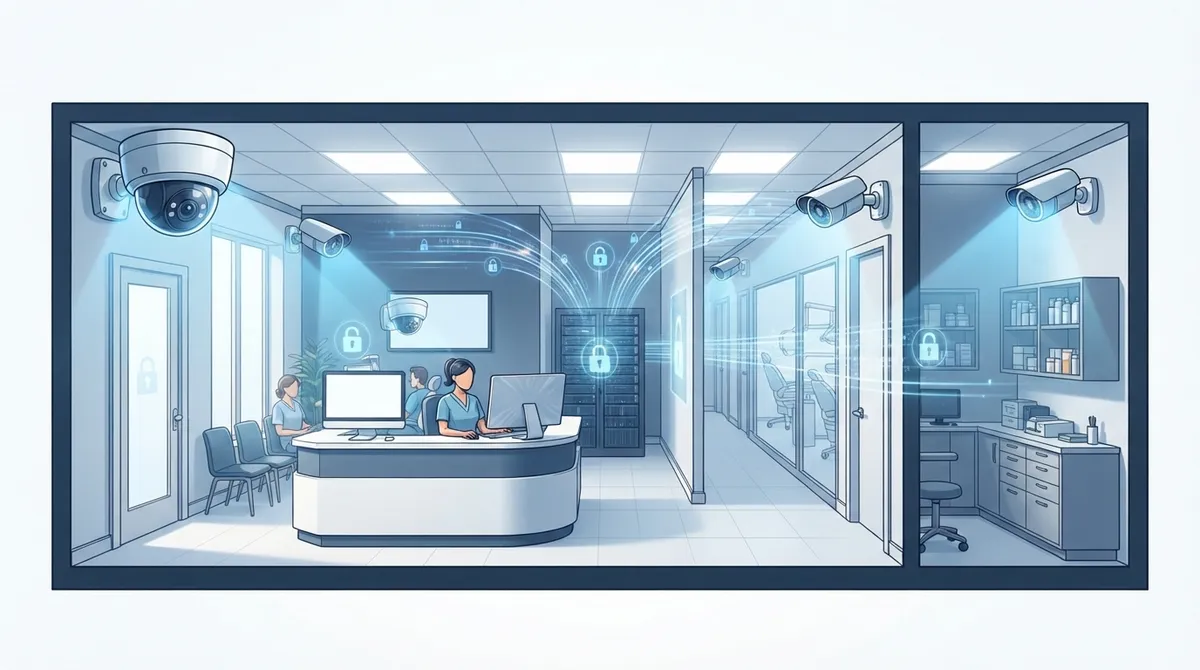
HIPAA compliant camera systems require a documented risk analysis, limited access by role, encrypted footage storage, and automatic retention policies – video alone doesn't violate HIPAA if handled properly.
-
Place cameras at entrances, reception, hallways, supply rooms, and parking areas while avoiding treatment rooms and bathrooms where patients expect privacy to balance security with compliance.
-
Secure your camera network by separating camera traffic from clinical systems, using strong unique passwords, enabling multifactor authentication, and keeping all firmware updated to prevent hacker access.
-
Calculate bandwidth (2-6 Mbps per 1080p camera, 8-16 Mbps per 4K) and Power over Ethernet requirements before installation to avoid slow internet and camera failures affecting other office systems.
-
Choose between cloud storage for easy multi-location management and remote access, or on-premises storage for greater local control – both require proper encryption and access logging.
-
Avoid recording audio unless legally reviewed and necessary, as most states require all-party consent and audio carries greater legal weight than video recording alone.
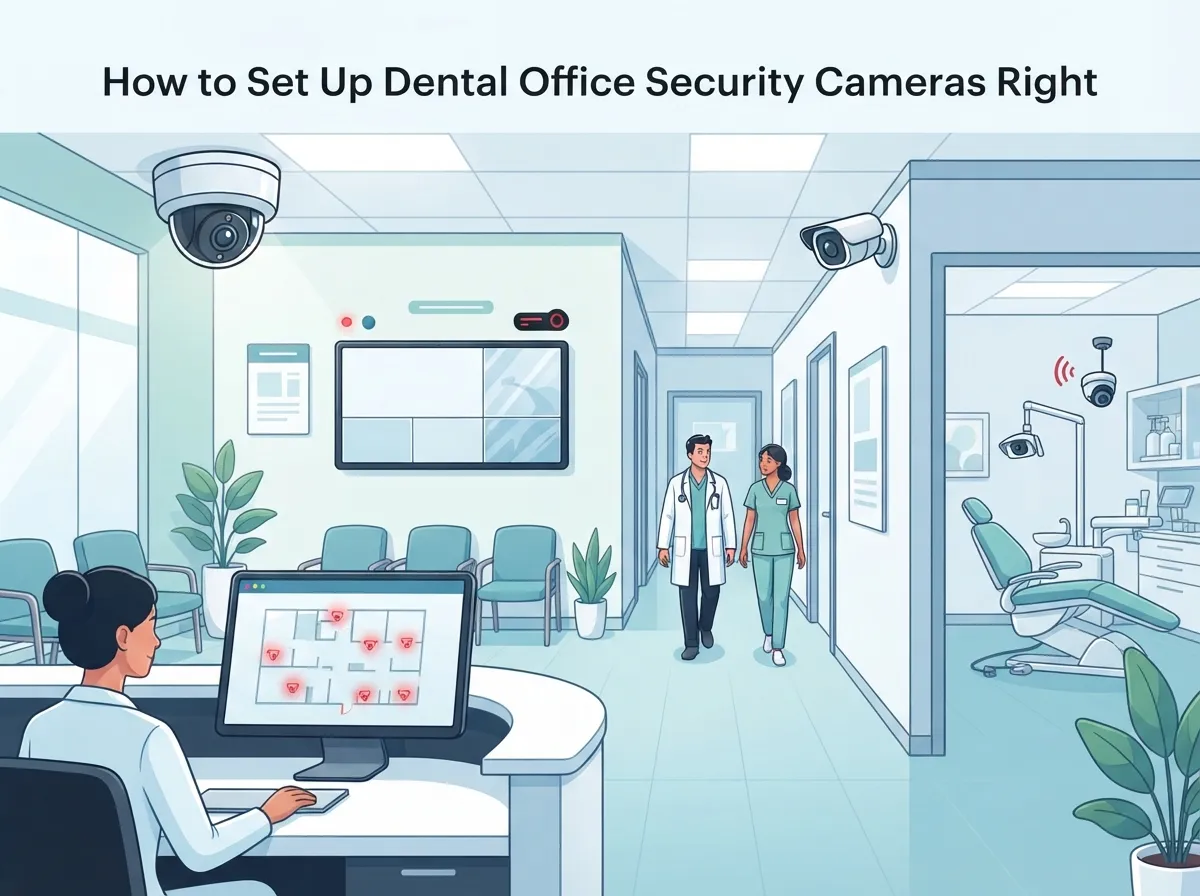
If you run a dental practice, you already juggle patient care, staff schedules, and a hundred small fires every day. Security cameras probably aren’t on your mind until something goes wrong. But here’s the good news: setting up dental office security cameras doesn’t have to be stressful or complicated. With the right plan, you can protect your front desk, your supply rooms, your parking lot, and your peace of mind, all while staying on the right side of patient privacy rules.
Think of your camera system as more than just a security tool. It’s actually part of your whole business telecom setup. Your cameras need internet, network capacity, and secure connections to work well. That’s why so many dental offices turn to a telecom partner instead of trying to figure it out alone. In this guide, we’ll walk you through where to place cameras, how to keep patient data safe, what to ask before you buy, and how to avoid common mistakes. Grab a coffee and let’s make this easy.
Why Dental Offices Need a Smart Camera Strategy
Dental practices handle valuable equipment, controlled substances, cash payments, and sensitive patient information every single day. That makes them a real target for theft, break-ins, and even internal issues like inventory shrinkage. A thoughtful camera setup helps you catch problems early and gives your team peace of mind.
But dental offices are also healthcare businesses. That means your camera system has to respect patient privacy while still doing its job. It’s a balancing act, and getting it right protects your practice from both security risks and compliance headaches. This is exactly the kind of challenge Ideal Solutions Provider helps dental offices solve every day, pairing physical security with smart network design.
Where Should Dental Office Security Cameras Go?
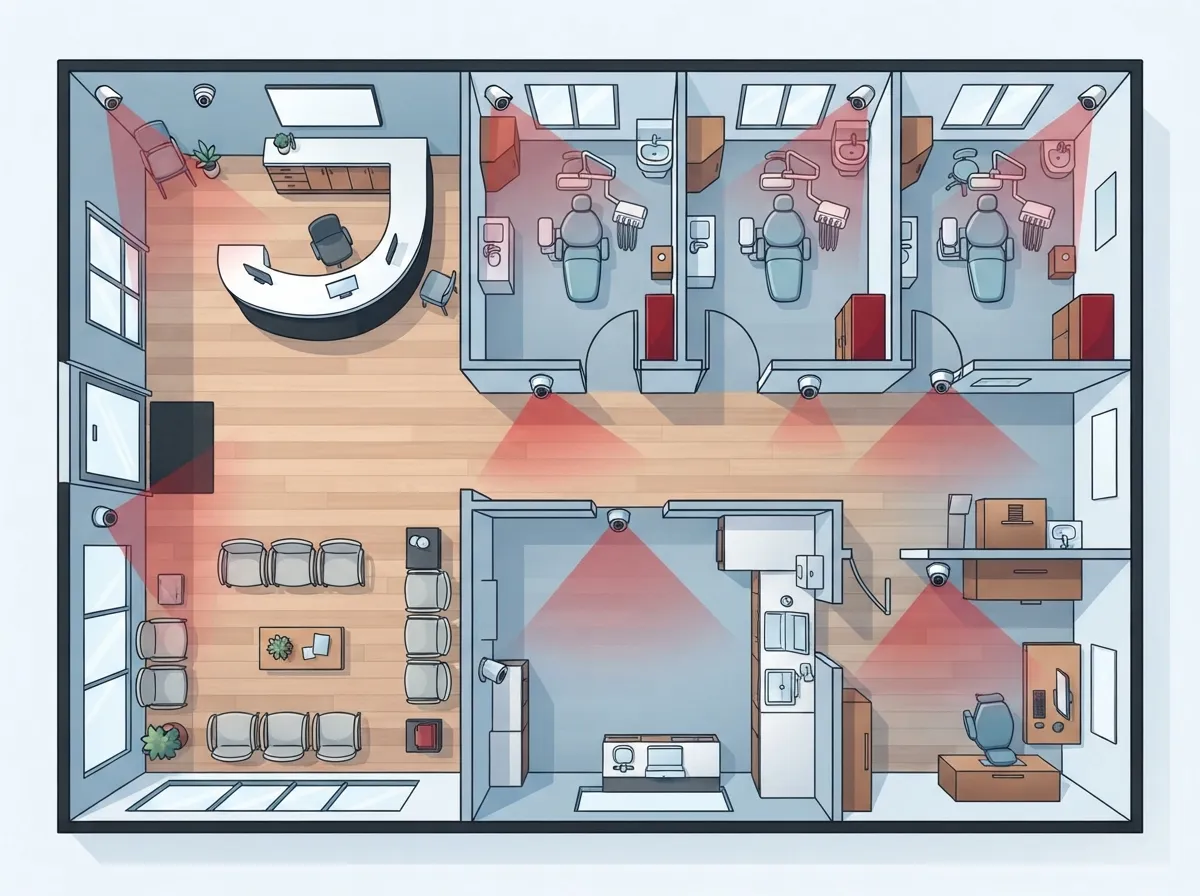
Good camera placement is really the foundation of the whole system. You want coverage where it matters most, without creating privacy problems in places patients expect to be left alone.
Recommended Coverage Areas
- Front entrance and back exit doors
- Reception and waiting room areas
- Hallways connecting patient and staff areas
- Medication and supply storage rooms
- Parking lot and exterior approaches
- Server or network equipment closets
Areas to Avoid
Treatment rooms, bathrooms, and changing areas are generally off-limits for cameras. Patients and staff have a reasonable expectation of privacy in these spaces. Unless there’s a very specific, documented legal reason, skip cameras here entirely. This keeps your practice on solid ground and builds trust with patients who already feel a little vulnerable in a dental chair.
Is a Dental Office Security Camera System HIPAA Compliant?
This is probably the question we hear most often, so let’s clear it up. HIPAA does not ban security cameras in dental offices. But video footage can become protected health information the moment it identifies a patient and connects to their care, payment, or appointment details.
That means you need a documented risk analysis, clear rules about who can view footage, and a plan for how long you keep recordings. Healthcare data breaches are a real concern right now. As of August 31, 2025, 508 large healthcare data breaches affecting 500 or more people had already been reported to the U.S. Department of Health and Human Services Office for Civil Rights during 2025. That’s compared to 515 reported during the same period in 2024, and 739 total breaches reported for all of 2024. These numbers show why treating your cameras as networked devices, not just hardware, really matters.
Simple Steps to Stay Compliant
- Complete a written risk analysis covering your camera placement and data handling
- Limit footage access to specific staff roles who truly need it
- Set a retention policy that automatically deletes old footage
- Encrypt footage both in transit and while stored
- Keep a log of who accessed recordings and when
Should Your Cameras Record Audio Too?
Here’s a simple rule: keep microphones off unless you have a clear, legally reviewed reason to record audio. Audio recording carries extra legal weight beyond video alone. Many states require all parties in a conversation to consent before it’s recorded, so this isn’t something to guess at. If audio ever becomes necessary, talk to your legal counsel first and make sure your telecom provider can support that setup properly.
Cloud Storage vs. On-Premises: Which Fits Your Practice?
This decision affects cost, control, and convenience, so it’s worth thinking through carefully.
| Feature | Cloud Storage | On-Premises Storage |
|---|---|---|
| Remote viewing | Easy from any device | Usually limited or requires setup |
| Upfront cost | Lower hardware cost | Higher hardware investment |
| Ongoing cost | Monthly subscription fees | Lower recurring costs |
| Updates and maintenance | Often automatic | Manual, requires IT support |
| Multi-location management | Very simple | More complex |
| Local control | Less direct control | Full control on-site |
Many multi-location dental groups love cloud storage because it simplifies management across sites. If you’re curious how this compares to older systems, this article on cloud video security versus DVR systems breaks it down nicely.
How Much Internet Bandwidth Do Dental Office Cameras Need?
This is where your telecom setup really comes into play. Cameras aren’t just security devices, they’re bandwidth-hungry network endpoints. Planning ahead saves you from slow internet and choppy video down the road.
- A standard 1080p camera typically uses about 2 to 6 Mbps
- A 4K camera can use roughly 8 to 16 Mbps
- Multiple cameras add up quickly, so total bandwidth needs grow fast
- Manufacturer specs should always guide your final numbers
If your current internet connection is already stretched thin, adding cameras without upgrading could slow down everything, including your phones and patient scheduling software. It’s worth reviewing your setup with a guide like how to choose the right internet speed for your business before you install anything new.
Keeping Your Camera Network Secure from Hackers
A camera that isn’t properly secured can become an open door for hackers, not just a tool that watches your door. This is a real risk, and it’s one that’s easy to overlook.
Steps That Actually Protect Your Practice
- Separate camera traffic from clinical and administrative systems using network segmentation
- Require strong, unique passwords for every camera and login
- Turn on multifactor authentication for any remote access
- Keep firmware updated on every camera and network device
- Encrypt data in transit and at rest
- Set up centralized logging so you can spot unusual activity fast
Good structured cabling and a properly designed network make all of this much easier to manage. If your cabling is outdated or was never designed with security cameras in mind, it might be time for an upgrade. This guide on signs your business needs structured cabling can help you figure out where you stand.
Powering Your Cameras: What to Know About PoE
Power over Ethernet, or PoE, lets your cameras get both power and data through a single cable. It’s a huge convenience, but it needs proper planning.
- A typical fixed camera uses about 5 to 15 watts
- Infrared, pan-tilt-zoom, and heater features can raise that number significantly
- Your switch needs spare capacity for future cameras and startup loads
- Undersized PoE budgets lead to flickering cameras or failed connections
This is exactly the kind of detail that gets missed when practices try to DIY their camera setup. A telecom partner who understands both networking and security cameras can calculate this correctly the first time.
Questions to Ask Before You Choose a Provider
Not every vendor understands the unique needs of a dental office. Before you sign anything, ask these questions:
- How will camera traffic be separated from our clinical network?
- What encryption do you use for footage in transit and storage?
- Can you calculate our bandwidth and PoE needs before installation?
- What happens to footage if our internet goes down?
- Do you offer ongoing monitoring, maintenance, and firmware updates?
- How do you handle HIPAA-related risk analysis and documentation?
A provider who can answer these clearly, without dodging the tough ones, is worth trusting. You can learn more about what makes a good fit in this article on how to work with a telecom expert who gets results.
Bringing It All Together: A Simple Rollout Plan
- Map out your office layout and mark security-sensitive zones
- Decide between cloud and on-premises storage based on your needs
- Calculate bandwidth and PoE requirements with your provider
- Set up network segmentation to isolate camera traffic
- Write a clear retention and access policy for footage
- Train staff on who can view recordings and how to request access
- Schedule regular check-ins for firmware updates and system health
This kind of structured rollout is also useful for practices adding cloud-based access control alongside their cameras. The two systems work really well together, giving you both video evidence and controlled entry in one connected setup.
Your Next Step Toward a Safer, Smarter Practice
Dental office security cameras don’t have to be complicated or stressful to set up. With the right placement, the right network design, and a partner who understands both security and telecom, you can protect your practice without creating extra headaches for your team or your patients. Ideal Solutions Provider has spent over 24 years helping businesses, including healthcare practices, build systems that actually work together instead of fighting each other.
If you’re ready to talk through your options, our team would love to help. You can reach out to our team for a free consultation, or simply give us a call at 813-388-4935 to get started today. You can also follow along with tips and updates on our Facebook page, check out helpful videos on YouTube, or see behind-the-scenes moments on Instagram. Your practice deserves a security system that works as hard as you do, and we’re here to help make that happen.
FAQs
Q: Are security cameras in a dental office HIPAA compliant?
A: Yes, they can be! HIPAA doesn’t ban security cameras, but footage can become protected health information if it identifies a patient and connects to their care. A documented risk analysis and clear access rules keep you compliant and worry-free.
Q: Where should dental office security cameras be installed?
A: Focus on entrances, reception areas, hallways, supply rooms, and parking lots. Skip treatment rooms and bathrooms where patients expect privacy. This gives you strong security coverage without stepping on anyone’s toes.
Q: Should dental office security cameras record audio?
A: Generally, keep the microphone off unless you have a specific, legally reviewed reason. Audio recording laws vary by state, and many require consent from everyone in the conversation. When in doubt, stick to video only.
Q: What is the best storage option for dental office camera footage?
A: It really depends on your practice! Cloud storage offers easy remote access and simple updates, while on-premises storage gives you more local control and can lower long-term costs. Your telecom provider can help you weigh the tradeoffs.
Q: How can a dental office secure its camera system from hackers?
A: Separate camera traffic from your clinical network, use strong passwords, enable multifactor authentication, and keep firmware updated. These steps turn your cameras into a security asset instead of a hidden vulnerability.





