

Key Takeaways
-
Modern office security cameras are IP-based network devices that require integrated planning with your internet, structured cabling, and PoE infrastructure to avoid bandwidth issues and poor performance.
-
Power over Ethernet (PoE) with properly designed structured cabling enables single-cable installation for both power and data, reducing complexity and maintenance costs for IT teams.
-
Bandwidth consumption varies by resolution, frame rate, compression format (H.265 uses less than H.264), and camera count; conduct a site survey to calculate actual needs before upgrading internet service.
-
Implement cybersecurity controls immediately: change default passwords, use VLANs to segment cameras, enable encryption, update firmware regularly, and restrict access via role-based permissions to prevent hacking.
-
Choose ONVIF-compliant cameras to ensure compatibility across different manufacturers' equipment and software, giving you flexibility to add or replace components without vendor lock-in.
-
Define camera placement based on a professional site survey accounting for building size, entry points, lighting conditions, and existing blind spots; verify local privacy laws and notify employees before installation.
Picture this: you finally decide your office needs security cameras. You buy a few, plug them in, and hope for the best. A few weeks later, footage is choppy, the internet slows to a crawl, and nobody can pull up the video when you actually need it. Sound familiar? You’re not alone, and honestly, it’s not your fault. Office building security cameras aren’t just plug-and-play gadgets anymore. They’re part of your whole business network, right alongside your phones, Wi-Fi, and internet connection.
That’s actually good news. When cameras work together with the rest of your telecom setup, everything runs smoother, footage stays reliable, and you get way more value out of your investment. In this guide, we’ll walk through everything you need to know about office building security cameras in 2026, from camera types to bandwidth, storage, cybersecurity, and legal considerations. Whether you run a small Tampa shop or manage IT for a growing enterprise, we’ve got you covered.
Why Office Building Security Cameras Are Really a Network Project
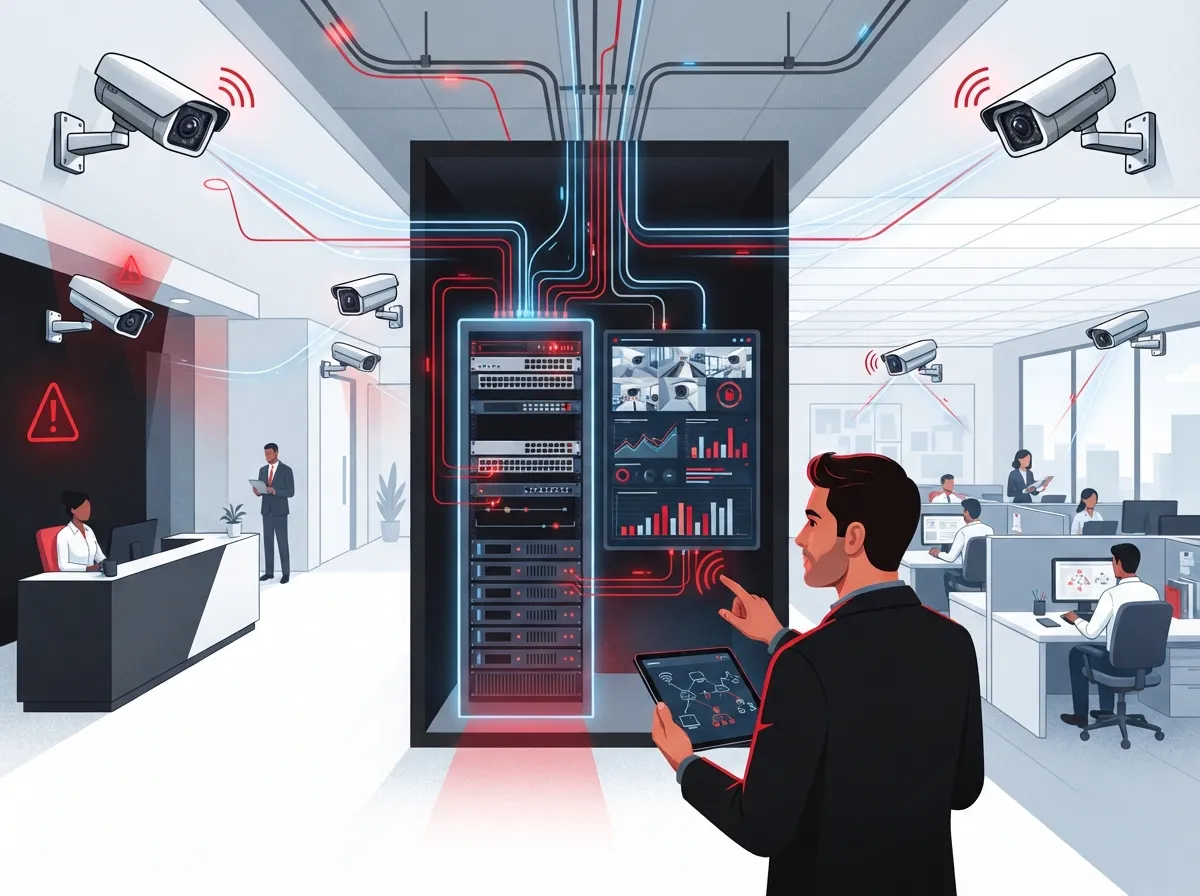
Here’s something a lot of business owners don’t realize at first: modern security cameras are basically small computers that talk over your network. Most office building security cameras today are IP-based, meaning they connect through Ethernet switches, Power over Ethernet (PoE), or your business Wi-Fi. That’s a big shift from the old-school analog cameras many of us grew up seeing in movies.
Because these cameras run on your network, they need to be planned alongside your other business systems. Think about it like building a house. You wouldn’t add a new room without checking the plumbing and electrical first. The same logic applies here. A telecom partner can design your camera network right alongside your voice, data, Wi-Fi, and access-control systems, so everything plays nicely together. This is exactly the kind of integrated planning covered in our piece on how structured cabling supports VoIP and cameras.
The Role of Structured Cabling and PoE
Power over Ethernet, or PoE, lets a single cable carry both power and data to your cameras. That means fewer wires, cleaner installs, and less hassle for your IT team. Good structured cabling forms the backbone of this whole system, so it’s worth getting it right from the start. If your building’s cabling is outdated or was never designed with cameras in mind, you might run into trouble down the road.
Types of Office Building Security Cameras to Consider
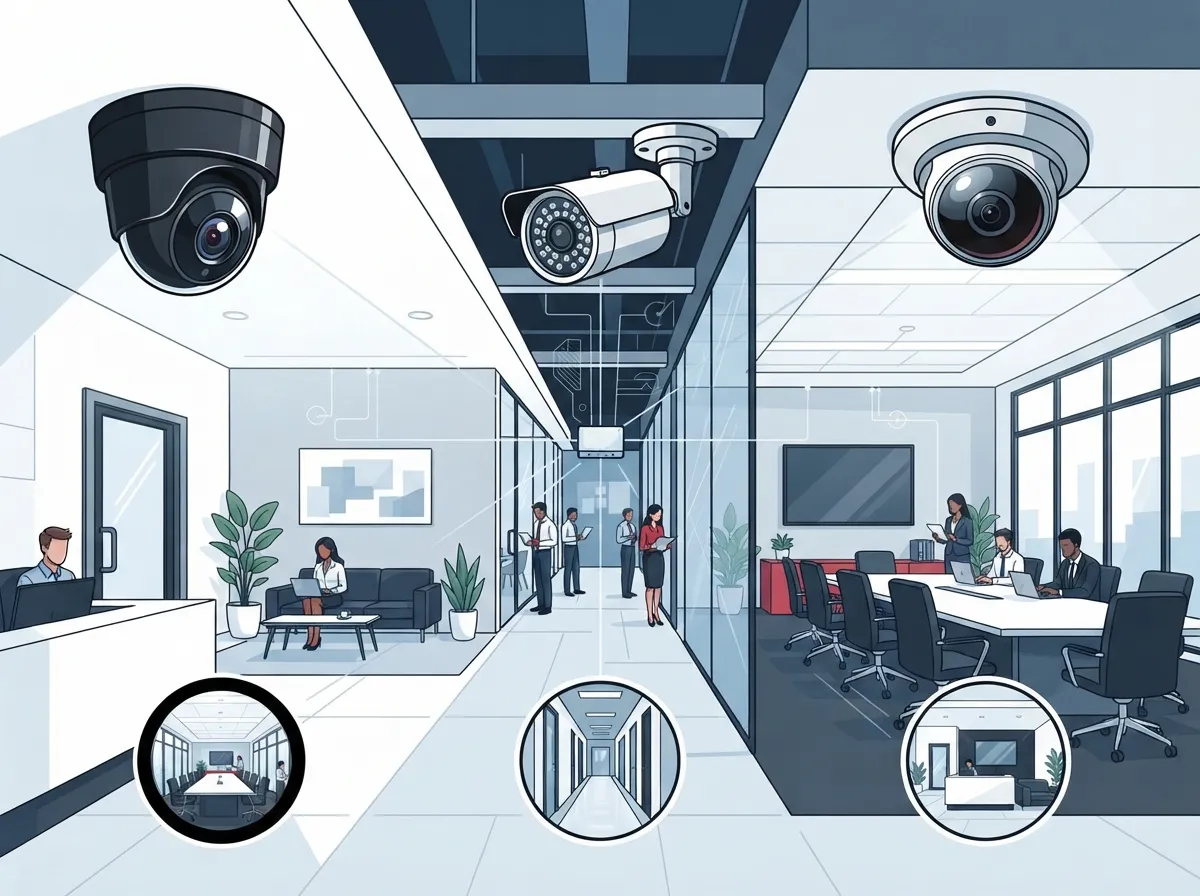
Not every camera fits every space. Choosing the right type depends on lighting, distance, weather exposure, and what you’re actually trying to see. Here’s a quick rundown of common options:
- Fixed dome cameras: Great for indoor hallways, lobbies, and offices where a discreet, tamper-resistant design works best.
- Bullet cameras: Long, cylindral cameras ideal for outdoor use and long-distance viewing, like parking lots.
- Pan-tilt-zoom (PTZ) cameras: These let you remotely move the camera to track activity across a wide area.
- Fisheye or 360-degree cameras: Perfect for open floor plans since one camera can cover the whole room.
- Multi-sensor cameras: Combine several lenses into one unit for wide coverage without multiple devices.
- License-plate cameras: Useful for entrances, parking garages, and loading docks.
- Low-light cameras: Built for nighttime or dim indoor areas where standard cameras struggle.
When picking cameras, think about vandal resistance too, especially for ground-level or public-facing areas. A camera that looks great on paper but can’t handle Florida humidity or bright sun glare won’t do you much good.
What Goes Into a Complete Camera System
A full office security camera setup involves more than just the cameras themselves. Here’s what a complete, well-designed system usually includes:
- IP cameras chosen for your specific spaces and lighting conditions
- PoE switches to power and connect the cameras
- Structured cabling that supports current and future bandwidth needs
- Reliable internet or private WAN connectivity
- Video management software (VMS) to organize and search footage
- Storage, whether cloud-based, on-premises, or a hybrid of both
- Monitoring displays for on-site staff or security personnel
- Backup power to keep cameras running during outages
- Ongoing remote support and maintenance
Cloud-managed video can cut down on the amount of on-site hardware you need, which is a huge plus for smaller offices without a dedicated server room. On the other hand, on-premises or hybrid recording can help with bandwidth limits, longer retention needs, or industry compliance rules. Our article on key differences between cloud video security and DVR systems breaks this down in more detail.
How Much Bandwidth Do Office Security Cameras Really Use?
This is one of the most common questions we hear, and honestly, there’s no single answer that fits every building. Bandwidth use depends on several factors working together.
| Factor | How It Affects Bandwidth |
|---|---|
| Camera resolution | Higher resolution means clearer video, but it also means more data |
| Frame rate | More frames per second use more bandwidth than lower frame rates |
| Compression format | H.265 typically uses less bandwidth than older H.264 in the right setup |
| Number of cameras | More cameras naturally mean more combined data traffic |
| Simultaneous viewers | Live viewing on multiple devices adds extra load |
| Retention period | Longer storage windows require more overall capacity |
Since video traffic can eat up a big chunk of your network capacity, it’s smart to plan ahead. This is one reason cameras and internet service go hand in hand. If your office is already dealing with slow connections, adding cameras without upgrading bandwidth first can make things worse. Check out our guide on fixing slow business internet in Tampa if this sounds like your situation.
H.264 vs H.265: Which Compression Format Wins?
You’ll often see these two terms when shopping for cameras or video systems. Both are compression formats that shrink video files so they don’t hog your entire network. H.265 is the newer format and can reduce storage and bandwidth needs compared to H.264, especially in busier scenes with lots of motion.
That said, H.265 isn’t automatically the right choice for everyone. You’ll want to check compatibility with your existing equipment, licensing costs, and whether your hardware can actually process it well. A quick conversation with a telecom partner can save you from picking a format that sounds great on paper but doesn’t fit your setup.
Why ONVIF Matters for Business Security Cameras
Ever bought a camera system only to find out it doesn’t play nice with your existing recorder or software? That’s where ONVIF comes in. ONVIF is an interoperability standard that helps cameras, recorders, and video management platforms from different manufacturers work together smoothly.
One especially useful piece is ONVIF Profile T, which supports advanced streaming features like H.264 and H.265 video, motion and tampering alerts, imaging controls, and metadata streaming. Some devices also support optional features like PTZ control and two-way audio, though this depends on the specific camera or client software. Choosing ONVIF-compliant equipment gives you more flexibility down the road if you ever need to add cameras or switch software.
Keeping Your Camera System Secure
Here’s something that surprises a lot of business owners: security cameras are basically tiny computers connected to your network, which means they can be hacked just like any other device. The National Institute of Standards and Technology, or NIST, actually published guidance (SP 800-213) specifically addressing how businesses should manage cybersecurity for connected devices like these.
Here are some practical steps to keep your camera system locked down:
- Change default usernames and passwords immediately after installation
- Use strong, unique passwords for every device
- Keep firmware updated on a regular schedule
- Turn off any services or features you don’t actually use
- Separate cameras onto their own network segment, known as a VLAN
- Use firewalls and VPNs to control remote access
- Turn on encrypted connections whenever your cameras support it
- Limit who can access footage using role-based permissions
These steps might sound technical, but a good telecom or IT partner handles this kind of setup as part of standard installation. If you’re managing IT for a mid-sized company, this is exactly the type of task where having one telecom partner instead of juggling multiple vendors really pays off.
AI and Smart Features in Modern Cameras
According to the 2025 Trends in Video Surveillance report from Eagle Eye Networks, businesses are increasingly adopting cameras with built-in AI, better low-light performance, and remote monitoring capabilities. These smart features are becoming standard rather than optional extras.
Modern AI-enabled cameras can detect objects, classify people versus vehicles, filter out false motion alerts, spot tampering attempts, and even read license plates. This means fewer false alarms and faster response times when something actually needs attention. That said, it’s worth testing accuracy before rolling out AI features building-wide, and you should document acceptable uses to keep everyone on the same page, especially around employee privacy.
Privacy and Legal Considerations for Office Cameras
Before you install a single camera, it’s worth thinking through the privacy side of things. Office cameras are legal in most common areas, but there are still rules to follow.
- Define a clear, legitimate purpose for your cameras (security, safety, loss prevention)
- Notify employees and visitors where required by local or state law
- Avoid placing cameras in sensitive areas like restrooms or private offices
- Set a clear retention and deletion schedule for footage
- Control who has access to recorded video
- Stay compliant with applicable privacy, employment, and data-protection laws
Every state and industry has slightly different rules, so it’s smart to check with legal counsel or a knowledgeable telecom partner before finalizing your camera placement plan.
How Many Cameras Does Your Office Actually Need?
There’s no universal number here. The right camera count depends on your building’s size, entry points, parking areas, and what you’re trying to protect. A site survey is really the only way to get an accurate answer, since it accounts for lighting, blind spots, and existing network capacity. If you’re curious about the specific factors that go into this calculation, our article on factors that decide how many security cameras you need walks through it step by step.
Bringing It All Together With a Telecom Partner
At the end of the day, office building security cameras work best when they’re part of a bigger picture. That means pairing cameras with the right internet connection, structured cabling, network segmentation, and ongoing support. This is exactly where Ideal Solutions Provider comes in. With over 24 years of experience and partnerships across 35+ vetted suppliers, we help Tampa businesses and companies nationwide design camera systems that actually fit their space, budget, and goals.
We also handle the boring-but-important stuff, like firmware updates, network monitoring, and lifecycle planning, so you’re not left scrambling when something needs attention. If you’d like to see examples of our work, you can check out our YouTube channel or follow us on Facebook for updates on the latest telecom trends.
Whether you’re a small business owner looking for an affordable setup, an IT manager juggling multiple vendors, or a franchise operator scaling across locations, having one trusted partner makes life a lot easier. And since your Internet Service Provider plays such a big role in how well your cameras perform, it’s worth having someone who understands both sides of the equation.
Ready to Upgrade Your Office Security?
Office building security cameras don’t have to be complicated or stressful. With the right planning, the right network, and the right partner, you can have a system that just works, day after day, without headaches. If you’re ready to see what a properly designed camera and network setup could look like for your business, feel free to reach out to our team for a free consultation, or simply give us a call to talk through your options. We’re here to make this easy for you.
FAQs
Q: What are the best security cameras for an office building?
A: It really depends on your space! Fixed dome cameras work great indoors for hallways and lobbies, while bullet cameras handle outdoor areas and parking lots beautifully. For open floor plans, fisheye or 360-degree cameras can cover a whole room with just one unit, so a mix often works best.
Q: How much bandwidth do office security cameras use?
A: There’s no one-size-fits-all number here, since it depends on resolution, frame rate, compression format, and how many cameras you have. The good news is a proper site survey can calculate this accurately, so you won’t be left guessing or dealing with a sluggish network.
Q: Should an office camera system use cloud storage, local recording, or a hybrid design?
A: Each option has its perks! Cloud storage reduces on-site equipment and makes remote access simple, while local recording can help with bandwidth limits and compliance needs. Many businesses find a hybrid approach gives them the best of both worlds.
Q: Do office security cameras require Power over Ethernet?
A: Not always, but PoE is super popular because it lets one cable handle both power and data, which means a cleaner, simpler install. It’s definitely worth considering if you’re setting up a new system from scratch.
Q: How can office security cameras be protected from hacking?
A: Great question, and one we take seriously! Simple steps like changing default passwords, keeping firmware updated, and separating cameras onto their own network segment go a long way. Pairing these habits with firewalls and encrypted connections keeps your system much safer.





