
Key Takeaways
-
Reliable network connectivity is the critical foundation for cloud security systems—cameras and access control are only as effective as the internet connection supporting them, making fiber, SD-WAN, and cellular failover essential components.
-
Cloud-based systems reduce upfront costs by eliminating expensive on-site servers and enable centralized management across multiple locations from a single dashboard, making them ideal for franchise operators and growing businesses.
-
Bandwidth requirements must be assessed before installation based on camera count and resolution to prevent video streaming from consuming critical business internet traffic needed for other operations.
-
Security is a shared responsibility: while cloud providers secure their servers, businesses must implement strong passwords, multi-factor authentication, network segmentation, and regular permission reviews to prevent breaches.
-
Modern cloud cameras with edge storage backup and cellular failover capabilities ensure footage continues recording and alerts remain active even during internet outages, providing continuity during network disruptions.
-
Working with a single trusted telecom partner who can design networks, integrate security systems, manage firewalls, and provide 24/7 monitoring is more cost-effective than juggling multiple vendors when problems arise.
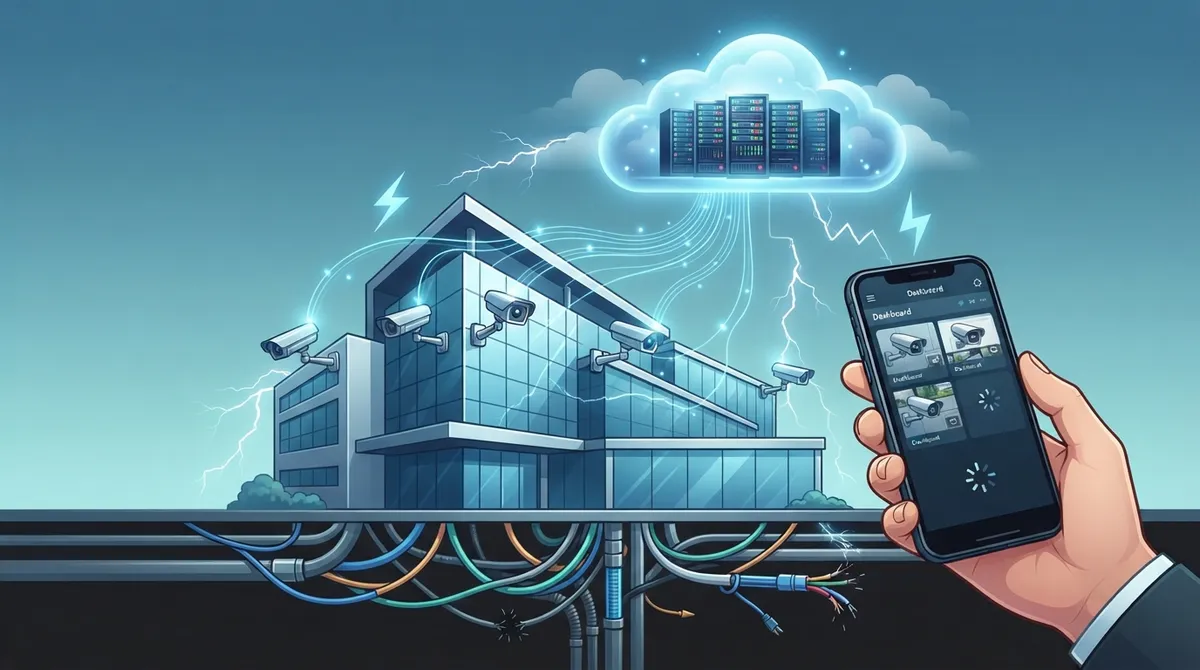
Picture this: you’ve just installed shiny new cameras at every entrance, a slick access control system on your front door, and you’re feeling great about your business security. Then the internet blips for ten minutes and suddenly your cameras freeze, your door locks act strange, and your phone app shows nothing but a spinning wheel. Sound familiar? You’re not alone, and honestly, it’s one of the most common headaches we hear about from Tampa business owners every week.
Here’s the friendly truth nobody tells you upfront: cloud based security systems for business are only as good as the connection behind them. Cameras, access control, alarms, and monitoring all live and breathe on your network. When that network is shaky, your whole security setup wobbles with it. The good news? This is completely fixable, and we’re going to walk through exactly why it happens and how to build a setup that actually holds up. Grab a coffee, and let’s get into it together.
What Cloud-Based Security Systems Actually Are
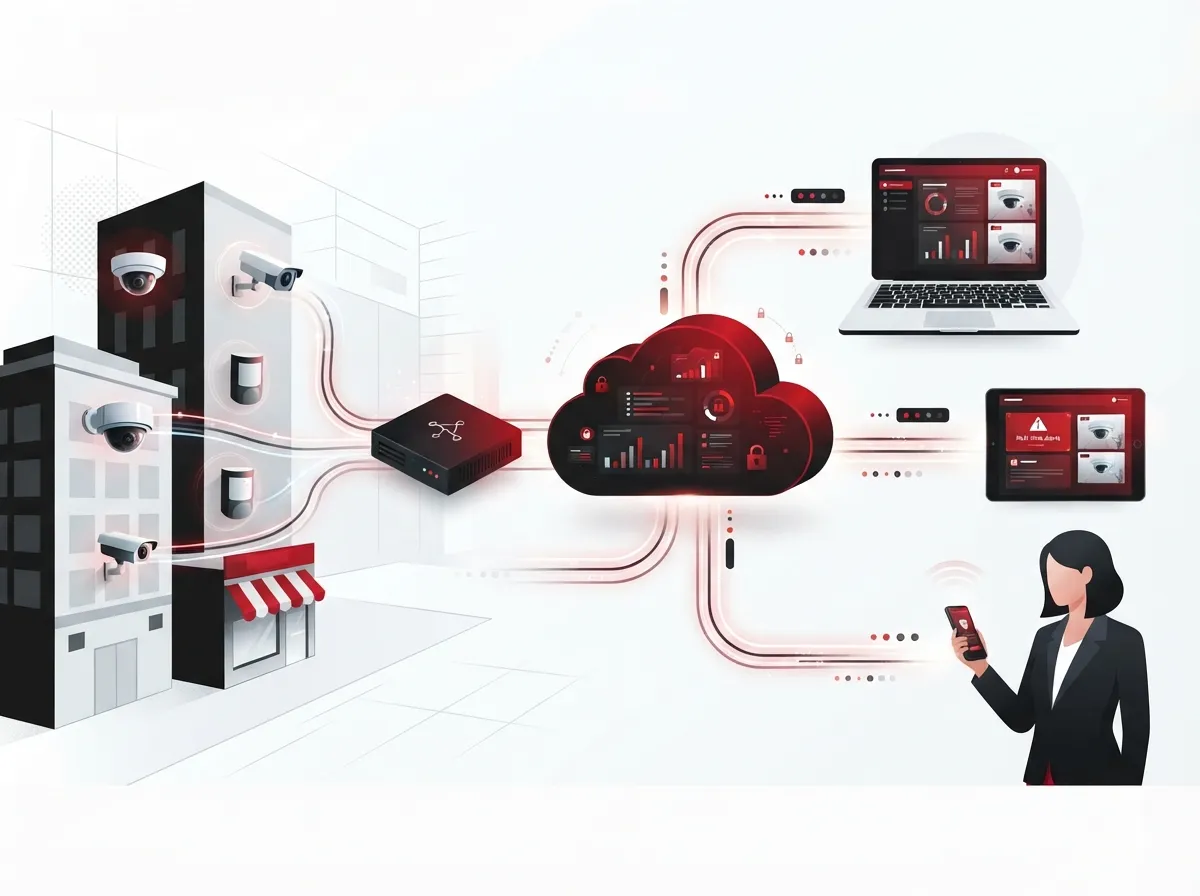
Cloud based security systems for business move your security management, video storage, and control panels off a dusty server in your back closet and into a secure remote platform. Instead of walking to a bulky DVR box every time you need footage, you just log into an app or website from anywhere.
This category usually includes a few key pieces working together:
- Cloud video surveillance cameras that stream and store footage online
- Cloud access control for doors, gates, and secure areas
- Intrusion detection and alarm monitoring
- Cybersecurity tools like firewalls and endpoint protection
- Web-based dashboards for managing everything from one place
What makes this approach special is the centralization. If you run three locations across Tampa Bay, you can watch all of them from one login instead of juggling three separate systems. That’s a game changer for busy owners and managers who already have a hundred things on their plate.
Why Connectivity Is the Real Backbone of Cloud Security
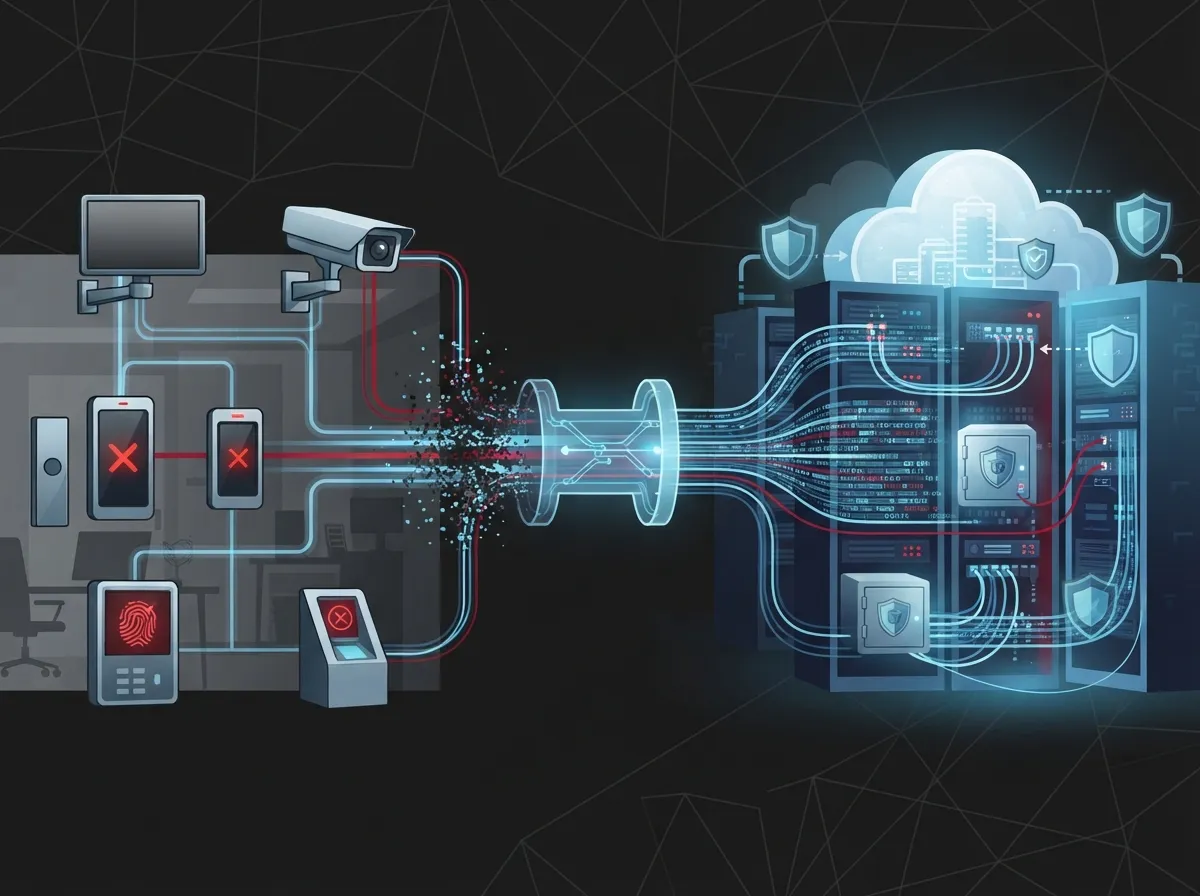
Here’s something a lot of security companies won’t tell you upfront: a camera is only as smart as the network carrying its data. Cloud based security systems for business depend heavily on reliable broadband, business fiber, and smart network design. Without that foundation, even the fanciest camera becomes a glorified paperweight during an outage.
This is exactly where a telecom partner becomes so valuable. At Ideal Solutions Provider, we’ve spent over 24 years helping Tampa businesses connect the dots between their internet, their network, and their security devices. It’s not just about slapping a camera on the wall. It’s about making sure that camera has a fast, stable, and protected path to send its footage where it needs to go.
Key Connectivity Pieces That Support Security
A few network ingredients make or break your cloud security experience:
- Dependable business-grade internet, ideally with dedicated fiber internet for consistent speeds
- SD-WAN or MPLS network solutions for multi-location businesses
- Cellular failover so cameras keep recording even if the main line drops
- Managed Wi-Fi that separates security traffic from guest or office traffic
- Ongoing network monitoring to catch problems before they become disasters
If your current setup is missing any of these, it’s worth asking whether your slow business internet is quietly sabotaging your security investment.
Cloud Video Surveillance: How It Actually Works
Cloud video surveillance uses internet-connected cameras paired with a cloud-based video management system. Instead of storing footage on a physical box that could get stolen or damaged, everything lives safely off-site.
This setup lets you do some pretty handy things:
- View live footage from your phone while you’re at lunch or on vacation
- Pull up recorded clips from weeks ago without digging through hard drives
- Manage cameras across multiple locations from a single dashboard
- Get instant alerts when motion is detected after hours
- Use smart analytics like people counting or license plate recognition
For franchise operators managing several locations, this centralized view is honestly a lifesaver. You don’t need to visit each site or call a manager to check on things. Everything is right there on your screen, which is why so many businesses are moving toward cloud video security systems as their default choice.
Cloud Access Control: Managing Doors From Anywhere
Cloud access control lets you manage who gets into your building, and when, straight from a web app or your phone. No more chasing down lost keys or rekeying locks every time an employee leaves.
Some of the everyday wins include:
- Granting or removing access instantly, even from home
- Setting different schedules for staff, cleaning crews, and vendors
- Getting real-time alerts if a door is forced or held open too long
- Reviewing audit logs to see exactly who entered and when
- Integrating with video surveillance so you can see who used a badge
This kind of flexibility is a huge relief for office managers juggling schedules and building access requests all day. If you’re curious how this compares to traditional locks, our guide on cloud based access control systems breaks it down further.
The Real Benefits Businesses Are Seeing
Growth in this space isn’t just hype. Commercial security is booming, with one market analysis estimating the global commercial security market at $219.92 billion in 2025, projected to nearly double to $413.96 billion by 2031. Video surveillance alone made up an estimated 45.32% of that market. Small and medium-sized businesses were flagged as the fastest-growing segment, which tells us plenty of companies your size are jumping on board.
Here’s what businesses typically gain when they switch to cloud based security systems:
| Benefit | What It Means for Your Business |
|---|---|
| Lower upfront costs | No expensive on-site servers to buy or maintain |
| Faster setup | Get running in days, not weeks |
| Centralized management | Control every location from one dashboard |
| Automatic updates | Software patches happen without IT lifting a finger |
| Easy scaling | Add cameras or doors as you grow, no big overhaul needed |
| Remote monitoring | Check in from your phone, anywhere, anytime |
What About Bandwidth, Outages, and Costs?
Let’s be honest about the trade-offs too, because a good partner tells you the whole picture. Cloud systems do come with recurring subscription fees instead of one big upfront cost. They also need enough bandwidth to handle video streaming without choking your other business internet traffic.
How Much Bandwidth Do You Actually Need?
This depends on your camera count, resolution, and how many locations you’re running. A small office with a handful of cameras needs far less bandwidth than a warehouse with dozens of high-definition units. This is why a proper internet speed assessment should happen before installation, not after something breaks.
What Happens During an Internet Outage?
This is the question we get asked constantly, and it’s a fair one. Many modern cloud cameras have local storage as a backup, called edge storage, so footage isn’t lost even if your connection drops. Pairing your setup with cellular failover keeps critical alerts flowing even during an outage. This is exactly why connectivity planning matters so much, something we cover in detail in our piece on how cameras perform when the internet goes down.
Security Is a Shared Responsibility
Here’s something important to understand upfront: cloud providers secure their servers, but your business is still responsible for a lot. Think of it like renting an apartment. The landlord secures the building, but you still lock your own door and don’t hand your key to strangers.
Your responsibilities typically include:
- Setting strong, unique passwords instead of factory defaults
- Enabling multifactor authentication wherever possible
- Limiting access permissions to only what each employee needs
- Keeping device firmware updated regularly
- Segmenting your network so cameras aren’t sitting next to sensitive files
- Reviewing user permissions and footage retention settings periodically
This matters more than ever. Gartner projected worldwide information-security spending would hit $213 billion in 2025 and climb to roughly $240 billion in 2026, with cloud security software identified as the fastest-growing category. Meanwhile, the Verizon 2025 Data Breach Investigations Report found that human error was involved in about 60% of breaches. Strong passwords and smart permissions aren’t optional extras anymore.
Why a Telecom Partner Makes This Easier
Juggling cameras, access control, firewalls, and internet providers on your own is exhausting. This is exactly where working with one trusted partner changes everything. Instead of calling five different vendors when something breaks, you make one call.
A good telecom partner handles things like:
- Designing your network so security traffic gets priority
- Setting up firewalls and separate VLANs for cameras and access control
- Providing cellular backup for critical devices
- Monitoring uptime so problems get caught early
- Integrating your phone system, internet, and security cameras together
This is the whole philosophy behind Ideal Solutions Provider. With over 24 years of experience and partnerships across 35+ vetted suppliers, we act as your single point of contact instead of another vendor you have to manage. We’ve seen firsthand that 9 out of 10 businesses we audit are either overpaying or underperforming, sometimes both, simply because nobody looked at the full picture.
A Simple Path to Getting Started
If you’re considering upgrading, here’s a straightforward process that actually works:
- Get a risk assessment done to identify weak points in your current setup
- Survey your site and bandwidth needs before buying equipment
- Inventory existing cameras, doors, and devices you’ll need to replace or integrate
- Plan your connectivity and failover options together with your network
- Vet your platform and vendor choices carefully
- Run a small pilot before rolling out to every location
- Train your staff on how to use the new tools
- Review permissions and retention settings every few months
This same process works whether you’re a single-location small business or a franchise operator managing ten locations across the state. The cabling behind your cameras matters too. Reliable structured cabling ensures your devices have a stable physical connection, not just a wireless signal hoping for the best.
Choosing Between Cloud, Hybrid, and On-Premises
Not every business needs a fully cloud-based setup right away. Some prefer a hybrid approach that keeps some storage local while still getting remote access benefits.
Here’s a quick way to think about it:
| Setup Type | Best For |
|---|---|
| Fully Cloud-Based | Multi-location businesses needing centralized control |
| Hybrid | Businesses wanting local backup plus remote access |
| On-Premises | Businesses with strict data residency requirements |
Whichever direction fits your business, having a knowledgeable telecom expert guide the decision saves you from costly guesswork.
Ready to Build a Security System That Actually Holds Up?
Cloud based security systems for business only work as well as the network supporting them. Fast internet, smart cabling, and a reliable partner turn a good idea into a system you can actually trust every single day. You don’t have to figure this out alone, and honestly, you shouldn’t have to.
If you’re ready to see how your current setup stacks up, or you’re starting fresh, our team would love to help. Reach out to our team today for a friendly, no-pressure consultation, or simply give us a call to talk through your options. We’re here, we’re local, and we genuinely enjoy helping Tampa businesses feel secure and supported. You can also check out our latest projects and tips on Facebook, Instagram, and YouTube.
FAQs
Q: What are cloud-based security systems for businesses?
A: They’re security tools like cameras, door access, and alarms that store data and management in the cloud instead of on a local server. This means you can check on your business from your phone, anywhere, anytime, which honestly feels like a small miracle once you get used to it.
Q: How much bandwidth do cloud security cameras need?
A: It really depends on how many cameras you have and their video quality. A small shop with a few cameras needs much less than a warehouse with dozens of high-definition units, so it’s smart to get a bandwidth check before installing anything.
Q: What happens to security cameras if the internet goes down?
A: Many cloud cameras have local storage as a backup, so footage isn’t lost during a short outage. Pairing your system with cellular failover keeps critical alerts working even when your main connection drops, giving you real peace of mind.
Q: Can a telecom provider manage both my network and my security systems?
A: Absolutely, and honestly, that’s the easiest way to do it. A single partner like Ideal Solutions Provider can design your connectivity, set up firewalls, and keep your cameras and access control running smoothly, all through one friendly point of contact.
Q: Are cloud-based business security systems actually secure?
A: Yes, when set up correctly, though it’s a shared responsibility between you and your provider. Your cloud provider secures the infrastructure, but you still need strong passwords, updated firmware, and smart network segmentation on your end.





