
Key Takeaways
-
PoE (Power over Ethernet) IP cameras using single Cat5e/Cat6 cables are the business standard, representing 64.35% of market revenue in 2025, offering lower installation costs and better reliability than wireless alternatives.
-
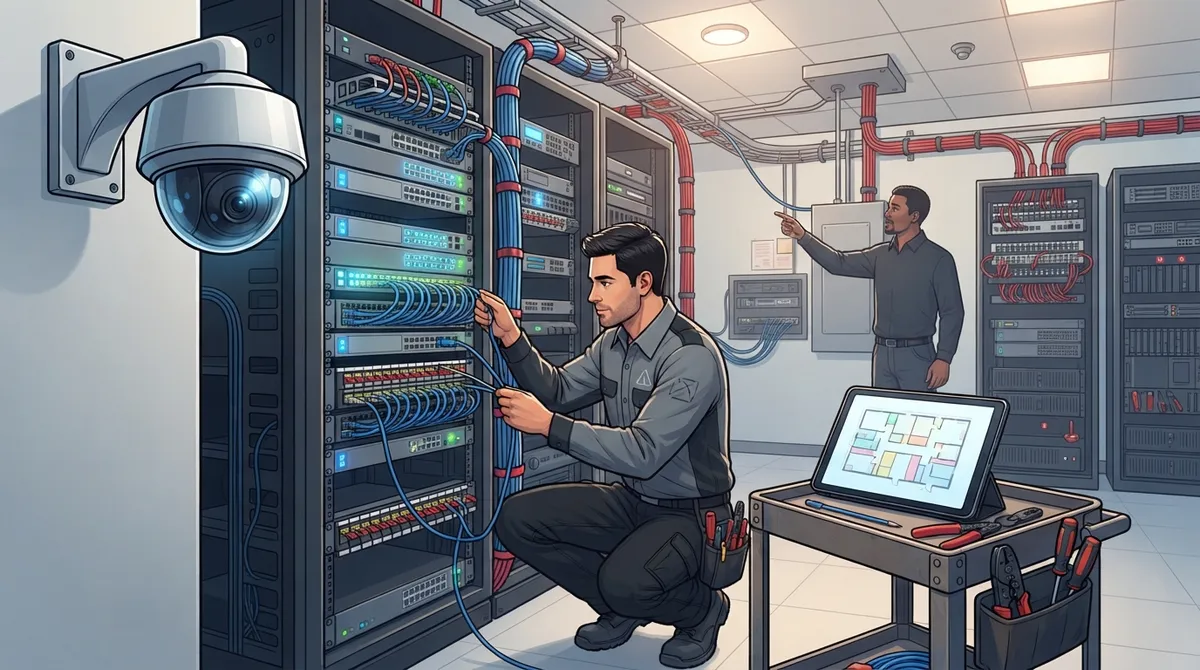
A proper site survey must evaluate existing network infrastructure, cable pathways, bandwidth capacity, and building materials before installation to prevent costly mistakes and ensure the system works with your existing setup.
-
Security cameras must be placed on a dedicated VLAN with strong authentication, encrypted video streams, and immediate password changes to prevent them from becoming network entry points for cyberattacks.
-
Professional cabling installation with proper labeling, testing, and protection is critical since poor cable runs are a leading cause of commercial camera system failures and require expensive repairs.
-
Cloud-based storage systems are growing at 14.18% annually and offer easier remote access and multi-location scalability, while on-premises NVR systems still hold 54.40% market share and work without internet dependency.
-
Final testing in multiple lighting conditions, staff training on system usage, and complete documentation with camera maps and network settings must be completed before handoff to ensure long-term functionality and future troubleshooting.
Thinking about adding security cameras to your business? You’re not alone, and you’re definitely in good company. Whether you run a small shop, manage an IT department, or oversee multiple franchise locations, understanding the security camera installation process can save you time, money, and a whole lot of headaches. Let’s walk through it together, step by step, in plain language you can actually use.
Here’s the good news: modern business security cameras aren’t just cameras anymore. They’re part of your network, working alongside your structured cabling, internet connection, and even your phone system. That means the installation process is really a combination of physical security planning and smart network engineering. Sounds complicated? It doesn’t have to be, especially when you have the right partner guiding you.
What Does a Business Security Camera Installation Actually Involve?
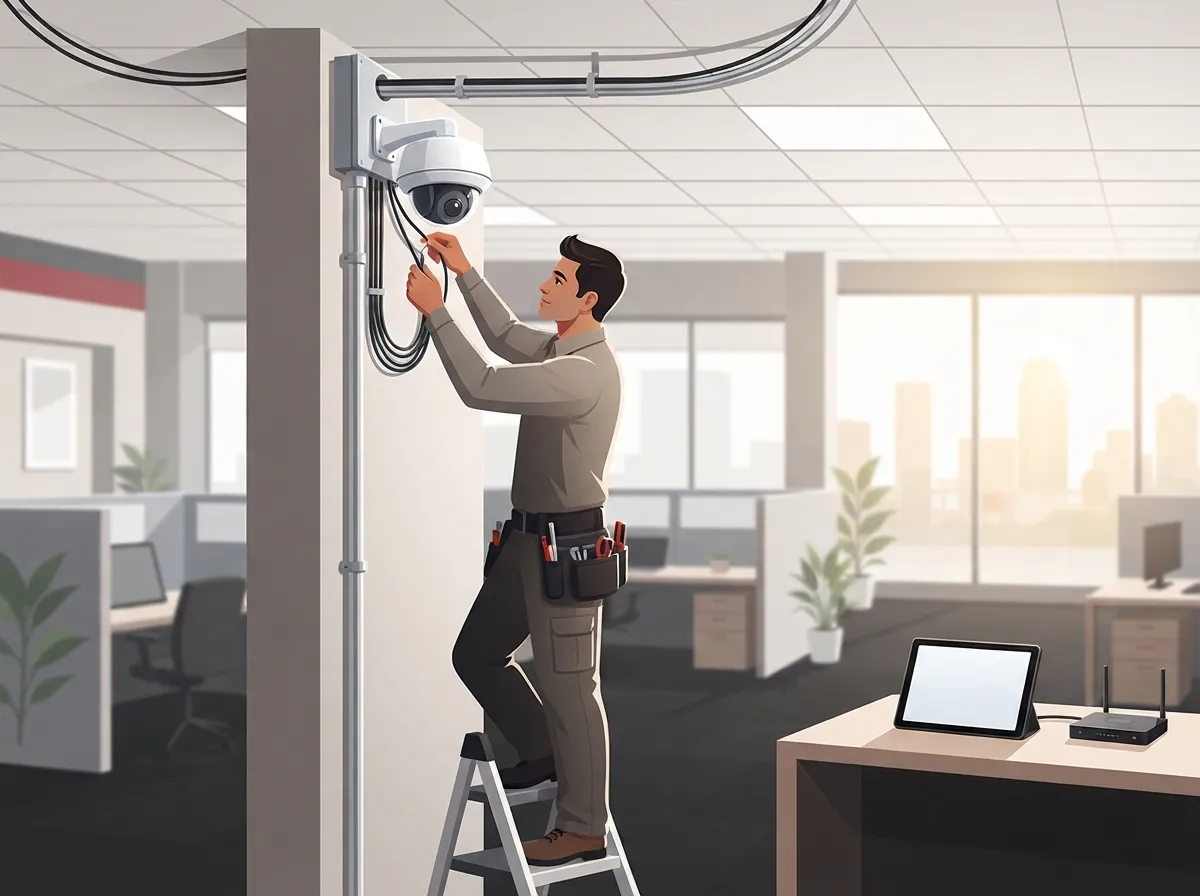
A proper commercial camera installation is more than mounting a few cameras and plugging them in. It’s a full process that protects your investment and keeps your footage useful when you actually need it.
Here are the main stages you can expect:
- Needs assessment. What are you trying to protect? Cash registers, entrances, inventory, parking lots, or all of the above?
- Site survey. A technician walks your building to check network closets, cable pathways, lighting, and mounting spots.
- Camera design and placement plan. This maps out exactly where each camera goes and why.
- Structured cabling installation. Cat5e or Cat6 cabling gets run to each camera location.
- Mounting and physical setup. Cameras go up, angled and secured properly.
- Network configuration. Cameras get connected to your business network with proper security settings.
- Testing. Everything gets checked in different lighting and conditions.
- Documentation and training. You get a map of your system and a walkthrough of how to use it.
This structured approach is exactly why so many businesses turn to a trusted partner instead of trying to piece it together themselves. At Ideal Solutions Provider, we’ve seen firsthand how a well-planned installation prevents blind spots and network headaches down the road.
Why IP Cameras and PoE Are the Business Standard
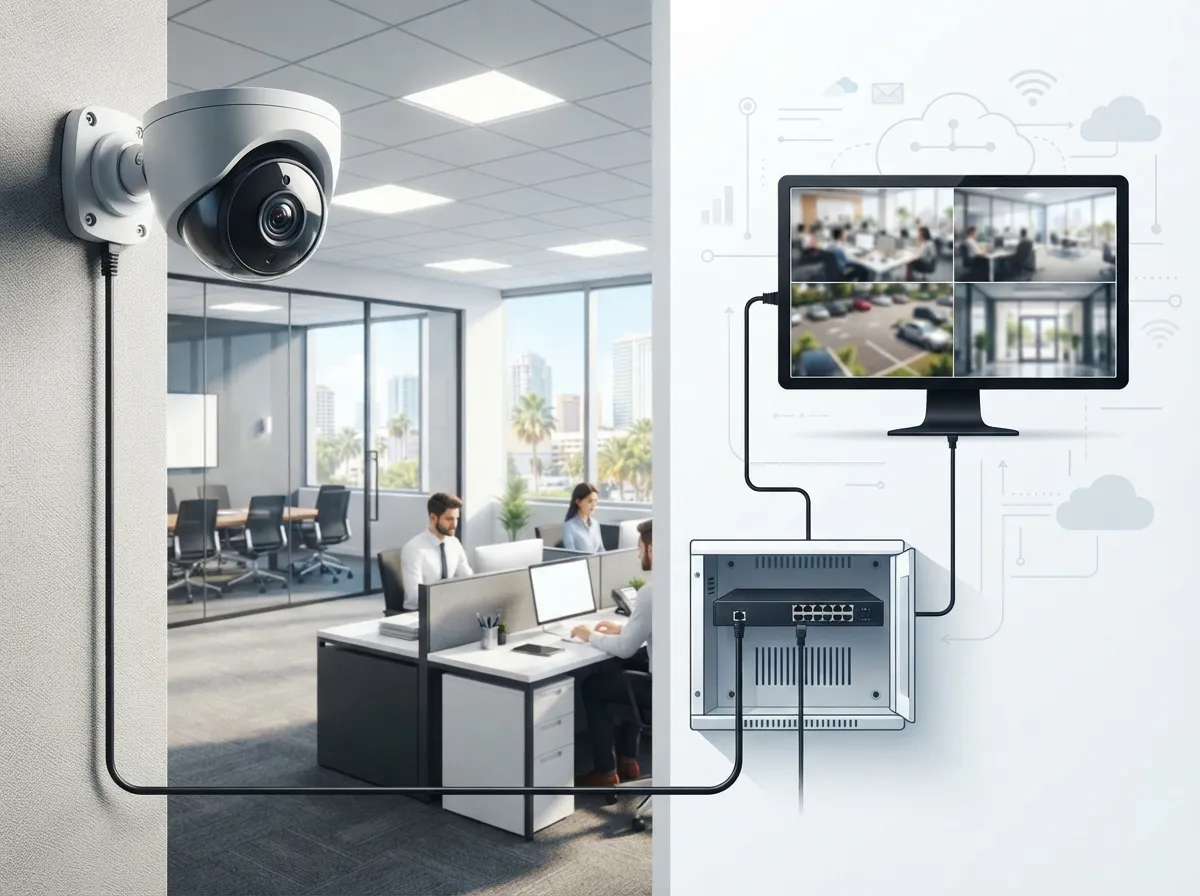
If you’ve shopped around at all, you’ve probably heard the term “PoE” thrown around. PoE stands for Power over Ethernet, and it’s a bit of a game-changer for commercial installs.
Instead of running separate power cables and network cables to every camera, PoE lets you do both jobs with a single Cat5e or Cat6 cable. That means less clutter, lower installation costs, and a cleaner setup overall. It’s no surprise that IP cameras made up roughly 64.35% of surveillance camera market revenue in 2025, according to Mordor Intelligence. Wired connectivity is also the clear favorite for businesses, representing close to 69% of installations, since wired systems tend to offer better reliability than wireless options.
Here’s why business owners like this setup:
- One cable does double duty (power and data)
- Easier to relocate cameras later since it uses your existing network
- Fewer points of failure compared to battery-powered wireless cameras
- Works seamlessly with your existing business network solutions
Planning Camera Placement: Where Should Cameras Actually Go?
This is where a lot of DIY installations go wrong. It’s not just about pointing a camera at the front door and calling it done.
A good installer thinks about your entire property and your specific risks. Common priority areas include:
- Entrances and exits
- Loading docks and delivery areas
- Cash registers and payment stations
- Hallways and corridors
- Parking lots and garages
- Server rooms and equipment closets
- Storage areas with high-value inventory
But placement isn’t just about location. Installers also need to think about lighting conditions, glare from windows, how far someone needs to be identified from, weather exposure for outdoor units, and potential vandalism risk. A camera pointed straight into the morning sun is basically useless for identifying faces, no matter how expensive it was.
The Site Survey: Setting the Foundation
Before anyone picks up a drill, a proper site survey should happen. This step evaluates your existing setup so the installation actually works with your building instead of against it.
During a site survey, a technician typically checks:
- Existing network closets and available switch ports
- Cable pathways and how far cameras will be from the network switch
- Current internet bandwidth and whether it can handle video traffic
- Available electrical power near camera locations
- Building materials, since concrete and metal can affect wireless signals
- Any privacy or compliance requirements specific to your industry
This is also where planning for future growth happens. If you’re a franchise operator with multiple locations, or a mid-sized company expecting to expand, it’s smart to design your camera system with room to grow. Nobody wants to redo their structured cabling in two years because the original setup was too small.
Network Requirements: Bandwidth, Switches, and Storage
Your cameras are only as good as the network supporting them. This is where a lot of businesses run into trouble, especially if they try to add cameras to an already-stretched internet connection.
Here’s a simple table showing what to consider when sizing your network for cameras:
| Factor | Why It Matters | What to Check |
|---|---|---|
| PoE switch capacity | Powers cameras and handles data traffic | Number of ports and total wattage budget |
| Internet bandwidth | Needed for cloud storage and remote viewing | Upload speed, not just download speed |
| Cable length | Standard copper Ethernet maxes out around 100 meters | Distance from switch to camera location |
| Storage capacity | Determines how long footage is kept | Cloud plan limits or on-site NVR storage size |
| Network segmentation | Keeps cameras separate from other business traffic | Dedicated VLAN configuration |
If your business is already juggling VoIP calls, cloud applications, and camera feeds all on one connection, things can slow down fast. This is why many businesses pair their camera installation with an upgrade to their high-speed internet for business setup at the same time.
Cloud vs. On-Premises: Which System Fits Your Business?
One of the biggest decisions in the security camera installation process is choosing between cloud-based storage and an on-premises recorder (NVR). Both have their place, and the right choice depends on your business size, budget, and how you like to access footage.
| Feature | Cloud-Based System | On-Premises NVR |
|---|---|---|
| Upfront cost | Lower hardware cost | Higher hardware cost |
| Ongoing cost | Monthly subscription fee | Minimal, mostly maintenance |
| Remote access | Very easy from any device | Requires additional setup |
| Internet dependency | High, needs steady upload speed | Low, works without internet |
| Scalability | Easy to add locations | Requires more local hardware |
Mordor Intelligence reports that on-premises systems still held about 54.40% of surveillance camera market revenue in 2025. However, cloud and video-surveillance-as-a-service options are projected to grow at roughly 14.18% annually through 2031. That growth tells you something: more businesses are choosing the flexibility of cloud video security every year, especially those managing multiple locations.
Securing the Network: Keeping Your Cameras Safe from Hackers
Here’s something a lot of business owners don’t think about until it’s too late: your security cameras are basically small computers connected to your network. That means they can be a target for cyberattacks if they’re not set up correctly.
A good installer follows these best practices:
- Place cameras on their own dedicated VLAN, separate from office computers
- Change all default usernames and passwords immediately
- Apply firmware updates as soon as they’re released
- Use encryption for video streams and stored footage
- Limit remote access to approved devices and users only
- Set up strong authentication for any admin accounts
This kind of network hygiene matters just as much as camera placement. A camera system with weak security settings can actually create a new vulnerability in your overall Internet Service Provider connection, giving bad actors a possible entry point into your business network.
Cabling Done Right: The Backbone of Your Camera System
It’s easy to overlook cabling since it’s hidden behind walls and ceilings, but it’s honestly one of the most important parts of the whole installation. Poor cabling leads to dropped connections, slow footage loading, and expensive repairs later.
Professional installers follow a few key rules:
- Label every cable clearly for future troubleshooting
- Test each run before finishing the job
- Protect exposed cabling with conduit
- Keep copper runs under the standard 100-meter limit
- Use fiber or additional switches for longer distances
This is where working with an experienced structured cabling team really pays off. Sloppy cable runs are one of the most common reasons commercial camera systems fail early, and it’s completely preventable with the right installation team.
Privacy and Compliance: What You Need to Decide Before Installation
Before your cameras go live, take time to think through your privacy policies. This isn’t just a legal box to check, it’s about protecting your business and your employees.
Questions worth answering upfront:
- How long will footage be stored?
- Will cameras record audio, and is that legal in your area?
- Do you need signage notifying employees and visitors?
- Who has access to view footage, and how is that access controlled?
- What’s your process if law enforcement requests footage?
These rules vary by state and industry, so it pays to get this right from day one rather than scrambling to fix it later.
Final Testing and Handoff: Making Sure Everything Works
The installation isn’t finished the moment cameras are mounted. A thorough installer tests everything before calling it done.
This final phase should include:
- Testing footage quality in daytime, nighttime, and low-light conditions
- Verifying that recording and playback work correctly
- Confirming remote viewing works on phones and computers
- Adjusting camera angles for the best possible coverage
- Setting up motion detection or analytics features
- Providing a full camera map and documentation package
- Training your staff on how to use the system day-to-day
You should walk away with a complete package: a camera map, cable and port schedule, device inventory, network settings, and warranty information. This documentation makes future troubleshooting and expansion so much easier.
Bringing It All Together with One Trusted Partner
Here’s the thing about security camera installation: it touches almost every part of your business technology. Your internet connection, your cabling, your network switches, even your cloud-based phone system often shares the same infrastructure. That’s exactly why juggling multiple vendors for cameras, internet, and networking can get messy fast.
With over 24 years of experience and partnerships across 35+ vetted suppliers, our team at Ideal Solutions Provider handles the whole process for you, from the initial site survey all the way through ongoing support. We also help businesses combine camera installations with cloud access control systems, structured cabling, and network upgrades so everything works together smoothly, not as separate, disconnected systems.
You can follow along with more tips and behind-the-scenes updates on our Facebook page, check out installation examples on Instagram, or watch real project walkthroughs on our YouTube channel.
Ready to Get Started?
Whether you’re a small business owner looking for your first camera system, an IT manager coordinating a multi-site rollout, or a franchise operator planning scalable security across locations, the right installation process makes all the difference. A well-planned system protects your people, your property, and your peace of mind.
Ready to talk through your options? Contact us for a free consultation, or feel free to call us directly to speak with a real person who can walk you through the process. We’d love to help you build a security camera system that actually works for your business.
FAQs
Q: What are the steps in a commercial security camera installation process?
A: It usually starts with a needs assessment and site survey, then moves into camera design, cabling, mounting, network setup, testing, and finally staff training. Think of it like building a house: you need a solid foundation before the fun parts happen. Each step builds on the last one to create a system that actually works when you need it.
Q: How many security cameras does my business need?
A: It really depends on your building size, layout, and what you’re trying to protect. Most small businesses start with cameras at entrances, cash registers, and storage areas. A site survey from a professional installer is the best way to get an exact number tailored to your space.
Q: Should my business choose PoE, wireless, cloud, or NVR cameras?
A: For most businesses, PoE cameras connected to a cloud storage system offer the best mix of reliability and convenience. Wireless cameras can work for smaller spaces, but wired PoE systems tend to be more stable long-term. The right choice really comes down to your budget and how many locations you’re managing.
Q: What network speed and bandwidth are required for business security cameras?
A: This depends on how many cameras you have and their video quality, but upload speed matters just as much as download speed here. Cloud-based systems especially need reliable upload bandwidth to send footage offsite. A quick network assessment can tell you exactly what your setup requires.
Q: How much does commercial security camera installation cost?
A: Costs vary widely based on the number of cameras, cabling distance, and whether you choose cloud or on-premises storage. Every building is different, so getting a personalized quote is always the best route. We’re happy to walk you through pricing options that fit your specific budget and goals.





