
Key Takeaways
-
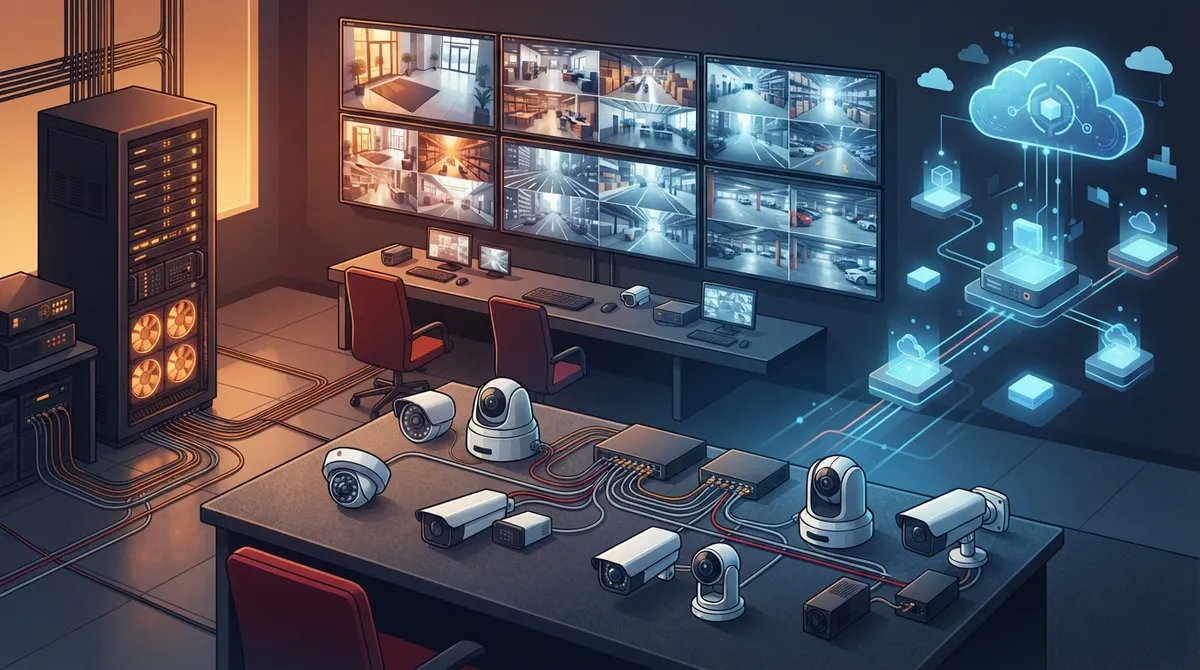
A complete commercial camera system requires cameras, PoE switches, structured cabling, VMS software, storage, remote access tools, and backup power working together—skipping any component causes underperformance.
-
Cloud-based systems excel for multi-location management with low upfront costs and automatic updates, while on-premises NVR/DVR setups offer full local control and predictable long-term costs without internet dependency.
-
Conduct a detailed site survey before installation to identify entrance/exit points, lighting conditions, optimal camera placement, and cable routing to avoid blind spots and wasted resources.
-
Isolate cameras on a dedicated VLAN separate from office networks to maintain fast business traffic speeds, improve security, and follow ONVIF cybersecurity best practices including firewalls and encrypted connections.
-
Choose camera types based on specific needs: dome for indoors, bullet for outdoor/long-range, PTZ for active monitoring, and infrared or wide dynamic range for challenging lighting conditions.
-
Plan storage requirements by calculating camera count, resolution, frame rate, compression type, and retention period; businesses with compliance rules should include backup systems like RAID and UPS with documented recovery plans.
Picking a commercial camera system setup can feel like standing at a fork in the road. Do you go with a cloud-based system, or stick with an on-premises setup? Grab a coffee, because we’re about to break this down together, friend to friend. No confusing tech talk here, just honest answers to help your Tampa business make the right call.
Whether you run a small shop, manage a growing office, or oversee IT for multiple locations, this guide is for you. We’ll walk through what a real commercial camera system setup includes, compare your two main options, and help you figure out which one fits your business best. And if you ever want a second opinion, the team at Ideal Solutions Provider is always happy to help.
What Goes Into a Commercial Camera System Setup?
A lot of people think installing security cameras is as simple as mounting a box and plugging it in. It’s actually much more than that. A proper commercial camera system setup is really a small network project. It includes cameras, cabling, switches, storage, software, and security settings that all work together.
Here’s what a complete setup typically involves:
- IP cameras chosen for each specific area (indoor, outdoor, low light, wide view)
- Power over Ethernet (PoE) switches that send both power and data through one cable
- structured cabling to connect every camera to your network
- A video management system (VMS) for viewing, playback, and alerts
- Storage, either an on-site recorder or cloud-based storage
- Remote access tools so you can check in from your phone
- Backup power to keep things running during outages
Every one of these pieces matters. Skip one, and your whole system can underperform. That’s why working with an experienced telecom expert who gets results makes such a big difference.
Cloud-Based vs. On-Premises: The Big Decision
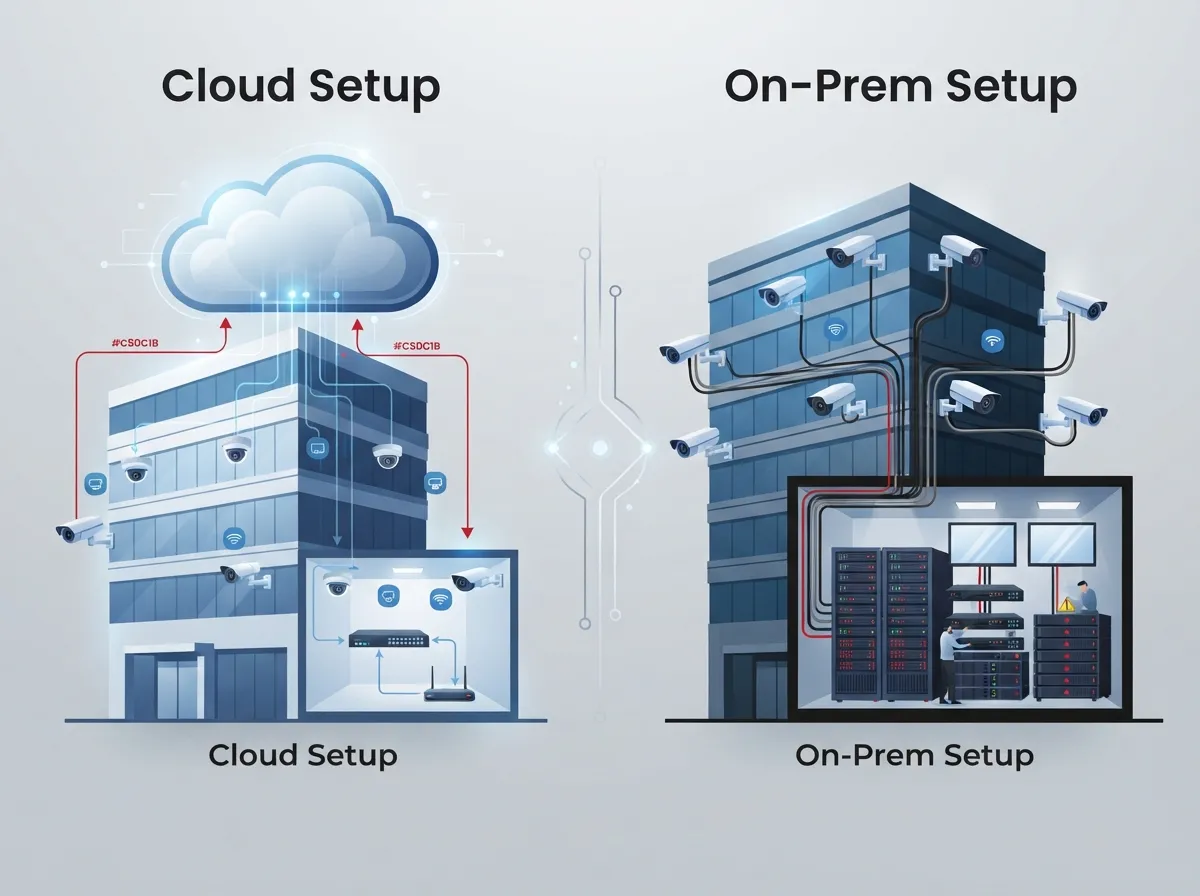
Now let’s get to the heart of it. When businesses plan a commercial camera system setup, the biggest choice is where your footage lives and how you manage it. Let’s compare both paths honestly, no sales pitch, just facts.
Cloud-Based Camera Systems
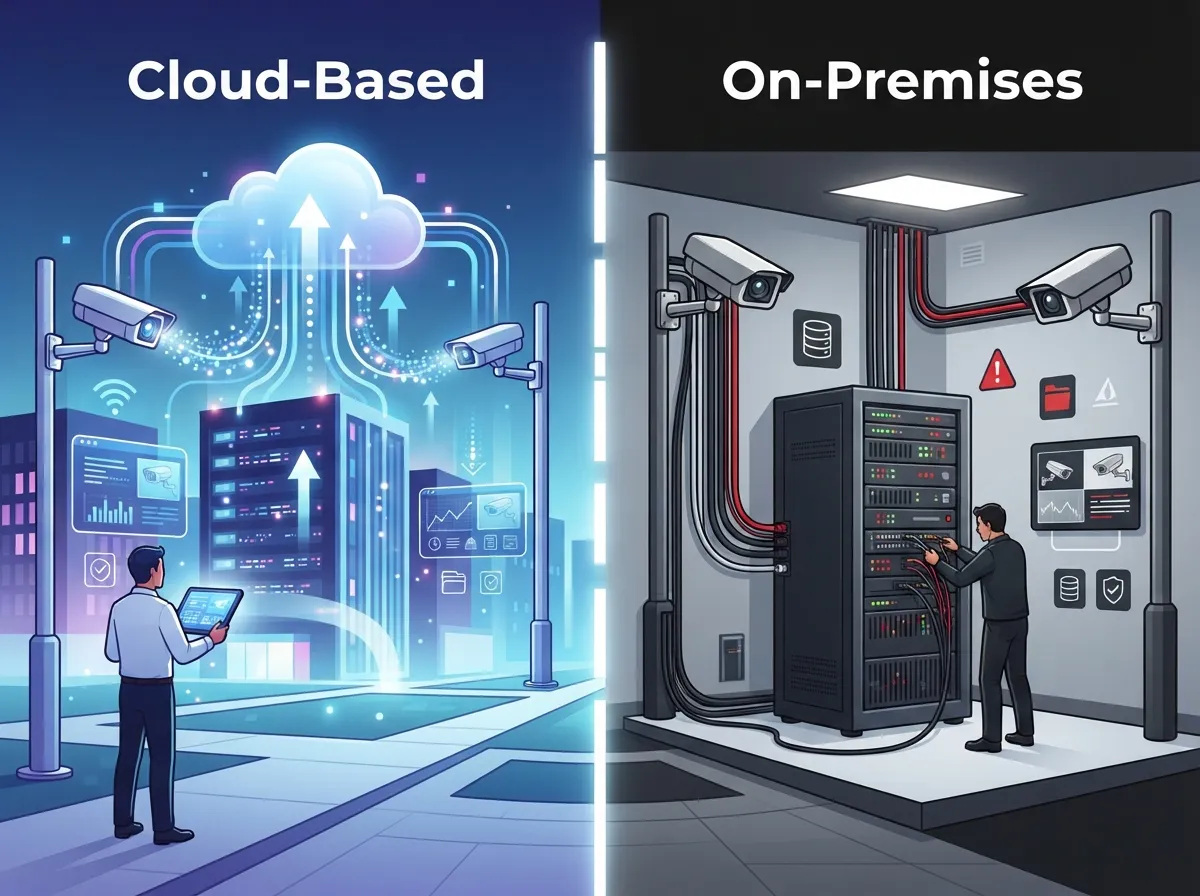
Cloud video security stores your footage offsite, usually managed through a simple online dashboard or app. You can check in on your business from anywhere, and updates happen automatically in the background.
Cloud systems shine when you need:
- Easy remote viewing from any device, anywhere
- Simple management across multiple business locations
- Automatic software and security updates
- Lower upfront hardware costs
- Fast scaling as your business grows
On-Premises Camera Systems (NVR/DVR)
On-premises setups store footage locally using a network video recorder (NVR) or digital video recorder (DVR). Everything lives on hardware sitting inside your building.
This option works well when you want:
- Full local control without relying on outside servers
- Predictable, one-time storage costs
- No dependence on your internet connection for local viewing
- Long retention periods without ongoing subscription fees
Side-by-Side Comparison
| Feature | Cloud-Based System | On-Premises System |
|---|---|---|
| Remote Access | Simple, built-in app access | Requires extra setup and network config |
| Upfront Cost | Lower hardware cost | Higher hardware investment |
| Ongoing Cost | Monthly subscription fees | Minimal after initial purchase |
| Multi-Location Management | Very easy, one dashboard | More complex, separate systems |
| Maintenance | Automatic updates | Manual updates needed |
| Internet Dependency | Higher | Lower for local viewing |
Many growing businesses actually choose a hybrid approach, mixing cloud convenience with local backup. It really depends on your goals, your budget, and how many locations you’re managing.
Site Survey: The Step Nobody Should Skip
Before any commercial camera system setup begins, a good installer walks your property first. This is called a site survey, and it’s one of the most important steps in the whole process.
During a site survey, your installer should look at:
- Entrances, exits, and loading areas
- Parking lots and outdoor perimeters
- Cash handling points and restricted rooms
- Lighting conditions throughout the day and night
- Best mounting locations for each camera
- Cable routing paths through walls and ceilings
- Privacy-sensitive areas like restrooms or break rooms
Skipping this step often leads to blind spots, wasted cable runs, and cameras pointed at the wrong things. A thoughtful survey saves you money and headaches later.
Choosing the Right Cameras for Your Space
Not every camera fits every job. Picking the right type for each area makes a real difference in image quality and usefulness.
- Dome cameras work great for indoor spaces like lobbies and offices
- Bullet cameras handle outdoor and long-range viewing well
- Panoramic or fisheye cameras cover wide areas like warehouses
- PTZ cameras (pan-tilt-zoom) are ideal for active monitoring
- Infrared or low-light cameras keep nighttime footage clear
- Wide dynamic range cameras handle bright backlighting, like entrance doors
The Network Side: Why It Matters So Much
Here’s something people often forget: your commercial camera system setup only works as well as your network. Cameras stream video constantly, which puts real strain on your bandwidth and equipment.
Smart network planning includes:
- A dedicated VLAN just for cameras, separate from office computers
- Managed PoE switches that monitor power and connection status
- Firewalls that block unnecessary outside access
- Enough bandwidth to support live viewing and recording at once
A separate camera network keeps your regular business traffic fast and your camera feeds smooth. It also adds a layer of protection, since cameras aren’t mixed in with sensitive office data. If your current setup feels sluggish, it might be time to look into signs your business network needs an upgrade.
Keeping Your Camera System Secure
Security cameras are network devices, which means they can be hacked if left unprotected. The good news? Good habits keep your system safe.
Follow these steps to lock things down:
- Change all default usernames and passwords right away
- Keep firmware updated on every camera and recorder
- Turn off unused features like UPnP
- Use encrypted connections (HTTPS or TLS) whenever possible
- Limit who has administrator access
- Add multifactor authentication where it’s available
- Avoid exposing cameras directly to the public internet
According to ONVIF’s cybersecurity guidance, using VLANs, firewalls, and encrypted connections are considered standard best practices for protecting IP-based security devices. These aren’t extra steps, they’re part of a proper installation from day one.
Understanding ONVIF and Video Standards
You might see the term “ONVIF Profile T” while shopping for cameras. This standard supports modern video features like H.264 and H.265 streaming, encrypted communication, and two-way audio. It basically helps different camera brands and software talk to each other smoothly.
H.265 compression can shrink your storage and bandwidth needs compared to older H.264 formats, though actual savings depend on your camera settings and recording platform. It’s worth checking if your chosen cameras and recorder support the same standards before you buy anything.
Storage Planning Basics
How much storage do you actually need? It depends on a few things:
- Number of cameras and their resolution
- Frame rate and video compression type
- Continuous recording versus motion-triggered recording
- How long you’re required to keep footage
- Whether you need backup storage or redundancy
Businesses in industries with strict compliance rules should plan for longer retention and backup systems like RAID or uninterruptible power supplies (UPS). It’s smart to document your recovery plan too, just in case something goes wrong.
Legal Things to Keep in Mind
Camera laws vary by state and industry, so it’s worth double-checking a few things before installation:
- Post proper notice where cameras are recording
- Avoid pointing cameras at private areas like restrooms
- Be cautious with audio recording, which has stricter legal rules
- Limit facial recognition features unless there’s a clear legal reason
- Talk to your attorney about labor and privacy laws that apply to you
Getting this right protects your business and your employees’ trust.
Ongoing Maintenance Keeps Everything Running
A commercial camera system setup isn’t something you install and forget. Cameras and recorders need regular care to stay reliable.
A solid maintenance plan includes:
- Regular firmware and security updates
- Health checks on cameras and storage devices
- UPS battery testing
- Password and access reviews
- Lens cleaning and repositioning checks
- Periodic coverage assessments as your building changes
Industry data suggests the video surveillance market continues to grow rapidly, with global estimates ranging from tens of billions of dollars depending on how equipment, software, and services are counted. That growth means more options, but also more reason to have expert guidance choosing the right fit.
Why a Single Telecom Partner Makes This Easier
Juggling cameras, internet, cabling, and networking with separate vendors gets complicated fast. That’s exactly why so many Tampa businesses turn to Ideal Solutions Provider. With over 24 years of experience and partnerships with 35 plus vetted suppliers, they act as one point of contact for your entire telecom setup, cameras included.
Whether you need professional structured cabling services, a network built to support cloud cameras, or full integration with cloud-based access control, having one partner handling it all saves time and reduces confusion. You can also check out real examples of their work on YouTube or follow updates on Facebook and Instagram.
Making the Right Choice for Your Business
So, cloud or on-premises? Here’s the simple version. If you manage multiple locations, want easy remote access, and prefer low upfront costs, cloud-based video security is probably your winner. If you want full local control, predictable costs over time, and don’t mind managing hardware yourself, an on-premises NVR setup might suit you better.
Many businesses land somewhere in the middle, combining both for the best of each world. That’s where a good Internet Service Provider connection and a properly designed network really tie everything together.
Ready to figure out which commercial camera system setup fits your business? Contact us for a free consultation, or call us today to talk through your options with a real person who actually listens.
FAQs
Q: How much does a commercial camera system setup cost?
A: Costs vary a lot depending on camera count, storage choice, and whether you go cloud or on-premises. Small setups might start around a few thousand dollars, while larger multi-location systems cost more. The best way to know for sure is getting a free consultation based on your actual space and goals.
Q: How many security cameras does my business need?
A: It really depends on your building size, entrances, and high-risk areas like cash registers or storage rooms. A proper site survey helps identify blind spots so you don’t overspend or leave gaps in coverage. Most small offices need somewhere between four and eight cameras, though this varies widely.
Q: Should I choose cloud-based or on-premises video surveillance?
A: Cloud-based systems are great if you want easy remote access and manage multiple locations. On-premises setups give you more local control and can be cheaper long-term if you don’t need remote viewing as much. Many businesses actually choose a hybrid setup for the best of both worlds.
Q: Do commercial security cameras need their own network?
A: Yes, putting cameras on a separate VLAN is a smart best practice. It keeps your camera traffic from slowing down office computers and adds an extra layer of security by isolating the devices. Your telecom provider can set this up during installation.
Q: What maintenance does a business camera system need?
A: Regular firmware updates, health checks, and password reviews keep your system running smoothly and securely. It’s also smart to test backup power and clean camera lenses every few months. Think of it like any other equipment, a little upkeep goes a long way.





