
Key Takeaways
-
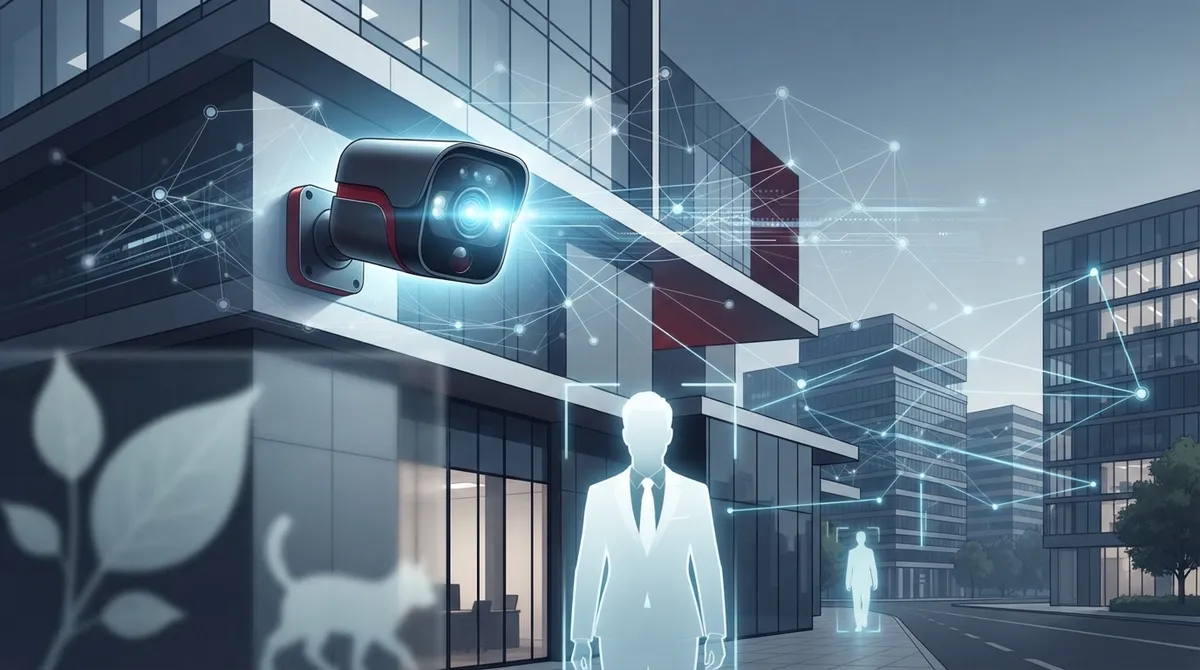
AI cameras use computer vision to distinguish real threats from false motion, sending only relevant alerts instead of triggering alarms for falling leaves or animals, making your team trust the notifications they receive.
-
Edge AI processing on the camera device reduces bandwidth strain on your business internet, while cloud AI enables centralized management across multiple locations—choose hybrid solutions for local recording during outages plus cloud management.
-
Pair AI cameras with reliable internet and cybersecurity basics like strong passwords, multifactor authentication, and firmware updates, since cameras are network devices vulnerable to hacking if not properly protected.
-
Consolidate with a single provider managing cameras, internet, and phone systems together to eliminate vendor juggling and get one point of contact for installation and ongoing support across your business.
Picture this: it’s 2 a.m., and your business is empty. But your camera system isn’t just recording hours of nothing. It’s watching for the one thing that matters, like a person walking near your back door. That’s the magic of AI powered business security cameras. And honestly, once you see them in action, you’ll wonder how you ever managed without them.
At Ideal Solutions Provider, we talk to Tampa business owners every day who are tired of digging through hours of grainy footage. They want smart alerts, not headaches. In this friendly guide, we’ll walk through 13 real wins these smart camera systems bring to your business. We’ll also cover the networking and support pieces that make everything actually work, because a camera is only as good as the connection behind it.
What Makes a Security Camera “AI Powered” Anyway?
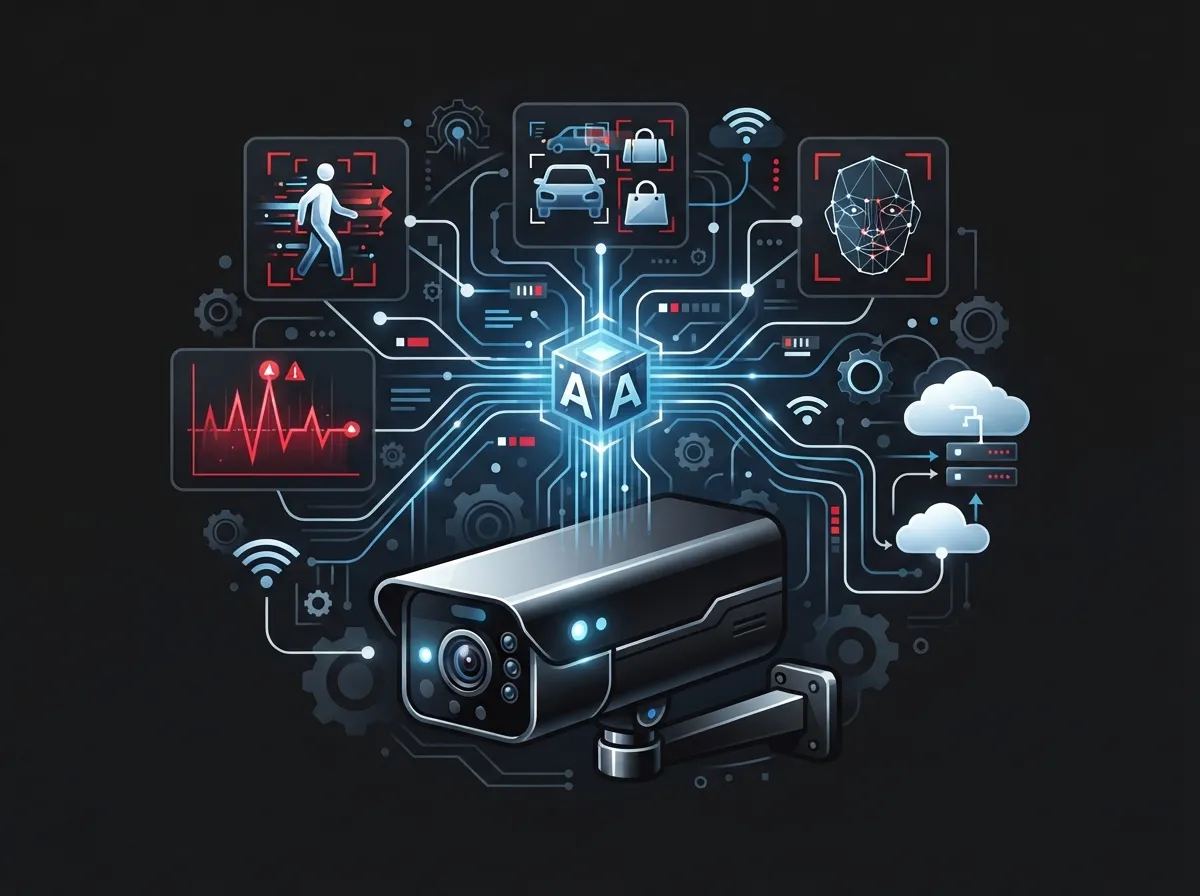
Let’s clear this up first, since it trips a lot of people up. Traditional cameras just record. They don’t know the difference between a falling leaf and a person sneaking around your loading dock. AI powered business security cameras use computer vision to actually understand what they’re seeing.
They can spot people, vehicles, loitering, line crossing, and even unsafe behavior. Then they send you a real alert, not just a clip of a squirrel. This is a huge step up from old-school CCTV, and it’s part of why more businesses are exploring what security cameras really do for your business before upgrading.
13 Ways AI Powered Business Security Cameras Help Your Business
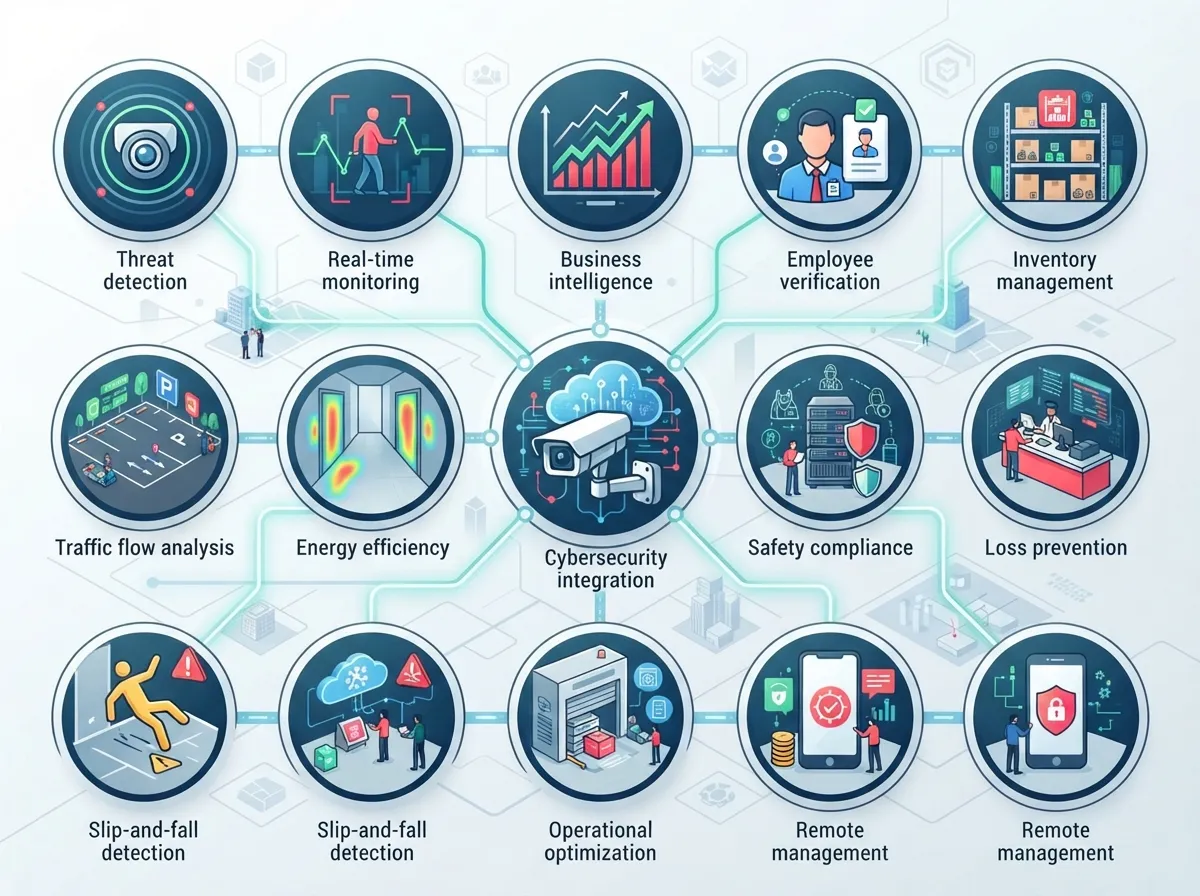
Ready for the good stuff? Here are 13 practical benefits we see businesses enjoy every day.
1. Fewer False Alarms, More Real Ones
Nobody wants a 3 a.m. call because a moth flew past the lens. AI cameras filter out irrelevant motion and only flag what matters. That means your team trusts the alerts they get.
2. Faster Response to Real Threats
When a camera spots an actual person or vehicle, it can notify staff right away. This speed can be the difference between stopping a problem and cleaning up after one.
3. Smarter People and Vehicle Counting
Retail and warehouse businesses love this one. Cameras can count foot traffic, track busy hours, and even help with staffing decisions.
4. License Plate Recognition for Gated Sites
Warehouses, construction sites, and parking areas benefit from automatic plate reading. It’s a simple way to know who’s coming and going.
5. Remote Monitoring From Anywhere
Whether you’re at another location or just running errands, you can pull up live video from your phone. Multi-site business owners especially appreciate this flexibility.
6. Searchable Video Footage
Instead of scrubbing through hours of tape, you can search for “person” or “vehicle” during a specific time window. It saves hours of frustration.
7. Integration With Access Control
AI cameras pair beautifully with cloud based access control systems. When someone badges in, your camera can confirm who it actually is.
8. Occupancy and Overcrowding Alerts
This one matters for retail stores, gyms, and event spaces. Cameras can flag when a space gets too crowded, helping with safety and compliance.
9. Better Protection for Construction Sites
Job sites deal with theft, vandalism, and safety risks. AI analytics can catch intrusion after hours and unsafe activity during the day.
10. Reduced Bandwidth With Edge AI
Some cameras process video right on the device instead of sending everything to the cloud. This is called edge AI, and it can reduce strain on your business internet connection.
11. Centralized Management for Multiple Locations
Franchise operators, this one’s for you. Cloud AI lets you manage cameras across every location from one dashboard, which is a lifesaver when you’re juggling several sites.
12. Stronger Cybersecurity When Done Right
AI cameras connect to your network, so they need to be protected just like any other device. Strong passwords, multifactor authentication, and network segmentation matter here.
13. One Partner for Cameras, Network, and Phones
This might be the biggest win of all. Instead of juggling five vendors, you get one point of contact for your cameras, internet, and phones.
Market Growth: Why Everyone’s Talking About AI Cameras Right Now
This isn’t just hype. According to Fortune Business Insights, the global AI-in-video-surveillance market was valued at roughly USD 6.26 billion in 2025. It’s projected to reach USD 26.90 billion by 2034, growing at about 18.2% each year. North America alone made up 37.22% of that market in 2025.
Meanwhile, Memoori reports the broader video-surveillance equipment and software market hit about USD 33.8 billion in 2024, with growth expected to reach USD 47.9 billion by 2030. Different research firms use different definitions, so numbers vary. But the trend is clear: businesses are investing heavily in smarter video technology.
| Research Firm | Market Scope | 2025 Estimate | Future Projection |
|---|---|---|---|
| Fortune Business Insights | AI in Video Surveillance | USD 6.26 billion | USD 26.90 billion by 2034 |
| Mordor Intelligence | AI in Video Surveillance | USD 5.98 billion | USD 13.26 billion by 2031 |
| Memoori | Video Surveillance Equipment & Software | USD 35.5 billion | USD 47.9 billion by 2030 |
Edge AI vs. Cloud AI vs. Hybrid: Which Fits Your Business?
This is a common question, and the answer really depends on your setup. Let’s break it down simply.
- Edge AI: Processing happens right in the camera or a nearby device. This reduces bandwidth use and speeds up response time.
- Cloud AI: Analytics run centrally, making it easy to manage multiple sites. But it needs solid, reliable internet.
- Hybrid: You get local recording during outages plus centralized cloud management. Many growing businesses find this the sweet spot.
Whichever route you pick, your camera system is only as strong as the network behind it. That’s why pairing cameras with reliable business high-speed internet services matters so much. If your connection drops, cloud-based cameras can lose their brain.
What to Consider Before You Install AI Cameras
AI doesn’t replace good planning. Camera placement, lighting, and network capacity still matter a ton. Here’s a quick checklist to review with your provider.
- Map out where cameras need to cover: entrances, loading docks, parking lots, and cash registers.
- Check your internet bandwidth to make sure it can handle video traffic without slowing down your phones or Wi-Fi.
- Decide on storage: on-site NVR, cloud storage, or a hybrid mix.
- Plan for power. PoE (Power over Ethernet) switches often make wiring simpler.
- Set a footage retention policy that matches your industry’s requirements.
- Review cybersecurity basics like strong passwords and firmware updates.
- Ask about cellular backup in case your main internet connection goes down.
Good structured cabling services also play a bigger role than people expect. Poor wiring can lead to dropped connections and grainy footage, no matter how smart your cameras are. If you’re curious about the technical side, structured cabling forms the physical backbone that keeps your whole system talking to each other reliably.
Keeping Your AI Cameras Secure
Here’s something people often overlook: AI cameras are network devices. That means they can be hacked if you’re not careful. A few simple habits go a long way.
- Use strong, unique passwords for every device, not the factory default.
- Turn on multifactor authentication wherever it’s available.
- Keep firmware updated regularly.
- Separate your camera network from your regular office network.
- Limit who has access to live feeds and recorded footage.
If your internet connection isn’t reliable, none of this matters much. A trustworthy Internet Service Provider relationship, paired with solid networking, keeps your cameras online when you need them most.
Bringing It All Together With One Trusted Partner
Here’s the honest truth: most business owners don’t want to become telecom experts. They just want their phones to work, their internet to be fast, and their cameras to catch what matters. That’s exactly the gap Ideal Solutions Provider fills.
With over 24 years of experience and partnerships with 35+ vetted suppliers, we act as your single point of contact. From cloud-based phone systems to cloud video security, we handle the comparisons, the installation, and the ongoing support. You get one relationship instead of five headaches.
We’ve found that many businesses we review are either overpaying or underperforming with their current setup. A quick audit often uncovers savings you didn’t know were possible, especially when cameras, internet, and phone systems are bundled thoughtfully.
Ready to Upgrade Your Security Camera System?
AI powered business security cameras aren’t just a trend. They’re becoming the standard for businesses that want smarter protection without the constant babysitting of old-school systems. Whether you run a single Tampa storefront or manage cameras across multiple franchise locations, the right setup makes all the difference.
We’d love to walk through your options and show you what’s possible. Contact us today for a free consultation, or feel free to call us to talk through your specific needs. Let’s build a security system that actually works for you.
FAQs
Q: What are AI powered business security cameras?
A: They’re smart cameras that use computer vision to spot and understand events, like people, vehicles, or intrusion, rather than just recording endless footage. Think of them as cameras with a brain that knows what’s actually worth your attention.
Q: Do AI security cameras need cloud storage or an NVR?
A: It really depends on your setup, and that’s okay! Some businesses use cloud storage for easy remote access, others prefer an on-site NVR, and many love a hybrid mix that gives them the best of both worlds.
Q: How much internet bandwidth do business security cameras need?
A: It varies based on camera count, resolution, and whether you use edge AI to reduce upload needs. A quick chat with your telecom provider can help you nail down the right bandwidth so your cameras and phones both run smoothly.
Q: Can AI cameras work with cellular internet backup?
A: Yes, and it’s a smart move! Cellular failover keeps your cameras online even if your main internet connection drops, so you’re never left in the dark during an outage.
Q: Can one provider manage my cameras, internet, and phone systems together?
A: Absolutely, and that’s exactly the kind of relief most business owners are looking for. Working with one trusted partner means fewer vendors to juggle and one number to call when you need help.





