

Key Takeaways
-
A true cloud access control audit trail captures identity, action, target resource, and outcome together—basic logs often miss critical details like who made changes, from where, or whether multi-factor authentication was used.
-
Every audit event must answer six questions: who performed the action, what action occurred, which resource was affected, when it happened, where it came from (IP/device), and what the result was—missing any creates investigation gaps.
-
Default retention periods are dangerously short (7-30 days for many platforms); export logs to independent SIEM or long-term storage for 6-12 months to support real investigations and compliance requirements.
-
Multi-location businesses and franchises face exponentially greater audit risks due to more admin accounts, locations, integrations, and potential regulatory exposure—unified audit trails become critical at scale.
-
Protect audit logs from tampering by implementing append-only/immutable storage, preventing admins from deleting their own actions, requiring separate permissions for logging access, and automating alerts for disable attempts.
-
Common real-world scenarios like disputed billing changes, compromised accounts, and compliance audits transform from nightmares into manageable tasks when audit trails capture and safely store the right correlated data.
Picture this. Someone changes your call-routing rules at 2 a.m. on a Saturday. Your calls start bouncing to the wrong department, and customers are furious by Monday morning. Who did it? Was it a hacked admin account? A rogue API key? Or just an honest mistake? Without a real cloud access control audit trail, you’re stuck guessing. And guessing is expensive.
For Tampa businesses juggling hosted phone systems, cloud security cameras, and access control at multiple doors, this isn’t a hypothetical problem. It happens more often than you’d think. Whether you’re a small business owner running one office or a franchise operator managing ten locations, you need proof of who touched what, when, and why. That’s exactly what a proper audit trail gives you.
In this guide, we’ll break down what a real cloud access control audit trail looks like versus a basic activity log that leaves you guessing. We’ll cover what to track, how long to keep it, and how to protect it from tampering. Grab a coffee, and let’s get into it together.

What Is a Cloud Access Control Audit Trail, Really?
A cloud access control audit trail is a timestamped, searchable record of every identity and access event across your cloud telecom systems. Think hosted voice, video calling, contact-center software, SIP trunks, network portals, VPNs, and admin dashboards. It’s not just one log file. It’s a full picture built from multiple sources working together.
The goal is simple: know who did what, on which system, and when. This matters whether you’re troubleshooting a strange phone system glitch or proving to a customer that their data was handled correctly.
How This Differs from a Basic Activity Log
Most cloud platforms come with some kind of built-in activity log. But basic logs often miss the full story. They might show that a setting changed, but not who changed it, from where, or whether multi-factor authentication was even used.
A true audit trail goes further. It captures identity, action, target resource, and outcome together in one connected record. This is the difference between a security tool and a simple notification feed.
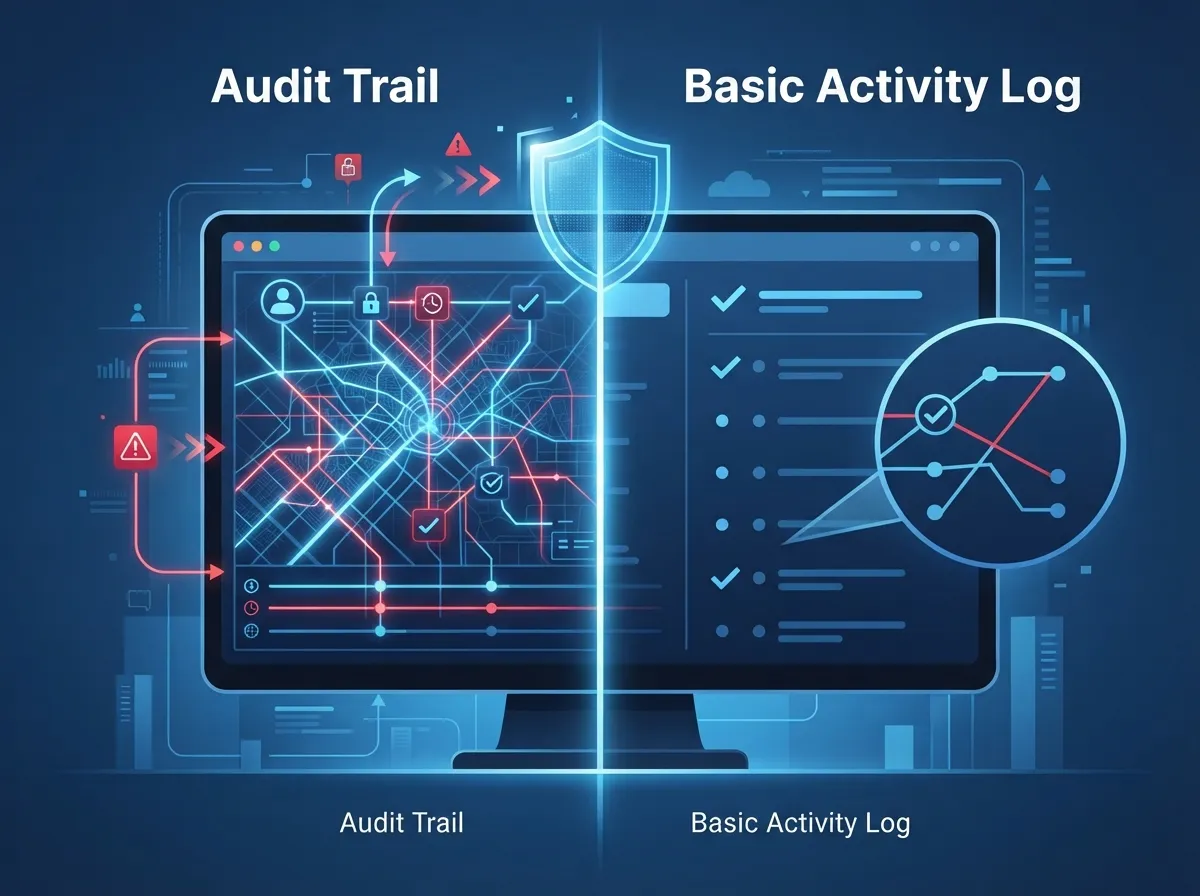
Audit Trail vs. Basic Activity Log: Head-to-Head Comparison
Let’s put these two side by side so you can see exactly where the gaps show up.
| Feature | Basic Activity Log | Full Cloud Access Control Audit Trail |
|---|---|---|
| Captures failed sign-ins | Sometimes | Always |
| Records MFA results | Rarely | Yes |
| Tracks admin privilege changes | Sometimes | Yes |
| Includes source IP or device | Rarely | Yes |
| Tamper-resistant storage | No | Yes |
| Long-term retention options | Limited | Configurable and exportable |
| Correlates identity and app-level events | No | Yes |
As you can see, a basic log tells you something happened. A real audit trail tells you the whole story, and that story is what protects your business when questions come up later.
What Events Should Your Audit Trail Actually Capture?
Not every log entry matters equally. Here’s what a strong telecom-focused audit trail should track:
- Successful and failed sign-in attempts across phone systems, portals, and apps
- Multi-factor authentication results, including bypass attempts
- Privilege or role changes for administrators and users
- User provisioning and deprovisioning events
- Configuration changes to call routing, extensions, or number settings
- API-key creation, use, and revocation
- Device enrollment for phones, cameras, or access control readers
- Attempts to disable, delete, or alter logging itself
That last point deserves special attention. If someone can turn off logging without leaving a trace, your entire audit system is worthless. A well-designed setup makes tampering visible, not invisible.
The Six Pieces of Information Every Audit Event Needs
For an audit record to actually hold up during an investigation, it needs to answer six basic questions. Here they are in order of importance:
- Who performed the action, tied to a specific identity
- What action occurred, described clearly and specifically
- Which resource or tenant was affected by the change
- When it happened, using synchronized timestamps across all systems
- Where the action came from, including source IP or device when available
- What the result was, success or failure, plus any correlation ID for tracing
Miss any one of these, and you’ve got a gap. Gaps turn simple investigations into frustrating dead ends. This is one reason we always encourage clients reviewing their cloud-based phone system setup to ask their provider directly about audit logging depth, not just call quality or pricing.
Why This Matters More for Growing and Multi-Location Businesses
If you run one small office, a missing audit event might be an annoyance. If you’re a franchise operator with locations across Tampa Bay and beyond, it’s a much bigger deal. Here’s why scale changes everything:
- More administrators means more accounts that could be compromised
- More locations means more access control doors and camera feeds to track
- More integrations (CRM, help desk, billing) means more places for gaps to hide
- More customers or franchisees may ask for proof of your security controls
- More regulatory exposure if you serve healthcare, finance, or education clients
Mid-sized enterprises and IT managers juggling vendor relationships often discover their scalable access control systems don’t talk to each other well enough to produce one unified audit picture. That’s a real risk worth fixing before an incident forces the issue.
How Long Should You Keep Your Audit Logs?
This question comes up constantly, and the honest answer is: it depends on your platform and your license tier. Here’s what the numbers actually look like for one common identity platform, based on published vendor documentation.
| License or Plan Type | Default Retention Period |
|---|---|
| Free tier identity logs | 7 days |
| Premium P1/P2 identity logs | 30 days |
| Standard audit records (non-E5 plans) | 180 days |
| E5 or qualifying audit add-on plans | 1 year for specified activity types |
These figures come from Microsoft’s own documentation on Entra ID and Purview retention settings. But here’s the catch: these numbers apply to specific Microsoft services, not the whole telecom industry. Your hosted voice platform, contact-center software, or SIP provider may have completely different retention rules and export options.
The safe move is exporting your logs to independent storage rather than relying on default retention alone. Many businesses route logs into a security information and event management system, or SIEM, precisely because native retention windows are often too short for real investigations.
5 Steps to Strengthen Your Cloud Access Control Audit Trail
Ready to tighten things up? Here’s a practical sequence to follow:
- Inventory your systems. List every cloud telecom, network, and access control platform your business uses.
- Check native logging depth. For each system, confirm exactly what events are captured and for how long.
- Centralize the logs. Route everything into one place, like a SIEM or log management tool, so nothing lives in isolation.
- Lock down log access. Apply least-privilege rules so admins can’t delete or alter evidence of their own actions.
- Test your alerts. Simulate a suspicious event and confirm someone actually gets notified in time.
This process doesn’t need to happen overnight. But tackling it in order, one step at a time, builds a much stronger foundation than trying to fix everything at once.
Protecting Your Audit Trail from Tampering
Here’s something a lot of businesses overlook: your audit logs are only as trustworthy as their protection. Federal guidance from NIST SP 800-53, specifically the AU-9 control family, emphasizes protecting audit information and logging tools from unauthorized access, modification, and deletion.
In plain terms, this means:
- Administrators managing your phone or access control systems shouldn’t be able to freely erase logs of their own changes
- Audit storage should be append-only or immutable whenever possible
- Access to the logging system itself should require its own separate permissions
- Alerts should fire automatically if someone tries to disable or wipe logging
Separating your day-to-day operational logs from your security audit records is a smart practice too. Operational logs help you troubleshoot. Security audit records help you prove what happened. They serve different purposes and deserve different protection levels.
Connecting Audit Trails to Real Business Situations
Let’s make this concrete. Here are common scenarios where a solid audit trail saves the day:
- A customer disputes a billing change and claims they never authorized it. Your audit trail shows exactly who made the change and when.
- An employee reports unauthorized call forwarding to an outside number. Logs reveal it was a compromised admin account, not a system bug.
- A franchise location reports a door access badge working when it shouldn’t. Your access control audit trail pinpoints the exact permission change.
- A compliance reviewer asks for proof of your security controls. You export a clean, organized audit report instead of scrambling.
- An insider threat investigation needs to prove intent. Correlated timestamps and IP data建立 a clear timeline of actions.
Each of these situations turns from a nightmare into a manageable task when the right data is already being captured and stored safely.
Bringing It All Together with the Right Partner
Here’s the honest truth: most businesses don’t have the time or in-house expertise to configure audit logging across every cloud telecom system perfectly. That’s normal, and there’s no shame in it. What matters is having a partner who understands the full picture, from cloud based access control to VoIP phone systems to network infrastructure.
Ideal Solutions Provider has spent over 24 years helping Tampa businesses and companies nationwide untangle exactly these kinds of challenges. Working with 35+ vetted suppliers, the team acts as a single point of contact so you’re not stuck piecing together logs from five different vendors on your own. That kind of unified approach makes audit trails far easier to manage and far more trustworthy when it counts.
Frequently Overlooked Differences: Access Logs, Audit Logs, and Call Records
People often mix up three related but distinct concepts. Here’s a quick breakdown:
| Term | What It Tracks | Primary Use |
|---|---|---|
| Access Logs | Login attempts and session activity | Basic monitoring |
| Audit Logs | Administrative and configuration changes with full context | Security investigations and compliance |
| Call Detail Records (CDRs) | Call metadata like duration, number, and time | Billing and usage analysis |
Knowing the difference helps you ask the right questions when evaluating any VoIP phone service or access control vendor. Don’t settle for vague answers about “we log everything.” Ask specifically which of these three categories they provide, and how.
Wrapping Up: Your Next Move
A strong cloud access control audit trail isn’t just a technical checkbox. It’s peace of mind for you, your team, and your customers. It means fewer sleepless nights wondering who changed what, and faster answers when something does go wrong.
Whether you’re a small business owner setting up your first cloud phone system, an IT manager overseeing multiple vendor relationships, or a franchise operator scaling across Tampa Bay, getting this right matters. And you don’t have to figure it out alone. Our team follows industry updates through channels like Facebook, Instagram, and YouTube to stay current on best practices for our clients.
Ready to get a clear picture of your current setup and close any audit trail gaps? Contact us today for a free consultation, or call us to talk through your specific telecom and security needs. We’re here to help you build a system you can actually trust.
FAQs
Q: What is a cloud access control audit trail for a telecom provider?
A: It’s a detailed, timestamped record showing who accessed or changed your cloud phone, network, or access control systems. Think of it as your security camera footage, but for digital actions instead of physical spaces. It combines identity logs with application and network data so you always know what happened.
Q: How long should cloud access and telecom audit logs be retained?
A: It really depends on your platform, but many default settings only keep logs for 7 to 30 days, which honestly isn’t enough for most businesses. We recommend exporting logs to separate storage for at least 6 months to a year, especially if you handle sensitive customer data or need proof for investigations later.
Q: How do audit trails help investigate unauthorized call forwarding or number changes?
A: A good audit trail shows exactly who changed the routing rule, from what device, and at what time. Without it, you’re left guessing whether it was a hacked account, a mistake, or something else entirely. With it, you can fix the issue and prevent it from happening again.
Q: What’s the difference between access logs, audit logs, and call-detail records?
A: Access logs track logins, audit logs track detailed administrative changes with full context, and call-detail records track call metadata like duration and numbers for billing. They sound similar, but each serves a completely different purpose, so it’s worth knowing which one you actually need.
Q: How can I protect my audit logs from being tampered with?
A: Start by making sure administrators can’t delete records of their own actions, and use append-only or immutable storage whenever possible. It also helps to set up alerts that fire the moment someone tries to disable logging. A little separation of duties goes a long way here.





