
Key Takeaways
-
Implement Zero Trust principles for cloud access control by checking every login request against identity, device health, and context rather than trusting users based on network presence alone.
-
Use phishing-resistant MFA (hardware security keys) for telecom administrators and privileged accounts; SMS codes are inadequate for high-risk roles.
-
Apply least privilege principle by defining specific roles with minimal required permissions: telecom admins, help-desk agents, supervisors, users, and contractors each need different access levels.
-
Secure vendor access with time-bound accounts that expire automatically, mandatory MFA for all vendor logins, and detailed logging of every vendor action.
-
Restrict call recording access to supervisors and compliance staff only; log all access attempts, encrypt recordings in transit and storage, and set automatic deletion schedules based on compliance requirements.
-
Review and audit access permissions quarterly and immediately when employees change roles, leave the company, or vendor relationships change to prevent orphaned accounts from becoming security risks.
Setting up cloud access control for your business can feel like a big puzzle. Do you tackle it yourself, or do you bring in a telecom partner to guide you through it? If you have ever wondered how to protect your office doors, your VoIP admin portal, and your customer call recordings all at once, you are in the right place. This cloud access control setup guide walks through both paths so you can pick the one that fits your team, your budget, and your peace of mind.
Think of this like choosing between assembling furniture from a manual versus having a friend who has done it a hundred times help you out. Both can get the job done. But one usually saves you time, headaches, and a few skinned knuckles. Let’s dig into what a proper cloud access control setup actually involves, and which approach makes more sense for your Tampa business.

What Is Cloud Access Control for Business Telecom Systems?
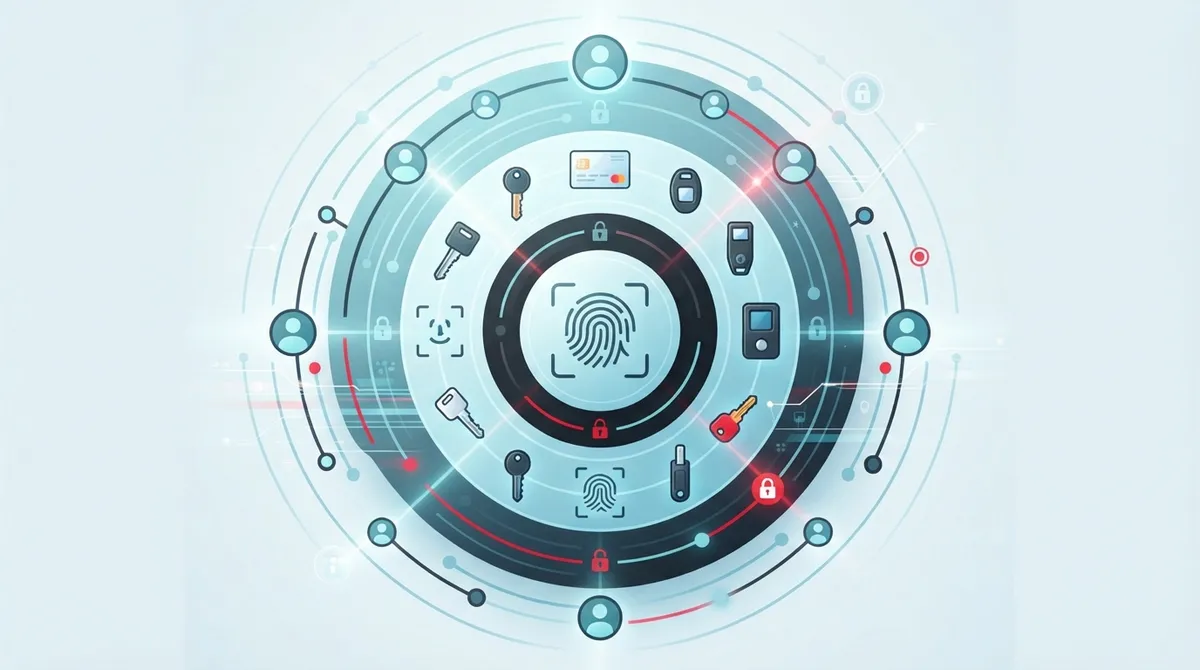
Cloud access control is a security approach that decides who gets into what. It covers your office doors, your VoIP phone system, your contact-center tools, and even your call recordings. Instead of trusting someone just because they are on your network, every request gets checked. Who are you? What device are you using? What are you trying to reach?
This idea lines up with guidance from the National Institute of Standards and Technology, or NIST. Their Zero Trust framework says trust should never be assumed just because someone is inside your building or on your Wi-Fi. Every single access request needs its own approval, based on identity, device health, and context.
For businesses juggling cloud-based phone systems, security cameras, and door locks, this matters a lot. One weak password should never be the only thing standing between a hacker and your entire phone system.
DIY Setup vs. Guided Setup: The Core Comparison
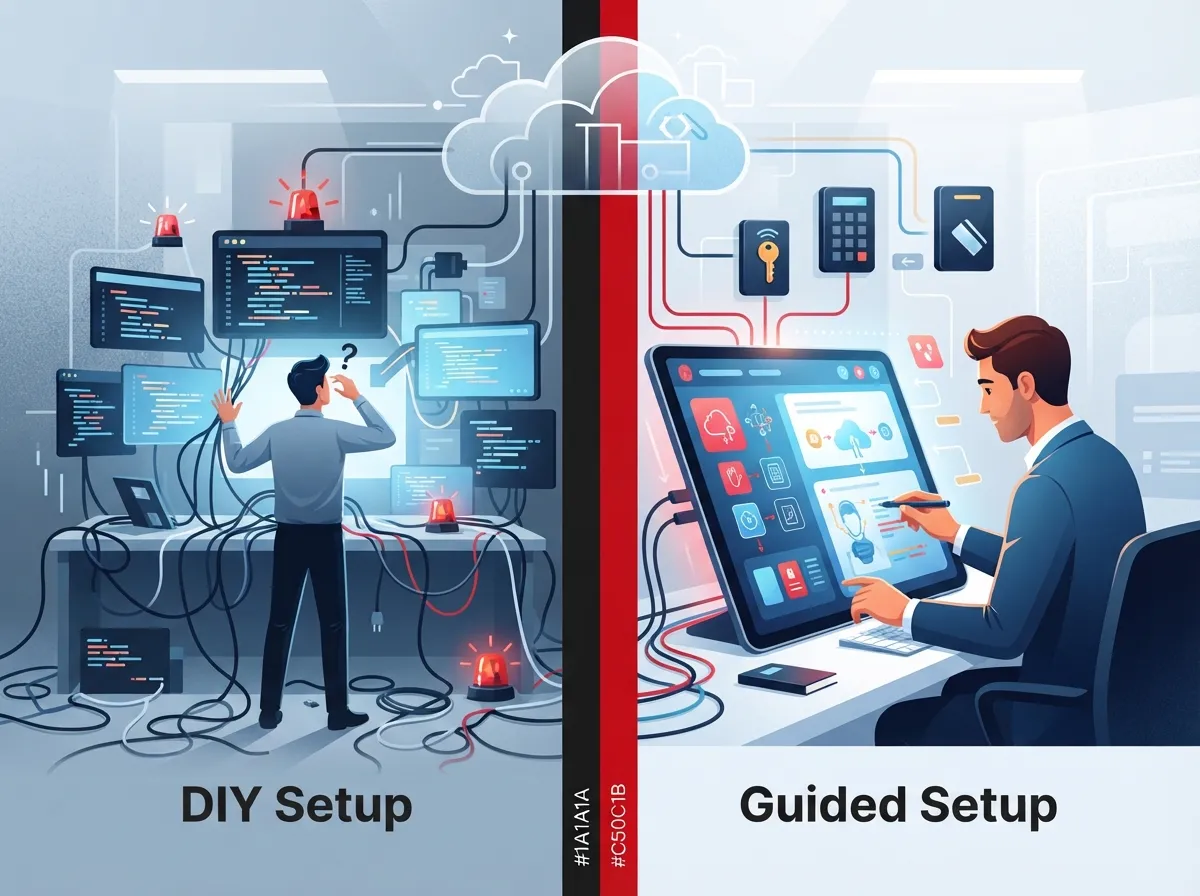
Let’s compare the two main paths business owners take when building out cloud access control.
| Factor | DIY Setup | Guided Setup with a Telecom Partner |
|---|---|---|
| Time to Launch | Weeks to months, trial and error | Days to a couple weeks, planned rollout |
| Risk of Misconfiguration | Higher, especially with roles and permissions | Lower, built on proven templates |
| Vendor Coordination | You manage every supplier call | One point of contact handles vendors |
| Ongoing Support | Falls on your in-house team | Included with managed support plans |
| Cost Upfront | Lower initial spend | Slightly higher, but often saves money long term |
| Compliance Confidence | Depends on your team’s knowledge | Backed by industry best practices |
Neither option is wrong. It really depends on how much time your team has and how comfortable you feel managing security policies across phones, cameras, and doors.
Step-by-Step: How to Set Up Cloud Access Control
Whether you go DIY or bring in help, the setup sequence looks pretty similar. Here is the order that works best, based on NIST’s own implementation guidance.
- Inventory your assets. List every cloud telecom resource. This includes your VoIP phone service, contact-center software, call recordings, carrier portals, APIs, and vendor accounts.
- Classify your data. Figure out what is sensitive. Customer call recordings and admin settings need tighter controls than a general employee directory.
- Define roles and policies. Decide who needs access to what. Telecom admins, help-desk agents, supervisors, and contractors all need different permission levels.
- Connect your identity provider. Set up single sign-on so employees use one login across systems, not a dozen different passwords.
- Turn on multifactor authentication. Require MFA for anyone touching admin settings or sensitive data.
- Link your telecom applications. Bring your phone system, cameras, and door access under the same identity umbrella.
- Protect privileged accounts. Give extra scrutiny to service accounts and vendor logins that can change system settings.
- Test everything. Try logging in as different roles. Make sure a help-desk agent cannot accidentally access executive call recordings.
- Turn on logging and alerts. Track sign-ins, failed attempts, and configuration changes.
- Review access regularly. Schedule check-ins every quarter, or whenever someone joins, leaves, or changes roles.
This sequence mirrors what NIST recommends in its Zero Trust implementation guidance: discover your environment, set policy, find gaps, fix them step by step, then keep improving.
Building the Right Roles for Your Team
One of the trickiest parts of any cloud access control setup guide is figuring out roles. Give someone too much access, and you create risk. Give them too little, and they cannot do their job.
Here are common roles you will likely need:
- Telecom administrators who manage the whole system
- Help-desk agents who handle day-to-day user support
- Supervisors who need call monitoring and reporting access
- Regular users who just need to make and receive calls
- Contractors and vendors who need limited, time-bound access
- Read-only auditors who review activity without changing anything
Following the principle of least privilege, each role should only get what it truly needs. A help-desk agent probably does not need to change carrier failover settings. A supervisor probably does not need to touch billing.
Multifactor Authentication: Which Method Should You Choose?
Passwords alone are not enough anymore. NIST’s Zero Trust guidance is clear that access decisions need more context than a simple password check. Here is a quick breakdown of common MFA options for telecom administrators:
| MFA Method | Security Level | Best For |
|---|---|---|
| SMS Codes | Basic | Low-risk, general users |
| Authenticator Apps | Strong | Most employees and supervisors |
| Hardware Security Keys | Phishing-Resistant | Telecom admins and privileged accounts |
| Biometric Verification | Strong | Mobile access to sensitive systems |
For anyone with admin rights over your cloud phone system or contact-center platform, phishing-resistant MFA is worth the small extra effort. It closes off one of the most common ways hackers break in.
Securing Vendor and Remote Access
Many businesses rely on outside vendors to help maintain their telecom systems. This creates a tricky balance. You need to let vendors in to do their job, but you cannot hand over the keys to everything.
Here is how to handle it safely:
- Create time-bound accounts that expire automatically after the project ends
- Limit vendor access to only the specific systems they are working on
- Require MFA for every vendor login, no exceptions
- Log every action a vendor takes during their session
- Review vendor access after every engagement
This is exactly the kind of governance a good experienced telecom partner can help set up and maintain, especially if you do not have a dedicated IT security team watching this every day.
Controlling Access to Call Recordings and Customer Data
Call recordings often contain sensitive customer information. Whether it is a credit card number or personal health details, this data needs strong protection.
A solid policy should:
- Limit recording access to supervisors and compliance staff only
- Require a business reason before pulling a recording
- Log every time someone listens to or downloads a recording
- Encrypt recordings both in storage and while being transferred
- Set automatic deletion schedules based on your industry’s rules
These steps help you stay compliant while still giving your team the tools they need to do their jobs well.
What to Log and Monitor
Logging is not just a nice-to-have. It is how you catch problems before they become disasters. According to NIST SP 800-207A, published in September 2023, monitoring should include resource status, access requests, and directory changes. Here is what your logs should capture:
- Successful and failed sign-in attempts
- MFA challenges and responses
- Changes to user permissions or roles
- Policy and configuration changes
- API activity and integration changes
- Call-recording access events
- Vendor and third-party session activity
- Unusual login locations or device behavior
Retention rules vary based on your industry, contracts, and legal requirements. When in doubt, keep logs longer rather than shorter, since incident investigations often need historical data.
When to Review and Update Access
Access control is not a “set it and forget it” project. People change roles, leave the company, or start new vendor relationships all the time. Here are the moments that should trigger a review:
- An employee changes departments or gets promoted
- Someone leaves the company, voluntarily or not
- A contractor’s project wraps up
- You add or remove a vendor relationship
- You migrate to a new telecom platform
- You make major changes to call routing or configuration
Automating these joiner-mover-leaver workflows cuts down on orphaned accounts, which are one of the sneakiest security risks out there. An account nobody remembers to disable is an open door.
Why Zero Trust Matters for VoIP and Contact-Center Platforms
You might wonder why a framework built for big enterprise networks matters for your phone system. Here is the simple answer: your VoIP solutions provider account holds a lot of power. It controls call routing, emergency calling, number provisioning, and customer data.
Zero Trust principles applied to telecom mean:
- No one gets broad admin rights just because they work in IT
- Every login gets checked against device health and location
- Sensitive actions, like changing emergency call routing, require extra verification
- Access is reviewed on a schedule, not just when something goes wrong
This approach protects your business continuity too. If a hacker gets into one weak account, Zero Trust limits how far they can move before hitting another wall.
Common Mistakes to Avoid
Even well-meaning teams make mistakes when setting up cloud access control. Watch out for these:
- Giving everyone admin access “just to make things easier”
- Skipping MFA for accounts that seem “low risk”
- Forgetting to remove access after someone leaves
- Not testing role permissions before going live
- Ignoring logs until something goes wrong
- Treating vendor access the same as employee access
Small mistakes like these can snowball into big security gaps. A quick internal audit can catch most of them before they cause real damage.
DIY or Guided: Which One Wins for Your Business?
So, back to our original question. If you have a dedicated IT team with security experience and time to spare, DIY setup can work. You control every detail and learn your system inside and out.
But if you are like most small and mid-sized businesses, juggling phones, internet, cabling, and cameras on top of everyday operations, a guided setup usually wins. Working with a partner who has done this dozens of times means fewer mistakes, faster rollout, and one phone number to call when something needs fixing.
Ideal Solutions Provider has spent over 24 years helping Tampa businesses and companies nationwide set up secure, reliable telecom systems, including cloud based access control that works alongside your phone and camera systems. Instead of juggling calls with five different vendors, you get one team handling consultation, installation, and support.
Bringing It All Together
Whichever path you choose, the goal stays the same: protect your business without slowing your team down. Good cloud access control gives you confidence that only the right people can reach your phone system, your recordings, and your building.
You can follow along with helpful updates and behind-the-scenes tips on Facebook, Instagram, and YouTube for more real-world advice on securing your business communications.
Ready to stop guessing and start protecting your telecom systems the right way? Contact us today for a free consultation, or call us to talk through your current setup and find out where the gaps are hiding.
FAQs
Q: What is cloud access control for business telecom systems?
A: It is a security setup that checks every login and request before letting someone into your phone system, cameras, or building doors. Instead of trusting people just because they are on your network, it checks their identity, device, and context every single time. Think of it like a friendly bouncer who checks everyone’s ID, every time, no matter how many times they have visited before.
Q: How do I configure role-based access for a cloud phone or contact-center platform?
A: Start by listing the different jobs people do, like admins, help-desk agents, and supervisors. Then give each role only the access it truly needs, nothing more. It takes a little planning upfront, but it saves you from headaches down the road when someone accidentally changes settings they should not have touched.
Q: Which MFA method should telecom administrators use?
A: For anyone with admin rights, we recommend phishing-resistant options like hardware security keys. Authenticator apps work great for most other employees too. SMS codes are better than nothing, but they are the weakest link, so save those for lower-risk accounts.
Q: How can I securely give a telecom provider or vendor remote access?
A: Create a temporary account that expires automatically once their project wraps up. Limit what they can see and touch, require MFA every time, and log everything they do during their session. It sounds like a lot, but most of this can be automated once it is set up correctly.
Q: What permissions should help-desk agents have in a cloud communications system?
A: Help-desk agents usually need enough access to troubleshoot user issues, reset passwords, and check call quality. They typically do not need access to sensitive recordings, billing settings, or carrier failover controls. Keeping their access focused helps protect the rest of your system if their account is ever compromised.





