
Key Takeaways
-
Verify controller compatibility first, not readers—the controller or cloud gateway is the system's brain and many platforms only support specific branded or open-standard controllers like HID Mercury modules.
-
Conduct a formal site survey before purchase to check door counts, lock types, wiring condition, reader protocols, and network infrastructure against the cloud platform's approved hardware list to avoid costly surprises.
-
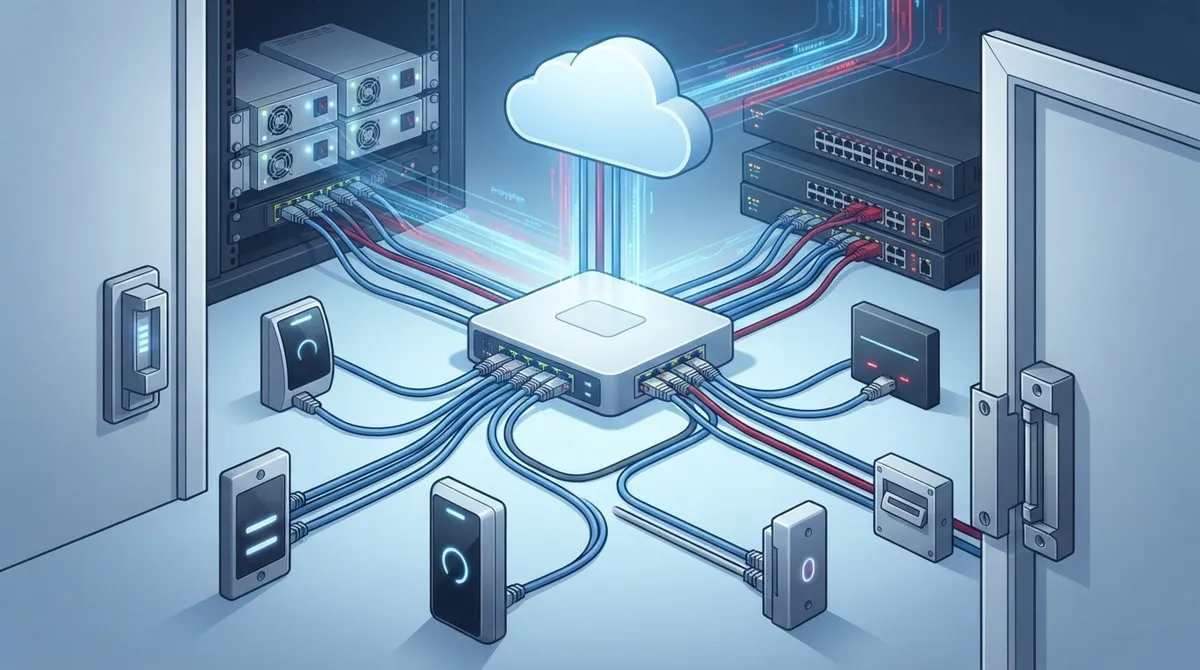
Plan for adequate Power over Ethernet (PoE) power budget on network switches before installation, as running out of power mid-project is a common and avoidable problem with modern cloud controllers.
-
Upgrade from Wiegand to OSDP communication standard if security is a priority—OSDP supports two-way communication, AES-128 encryption, remote diagnostics, and easier management compared to older Wiegand's one-way unencrypted connection.
-
Ensure reliable internet connectivity with backup failover options, as cloud access control depends entirely on network stability and most systems can only cache credentials locally during outages, pausing real-time features.
-
Design network infrastructure holistically by coordinating access control with voice, data, Wi-Fi, and cabling needs through one partner to avoid compatibility conflicts and reduce vendor management complexity.
So, you’re thinking about switching your business to cloud access control. That’s exciting! But before you get too far into picking out shiny new readers and keypads, let’s talk about something that trips up a lot of business owners: hardware compatibility. Will your current door locks work? Do you need all new wiring? Can your network even handle it? Grab a coffee, and let’s walk through this together, friend to friend.
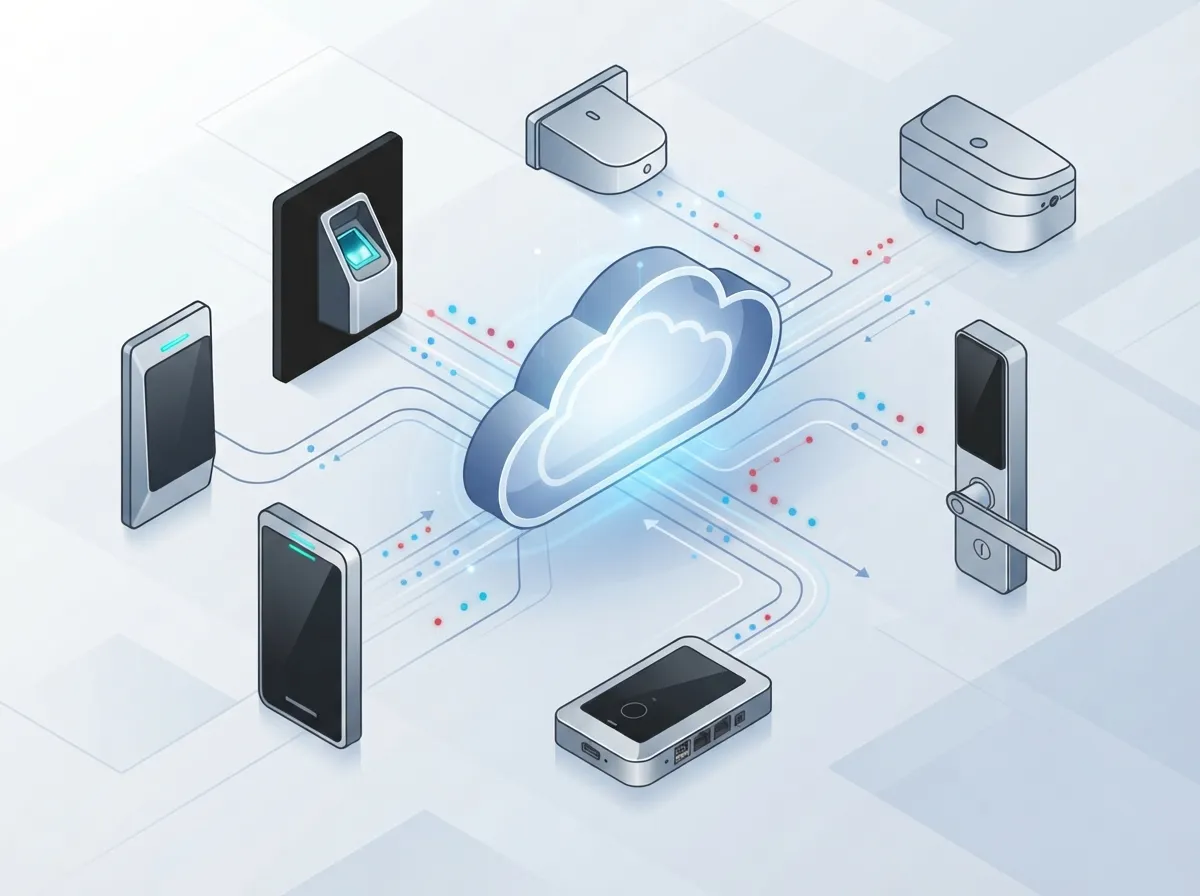
Cloud access control hardware compatibility simply means making sure your cloud software can actually talk to the physical stuff at your doors. That includes readers, controllers, locks, sensors, and even your intercoms and cameras. Cloud management doesn’t get rid of door hardware. It just changes how that hardware connects and who manages it. As a Tampa-based telecom partner, Ideal Solutions Provider has seen firsthand how getting this piece right (or wrong) shapes the whole project.
What Cloud Access Control Hardware Compatibility Really Means
Think of your access control system like a phone call. The cloud software is one person talking, and your door hardware is the person on the other end. If they don’t speak the same language, the call just doesn’t connect. That’s basically what happens when hardware and cloud platforms aren’t compatible.
Here’s the good news: cloud platforms are getting much better at supporting a wide range of equipment. But you still need to check things carefully before you install anything. A device might work perfectly on paper but fail to support a feature you actually need, like mobile credentials or remote firmware updates.
The Controller Is the Real Decision Point
Most people assume the reader (the box you badge or tap) is the most important piece. Actually, it’s the controller or cloud gateway that matters most. This is the brain of the operation.
Some cloud platforms only work with their own branded controllers. Others support open platforms, like HID Mercury modules. Some support a mix of wired and wireless locks. Before you buy anything, check the platform’s approved hardware list. This one step saves so many headaches later.
Wiegand vs OSDP: What’s the Difference?
You’ll hear these two terms a lot when shopping for access control. Let’s break them down simply.
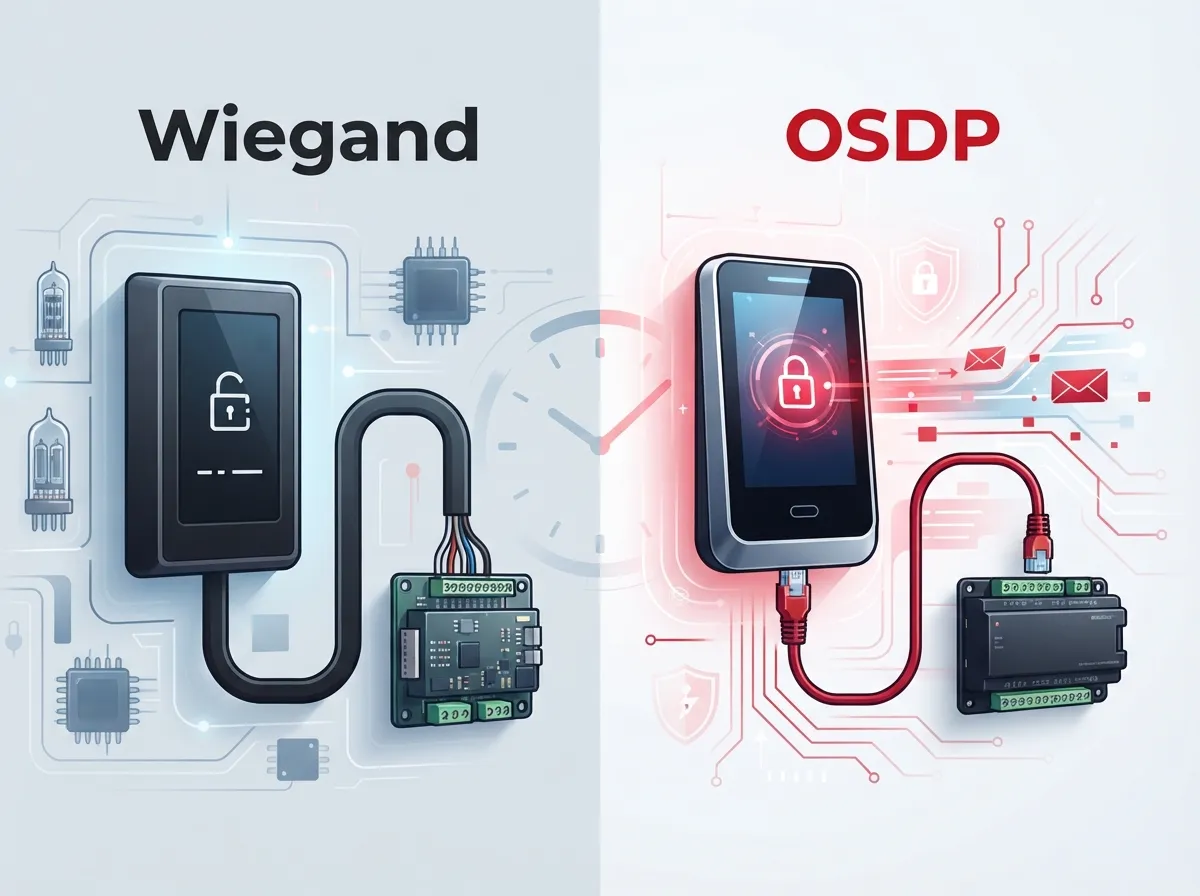
- Wiegand is an older communication standard. It’s still very common and many cloud-compatible readers support it.
- Wiegand sends data one direction only, and it’s typically unencrypted.
- OSDP is the newer standard. It uses RS-485 wiring and allows two-way communication between readers and controllers.
- OSDP Secure Channel can add AES-128 encryption, giving you much stronger protection.
- OSDP also supports handy features like remote reader configuration and better diagnostics.
If you’re keeping your existing doors and locks, Wiegand can help you save money by reusing what you already have. But if security and easier management are priorities, upgrading to OSDP is often the smarter long-term move.
| Feature | Wiegand | OSDP |
|---|---|---|
| Communication | One-way | Two-way |
| Encryption | Typically none | AES-128 (Secure Channel) |
| Wiring | Standard low-voltage | RS-485 |
| Remote Diagnostics | Limited | Supported |
| Legacy Support | Widely available | Growing rapidly |
Interestingly, some manufacturers have created converters that let older Wiegand readers connect to OSDP panels, and vice versa. A Cypress Integration converter, for example, allows exactly that kind of mixed-generation setup. This can be a great bridge if you’re upgrading in phases instead of all at once.
Power and Network Requirements You Shouldn’t Skip
This is where your telecom knowledge really comes in handy. Cloud access control isn’t just a security project. It’s a networking project too.
Power Over Ethernet (PoE) Basics
Many modern controllers and readers run on Power over Ethernet. This means power and data travel through the same cable, which simplifies installation quite a bit. Most equipment uses either 802.3af PoE or the more powerful 802.3at PoE+ standard.
Before your installer shows up, make sure your network switches have enough power budget for all your devices. Running out of power mid-project is a common (and totally avoidable) surprise.
Network Design Matters More Than You Think
Here’s a quick numbered checklist for your network readiness:
- Confirm your switches have available PoE ports and enough power budget.
- Set up proper VLANs to separate access control traffic from general office traffic.
- Check firewall rules to allow outbound connections to your cloud platform.
- Verify DNS settings and DHCP or static IP assignments for each device.
- Test your internet connection’s reliability and consider backup options.
- Plan for cellular failover in case your primary internet goes down.
If any of this sounds unfamiliar, that’s okay! This is exactly the kind of thing a telecom partner can handle for you. Businesses that pair their access control rollout with solid high-speed internet planning tend to have far fewer headaches down the road.
Steps to Check Hardware Compatibility Before You Buy
Ready to figure out what you can reuse and what needs replacing? Here’s a simple, friendly process to follow.
- Count your doors and note the lock type, voltage, and current for each one.
- Check what reader protocol is currently installed, Wiegand or OSDP.
- Inspect existing cabling condition and confirm it meets current standards.
- Identify request-to-exit devices and door contacts at every entry point.
- Note any fire-alarm interface requirements for your building.
- Confirm available network drops and power near each door.
- Compare your findings against the cloud platform’s approved hardware list.
A proper site survey catches problems before they become expensive surprises. This step is where a lot of businesses either overpay or end up with equipment that doesn’t quite fit their needs.
Popular Controller Options and What They Support
Not all controllers are created equal. Here’s a quick look at how some well-known options stack up, based on published manufacturer information.
| Controller | Reader Support | Door Capacity | Power Option |
|---|---|---|---|
| HID Mercury MP1501 | Wiegand, OSDP | Up to 2 readers / 1 door natively | 802.3af/at PoE |
| SynConEvo | OSDP | Up to 8 doors, 16 readers | PoE |
| Napco NA-2 | Wiegand or OSDP | Up to 25,000 cardholders | Ethernet, cloud updates |
| DMP 734-Series | Wiegand and OSDP | Varies by config | RS-485, up to 4,000 ft |
Notice how RS-485 wiring on OSDP systems can run distances up to 4,000 feet. That’s a huge advantage for larger facilities or multi-building campuses where running new cabling everywhere just isn’t practical.
When Access Control Overlaps With Your Phone and Camera Systems
Here’s something a lot of businesses don’t realize until later: access control hardware sometimes overlaps with intercom and video systems too. Some readers include SIP intercom functionality, letting visitors call into your office directly from the door. Others integrate tightly with cloud video security so you can see who’s badging in, in real time.
This is exactly why working with one partner for phones, internet, cabling, cameras, and access control makes so much sense. Instead of juggling five different vendors who don’t talk to each other, you get one team handling the whole picture. If you’re curious how these pieces fit together, check out this guide on how cloud access control works for business telecom.
Common Compatibility Pitfalls to Avoid
- Assuming all readers work with every cloud platform (they don’t).
- Forgetting to check firmware version support before installation.
- Skipping a proper site survey and guessing at door counts and wiring.
- Overlooking PoE power budget limits on existing switches.
- Not planning for internet outages or backup connectivity.
- Choosing hardware based on price alone instead of platform compatibility.
What Happens During an Internet Outage?
This is one of the most common questions we hear, and it’s a fair one. Many cloud-managed controllers include local memory. This means doors can still lock and unlock using cached credentials even if the internet drops for a while. However, real-time cloud features like remote unlock or live alerts may pause until connectivity returns.
This is another reason solid dedicated fiber internet or a backup connection matters so much. Your access control system is only as reliable as the network underneath it.
Why a Telecom Partner Makes This Easier
Honestly, this is where a lot of business owners feel overwhelmed. There’s a lot to juggle: door hardware specs, network design, firewall rules, PoE budgets, and cloud subscription tiers. That’s a lot to ask any office manager or IT team to handle solo.
This is exactly the kind of project Ideal Solutions Provider was built for. With over 24 years of experience and partnerships with 35+ vetted suppliers, the team designs access control networks alongside your voice, data, Wi-Fi, and cabling needs. Instead of managing multiple vendors, you get one point of contact handling consultation, installation, and ongoing support.
Whether you’re a small Tampa business installing your first cloud access system, or a multi-location franchise scaling across several states, the compatibility check-and-plan process is the same. It just gets more complex with more doors and locations, which is exactly when having an expert partner pays off. Learn more about scalable access control systems for multi-location businesses if you’re growing fast.
Quick Reference: Compatibility Checklist
Before signing off on any cloud access control project, run through this list one more time:
- Confirm the platform’s approved controller and reader list.
- Decide between keeping Wiegand or upgrading to OSDP.
- Verify PoE power budgets on your network switches.
- Check VLAN, firewall, and DNS settings for cloud connectivity.
- Plan for internet backup or cellular failover.
- Review firmware support and cloud subscription features.
- Consider integration needs with intercoms, cameras, and identity providers.
Getting all these boxes checked doesn’t have to be stressful. It just takes a little planning and the right team behind you. If you want to see real examples of how businesses successfully make this switch, this rundown of cloud access control benefits is worth a read too.
Ready to Check Your Hardware Compatibility?
You don’t have to figure this out alone, and honestly, you shouldn’t have to. Whether you’re starting fresh or trying to reuse existing doors and locks, a quick consultation can save you time, money, and a whole lot of guesswork. Reach out to our team today for a free review of your current setup, or give us a call to talk through your project. We’re here to make this easy, friendly, and stress-free, just like it should be.
FAQs
Q: Can existing Wiegand readers and door locks be used with a cloud access-control system?
A: In many cases, yes! Lots of cloud platforms support Wiegand readers, especially if you’re trying to save money by reusing existing hardware. Just double check the platform’s approved hardware list first, since not every cloud system supports every reader type.
Q: What is the difference between Wiegand and OSDP for cloud access control?
A: Wiegand is the older, one-way communication standard that’s typically unencrypted. OSDP is newer, supports two-way communication, and can include AES-128 encryption through OSDP Secure Channel. If security and easier management matter to you, OSDP is usually the better long-term pick.
Q: Does cloud access control require Power over Ethernet?
A: Not always, but many modern controllers and readers do support PoE, which makes installation much simpler. You’ll want to confirm your network switches have enough power budget before installing multiple PoE devices at once.
Q: Can cloud access control work during an internet outage?
A: Yes, most cloud-managed controllers store credentials locally, so doors can still lock and unlock during a short outage. Real-time features like remote unlock might pause temporarily, which is why a backup internet connection is such a smart idea.
Q: How do I verify whether existing doors, wiring, locks, and readers can be reused?
A: The best way is a proper site survey. Someone should check your door count, lock type, wiring condition, and reader protocol, then compare all of it against your chosen cloud platform’s supported hardware list. This simple step saves a lot of guesswork later.





