

Key Takeaways
-
Cloud access control reporting provides detailed audit trails showing who accessed systems, when, from where, and whether access was allowed, enabling businesses to detect security threats and compliance violations early.
-
Reporting must aggregate data from multiple sources including VoIP platforms, VPNs, SD-WAN, Wi-Fi dashboards, and APIs to create a complete security picture; basic login counts alone are insufficient for threat detection.
-
Non-human users like bots, APIs, and automated service accounts require the same monitoring as employees since they often have broad access to sensitive data and can be compromised independently.
-
Zero trust architecture requires checking every access request every time rather than assuming safety based on network location, making comprehensive logging and regular access reviews essential for reducing security risk.
-
Retention periods should align with compliance requirements: 90 days to 1 year for standard logins, 1-3 years for admin changes, and longer for regulated industries like healthcare and finance.
-
Managed telecom providers can centralize fragmented reporting across multiple systems into unified dashboards, reducing manual log reviews and simplifying compliance audits for multi-location businesses.
Ever wonder who walked through your office door at 2 AM last Tuesday? Or which employee tried to access the server room three times before getting denied? If you run a Tampa business, or manage one anywhere in the country, these questions matter more than you might think. Cloud access control reporting gives you clear answers, turning mystery into visibility you can actually use.
Think of it like a security camera for your digital and physical access points, except it also tells a story. Who tried to get in, when, from where, and whether they succeeded. For small business owners juggling a dozen tasks, IT managers protecting sensitive networks, or franchise operators managing multiple locations, this kind of reporting isn’t just nice to have. It’s becoming essential for staying safe, staying compliant, and sleeping better at night.
In this guide, we’ll break down what cloud access control reporting really means for telecom systems, why it matters, and how you can start using it to protect your business. We’ll keep things simple and practical, just like a good friend explaining a confusing topic over coffee.
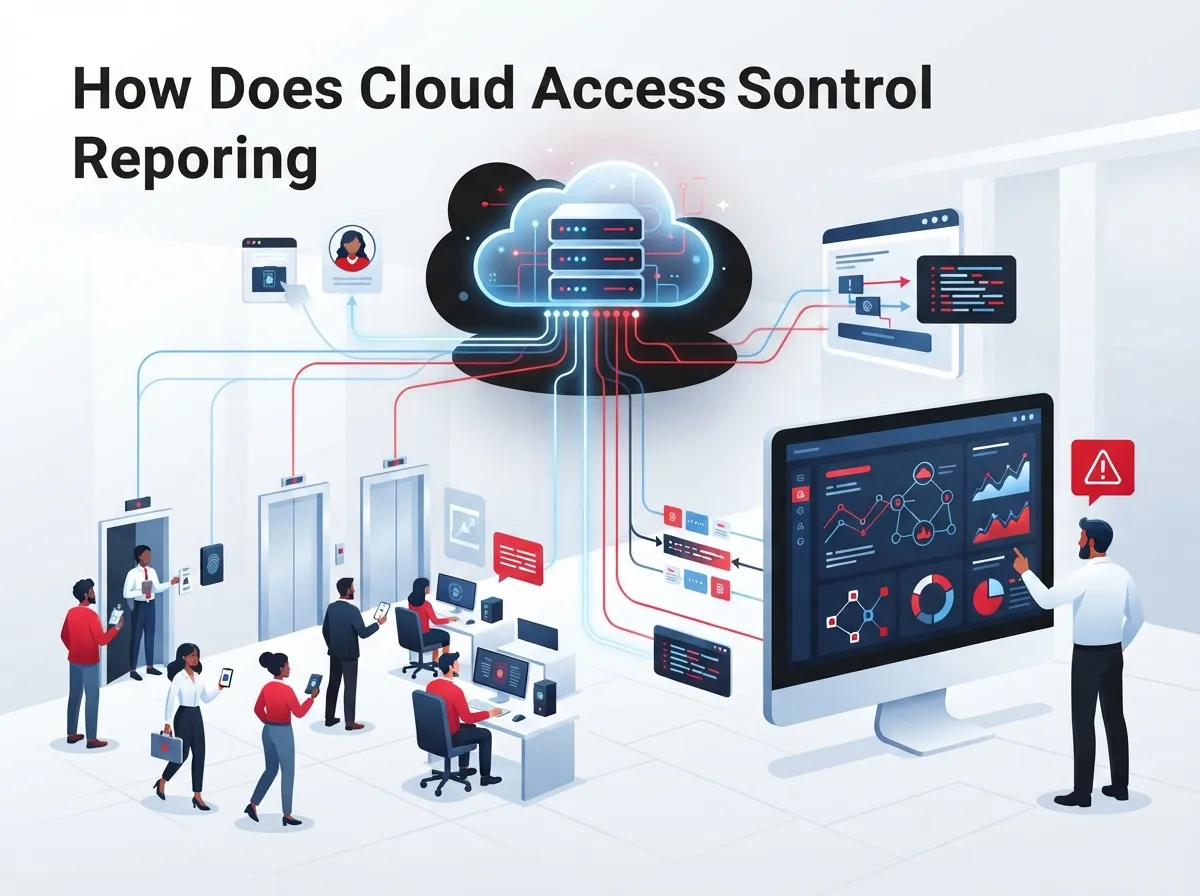
What Is Cloud Access Control Reporting, Really?
Cloud access control reporting is the process of collecting and organizing records about who tried to access your systems. This includes your phone platforms, network portals, security cameras, and building doors. It shows the who, what, when, and where of every access attempt, whether allowed or denied.
For businesses using cloud-based phone systems, this reporting covers more than just door locks. It can track logins to your VoIP admin panel, changes to your network settings, and even who accessed customer call data. Think of it as your business’s digital paper trail.
This isn’t just about counting how many times someone logged in. Good reporting connects several pieces of information together. It looks at who the person is, what device they used, which network they connected from, and whether their access matched company policy.
Why Simple Login Counts Aren’t Enough
A basic login report might tell you that someone signed in ten times last week. But that number alone doesn’t tell you much. Was it the right person? Did they use a secure device? Were they trying to access something outside their job role?
Modern cloud access control reporting digs deeper. According to NIST’s Zero Trust Architecture guidance, access should never be assumed safe just because someone is on the office network. Every attempt should be checked, logged, and reviewed carefully. This approach helps you catch problems before they become disasters.
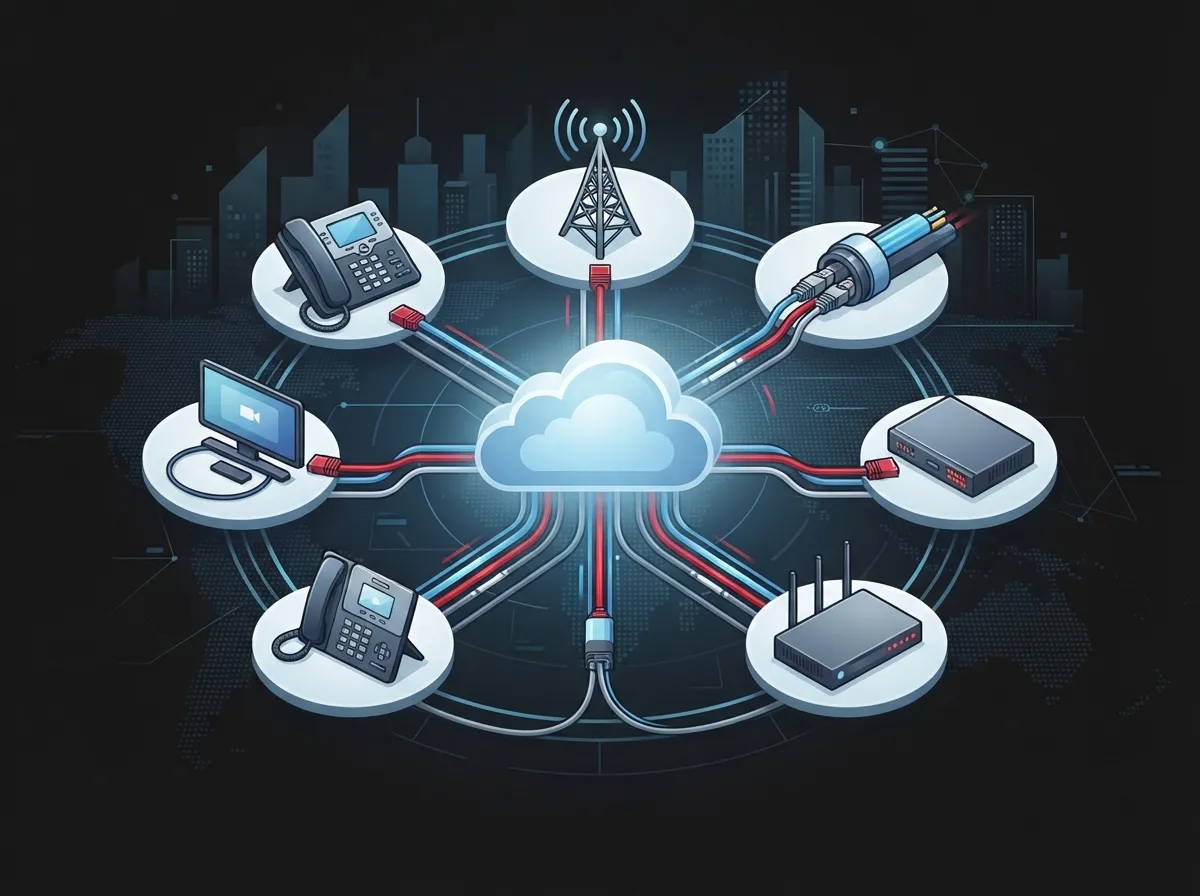
Which Telecom Systems Should Feed Into Your Reports?
Business telecom setups today involve more moving parts than ever. If you want a complete picture, your reporting system needs data from several sources. Here are the main systems that should be included:
- Cloud phone systems and unified communications platforms
- SIP trunks and voice service providers
- SD-WAN and SASE network portals
- VPN connections used by remote employees
- Wi-Fi management dashboards
- Carrier management consoles for billing and service changes
- APIs connecting your business apps together
- Customer service and contact-center software
When you pull data from all these places, you get a fuller story. Instead of just knowing someone logged into your phone system, you can see if they also tried to change call routing or access customer records. That level of detail helps you spot trouble faster.
Building a Reporting Architecture That Works
You don’t need to reinvent the wheel here. A solid reporting setup usually combines a few key pieces working together. Below is a simple breakdown of what a strong system typically includes.
| Component | What It Does |
|---|---|
| Identity and Access Management | Tracks who has permission to access what |
| Network Access Controls | Monitors connections from devices and locations |
| Cloud Platform Logs | Records activity inside phone and network systems |
| Endpoint Management Data | Checks device health and compliance status |
| Telecom Application Logs | Captures changes inside VoIP and communication tools |
| SIEM or Analytics Platform | Combines everything into readable reports |
Each piece plays its own role, but together they create something much more valuable. This is similar to how structured cabling connects different parts of your network physically, your reporting system connects different data sources digitally.
What Types of Reports Should You Actually Track?
Not every report matters equally. Some give you daily operational insight, while others are critical for catching security threats. Here’s a list of the most important report types to keep an eye on:
- Successful and failed login attempts
- Multi-factor authentication challenges and results
- New user accounts created or removed
- Changes to admin privileges or permissions
- Unusual login locations or unfamiliar devices
- Denied network connection attempts
- Policy exceptions granted to specific users
- Configuration changes to phone or network systems
- API activity from automated systems or bots
- Inactive accounts that haven’t been used recently
Each of these reports tells a different part of the story. Failed logins might point to a forgotten password, or they could signal someone trying to break in. Reviewing these patterns regularly helps you catch small issues before they grow.
Don’t Forget About Non-Human Users
Here’s something a lot of businesses miss. It’s not just employees logging into systems anymore. Bots, APIs, and automated service accounts also access your telecom platforms constantly. NIST’s zero-trust guidance specifically calls out these non-human identities as important to track.
If your reporting only watches human logins, you’re missing a big chunk of the picture. Automated systems can be hacked too, and they often have broad access to sensitive data.
How Does This Support Zero Trust and Least Privilege?
You’ve probably heard the term “zero trust” thrown around in tech conversations. It simply means you don’t automatically trust anyone, even people already inside your network. Every access request gets checked, every time.
NIST SP 800-207 explains that access should be granted per session, not just once and forgotten. This means someone might be allowed into a system in the morning, but their access gets rechecked before they can do something new in the afternoon. It sounds strict, but it’s actually a smart way to reduce risk.
Least privilege works alongside this idea. It means giving people only the access they truly need for their job, nothing more. Your receptionist probably doesn’t need access to billing systems. Your sales team probably doesn’t need to change network configurations. Cloud access control reporting shows you exactly who has access to what, so you can trim away unnecessary permissions.
Reporting Versus Enforcement: What’s the Difference?
This is a common point of confusion, so let’s clear it up. Reporting shows you what happened. Enforcement stops bad things from happening in the first place.
Reports alone won’t block a hacker or lock a stolen device out of your system. That job belongs to tools like multi-factor authentication, role-based access controls, and network segmentation. Reporting is your evidence and your early warning system. Enforcement is your actual defense.
Both pieces need to work together. Think of reporting as your smoke detector and enforcement as your fire extinguisher. You need both to stay safe.
How Can Managed Telecom Providers Simplify This for You?
Setting up comprehensive reporting sounds like a lot of work, and honestly, it can be. That’s where working with an experienced telecom partner makes a real difference. A good provider can centralize your reporting across phone systems, networks, and access control platforms into one clear dashboard.
This is especially helpful for franchise operators managing multiple locations. Instead of checking ten different systems for ten different stores, you get one unified view. You can see exactly what’s happening at each site without digging through separate logs.
At Ideal Solutions Provider, we’ve spent over 24 years helping Tampa businesses and companies nationwide simplify their telecom setups. Whether it’s cloud based access control systems, VoIP phone platforms, or network security, we help you see the full picture without needing a computer science degree.
Separating Different Types of Users in Your Reports
If you’re a managed service provider or a business supporting multiple customer accounts, clarity matters even more. Your reports should clearly separate different groups of users. Here’s a helpful way to think about it:
- Customer employees using their own accounts
- Provider personnel managing backend systems
- Contractors with temporary or limited access
- Service accounts running automated tasks
- Third-party vendors accessing specific tools
Keeping these groups separate in your reports makes audits easier and reduces confusion when investigating unusual activity.
How Long Should You Keep Access and Admin Logs?
This question comes up a lot, and honestly, the answer depends on your industry and compliance needs. However, there are some general best practices worth following. Retention periods should be long enough to support investigations but not so long that storage becomes unmanageable.
| Log Type | Suggested Retention Period |
|---|---|
| Standard login activity | 90 days to 1 year |
| Administrator changes | 1 to 3 years |
| Failed access attempts | 6 months to 1 year |
| Compliance-related logs | As required by regulation (often 3+ years) |
Before setting these numbers in stone, define who owns the data, how it’s protected, and who can view it. Telecom records often contain sensitive customer information, so access to the reports themselves needs its own layer of protection.
Steps to Build a Practical Reporting Plan
Getting started doesn’t have to feel overwhelming. Here’s a simple sequence you can follow to build out your reporting strategy step by step:
- Identify which telecom systems and platforms need monitoring
- Define who owns the data and who can access reports
- Set retention periods based on compliance needs
- Choose a centralized platform to combine log data
- Create dashboards for different audiences like admins and auditors
- Set alert thresholds for suspicious activity
- Establish an escalation process for security incidents
- Schedule regular access reviews to remove unused permissions
Following these steps helps you avoid common mistakes like collecting too much data without a plan for using it. Reporting is only valuable when someone actually reviews it and takes action.
How Do Reports Support Compliance and Audits?
If your business operates in healthcare, finance, or another regulated industry, audits are probably a familiar headache. Cloud access control reporting can make audit season much less stressful. Instead of scrambling to piece together records, you can export clean, organized evidence packages showing exactly who accessed what and when.
NIST’s zero-trust guidance points out that logging, auditing, and access reviews are key parts of identity governance. These practices don’t just check a compliance box. They genuinely help you catch problems early and prove your business takes security seriously.
Different audiences need different views of this data. Your IT team wants detailed technical logs. Your management team wants summary dashboards. Your auditors want exportable evidence packages they can review quickly. A good reporting system should serve all three without extra manual work.
Why Reporting Feels Less Overwhelming With the Right Setup
Once your reporting system is properly configured, it should almost feel invisible. You shouldn’t need to manually dig through spreadsheets every week. Instead, your dashboards should highlight what matters and quietly log everything else for when you need it.
This is one reason why so many mid-sized businesses and IT managers turn to experienced telecom partners for help. Setting up structured cabling, networking, and access control systems properly from the start makes everything downstream, including reporting, much simpler. You can learn more about how these systems work together on our business network solutions page.
Bringing It All Together
Cloud access control reporting isn’t just a technical checkbox. It’s your business’s way of staying aware, staying protected, and staying ready for whatever comes next. Whether you’re a small business owner in Tampa trying to keep things simple, or an IT manager overseeing multiple locations, clear reporting gives you peace of mind.
The good news is you don’t have to figure this out alone. Ideal Solutions Provider has spent over two decades helping businesses across Tampa and nationwide build telecom systems that actually work for them, not against them. From VoIP phone services to cloud access control and everything in between, we act as your single point of contact across 35+ vetted suppliers.
Ready to get clear, actionable reporting for your business telecom systems? Contact us today for a free consultation, or feel free to call us to talk through your specific needs. We’re also active on Facebook, Instagram, and YouTube if you’d like to see more of what we do. Let’s build a telecom setup that keeps you informed, protected, and confident every single day.
FAQs
Q: What is cloud access control reporting for business telecom systems?
A: It’s basically a detailed record of who accessed your telecom systems, when, and from where. Think of it as a security diary for your phone systems, networks, and building access points. It helps you spot problems early and prove you’re keeping things secure.
Q: What access events should a telecom company include in cloud reports?
A: You’ll want to track things like failed logins, new user accounts, privilege changes, and unusual login locations. Don’t forget about automated systems and APIs too, since they access your platforms just as often as humans do. The more complete your picture, the safer you’ll be.
Q: How does cloud access control reporting support zero trust and least privilege?
A: Zero trust means checking every access attempt, every time, instead of assuming someone is safe just because they’re already inside your network. Reporting gives you the visibility to verify this happens consistently. It also helps you spot when someone has more access than they actually need.
Q: What is the difference between cloud access reporting and access control enforcement?
A: Reporting shows you what already happened, like a security camera replay. Enforcement actually stops bad access attempts in real time, using tools like multi-factor authentication or role-based permissions. You really need both working together for solid protection.
Q: How long should cloud access and administrator logs be retained?
A: It depends on your industry, but a good starting point is 90 days to a year for standard logs, and one to three years for admin changes. Compliance-heavy industries may need even longer retention. Working with a telecom partner can help you figure out what fits your specific situation.





