

Key Takeaways
-
Implement least privilege access by giving employees only the specific permissions they need for their role, not blanket access, to dramatically reduce your breach risk.
-
Sign Business Associate Agreements with every vendor including telecom and IT partners who can access patient data, as this is a required safeguard, not optional.
-
Enable multi-factor authentication and automatic session logoff for all cloud systems handling ePHI, treating MFA as a baseline security expectation for remote or privileged accounts.
-
Review user access permissions at least quarterly to identify and revoke stale accounts from former employees, which are among the sneakiest compliance risks.
-
Maintain automated audit logs tracking who accessed patient data, when, and what they did with it—these logs are essential for spotting suspicious activity and proving compliance.
-
Use cloud-based access control systems built with HIPAA safeguards in mind, which simplify multi-location compliance management through centralized dashboards and automatic updates.
If your Tampa business handles patient records, medical files, or any kind of protected health data, you already know the stakes are high. One wrong door left unlocked, digitally speaking, and you could be facing fines, lawsuits, or worse, a broken trust with the patients who count on you. Cloud access control HIPAA compliance is one of those topics that sounds intimidating but is actually pretty manageable once you break it down. We’re here to walk you through it, friend to friend, so you can feel confident about protecting your building, your data, and your reputation.
Whether you run a small medical office, manage IT for a growing healthcare network, or oversee facilities across multiple locations, this guide is for you. We’ll cover what cloud access control actually means for HIPAA, what the rules require, and how to set your business up for success. Let’s get into it.
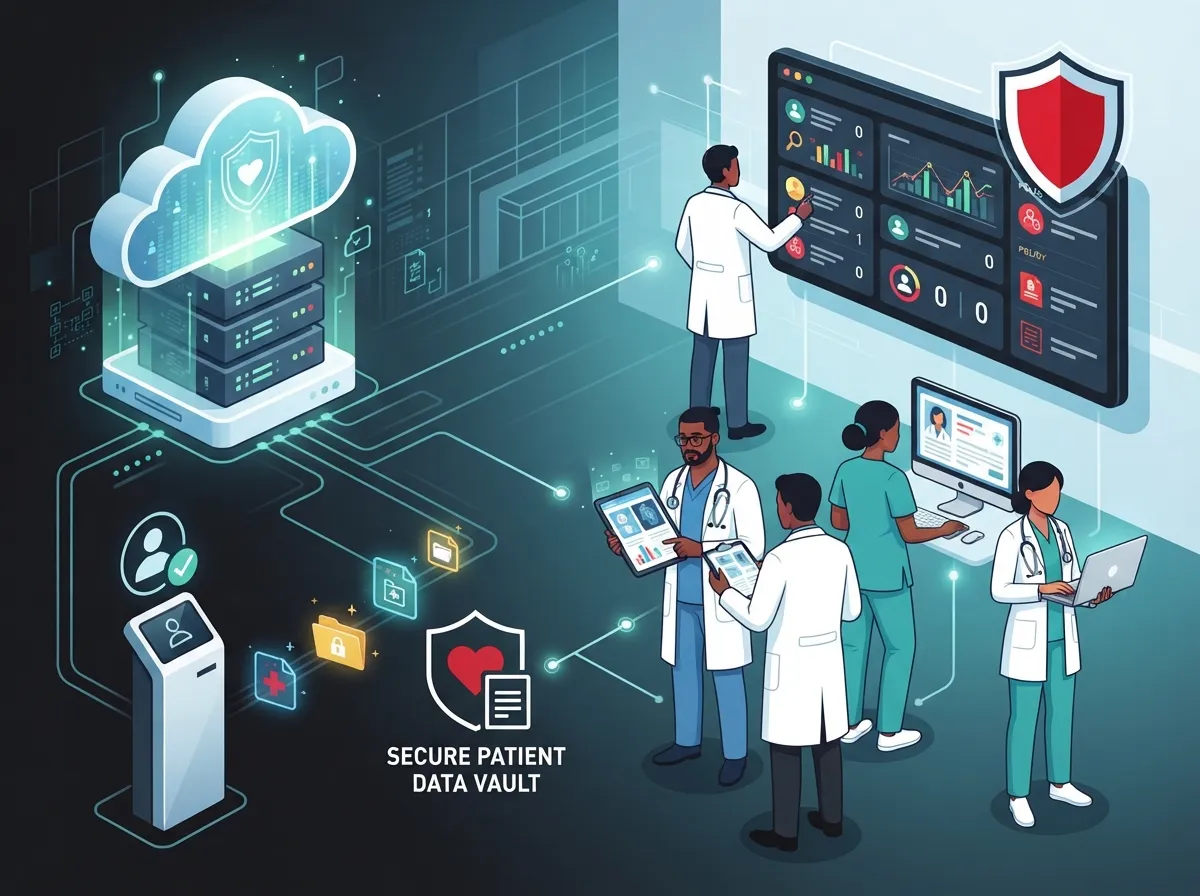
What Is Cloud Access Control in HIPAA Compliance?
Cloud access control means using internet-based systems to manage who can get into your building, your network, or your sensitive files. For healthcare-related businesses, this isn’t just about convenience. It’s about protecting electronic protected health information, often called ePHI, from people who shouldn’t see it.
HIPAA does allow covered entities and business associates to use cloud services. But there’s a catch. You need the right safeguards in place, and you need a signed Business Associate Agreement, or BAA, with any vendor that could touch that data. This applies to telecom and IT partners too, not just software companies.
Think of it like this: your front door lock is only as good as who holds the keys. Cloud access control lets you manage those digital keys carefully, giving access only to the right people, at the right time, for the right reasons.
Why This Matters for Business Telecom Solutions
Modern healthcare offices don’t just rely on one system. You’ve got phone systems, internet connections, security cameras, and access control all working together. Every piece of that puzzle needs to be secure if it touches patient data in any way.
This is where a trusted telecom partner becomes so valuable. At Ideal Solutions Provider, we help healthcare clients connect the dots between cloud based access control systems, secure networking, and reliable phone systems, all while keeping compliance front and center.
The Core HIPAA Rules for Access Control
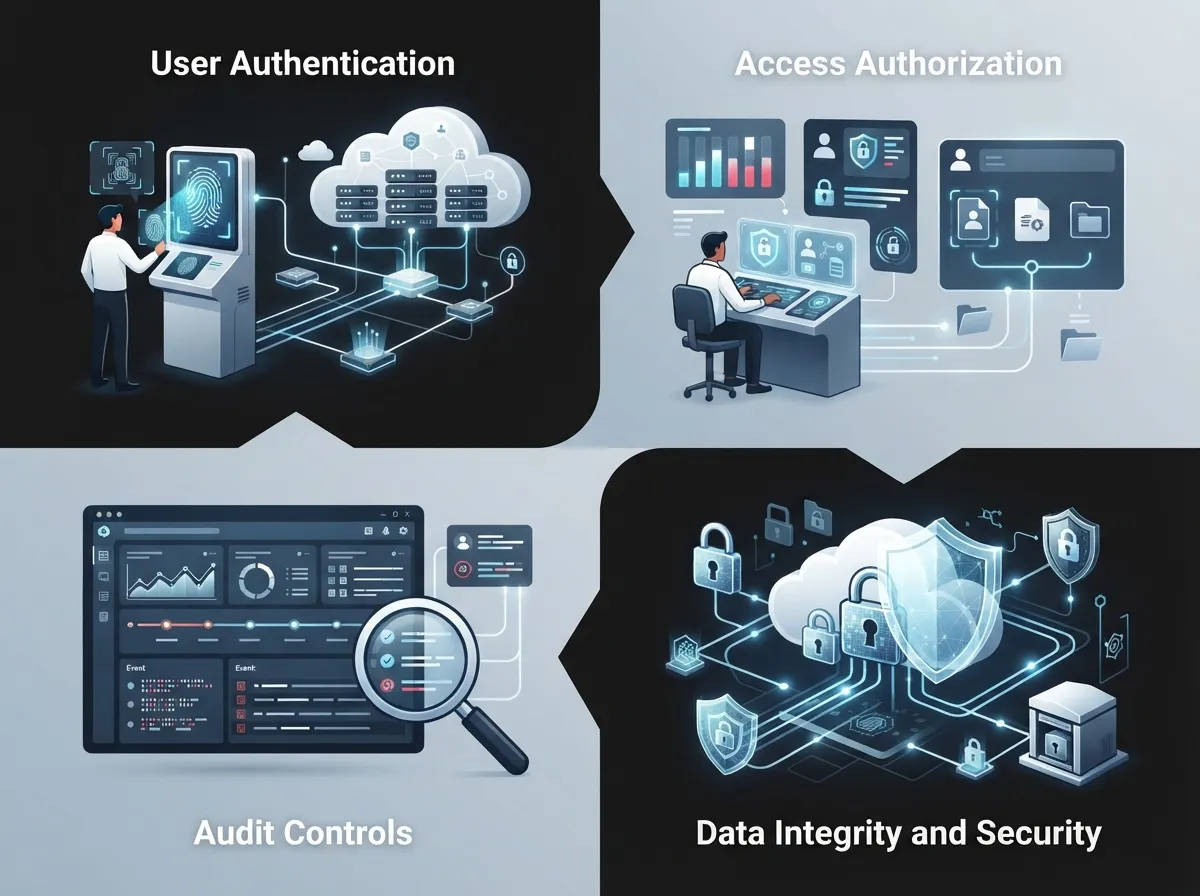
The HIPAA Security Rule lays out specific requirements for controlling access to ePHI. These aren’t just suggestions. They’re the backbone of what a compliant system looks like.
- Unique user identification so every person has their own login, never shared
- Emergency access procedures so authorized staff can get critical data during a crisis
- Automatic logoff to close sessions when someone steps away
- Encryption and decryption mechanisms to scramble data so only authorized eyes can read it
- Audit controls to track who accessed what, and when
The federal guidance framework, NIST SP 800-66r2, maps these HIPAA rules directly to cloud security controls. It’s the go-to resource for organizations trying to translate legal requirements into actual technology setups.
Least Privilege: The Golden Rule
Here’s a simple idea that makes a huge difference: give people only the access they actually need. Not more, not less. This is called least privilege, and it’s one of the most important principles in cloud access control HIPAA compliance.
For example, your front desk staff probably doesn’t need access to billing records. Your IT contractor might need temporary access to fix a network issue, but not permanent access to every patient file. Setting these boundaries reduces your risk dramatically.
Steps to Build a HIPAA-Compliant Cloud Access Control System
Getting this right doesn’t have to be overwhelming. Here’s a straightforward path to follow.
- Identify every system that stores, transmits, or touches ePHI, including phones, cameras, and cloud platforms
- Sign a Business Associate Agreement with every vendor that could access that data
- Set up unique logins and multi-factor authentication for all users
- Apply least-privilege permissions based on job roles
- Enable automatic session timeouts and logoff features
- Turn on audit logging so you can track every access event
- Schedule regular access reviews, at least quarterly
- Create a fast offboarding process to revoke access the moment someone leaves
Notice that none of these steps require you to be a cybersecurity expert. They just require consistency and the right tools. If you’re not sure where your current setup stands, a professional access control system review can help identify gaps before they become problems.
Multi-Factor Authentication: Not Optional Anymore
Passwords alone just aren’t enough these days. Multi-factor authentication, or MFA, adds a second layer of proof that someone is who they say they are. This might be a text code, an app notification, or a fingerprint scan.
For any cloud system touching ePHI, especially for remote access or privileged accounts, MFA is now treated as a baseline expectation. It’s a small extra step that blocks a huge percentage of unauthorized access attempts.
Covered Entities vs. Business Associates: What’s the Difference?
This distinction matters a lot when you’re figuring out who needs a BAA and who’s responsible for what.
| Term | Definition | Example |
|---|---|---|
| Covered Entity | An organization that directly provides healthcare services or handles patient billing | A medical clinic, dental office, or hospital |
| Business Associate | A vendor or partner that handles ePHI on behalf of a covered entity | A telecom provider, cloud storage company, or IT support firm |
If your telecom or IT vendor can access patient data in any way, even accidentally, they likely qualify as a business associate. That means a signed BAA is not optional. It’s required.
Common Access Control Mistakes That Put Compliance at Risk
We’ve seen a lot of well-meaning businesses stumble into avoidable trouble. Here are the mistakes that show up again and again.
- Sharing login credentials between multiple employees
- Forgetting to revoke access when someone leaves the company
- Skipping regular reviews of who has access to what
- Using cloud vendors without a signed BAA in place
- Ignoring audit logs until something goes wrong
- Failing to train staff on password hygiene and phishing risks
Stale accounts are one of the sneakiest risks out there. An employee leaves, but their login stays active for months. That’s an open door nobody’s watching.
How Often Should You Review Access?
Best practice is to review user access at least every three months. If your business has high turnover or handles a large volume of ePHI, monthly reviews might make more sense. The goal is simple: make sure the people who have access today still need it, and still deserve it.
Audit Logs and Monitoring: Your Compliance Safety Net
HIPAA expects your organization to know who accessed patient data, when they did it, and what they did with it. That’s where audit logging comes in.
A good cloud access control system should automatically record:
- Login attempts, successful and failed
- Door access events tied to specific credentials
- Changes made to user permissions
- File access and data transfers involving ePHI
These logs aren’t just for compliance audits. They’re also your best tool for spotting suspicious activity before it turns into a real breach. HHS updated its guidance on HIPAA and cloud computing as recently as August 16, 2026, which shows just how actively this area is monitored at the federal level.
Comparing Access Control Approaches for Healthcare Businesses
| Feature | Traditional On-Site Access Control | Cloud-Based Access Control |
|---|---|---|
| Remote management | Limited or none | Full remote access and control |
| Audit logging | Manual or basic | Automated and detailed |
| Multi-location support | Difficult to scale | Built for scaling across sites |
| Software updates | Manual, often delayed | Automatic and continuous |
| BAA requirements | Depends on vendor | Standard for reputable providers |
Cloud-based systems tend to make compliance easier because they’re built with these requirements in mind from the start. This is especially true for growing practices or franchise operations managing several locations at once.
What Business Telecom Vendors Need to Account For
Your primary software provider isn’t the only piece of the puzzle. Vendors, subcontractors, and even smaller cloud platforms that touch ePHI in any way need to be part of your compliance picture too.
This is exactly why so many healthcare businesses prefer working with a single point of contact instead of juggling multiple vendors. It’s easier to keep track of BAAs, safeguards, and audit trails when one team is overseeing the whole telecom and IT ecosystem. If you’re curious how this works in practice, our guide on business telecom solutions for healthcare breaks it down further.
Structured Cabling and Network Security
Don’t overlook the physical backbone of your network either. Reliable structured cabling and a secure internet service provider connection form the foundation that keeps your cloud access control and phone systems running smoothly. Weak infrastructure can lead to dropped connections, delayed alerts, and gaps in your security posture.
Building a Compliance-Ready Telecom Setup
Here’s a simple checklist to help you evaluate your current setup and identify what needs attention.
- List every device and system that could touch patient data
- Confirm BAAs are signed with all relevant vendors
- Verify MFA is enabled across cloud platforms
- Check that audit logs are active and being reviewed
- Test your emergency access procedures
- Review encryption settings for data at rest and in transit
- Schedule your next access review date now, don’t wait
If you’re not sure where to start, this is exactly the kind of audit our team performs every day. We often find that nine out of ten businesses we review are either overpaying, underprotected, or both.
Why Working With One Telecom Partner Simplifies Compliance
Juggling multiple vendors for phones, internet, cabling, and security cameras can quickly turn into a compliance headache. Every vendor is another potential access point, another BAA to track, another system to monitor.
Ideal Solutions Provider has spent over 24 years helping Tampa businesses, including healthcare providers, simplify this process. With partnerships across 35+ vetted suppliers, we help you compare options, close security gaps, and build a telecom setup that supports your compliance goals instead of working against them. You can also follow our latest tips and client stories on Facebook, Instagram, and YouTube.
Scaling Compliance Across Multiple Locations
Franchise operators and multi-site businesses face an extra layer of complexity. Every location needs the same level of protection, but managing that consistently can be tough without the right systems in place. Cloud-based access control makes it possible to manage permissions across all your sites from one dashboard, which is a game changer for compliance consistency.
Final Thoughts on Cloud Access Control and HIPAA Compliance
You don’t have to be a security expert to protect your patients’ information. You just need the right systems, the right partners, and a little consistency along the way. Cloud access control HIPAA compliance isn’t about perfection. It’s about building smart habits, choosing trustworthy vendors, and staying proactive instead of reactive.
We know this stuff can feel like a lot, especially when you’re already busy running a business and caring for patients. That’s exactly why we’re here. If you’d like a friendly, no-pressure review of your current setup, feel free to reach out to our team for a consultation, or simply give us a call to start the conversation. We’d love to help you protect what matters most.
FAQs
Q: What is cloud access control in HIPAA compliance?
A: It’s simply using cloud-based systems to manage who can access patient data or secure areas, while meeting HIPAA’s safeguard and Business Associate Agreement requirements. Think of it as digital key management with a paper trail built right in.
Q: Do telecom providers need a BAA for HIPAA-compliant cloud services?
A: Yes, if a telecom or IT vendor can access electronic protected health information in any way, they need a signed Business Associate Agreement. It’s a must-have, not a nice-to-have, so don’t skip this step.
Q: Is multi-factor authentication required for HIPAA cloud systems?
A: While HIPAA doesn’t name MFA specifically, it’s widely treated as a baseline expectation for protecting ePHI, especially for remote or privileged access. We always recommend turning it on, it’s an easy win for security.
Q: How often should cloud user access be reviewed for HIPAA compliance?
A: A good rule of thumb is every three months, though busier practices with more turnover might benefit from monthly checks. Regular reviews catch stale accounts before they become a real risk.
Q: What is the difference between a covered entity and a business associate under HIPAA?
A: A covered entity directly provides healthcare services, like a clinic or hospital, while a business associate is a vendor that handles patient data on their behalf, like a telecom or cloud provider. Both have responsibilities, but the paperwork and safeguards differ a bit.





