
Key Takeaways
-
Credential compromise was behind 22% of breaches in Verizon's 2025 report; implement multi-factor authentication (MFA) for all cloud logins, especially admin portals, to prevent unauthorized access.
-
Third-party vendor involvement in breaches doubled to 30% year-over-year; grant time-limited access with MFA requirements and detailed logging rather than permanent elevated permissions.
-
Credential stuffing now makes up 19-25% of login attempts for larger organizations; implement risk-adaptive threat detection that automatically adjusts verification requirements and can freeze sessions in real-time.
-
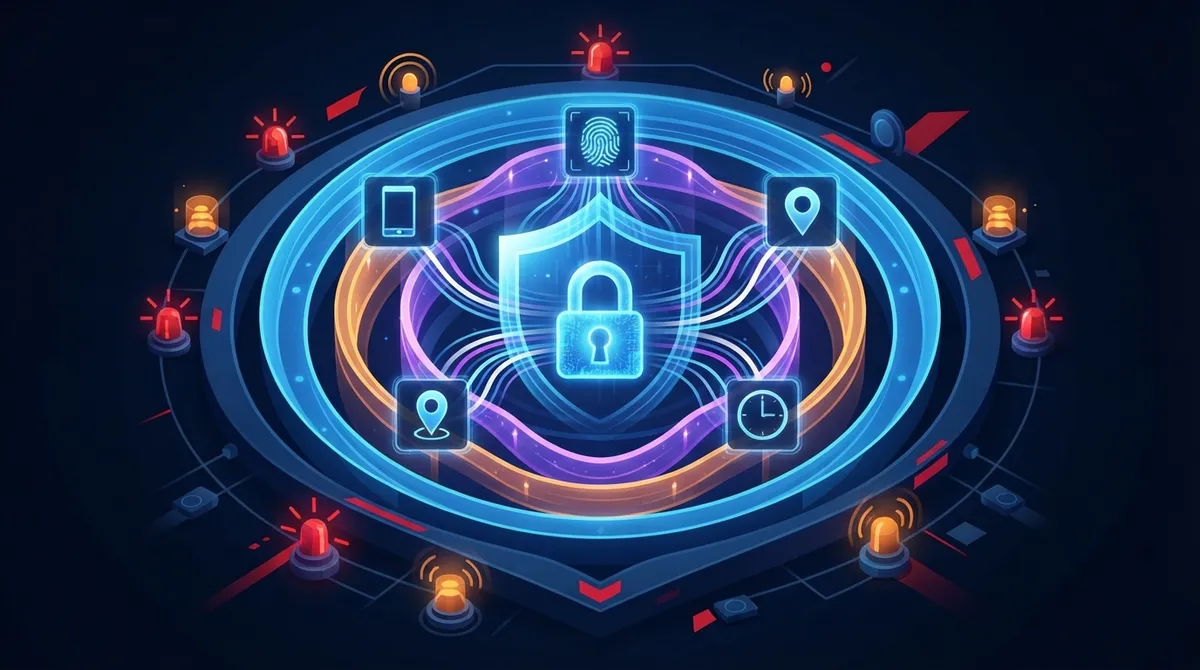
Deploy zero trust architecture across all cloud systems by verifying every access request based on identity, device health, location, and time—not just network location or device ownership.
-
Monitor for specific behavioral anomalies including impossible travel patterns, privilege escalation, unauthorized call forwarding changes, and unusual API token creation to catch compromises early.
-
Protect call recordings, customer data, and call detail records with encryption both in transit and at rest, plus automatic deletion policies and restricted access groups to meet regulatory requirements.
Picture this: it’s a normal Tuesday, and your office phones, cameras, and door locks all run through the cloud. Handy, right? But that same convenience means a hacker sitting anywhere in the world could try to slip into your systems. That’s where cloud access control threat detection comes in, and honestly, it’s one of the friendliest security upgrades you can give your Tampa business this year. It watches who logs in, flags weird behavior, and helps stop trouble before it spreads.
If you’re a small business owner juggling a dozen tasks, an IT manager keeping tabs on dozens of devices, or a franchise operator overseeing multiple locations, this topic matters to you. We’re going to walk through what cloud access control threat detection actually means for phone systems, networks, and building security. No confusing tech talk, just practical, friendly advice you can use today.
What Is Cloud Access Control Threat Detection, Really?
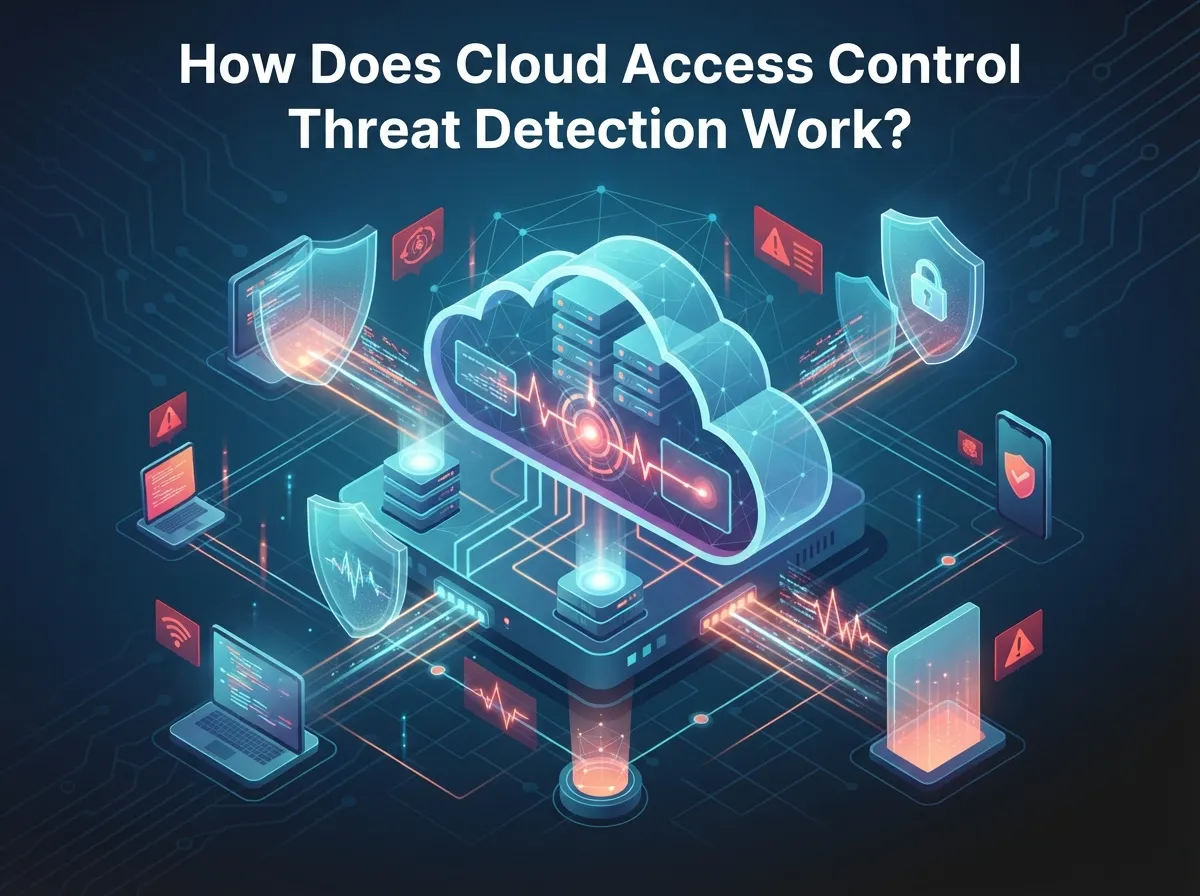
Cloud access control threat detection combines two simple ideas. First, you decide exactly who gets access to what. Second, you keep watching for anything that looks off. Think of it like a bouncer who checks IDs at the door, then keeps an eye on the room all night long.
For companies using cloud-based phone systems, this includes protecting your VoIP platform, SIP trunks, call recordings, and billing data. It also covers your cloud access control system for doors, your network gear, and any customer portals your team uses daily.
Why This Matters More Than Ever
Verizon’s 2025 Data Breach Investigations Report looked at over 22,000 security incidents, including more than 12,000 confirmed breaches. Stolen or misused credentials were behind 22% of them. That’s not a small number, and it’s a big reason telecom providers now build threat detection right into their cloud tools.
- Compromised administrator accounts can reroute your business calls without warning
- Weak passwords open the door to toll fraud and unexpected phone bills
- Unmonitored APIs can leak customer data to the wrong people
- Third-party vendors with too much access create hidden risks
- Old accounts from former employees often stay active longer than they should
The Zero Trust Approach: Trust Nobody, Verify Everybody
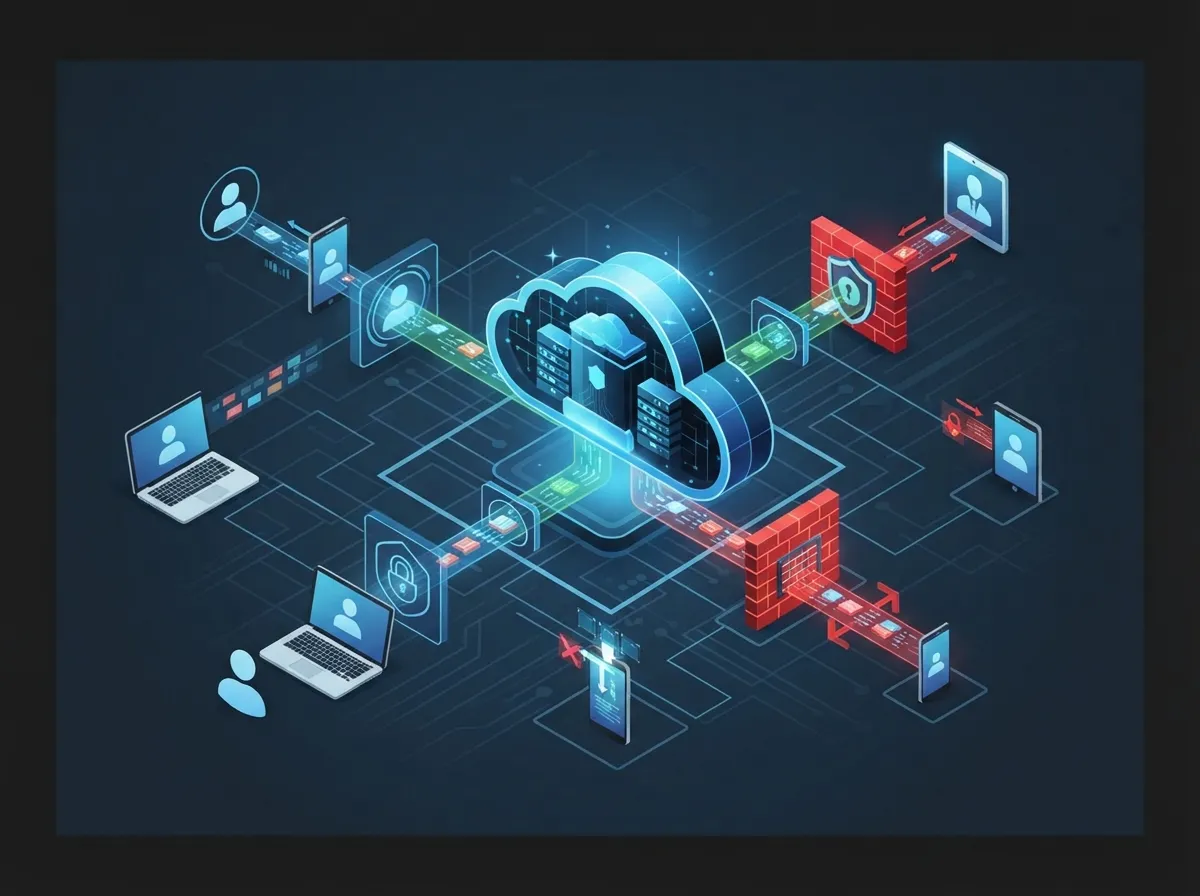
Zero trust sounds intense, but it’s really just common sense. The National Institute of Standards and Technology (NIST) says organizations shouldn’t automatically trust a user just because they’re on the company network or using a company device. Every request gets checked, every time.
NIST’s SP 800-207A guidance, published in 2023 with follow-up implementation guidance in 2025, recommends layering identity checks with network-level policies. That means your cloud PBX admin panel, your SD-WAN controller, and your security camera dashboard should all ask “who are you, really?” before letting anyone in.
Steps to Apply Zero Trust to Your Telecom Systems
- Require multi-factor authentication (MFA) for every cloud login, especially phone system admin portals
- Set up role-based access so employees only see what they need for their job
- Use short-lived access tokens instead of passwords that never expire
- Check the health of devices before granting network access
- Apply conditional access rules based on location, time, and device type
- Segment your network so a breach in one area doesn’t spread everywhere
- Review and revoke unused accounts on a regular schedule
What Cloud Systems Need the Most Protection?
In business telecom, threat detection isn’t just about your email inbox. It covers a wider range of tools that keep your company running smoothly.
| System Type | Example | Main Risk |
|---|---|---|
| Cloud Phone System | VoIP admin portal, cloud PBX | Call rerouting, toll fraud |
| Network Controllers | SD-WAN, MPLS management | Configuration abuse |
| Access Control | Door entry, mobile credentials | Unauthorized building access |
| Video Security | Cloud cameras, footage storage | Data exposure, footage tampering |
| Customer Portals | Billing, CRM integrations | Data leaks, account takeover |
Notice how each system has its own quirks. That’s exactly why a good cloud phone system provider should offer threat detection tailored to telecom, not just generic cloud security.
Spotting Suspicious Activity: What Should You Watch For?
Good threat detection isn’t about guessing. It’s about watching patterns and noticing when something breaks from the norm. Here’s what telecom security tools typically track.
- Sign-ins from unusual locations or impossible travel patterns
- Multiple failed login attempts followed by a sudden success
- Sudden spikes in outbound calls, especially international numbers
- Changes to call forwarding or voicemail settings nobody approved
- Unexpected downloads of customer data or call records
- New API tokens created without an obvious business reason
- Privilege escalation, like a regular user suddenly gaining admin rights
Credential Stuffing: A Growing Headache
Verizon’s 2025 research found that credential stuffing made up a median of 19% of daily login attempts across analyzed single sign-on logs. For larger companies, that number jumped to 25%. Even small businesses saw 12%. The same report noted that only 49% of passwords tied to infected devices were unique across different accounts. In plain English: people reuse passwords, and that habit puts your telecom accounts at risk.
Building a Practical Detection Setup
You don’t need a massive IT department to get solid protection. Most modern telecom and network security setups rely on a handful of connected tools working together.
- An identity provider that manages logins across all your systems
- MFA and conditional access rules that adjust based on risk
- A security dashboard that pulls logs from phones, network gear, and cameras
- Behavior analytics that flag anything unusual automatically
- Automated response tools that can lock accounts or block traffic instantly
This setup sounds technical, but a good telecom expert can handle the heavy lifting for you. That’s honestly one of the best parts of working with a single point of contact instead of juggling five different vendors.
Managing Third-Party and Vendor Access Safely
Here’s a fact that might surprise you: Verizon’s 2025 report found that third-party involvement in breaches doubled to 30% year over year. If your business works with outside vendors, contractors, or managed service providers, their access needs its own set of rules.
- Grant time-limited access instead of permanent logins
- Require the same MFA standards you use for employees
- Set up approval workflows before granting elevated permissions
- Keep detailed logs of what vendors accessed and when
- Include security requirements directly in vendor contracts
Comparing Detection Methods: Rules vs. Risk-Based
Older security tools relied on fixed rules, like “block this IP address.” Modern threat detection is smarter and adjusts based on risk in real time.
| Feature | Fixed Rule-Based | Risk-Adaptive |
|---|---|---|
| Response Speed | Slower, manual review often needed | Automatic, near real-time |
| Flexibility | Limited to known threats | Adapts to new patterns |
| False Positives | Higher | Lower with proper tuning |
| Best For | Simple environments | Growing or multi-location businesses |
Risk-adaptive detection can automatically require extra verification, freeze a session, or revoke a token the moment something looks wrong. That’s a big upgrade from older systems that only react after the fact.
Protecting Call Data and Customer Privacy
Call detail records, recordings, and customer information deserve extra care. Good practice means collecting only what you truly need, encrypting stored data, and setting clear rules for how long you keep records.
- Encrypt call recordings and customer data both in transit and at rest
- Limit who can access sensitive call records to a small, defined group
- Set retention limits so old data gets deleted automatically
- Run periodic access reviews to confirm permissions still make sense
These steps also help with regulatory requirements, which matter a lot for healthcare, financial, and government clients working with telecom providers.
Why Partner With a Telecom Provider Who Understands Security
Setting up threat detection across phone systems, networks, cameras, and access control takes real expertise. That’s exactly why Ideal Solutions Provider exists. With over 24 years of experience and partnerships across 35+ vetted suppliers, the Tampa-based team acts as one trusted contact for your entire telecom and security setup, instead of you juggling calls with five different vendors.
Whether you’re comparing affordable VoIP phone services, upgrading your business network solutions, or adding cloud-based access control to your building, having one knowledgeable partner makes threat detection much easier to manage. You can also follow their updates and tips on Facebook and Instagram for ongoing telecom security news.
A Quick Checklist Before You Wrap Up
Let’s bring this all together with a simple list you can use as a starting point.
- Turn on MFA for every cloud telecom and network admin account
- Review who has access to your VoIP, cameras, and door systems today
- Set up monitoring for unusual login or call activity
- Create clear time limits for vendor and third-party access
- Schedule a professional audit of your current telecom security setup
Good structured cabling and network design also play a supporting role here, since a clean, well-organized network makes monitoring far easier than a tangled, patchwork setup. Pair that with a reliable Internet Service Provider connection, and you’ve got a strong foundation for everything else.
Wrapping Up: Your Next Friendly Step
Cloud access control threat detection doesn’t have to feel overwhelming. With the right partner, smart monitoring, and a few zero trust habits, your phone systems, network, and building access can stay protected without slowing your team down. You’ve got this, and you don’t have to figure it out alone.
Ready to see how secure your current setup really is? Contact us for a free consultation, or give us a call today to talk through your options with a friendly, experienced team.
FAQs
Q: What is cloud access control threat detection for telecom companies?
A: It’s the combination of strict identity checks and ongoing monitoring that protects your VoIP phones, network gear, and building access systems. Think of it as a friendly digital watchdog that checks who’s logging in and flags anything unusual before it becomes a real problem.
Q: How does zero trust improve cloud security for business telecom solutions?
A: Zero trust means nobody gets automatic access just because they’re on your network or using a company device. Every login gets verified fresh, every time, which makes it much harder for a hacker to slip through unnoticed.
Q: How can telecom companies detect compromised administrator accounts?
A: By watching for odd sign-in locations, sudden privilege changes, or unexpected call forwarding settings, telecom teams can catch trouble early. Pairing this with MFA and regular account reviews makes detection even more reliable.
Q: What are the best ways to secure SIP trunks, APIs, and cloud communications platforms?
A: Start with strong authentication, limit who can access admin settings, and monitor call patterns for anything unusual, like a spike in international calls. Working with an experienced telecom partner also helps because they already know where the common weak spots hide.
Q: How should telecom providers manage third-party and customer access to cloud network systems?
A: Give vendors only the access they need, set time limits on that access, and require the same MFA standards you’d expect from employees. Keeping detailed logs of vendor activity also makes it much easier to spot problems quickly.





