

Key Takeaways
-
Disabling a single user account is insufficient for true access revocation; you must check and disable active sessions, refresh tokens, VoIP extensions, SIP credentials, delegated admin rights, and app registrations across all connected systems.
-
Follow a documented 8-step offboarding sequence: disable main identity, terminate active sessions, invalidate refresh tokens, remove group memberships, revoke admin access, disable VPN/remote credentials, rotate shared secrets, and verify removal in each system.
-
Automate access revocation triggers for terminations, job transfers, contract expirations, and suspected compromises with human approval steps, since manual processes consistently fail when teams get busy or forget steps.
-
Non-human credentials like API keys, OAuth tokens, SIP credentials, and service accounts require the same revocation attention as employee accounts; untracked integrations can remain active for years, creating hidden security risks.
-
Maintain comprehensive audit trails showing who approved each revocation, when it occurred, which systems were updated, and success status; centralize logs for monitoring and compliance verification under NIST standards.
-
Disable accounts instead of deleting them during offboarding to preserve records for investigations and compliance, and establish realistic speed goals tied to your risk level and incident response plan with quarterly metric reviews.
Picture this: an employee walks out the door for the last time, and your building still trusts their badge, their phone app, and their old login three weeks later. That gap is where trouble sneaks in. Cloud access control access revocation is the process that closes that gap fast, cutting off doors, phone systems, and cloud dashboards the moment someone shouldn’t have access anymore. If you run a busy Tampa office or manage locations across the country, this topic deserves your full attention, and we’re glad you’re here to learn about it.
At Ideal Solutions Provider, we’ve spent over 24 years helping businesses connect their phones, internet, cabling, and security systems into one smooth-running operation. We know that access control isn’t just about locks. It’s tied into your VoIP platform, your network, and your cloud dashboards too. Let’s walk through the 10 things every business owner, IT manager, and office administrator should know about revoking access the right way in 2026.

1. Understand What Cloud Access Revocation Actually Means
Cloud access control access revocation is simply removing someone’s ability to get into your systems and buildings once they no longer need it. This covers people, devices, apps, and even automated service accounts. In a telecom-driven business, that could mean a former employee’s VoIP extension, their SIP credentials, or their badge swipe at the front door.
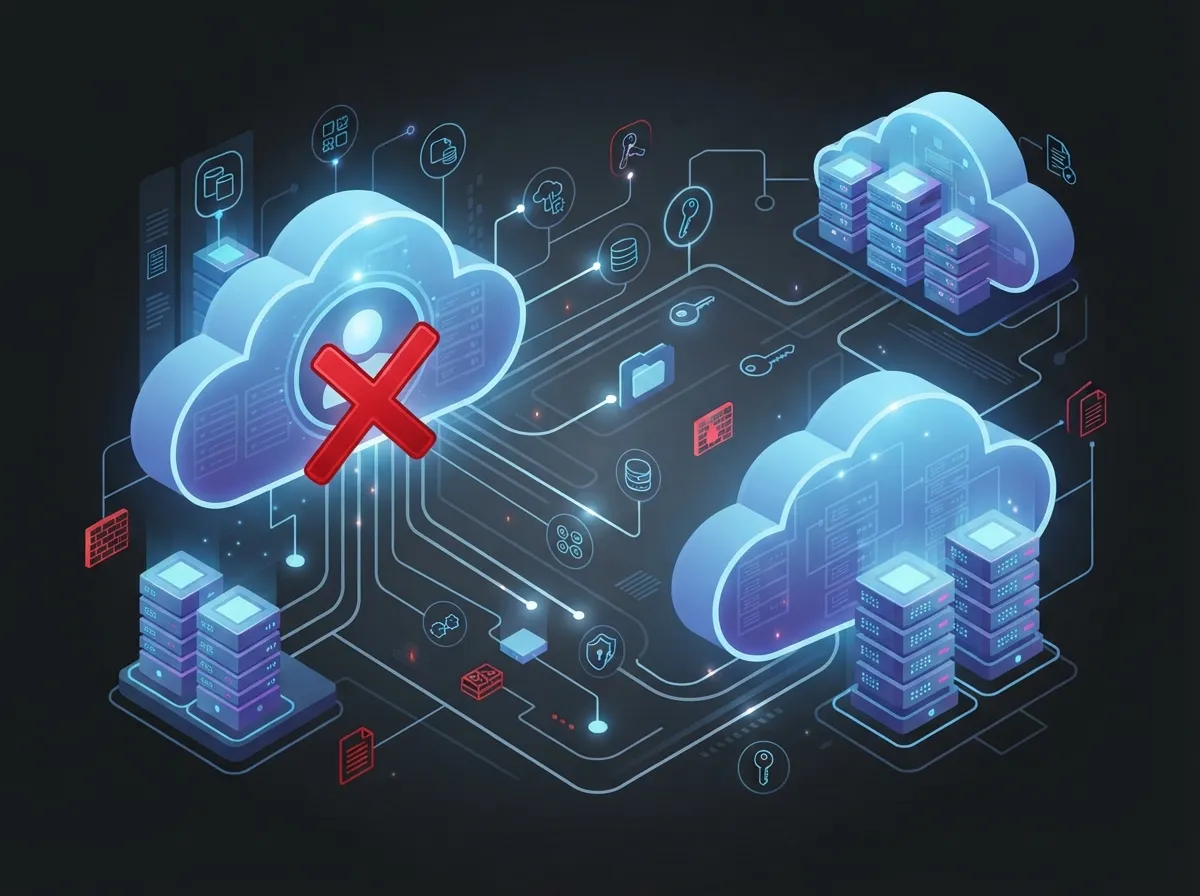
Many business owners think turning off one account handles everything. It doesn’t. A person might still have an active session on their laptop, a saved token in their phone app, or delegated admin rights buried in a contact-center platform. True revocation means checking every connected system, not just the main directory.
2. Know Why Disabling One Account Isn’t Enough
Here’s a simple truth: disabling a user’s main login doesn’t always kill their active sessions. Refresh tokens can quietly keep someone logged in. Local application accounts might still work. Delegated administrator roles could remain untouched.
This is especially true for cloud-based phone systems, where a former employee might still have voicemail access, call forwarding rights, or a working softphone app on their personal device. Businesses need a full checklist, not a single click.
3. Follow a Clear Offboarding Sequence
A messy offboarding process leaves doors open, literally and digitally. Here’s a practical sequence that works well for telecom and access control systems together:
- Disable the person’s main identity in your directory or identity provider
- Terminate any active login sessions across systems
- Invalidate refresh tokens so old sessions can’t renew themselves
- Remove group memberships and role assignments
- Revoke privileged and delegated admin access
- Disable VPN and remote-access credentials
- Rotate any shared passwords or secrets they may have known
- Verify removal in each connected telecom and cloud platform
Skipping steps here is how businesses end up with orphaned accounts lingering for months. Following this order every single time builds a habit that protects your company.
4. Pay Special Attention to Telecom and Communication Privileges
Business phone systems carry more risk than people realize. A departing employee with lingering access could listen to call recordings, redirect voicemail, or even change emergency-calling settings. Here’s what needs a close look during telecom offboarding:
- Phone-system administrator roles and permissions
- Call-recording and voicemail access
- Call-forwarding and auto-attendant settings
- SIP credentials and softphone app registrations
- Contact-center supervisor permissions
- Carrier portal logins
- Number-porting authority
If you’re unsure whether your current provider handles this properly, our guide on hosted PBX mistakes Tampa small businesses must avoid covers related pitfalls worth reviewing.
5. Apply Zero Trust Thinking to Every Access Decision
Zero Trust isn’t just a buzzword. It means never assuming access is safe just because it was granted once. Instead, permissions get checked again and again based on identity, device health, location, and current risk level.
For example, if an employee’s device gets flagged as compromised, Zero Trust systems can automatically limit or pull their access without waiting for a manual review. This approach fits perfectly with cloud access control and cloud phone platforms, where risks change daily.
6. Automate Revocation for Common Triggers
Manual processes fail when people get busy or forget steps. Automation solves this by triggering access removal the moment certain events happen. Common triggers include:
- Employee termination, voluntary or involuntary
- Job transfers that change what someone needs access to
- Contractor or vendor contract expiration
- Failed security or background checks
- Suspected account compromise
- Lost or stolen devices
Automation should still include a human approval step and a way to handle exceptions. A quick verification afterward confirms the automated process actually worked across every system.
7. Don’t Forget Non-Human Accounts and API Keys
Your CRM, ticketing tool, billing software, and call analytics platform probably talk to each other through API keys, tokens, or service accounts. These non-human identities need just as much attention as employee logins.
When a vendor relationship ends or an integration changes, someone needs to rotate or disable these credentials. Otherwise, an old API key could sit active for years, quietly connecting systems nobody remembers setting up. Here’s a simple table showing common non-human credentials in telecom environments and what to do with each:
| Credential Type | Where It’s Used | Action When Ownership Changes |
|---|---|---|
| API Keys | CRM and billing integrations | Rotate or revoke immediately |
| OAuth Tokens | Third-party app connections | Invalidate and reissue if needed |
| SIP Credentials | VoIP phone registrations | Disable and reassign |
| Service Accounts | Network management tools | Review ownership, rotate password |
| Certificates | Secure device authentication | Revoke and reissue on schedule |
8. Keep an Audit Trail for Every Revocation
If you can’t prove access was removed, you don’t really know it happened. A solid audit trail should show who approved the revocation, when it happened, which systems were touched, and whether it succeeded everywhere it needed to.
These logs matter for compliance too. According to NIST, account management controls should cover the full lifecycle from creation through disabling and removal. Sending these logs to a centralized monitoring system makes it much easier to spot gaps before they become real problems.
9. Understand the Difference Between Disabling and Deleting
These two actions sound similar but serve very different purposes. Disabling an account blocks access while keeping records intact for review or investigation. Deleting an account destroys that data completely, which can create real headaches if you need it later for legal or compliance reasons.
The safer approach is almost always to disable first, preserve any required records, and only delete or archive under an approved retention policy. This protects your business if questions ever come up about what happened and when.
Quick Comparison: Disable vs Delete
| Action | Effect on Access | Effect on Records | Best Used When |
|---|---|---|---|
| Disable | Blocks all access immediately | Preserves history for review | Standard offboarding, investigations |
| Delete | Removes access permanently | Destroys data, may violate retention rules | After retention period ends, under policy |
10. Set Realistic Speed Goals and Track Your Progress
How fast should revocation happen? For involuntary terminations or suspected compromise, the goal should be immediate identity disablement, followed quickly by session and token invalidation. Your exact timeline should match your company’s risk level, telecom contracts, and incident response plan.
Tracking a few simple metrics helps you see how well your process is actually working:
- Mean time to revoke access after a trigger event
- Percentage of connected systems successfully updated
- Number of orphaned accounts discovered during audits
- Number of active credentials found after someone leaves
- Percentage of privileged access reviewed on schedule
Reviewing these numbers quarterly gives you a clear picture of whether your revocation process needs adjusting. It’s also a great habit to build into your broader cloud access control audit logging routine.
Bringing It All Together for Your Business
Cloud access revocation touches more parts of your business than most people expect. It’s not just an IT task tucked away in a back office. It connects to your phone systems, your network, your security cameras, and your physical doors all at once. Getting it right protects your team, your customers, and your reputation.
The good news is you don’t have to figure this out alone. Businesses that pair strong cloud-based access control systems with a well-documented offboarding process sleep a lot easier at night. Standards from organizations like the National Institute of Standards and Technology continue to evolve, and staying current keeps your business protected and compliant.
If your current setup relies on structured cabling and multiple disconnected vendors, now is a great time to simplify. A single partner who understands your phones, your internet through your Internet Service Provider, and your access control system can close gaps that fall through the cracks between providers.
Common Access Revocation Challenges by Business Type
Different businesses face different revocation headaches. Here’s a quick breakdown:
- Small businesses often lack automated tools, relying on manual checklists that get skipped when things get busy
- Mid-sized enterprises struggle with too many disconnected systems that don’t talk to each other
- Franchise operators need consistent revocation policies applied across every location, not just headquarters
- IT managers juggling 35+ vendor relationships often lose track of who has access to what
- Office managers handling day-to-day operations may not know every system tied to a departing employee
Whatever category fits your business, the fix usually starts with consolidating your telecom and security vendors into fewer, more trusted relationships. We invite you to follow our updates and behind-the-scenes tips on Facebook, see real installations on Instagram, or watch how our systems work in action on YouTube.
Ready to close the gaps in your access revocation process? Our team can review your current phone system, network, and access control setup to find exactly where risks are hiding. Contact us today for a free consultation, or call us to talk through your specific situation right away.
FAQs
Q: What is cloud access control access revocation in a business telecom environment?
A: It’s the process of promptly removing someone’s ability to access your cloud phone system, network, or building access once they no longer need it. This covers everything from VoIP logins to door badge credentials, not just one account. Think of it as closing every door at once, not just the front one.
Q: How quickly should cloud telecom access be revoked when an employee leaves?
A: For most terminations, the identity should be disabled immediately, with sessions and tokens invalidated right after. Your exact timeline depends on your risk level and industry, but waiting days or weeks is never a good idea. Fast action here really does protect your whole business.
Q: How do you revoke access across a VoIP platform, VPN, and access control system all at once?
A: The best approach connects everything through a central identity provider using tools like SSO or automated workflows. When one trigger happens, like a termination, it can push revocation out to every connected system automatically. This is exactly why working with one trusted telecom partner makes such a difference.
Q: What’s the difference between disabling an account and deleting it?
A: Disabling blocks access right away while keeping records intact for review, which is usually the safer first step. Deleting removes everything permanently, which can cause problems if you need those records later for compliance or investigation. Most businesses should disable first and only delete under an approved retention policy.
Q: Which credentials are easy to forget during telecom offboarding?
A: API keys, SIP credentials, service accounts, and OAuth tokens get overlooked constantly because they’re not tied to a person’s face or name. These non-human identities connect your CRM, billing, and phone systems behind the scenes. Regularly auditing these credentials catches the gaps a simple login check would miss.





