
Key Takeaways
-
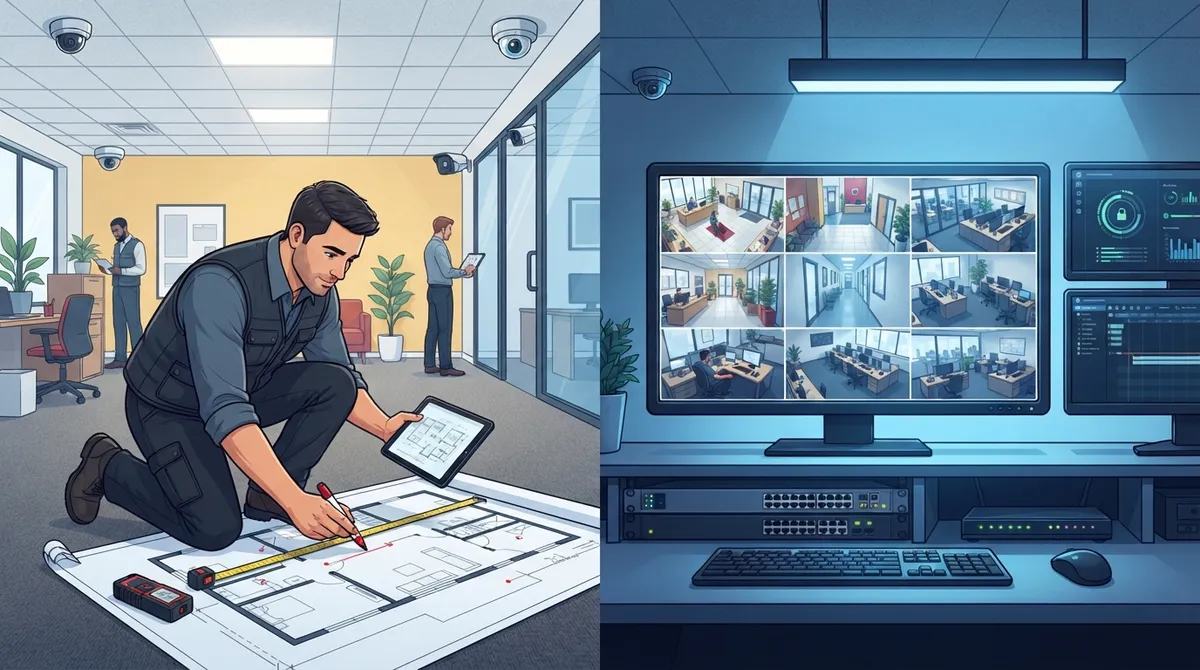
A proper site survey is critical before installation; skipping this step leads to blind spots, poor camera placement, and wasted investment on cameras that don't capture what matters.
-
Budget for bandwidth carefully: each HD camera needs 1-4 Mbps upload speed, so 10+ cameras require significant internet capacity that many businesses underestimate before installation.
-
Tampa commercial security costs range from $532-$2,500 for small setups (2-4 cameras) to $30,000+ for enterprise systems; average installs cost around $1,383 with labor starting at $150 per camera.
-
Cloud-based video security outperforms PoE systems for multi-location businesses, offering easy remote access from one dashboard and eliminating on-site hardware maintenance headaches.
-
Integrating cameras with access control systems automatically triggers footage review during security incidents and tracks unauthorized after-hours access, especially valuable for expanding companies.
-
Work with one qualified provider for cabling, networking, and cameras together rather than separate vendors to avoid miscommunication, delays, and unexpected cost overruns.
Thinking about adding cameras to your Tampa business but not sure where to start? You’re not alone. Every week, we talk to business owners who feel overwhelmed by all the options out there. The good news? A smart video security system setup Tampa businesses can trust doesn’t have to be complicated. In fact, once you understand the basic steps, the whole process starts to feel pretty simple.
Whether you run a small shop, manage a growing office, or oversee IT for a multi-location company, this guide will walk you through everything. We’ll cover costs, camera types, network needs, and what a good installer should offer. Grab a coffee and let’s dig in together.
What Does Video Security System Setup Actually Involve
A commercial video security setup in Tampa is more than just slapping a few cameras on the wall. It’s a process. Most reputable providers start with a site visit to understand your space, your risks, and your goals.
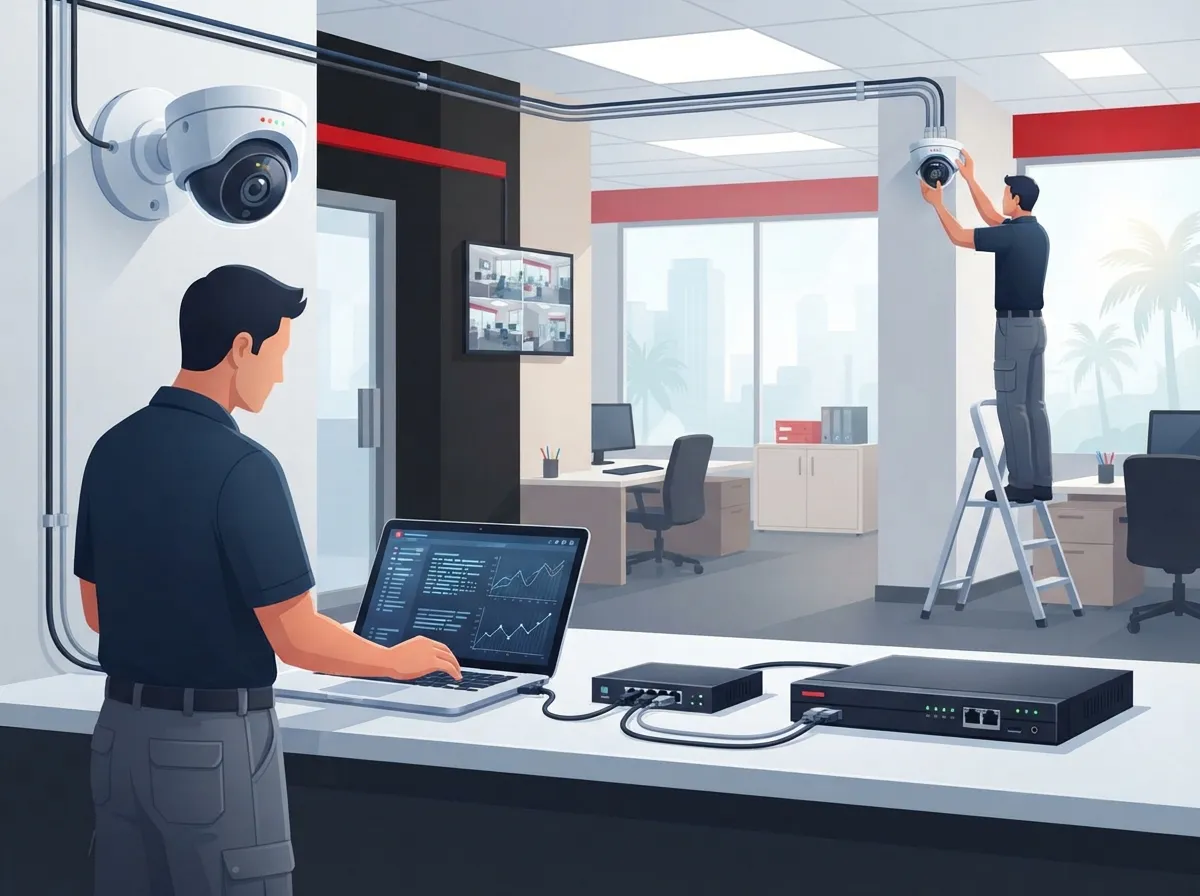
From there, the project usually moves through several stages. Here’s what a typical setup looks like from start to finish:
- Initial consultation: A technician visits your site to review layout, lighting, and problem areas.
- System design: The team maps out camera placement based on your specific risks and blind spots.
- Cabling and installation: Cameras get mounted, wired, and connected to your network or cloud platform.
- Configuration: The system is set up for recording, remote viewing, and alerts.
- Testing: Every camera angle and connection gets checked before the crew leaves.
- Training: Your team learns how to use the app, pull footage, and manage users.
- Ongoing support: A good provider sticks around for updates, troubleshooting, and future expansions.
This isn’t a one-size-fits-all job. A warehouse needs different coverage than a dental office or a retail storefront. That’s why the site survey step matters so much. It’s where the real planning happens.
Why the Site Survey Is So Important
Skipping a proper site assessment is one of the biggest mistakes business owners make. A rushed job often leads to blind spots, poor lighting issues, and cameras that don’t actually capture what matters.
During a good site survey, your installer should look at:
- Entry and exit points, including doors and loading docks
- Parking lots and outdoor perimeters
- Cash handling areas or high-value storage rooms
- Server rooms and other sensitive spaces
- Existing wiring, network capacity, and Wi-Fi coverage
- Lighting conditions during day and night hours
If your provider skips this step or rushes through it, that’s a red flag. A thorough survey sets the foundation for everything else.

How Much Does Video Security System Setup Cost in Tampa
This is probably the question on your mind right now. And honestly, the answer depends on a few things: camera count, resolution, storage type, and whether you want monitoring included.
Here’s a general breakdown based on current Tampa market pricing:
| System Size | Typical Cost Range | Best For |
|---|---|---|
| 2-4 cameras | $532 – $2,500 | Small offices, boutique retail |
| 4-8 cameras | $2,500 – $7,500 | Mid-size offices, small warehouses |
| Small business system | $2,500 – $15,000 | Multi-room facilities, growing teams |
| Single-site enterprise | $30,000+ | Large facilities, complex layouts |
| Multi-site enterprise | $300,000+ | Franchises, regional or national chains |
Interestingly, the average security camera install in Tampa lands around $1,383, with most simpler setups falling between $532 and $2,253. If you’re supplying your own equipment, some local installers start at $150 per camera for labor, with extra fees for drilling, conduit, or cable runs.
These numbers can feel like a lot to take in. That’s exactly why working with a partner who compares pricing across multiple vendors matters. It’s one of the reasons businesses trust Ideal Solutions Provider for straightforward, no-pressure comparisons.
What Affects Your Final Price
A few factors tend to push costs up or down. Knowing these ahead of time helps you budget smarter:
- Number of cameras and their resolution
- Cloud storage versus local DVR/NVR storage
- Whether you need 24/7 professional monitoring
- Complexity of cabling, drilling, or conduit work
- Integration with access control or alarm systems
- Number of locations if you’re a franchise or multi-site operation
PoE Cameras vs Cloud Video Security: Which Fits Your Business
One of the biggest decisions in any commercial setup is choosing between traditional PoE (Power over Ethernet) IP cameras with local storage, or a fully cloud-based system. Both have their place.
| Feature | PoE / Local Storage | Cloud Video Security |
|---|---|---|
| Upfront cost | Often lower | Can be higher, but spread over time |
| Remote access | Possible, but setup is more complex | Built-in, app-based access |
| Storage location | On-site DVR/NVR | Offsite, encrypted cloud servers |
| Scalability | Harder to expand across sites | Easy to add locations or cameras |
| Maintenance | Requires on-site hardware upkeep | Managed remotely, fewer failure points |
For franchise operators managing several Tampa Bay locations, cloud video security often wins. It lets you check every site from one dashboard, which is a huge time saver. If you want to dig deeper into this comparison, this guide on key differences between cloud video security and DVR systems breaks it down nicely.
The Network Side Nobody Talks About Enough
Here’s something a lot of installers skip over: your video system is only as good as your network. If your internet connection struggles, your cameras will too. Choppy footage, laggy remote viewing, and dropped recordings all trace back to bandwidth issues.
Each HD camera typically needs about 1 to 4 Mbps of upload speed, depending on resolution and how much motion it’s capturing. Multiply that by 8, 10, or 20 cameras, and you can see how quickly bandwidth adds up.
For IT managers and office managers overseeing this rollout, here are network essentials to check off:
- Confirm your upload speed can handle your total camera count.
- Set up VLAN segmentation so camera traffic doesn’t compete with regular office use.
- Plan for failover internet in case your primary connection drops.
- Test latency for smooth, real-time remote viewing.
- Make sure your router and switches support PoE if using PoE cameras.
This is exactly where telecom expertise becomes valuable. It’s not just about cameras. It’s about making sure your entire network can support them reliably. If your current setup feels shaky, this article on high-speed internet tips that save money is worth a read before you install anything.
Combining Cabling, Networking, and Security in One Project
Some Tampa businesses choose separate vendors for cabling, networking, and cameras. Honestly, that can create a lot of headaches. Miscommunication between vendors leads to delays, finger-pointing, and unexpected costs.
A smarter approach is working with one partner who handles it all. Structured cabling lays the groundwork, your network carries the load, and your cameras sit on top of a stable system. If you’re curious how these pieces fit together, check out this resource on how structured cabling supports VoIP and cameras.
Best Camera Placement by Business Type
Camera placement isn’t one-size-fits-all. Different spaces have different risks. Here’s a quick rundown based on common Tampa business types:
- Offices: Front entrance, reception, server room, and parking lot
- Warehouses: Loading docks, inventory storage, exterior perimeter, and forklift zones
- Retail stores: Cash registers, entrances, fitting rooms exterior, and stockrooms
- Medical offices: Waiting rooms, pharmacy storage, and back entrances
- Multi-location franchises: Consistent placement across all sites for easy comparison
A good installer will walk your space with you and point out spots you might not have thought about. That’s part of what makes the site survey step so valuable.
Can Video Security Integrate With Access Control
Yes, and honestly, this combination is becoming the standard for Tampa businesses that want tighter security. When your cameras and access control system talk to each other, you get a much clearer picture of who’s coming and going.
For example, if a door alarm triggers, your system can automatically pull up footage from that entrance. This kind of integration is especially popular with mid-sized companies and franchise operators managing multiple sites. You can learn more about this pairing in this article on cloud access control for Tampa businesses.
Signs You’re Ready for an Integrated System
Not sure if integration makes sense for you yet? Consider these signs:
- You manage more than one entry point or building
- You’ve had incidents involving unauthorized access
- Your team struggles to track who enters after hours
- You’re expanding to new locations soon
- You want one dashboard instead of juggling multiple apps
Choosing a Tampa Provider You Can Actually Trust
Not every installer is cut out for commercial work. Some companies focus mainly on homes and treat business installs as an afterthought. That’s a mismatch if you need scalable, telecom-aligned systems.
Here’s a simple checklist to vet potential providers:
- Do they specialize in commercial installs, not just residential?
- Do they offer a real site survey before quoting a price?
- Can they explain bandwidth and network requirements clearly?
- Do they offer both cloud and on-premise storage options?
- Will they train your staff after installation?
- Do they provide ongoing support, not just a one-time install?
- Can they handle multiple locations if you expand later?
Ideal Solutions Provider has spent over 24 years helping Tampa businesses build reliable telecom and security systems. Because they work with 35+ vetted suppliers, they can compare options honestly instead of pushing one brand. That means you get a setup built around your actual needs, not a sales quota.
Bringing It All Together
A solid video security system setup Tampa businesses can rely on comes down to good planning, the right equipment, and a network that can keep up. Whether you’re a small business owner just getting started or an IT manager overseeing a multi-site rollout, the steps stay the same: survey, design, install, test, train, and support.
Don’t let bandwidth issues, mismatched vendors, or rushed installs slow you down. Take it one step at a time, ask good questions, and lean on people who’ve done this before. You can also follow along with helpful tips and behind-the-scenes updates on Facebook, Instagram, or YouTube to see real installs in action.
If you’re ready to get real answers about your building, your budget, and your best options, we’re here to help. Contact us today to schedule your free consultation, or simply call us to talk through your project with a friendly, knowledgeable team.
FAQs
Q: How much does a commercial video security system setup cost in Tampa?
A: It really depends on your camera count and storage needs. Small setups with 2-4 cameras often run between $532 and $2,500, while larger small business systems can reach $15,000. Multi-site enterprise projects can climb well past $300,000, so getting a personalized quote is always the best move.
Q: What is included in a business security camera installation in Tampa?
A: A good installation includes a site survey, custom system design, camera mounting, cabling, network setup, testing, and staff training. Many providers also throw in ongoing support afterward, which is honestly one of the most valuable parts of the whole process.
Q: Do Tampa businesses need PoE cameras or cloud video surveillance?
A: It depends on your goals. PoE cameras with local storage work well for single-site businesses on a budget, while cloud video surveillance shines for companies managing multiple locations. Many Tampa businesses end up choosing cloud systems because they make remote access so much easier.
Q: How much bandwidth does a remote video monitoring system need?
A: Each HD camera typically needs about 1 to 4 Mbps of upload speed. If you’re running 10 or more cameras, that adds up fast, so it’s smart to check your internet plan before installation day arrives.
Q: Can video security systems integrate with access control and alarms?
A: Absolutely, and it’s becoming more common every year. Pairing cameras with access control gives you a clearer picture of who enters your building and when, which is a huge win for security-conscious business owners.





