
Key Takeaways
-
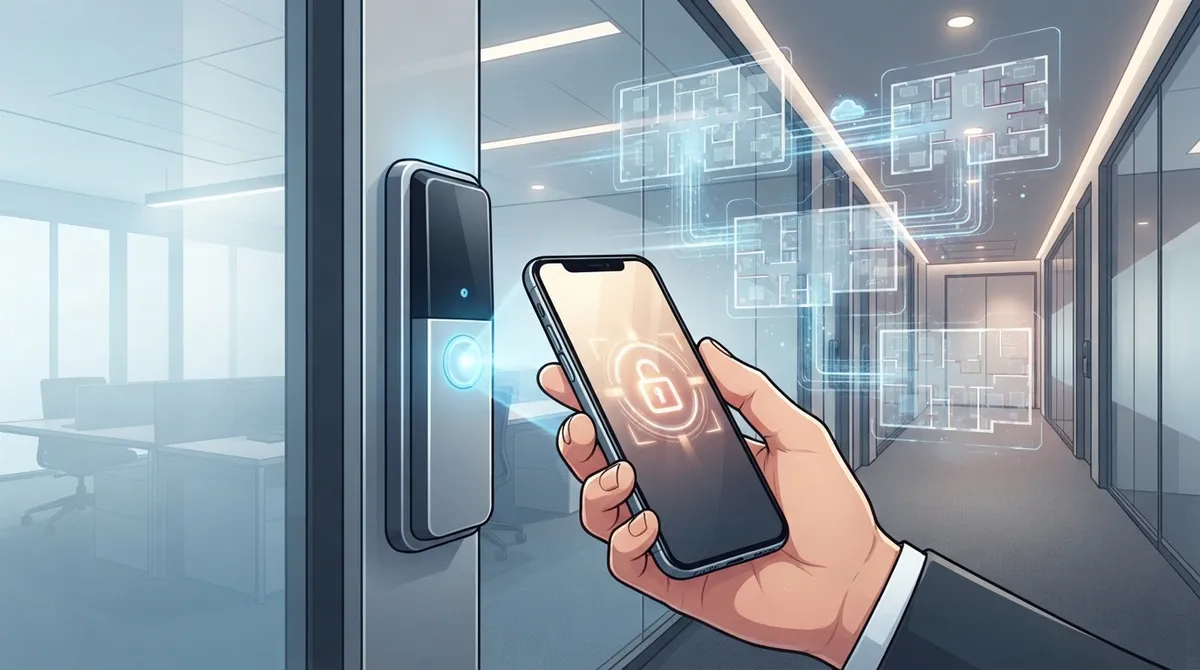
Cloud access control mobile apps enable instant remote credential revocation and multi-location management from a single dashboard, eliminating costly re-keying and reducing onboarding time from days to minutes.
-
Mobile credentials use multiple technologies (BLE, NFC, QR codes) for door unlocks while cloud syncing handles real-time updates and alerts, allowing access control to work during brief internet outages.
-
Integration with video security, phone systems, and structured cabling creates a unified telecom setup managed by one provider, reducing coordination complexity across multiple vendors.
-
When set up with encryption, multifactor authentication, and role-based permissions per NIST standards, cloud access control provides stronger security than traditional mechanical locks.
-
Lost phone credentials can be revoked instantly via cloud dashboard within seconds, compared to physical key cards that require lock re-keying, saving significant time and money.
-
The global mobile credential market is projected to grow from $3.2 billion in 2025 to $13.8 billion by 2034, with cloud-based deployment increasing from 43.7% to 48.8% market share.
Picture this: you’re at home in your pajamas, and you get a text that a delivery driver needs into your Tampa warehouse. No problem. You pull out your phone, tap a button, and the door unlocks. That’s the magic of a cloud access control mobile app, and it’s changing how Tampa Bay businesses handle security every single day.
If you’re a small business owner juggling a dozen tasks, an IT manager tired of babysitting servers, or a franchise operator managing five locations at once, this guide is for you. We’ll walk through exactly how these apps work, what to look for, and how they fit into your bigger telecom picture. Grab a coffee, and let’s get into it.
What Is a Cloud Access Control Mobile App, Really?
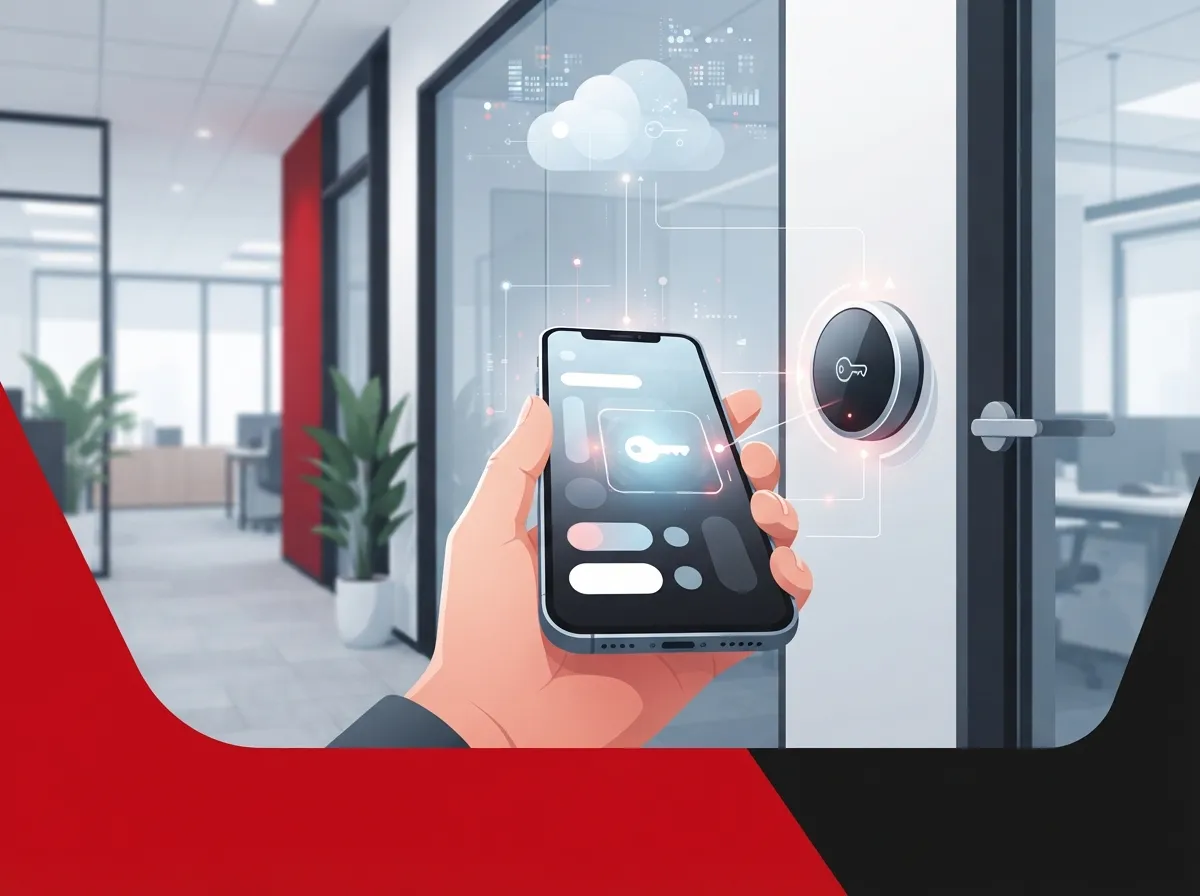
A cloud access control mobile app is a smartphone tool linked to a cloud-based security platform. Instead of handing out metal keys or plastic key cards, you give employees a digital credential on their phone. They tap, wave, or scan their phone, and the door unlocks.
This isn’t just a fancy replacement for keys. It’s a full management system. From one app, you can add new employees, remove access for someone who just quit, and check who came in and out of the building. You can do all of this from your office, your couch, or a beach chair in Clearwater.
How It Fits Into Your Bigger Telecom Setup
Here’s something a lot of people miss. Access control doesn’t have to stand alone. When paired with your cloud-based phone system, video cameras, and internet service, you get one connected security and communications setup. This is exactly the kind of bundled solution that Ideal Solutions Provider helps Tampa businesses put together, working with over 35 vetted suppliers to find the right fit.
How Mobile Credentials Actually Work
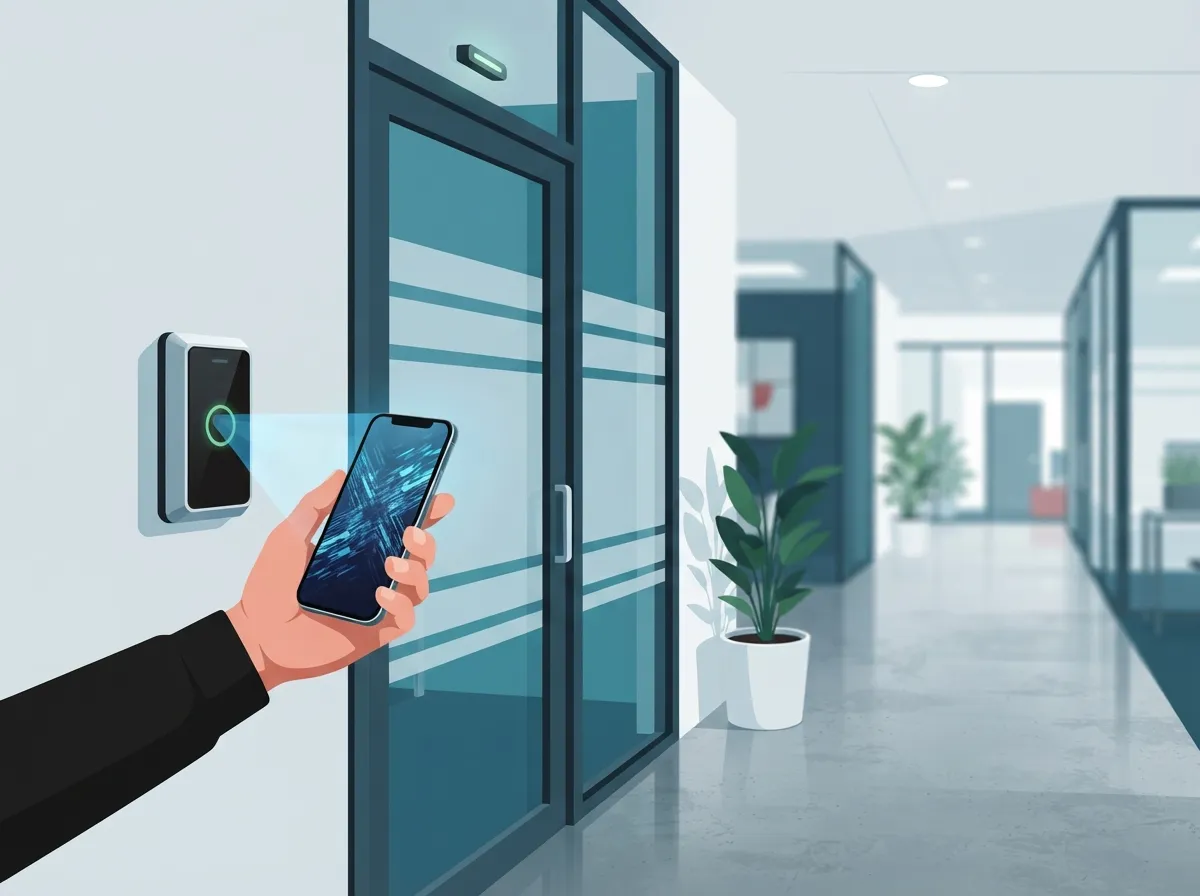
Mobile credentials don’t all work the same way. The technology behind the scenes matters, especially if your building has spotty internet or you manage multiple sites.
- Bluetooth Low Energy (BLE) lets you unlock doors just by walking up, no tapping needed
- Near Field Communication (NFC) requires holding your phone close to the reader, similar to tap-to-pay
- QR codes work well for visitor access or temporary credentials
- Internet-based methods sync in real time with your cloud dashboard for instant updates
Most modern systems use a mix of these. BLE and NFC handle the moment-to-moment door unlocking, while the cloud connection handles account management, alerts, and reporting.
5 Steps to Set Up Cloud Access Control at Your Business
Getting started is more straightforward than most business owners expect. Here’s a simple roadmap.
- Audit your current entry points and figure out which doors, gates, or server rooms need controlled access
- Choose hardware compatible with mobile credentials, since not every old lock system supports this
- Pick a cloud access control mobile app provider that fits your budget and number of locations
- Set up user groups and permissions based on roles, like limiting warehouse access to warehouse staff only
- Train your team on the app and test it thoroughly before going fully live
If this feels overwhelming, you’re not alone. Many office managers tell us they just want someone to handle the technical details. That’s a big reason businesses reach out to our team for a free consultation instead of piecing it together themselves.
Why Businesses Are Making the Switch
The numbers tell a pretty compelling story. Market researchers estimated the global mobile credential access control market at $3.2 billion in 2025, with projections reaching $13.8 billion by 2034. That’s a growth rate of roughly 17.3% per year, according to industry estimates (treat these as commercial projections rather than government data). North America already accounts for about 38.2% of that global revenue.
Cloud-based deployment specifically made up 43.7% of the mobile credential market in 2025, and that share is expected to grow to 48.8% by 2034. In plain terms: more businesses are ditching old-school locks for cloud and mobile solutions every year.
Benefits Beyond Convenience
- No more re-keying locks when someone loses a key card
- Instant credential revocation the moment an employee leaves
- Centralized management across multiple offices or franchise locations
- Real-time alerts if a door is propped open or forced
- Detailed audit logs for compliance and insurance purposes
Comparing Access Methods: Traditional Keys vs. Mobile Credentials
| Feature | Traditional Keys/Cards | Cloud Access Control Mobile App |
|---|---|---|
| Credential Issuance | Physical, requires in-person handoff | Digital, sent instantly via app |
| Revoking Access | Requires collecting the key or card | Instant remote revocation |
| Multi-Location Management | Difficult, often separate systems per site | Centralized dashboard for all locations |
| Lost Credential Risk | Requires re-keying locks | Deactivate the lost device remotely |
| Audit Trail | Limited or manual logging | Automatic, detailed digital logs |
Security Concerns Every Business Should Address
We get it. Handing security over to an app can feel like a leap of faith. But cloud access control platforms, when set up correctly, often provide stronger protection than old mechanical locks.
The National Institute of Standards and Technology (NIST) published guidance in SP 800-124 Revision 2 covering how businesses should manage and secure mobile devices, including access control and monitoring practices. This guidance recommends things like secure device enrollment, mobile threat defense, and ongoing monitoring, especially for employee-owned phones used for work access.
Key Security Features to Look For
- Role-based access control so employees only unlock doors relevant to their job
- Multifactor authentication for anyone with administrator privileges
- Encryption for data in transit and at rest
- Device authentication to block rooted or jailbroken phones
- Rapid credential revocation for lost or stolen devices
NIST’s SP 800-210 also offers broader access control guidance for cloud systems, covering authorization models and security engineering. If your IT team wants to dig deeper into the technical standards, that’s a solid resource.
What Happens When an Employee Loses Their Phone?
This is one of the most common questions we hear from office managers. The short answer: it’s actually less stressful than losing a physical key card.
- Log into your cloud dashboard from any device
- Find the lost phone’s credential in your user list
- Revoke access immediately, cutting off entry within seconds
- Issue a new credential to the employee’s replacement device
Compare that to a lost master key, where you might need to re-key every lock in the building. The cloud approach saves time, money, and a whole lot of stress.
Does It Work Without Internet?
This is a fair concern, especially for businesses with unreliable connectivity. Most cloud access control mobile apps use local Bluetooth or NFC for the actual door unlock, so the door itself doesn’t always need live internet at that exact moment.
However, your system still depends on reliable connectivity for syncing updates, sending alerts, and remote management. This is exactly why dedicated fiber internet matters so much for businesses running access control, video security, and phone systems together. A shaky connection can create delays in credential updates or alert notifications.
Integrating Access Control With Your Other Telecom Systems
One of the smartest moves a growing business can make is bundling access control with other services instead of managing five different vendors.
- Pair access control with cloud video security so you can see who used a credential, not just that it was used
- Connect it to your visitor management process for guests and contractors
- Link alerts to your business phone system so the right person gets notified immediately
- Use the same structured cabling infrastructure that supports your structured cabling and network for reliable, fast performance
This kind of integration is where working with a single telecom partner really pays off. Instead of coordinating between three or four separate companies, you get one point of contact who understands your whole setup.
What to Evaluate Before Choosing a Provider
Not all cloud access control mobile apps are created equal. Here’s what mid-sized enterprises and franchise operators should look at closely.
| Evaluation Factor | Why It Matters |
|---|---|
| Multi-site management | Franchise owners need one dashboard for every location, not separate logins |
| Offline functionality | Doors should still work during short internet outages |
| Integration options | Compatibility with video, phone systems, and networking gear |
| Scalability | Ability to add doors and users as your business grows |
| Support and installation | Professional setup reduces downtime and configuration errors |
Questions to Ask Any Provider
- How does the app handle credential revocation for lost or stolen phones?
- What happens to door access if our internet goes down?
- Can this integrate with our existing video security and phone system?
- How many locations and users can the platform support?
- What kind of ongoing support and updates are included?
If you’re not sure how to compare answers across different providers, that’s completely normal. This is exactly the kind of decision where an independent partner who works with 35+ vetted suppliers can save you time and money. Ideal Solutions Provider has spent over 24 years helping Tampa businesses cut through the noise and pick systems that actually fit their needs.
Privacy and Employee Data Considerations
When you introduce a mobile app for building access, you’re also introducing questions about employee privacy. It’s worth addressing this openly with your team.
- Clarify what data the app collects, such as entry times or location pings
- Explain whether personal devices are required or if company phones are provided
- Set clear policies for deprovisioning access when employees leave
- Follow guidance like NIST’s SP 1800-4, which covers separating business and personal data on mobile devices
Being upfront about these details builds trust and helps your team feel comfortable adopting the new system.
Real-World Scenarios Where This Shines
Let’s make this practical. Here are a few situations where cloud access control mobile apps genuinely solve everyday headaches.
- A franchise operator opens a new location and needs credentials set up before the grand opening, all done remotely from headquarters
- An IT manager gets an alert at 2 a.m. that a data center door was propped open, and locks it down instantly from their phone
- An office manager onboards five new hires in one morning, issuing digital credentials in minutes instead of ordering physical cards
- A mid-sized enterprise closes an underperforming office and revokes access for all employees in one click
These aren’t hypothetical. They’re the kinds of everyday wins that make cloud access control worth the investment for growing businesses.
Bringing It All Together
A cloud access control mobile app isn’t just about unlocking doors with your phone. It’s about giving your business flexibility, better security, and one less thing to worry about. Whether you’re running a single Tampa office or coordinating access across a dozen franchise locations nationwide, the right setup can save you time, reduce risk, and give you peace of mind.
You don’t have to figure this out alone. Ideal Solutions Provider has spent more than two decades helping businesses across Tampa Bay and nationwide build smarter telecom and security systems, from VoIP phone service to structured cabling to cloud access control. If you’re ready to see what a smarter, more connected setup could look like for your business, get in touch with our team for a free consultation, or give us a call today. We’re here to make security simple, one door at a time.
FAQs
Q: What is a cloud access control mobile app?
A: It’s a smartphone app connected to a cloud-based security platform that lets you unlock doors, manage users, and monitor access from anywhere. Think of it as your building’s key ring, but digital and controllable from your phone or laptop. It’s a friendly upgrade from carrying around a jangling set of keys!
Q: Is cloud-based access control secure for offices and data centers?
A: Yes, when set up properly with encryption, multifactor authentication, and role-based permissions, it can be more secure than traditional locks. NIST guidelines like SP 800-124 Rev. 2 outline best practices for keeping mobile-based access systems safe. We always recommend working with a provider who follows these standards closely.
Q: Can a cloud access control app manage multiple business locations?
A: Absolutely, and this is one of its biggest perks for franchise operators and growing companies. You can manage every door, at every location, from one single dashboard. No more juggling separate systems for each office.
Q: What happens if an employee loses their phone?
A: No need to panic! You simply log into your cloud dashboard and revoke that device’s access instantly. Then you issue a fresh credential to their new phone, and you’re back up and running in minutes.
Q: Does mobile access control work without an internet connection?
A: Many systems use Bluetooth or NFC for the actual door unlock, so it can still work during short outages. That said, reliable internet is important for syncing updates and receiving real-time alerts, so a strong connection is still your best friend here.





