
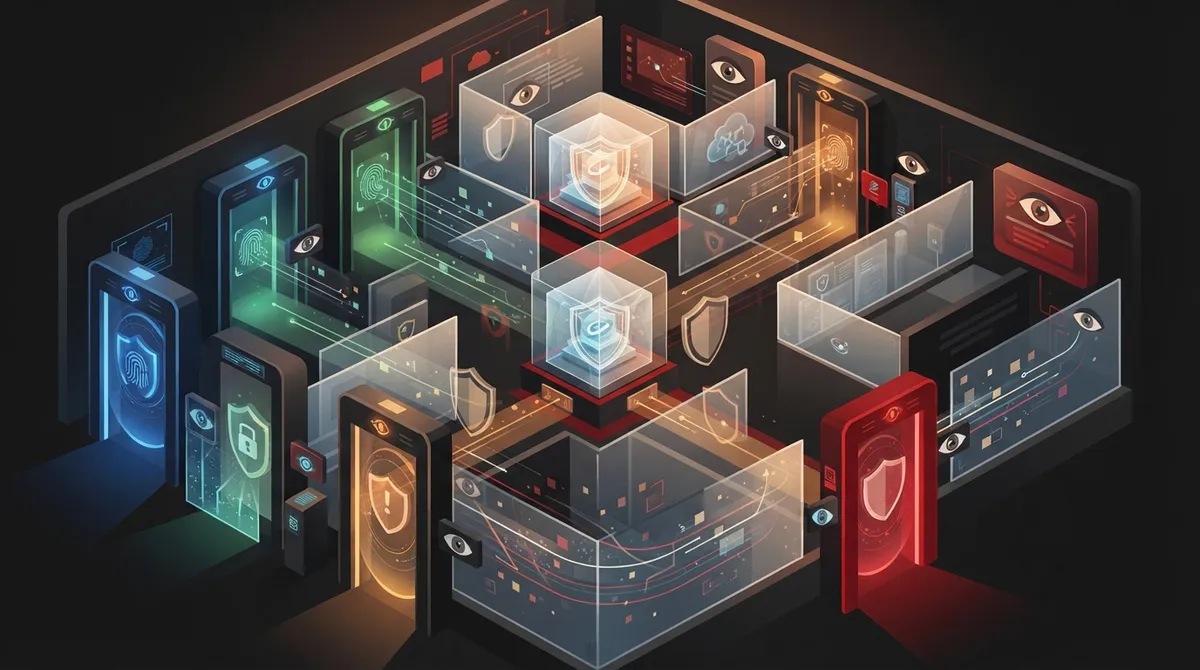
Key Takeaways
-
Credential abuse causes 22% of breaches and 88% of web application attacks; implement phishing-resistant MFA (FIDO2, WebAuthn) and avoid SMS codes for administrator and high-privilege accounts immediately.
-
Third-party breaches jumped to 30% last year; give vendors separate accounts with time-limited access, require MFA, and revoke access immediately when contracts end rather than delaying offboarding.
-
Adopt zero-trust verification on every login attempt by checking device health, location, and user behavior patterns; segment networks like rooms in a house so breaches don't spread across all systems.
-
Centralize identity management with single sign-on and role-based access controls; store non-human credentials (API keys, SIP accounts) in secrets vaults with regular rotation instead of spreadsheets or code files.
Picture this: someone steals a password, logs into your cloud phone or door access system, and wanders around like they own the place. Scary, right? The good news is you don’t have to sit around waiting for that to happen. With the right habits and tools, cloud access control breach prevention becomes something you can actually manage, not just worry about.
Here at Ideal Solutions Provider, we’ve spent over 24 years helping Tampa businesses and companies nationwide set up telecom and security systems that actually protect them. We’ve seen firsthand how a few smart changes can keep hackers out of cloud phone platforms, door access systems, and network management tools. Let’s walk through seven friendly, practical steps that will help you sleep better at night.
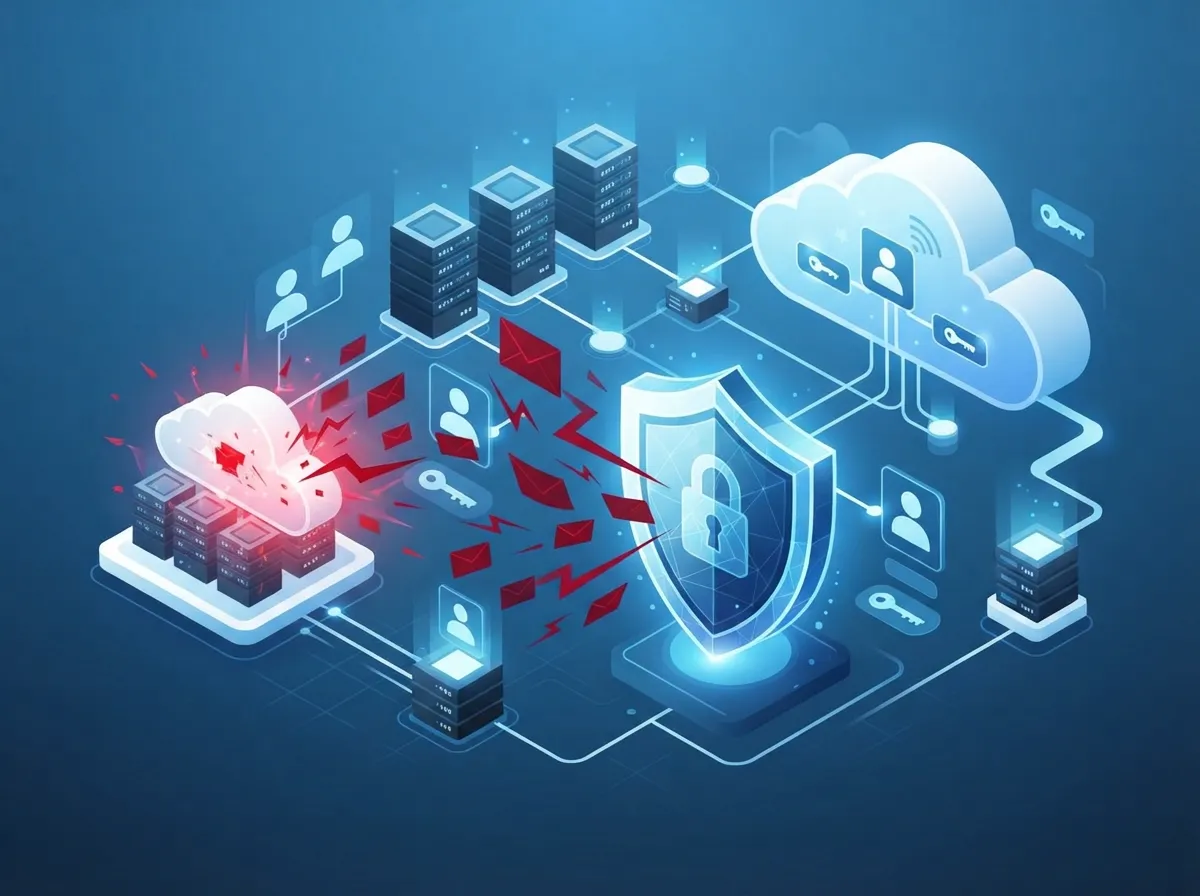
Why Cloud Access Control Breach Prevention Matters Right Now
Cybercriminals love stolen logins. Verizon’s 2025 Data Breach Investigations Report studied more than 22,000 security incidents and found that credential abuse was the number one way attackers broke in, showing up in 22% of breaches. That’s a huge chunk of trouble caused by something as simple as a stolen password.
Even scarier, third-party involvement in breaches jumped to 30% last year. That means vendors, contractors, and outside partners are becoming a bigger risk. If your business uses cloud-hosted VoIP phones, security cameras, or cloud based access control systems, this stuff matters to you directly.
- Stolen credentials caused 88% of basic web application attacks, according to Verizon’s 2025 findings
- Leaked secrets found in code repositories took a median of 94 days to fix
- Credential stuffing attempts made up 19% of daily login attempts across companies studied
These numbers aren’t meant to scare you into a panic. They’re meant to show you why a few smart precautions go a long way.
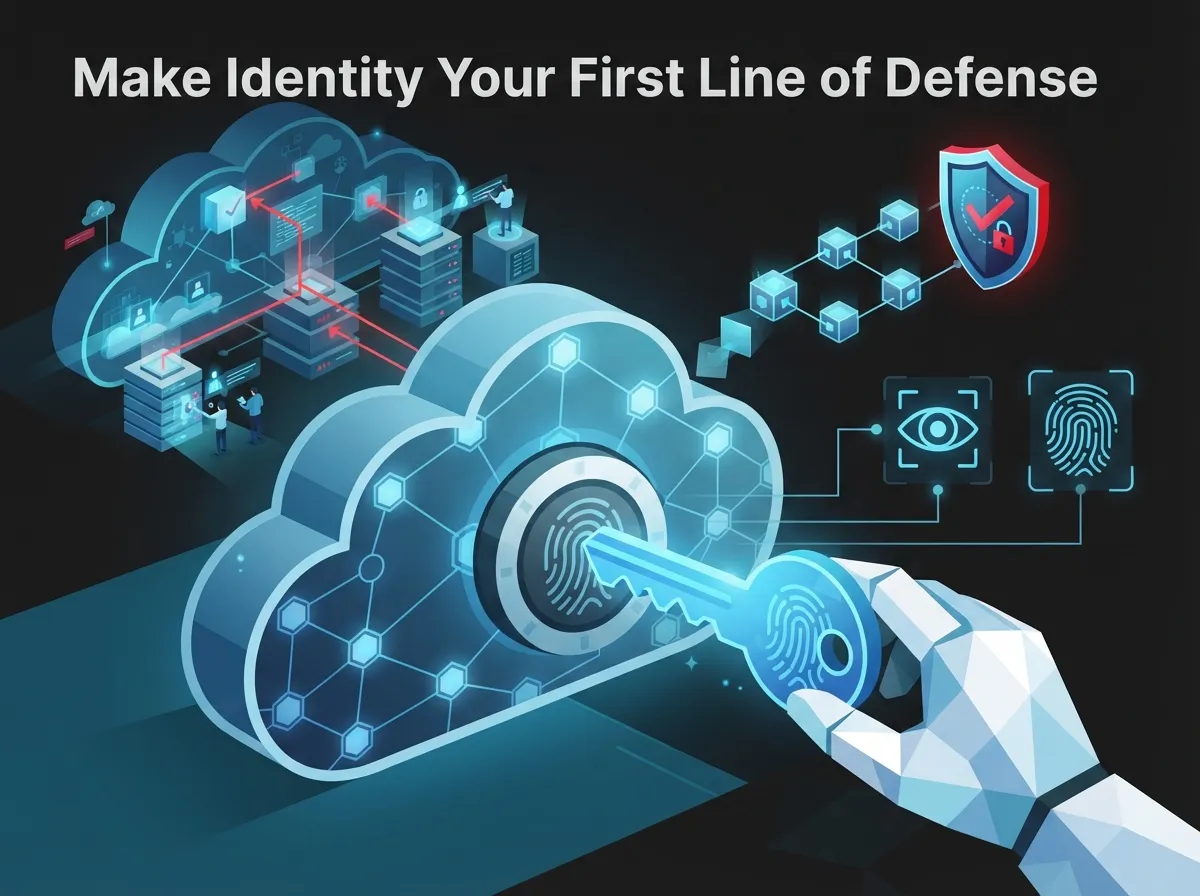
1. Make Identity Your First Line of Defense
Think of identity management like the front desk of a building. Every single person who wants in should show ID first, no exceptions. For cloud telecom systems, this means centralizing who has access to what.
Set up single sign-on so employees use one secure login instead of ten different passwords scattered everywhere. Use role-based access so a receptionist can’t accidentally see billing records, and a technician can’t touch HR files. This one step alone prevents a huge chunk of accidental and intentional breaches.
Steps to Strengthen Identity Management
- Create one central login system for all cloud tools
- Assign access based on job role, not convenience
- Review who has access every few months
- Remove access immediately when someone leaves
- Use temporary access for short-term projects instead of permanent logins
2. Turn On Phishing-Resistant Multifactor Authentication
A password alone is like a screen door on a bank vault. Multifactor authentication (MFA) adds another lock. But not all MFA is equal. Text message codes can be intercepted. Phishing-resistant options like security keys and passkeys are much tougher to crack.
CISA, the government’s cybersecurity agency, recommends phishing-resistant MFA like FIDO2 and WebAuthn for exactly this reason. If your cloud phone system, customer portal, or admin dashboard supports these options, turn them on today.
- Require MFA for all administrator accounts
- Use security keys for high-privilege users
- Avoid SMS-based codes when stronger options exist
- Apply MFA to remote workers and VPN connections too
3. Adopt a Zero-Trust Mindset
Zero trust sounds fancy, but it’s really simple: trust nothing automatically, verify everything. Just because someone is connected to your office Wi-Fi doesn’t mean they should get a free pass into sensitive systems.
Every login attempt should be checked based on the device being used, the location, and the normal behavior of that user. If someone in Tampa suddenly tries logging into your cloud system from another country at 3 a.m., that should raise a red flag immediately.
Zero-Trust Checklist for Telecom Systems
- Verify user identity on every single access request
- Check device health before granting access
- Monitor location and login patterns
- Limit access to only what’s needed for the task
- Never treat internal networks as automatically safe
Many businesses are moving away from older networking setups for this exact reason. If you’re curious how modern connectivity fits into this picture, our guide on choosing SD-WAN solutions covers how secure, flexible networking supports these zero-trust goals.
4. Protect the Logins Machines Use Too
Humans aren’t the only ones with logins. Your SIP phone accounts, APIs, automation tools, and cloud service accounts all have credentials too. These are called non-human identities, and they’re often overlooked.
Store these secrets in a dedicated secrets-management tool instead of leaving them in spreadsheets or code files. Rotate them regularly, just like you’d change the locks after giving out too many spare keys.
| Credential Type | Common Risk | Prevention Tip |
|---|---|---|
| API Keys | Left exposed in code | Scan repositories regularly, use secrets vaults |
| SIP Credentials | Weak or reused passwords | Enforce strong, unique passwords per line |
| Service Accounts | Excessive permissions | Apply least-privilege access rules |
| OAuth Tokens | Long-lived, rarely rotated | Set expiration and rotation schedules |
5. Segment Your Systems Like Rooms in a House
You wouldn’t let a delivery driver wander into your bedroom, right? The same logic applies to your network. Customer traffic, voice systems, billing, and backup infrastructure shouldn’t all sit in the same open space.
Segmenting your network means separating these areas with firewalls and controlled pathways. This way, if one part gets compromised, the damage doesn’t spread everywhere else. Structured, well-planned structured cabling and network design make this kind of segmentation much easier to set up correctly from day one.
- Keep management interfaces separate from customer-facing systems
- Use private connections for carrier interconnects
- Apply microsegmentation for sensitive data
- Limit administrative access paths to a small, trusted group
6. Watch Everything With Continuous Monitoring
Setting up strong locks is great, but you still need a way to notice if someone’s trying to pick them. Continuous monitoring means keeping an eye on login attempts, unusual activity, and strange patterns across your cloud voice, VPN, and SD-WAN systems.
A centralized logging system, often called a SIEM, pulls all this information into one place. It can alert you to things like impossible travel (someone logging in from two countries within minutes) or a sudden spike in failed login attempts.
What to Monitor Closely
- Login attempts from unfamiliar devices or locations
- Sudden changes in user privileges
- Repeated failed authentication attempts
- Unusual API activity or data requests
- Access happening outside normal business hours
Pairing strong monitoring with reliable high-speed internet for business ensures your alerts and dashboards work smoothly without lag or downtime getting in the way.
7. Manage Vendor and Partner Access Carefully
Remember that stat about third-party breaches doubling to 30%? That’s why vendor access deserves its own spotlight. Managed service providers, carriers, resellers, and field technicians often need privileged access to do their jobs, but that access needs boundaries.
Give vendors separate accounts instead of sharing internal logins. Set time limits on their access. Require them to use MFA too. And when a contract ends, revoke access immediately, not next week.
Vendor Access Best Practices
| Practice | Why It Matters |
|---|---|
| Separate vendor accounts | Prevents shared credential misuse |
| Time-limited access | Reduces exposure window |
| Contractual security requirements | Holds vendors accountable |
| Immediate offboarding | Closes gaps the moment a contract ends |
Choosing the right telecom and IT partner also plays a big role here. Working with a company that has vetted, trustworthy suppliers reduces your risk significantly. That’s part of why so many businesses turn to a single point of contact for business telecom services instead of juggling multiple vendors on their own.
Building Habits That Stick
Cloud access control breach prevention isn’t a one-time project. It’s more like brushing your teeth: something you keep doing consistently to avoid bigger problems later. Set calendar reminders for access reviews. Make MFA mandatory, not optional. Keep an eye on your logs, and don’t ignore small warning signs.
Small businesses, growing enterprises, and multi-location franchises all face these same risks, just at different scales. Whether you’re managing one office in Tampa or dozens of locations nationwide, the same principles apply: verify identity, limit access, watch closely, and act fast when something looks wrong.
How Ideal Solutions Provider Can Help
We get it. Juggling cloud phone systems, security cameras, access control, and networking while also worrying about breaches is a lot. That’s exactly why Ideal Solutions Provider exists. We act as your single point of contact, working with over 35 vetted suppliers to build a setup that’s secure, reliable, and actually fits your business.
We’ve helped businesses across healthcare, education, manufacturing, and professional services strengthen their cloud based access control systems and cloud phone platforms without the headache of managing ten different vendors. You can also check out real examples of our work on our YouTube channel or follow updates on Facebook.
Ready to find out if your current setup has gaps? Contact us for a free consultation, or give us a call to talk through your options today.
FAQs
Q: What is cloud access control breach prevention for business telecom providers?
A: It’s all about protecting your cloud-hosted phone systems, security cameras, and door access platforms from unauthorized logins. This includes things like strong passwords, multifactor authentication, and keeping a close eye on who’s accessing what. Think of it as digital security guard duty for your telecom systems!
Q: Is MFA enough to protect cloud-based VoIP and unified communications systems?
A: MFA is a fantastic start, but it works best as part of a bigger security plan. Pair it with zero-trust access rules, regular monitoring, and strong vendor management for the best protection. Think of MFA as one strong lock among several on your front door.
Q: How quickly should cloud access be revoked when an employee or vendor relationship ends?
A: Immediately, no exceptions! Delayed offboarding is one of the easiest ways breaches happen. As soon as someone’s role ends, their access should end too, ideally within minutes or hours, not days.
Q: What access controls should be required from a managed telecom or cloud communications provider?
A: Look for providers who offer separate vendor accounts, time-limited access, mandatory MFA, and detailed activity logs. These practices keep outside partners from becoming an accidental security risk. A trustworthy provider will be happy to explain their access policies clearly.
Q: How can a telecom provider monitor suspicious access to cloud voice and VPN systems?
A: Centralized logging tools, often called SIEM systems, pull together data from your cloud phone, VPN, and network platforms. They can flag odd behavior like logins from unusual locations or repeated failed attempts. It’s like having a security camera watching your digital front door around the clock.





