

Key Takeaways
-
Implement zero trust architecture for all cloud systems—verify identity and device security on every login and API call, not just once, to prevent unauthorized access.
-
Use multi-layered access controls combining MFA, role-based permissions, privileged access management, and device checks to create multiple barriers against breaches.
-
Encrypt data at all stages: in transit using modern TLS, at rest in storage and backups, and during processing using tokenization or masking for sensitive information.
-
Monitor and log all system activity centrally (SIEM/SOAR) to detect breaches quickly—vulnerabilities take median 32 days to patch, creating critical security gaps.
-
Establish time-limited access for third-party vendors with rapid offboarding and approval workflows, as vendor access now accounts for 30% of data breaches.
-
Create offline or immutable backups and redundant connectivity to protect against DDoS attacks and ransomware, which represent 30% of reported security incidents.
Picture this: your office door unlocks with a phone tap, your security cameras stream to the cloud, and your team logs into the phone system from anywhere. Pretty amazing, right? But here’s the thing nobody talks about enough—all that convenience means your business data is traveling through more digital doors than ever before. That’s where cloud access control data protection comes in, and honestly, it’s simpler to understand than it sounds. Let’s walk through it together.
If you’re running a small shop in Tampa or managing IT for a growing company with locations across the country, you need to know who can reach your systems and how that data stays safe. This guide breaks down the real steps you can take, without the confusing tech jargon. We’ll cover the basics, the tools that matter, and how to keep your business protected while still enjoying all the perks of cloud-based telecom.
What Cloud Access Control Data Protection Actually Means
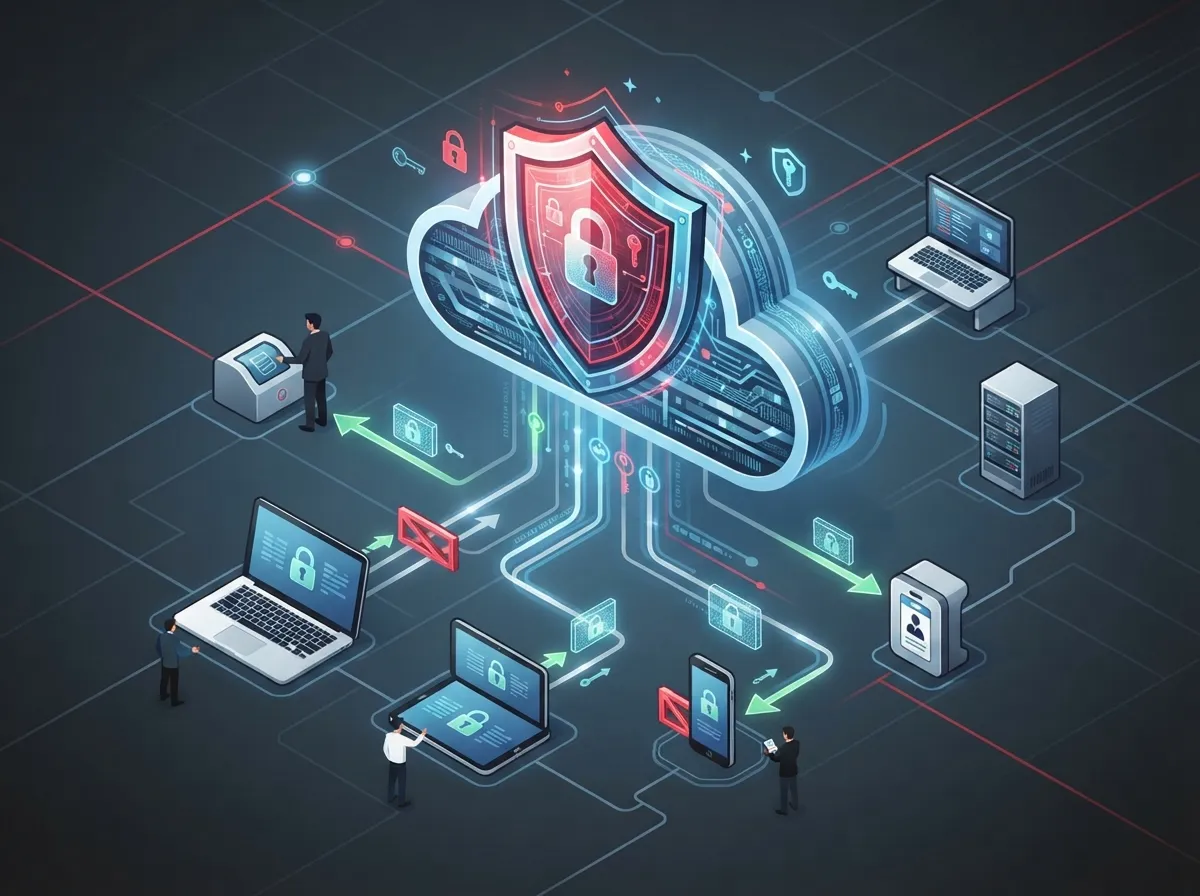
In the world of business telecom, cloud access control data protection is about controlling who gets into your cloud-hosted systems and keeping that information safe once they’re in. Think phone systems, security camera footage, door access logs, and customer records. All of it lives in the cloud now, and all of it needs a lock and key.
This isn’t just about passwords anymore. It covers identity checks, encryption, monitoring, and backup plans working together. When done right, it protects your business from unauthorized access, data leaks, and costly downtime. When done poorly, it opens the door to serious trouble.
Why This Matters More Than Ever
Cyber threats aren’t slowing down. Verizon’s 2025 Data Breach Investigations Report studied over 22,000 security incidents and found 12,195 confirmed data breaches. That’s a lot of businesses learning hard lessons.
A few numbers really stand out:
- Stolen or misused login credentials caused 22% of breaches reviewed
- Exploited software weaknesses caused 20% of breaches, up 34% from the year before
- Third-party vendor access played a role in 30% of breaches, double the previous rate
- Human error or human involvement showed up in about 60% of all breaches
- DDoS attacks made up 30% of the incidents studied, which matters a lot for telecom and communication services
These numbers tell a clear story. Your cloud systems, your vendors, and your people all need better protection. Good news? You don’t have to figure this out alone.
The Zero Trust Approach: Your New Best Friend
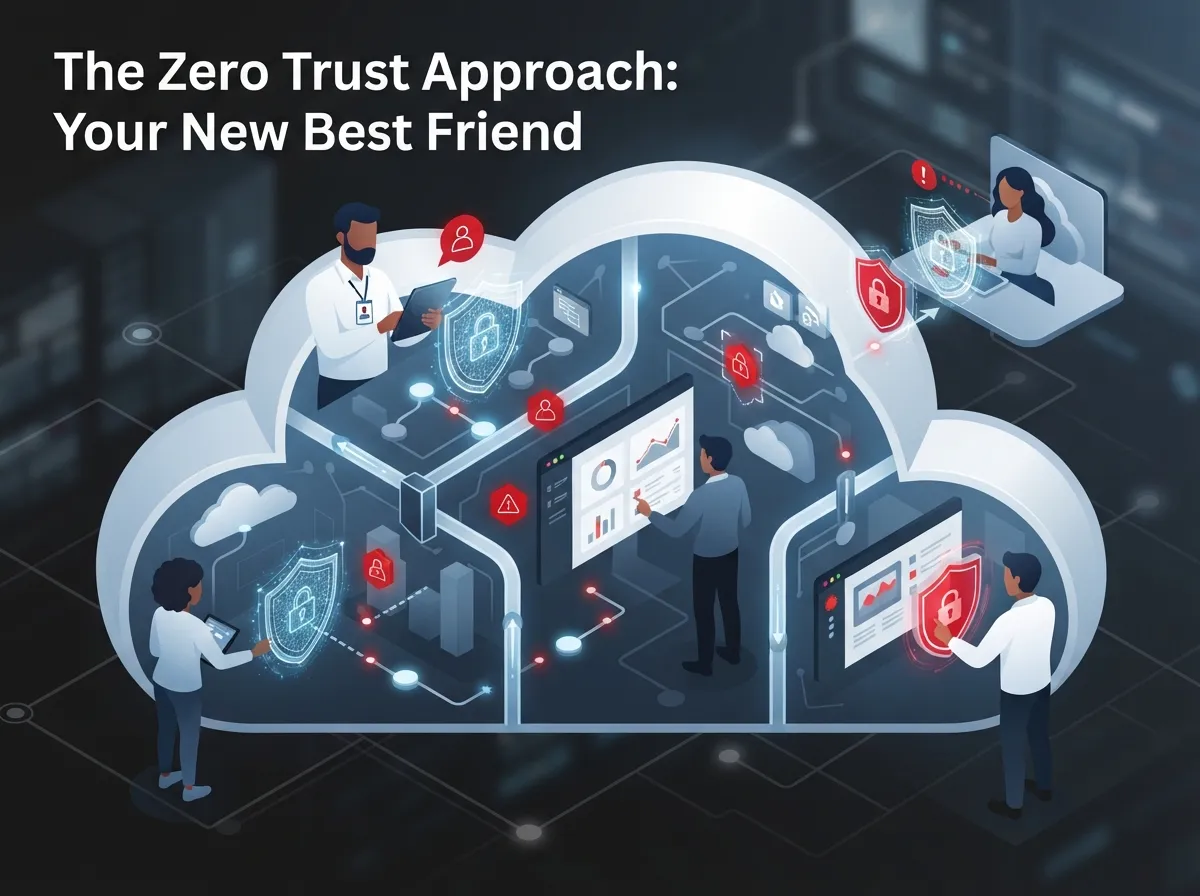
Here’s a concept that sounds fancy but is actually pretty simple: zero trust. It means you don’t automatically trust anyone or anything just because they’re already inside your network. Every single request to access data gets checked, every time.
The National Institute of Standards and Technology (NIST) published guidance called SP 800-207A that recommends this exact approach for cloud-based systems spread across multiple locations. For a business telecom setup, this means your VoIP phones, your video security, and your access control systems should all check identity before granting access, no exceptions.
How Zero Trust Works in Everyday Telecom Use
Let’s say an employee tries to log into your cloud phone system from their laptop. With zero trust in place, the system checks who they are, what device they’re using, and whether that device meets your security standards. It does this every time, not just once.
This matters for things like cloud-based phone systems, video security platforms, and door access apps. Each login, each API call, and each administrative change gets checked against your policies before it’s approved.
Building Blocks of Strong Access Control
You don’t need to be a security expert to understand the main pieces. Let’s break them down into simple steps you can actually follow.
- Multi-factor authentication (MFA): Require a second step, like a text code or app confirmation, beyond just a password.
- Single sign-on (SSO): Let employees use one secure login for multiple systems, reducing password fatigue and weak passwords.
- Role-based access: Give people access only to what they need for their job, nothing more.
- Privileged access management: Watch closely over admin accounts that can make big changes to your systems.
- Device checks: Confirm a device meets security standards before letting it connect.
- Network segmentation: Keep different parts of your network separated so a breach in one area doesn’t spread everywhere.
These steps work together like layers of armor. No single one stops every threat, but combined, they make your business a much harder target.
Comparing Access Control Methods
| Method | What It Does | Best For |
|---|---|---|
| Multi-Factor Authentication | Adds a second identity check beyond passwords | All users and admin accounts |
| Role-Based Access Control | Limits access based on job duties | Employees, contractors, service accounts |
| Privileged Access Management | Monitors and controls high-level admin permissions | IT managers and system administrators |
| Device Posture Checks | Verifies device security before granting access | Remote workers and mobile teams |
Protecting Your Data: In Transit, At Rest, and In Use
Data protection isn’t just one thing. It happens at different stages, and each stage needs its own kind of shield.
Data Moving Through Your Network
When data travels between your VoIP phones, video cameras, and cloud servers, it needs strong encryption. Modern TLS encryption protects signaling and voice traffic so nobody can eavesdrop or intercept sensitive calls and messages.
Data Sitting in Storage
Your call recordings, camera footage, and customer records shouldn’t just sit unprotected. Encrypted storage and backups keep this information locked down, even if someone gains unauthorized physical or digital access to your servers.
Data Actively Being Used
Sometimes data needs extra protection even while it’s being processed. This might include tokenization, which replaces sensitive details with placeholder values, or masking data so only authorized users see full details.
- Use modern encryption standards for all voice and data traffic
- Back up data regularly with encrypted, offline, or immutable copies
- Rotate encryption keys on a set schedule
- Manage secrets like API keys through a dedicated secrets management tool
- Limit who can view unmasked customer or financial data
These steps matter across your whole telecom setup. Whether you’re using VoIP phone services or managing structured cabling and networking gear, encryption and secure storage should always be part of the plan.
Where Telecom Systems Need the Most Protection
Business telecom environments cover a lot of ground. Here’s where you need to pay close attention:
- Cloud phone and unified communications platforms
- SD-WAN and network connections between office locations
- APIs connecting different software systems
- Voice infrastructure and SIP trunking
- Mobile devices used by employees and managers
- Branch office networks and structured cabling
- Administrative dashboards and control panels
- Third-party vendor connections and integrations
Each of these spots is a potential doorway. Locking them all down takes planning, but it’s absolutely doable with the right partner guiding you.
Watching for Trouble: Monitoring and Logging
You can’t protect what you can’t see. Continuous monitoring means keeping a close eye on activity across your systems, all the time.
What You Should Be Tracking
- Login attempts, both successful and failed
- Changes made by administrators
- Unusual API activity or data access patterns
- Traffic that looks out of place or suspicious
- Configuration changes to phones, cameras, or network gear
This information should flow into a central monitoring system, often called SIEM or SOAR, so your team or your managed service partner can spot problems fast. The Verizon report found that vulnerabilities on perimeter devices took a median of 32 days to fix, and only about 54% were fully patched. That gap is exactly where attackers slip through, which is why quick detection matters so much.
Managing Access for Different Types of Users
Not everyone needs the same level of access. Here’s how to think about it:
| User Type | Typical Access Needs | Key Protection |
|---|---|---|
| Employees | Job-specific tools and data | MFA and role-based permissions |
| Contractors | Limited, project-based access | Time-limited credentials |
| Administrators | System-wide control | Privileged access management and monitoring |
| Service Accounts | Automated system-to-system access | Strict scoping and regular audits |
| Third-Party Vendors | Specific integration or support access | Approval workflows and rapid offboarding |
Third-party access deserves extra attention. Carriers, installers, software vendors, and managed service teams often need access to parts of your telecom system. Set clear boundaries, require strong authentication, and remove access the moment a project ends.
Planning for Downtime and Disasters
Protecting data isn’t only about keeping bad actors out. It’s also about making sure your systems stay running when something goes wrong.
Steps for Building Resilience
- Set up redundant internet connections or carrier paths where possible
- Keep offline or immutable backups that ransomware can’t touch
- Test your disaster recovery plan regularly, not just once a year
- Add DDoS protection to guard against traffic floods
- Document clear recovery time goals so everyone knows what to expect
- Cloud providers secure servers, data centers, and the underlying network
- Your business manages user identities and access permissions
- Your team configures security settings correctly
- You classify sensitive data and set retention rules
- You handle compliance requirements specific to your industry
- GDPR and CCPA for businesses handling customer privacy data
- HIPAA for healthcare-related communications and records
- PCI DSS for any contact center handling payment information
- SOC 2 and ISO 27001 for demonstrating security practices to clients
- Sector-specific telecom rules depending on your industry and location
- Turn on multi-factor authentication for every cloud system you use
- Review who has admin access and remove anyone who doesn’t need it
- Check that your voice and data traffic use current encryption standards
- Set up monitoring alerts for unusual login activity
- Test your backup and recovery plan at least once this year
- Create a clear offboarding process for contractors and vendors
Remember that 30% of incidents in the Verizon report were DDoS attacks. That’s a real risk for phone systems, internet connections, and cloud platforms that businesses depend on every day. A solid high-speed internet setup paired with backup connectivity can make a huge difference during an outage.
Understanding Shared Responsibility
Here’s something that trips up a lot of businesses: cloud providers don’t handle everything. They secure the infrastructure, but you’re still responsible for your own settings, permissions, and data classification.
This is exactly why working with an experienced telecom and IT partner matters. Ideal Solutions Provider has spent over 24 years helping businesses across the country understand these responsibilities and set up systems that actually protect their data, without the guesswork.
Compliance Considerations You Shouldn’t Skip
Depending on your industry, you might have specific rules to follow. Here’s a quick rundown:
Getting this right protects you from fines and builds trust with your customers. It’s worth building these requirements into your data security planning from the very start rather than scrambling later.
Simple Steps to Strengthen Your Setup Today
Feeling a little overwhelmed? That’s totally normal. Here’s a simple checklist to get started:
You don’t have to tackle all of this alone. A trusted partner can walk through these steps with you, one at a time, and make sure nothing important slips through the cracks. Structured approaches to networking and cabling, like those explained in resources on structured cabling, also play a role in building a stable, secure foundation for your whole system.
Why Working With the Right Partner Makes All the Difference
Cloud access control data protection touches almost every part of your business telecom setup, from your phones to your cameras to your network. That’s a lot to manage, especially if you’re already busy running your business.
Ideal Solutions Provider works with over 35 vetted suppliers to help businesses across Tampa and nationwide build secure, reliable telecom systems. Whether you need cloud-based access control for your building, a more secure phone system, or a full network audit, having one point of contact makes the whole process easier. You can also follow their work and updates on Facebook or check out helpful videos on YouTube.
Bringing It All Together
Cloud access control data protection doesn’t have to feel complicated or scary. It’s really about a few core habits: verify everyone, encrypt everything, watch closely, and plan for the unexpected. Businesses that build these habits into their daily routine end up far more resilient than those who wait until something goes wrong.
Whether you’re a small business owner juggling multiple vendors, an IT manager overseeing a growing network, or a franchise operator managing locations across the map, the same principles apply. Start small, stay consistent, and lean on experts when you need extra support.
Ready to see how secure your current setup really is? Reach out to our team today for a friendly consultation, or give us a call to talk through your options. We’re here to make cloud access control data protection simple, practical, and something you never have to worry about again.
FAQs
Q: What is cloud access control data protection for business telecom services?
A: It’s the combination of tools and habits that control who can access your cloud-based phone systems, cameras, and networks, while keeping that data safe from theft or loss. Think of it as locking every digital door in your business and checking IDs at each one. It covers everything from login security to encryption to backup planning.
Q: How does zero trust protect cloud-based voice and communication platforms?
A: Zero trust means nobody gets automatic access just because they’re already inside your network. Every login and every request gets checked, every single time, which makes it much harder for attackers to sneak in. It’s become the go-to approach recommended by security experts for good reason.
Q: What access controls should a telecom company use for employees and vendors?
A: You’ll want multi-factor authentication, role-based permissions, and privileged access management for anyone with admin rights. For vendors and contractors, time-limited access with a quick offboarding process works best. This keeps access tight without slowing down your team’s daily work.
Q: How should business telecom data be encrypted?
A: Data should be encrypted while it’s traveling between systems, while it’s sitting in storage, and sometimes even while it’s being actively used. Modern TLS encryption protects voice and signaling traffic, while encrypted backups protect stored recordings and records. Regular key rotation adds another layer of safety.
Q: Why does third-party vendor access matter so much for data protection?
A: Vendors and carriers often need access to parts of your system, and that access can become a weak spot if it’s not managed carefully. Recent industry data shows third-party involvement in breaches has doubled recently, which is a big wake-up call. Strong authentication and quick offboarding go a long way toward closing that gap.





