
Key Takeaways
-
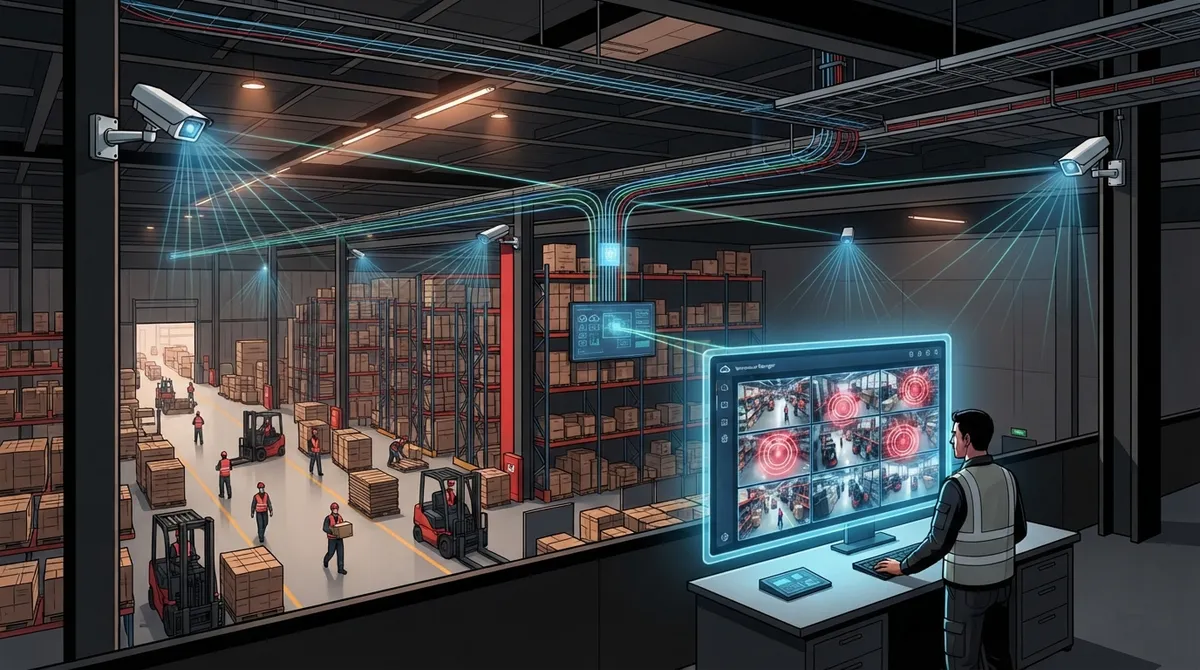
Cloud video security requires reliable internet, proper network cabling, and PoE switches to function effectively—inadequate infrastructure is the leading cause of system failure in warehouses.
-
Hybrid cloud systems with offline recording capability ensure cameras continue documenting activity during internet outages, automatically syncing footage once connectivity returns.
-
AI analytics features like intrusion detection, line-crossing alerts, and loitering detection transform passive cameras into active security tools that notify teams in real time instead of requiring hours of footage review.
-
Centralized cloud dashboards allow multi-site warehouse operations to monitor all locations from one interface, unlike traditional DVR systems that require separate logins for each facility.
-
Structured cabling (CAT6 or fiber) is critical infrastructure that prevents dropped feeds and lag—poor cabling setup undermines even high-quality camera hardware.
-
Integrating cloud video with access control systems and warehouse management software creates a unified security picture, enabling rapid investigation of missing shipments using camera, badge, and inventory data.
Running a warehouse means juggling a hundred things at once. Trucks come and go, pallets stack up, and your team moves fast. Somewhere in that hustle, cargo can walk off, doors get left open, and disputes happen over what really got loaded on a truck. That’s where cloud video security for warehouses comes in, and it’s a lot simpler to set up than most owners think.
Think of it as smart cameras that talk to the internet instead of an old-school box in a back closet. You get live views, recorded footage, and even smart alerts, all from your phone. But here’s the part people forget: none of it works well without solid internet, good wiring, and a network built to handle it. That’s exactly where a business telecom partner earns its keep.
In this guide, we’ll walk through how cloud video security works, what to cover in your warehouse, how to pick the right gear, and how to keep it all running smoothly. Whether you manage one facility or a dozen, you’ll finish this article with a clear plan.
What Is Cloud Video Security for Warehouses?
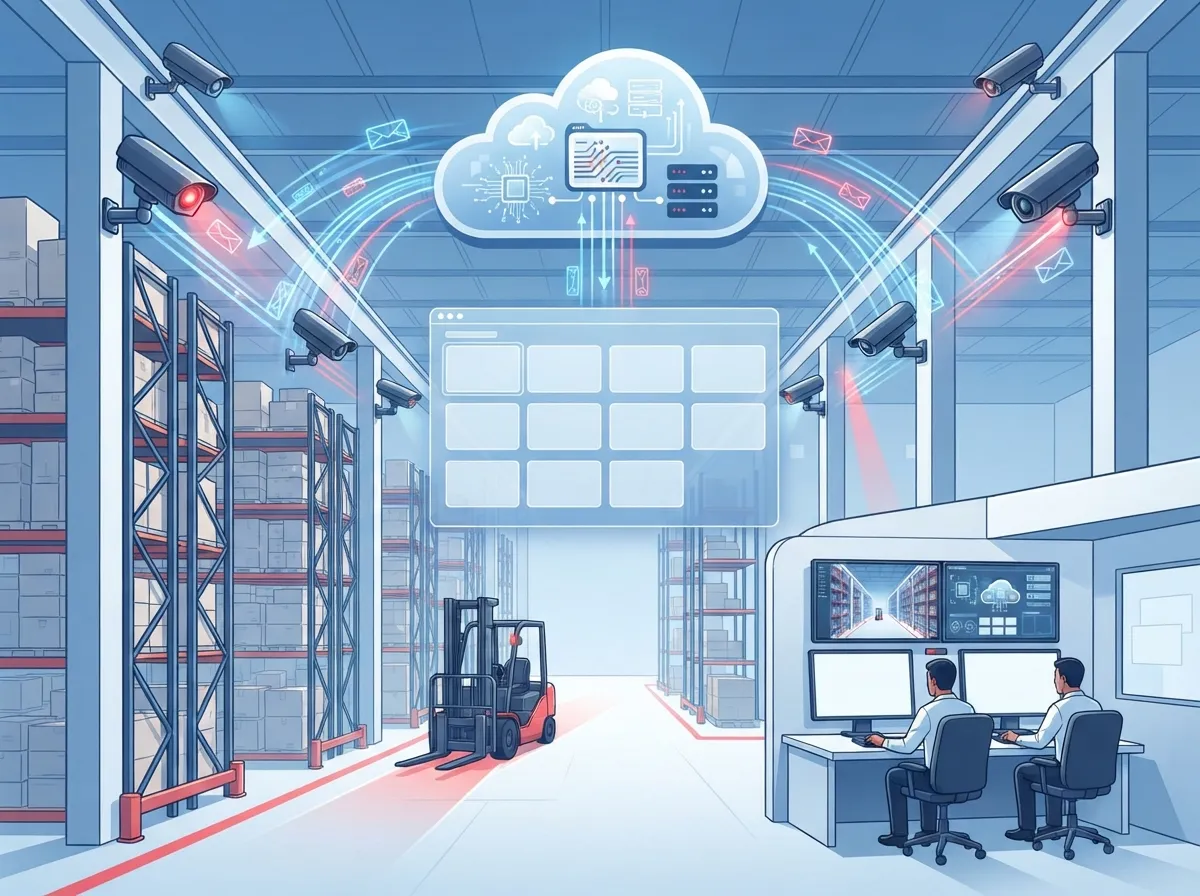
Cloud video security combines internet-connected cameras with software that stores and manages your video in the cloud. Instead of keeping recordings on a local hard drive, footage uploads to secure servers you can reach from anywhere. Many systems also add AI features that flag unusual activity instead of just recording it.
For warehouses, this setup matters more than in a typical office. You’re covering large spaces, multiple entry points, and outdoor yards. Reliable internet, strong Wi-Fi or wired connections, and proper network setup all play a direct role in how well your cameras perform.
This is why cloud video security fits so naturally into business telecom solutions. It’s not just about the cameras. It’s about the whole system working together, from your internet connection to your cabling to your ongoing support.
Key Parts of a Cloud Video System
- IP cameras built for warehouse conditions
- Cloud video management software you access online
- Reliable internet connection with enough bandwidth
- PoE (Power over Ethernet) switches and network cabling
- Optional AI analytics for smarter alerts
- Mobile app or browser access for remote viewing
Why Warehouses Need This Kind of Security
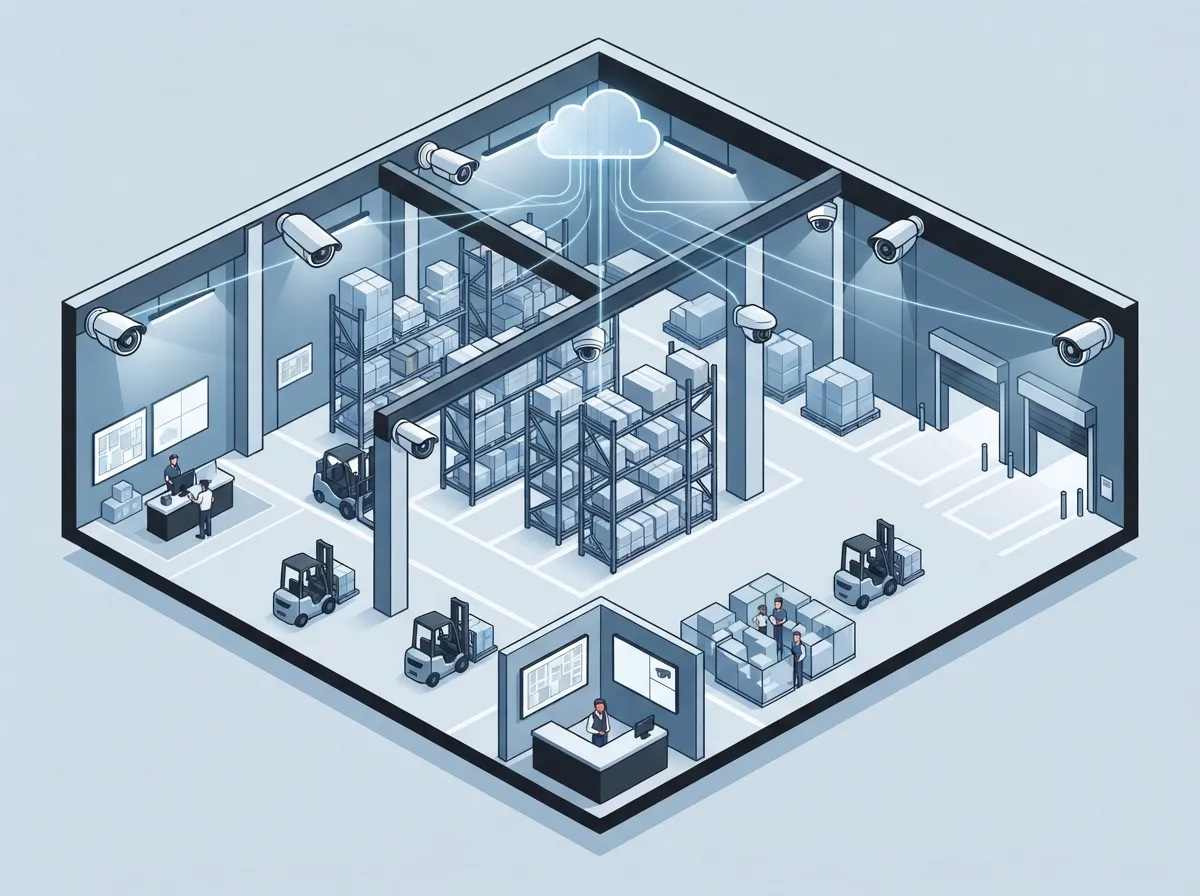
Warehouses face risks that a small office never sees. Large open spaces, night shifts, and constant vehicle traffic create opportunities for theft, accidents, and shipment disputes. The FBI’s Uniform Crime Reporting Program tracks cargo theft as a real and ongoing problem for logistics and warehouse operations, which makes video evidence more valuable than ever.
Cloud cameras give you eyes on every corner of your facility, even when you’re not there. If a shipment goes missing, you can pull footage in minutes instead of digging through a clunky old DVR system.
Common Areas That Need Coverage
- Loading docks and shipping doors
- Truck yards and parking areas
- Main entrances and employee exits
- Aisles near high-value inventory
- Employee-only or restricted zones
- Perimeter fencing and gates
Covering these spots helps you catch theft, spot unauthorized visitors, and settle disputes over what actually happened during a shipment. It also helps document workplace incidents, which protects both your team and your business.
Cloud Video vs. Traditional DVR Systems
A lot of warehouse owners still run older DVR or NVR systems with a server sitting in a back office. These systems work, but they come with headaches: local storage limits, no easy remote access, and a single point of failure if that server goes down.
Cloud video security solves many of these problems by moving storage and management off-site. Here’s a quick comparison to help you see the difference:
| Feature | Cloud Video Security | Traditional DVR/NVR |
|---|---|---|
| Remote Access | Yes, via app or browser | Limited or complex setup |
| Storage Location | Cloud or hybrid | On-site server |
| Multi-Site Management | Centralized dashboard | Separate systems per site |
| AI Analytics | Often included or optional add-on | Rarely available |
| Hardware Maintenance | Lower on-site burden | Requires local server upkeep |
| Scalability | Easy to add cameras or sites | Harder to expand |
For businesses running more than one warehouse, cloud systems make life much easier. You can check every location from one dashboard instead of logging into separate systems all day.
How to Plan Your Warehouse Camera Layout
Good camera placement is half the battle. A poorly planned system leaves blind spots exactly where you need coverage most. Here’s a simple process to follow.
Step-by-Step Planning Process
- Walk the facility and map out high-risk zones like docks, entrances, and storage areas.
- Check lighting conditions, since low light affects camera performance at night.
- Decide between wired and wireless cameras based on distance and mounting locations.
- Choose camera specs suited for dust, temperature swings, and forklift traffic.
- Plan network cabling and PoE switch placement for stable connections.
- Test bandwidth needs based on camera count, resolution, and recording style.
- Set up remote access and assign user permissions.
Warehouses often need cameras that handle wide temperature ranges, glare, and long viewing distances. Standard office cameras usually aren’t built for that kind of punishment.
Internet and Network Requirements You Can’t Skip
This is where a lot of warehouse camera projects go wrong. Business owners buy great cameras, then try to run them on internet that simply can’t handle the load. Cloud video needs steady upload speed, low latency, and enough bandwidth for every camera streaming at once.
A wired connection is usually best for fixed cameras since it’s more stable than Wi-Fi. For critical sites, adding a backup connection or cellular failover keeps your cameras online even if your main internet drops. Our team at Ideal Solutions Provider often recommends pairing cloud video projects with a high-speed internet upgrade to avoid this exact problem.
Bandwidth Factors to Consider
- Total number of cameras running at once
- Camera resolution and frame rate
- Continuous recording vs. event-based recording
- How many people need to view footage remotely
- Retention period for stored video
If your warehouse already struggles with slow internet, cameras will only make the problem worse. It’s smart to check your current connection before adding a video system on top of it.
What Happens If the Internet Goes Down?
This is one of the most common questions warehouse owners ask, and it’s a fair one. Some cloud systems use a hybrid setup, meaning cameras or a local appliance keep recording during an outage. Once the internet comes back, footage syncs to the cloud automatically.
Not every provider offers this feature, so it’s worth asking directly before you buy. If your warehouse can’t afford any gaps in coverage, look for systems with offline recording plus a backup internet connection.
AI Features Worth Considering for Warehouses
AI analytics turn your cameras from passive recorders into active alert systems. Instead of reviewing hours of footage after something happens, you get notified in real time.
Useful AI Features for Warehouses
- Intrusion detection for restricted areas
- Line-crossing alerts at fences or gates
- Loitering detection near loading docks
- People and vehicle detection
- License-plate recognition for trucks and visitors
- Object counting for inventory tracking
- Searchable video to find events quickly
These features cut down the time your team spends scrubbing through footage. Instead, you get a text or app alert the moment something looks off.
Keeping Your Video Footage Secure
Cloud video is only as good as its security. Warehouses often store sensitive footage of employees, shipments, and building layouts, so protecting that data matters. NIST’s SP 800-213 guidance on IoT device cybersecurity offers helpful principles here, even though it was written for federal use. It highlights the value of strong credentials, encryption, and regular firmware updates for connected devices like cameras.
Security Best Practices to Follow
- Use unique passwords and multifactor authentication
- Encrypt video in transit and at rest
- Set role-based access so only approved staff can view footage
- Keep an audit log of who accessed what and when
- Apply firmware updates regularly
- Segment your camera network from other business systems
A trustworthy telecom partner can help design a network that keeps your cameras separate from sensitive business data, reducing the risk of a breach spreading across your systems.
Privacy and Labor Considerations
Cameras are powerful tools, but they come with responsibilities. Warehouses should avoid placing cameras in break rooms, restrooms, or other private areas. Posting notices about video monitoring is a good practice, and it’s often required depending on your state.
If you’re considering facial recognition or other biometric features, check local laws first. Rules around biometric data vary, and getting this wrong can create legal headaches down the road.
Choosing the Right Cloud Video Provider
Not all cloud video platforms are built the same. Some focus on retail stores, others on large industrial sites. When comparing options for a warehouse, look past the marketing and dig into the details that actually affect daily use.
Vendor Comparison Checklist
| Criteria | Why It Matters |
|---|---|
| Camera Compatibility | Avoids being locked into one brand |
| Retention Pricing | Storage costs add up fast at scale |
| Uptime Commitment | Ensures reliable access to live and recorded video |
| Offline Recording | Keeps footage during internet outages |
| Support Response Time | Fast help when something breaks |
| Scalability | Easy to add cameras or new warehouse sites |
Some 2025 industry reports mention providers supporting over 14,000 connected devices across multi-site deployments, showing how far cloud platforms have scaled for larger operations. Numbers like this can vary by vendor, so always confirm current specs directly with any provider you’re considering.
Understanding the Real Cost of Warehouse Video Security
Sticker price on cameras is just one piece of the puzzle. The full cost includes cabling, PoE switches, internet upgrades, cloud storage fees, and ongoing support. Skipping any of these can leave you with a system that looks good on paper but underperforms in real life.
Typical Cost Factors
- Camera hardware and mounting equipment
- Structured cabling and PoE switch installation
- Cloud storage and software licensing fees
- Internet upgrades or backup connections
- Installation labor and project management
- Ongoing maintenance and monitoring
Some providers report AI-based warehouse video systems going live in under seven days, while others cite setups completed in about 24 hours. These numbers come from vendor case studies, so your actual timeline will depend on your facility’s size and existing infrastructure.
How Structured Cabling Supports Your Camera System
Cameras need power and a stable connection to work well, and that’s where structured cabling comes in. Running proper CAT6 or fiber cabling to each camera location keeps your video feed steady, even in a large warehouse with metal shelving and interference-heavy equipment.
Poor cabling leads to dropped feeds, lag, and frustrating troubleshooting calls. It’s one of those behind-the-scenes details that make or break your entire system, which is why pairing your camera project with a proper structured cabling plan pays off long term.
Integrating Cameras With Access Control and Other Systems
Cloud video security works even better when it talks to other systems in your building. Many warehouses pair cameras with access control, so you can match a badge swipe with the actual video of who walked through the door.
Common Integrations Worth Exploring
- Cloud-based access control for doors and gates
- Alarm systems for intrusion alerts
- Warehouse management software for inventory tracking
- License-plate recognition for gate entry
This kind of integration turns separate tools into one connected security picture. If a shipment goes missing, you can check camera footage, access logs, and inventory records all in one place.
Why a Telecom Partner Makes This Easier
Setting up cloud video security touches a lot of moving parts: internet, cabling, networking, and cybersecurity. Trying to manage all of that with separate vendors can turn into a full-time job nobody signed up for.
This is where working with a single telecom and IT partner saves real time and money. At Ideal Solutions Provider, we’ve spent over 24 years helping businesses across Tampa and nationwide connect the dots between internet, networking, and security systems. With partnerships across 35+ vetted suppliers, we compare options for you instead of pushing one brand, so you get a system built around your warehouse, not a sales quota.
What a Good Telecom Partner Should Handle
- Assessing your current internet and network setup
- Designing a segmented network for your cameras
- Coordinating installation and structured cabling
- Setting up backup internet or failover options
- Providing ongoing monitoring and support
- Helping you scale to additional warehouse locations
If you’re not sure where your current setup stands, it’s worth getting a professional review before adding more cameras or upgrading your system.
Bringing It All Together
Cloud video security for warehouses isn’t just about buying cameras and calling it done. It’s about building a system that includes reliable internet, solid cabling, smart camera placement, and strong security practices. Get these pieces right, and you’ll have a setup that actually protects your inventory, your team, and your bottom line.
If your warehouse is ready for a system that just works, our team would love to help you map it out. You can follow our latest projects and tips on Facebook, check out real installs on YouTube, or see behind-the-scenes photos on Instagram.
Ready to build a cloud video security plan that fits your warehouse? Contact us today, or call us to talk through your options with a real person who knows telecom inside and out.
FAQs
Q: How does cloud video security work in a warehouse?
A: It works by connecting IP cameras to the internet, sending footage to secure cloud storage instead of a local server. You can view live or recorded video from your phone or computer anytime, which makes managing a big warehouse so much easier.
Q: What internet speed does a warehouse camera system need?
A: It really depends on how many cameras you have and their resolution, but most warehouses need a solid upload speed and low latency for smooth streaming. We always recommend testing your current connection first, since underpowered internet is the number one cause of laggy footage.
Q: Can cloud warehouse cameras keep recording if the internet goes down?
A: Some systems can, especially hybrid setups that record locally and sync to the cloud once your connection returns. It’s a great question to ask upfront, since not every provider offers this kind of backup protection.
Q: How can warehouse video surveillance help prevent cargo theft?
A: Cameras placed at docks, yards, and entrances give you clear evidence if something goes missing, and AI alerts can flag suspicious activity in real time. It’s like having an extra set of eyes watching your shipments around the clock.
Q: What should businesses look for in a telecom provider for cloud video security?
A: Look for a partner who handles more than just cameras, someone who can assess your internet, design your network, and support the whole system long term. That’s exactly the kind of full-picture help we love providing at Ideal Solutions Provider.





