
Key Takeaways
-
Cloud video security eliminates the need for on-site monitoring by providing remote access from any device with internet, reducing emergency site visits and enabling 24/7 plant oversight from a central dashboard.
-
Pair cloud cameras with reliable business-grade internet, cellular backup, and network segmentation to ensure continuous recording during outages and protect production systems from cyber threats.
-
Conduct a pre-installation site assessment to identify camera placement, bandwidth requirements, and connectivity gaps—skipping this step leads to blind spots and costly fixes after deployment.
-
Implement security controls including encryption, multifactor authentication, role-based access, and audit logs to prevent cameras from becoming entry points for hackers targeting production systems.
-
Multi-site manufacturers benefit significantly from centralized cloud platforms that consolidate viewing and management across locations, eliminating separate logins and enabling real-time cross-facility monitoring.
-
Test AI analytics in your actual plant environment before full deployment, as lighting, dust, and metal structures affect detection accuracy—this prevents relying on unreliable alerts.
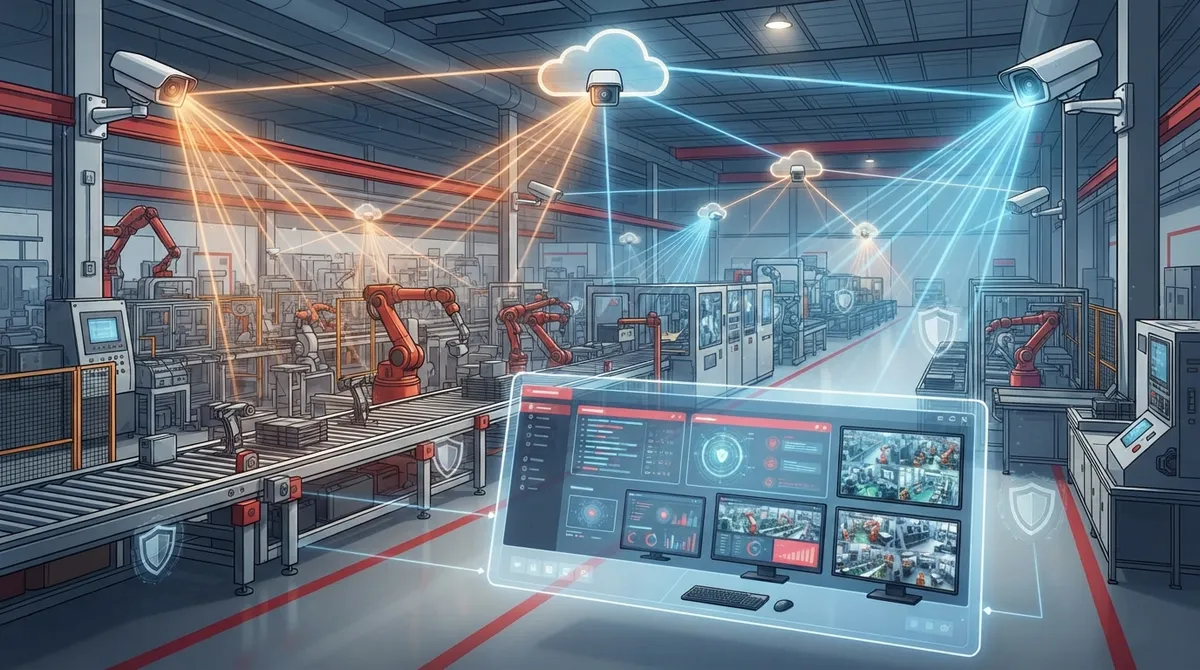
Running a manufacturing plant means juggling a hundred things at once. You’re watching production lines, keeping workers safe, and making sure nobody walks off with your equipment. Cloud video security for manufacturing can take one big worry off your plate. It lets you watch your whole operation from anywhere, using a phone, tablet, or laptop. No more driving to the plant at 2 a.m. because an alarm went off.
This guide walks you through exactly how cloud video security works for factories and warehouses. We’ll cover what it does, how it connects to your network, and what to look for in a provider. Whether you run one plant or ten, you’ll find practical steps you can actually use. By the end, you’ll know exactly what questions to ask before you sign a contract.
What Is Cloud Video Security for Manufacturing?
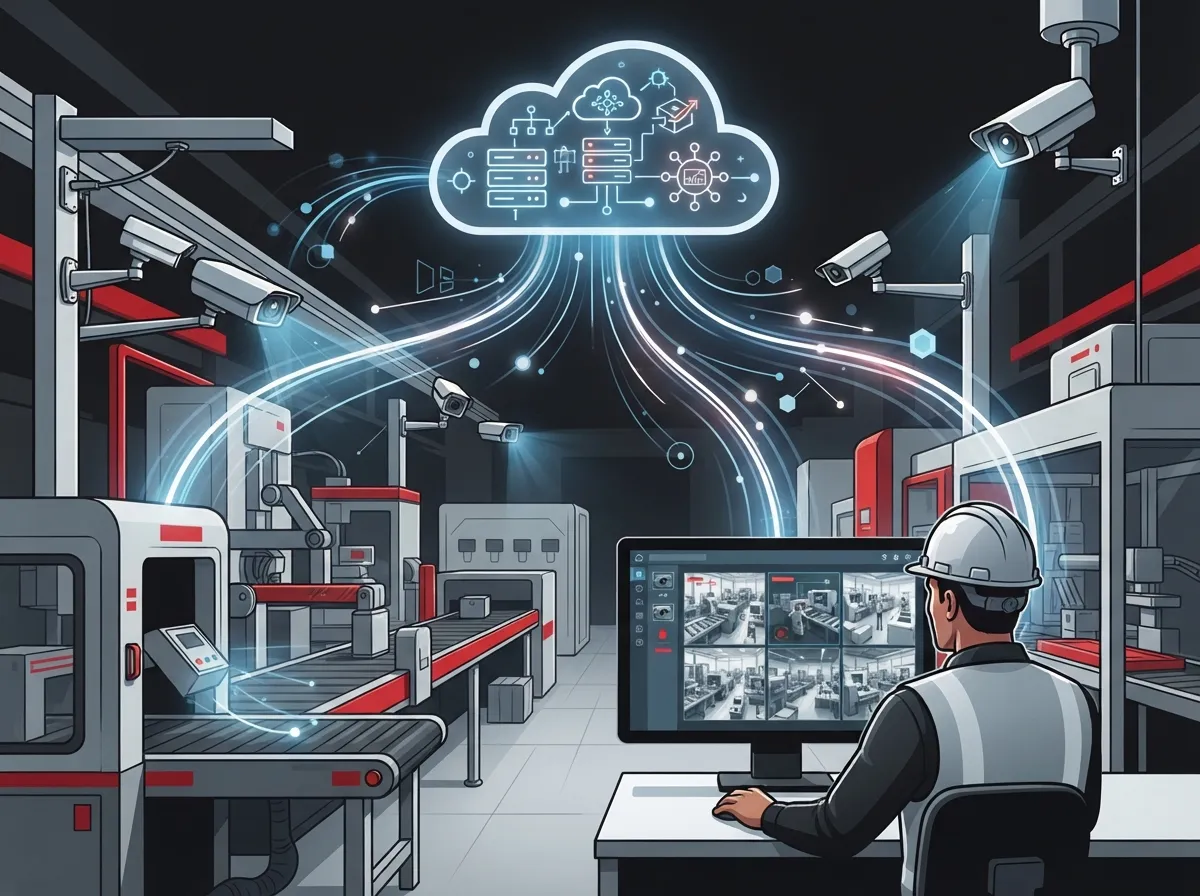
Cloud video security, sometimes called VSaaS (Video Surveillance as a Service), stores and manages your camera footage in the cloud. This is different from old-school setups that rely on a DVR or NVR box sitting in a closet somewhere at your plant. Instead, your video lives on secure remote servers you can reach from anywhere with internet access.
For manufacturers, this isn’t just about cameras. A good telecom partner bundles cameras together with strong business internet, backup connections, and network security. That way, your whole system works as one unit instead of a pile of separate gadgets. Ideal Solutions Provider builds these kinds of bundled solutions for plants that need reliability more than anything else.
How It Differs From Traditional Factory CCTV
Traditional CCTV systems record locally and often require someone to be on-site to check footage. If a hard drive fails, you could lose weeks of recordings in an instant. Cloud systems back up your footage automatically, so a single hardware failure won’t wipe out your history.
Here’s a simple breakdown of the two approaches:
| Feature | Traditional CCTV/DVR | Cloud Video Security |
|---|---|---|
| Storage location | On-site DVR/NVR | Cloud servers plus optional local buffer |
| Remote access | Limited or complex setup | Built-in app and web access |
| Multi-site viewing | Separate logins per site | One dashboard for all locations |
| Software updates | Manual, often skipped | Automatic from provider |
| Failure risk | Single point of failure | Redundant cloud backup |
Why Manufacturers Need This More Than Other Businesses
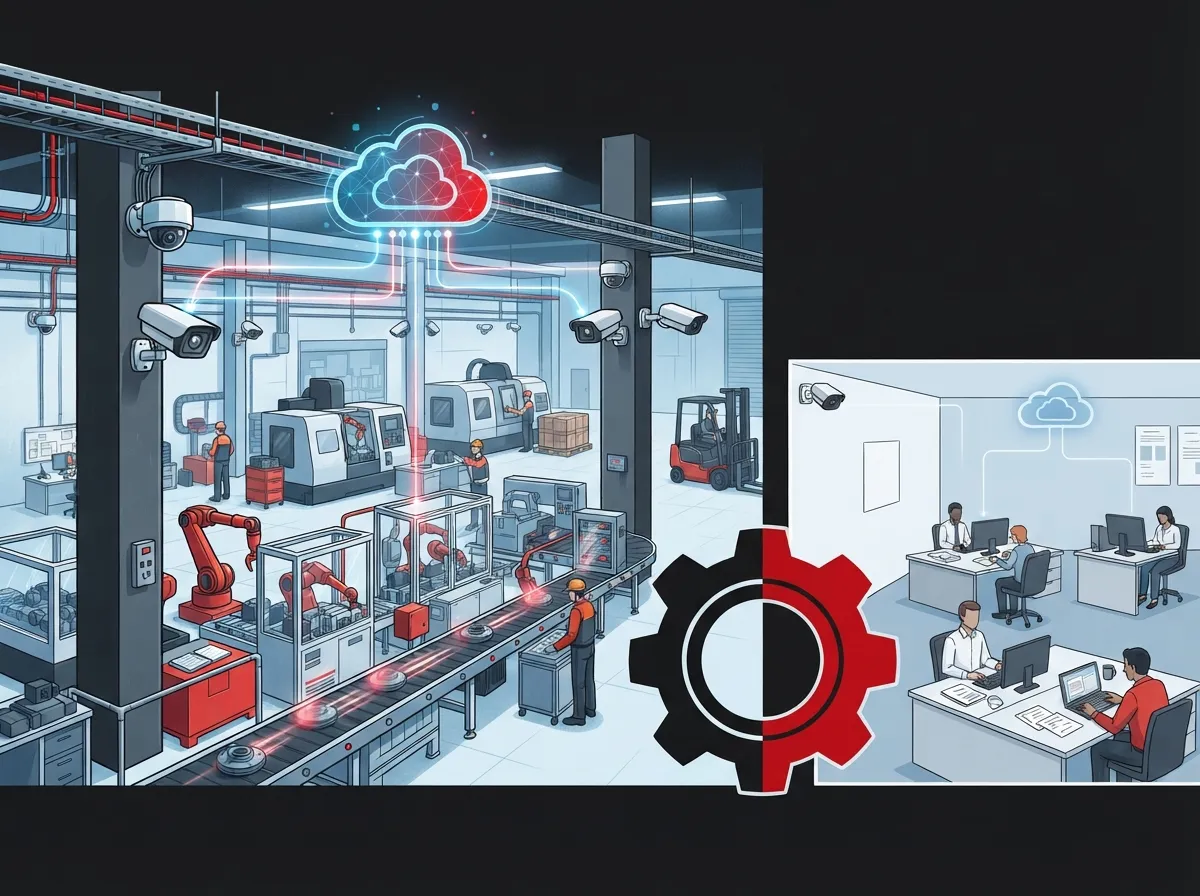
Factories and warehouses have unique risks that retail stores or offices don’t face. Think heavy machinery, forklifts moving fast, and large open spaces that are hard to watch with just a few cameras. Metal-heavy buildings can also block wireless signals, which makes network planning extra important.
Here are the most common ways manufacturers use cloud video security:
- Watching entry points and fences for break-ins or trespassing
- Keeping an eye on restricted or hazardous areas
- Checking that workers wear required safety gear
- Tracking forklifts and vehicle traffic inside the plant
- Verifying shipments as they arrive and leave the dock
- Reviewing footage after an accident or safety incident
- Supervising several plants from one central office
These use cases go far beyond simple theft prevention. They touch safety, compliance, and day-to-day operations all at once.
How to Set Up Cloud Video Security for Your Plant
Setting up a system the right way takes some planning. Rushing into it often leads to blind spots, weak connections, or wasted money. Follow these steps to get it right the first time.
Step-by-Step Setup Process
- Assess your facility. Walk the plant and note high-risk areas, blind spots, and existing cabling. This helps determine camera count and placement.
- Check your network capacity. Cloud cameras need steady upload bandwidth. A provider should calculate this based on camera count, resolution, and retention needs.
- Plan for redundancy. Add cellular failover or a secondary internet line so cameras keep recording during an outage.
- Choose compatible hardware. If you already have IP cameras or an NVR, ask if a cloud adapter can connect them instead of replacing everything.
- Set access permissions. Decide who can view live feeds, who can pull recordings, and who manages settings.
- Test analytics in your environment. Lighting, dust, and camera angles can all affect how well AI detection works on your floor.
- Train your team. Make sure supervisors and safety staff know how to use the dashboard and alerts.
- Schedule ongoing support. Confirm who handles firmware updates, camera health checks, and troubleshooting.
Skipping any of these steps can lead to gaps in coverage or a system that doesn’t perform as promised. A proper site assessment before installation solves most of these problems before they start.
Connectivity Requirements to Keep in Mind
Bandwidth needs vary a lot depending on camera resolution, frame rate, and how many cameras you’re running. There’s no single number that fits every plant. That said, a few network basics apply almost everywhere:
- Reliable, business-grade internet with enough upload speed for continuous streaming
- A backup connection, like cellular failover, in case your main line drops
- Local buffering or edge storage so footage isn’t lost during an outage
- Network segmentation to keep cameras separate from production equipment
- Enough Wi-Fi coverage for large, metal-heavy buildings
If your current setup struggles with basic tasks, it’s worth reading about signs your business network needs an upgrade before adding cameras on top of it. A shaky network will only make video security less reliable.
Security and Compliance Considerations
Every camera on your network is basically a small computer connected to the internet. That means it needs the same care as any other device on your system. The National Institute of Standards and Technology (NIST) published guidance called IR 8259 back in May 2020, which covers cybersecurity practices for connected devices like cameras and gateways. It’s a solid reference point for evaluating any camera or platform vendor.
When picking a system, ask vendors about these controls:
- Encryption for video both in transit and when stored
- Multifactor authentication for all user accounts
- Role-based permissions so employees only see what they need
- Audit logs that track who accessed what and when
- Secure, automatic firmware updates
- Network segmentation between cameras and factory equipment
- Clear data retention and deletion policies
- A documented plan for handling security incidents
These aren’t just IT checkboxes. A camera with weak security can become an easy entry point for hackers trying to reach your production systems. Treating cameras as part of your overall network security plan protects your whole operation, not just the video feed.
Comparing Deployment Options
Not every plant needs the same setup. Some manufacturers keep existing cameras and add a cloud layer on top. Others start fresh with new hardware built for cloud platforms from day one.
| Deployment Option | Best For | Key Consideration |
|---|---|---|
| Cloud adapter with existing cameras | Plants with recent IP camera investments | Confirm compatibility before buying |
| Full cloud-native camera install | New facilities or major upgrades | Higher upfront cost, simpler long-term management |
| Hybrid edge-plus-cloud | Large plants needing fast local alerts | Reduces bandwidth use, adds some complexity |
| Multi-site centralized platform | Franchise operators, multi-plant companies | Requires consistent network standards across sites |
For companies running more than one location, a centralized dashboard is a game changer. You can check on your Tampa plant and your Ohio warehouse from the same screen. This is especially helpful for franchise operators and mid-sized enterprises managing growth across multiple sites.
What to Look for in a Telecom and Video Security Partner
Choosing the right provider matters just as much as choosing the right cameras. A good partner handles more than installation. They should also manage your network, provide ongoing support, and help you avoid costly mistakes.
Here’s a checklist to use when evaluating providers:
- Do they offer a single point of contact for cameras, internet, and networking?
- Can they support multiple locations from one platform?
- Do they provide redundant connectivity options, like cellular backup?
- Will they conduct a site assessment before recommending equipment?
- Do they offer ongoing monitoring and technical support after installation?
- Can they explain their approach to cybersecurity and data retention?
Ideal Solutions Provider works with over 35 vetted suppliers, which means they can compare options instead of pushing a single brand. This approach often uncovers savings or performance gains that a single-vendor provider would miss. If you want help setting up structured cabling to support your cameras, check out this guide on how structured cabling supports VoIP and cameras.
Common Mistakes to Avoid
Even well-meaning teams make mistakes when rolling out new video security. Here are the most frequent ones we see in manufacturing settings:
- Skipping a proper bandwidth assessment before installation
- Ignoring backup connectivity, leaving cameras blind during outages
- Placing cameras without considering dust, glare, or vibration
- Using weak passwords or skipping multifactor authentication
- Failing to segment cameras from operational technology networks
- Not testing AI analytics in the actual plant environment before relying on them
Avoiding these pitfalls early saves a lot of headaches later. It also protects your investment, since a poorly planned system often needs costly fixes down the road.
Retention, Privacy, and Workplace Monitoring
How long should you keep footage? That depends on your industry, insurance requirements, and internal policies. Many manufacturers keep standard footage for 30 to 90 days, with longer retention for incidents under investigation. Your provider should let you set custom retention rules by camera or by zone.
Privacy matters too. Make sure employees know where cameras are placed and why. Clear, written policies help you stay compliant and build trust with your workforce. If you’re unsure how footage storage works on a cloud platform, this resource on cloud video security footage storage breaks down the basics in plain language.
Bringing It All Together
Cloud video security for manufacturing works best when it’s part of a bigger, well-planned telecom strategy. Cameras alone won’t help much if your internet connection is unreliable or your network isn’t secure. That’s why pairing video security with strong high-speed internet for business and solid business network solutions makes such a big difference.
Think of it like building a house. The cameras are the windows, but the network is the foundation. Without a strong foundation, even the best windows won’t keep the house standing. A trusted Internet Service Provider connection paired with well-planned structured cabling gives your video system the stability it needs to actually work when you need it most.
You can also follow updates and tips from the Ideal Solutions Provider team on Facebook, Instagram, and YouTube for more practical advice on telecom and security topics.
Ready to Protect Your Plant?
Cloud video security gives manufacturers a smarter, more flexible way to watch over their operations. It combines remote access, strong analytics, and dependable connectivity into one manageable system. With the right setup, you’ll spend less time worrying and more time running your business.
If you’re ready to explore a cloud video security solution built around your plant’s specific needs, reach out to our team for a free consultation. Or, if you’d rather talk it through first, feel free to give us a call and we’ll walk you through your options step by step.
FAQs
Q: What is cloud video security for manufacturing?
A: It’s a system that stores and manages your factory camera footage in the cloud instead of on a local DVR or NVR box. This means you can check on your plant from your phone, tablet, or laptop, no matter where you are. Pair it with strong business internet and you’ve got a setup that just works, even when you’re not on-site.
Q: Can cloud video security work with our existing manufacturing cameras?
A: In many cases, yes! A cloud adapter or gateway can connect your current IP cameras or NVR to a cloud platform without a full replacement. Just make sure you confirm compatibility with your provider first, since not every camera brand plays nicely with every cloud system.
Q: What happens to recordings if our factory internet goes down?
A: This is such a great question, and the answer depends on your setup. Systems with local buffering or edge storage will keep recording on-site and sync to the cloud once connection returns. That’s why we always recommend backup options like cellular failover for extra peace of mind.
Q: How much bandwidth does a manufacturing cloud video system need?
A: Honestly, it varies quite a bit based on camera count, resolution, and how long you keep footage. There’s no one-size-fits-all number here. The best approach is a site assessment where a provider calculates exact needs before you commit to anything.
Q: How should we secure our internet-connected cameras from cyber threats?
A: Treat your cameras like any other device on your network, because that’s exactly what they are! Look for encryption, multifactor authentication, role-based access, and network segmentation between cameras and your production systems. NIST’s IoT cybersecurity guidance is a helpful resource if you want to dig deeper into best practices.





