
Key Takeaways
-
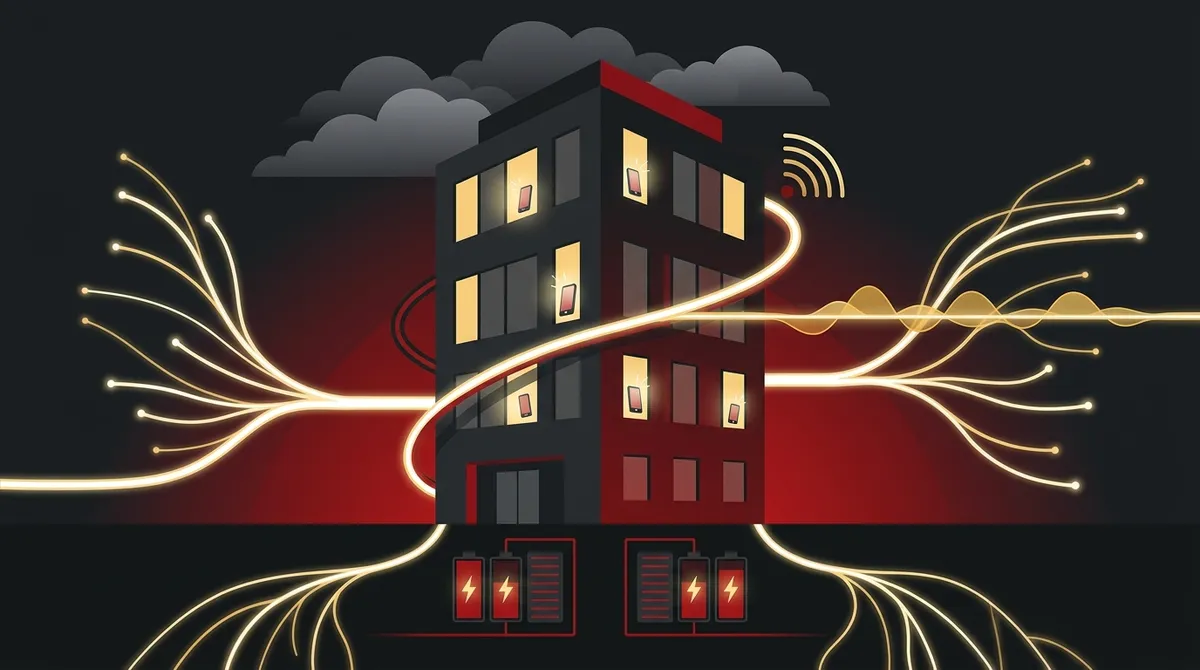
Business-grade fiber internet is essential for VoIP reliability; a slow or inconsistent connection is the number one cause of call quality issues, so invest in dedicated fiber as your primary circuit.
-
Implement redundant internet circuits with automatic failover (such as fiber primary with 4G/5G backup) to ensure your phone system stays operational during outages, especially critical during Tampa’s hurricane season.
-
Configure Quality of Service (QoS) on your internal network to prioritize voice traffic and prevent other internet activities from degrading call quality and clarity.
-
Choose a VoIP provider with a strong SLA (Service Level Agreement) guaranteeing at least 99.9% uptime and clearly defining compensation if they fail to meet targets.
-
Set up a disaster recovery plan including automatic call forwarding to mobile phones, cloud-based auto-attendants, and battery backup systems to maintain connectivity during emergencies.
-
VoIP can be more reliable than traditional phone systems during hurricanes because calls automatically reroute to mobile phones or alternate locations within seconds, compared to copper lines that may fail for days.
If you run a large business in Tampa, your phone system is not just a convenience — it is the backbone of your daily operations. Whether your team is handling sales calls, customer support, or internal communication, you need a system that simply works. That raises a fair question: is VoIP reliable enough for a large business in Tampa? The short answer is yes — but only when it is set up correctly. In this article, we break down how VoIP stacks up against traditional phone systems, what makes it reliable (or not), and how Tampa businesses can get the most out of it. We will also cover what to look for in a provider, how to handle hurricane season, and what questions you should be asking before you make any decisions. Let’s dig in.
VoIP vs. Traditional Phone Systems: A Side-by-Side Look
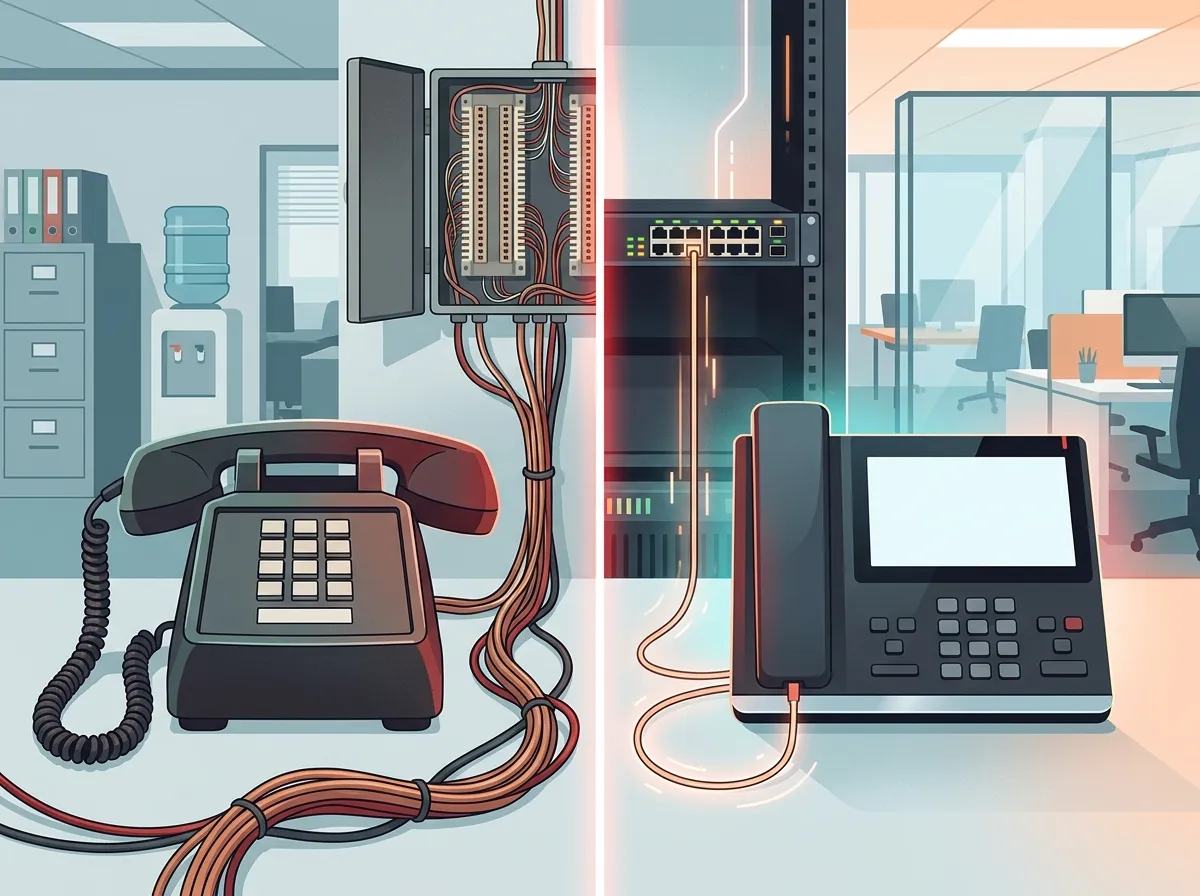
Before we talk reliability, it helps to understand what we are actually comparing. Traditional landline systems use copper wire networks managed by your local phone company. VoIP (Voice over Internet Protocol) sends calls over the internet. Both get the job done, but they do it very differently — and for large businesses, those differences matter a lot.
| Feature | VoIP | Traditional Phone |
|---|---|---|
| Monthly Cost Per Line | $20–$50 per user | $20–$50 per line |
| Scalability | Easily add users remotely | Requires hardware changes |
| Advanced Features | Included (auto-attendant, CRM, recording) | Limited, often costly add-ons |
| Remote Work Support | Excellent (mobile apps, softphones) | Poor |
| Disaster Recovery | Calls reroute to mobile automatically | Lines down = calls lost |
| Deployment Time | 24–48 hours for basic setups | Days to weeks |
| Internet Dependency | Yes (requires stable connection) | No |
As you can see, VoIP brings a lot to the table — especially for growing businesses. The pricing is comparable to traditional systems, but you get far more features out of the box. The one area where VoIP needs more attention is internet dependency. That is where reliability planning becomes critical. You can learn more about your internet options through our Business High Speed Internet Services page.
What Actually Drives VoIP Reliability?
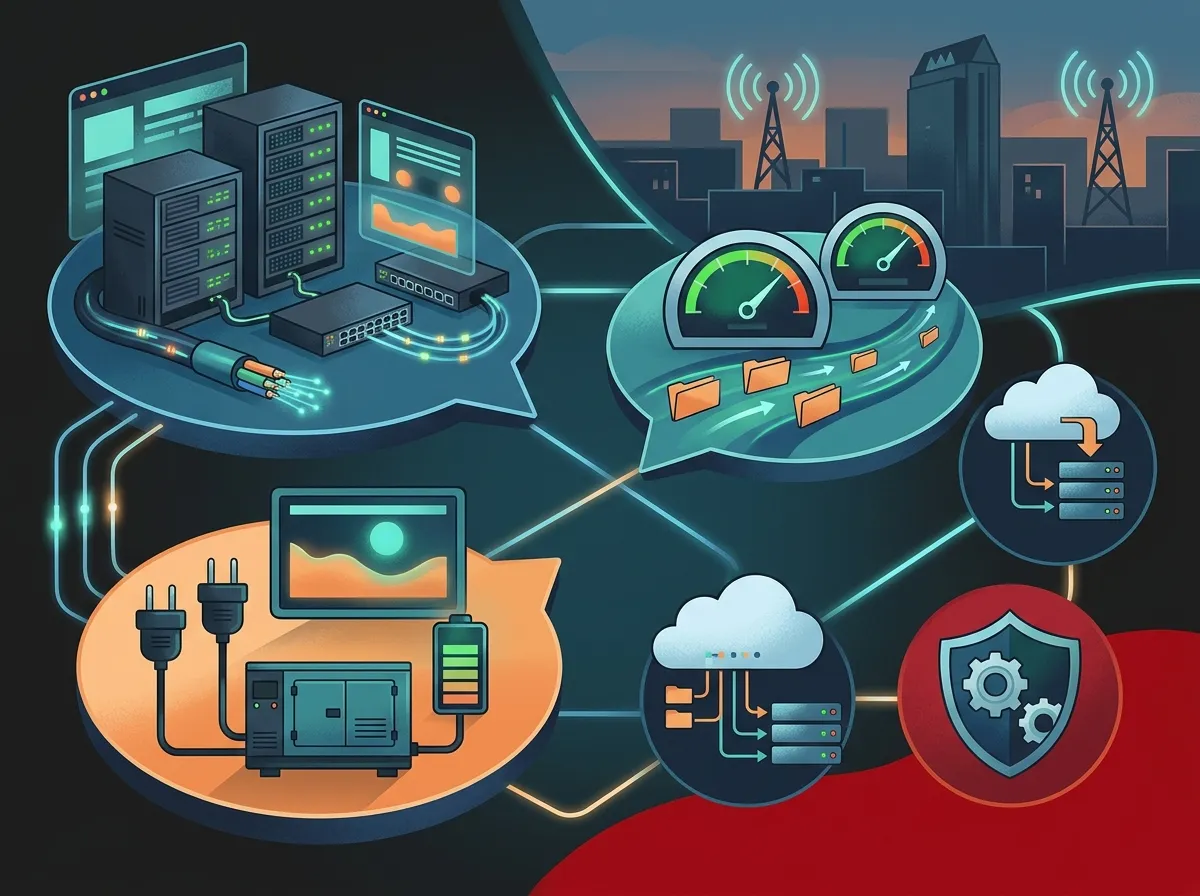
Here is the truth: VoIP itself is not the weak link. The reliability of your VoIP system depends on the environment around it. Think of it like a car — a great engine still needs good roads, quality fuel, and regular maintenance. VoIP is no different.
1. Your Internet Connection
A business-grade fiber connection is the gold standard for VoIP. It provides low latency, consistent speeds, and symmetrical upload/download bandwidth — all of which are essential for clear, uninterrupted calls. A slow or inconsistent connection is the number one cause of VoIP call quality issues. If you are exploring internet options, check out 13 High-Speed Internet for Business Tips That Save Money for some practical guidance.
2. Network Configuration and QoS
Your internal network must be set up to prioritize voice traffic. This is called Quality of Service (QoS). Without it, video streams, file downloads, and other internet traffic can crowd out your calls. A well-configured network makes a huge difference in call clarity. Our Business Network Solutions team can help you get this right from the start.
3. Redundancy and Failover
Large businesses should never rely on a single internet circuit. Redundant connections — where a backup circuit kicks in if the primary one fails — keep your phones working even during outages. SD-WAN technology can automate this failover process seamlessly. For a deeper look at cloud phone options, visit our Cloud Based Phone Systems page.
4. Power Backup
Your routers, switches, and network gear need to stay on during a power outage. Battery backups and UPS (Uninterruptible Power Supply) systems keep your infrastructure running when the lights go out. This is especially important in Tampa where storms can cause brief — or extended — power interruptions.

VoIP and Tampa’s Hurricane Season: A Real Advantage
Tampa businesses face a unique challenge: hurricane season. When a major storm hits, traditional copper phone lines can go down for days. With VoIP, your calls can be automatically rerouted to mobile phones, remote staff, or alternate locations — often within seconds. This is one of the biggest reliability advantages VoIP has over legacy phone systems in a hurricane-prone area like Tampa.
Here is what a solid VoIP disaster recovery plan looks like for a Tampa business:
- Set up automatic call forwarding to employee mobile phones before storm season hits.
- Configure a cloud-based auto-attendant so callers still reach a professional greeting even if the office is closed.
- Install redundant internet circuits (fiber primary, 4G/5G backup) to maintain connectivity during outages.
- Use battery backup systems for your network equipment to bridge short-term power failures.
- Test your failover setup before hurricane season — do not wait until a storm is in the forecast.
With these steps in place, your phone system can actually become more reliable than traditional lines during an emergency. To learn more about switching, read 5 Steps to Switch Your Business Phone to the Cloud in Tampa.

Uptime: What the Numbers Really Mean
Most business VoIP providers advertise 99.9% uptime or higher. Some enterprise-grade services claim 99.99% to 99.999% reliability. But what do those numbers actually mean for your day-to-day operations?
| Uptime Percentage | Annual Downtime | Monthly Downtime |
|---|---|---|
| 99.9% (“Three Nines”) | ~8.7 hours | ~43.8 minutes |
| 99.99% (“Four Nines”) | ~52.6 minutes | ~4.4 minutes |
| 99.999% (“Five Nines”) | ~5.25 minutes | ~26 seconds |
For a large business, even a few hours of downtime per year can be costly. That is why checking a provider’s SLA (Service Level Agreement) is so important. An SLA spells out what uptime they guarantee and what happens if they fall short. Always ask for this document before signing a contract. You can also explore how providers compare in our article on Local vs. Cloud VoIP Providers in Tampa: Which Wins?
VoIP Features That Large Tampa Businesses Love
Reliability is not just about uptime. It is also about having the right tools so your team can work without friction. Here are the features that matter most for large organizations:
- Auto-attendants — Route callers to the right department automatically, 24/7.
- Call recording — Capture calls for training, compliance, and quality assurance.
- CRM integration — Connect your phone system to your customer database for smarter sales and support.
- Mobile apps — Let employees make and receive work calls from anywhere using their smartphones.
- Call analytics — Track call volume, wait times, and agent performance in real time.
- Multi-site support — Manage phone systems across multiple Tampa Bay locations from a single dashboard.
- Voicemail to email — Get voicemail messages delivered directly to your inbox as audio files.
These features are typically included in standard VoIP plans — no expensive add-ons required. For a full breakdown of what to look for, visit How to Choose a Business VoIP Solutions Provider in Tampa.
VoIP Security: What Large Businesses Must Know
Security is just as important as uptime for enterprise VoIP deployments. A poorly secured VoIP system can be vulnerable to toll fraud, call spoofing, and service disruption. Here is what your system should include:
- End-to-end encryption — Protects calls from being intercepted in transit.
- Multi-factor authentication — Prevents unauthorized users from accessing your phone system portal.
- Access controls and role permissions — Limits what each user can do inside the system.
- Proactive monitoring — Flags unusual call patterns that could indicate fraud or a breach.
- Regular security audits — Ensures your system stays protected as threats evolve.
Make sure any provider you consider can clearly explain their security protocols. This is especially important for industries like healthcare, legal, and finance where data privacy is regulated. You can also check out what Ideal Solutions Provider shares on Instagram for real-world examples of secure business telecom setups.
What to Ask Before Choosing a VoIP Provider in Tampa
Not all VoIP providers are created equal. Here is a quick checklist to help you evaluate your options:
- What is your guaranteed uptime SLA, and what are the remedies if you miss it?
- Do you offer redundant data centers and geographic failover?
- What support response times do you provide, and is 24/7 support available?
- Can you support multi-site deployments across our Tampa Bay locations?
- Do you offer a disaster recovery plan for hurricane or severe weather scenarios?
- What security certifications and compliance standards do you meet?
- Can you integrate with our existing CRM, help desk, or business software?
Getting clear answers to these questions upfront can save you a lot of headaches later. For more guidance, read Which Cloud-Based Phone System Is Best for Tampa Businesses? to see how different systems compare. You can also watch real customer stories and system walkthroughs on the Ideal Solutions Provider YouTube channel.
How VoIP Reliability Compares for Different Business Types
| Business Type | Key VoIP Priority | Recommended Setup |
|---|---|---|
| Multi-location enterprise | Centralized management | Cloud VoIP + SD-WAN + redundant circuits |
| Call center | Call quality and uptime | Dedicated fiber + QoS + failover routing |
| Healthcare facility | Security and compliance | Encrypted VoIP + access controls + HIPAA-compliant platform |
| Franchise operator | Scalability across sites | Centralized cloud system with per-location customization |
| Professional services firm | CRM integration and mobility | VoIP with CRM integration + mobile apps |
No matter what industry you are in, VoIP can be tailored to meet your specific needs. The key is matching your setup to your business model. For franchise operators with multiple locations, our article on How Much Does a VoIP Phone System Cost for a Business in Tampa? is a great place to start planning your budget.
The Role of Structured Cabling and Physical Infrastructure
Even the best cloud VoIP system depends on solid physical infrastructure. Your cabling, switches, and access points all play a role in call quality. Poor or outdated cabling can introduce noise, latency, and connection drops that no software can fix. Learn more about how proper Internet Service Provider selection and physical infrastructure work together to support VoIP reliability.
Our Structured Cabling Services team installs CAT5, CAT6, and fiber cabling to ensure your network can handle the demands of modern VoIP systems. A well-cabled office is the foundation everything else is built on. You can see examples of our work and customer experiences on our Facebook page.
Why Working with a Single Telecom Partner Makes Sense
Managing multiple vendors for your internet, phones, cabling, and security can be exhausting — especially for large businesses with complex needs. That is where a single point of contact can make a real difference. Ideal Solutions Provider works with 35+ vetted suppliers to find the best fit for your business — and then handles everything from installation to ongoing support. With over 24 years of experience serving Tampa businesses, they know what works and what does not.
Instead of juggling three or four different vendor relationships, you get one trusted partner who knows your entire setup. That means faster response times, smarter troubleshooting, and fewer gaps in your coverage. Learn more about how to avoid common pitfalls in our article on 5 Hosted PBX Mistakes Tampa Small Businesses Must Avoid.
Final Verdict: Is VoIP Reliable Enough for a Large Tampa Business?
Absolutely — when it is deployed the right way. VoIP is not inherently unreliable. The risks come from poor internet connections, weak network design, missing redundancy, and providers with weak SLAs. Address those issues, and VoIP becomes one of the most reliable, flexible, and cost-effective communication systems available for large businesses in Tampa.
The key takeaways are simple:
- Use a business-grade fiber internet connection as your primary circuit.
- Add a redundant backup circuit for failover protection.
- Configure QoS on your network to prioritize voice traffic.
- Choose a provider with a strong SLA and local support capabilities.
- Build a disaster recovery plan that includes automatic call rerouting.
- Do not overlook physical infrastructure — cabling and network hardware matter.
If you want to see how VoIP and traditional phone systems differ in practice, that article gives you a clear breakdown of the six biggest differences. And if you are ready to take the next step, our team is here to help.
Ready to find out if VoIP is the right fit for your Tampa business? Get in touch with our team today for a free consultation — we will review your current setup, identify any gaps, and recommend the best solution for your needs. You can also give us a call at 813-388-4935 to speak with someone right away. We would love to help.
FAQs
Q: Is VoIP reliable enough for a large business in Tampa, even during hurricanes?
A: Yes! One of VoIP’s biggest advantages over traditional phone lines is its ability to automatically reroute calls to mobile phones or alternate locations during a storm or power outage. When paired with redundant internet circuits and battery backup systems, a well-designed VoIP setup can actually be more resilient than old-school copper lines — great news for Tampa businesses during hurricane season.
Q: What internet speed does a large Tampa business need for reliable VoIP?
A: A good rule of thumb is about 100 kbps of upload and download bandwidth per active VoIP call. For a large business with dozens of simultaneous calls, a dedicated fiber connection is the best choice. Business-grade fiber provides the low latency and consistent speeds that VoIP needs to sound crystal clear on every call.
Q: What uptime guarantee should I expect from a business VoIP provider?
A: Most reputable business VoIP providers offer at least 99.9% uptime in their SLA, which translates to less than 9 hours of downtime per year. Enterprise-level providers may offer 99.99% or better. Always ask to see the SLA before signing — and make sure it spells out what compensation you receive if they miss their uptime target.
Q: What happens to VoIP calls if the internet goes down at my Tampa office?
A: If your internet goes down and you have no backup, your VoIP calls will be interrupted. But here is the good news: with proper planning, this does not have to happen. A redundant internet circuit (like a 4G/5G backup) combined with automatic call forwarding to mobile phones means your team stays reachable even if your primary connection fails.
Q: How much does enterprise VoIP cost per user for a large Tampa business?
A: Business VoIP plans typically run between $20 and $50 per user per month, depending on the features included and the provider you choose. That is comparable to traditional phone line costs — but you get a lot more for your money, including advanced call management, mobile apps, CRM integrations, and much easier scalability.





