
Key Takeaways
-
Warehouse camera installation is fundamentally a networking project requiring proper cabling, power infrastructure, network bandwidth planning, and storage capacity—not just hardware placement, as many businesses incorrectly assume.
-
For most warehouses with 8+ cameras, Power-over-Ethernet (PoE) cameras on Cat6 cabling outperform Wi-Fi systems with superior reliability, centralized power management, and easier expansion capabilities.
-
A professional site survey must identify all critical coverage areas including dock doors, loading areas, high-value inventory, forklift pathways, and existing blind spots to prevent costly dead zones and security gaps.
-
Cameras need at least 4MP resolution for general coverage and 8MP+ for dock doors and vehicle identification, plus Wide Dynamic Range (WDR) and infrared capability rated to 100+ feet for warehouse lighting conditions.
-
Proper commissioning and ongoing maintenance—including lens cleaning, firmware updates, storage health checks, and periodic reassessment—are essential to prevent system failures when security is needed most.
-
Cloud-managed video storage or hybrid approaches are increasingly valuable for multi-location businesses, offering centralized monitoring, reduced onsite hardware maintenance, and simplified remote access compared to local NVR-only setups.
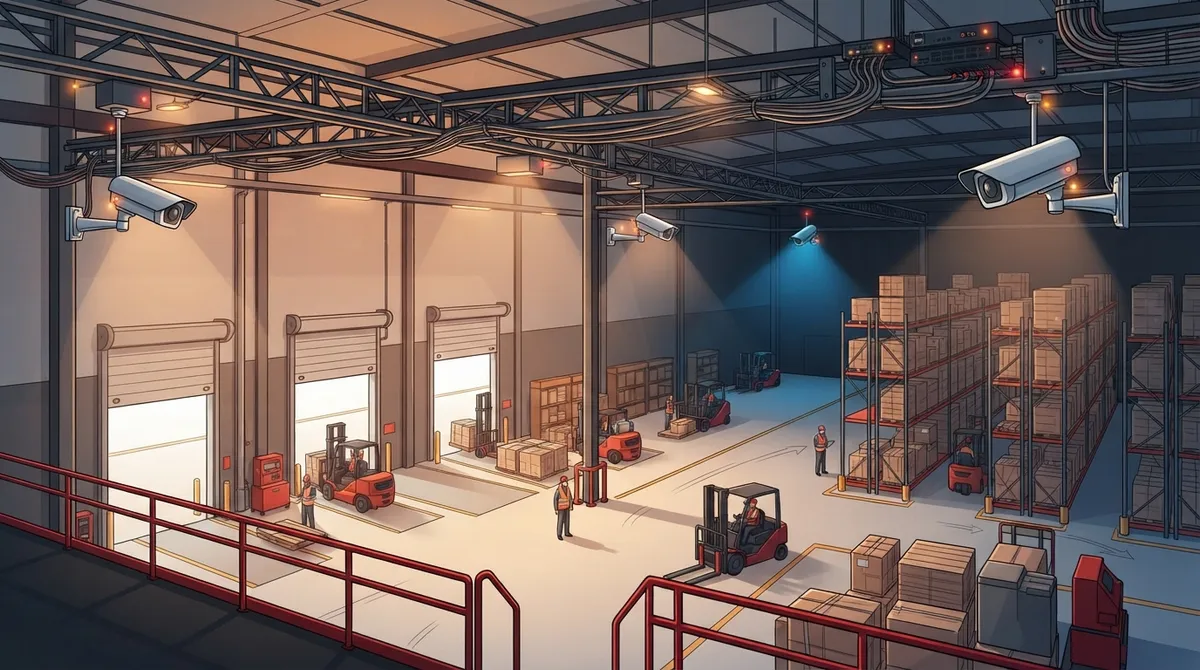
If you run a warehouse, you already know the risks. Forklifts moving fast, high-value inventory sitting in open aisles, dock doors opening and closing all day. One blind spot near the shipping area can cost you thousands. That’s why warehouse security camera installation has become one of the most requested projects we see at Ideal Solutions Provider.
Here’s the thing many business owners don’t realize: installing warehouse cameras isn’t just about mounting a few boxes near the ceiling. It’s really a networking project. You need the right cabling, the right power setup, the right storage plan, and a network that can handle it all without slowing down your other business systems. Done right, it protects your inventory, your people, and your bottom line. Done wrong, you end up with grainy footage, dead zones, and a system that fails right when you need it most.
In this guide, we’ll walk through what goes into a professional warehouse camera installation, from the initial site walk to ongoing maintenance. Whether you’re a small business owner adding your first system or an IT manager overseeing a multi-site rollout, you’ll find practical, no-nonsense advice here.
Why Warehouse Security Cameras Matter More Than Ever
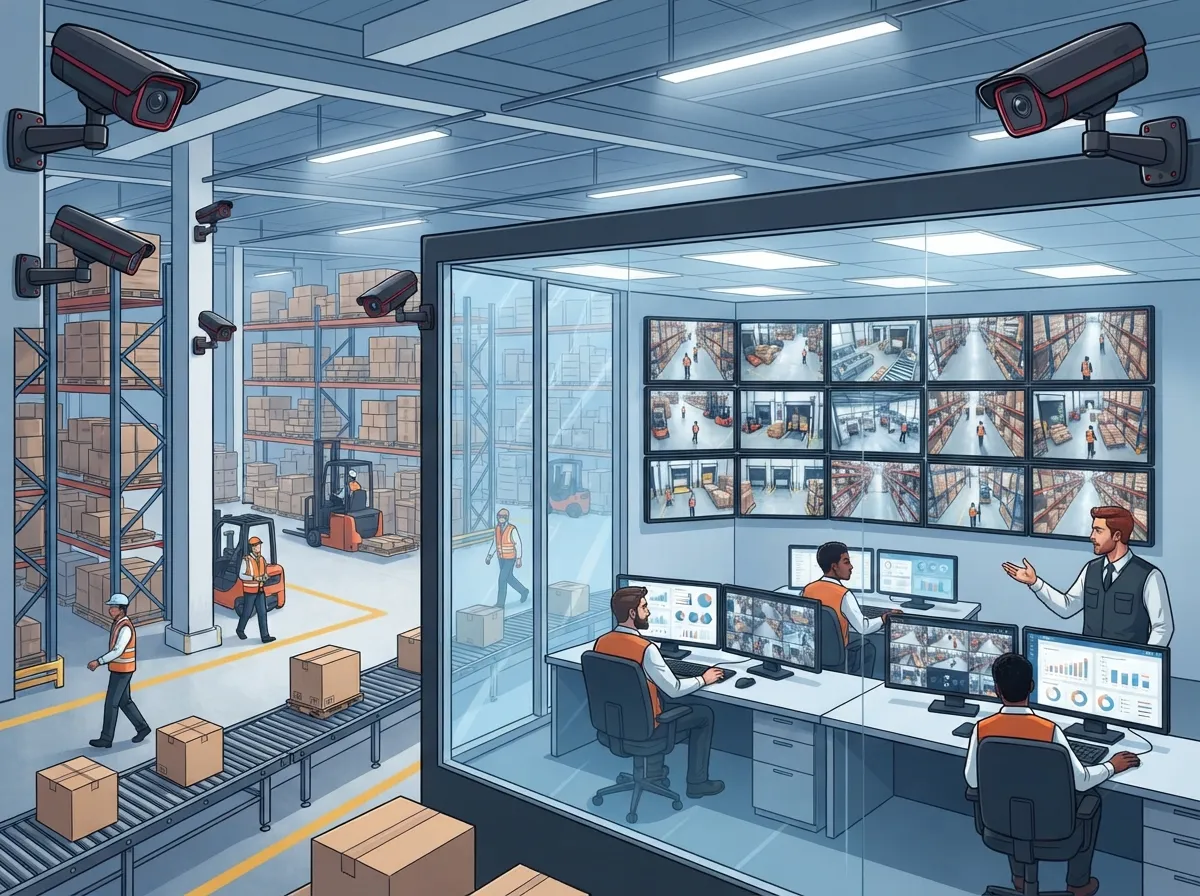
Theft and loss are climbing. One 2025 market estimate found that internal and external theft contributed to $139 billion in global retail losses, about 15% higher than in 2022 (MarketIntelo, 2025). Warehouses are prime targets because they hold large quantities of goods with fewer eyes watching at any given moment.
The market reflects this urgency. The global warehouse security market was valued at roughly $28.4 billion in 2025 and is projected to reach $57.8 billion by 2034, growing at an estimated 8.7% compound annual rate (MarketIntelo, 2025). That growth tells you something important: businesses are investing seriously in smarter, more connected security systems, not just cameras bolted onto a wall.
Warehouse Camera Installation Is a Networking Project, Not a Hardware Purchase
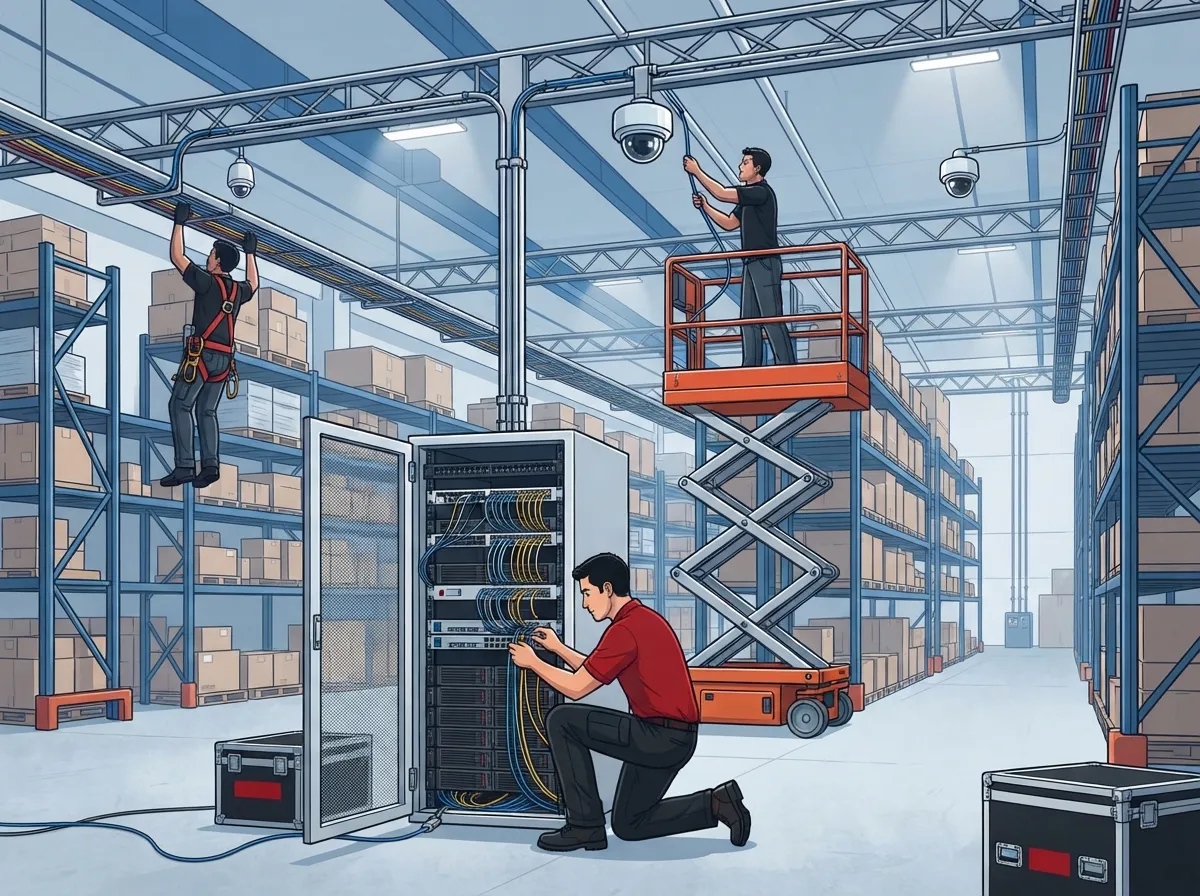
A lot of business owners think buying cameras is the hard part. It’s not. The real work happens in the planning and the infrastructure. A professional deployment typically includes these steps:
- Site survey to map coverage needs and identify blind spots
- Network assessment to confirm bandwidth and switch capacity
- Cable plan using properly rated low-voltage wiring
- Camera installation matched to each specific zone
- System configuration, including storage and remote access setup
- Testing every camera, recording path, and alert
- Documentation with as-built drawings for future service
- Ongoing maintenance and periodic reassessment
Skipping any of these steps is how businesses end up with systems that look fine on paper but fail in real life. If your team already relies on professional structured cabling services for phones and internet, adding cameras to that same disciplined process just makes sense.
PoE Cameras vs. Wi-Fi: Which One Fits Your Warehouse?
This is one of the most common questions we get. The short answer: for most warehouses, Power-over-Ethernet (PoE) cameras running over Cat6 cabling are the better choice. They offer centralized power, more reliable connections, and easier expansion down the road.
Wi-Fi cameras still have a place, but it’s a smaller one. A commonly cited rule of thumb suggests considering PoE for larger, permanent systems, especially warehouses with eight or more cameras, while reserving Wi-Fi mainly for small, temporary, or hard-to-cable spots (Dahlcore, 2026).
| Feature | PoE (Cat6) Cameras | Wi-Fi Cameras |
|---|---|---|
| Reliability | High, wired connection | Can drop with interference |
| Power Source | Centralized via switch | Individual power or battery |
| Best For | Permanent, 8+ camera systems | Temporary or hard-to-wire spots |
| Expansion | Easier with structured cabling | Limited by signal range |
| 24/7 Recording Support | Strong | Moderate |
If your warehouse already has, or plans to install, Cat6 cabling for your network, extending that same backbone to support cameras is a smart, cost-effective move.
Where Should Cameras Go? Mapping Out Your Warehouse
A proper site survey looks at every corner of your facility, not just the front door. Here’s what a thorough assessment should cover:
- Main entrances and employee access points
- Loading docks and shipping/receiving areas
- High-value inventory and storage racks
- Inventory aisles and forklift pathways
- Equipment yards and outdoor storage
- Parking lots and perimeter fencing
- Known blind spots from racking or ceiling height
Warehouses present unique challenges compared to a typical office. Think about dust, temperature swings, bright dock lighting next to dark interior aisles, and constant forklift traffic. Cameras need to be placed and rated to handle all of that without missing a beat.
Fixed vs. PTZ Cameras: Do You Need Both?
Fixed dome, turret, or bullet cameras are the workhorses for defined zones like doorways, aisles, and dock doors. Pan-tilt-zoom (PTZ) cameras are great for scanning large yards or parking areas, but they shouldn’t replace fixed cameras. Why? Because a PTZ camera might be pointed the wrong way exactly when something happens. Most warehouses benefit from a mix: fixed cameras covering critical fixed points, with PTZ units supplementing broader outdoor coverage.
Choosing the Right Camera Specs for Warehouse Conditions
Not all cameras are created equal, and warehouse environments demand more from your equipment. Here’s what to look for:
- Resolution of at least 4MP for general coverage, with 8MP or higher recommended for dock doors and vehicle identification (DBSI, 2026)
- Wide Dynamic Range (WDR) to balance bright dock light against dark interiors
- Infrared or low-light capability for nighttime and dim storage areas
- Weatherproof and dust-resistant housings for yard and dock cameras
Mounting height and angle matter too. Some commercial guidance recommends mounting cameras about 8 to 10 feet high with a downward angle of roughly 15 to 30 degrees. This balances tamper resistance with getting a clear, identifiable view (Safe and Sound, 2026). For nighttime coverage, look for infrared range of at least 100 feet or a low-light sensor rated around 0.005 lux or lower, depending on your site conditions (DBSI, 2026).
Network Infrastructure: The Backbone of Your Camera System
This is where a lot of DIY installations fall apart. Cameras generate a steady stream of data, and if your network isn’t built to handle it, you’ll see lag, dropped footage, or complete outages. A solid setup includes:
- A dedicated VLAN or network segment to keep camera traffic separate from everyday business applications
- PoE switches with enough capacity for every camera on the system
- Sufficient bandwidth for live viewing and recording without slowing down other operations
- Firewall rules, strong passwords, and multi-factor authentication where available
- UPS backup power for switches and recording equipment
- Regular firmware updates to close security gaps
If your warehouse relies on business network solutions for daily operations, your camera system should be built on that same solid foundation, not treated as an afterthought. Poor network planning is one of the fastest ways to end up with a system that looks good on the sales sheet but performs poorly in real life.
Recording and Storage: NVR, Cloud, or Both?
Once your cameras are capturing footage, you need somewhere reliable to store it. There are three common approaches:
- On-premises NVR/VMS: Video is stored locally on dedicated hardware. Good for facilities with limited internet bandwidth.
- Cloud-managed video: Footage is stored offsite and accessible from anywhere. Great for multi-location businesses needing centralized viewing.
- Hybrid design: Combines local storage with cloud backup for redundancy and flexibility.
Your choice depends on camera count, number of sites, available internet bandwidth, and how long you need to retain footage. Many growing businesses are moving toward cloud video security because it simplifies remote access and reduces the need for onsite hardware maintenance. If you’re managing multiple warehouse locations, this approach also makes it much easier to monitor everything from one dashboard.
Installation Best Practices That Prevent Future Headaches
The physical installation matters just as much as the planning. A few best practices worth following:
- Use correctly rated low-voltage cabling for every run
- Protect exposed cable runs with conduit where damage is possible
- Label every cable clearly for future troubleshooting
- Separate camera cabling appropriately from power wiring
- Document everything with as-built drawings
Good documentation might sound like a small detail, but it saves enormous time and money later. When your structured cabling is properly labeled and mapped, any technician can troubleshoot or expand the system quickly, without guessing where every wire goes. This same principle applies to broader structured cabling practices used across telecom and IT installations.
Commissioning and Ongoing Maintenance
Once installation is complete, don’t just walk away. Proper commissioning verifies that everything actually works as intended. This includes checking:
- Live video feeds from every camera
- Recording functionality and time synchronization
- Night performance and motion detection zones
- Remote viewing access and permissions
- Storage retention settings and alarm notifications
After commissioning, ongoing maintenance keeps your system reliable for years. This means cleaning lenses, checking storage drive health, updating firmware, reviewing access rights, testing backups, and reassessing blind spots as your warehouse layout changes. Think of it like maintaining your cloud-based phone system or internet connection. You wouldn’t set it up once and never check on it again.
Privacy and Legal Considerations for Employee Monitoring
Camera systems raise real privacy questions, especially when they capture employees at work. Rules vary significantly by location, so it’s worth taking this seriously. General best practices include:
- Establishing a documented, clear surveillance purpose
- Posting required signage and providing employee notices
- Avoiding areas where privacy is reasonably expected, like restrooms or break rooms
- Limiting who can access recorded footage
- Defining clear retention periods based on business need
One example from a privacy regulator recommends deleting footage within 24 to 72 hours as a general guideline, though retention needs vary widely depending on your industry and location (Swiss Federal Data Protection and Information Commissioner, updated 2026). Always consult a legal or privacy professional before rolling out monitoring policies, especially if you’re using analytics to track employee behavior.
Integrating Cameras With Access Control and Alarms
Cameras work best as part of a bigger security picture. Pairing your camera system with cloud-based access control lets you see exactly who entered a door and when, matched against video footage. Add in intrusion alarms and intercoms, and you get a layered system that catches issues before they become expensive problems. This kind of integration is especially valuable for franchise operators managing multiple warehouse sites, since it creates consistent security standards across every location.
What This Means for Your Business
Whether you’re a small business owner adding your first cameras, an IT manager overseeing a nationwide rollout, or a franchise operator standardizing security across locations, the fundamentals stay the same. Plan first. Build a solid network foundation. Choose cameras that match your actual conditions. Then maintain the system so it keeps working when you need it most.
At Ideal Solutions Provider, we’ve spent over 24 years helping businesses build telecom and security systems that actually work together, not systems cobbled together from mismatched vendors. Our partnerships with 35+ vetted suppliers mean we can compare options honestly and recommend what fits your warehouse, not what fits a sales quota. You can see examples of our approach on Facebook, Instagram, and YouTube.
Ready to Protect Your Warehouse?
Warehouse security camera installation isn’t something to rush or handle piecemeal. It’s a project that touches your network, your cabling, your storage, and your daily operations. Getting it right the first time saves you money, headaches, and risk down the road. If you’re ready to talk through your warehouse’s specific needs, reach out to our team for a free consultation, or give us a call to get started today.
FAQs
Q: How much does warehouse security camera installation cost?
A: Costs vary a lot depending on camera count, resolution, cabling needs, and storage choice. A small warehouse with a handful of cameras might cost far less than a large facility needing 20+ cameras with cloud storage. The best way to get an accurate number is a site survey, so we can map your specific needs before giving you a real quote.
Q: How many security cameras does a warehouse need?
A: It really depends on your square footage, layout, and risk areas like dock doors and high-value storage. Most warehouses need cameras at every entrance, along key aisles, and covering loading docks and parking areas. A proper site survey will identify your exact blind spots so you don’t overspend or under-protect.
Q: Should warehouse security cameras use PoE, Wi-Fi, cloud recording, or an NVR?
A: For most permanent warehouse setups, PoE cameras over Cat6 cabling are the more reliable choice, especially once you’re past eight cameras. Wi-Fi works fine for small or temporary needs. As for recording, cloud storage is great for remote access and multi-site businesses, while on-premises NVR suits sites with limited internet bandwidth.
Q: How long should warehouse security footage be retained?
A: Retention periods vary widely by jurisdiction and business purpose, so there’s no single universal answer. Some privacy guidelines recommend very short retention, like 24 to 72 hours, while other businesses need weeks or months for insurance and investigation purposes. We always recommend checking with a legal advisor to set a retention policy that fits your situation.
Q: Are warehouse security cameras legal for monitoring employees?
A: Generally yes, but there are important rules to follow. You’ll want a documented surveillance purpose, proper signage, and clear limits on who can access footage. Avoid placing cameras in areas where employees have a reasonable expectation of privacy, and always check local laws before rolling out any monitoring policy.





