

Key Takeaways
-
Encryption must protect video both in transit (using TLS/WSS/WebRTC) and at rest in cloud storage; without both layers, intercepted footage remains vulnerable to unauthorized access.
-
Businesses must clarify who controls encryption keys before signing with any provider, as key management determines whether you or the provider can access unencrypted footage without permission.
-
Small businesses are equally targeted as enterprises; cameras with weak passwords or unencrypted connections enable easy hacking, ransomware demands, and exposure of customer data.
-
ONVIF Profile V eliminates risky port forwarding by enabling secure outbound camera connections to the cloud, reducing firewall vulnerabilities that hackers typically exploit.
-
Encryption alone is insufficient; implement multifactor authentication, role-based access control, automatic firmware updates, network segmentation, and audit logging to create layered protection.
-
Video footage contains sensitive data (employee info, customer faces, payment areas) requiring compliance review for retention periods, data residency, and privacy regulations specific to your industry.
Picture this: your business cameras are recording every day, but do you know who else might be watching that footage? That question keeps a lot of Tampa business owners up at night, and honestly, it should. Encrypted cloud video security is the answer to that worry, and it is becoming a must-have for businesses of every size. Whether you run a small shop, manage a growing company, or oversee IT for a multi-location franchise, protecting your video footage is just as important as protecting your bank account.
In this friendly guide, we will walk through what encrypted cloud video security really means, why it matters for your business phones, internet, and cameras, and how to choose a setup that actually keeps your footage safe. We will keep things simple, skip the confusing tech talk where we can, and give you practical steps you can use right away. Grab a coffee, and let’s get into it together.
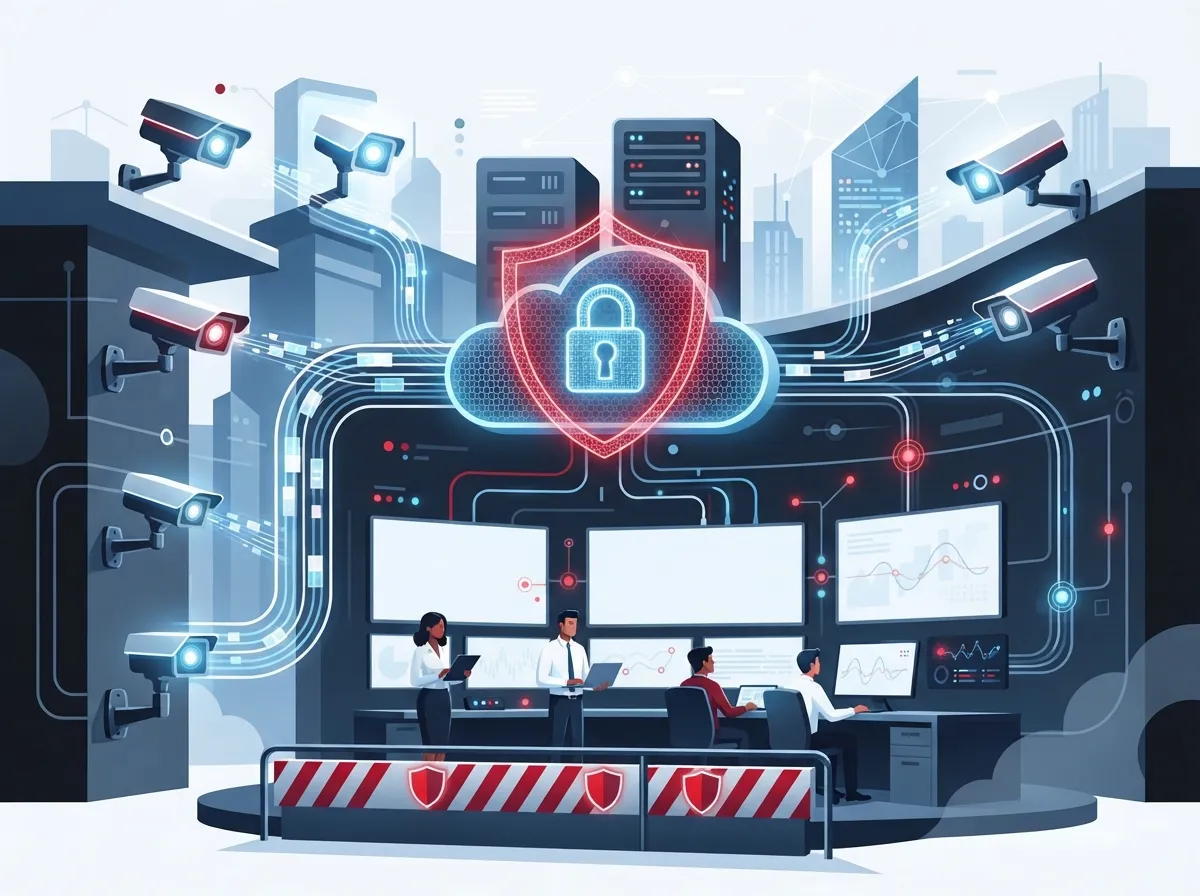
What Is Encrypted Cloud Video Security?
Encrypted cloud video security protects your camera footage, live video, audio, and alerts as they travel from your cameras to the cloud and back. It covers the video while it moves across the internet and while it sits in storage. Think of it like a locked delivery truck carrying your valuables, plus a locked vault once they arrive.
For businesses, this matters because cameras are no longer just recording devices. They connect to your network, your internet service, and sometimes even your access control system. If any part of that chain is weak, hackers could peek in on your business, your employees, or your customers. That is why encrypted cloud video security should be part of every conversation about cloud video security for your company.
Why Small and Growing Businesses Need This Protection
Small business owners often think hackers only target big corporations. That is simply not true anymore. Cameras with weak passwords or unencrypted connections are easy targets, and a breach can mean stolen footage, exposed customer data, or even ransom demands.
Mid-sized companies and franchise operators face a bigger challenge because they usually manage more locations, more cameras, and more staff with access to footage. Without strong encryption and access controls, one weak link at one location can put the whole network at risk.
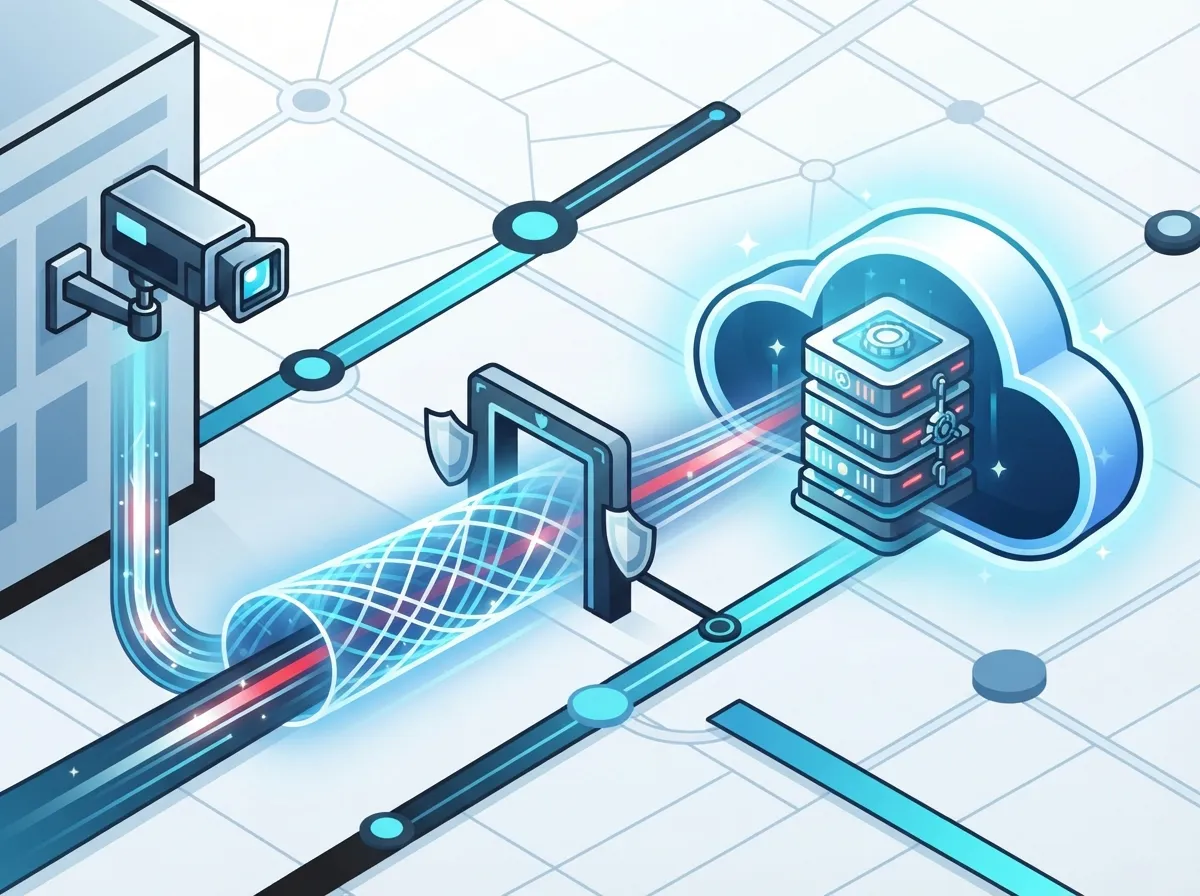
How Encryption Protects Your Footage in Transit and at Rest
Good business-grade video security uses two layers of protection. The first layer protects video while it moves, called “in transit.” The second layer protects video once it lands in storage, called “at rest.”
- TLS and WSS encrypt the connection between your cameras and the cloud system.
- WebRTC security protects live video streams viewed through a web browser.
- Recordings get encrypted before or during upload to cloud storage.
- Stored footage stays encrypted even while sitting in the cloud.
- Backup copies and exported clips should carry the same encryption protections.
This layered approach means that even if someone intercepts your video feed, they cannot read or use the data without the encryption keys. It is a bit like sending a locked box through the mail instead of an open envelope.
Understanding ONVIF Profile V
You may have heard the term ONVIF Profile V floating around in security camera conversations. This is an emerging industry specification designed to make cloud video surveillance more secure and easier to set up.
Profile V is still a release-candidate specification, meaning it has not been fully finalized or certified across all vendors yet. Its draft requirements include secure outbound connections over WebSocket Secure (WSS), OAuth 2.0 authentication, mutual TLS, access tokens, and WebRTC streaming for live video. It also calls for encrypted video and audio uploads to cloud storage services like Amazon S3 or Microsoft Azure Blob Storage.
One of the coolest parts of Profile V is how it lets cameras behind your office firewall talk to the cloud without needing complicated port forwarding or VPN setups. The camera reaches out on its own using a secure connection, which reduces the number of open doors hackers could exploit. Businesses should still confirm any camera vendor’s actual certification status before assuming full compliance, since the standard is still being finalized.
Key Security Features Every Business Should Require
Encryption alone will not fully protect your video system. A truly secure setup needs several layers working together. Here is a simple numbered list of must-have features:
- Unique login credentials for every camera and user account.
- Multifactor authentication to stop unauthorized logins.
- Role-based access control so employees only see what they need.
- Least-privilege permissions to limit administrator access.
- Secure and automatic firmware updates for all cameras.
- Network segmentation to keep cameras separate from other business systems.
- Audit logging to track who viewed or exported footage.
- Ongoing vulnerability management and patching.
- A documented incident-response plan in case something goes wrong.
Think of these steps as the seatbelts and airbags of your video security system. Encryption is the strong frame of the car, but these extra layers keep everyone safe if something unexpected happens.
Who Should Control Your Encryption Keys?
This is one of the most overlooked questions when businesses shop for cloud video security. Encryption keys are like the master keys to your footage vault, and knowing who holds them matters a lot.
Before signing up with any provider, ask these important questions:
- Who controls the encryption keys, you or the provider?
- Can administrators view unencrypted footage without your permission?
- How often are keys rotated or revoked?
- Are backups and exported clips protected with the same encryption?
- What happens to your keys if you switch providers later?
These questions are not just for IT managers. Office managers and small business owners should feel comfortable asking them too, because your footage is your business’s evidence and privacy on the line.
Comparing Cloud Video Security Options
Not all cloud video security setups are created equal. Here is a simple comparison table to help you understand what separates a basic setup from a business-grade one.
| Feature | Basic Setup | Business-Grade Encrypted Setup |
|---|---|---|
| Video Transit Protection | Often unencrypted or weak | TLS/WSS and WebRTC security |
| Storage Protection | May store footage unprotected | Encrypted at rest, always |
| Remote Access | Simple password login | Multifactor authentication, role-based access |
| Firewall Setup | Requires port forwarding | Outbound secure connection, no open ports |
| Key Management | Rarely discussed | Clear customer or provider key control policy |
| Compliance Support | Minimal or none | Retention, privacy, and access documentation |
As you can see, the difference is not just about fancy features. It is about protecting your business, your employees, and your customers from real risks.
How Cloud Video Security Fits Into Your Whole Telecom Setup
Your cameras do not operate in a bubble. They rely on your internet connection, your network design, and often your access control system too. That is why it makes sense to think about video security as part of your bigger telecom picture, not a separate project.
Here are a few connected pieces worth reviewing together:
- Your high-speed internet for business setup, since cameras need reliable bandwidth to upload footage smoothly.
- Your structured cabling, which keeps your cameras and network devices connected reliably.
- Your managed network or SD-WAN setup, which controls how traffic moves securely between locations.
- Your cloud access control system, which often works hand-in-hand with video for a complete security picture.
When these pieces work together, your business gets a smoother, safer, and more reliable security experience. This is also where the concept of structured cabling becomes important, since a well-organized network foundation supports secure video transmission across your entire office or facility.
Compliance and Privacy Considerations
Video footage often contains more sensitive information than people realize. It can capture employee data, customer faces, payment areas, or even health-related details in medical offices. That means privacy rules may apply to your video system, not just cybersecurity best practices.
Before deploying or upgrading your system, ask yourself these questions:
- How long do we need to keep footage, and does our provider support that retention period?
- Who has permission to view or export recordings?
- Does our industry have specific privacy or data-residency rules to follow?
- Where is our cloud storage physically located, and does that matter for compliance?
- Do we have a documented policy for responding to footage requests or breaches?
Healthcare offices, financial businesses, and franchises with multiple locations should pay special attention to these questions. A trusted business communications partner can help you sort through these requirements without the headache of figuring it all out alone.
Common Mistakes Businesses Make With Cloud Video Security
Even well-meaning businesses fall into a few common traps. Here are mistakes to watch out for:
- Using default or shared passwords across multiple cameras.
- Skipping firmware updates because they seem inconvenient.
- Allowing too many employees admin-level access to footage.
- Ignoring who controls the encryption keys.
- Choosing a provider based on price alone, without checking security features.
Avoiding these mistakes can save your business from costly headaches down the road, both financially and in terms of trust with your customers.
Why Work With a Trusted Telecom Partner
Setting up encrypted cloud video security involves more moving pieces than most people expect. You need reliable internet, solid cabling, secure network design, and a camera system that actually protects your footage the way it promises to.
This is exactly where Ideal Solutions Provider comes in. With over 24 years of experience and partnerships with more than 35 vetted suppliers, the team helps Tampa businesses and companies nationwide build secure, reliable telecom systems without the runaround of managing multiple vendors. From consultation to installation and ongoing support, they act as your single point of contact for cloud video security, networking, and everything in between.
You can also see real client stories and updates by following Ideal Solutions Provider on Facebook, checking out setup tips on Instagram, or watching installation walkthroughs on YouTube.
Steps to Get Started With a Secure Cloud Video System
Ready to take action? Here is a simple step-by-step process to follow:
- Audit your current cameras, network, and internet setup for weak points.
- Ask potential providers detailed questions about encryption and key management.
- Confirm whether cameras support secure outbound connections instead of open ports.
- Review your bandwidth and retention needs based on camera count and footage length.
- Set up role-based access control before going live.
- Schedule regular firmware updates and security reviews.
- Document your incident-response plan in case of a breach.
Following these steps will help your business build a security foundation that actually works, rather than one that just looks good on paper.
Bringing It All Together
Encrypted cloud video security is not just a nice-to-have anymore. It protects your footage, your employees, your customers, and your peace of mind. Whether you are a small business owner juggling multiple responsibilities or an IT manager overseeing several office locations, understanding encryption, key management, and secure connectivity puts you in a much stronger position.
Remember, a strong business internet connection combined with proper Internet Service Provider support forms the backbone of any secure video system. Pair that with encrypted transmission, encrypted storage, and smart access controls, and your business will be in great shape.
If you are ready to strengthen your camera system, network, or overall telecom setup, our friendly team would love to help you sort through the options. Contact us today for a free consultation, or simply call us to talk through your specific needs. We are here to make your business safer, one secure connection at a time.
FAQs
Q: What is encrypted cloud video security for businesses?
A: It’s the protection of your camera footage, live streams, and alerts as they travel between your cameras, network, and cloud storage. Think of it as a locked path plus a locked vault, keeping unwanted eyes away from your business video.
Q: How is cloud security camera footage encrypted in transit and at rest?
A: Footage gets protected while moving using tools like TLS, WSS, and WebRTC security, then stays encrypted once it lands in cloud storage. This double layer means your video stays safe whether it’s traveling or sitting still.
Q: Who owns and manages the encryption keys for cloud surveillance footage?
A: This depends on your provider, and it’s a great question to ask before signing up. Some providers manage keys themselves, while others let you control them, so always clarify this upfront to avoid surprises later.
Q: How can businesses securely connect cameras to a cloud system without port forwarding?
A: Newer approaches, like the emerging ONVIF Profile V specification, let cameras reach out to the cloud on their own using secure outbound connections. This means you skip risky port forwarding and reduce the number of open doors hackers could try.
Q: Is cloud video surveillance safer than on-premises recording?
A: When set up correctly with strong encryption and access controls, cloud video security can actually be safer than storing footage on a single device onsite. Cloud systems also make it easier to back up footage and access it remotely without risking a single point of failure.





