
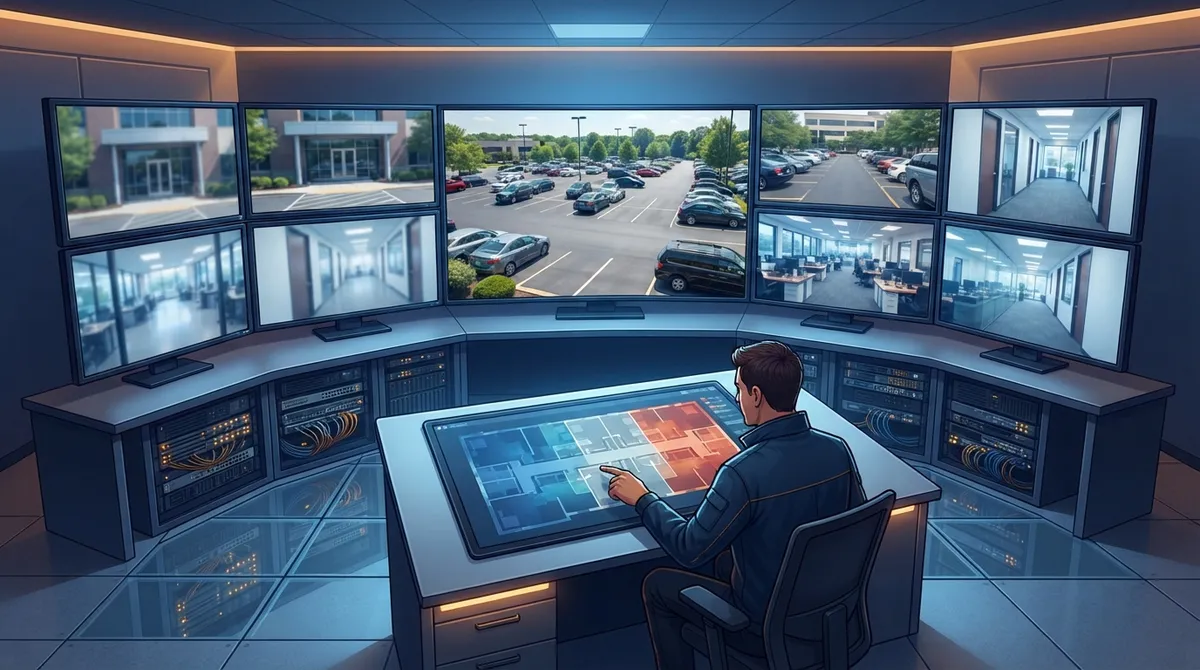
Key Takeaways
-
Use a mixed-resolution approach tailored to each area: 1080p for low-risk spaces, 4MP for customer-facing zones, and 4K for wide areas like parking lots—this saves money on storage and bandwidth while maintaining security where it matters most.
-
Check your network bandwidth and PoE switch capacity before installing cameras; 4K can require 4-32 Mbps depending on codec, and underestimating needs leads to dropped footage and system overload.
-
Plan a retention policy by identifying high-priority areas (entrances, cash handling), checking industry requirements, and setting different retention periods for various camera types to avoid storage waste.
-
Involve your network provider and ISP early in camera decisions and coordinate with a single partner rather than managing multiple vendors separately to avoid compatibility and infrastructure issues down the line.
Picking a camera resolution sounds simple, right? Just grab the highest number and call it a day. But here’s the thing: that approach can actually hurt your business. It can drain your network, eat up storage, and still leave you without the clear footage you need when it matters most.
At Ideal Solutions Provider, we’ve helped Tampa businesses and companies nationwide set up cloud security cameras that actually work for their space. And we’ve seen the same resolution mistakes over and over. The good news? Every single one is fixable. Let’s walk through the biggest slip-ups so you can avoid them, save money, and get footage that actually helps when you need it.

Mistake 1: Assuming Higher Resolution Always Means Better Security
Many business owners think 4K is automatically the winning choice everywhere. It isn’t. Resolution is just one piece of the puzzle. Camera placement, lighting, lens choice, and frame rate all matter just as much.
A lower-resolution camera aimed correctly can outperform a high-resolution camera covering too wide of an area. If your 4K camera is trying to cover a 40-foot-wide parking lot, you might only get about 96 horizontal pixels per foot on the subject. That’s not enough detail to identify a face or license plate, even with all those extra pixels.
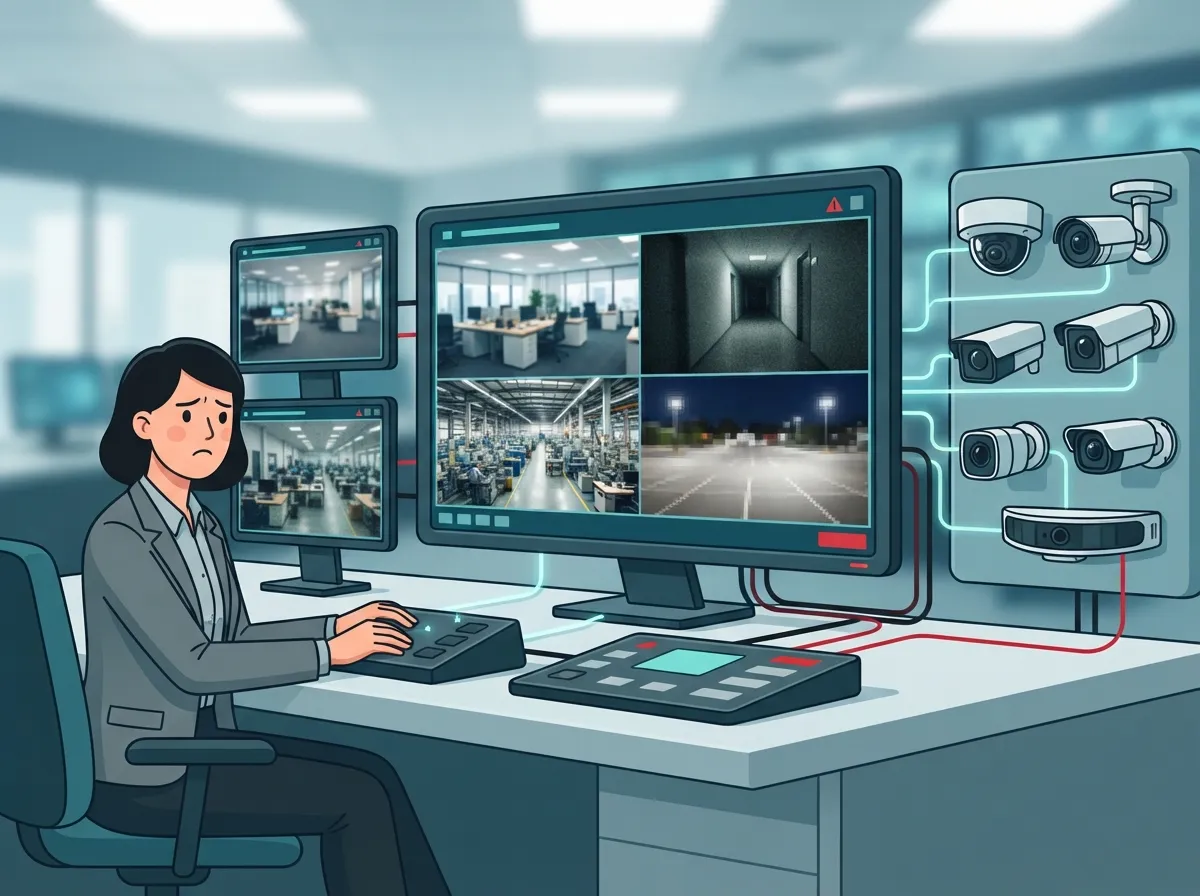
Mistake 2: Using One Resolution for Every Camera
This is probably the most common mistake we see. Business owners install the same resolution camera at every single spot, whether it’s a hallway or the front entrance. That’s not smart, and it’s not cost-effective either.
Instead, think about a mixed-resolution setup. Here’s a simple breakdown:
- 1080p (about 2MP): Great for low-risk areas like hallways, break rooms, and general overview coverage where you just need to see activity, not identify faces.
- 4MP or 2K: The sweet spot for most commercial spaces. Perfect for entrances, reception areas, and customer-facing zones where identification matters.
- 4K or 8MP: Reserve this for wide-open areas like parking lots, loading docks, vehicle gates, and cash registers where you might need to zoom in later.
This approach saves you money on storage and bandwidth while still giving you strong coverage where it counts most. If you’re not sure how many cameras or which resolution fits your building, our guide on factors that decide how many security cameras you need is a great place to start.
Mistake 3: Ignoring Bandwidth Requirements
So you picked 4K cameras for your whole building. Sounds impressive, but did you check your network first? This is where a lot of businesses get burned.
Bandwidth needs vary a lot depending on frame rate, activity in the scene, and the video codec you use. According to Omada Networks (2026), 1080p typically needs about 2 to 4 Mbps with H.265 compression, or 4 to 8 Mbps with older H.264. Meanwhile, 4K can require 4 to 8 Mbps with H.265, jumping to 16 to 32 Mbps with H.264.
Sandbar Systems (2026) offers similar numbers, estimating 4K at 30 frames per second can use anywhere from 6 to 20 Mbps depending on the codec. Multiply that across a dozen cameras, and you can see how quickly your network gets overwhelmed if nobody planned ahead.
| Resolution | Approx. Megapixels | Best Use Case | Bandwidth Range (H.265) |
|---|---|---|---|
| 1080p | ~2MP | Hallways, break rooms, general overview | 2–4 Mbps |
| 4MP / 2K | ~4MP | Entrances, reception, customer areas | Moderate (varies by scene) |
| 4K / 8MP | ~8MP | Parking lots, loading docks, cash registers | 4–8 Mbps |
Not sure your current setup can handle it? Our team can review your business broadband and network capacity before you invest in new cameras.
Mistake 4: Forgetting About Storage Costs
Here’s a number that surprises a lot of business owners: recording continuously at 4K can require roughly four times the storage of 1080p at the same frame rate. According to IDS CCTV (2026), one camera recording continuously in 1080p H.265 uses about 21.1 GB per day. That same camera at 4K H.265 jumps to roughly 63.3 GB per day.
Now multiply that by 30 days, and by however many cameras you have. That storage bill adds up fast, especially if you’re recording around the clock instead of using motion-based recording. The fix? Use motion detection to record only when something’s happening, and reserve full-time 4K recording for your highest-priority areas.
Mistake 5: Not Planning for PoE Switch Capacity
Power over Ethernet, or PoE, lets your cameras get power and data through a single cable. It’s efficient, but it has limits. If you add more cameras or bump up resolution without checking your PoE switch capacity, you can overload your system.
This is closely tied to your overall network wiring setup. Higher resolution cameras generate more data, which means your switches and cabling need to keep up. Skipping this step is a classic mistake that leads to dropped footage or laggy live feeds.
Mistake 6: Choosing the Wrong Codec
Should business security cameras use H.264 or H.265 compression? This question trips up a lot of people. H.265 is the newer standard, and it can reduce bandwidth and storage needs by roughly 30 to 50 percent compared to H.264, according to both Omada Networks and Sandbar Systems (2026).
But here’s the catch: not every camera, recorder, or cloud platform supports H.265 the same way. Before you standardize on it, check compatibility across your whole system. Otherwise, you might end up with mismatched footage quality or playback issues.
Mistake 7: Overlooking Lighting and Lens Selection
Resolution gets all the attention, but lighting and lens choice deserve just as much credit. A camera with poor low-light performance or the wrong lens can make even 4K footage look blurry or useless.
Wide dynamic range (WDR) performance, shutter speed, and frame rate all affect how clear your footage turns out. If you’re covering an entrance with bright sunlight streaming in during the day, you need a camera that handles that contrast well, not just one with a high pixel count.
Mistake 8: Skipping a Retention Policy
How long should you keep footage? A lot of businesses never actually decide, and that leads to two problems: either they run out of storage, or they don’t have footage available when they actually need it for an incident review.
Here’s a simple process to set a smart retention policy:
- Identify which areas need the longest retention (entrances, cash handling, loading docks).
- Check any industry or insurance requirements for footage retention.
- Balance retention length against your available cloud or on-site storage.
- Set different retention periods for high-priority versus low-priority cameras.
- Review and adjust the policy every few months as your business changes.
Want to know more about how long footage typically stays available? Check out our breakdown of cloud video security footage storage facts.
Mistake 9: Not Involving Your Network Provider Early
Camera resolution decisions shouldn’t happen in a vacuum. If your telecom and network setup isn’t part of the conversation, you’re setting yourself up for problems down the road.
This is exactly where working with one partner makes life easier. Instead of juggling a camera installer, an internet provider, and a cabling contractor separately, a single point of contact can coordinate everything. It’s one of the reasons businesses lean on using one telecom partner instead of managing multiple vendors on their own.
Mistake 10: Treating Cameras as a One-Time Purchase
Technology changes, and so does your business. Maybe you’re opening a second Tampa Bay location, or maybe your current cameras just aren’t cutting it anymore. Treating your camera system as a “set it and forget it” purchase is a mistake that catches up with a lot of business owners.
Instead, plan for growth. Cloud-based systems make this easier because you can often add cameras or bump up resolution without ripping out your whole setup. If you’re expanding across multiple sites, our resource on scalable systems for multi-location businesses covers a lot of the same principles that apply to cameras too.
So, What Is the Best Camera Resolution for Business?
Honestly? There isn’t one single answer. The best resolution depends on where the camera sits, how far it sees, how much detail you need, and what your network can handle. For most commercial spaces, 4MP hits a great balance between clarity, cost, and network load. Reserve 4K for the spots where identification really matters, and use 1080p for general overview areas.
Getting this mix right takes more than picking a number off a spec sheet. It takes proper planning across your structured cabling, network capacity, and your Internet Service Provider connection. That’s a lot to juggle, and it’s exactly why so many businesses bring in a partner who’s done this before.
Ideal Solutions Provider has spent over 24 years helping businesses across Tampa and nationwide get this balance right. We work with 35+ vetted suppliers, so you’re not stuck with a one-size-fits-all camera package. Whether you’re a small business owner streamlining your first camera install, or an IT manager overseeing a multi-site rollout, we handle the consultation, installation, and support so you don’t have to manage five different vendors.
Curious what the right resolution mix looks like for your building? Reach out to our team for a free consultation, or give us a call to talk through your setup today. You can also follow our latest projects and tips on Facebook, Instagram, and YouTube.
FAQs
Q: What is the best security camera resolution for a small business?
A: For most small businesses, 4MP hits the sweet spot. It gives you clear enough detail for entrances and customer areas without overwhelming your network or storage. You can always add a few 1080p cameras for low-risk spots like hallways or storage rooms.
Q: Is 1080p enough for business security cameras?
A: It really depends on the area. 1080p works great for general overview coverage, like break rooms or hallways, where you just need to see activity happening. But for entrances or cash registers where identification matters, you’ll want at least 4MP.
Q: Is 4MP better than 1080p for commercial CCTV?
A: In most cases, yes. 4MP gives you roughly twice the pixel detail of 1080p, which makes a big difference for identifying faces or details. It still requires far less bandwidth and storage than jumping straight to 4K, making it a smart middle-ground choice.
Q: Do businesses need 4K security cameras?
A: Not everywhere. 4K shines in wide areas like parking lots, loading docks, or vehicle gates where you might need to zoom in later. For most other spots, 4MP or even 1080p does the job just fine and saves you money.
Q: How much bandwidth does a 4K business security camera use?
A: It varies by codec and scene activity, but estimates from Omada Networks (2026) put 4K at roughly 4 to 8 Mbps with H.265 compression, or up to 32 Mbps with older H.264. That’s why checking your network capacity before installing 4K cameras really matters.





