

Key Takeaways
-
Cloud video security stores footage on remote servers instead of on-site DVRs, eliminating the risk of losing all recordings if equipment is stolen, damaged, or fails.
-
Most cloud video systems use hybrid setups with local buffering, so cameras continue recording locally during internet outages and automatically sync to the cloud when connection returns.
-
Cloud video security can reduce infrastructure costs by up to 40% compared to traditional CCTV systems, with some direct-to-cloud options eliminating on-site hardware entirely.
-
Multi-location businesses benefit from centralized dashboards that manage all cameras across every site with one login, consistent alerts, and unified policies instead of separate systems per location.
-
Reputable cloud video platforms use encryption, multi-user permissions, two-factor authentication, and audit trails to protect footage, often providing better security than standalone DVRs.
-
Existing analog and IP cameras can often transition to cloud systems using hybrid bridge devices, allowing businesses to phase in cloud benefits without replacing all equipment at once.
If you have ever squinted at a grainy DVR screen trying to find one clip from last Tuesday, you already know why so many Tampa businesses are making a change. Cloud video security is quickly becoming the go-to way for business owners to watch over their locations without the hassle of old-school equipment. Grab a coffee, get comfortable, and let’s walk through exactly what this technology is and why it might be the best decision you make for your business this year.
We know telecom and security terms can feel like alphabet soup. That is exactly why we are breaking down what is cloud video security in plain, friendly language. Whether you run a single storefront or manage cameras across ten franchise locations, this guide will help you understand your options with confidence. By the end, you will know exactly what to ask for and why it matters.
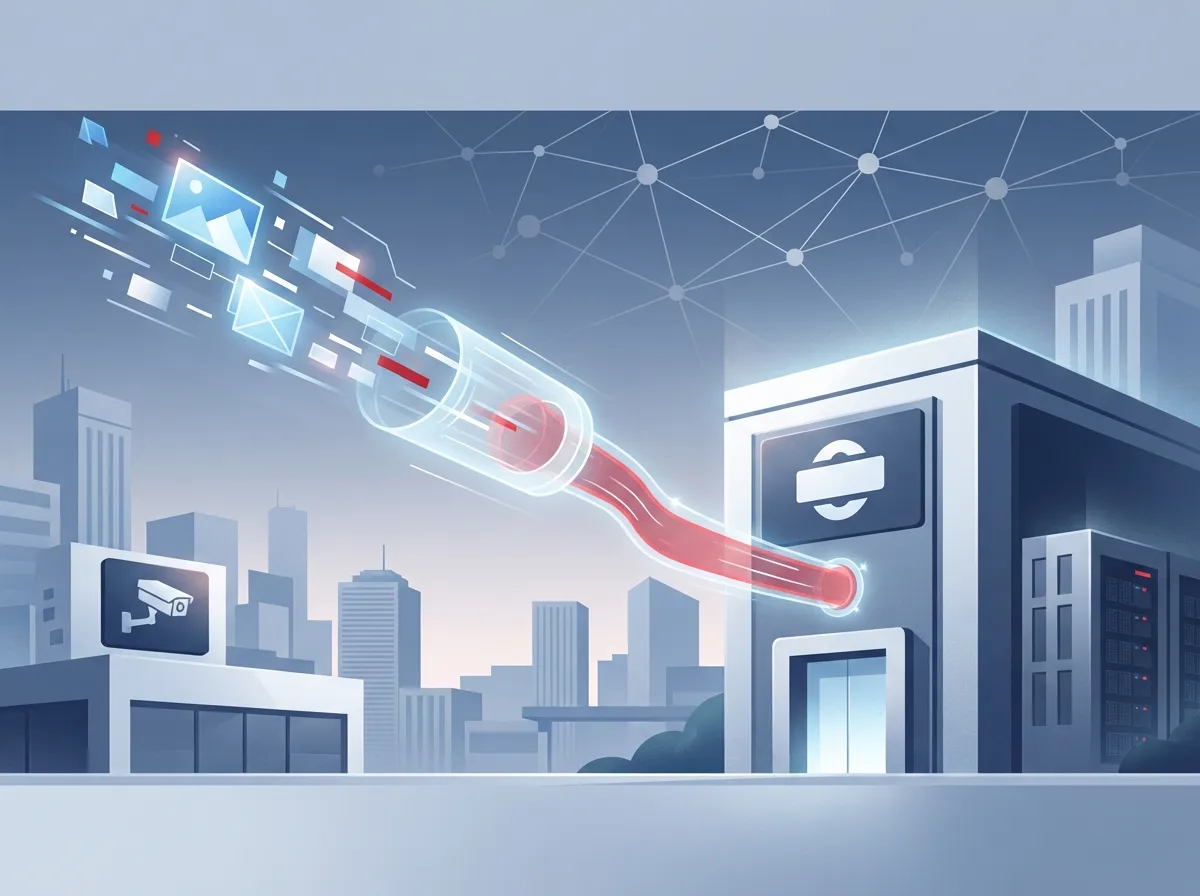
1. Cloud Video Security Moves Your Footage Off-Site
At its core, cloud video security means your camera footage is stored on remote servers instead of a box sitting in your back office. Traditional systems rely on DVRs or NVRs that live on-site. If that box breaks, gets stolen, or a fire damages the room, your footage is gone forever.
With cloud video security, your video lives safely somewhere else. This is a huge relief for business owners who have lost footage after a break-in, only to find the thief also grabbed the recorder. It is a little ironic, and a lot frustrating, but cloud storage solves that problem for good.
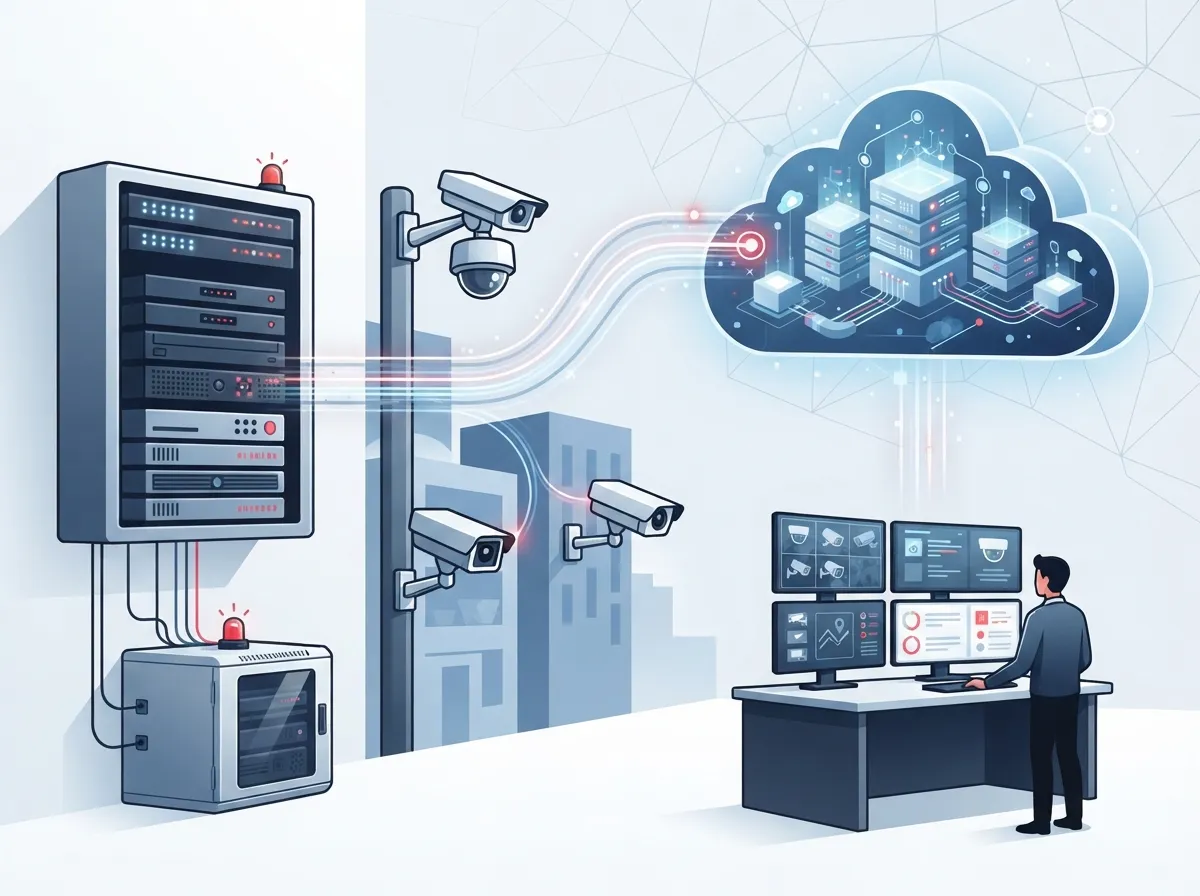
2. Many Systems Use a Hybrid Setup for Extra Reliability
Here is something people do not always expect: most cloud video security systems are not purely cloud-only. Many use a hybrid design with a small on-site device that buffers footage locally before sending it up to the cloud.
This matters because internet connections are not perfect. If your connection drops for a few minutes, your cameras keep recording locally, then catch up once the connection returns. It is the best of both worlds: local reliability with cloud-level convenience.
3. You Can Watch Your Business From Anywhere
This is the benefit most business owners fall in love with immediately. Cloud video security lets you check in on your business from your phone, tablet, or laptop, wherever you happen to be.
Picture this: you are at your kid’s soccer game, but you get a notification that motion was detected at your loading dock after hours. You pull out your phone and see exactly what is happening in seconds. That kind of peace of mind is priceless for busy owners and managers who cannot always be on-site.
Everyday Ways Business Owners Use Remote Access
- Checking in on multiple store locations before your morning coffee
- Reviewing footage after a customer complaint without driving to the site
- Sharing a clip with local police after an incident, right from your phone
- Keeping an eye on deliveries and vendor visits during business hours
- Verifying employees arrived safely to open or close the store
- Monitoring parking lots for safety after dark
4. It Is a Game-Changer for Multi-Location Businesses
If you operate more than one location, you know the pain of juggling separate systems for each site. Cloud video security fixes this by centralizing everything into one simple dashboard.
Franchise operators especially appreciate this. Instead of logging into five different systems for five different stores, everything lives in one place. You can set the same policies, alerts, and user permissions across every site without reinventing the wheel each time.
Why Franchise Operators Love Centralized Dashboards
- One login gives access to every camera at every location
- Alerts and notifications are consistent across all sites
- New locations can be added to the system quickly
- Corporate teams can monitor performance and safety company-wide
- Staff training becomes simpler with one familiar interface
5. Telecom Providers Are Adding Cloud Video as a Service
Here is a fact that surprises a lot of people: telecom companies have started offering cloud video security as part of their service packages. According to Aipix, over 60% of telecom operators have started adopting cloud video surveillance as a way to create new recurring revenue while giving customers more value.
This makes sense when you think about it. If a provider is already handling your cloud-based phone system and internet, adding security cameras to that same relationship just makes life easier. It is one less vendor to manage, one less bill to track, and one less headache overall.
6. It Can Actually Save You Money
We know cost is always top of mind, especially for small business owners watching every dollar. The good news is that cloud video security can cut infrastructure costs by up to 40%, according to Aipix. That is a significant savings compared to buying, maintaining, and eventually replacing expensive on-site recording hardware.
| Feature | Traditional CCTV/DVR | Cloud Video Security |
|---|---|---|
| Storage Location | On-site hardware only | Remote cloud servers, often with local backup |
| Remote Access | Limited or complicated | Easy access via app or browser |
| Multi-Site Management | Separate system per location | One dashboard for all locations |
| Footage Loss Risk | High if hardware is damaged or stolen | Low, footage is stored off-site |
| Upfront Hardware Cost | Often higher | Often lower, especially direct-to-cloud systems |
| Maintenance | Manual, on-site troubleshooting | Managed remotely by provider |
Some vendors even offer direct-to-cloud systems that eliminate the need for on-site hardware entirely, according to VXG. That means fewer devices to install, fewer things that can break, and less equipment cluttering up your storage closet.
7. Retention Options Give You Flexibility
Not every business needs the same amount of storage time. Some only need a week of footage, while others in healthcare or finance need much longer for compliance reasons. According to TELECO, cloud storage options may support retention from 7 days to multiple years, depending on the platform and your configuration.
This flexibility is a big deal for businesses with different regulatory needs. You can choose a plan that matches your actual risk level and budget, rather than paying for storage you will never use, or worse, running out of storage right when you need it most.
8. Security Controls Keep Your Footage Protected
People sometimes worry that putting footage in the cloud means it is less safe. Actually, the opposite is often true. Reputable cloud video security platforms use encryption, user authentication, and strict access controls to keep footage protected from prying eyes.
Common Security Features to Look For
- Encrypted video during upload and while stored
- Multi-user permissions so only approved staff can view footage
- Two-factor authentication for account logins
- Audit trails showing who accessed footage and when
- Compliance-friendly features for regulated industries
These protections often exceed what a standalone DVR sitting in an unlocked closet could ever offer. If someone breaks into your building, they cannot walk out the door with your cloud footage tucked under their arm.
9. Big Brands Already Trust Cloud Video Platforms
If you are wondering whether cloud video security is proven at scale, consider this: Eagle Eye Cloud VMS supports enterprise customers across brands like Subway, Domino’s Pizza, Gold’s Gym, Uber, and Volvo, according to ACC Telecom’s cloud surveillance FAQ. These are companies with a lot to lose and very high standards for reliability.
If cloud video security is good enough for national brands managing hundreds of locations, it is more than capable of handling your Tampa business, whether you run one office or twenty.
10. Existing Cameras May Still Work With the Right Setup
One question we hear often is whether businesses have to throw out their current cameras to make the switch. The good news is that many analog and IP cameras can work with cloud video surveillance systems, depending on the bridge or hardware used to connect them.
Steps to Transition Smoothly
- Have a professional evaluate your current camera setup
- Identify which cameras are compatible with a cloud bridge
- Plan for any necessary structured cabling updates to support new equipment
- Install a hybrid recorder or bridge device on-site
- Test remote access and alerts before going fully live
This means your transition to cloud video security does not have to be an all-or-nothing project. A knowledgeable installer can help you phase things in, saving money while still getting the benefits of cloud storage and remote monitoring right away.
How Ideal Solutions Provider Fits Into the Picture
At Ideal Solutions Provider, we have spent over 24 years helping Tampa businesses simplify their telecom and security setups. We partner with more than 35 vetted suppliers, so we can match you with the right cloud video security solution instead of pushing a one-size-fits-all product.
We also handle your high-speed internet, structured cabling, and networking needs, which matters because a shaky internet connection can undermine even the best camera system. Since cameras and phones often share the same network, it helps to have one partner who understands how it all fits together.
If you want to see real examples of how this technology looks in action, check out our video library or follow us on Facebook and Instagram for behind-the-scenes looks at installations across Tampa Bay.
Choosing the Right Path for Your Business
Every business has different needs, and that is okay. A small coffee shop does not need the same setup as a manufacturing plant with twelve entry points. Here is a quick way to think about your priorities.
- Small business owners often prioritize affordability and simple setup
- Mid-sized enterprises usually need scalability across departments or floors
- IT managers want clean integration with existing network solutions
- Office managers value reliable support and minimal day-to-day maintenance
- Franchise operators need centralized control across multiple locations
No matter which group you fall into, understanding what is cloud video security helps you ask better questions when comparing providers. It also helps you avoid overpaying for features you will never use, or underbuying protection you actually need.
A Quick Word on Reliability
Business owners sometimes ask whether their Internet Service Provider connection needs to be extra strong for cloud video security to work well. The honest answer is that a stable, decently fast connection matters, but hybrid systems with local buffering reduce the risk of losing footage during outages.
This is another reason working with a single telecom partner makes sense. When your internet, phones, and cameras are all coordinated, troubleshooting becomes much easier if something ever goes wrong.
Curious to see how it all works in real time? You can also learn more by watching our team explain setups on YouTube, where we break down real installations for Tampa Bay businesses.
Final Thoughts on Cloud Video Security
Cloud video security is not just a trendy buzzword. It is a practical, reliable way to protect your business, your team, and your customers, no matter where you happen to be standing at that moment. From remote access to centralized dashboards for multi-location businesses, the benefits stack up quickly once you see them in action.
We would love to help you figure out the right fit for your business, whether you are just starting to explore options or ready to upgrade an outdated system. Feel free to reach out to our team for a friendly consultation, or simply give us a call to chat about your specific needs. We are here, we are local, and we genuinely enjoy helping Tampa businesses feel safer and more connected.
FAQs
Q: What is cloud video security in business surveillance?
A: Cloud video security means your camera footage is stored and managed through an online platform instead of just a local recorder. This lets you view live and recorded footage from anywhere, and keeps your video safe even if something happens to your on-site equipment.
Q: How does VSaaS work for telecom providers?
A: VSaaS, or Video Surveillance as a Service, lets telecom providers bundle cloud cameras into their existing service packages. This gives businesses one convenient bill and one point of contact for phones, internet, and security, which many owners find much easier to manage.
Q: Is cloud video security better for multi-location businesses?
A: For most multi-location businesses, yes. Cloud video security lets you monitor every site from a single dashboard instead of juggling separate systems, which is a huge time-saver for franchise operators and growing companies.
Q: How secure is cloud-based video surveillance?
A: Cloud video platforms typically use encryption, secure logins, and access controls to protect your footage, often making them more secure than an unattended DVR sitting in a closet. Reputable providers also build in compliance-friendly features for regulated industries.
Q: Can existing analog or IP cameras work with cloud video surveillance?
A: In many cases, yes! A hybrid bridge device can often connect your current cameras to a cloud platform, so you do not always have to replace everything at once. A quick professional evaluation will tell you exactly what will work with your setup.





