
Key Takeaways
-
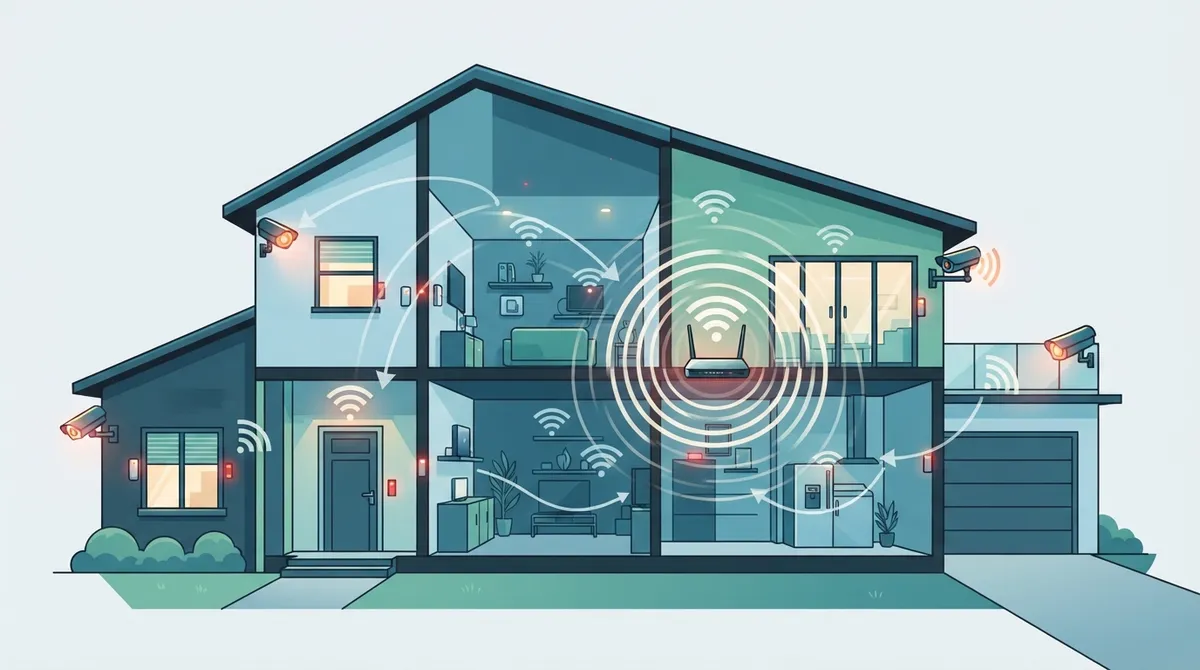
Conduct a site survey before installation to identify entry points, blind spots, and coverage areas—this planning foundation prevents costly mistakes and dead zones.
-
Verify your internet has sufficient upload speed (not just download) before installing cloud cameras, as weak connections cause choppy video and missed alerts.
-
Use a hybrid approach combining cloud storage with local backup to maintain protection during internet outages and add redundancy if cameras are stolen.
-
Avoid common installation errors: skipping bandwidth checks, using weak passwords, neglecting firmware updates, and choosing storage plans too short for your needs.
-
Professional installation ($99-$199+ depending on system size) is worth the cost for multi-camera setups, as installers identify bandwidth and wiring issues homeowners miss.
-
Bundle cloud security with internet or phone services to save up to 50% compared to standalone systems, and ensure secure network setup with strong passwords and guest networks.
Thinking about protecting your home the smart way? You’re in good company. More homeowners are ditching clunky old camera boxes and switching to cloud-based systems that let you check on your property from anywhere. But here’s the thing: a great residential cloud security installation isn’t just about buying a camera and plugging it in. It takes planning, the right internet setup, and a bit of know-how to get it working smoothly.
We know this world well. At Ideal Solutions Provider, we’ve spent over 24 years helping homes and businesses across Tampa and beyond get their technology right the first time. While we’re best known for business telecom, VoIP, and networking, the same principles that make commercial cloud video security reliable also apply at home. Let’s walk through everything you need to know, step by step, in plain and friendly language.
What Is Residential Cloud Security Installation, Really?
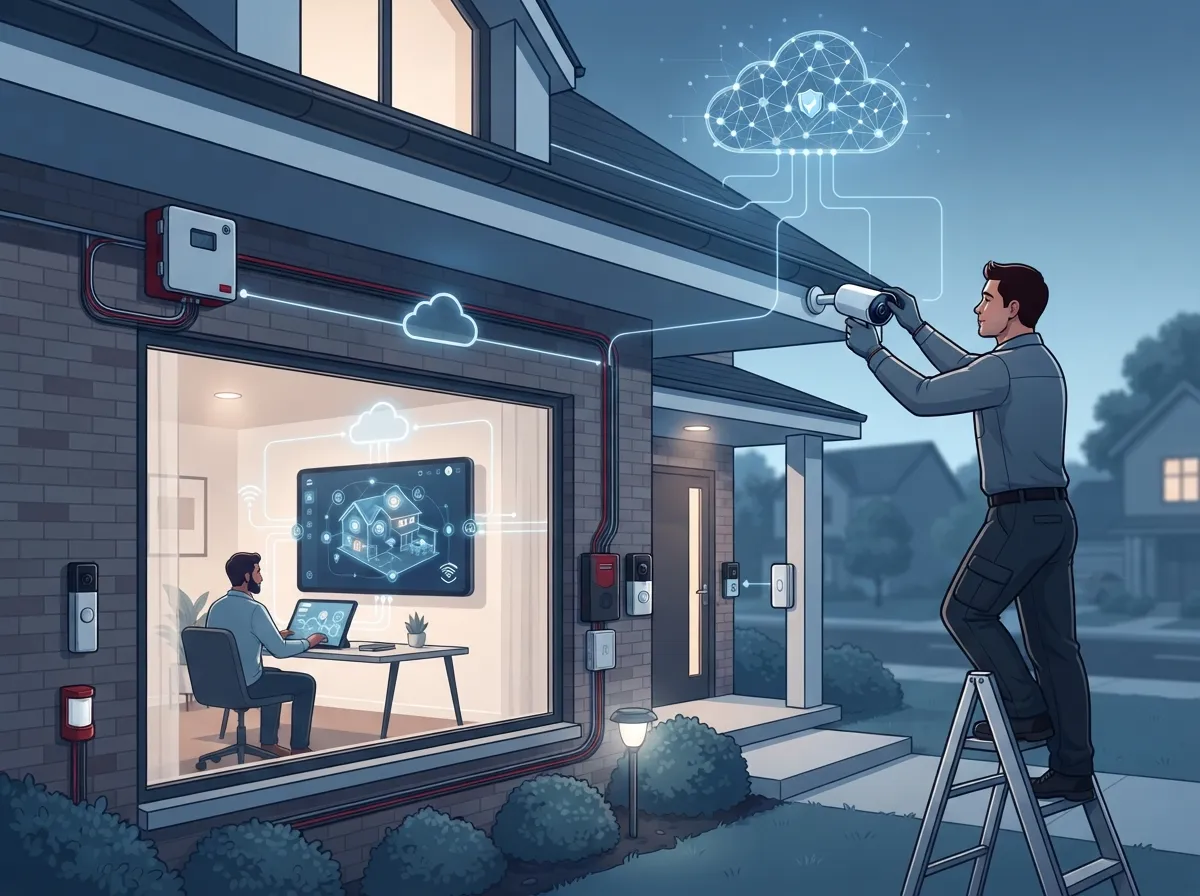
In simple terms, it means setting up cameras, alarms, or access devices that send information to the cloud instead of a local hard drive. You get remote viewing, automatic backups, and alerts sent right to your phone. It’s a bit like moving from a filing cabinet to online storage. Everything is easier to reach, easier to share, and much harder to lose.
Cloud security in this context covers more than cameras. It also includes protecting your data, your Wi-Fi network, and the devices connected to it. Good systems use encryption, access controls, and constant monitoring to keep intruders out, both the digital kind and the kind trying to walk through your front door.
10 Steps for a Smooth Residential Cloud Security Installation
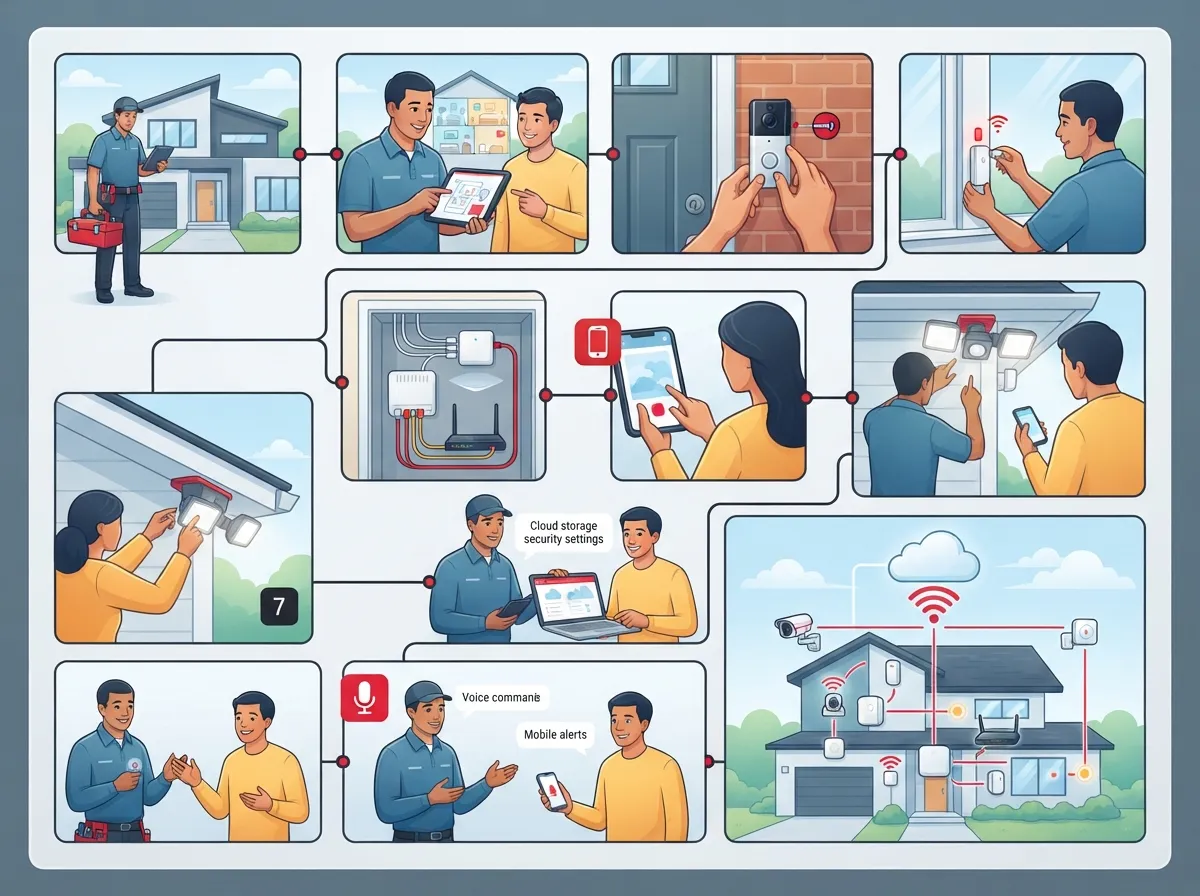
Here’s a numbered breakdown of what a proper installation should look like. Whether you’re doing it yourself or hiring pros, these steps matter.
- Start with a site survey. Walk your property and note entry points, blind spots, and areas that need coverage. This is the foundation of any good plan.
- Check your internet bandwidth. Cloud cameras need steady upload speed, not just download speed. Weak Internet Service Provider connections can cause choppy video or missed alerts.
- Choose the right cameras. Look for weatherproof options for outdoors and wide-angle lenses for larger rooms.
- Decide between Wi-Fi or wired connections. Wired setups tend to be more stable, while Wi-Fi is easier to install without new cabling.
- Pick a cloud storage plan. Many providers offer a 7-day video archive as a starting package, with longer storage available for a fee.
- Set up device provisioning. Each camera or sensor needs to be registered and linked to your account securely.
- Test your alerts. Make sure motion notifications and alarms actually reach your phone before you rely on them.
- Secure your home network. Use strong passwords and separate guest networks to keep your cameras protected.
- Train everyone in the house. Make sure family members know how to view footage and respond to alerts.
- Schedule regular check-ins. Firmware updates and system checks keep everything running safely over time.
Following these steps helps avoid the most common headaches: dead zones, false alarms, and video that lags right when you need it most.
Why Cloud-Based Systems Are Gaining Popularity
Traditional CCTV setups need bulky recorders and lots of local storage. Cloud systems skip most of that. Footage uploads automatically, so there’s less hardware to maintain and fewer things that can break down.
Cloud-based deployments can also scale easily, whether you’re covering one home or several properties. This flexibility is one reason many providers, including telecom companies, now offer video security as a bundled, subscription-based service alongside internet and phone plans.
Key Benefits Homeowners Care About
- Remote viewing from a smartphone or tablet, anywhere with signal
- Automatic cloud backups that protect footage even if a camera is stolen
- Fewer wires and less on-site equipment to manage
- Easy expansion if you add more cameras or move to a new home
- Built-in software updates that improve security over time
- Simple integration with smart locks, doorbells, and lighting
Cloud vs. Local Storage: Which One Wins?
This is one of the most common questions homeowners ask. Both options have strengths, and many systems now blend the two for extra peace of mind.
| Feature | Cloud Storage | Local Storage |
|---|---|---|
| Access from anywhere | Yes | Limited |
| Backup if device is stolen | Yes | No |
| Upfront hardware cost | Lower | Higher |
| Works without internet | No | Yes |
| Ongoing subscription fee | Yes | No |
| Scalability | Very easy | More complex |
A hybrid approach is often the smartest choice. Some footage stays on a local device for backup, while the rest lives safely in the cloud. This way, even if your internet goes down for a bit, you’re not left with zero protection.
What Equipment Do You Actually Need?
Good news: you don’t need a warehouse of gear to get started. Most residential setups include a manageable list of core equipment.
- Cloud-compatible cameras (indoor and outdoor as needed)
- A reliable router with enough bandwidth for video streaming
- Motion sensors or door/window contacts, if you want alarm features
- A mobile app or web portal for remote access
- Optional: a local storage device for hybrid backup
If your home’s wiring is outdated or your Wi-Fi doesn’t reach every corner, you may need some upgrades first. This is actually very similar to what we handle for businesses through professional structured cabling services, where a strong physical network foundation makes everything else work better.
How Much Does Installation Typically Cost?
Pricing varies a lot depending on the number of cameras, brand, and whether you go DIY or hire a professional. As a general guide, installation for smaller systems often ranges around $99 to $199, though larger homes with more coverage areas will cost more.
Some providers sweeten the deal by bundling security with other services. For example, packages that combine video security with home internet or phone plans sometimes offer discounts of up to 50% compared to buying each service separately. It’s worth asking about bundles before you commit to a standalone system.
Factors That Affect Your Final Price
- Number of cameras and sensors needed
- Whether wiring or cabling upgrades are required
- Cloud storage plan length (7-day archive vs. 30-day or longer)
- Professional installation versus self-installation
- Ongoing monitoring or monthly subscription fees
Does Cloud Security Work Without Internet?
This is a fair concern, and an important one. Cloud-based cameras depend on a working internet connection to upload footage and send alerts. If your connection drops, cloud features may pause until service is restored.
That’s why a hybrid setup, or at least a backup internet connection, is smart for homes in areas with less reliable service. If you’re unsure about your current connection’s strength, it may help to review some high-speed internet tips that save money, since many of the same principles apply to home networks too.
Common Mistakes to Avoid
We’ve seen plenty of well-meaning installations go sideways because of small, avoidable mistakes. Here’s what to watch for.
- Skipping the bandwidth check before adding multiple cameras
- Placing cameras where sunlight or glare blocks the view
- Using weak Wi-Fi passwords that leave the system exposed
- Forgetting to update camera firmware regularly
- Choosing a storage plan that’s too short for your needs
Avoiding these issues early saves a lot of frustration later. A little planning goes a long way toward a system that actually protects your home instead of just sitting there.
Why Professional Support Still Matters
DIY kits are everywhere, and they can work well for simple setups. But once you start adding multiple cameras, access control, or need guaranteed uptime, professional installation becomes worth the investment. A trained installer can spot bandwidth problems, wiring issues, or blind spots you might miss on your own.
This is exactly the kind of work we do every day for businesses, just applied on a smaller, residential scale. Our team has spent decades helping clients set up secure, dependable systems, from what security cameras really do for your business to full network builds. If you want that same level of care applied to your home, our team is happy to help you plan it out properly.
Keeping Your System Secure Long-Term
Installation is just the beginning. Ongoing maintenance keeps your cloud security system working the way it should.
- Review footage settings and storage limits every few months
- Update passwords and app permissions regularly
- Test alerts after any internet or router changes
- Replace aging cameras before they become unreliable
- Keep your router firmware current to close security gaps
Following these habits helps your system stay strong for years, not just for the first few months after installation.
Final Thoughts on Getting Started
Residential cloud security installation doesn’t have to feel overwhelming. With the right plan, reliable internet, and a bit of guidance, you can build a system that gives you real peace of mind. Whether you handle it yourself or bring in professional help, the goal is the same: a home that feels safe, connected, and easy to monitor from anywhere.
If you’d like expert guidance on internet reliability, network setup, or cloud-based security systems that actually perform, our team at Ideal Solutions Provider is ready to help. Contact us today, or call us to talk through your options with a friendly expert. You can also follow along with tips and updates on our Facebook, Instagram, and YouTube pages for more real-world advice on staying connected and protected.
FAQs
Q: What does residential cloud security installation mean?
A: It means setting up cameras, alarms, or sensors that send data to the cloud instead of a local hard drive. This lets you check your home from anywhere using your phone. It’s a simple upgrade that makes your home safer and easier to monitor.
Q: How much does professional residential cloud security installation cost?
A: Costs typically range from about $99 to $199 for smaller setups, though larger homes need more cameras and cost more. Bundling security with internet or phone service can sometimes cut costs by up to 50%. It really depends on your home size and needs.
Q: Does cloud-based home security work without internet?
A: Not fully, since cloud cameras need internet to upload footage and send alerts. If your connection drops, cloud features may pause temporarily. A hybrid setup with some local storage can help keep you covered during outages.
Q: Is cloud security better than local storage for home cameras?
A: Both have their perks, honestly. Cloud storage keeps footage safe even if a camera is stolen, while local storage works without internet. Many homeowners choose a hybrid setup to get the best of both worlds.
Q: Can I bundle home security with my internet service?
A: Yes, many providers now offer bundled packages that combine cloud security with internet or phone plans. These bundles often come with nice discounts, sometimes up to 50% off. It’s worth asking your provider about combo deals before signing up.





