
Key Takeaways
-
Professional business surveillance systems in Sarasota cost $2,500-$15,000 depending on camera count and storage, with small 4-camera setups at the lower end and 16-camera warehouse systems with license plate recognition at the higher end.
-
Choose IP cameras over traditional CCTV because they integrate with your business network, enable remote smartphone viewing, and support smart analytics like motion detection and license plate recognition.
-
Structured cabling is essential for reliable surveillance performance; poorly planned wiring causes dropped feeds and slow loading, so assess your existing network before installing cameras.
-
Integrate surveillance with access control and alarms to match footage with exact entry times and trigger automatic recording during incidents, all manageable from a single dashboard.
-
Confirm your system includes cloud or hybrid storage with local backup for outages, multi-platform remote viewing (iOS and Android), and at least 24/7 monitoring for after-hours protection in Sarasota's high-traffic areas.
-
Partner with a single provider who handles discovery, design, installation, training, and ongoing support rather than juggling multiple vendors for cameras, cabling, networking, and security integration.
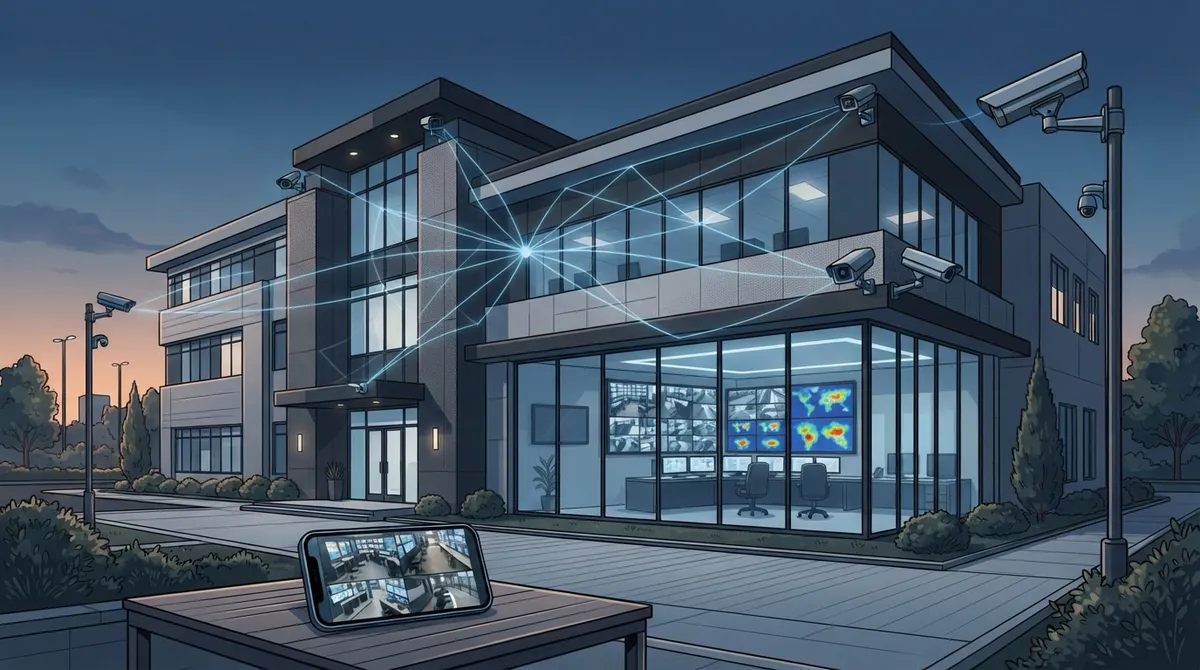
Running a business in Sarasota means dealing with tourists, seasonal rushes, and the occasional storm scare. It also means keeping an eye on your building, your team, and your inventory. A solid business surveillance system Sarasota FL owners can count on isn’t just about cameras anymore. It’s about cameras that talk to your network, your alarms, and your phone, all working together so you can actually sleep at night.
We know picking the right setup feels overwhelming. There are so many camera brands, storage options, and buzzwords like “cloud” and “structured cabling” thrown around. That’s exactly why we put together this friendly guide. Think of it as a chat with a knowledgeable friend who happens to know a lot about telecom and security. Let’s walk through the 11 things every Sarasota business owner should know before installing a surveillance system.
1. Know What a Modern Business Surveillance System Actually Includes
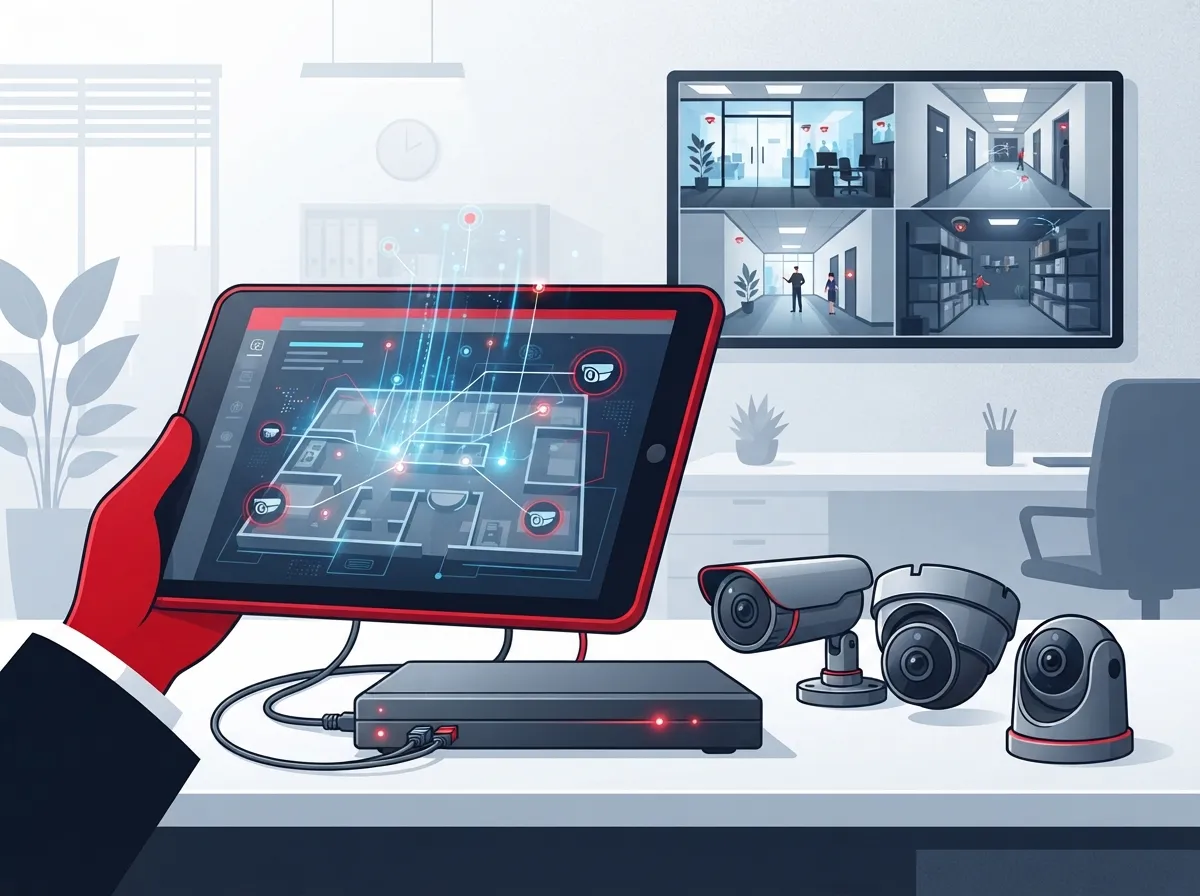
A modern business surveillance system Sarasota FL companies install today is rarely just a camera bolted to a wall. It typically bundles IP cameras, cloud or hybrid storage, remote viewing apps, and sometimes access control and alarms into one connected package. This matters because your camera system now lives on your business network, which means it needs the same care as your phones and internet connection.
Many local providers package surveillance with broader security services, including access control and monitored alarms. If you already use cloud access control for your doors, adding cameras that share the same app just makes daily operations simpler.
2. Understand the Real Cost of Commercial Surveillance in Sarasota
Budgeting is usually the first question business owners ask, and for good reason. A professionally installed small business camera system in Sarasota typically runs $2,500 to $15,000, depending on camera count, resolution, and storage choice.
- A basic 4-camera setup for a small office or retail shop usually lands at the lower end of that range.
- A 16-camera warehouse system with license plate recognition and loading dock coverage costs significantly more.
- Cloud storage subscriptions add a monthly fee but reduce upfront hardware costs.
- Bundling cameras with structured cabling or network upgrades can sometimes lower your overall installation cost.
If you want a clearer picture of what a video security investment might look like for your specific space, you can review how to budget for commercial video surveillance before requesting quotes.
3. Choose IP Cameras Over Traditional CCTV
Here’s a simple rule: if your system needs to work with your network, phones, or remote monitoring app, IP cameras win. Traditional CCTV systems record locally and often can’t be viewed easily from your smartphone.
IP cameras send video over your data network, which means they benefit from the same structured cabling infrastructure that supports your VoIP phones and Wi-Fi. This is a big reason why business surveillance and telecom planning go hand in hand these days.
Why This Matters for Sarasota Businesses
Sarasota’s mix of retail, hospitality, and medical offices often means multiple entry points and after-hours risk. IP systems make it easy to check on your business from anywhere, whether you’re at Siesta Key Beach or across the country.
4. Prioritize Remote Monitoring and Mobile Access
Almost every Sarasota provider now markets remote viewing as a standard feature, and it should be. Being able to pull up live footage from your phone gives you peace of mind during off-hours, weekends, and vacations.
Remote access also helps multi-location business owners keep tabs on several sites at once. If you’re curious how this actually works day to day, this guide on how to set up remote business video monitoring breaks it down step by step.
5. Look for Smart Analytics, Not Just Recording
Basic recording is fine, but smart analytics make your system actually useful. Look for features like motion detection, people counting, and license plate recognition if you run a warehouse or parking lot.
- Motion alerts notify you the moment something unusual happens.
- Smart search lets you find footage by object or activity instead of scrubbing through hours of video.
- Analytics reduce false alarms, saving your team time and stress.
- Some systems can integrate with access control for a fuller security picture.
6. Don’t Skip Structured Cabling in Your Planning
This is the part most business owners overlook. Cameras are only as reliable as the wiring behind them. Poorly planned or outdated cabling leads to dropped feeds, slow footage loading, and constant troubleshooting.
Structured, professionally installed cabling supports your cameras, phones, and computers on one clean, organized network. If your building has aging wiring, it might be worth reviewing these signs your business needs structured cabling before adding new cameras.
How Cabling Connects to Surveillance Performance
Every camera on your network needs a stable connection to send video without lag. That’s why many surveillance installations in Sarasota now start with a cabling assessment, not just a camera order.
7. Match Your System to Your Business Type
Not every business needs the same setup. A retail store, a warehouse, and a medical office all have different risks and camera placement needs.
- Retail stores often need cameras at entrances, registers, and stockrooms to prevent theft.
- Warehouses benefit from wide-angle coverage, loading dock cameras, and license plate recognition.
- Medical offices need discreet placement that respects patient privacy while covering waiting areas and entry points.
- Restaurants typically monitor kitchens, registers, and dining areas for both safety and quality control.
- Offices usually focus on entry points, parking lots, and shared equipment areas.
Sarasota commercial security providers commonly serve businesses across Sarasota, Bradenton, Venice, North Port, Lakewood Ranch, Siesta Key, Longboat Key, Nokomis, Parrish, and Osprey, so local expertise across industries really does exist nearby.
8. Consider 24/7 Monitoring for After-Hours Risk
If your business closes at night but sits in an area with foot traffic, 24/7 monitoring is worth the investment. Several Sarasota-area providers advertise round-the-clock monitoring specifically because after-hours incidents are so common.
Monitored systems can alert authorities faster than an unmonitored camera that simply records footage for later review. For many business owners, that faster response time alone justifies the monthly monitoring fee.
9. Integrate Surveillance With Access Control and Alarms
Cameras work best as part of a bigger security picture. Pairing video surveillance with access control lets you match footage to exactly who entered a door and when.
- Access logs paired with video confirm who unlocked a door and at what time.
- Alarm integration can trigger camera recording automatically during a break-in attempt.
- Cloud-based systems often let you manage cameras and door access from the same app.
- Combined systems simplify training for your staff since everything lives in one dashboard.
If you’re weighing your options, this comparison of keyless entry versus traditional keys is a helpful starting point for understanding how access control fits into the bigger picture.
10. Ask About Footage Storage Length and Backup Options
Storage length matters more than people realize until they actually need old footage. Ask your provider how many days of video are stored and whether backup options exist if your internet goes down.
Cloud storage typically offers more flexibility than old-school DVR boxes, and it protects your footage even if equipment is stolen or damaged on-site. Understanding how long footage is stored helps you choose a plan that actually matches your needs.
What Happens If Your Internet Goes Down
This is a fair question, especially during Florida storm season. Many modern systems include local backup storage that keeps recording even during an outage, then syncs to the cloud once connection returns.
11. Partner With a Provider Who Handles Everything
The final tip, and maybe the most important one, is choosing a partner who handles the whole process. That means discovery, design, installation, training, and ongoing support, not just dropping off cameras and disappearing.
This is where working with a company like Ideal Solutions Provider makes a real difference. With over 24 years of experience and partnerships with 35+ vetted suppliers, they act as a single point of contact for cameras, structured cabling, networking, and even VoIP phones. Instead of juggling five different vendors, you get one team that understands how all these pieces fit together.
| System Type | Typical Cost Range | Best For |
|---|---|---|
| 4-Camera Basic Setup | $2,500 – $4,500 | Small offices, retail shops |
| 8-Camera Mid-Size Setup | $5,000 – $9,000 | Restaurants, medical offices |
| 16-Camera Warehouse System | $10,000 – $15,000+ | Warehouses, distribution centers |
Comparing Traditional CCTV vs. IP-Based Business Surveillance
| Feature | Traditional CCTV | IP Camera Systems |
|---|---|---|
| Remote Viewing | Limited or none | Yes, via smartphone app |
| Storage | Local DVR only | Cloud, hybrid, or local |
| Network Dependency | Low | Requires structured cabling and stable network |
| Smart Analytics | Rare | Motion detection, alerts, search tools |
| Scalability | Difficult | Easy to add cameras or locations |
Quick Checklist Before You Install a System
- Assess your building layout and identify high-risk entry points.
- Decide between cloud, local, or hybrid storage based on your budget and needs.
- Check your existing network cabling to avoid slow or unreliable footage.
- Ask about integration with access control and alarm systems.
- Confirm remote viewing works on both iOS and Android devices.
- Request a written quote that includes installation, training, and support.
A well-planned system also pairs nicely with a strong security camera strategy that covers more than just theft prevention. Many business owners find cameras also help with liability claims, employee training, and customer service reviews.
Wrapping Up Your Sarasota Surveillance Plan
Choosing the right business surveillance system Sarasota FL setup doesn’t have to feel complicated. Focus on IP cameras, reliable cabling, smart storage, and a provider who sticks around after installation day. That combination protects your business today and grows with you tomorrow.
We’d love to help you sort through your options without the sales pressure. Reach out to our team for a friendly consultation, or give us a call to talk through what your business actually needs. You can also follow along on Facebook, Instagram, or YouTube for more tips on keeping your business connected and protected. Your peace of mind is worth it, and we’re genuinely happy to help however we can.
FAQs
Q: What is the average cost of a business surveillance system in Sarasota, FL?
A: Most small business systems run between $2,500 and $15,000, depending on how many cameras you need and your storage choice. A simple 4-camera setup sits at the lower end, while a 16-camera warehouse system with extra features costs more. We’re happy to walk through the numbers with you so there are no surprises.
Q: Do Sarasota business surveillance systems include remote monitoring?
A: Yes, most modern systems let you view live footage right from your phone or tablet. This is especially handy if you manage multiple locations or just want peace of mind while you’re away. It’s honestly one of our favorite features to show new clients.
Q: How does IP camera installation differ from traditional CCTV for businesses?
A: IP cameras send video over your business network, which means they support remote viewing, cloud storage, and smart analytics that older CCTV systems simply can’t offer. They do rely on solid network cabling, though, so a little planning goes a long way. Once set up, they’re much easier to expand as your business grows.
Q: Can a business surveillance system be integrated with access control and alarms?
A: Absolutely, and we recommend it whenever possible. Combining cameras, door access, and alarms into one system means you get a fuller picture of what’s happening at your business, all from a single app. It also makes training your staff much simpler since everything lives in one place.
Q: How do I choose a local Sarasota provider for commercial surveillance installation?
A: Look for a provider who handles the entire process, from initial design to installation, training, and ongoing support. It’s also worth asking whether they can bundle cabling, networking, and cameras together, since that combination tends to perform better long term. We’re always glad to answer questions if you want a second opinion.





