
Key Takeaways
-
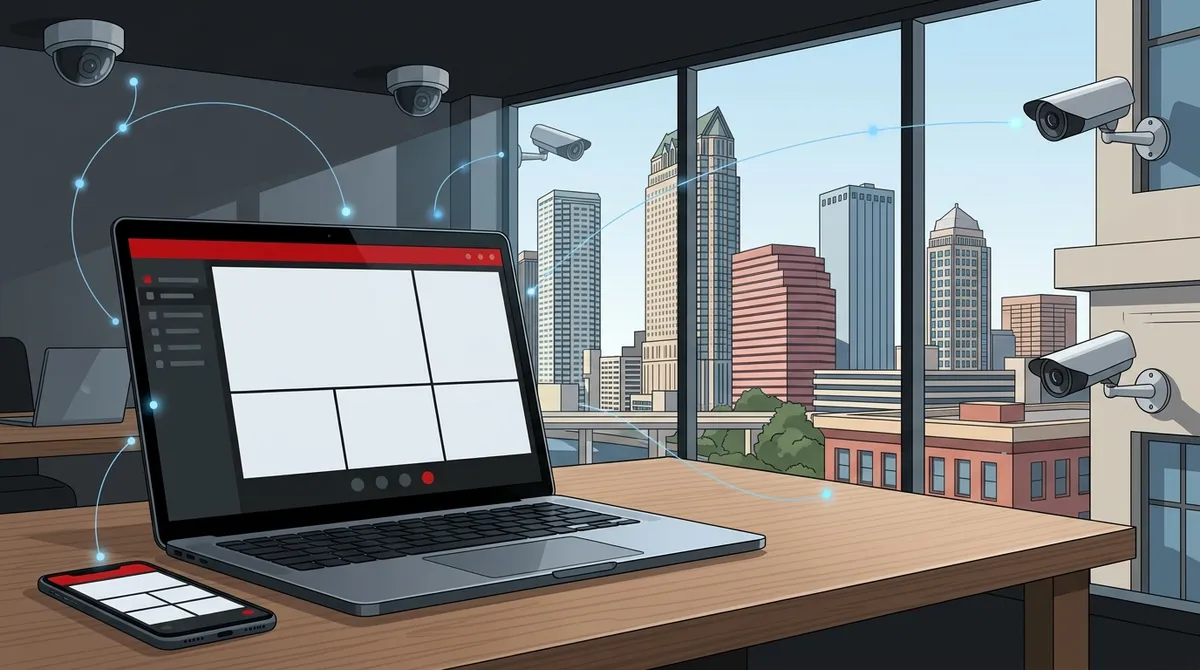
Cloud-based video monitoring lets Tampa businesses view live feeds from anywhere via smartphone or laptop, eliminating the need for on-site staff to manually review footage at each location.
-
Network infrastructure is critical — each HD camera requires 1-4 Mbps upload speed, so assess your internet bandwidth and consider dedicated fiber before installing cameras to avoid dropped feeds and delayed alerts.
-
Pairing remote video monitoring with cloud-based access control systems enables automatic event-linked footage retrieval — when someone badges into a restricted area, the system instantly pulls camera footage from that door.
-
Choose camera types based on your Tampa environment: dome cameras for indoor spaces, bullet cameras for outdoor perimeters, thermal cameras for low-light areas, and mobile trailers for construction sites requiring temporary coverage.
-
Work with a licensed commercial installer to ensure proper low-voltage wiring, network configuration, and code compliance — DIY installations create image quality issues, security vulnerabilities, and system failures when you need them most.
-
Multi-location franchise operations see the strongest ROI by managing all Tampa Bay properties through one centralized cloud dashboard, eliminating travel and ensuring consistent security standards across sites.
Imagine being able to check in on your Tampa business from anywhere in the world — your phone, laptop, or tablet — and seeing exactly what’s happening in real time. No more wondering if the back door was left unlocked. No more guessing whether the night crew is on schedule. That peace of mind is exactly what remote business video monitoring solutions in Tampa, Florida can deliver.
Whether you run a single storefront, manage a multi-location franchise, or oversee a large commercial property, remote video monitoring has become one of the smartest investments a Tampa business can make in 2026. And the good news? Modern cloud-based systems are more affordable, flexible, and easy to manage than ever before. Let’s walk through exactly how to get started.
What Are Remote Business Video Monitoring Solutions?
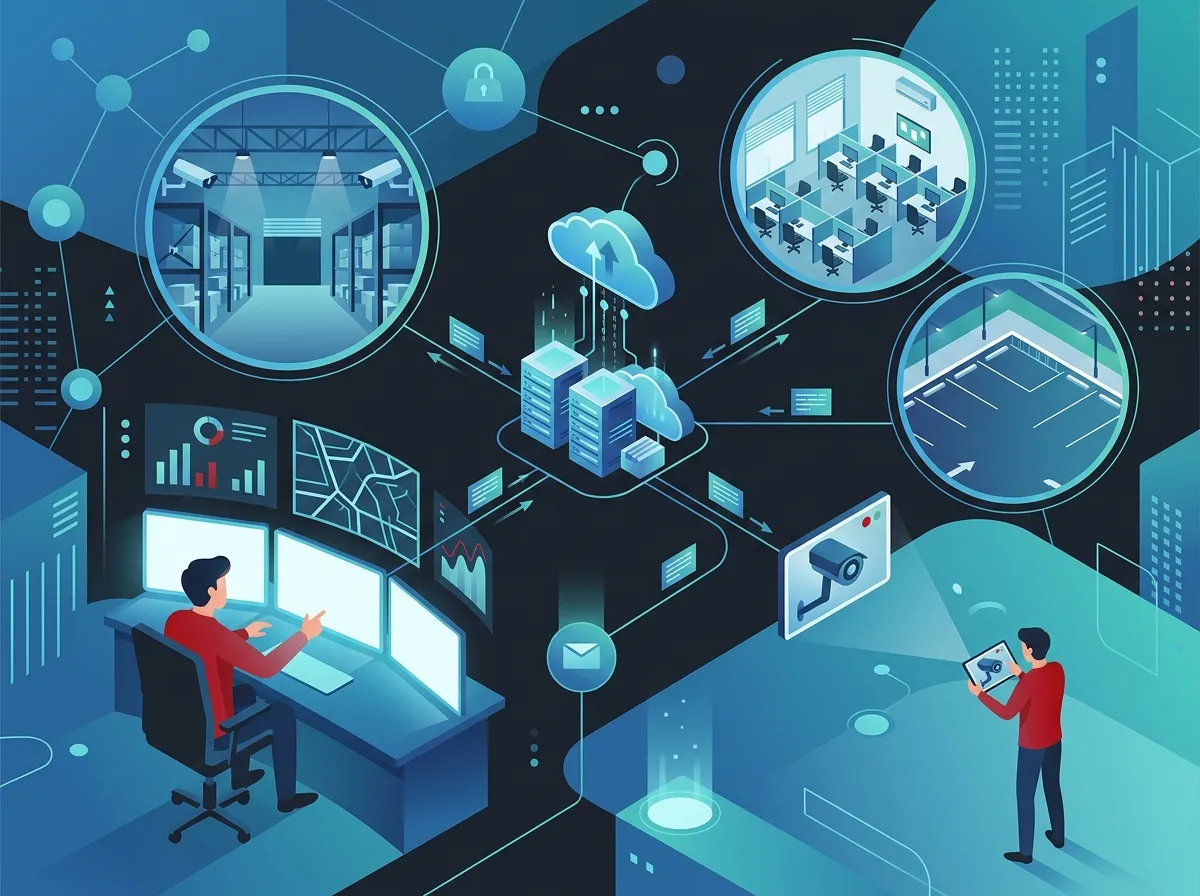
Remote business video monitoring combines IP cameras, cloud software, and your internet connection to give you live and recorded video access from anywhere. Unlike traditional CCTV systems that stored footage on-site, today’s cloud-based systems send video data to secure servers. You can view, manage, and share footage without ever stepping foot on the property.
For Tampa businesses, this is a game-changer. The city’s mix of retail corridors, office parks, construction sites, and waterfront properties creates unique security challenges. Remote video monitoring helps you stay ahead of those challenges without adding headcount or overhead. Learn more about how cloud video security works for businesses like yours.
Step 1: Assess Your Business Security Needs
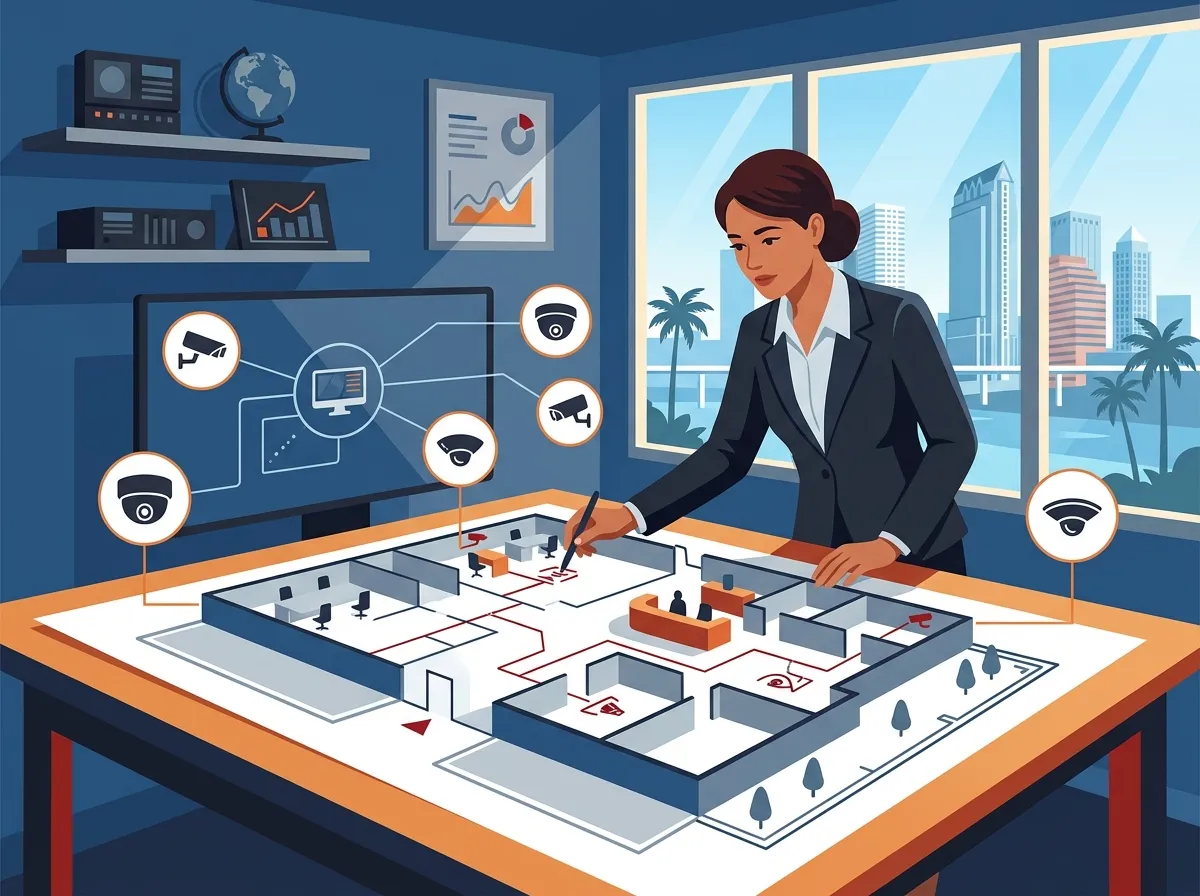
Before you choose a single camera or software platform, take time to understand what you actually need to monitor. Every business is different, and a cookie-cutter approach won’t cut it.
Here are the key questions to ask yourself:
- How many locations do you need to monitor?
- What areas are highest risk — entrances, parking lots, server rooms, loading docks?
- Do you need monitoring 24/7, or just during off-hours?
- Will you need motion-triggered alerts or live human monitoring?
- How long do you need video stored — 30 days, 60 days, or longer?
- Do you want integration with access control or alarm systems?
Answering these questions helps you avoid overpaying for features you don’t need — and under-buying in areas that matter most. If you’re unsure where to start, reach out to our team for a free consultation to review your current setup.
Step 2: Choose the Right Camera Types for Your Property
Not all cameras are created equal. Tampa’s outdoor environment — heat, humidity, and occasional storms — means your hardware choices matter a lot. Here’s a quick breakdown of the most common camera types for commercial use:
| Camera Type | Best Use Case | Key Feature |
|---|---|---|
| IP Dome Cameras | Indoor ceilings, lobbies, retail floors | Wide-angle, discreet design |
| IP Bullet Cameras | Parking lots, building perimeters | Long-range, weatherproof |
| PTZ Cameras | Large open areas, warehouses | Pan, tilt, zoom capabilities |
| Thermal Cameras | Low-light outdoor areas, loading docks | Detects heat signatures |
| Mobile Surveillance Trailers | Construction sites, temporary locations | Self-powered, rapid deployment |
For most Tampa office buildings and retail spaces, a combination of indoor dome cameras and outdoor bullet cameras covers the essentials. Construction sites and large commercial properties may benefit from thermal cameras or mobile units that offer 24/7 high-definition coverage without permanent installation.
Step 3: Ensure You Have the Right Network Infrastructure
Here’s the truth many businesses overlook: your video monitoring system is only as good as your network. Cloud-based cameras stream continuous high-definition video. That requires serious bandwidth and a stable connection.
A weak or unreliable internet connection leads to dropped feeds, delayed alerts, and corrupted footage — exactly when you need it most. Before installing cameras, make sure your business network can handle the load. Explore your options with business high-speed internet services that are built for commercial demands.
You’ll also want to think about your internal network setup. Proper structured cabling services ensure your cameras have clean, reliable connections — especially important for wired IP cameras in large buildings. Poor cabling causes signal loss and frustrating outages.
Key network requirements for remote video monitoring include:
- Sufficient upload bandwidth — Each HD camera can require 1–4 Mbps of upload speed. Calculate your total needs before choosing an internet plan.
- Low-latency connection — High latency creates delays in live viewing and real-time alerts. Dedicated fiber is ideal.
- VLAN segmentation — Keep your camera network separate from your business network to improve security and performance.
- Reliable failover — Consider a backup connection so monitoring never goes dark during an outage.
Step 4: Select a Cloud Video Management Platform
Your cloud video management platform is the brain of your remote monitoring system. It’s where you log in to view live feeds, review recorded footage, set up motion alerts, and manage user permissions. The right platform makes day-to-day management simple — even for non-technical users.
Here’s what to look for when evaluating platforms:
- Mobile app access — You should be able to view cameras from your smartphone, anywhere, anytime.
- Motion detection and smart alerts — Get notified the moment something happens, not hours later.
- Multi-site management — Franchise and multi-location businesses need one dashboard for all properties.
- Cloud storage options — Look for flexible retention plans (30, 60, 90 days) with secure encryption.
- User access controls — Assign different permission levels to managers, security staff, and executives.
- Integration capabilities — The best platforms connect with access control and alarm systems seamlessly.
For businesses with multiple Tampa locations — or sites across the state — a centralized cloud platform is the only practical solution. It eliminates the need for someone to physically review footage at each location. Check out cloud video security systems Tampa FL businesses love to see what’s available in the market today.
Step 5: Integrate with Access Control for Maximum Security
Remote video monitoring becomes significantly more powerful when paired with cloud-based access control. Instead of just seeing what happened after the fact, you can correlate video footage with door access events in real time.
For example, if someone badges into a restricted area after hours, your system can automatically pull up the camera footage from that door — instantly. Security teams love this capability because it dramatically speeds up incident investigations.
| Feature | Video Monitoring Alone | Video + Access Control |
|---|---|---|
| Real-time alerts | Motion-based only | Motion + door events |
| Incident investigation | Manual footage review | Automatic event-linked clips |
| After-hours security | Camera coverage only | Camera + door lockdown |
| Visitor management | Visual identification | Credential + video verification |
| Compliance documentation | Video logs only | Combined access + video logs |
This integrated approach is especially valuable for healthcare facilities, financial offices, and any Tampa business handling sensitive data or high-value inventory. You can learn more about choosing cloud security cameras for Tampa commercial buildings to plan your full security strategy.
Step 6: Work with a Licensed Commercial Installer in Tampa
This step is one of the most important — and one of the most overlooked. Installing commercial IP cameras and cloud video systems requires expertise in low-voltage wiring, network configuration, and local code compliance. A DIY approach can create real problems: poor image quality, network vulnerabilities, and systems that fail exactly when you need them.
Licensed Tampa commercial installers understand the city’s building codes, weather conditions, and the specific needs of Florida businesses. They handle everything from camera placement planning to network configuration to cloud platform setup. And when something goes wrong — because technology always has hiccups — you have a professional support team to call.
Ideal Solutions Provider has over 24 years of experience helping Tampa businesses build reliable telecom and security infrastructure. With partnerships with 35+ vetted suppliers, they can recommend and install the right cloud video monitoring system for your specific needs — and serve as your single point of contact for everything from cameras to cabling to connectivity.
Industries in Tampa That Benefit Most from Remote Video Monitoring
While almost every business can benefit from remote video monitoring, some industries in Tampa see especially strong returns on investment. Here’s a look at who benefits most and why:
| Industry | Primary Monitoring Need | Key Benefit |
|---|---|---|
| Retail & Restaurant | Theft prevention, customer safety | Reduced shrinkage, liability protection |
| Healthcare | Patient safety, restricted area security | Compliance documentation, faster incident response |
| Construction | Equipment and material theft | 24/7 site coverage without guards on-site |
| Warehousing & Logistics | Loading dock and inventory monitoring | Real-time oversight, reduced losses |
| Franchise Operations | Multi-site oversight from one dashboard | Consistent standards, centralized management |
| Office & Professional Services | After-hours security, visitor management | Employee safety, reduced liability |
Franchise operators especially love remote video monitoring because it lets them keep an eye on all their locations without traveling constantly. If you’re managing multiple sites across Tampa Bay or beyond, explore reliable network solutions for multi-location Tampa businesses to make sure your infrastructure keeps up with your growth.
What to Budget for Remote Video Monitoring in Tampa
Costs vary widely based on your property size, number of cameras, storage requirements, and whether you add managed monitoring services. Here’s a general framework to help you plan:
- Hardware costs — IP cameras typically range from $100 to $500+ per unit, depending on resolution and features.
- Installation costs — Professional commercial installation in Tampa ranges based on property size and complexity.
- Cloud storage fees — Monthly or annual subscriptions for cloud video storage vary by provider and retention length.
- Managed monitoring services — If you want live human monitoring and 24/7 alarm response, expect additional monthly fees.
- Network upgrades — If your current internet or cabling can’t support cameras, factor in upgrade costs.
The best way to get an accurate number for your specific situation is to have a professional audit your current setup. Many businesses discover they can offset camera costs by consolidating vendors or switching to a more efficient internet plan. Check out these tips for affordable cloud security camera installation in Tampa FL to stretch your budget further.
Tips for Getting the Most Out of Your Video Monitoring System
Once your system is up and running, a few smart habits will help you get maximum value from your investment.
- Schedule regular system reviews — Check camera angles, test motion alerts, and review storage settings at least quarterly.
- Train your team — Make sure managers and security staff know how to access footage, export clips, and respond to alerts.
- Use analytics features — Many cloud platforms offer foot traffic analysis, heatmaps, and occupancy data. Use them for business insights, not just security.
- Keep firmware updated — Camera and platform updates often include security patches. Don’t skip them.
- Review your storage plan annually — Your needs may grow as you add cameras or increase retention requirements.
Want to see real-world examples of how businesses use cloud video security? Visit the Ideal Solutions Provider video library for helpful overviews and demos. You can also follow along on YouTube for tips, product showcases, and industry insights.
For day-to-day inspiration and updates from the Tampa business community, connect on Facebook and Instagram — two great places to stay in the loop on the latest in business security and telecom solutions.
Why Your Network Is the Foundation of Everything
It’s worth saying one more time: your video monitoring system lives or dies based on your network. High-quality cameras mean nothing if your internet drops during an incident. Solid cloud storage is worthless if your upload bandwidth can’t keep up. Think of your business network solutions as the foundation that everything else is built on.
If you’re not sure whether your current setup can handle a full camera deployment, start with a network assessment. A qualified telecom partner can audit your existing infrastructure, identify gaps, and recommend upgrades that support not just video monitoring but your entire business communications ecosystem — from VoIP phones to cloud applications to cloud-based phone systems.
Also worth reading: what security cameras really do for your business — a great resource for understanding the full value beyond just theft deterrence.
Ready to Build Your Remote Video Monitoring System in Tampa?
Setting up remote business video monitoring solutions in Tampa, Florida doesn’t have to be overwhelming. With the right partner, the right hardware, and the right network foundation, you can have a fully functional cloud-based system that gives you real-time visibility across your entire operation — from anywhere, at any time.
The key steps are simple: assess your needs, choose the right cameras, strengthen your network, select a cloud platform, integrate with access control, and work with a licensed local installer. Follow those steps and you’ll be in great shape.
If you’re ready to take the next step, we’d love to help. Get in touch with our team today for a free consultation — or give us a call at 813-388-4935 to talk through your specific needs. Tampa businesses deserve smart, reliable security solutions, and we’re here to make that happen.
FAQs
Q: What are remote business video monitoring solutions?
A: Remote business video monitoring solutions combine IP cameras, cloud software, and your internet connection to give you live and recorded video access from any device, anywhere. Instead of storing footage on-site, video is sent to secure cloud servers where you can view, manage, and share it without being on the property — pretty handy when you’re managing a busy Tampa business!
Q: How do cloud video monitoring systems work for Tampa businesses?
A: Cloud video systems stream footage from your cameras directly to a secure cloud platform, which you access via a web browser or mobile app. Motion alerts notify you in real time, and stored footage is available for review at any time. The whole system runs over your business internet connection, so a fast, reliable network is essential for smooth performance.
Q: Can remote video monitoring integrate with access control systems?
A: Absolutely — and this integration is one of the best upgrades you can make! When video monitoring and access control work together, you can automatically link camera footage to door access events. So if someone badges into a restricted area, you can pull up the exact camera clip instantly, making incident response and compliance documentation much faster and easier.
Q: Which Tampa industries benefit most from remote video monitoring?
A: Retail, healthcare, construction, warehousing, franchise operations, and professional services all see strong returns from remote video monitoring. Construction sites love mobile surveillance trailers for 24/7 coverage, while franchise operators use centralized cloud dashboards to keep an eye on multiple locations at once without constant travel. Honestly, if your business has property worth protecting, you’ll benefit!
Q: How much does commercial video surveillance cost in Tampa, Florida?
A: Costs vary based on the number of cameras, property size, storage needs, and whether you add managed monitoring services. Camera hardware typically starts around $100–$500 per unit, with additional costs for professional installation, cloud storage subscriptions, and any network upgrades needed. The best way to get an accurate estimate is a free consultation with a local telecom and security expert who can assess your specific setup.





