
Key Takeaways
-
Check your network bandwidth and infrastructure before buying cameras—weak network planning is a top reason camera systems fail, requiring assessment of internet capacity, PoE needs, and backup internet options.
-
Choose between cloud, on-premises, or hybrid systems based on your needs: cloud for multi-location remote access, on-premises for single sites on budget, or hybrid for backup during outages.
-
Ensure cameras use ONVIF standards to avoid vendor lock-in and maintain flexibility as your business grows, allowing you to mix equipment brands and upgrade independently.
-
Plan for scalability from the start by asking vendors how their platform handles growth—some support 8,000+ cameras across 10,000 locations, preventing costly system overhauls later.
-
Implement cybersecurity essentials immediately: unique passwords, multifactor authentication, firmware updates, network segmentation, and encryption to protect cameras from hacking as the surveillance market grows.
-
Set clear retention and privacy policies upfront regarding footage storage duration, access permissions, and legal request procedures to comply with industry regulations and protect customer data.
Running security cameras at one office is easy. Running them at five offices, ten stores, or a warehouse and a showroom? That’s a whole different ballgame. If you’ve ever tried to check footage from three locations using three different apps, you already know the headache we’re talking about. The good news is that multi camera management systems fix this problem, and they’ve gotten a lot smarter in 2026.
A multi camera management system is basically one dashboard that watches every camera at every one of your business locations. Instead of juggling logins and apps, you get one clean view. Whether you own a small Tampa shop, run IT for a growing company, or manage several franchise locations, this guide will walk you through what actually matters. We’ll keep it simple, skip the tech-speak where we can, and give you real tips you can use right away.
1. Understand What a Multi Camera Management System Actually Does
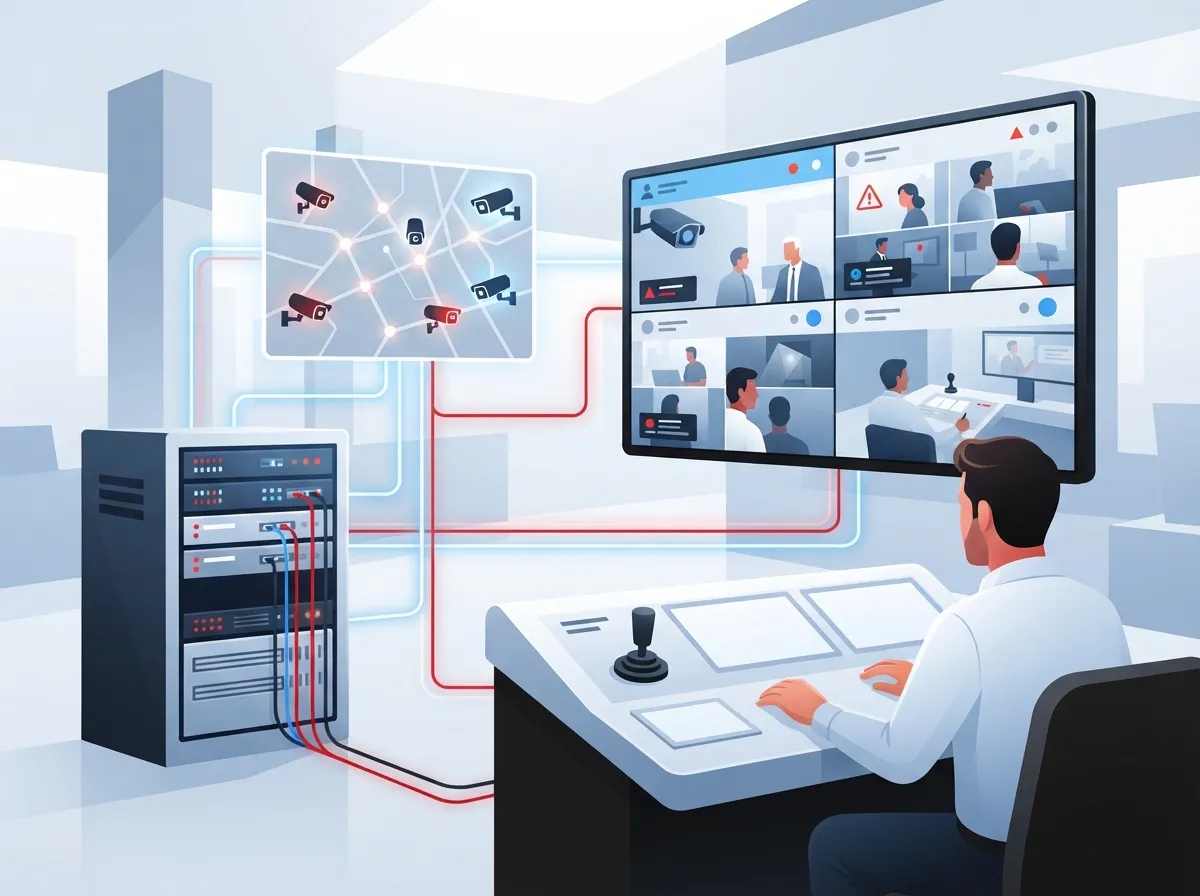
At its core, a multi camera management system, often called a VMS (video management system), centralizes everything camera-related. That means live viewing, recording, playback, alerts, and user permissions all live in one place.
Instead of logging into five different systems for five buildings, your team pulls up one dashboard. You can watch live feeds, search old footage, and manage who has access, all from your phone or laptop. This is especially helpful for business owners who want to know what security cameras really do beyond just recording video.

2. Know the Difference Between VMS, NVR, and Cloud Video Surveillance
These terms get thrown around a lot, so let’s clear things up.
- NVR (Network Video Recorder): A physical box at your location that stores footage locally.
- VMS (Video Management System): Software that manages cameras, whether local or cloud-based, across one or many sites.
- Cloud Video Surveillance: Footage is stored offsite, so you can access it from anywhere without a local server.
Most businesses in 2026 are moving toward cloud or hybrid setups. That’s because they combine the safety of local backup with the convenience of remote access. If you want to dig deeper into how this works, check out our guide on key differences between older and newer technology approaches for a similar comparison in the phone world.
3. Choose Between Cloud, On-Premises, or Hybrid
This decision shapes everything else, so let’s break it down simply.
| Option | Best For | Main Tradeoff |
|---|---|---|
| Cloud VMS | Multi-location businesses needing remote access | Relies on strong internet connection |
| On-Premises | Single site with tight budget | Harder to access remotely |
| Hybrid | Businesses wanting backup during outages | Slightly higher upfront cost |
Hybrid systems store some footage locally in case the internet drops, then sync to the cloud once it’s back. This gives you the best of both worlds, especially if you’re managing several locations at once.
4. Check Your Network Before You Buy Cameras
Here’s something people skip, and it costs them later. Your network needs to actually handle the camera load.
Before installing any system, you should look at:
- How much internet bandwidth is available at each site
- Camera bitrate and video quality settings
- Whether you need Power over Ethernet (PoE) for easier installs
- If VLANs are needed to separate camera traffic from regular business traffic
- Backup internet options in case your main line goes down
Weak network planning is one of the top reasons camera systems fail or lag. If your internet setup needs a check-up, our article on how to choose the right internet speed for your business is a great place to start.
5. Make Sure Your Cameras Play Nice Together (ONVIF Matters)
Not all cameras speak the same language. That’s where ONVIF comes in. It’s basically a universal translator for security equipment.
Here’s a quick breakdown of the profiles you should ask about:
- Profile S: Basic video streaming and pan-tilt-zoom control
- Profile G: Local recording and playback support
- Profile T: Modern streaming, including H.265 video compression
- Profile M: Metadata and analytics events, like people or vehicle counting
Choosing ONVIF-compliant equipment means you’re not stuck buying every camera from one brand forever. It gives you flexibility as your business grows or your needs shift. You can learn more about this open standard directly from ONVIF’s official profile documentation.
6. Plan for Scale, Even If You’re Small Today
Franchise operators and growing companies, this one’s for you. What works for two locations might buckle under the weight of twenty.
Some vendor platforms can handle massive scale. For example, Brivo’s cloud video platform supports over 8,000 cameras and can manage anywhere from 10 to 10,000 locations. Eagle Eye Networks lists configurations supporting up to 165 IP cameras at 4 megapixels in certain setups, though actual numbers shift based on resolution and retention needs.
The takeaway? Ask your provider how their system scales before you sign anything. If you’re comparing options for growing businesses, our guide on scalable access control systems for multi-location businesses shares a lot of useful overlap.
7. Lock Down Cybersecurity From Day One
Cameras are basically tiny computers connected to the internet. That means they can be hacked if you’re not careful.
Here’s a simple checklist to keep your system secure:
- Use unique passwords for every camera and account
- Turn on multifactor authentication wherever possible
- Give employees only the access they actually need
- Make sure video is encrypted, both while traveling and while stored
- Keep firmware and software updated regularly
- Segment camera traffic from your main business network
- Have a plan ready in case an account gets compromised
This isn’t optional anymore. As the video surveillance market grows, so does the interest from bad actors looking for weak spots. Global Market Insights estimates the worldwide video surveillance market was worth about $63.1 billion in 2025, and it’s expected to grow at a 10.1% annual rate through 2035. More cameras online means more reasons to lock things down tight.
8. Decide If AI Features Are Worth It For Your Business
AI-powered search sounds fancy, but it’s actually pretty practical. It lets you search footage for specific people, vehicles, or events instead of scrubbing through hours of video by hand.
That said, before turning these features on, ask yourself:
- Does this feature actually solve a problem we have?
- Are we following local privacy and biometric data laws?
- How long is footage being kept, and is that necessary?
- Have we tested accuracy before relying on it for decisions?
AI can be a huge time-saver, but only if it’s set up thoughtfully. Cloud deployment specifically is growing fast, with Global Market Insights estimating it was worth $22.6 billion in 2025 and could hit $63.7 billion by 2035.
9. Set Clear Retention and Privacy Policies
How long should footage stick around? This depends on your industry, local laws, and honestly, how much storage you’re willing to pay for.
A few things worth deciding upfront:
- Minimum retention period required for your industry
- Who can request or export footage, and how it’s logged
- Whether footage near sensitive areas needs extra restrictions
- How you’ll respond to a legal request for video records
Getting this right protects your business and your customers. It also keeps you out of trouble if regulations ever get checked. Our piece on how long footage is stored in cloud video security systems covers this in more detail.
10. Connect Your Cameras With Access Control and Other Systems
The real magic happens when your camera system talks to your other tools. Think access control, alarms, and even your phone system.
For example, if someone badges into a door at 2 AM, your system can automatically pull up the matching camera footage. That’s a level of visibility a standalone camera system just can’t give you. If you’re curious how this pairing works, take a look at our article on why Tampa businesses love cloud access control in 2026.
11. Get Ongoing Support, Not Just an Installation
Here’s the honest truth. Buying cameras is the easy part. Keeping the system running smoothly for years? That takes ongoing attention.
Look for a provider who offers:
- Regular health checks on cameras and storage
- Firmware updates handled for you
- Fast troubleshooting when something goes down
- Clear reporting so you always know your system’s status
This is exactly where working with one trusted partner instead of juggling multiple vendors pays off. At Ideal Solutions Provider, we’ve spent over 24 years helping businesses across Tampa and nationwide simplify their telecom and security setups. We work with 35+ vetted suppliers, so you get equipment and support that actually fits your business instead of a one-size-fits-all package.
Why Network Quality Makes or Breaks Your Camera System
We touched on this earlier, but it deserves its own spotlight. Video eats bandwidth. If your internet connection is shaky, your camera feeds will be too.
Straits Research reports that IP video surveillance made up about 61.8% of the market in 2025, showing just how much businesses are relying on internet-connected systems. That means your Internet Service Provider and your network setup matter just as much as the cameras themselves.
If you’re not sure your current setup can handle the load, our team can review it for you. We also recommend checking out our guide on why Tampa businesses need dedicated fiber internet for locations running heavy video traffic.
Bringing It All Together
A solid multi camera management system isn’t just about buying the right cameras. It’s about the network behind them, the cybersecurity protecting them, and the support keeping everything running. Get those pieces right, and you’ll have peace of mind whether you’re checking on one store or fifty.
We know this can feel like a lot to figure out on your own. That’s exactly why businesses across Tampa Bay and nationwide lean on Ideal Solutions Provider’s cloud video security services to take the guesswork out of it. From structured cabling to camera installation to long-term support, we’re your single point of contact for getting it done right. You can also follow our latest updates and client stories on Facebook and Instagram, or check out helpful video walkthroughs on our YouTube channel.
Ready to see how a properly designed multi camera management system can protect your business and simplify your day? Reach out to our team today for a free consultation, or give us a call to talk through your options. We’re here, and we’re genuinely happy to help.
FAQs
Q: What is a multi camera management system for business?
A: It’s a centralized platform that lets you view, record, and manage security cameras across one or many business locations from a single dashboard. Instead of juggling separate apps for each site, your team gets one easy view of everything. It’s a real game-changer for anyone running multiple offices or stores.
Q: How does a multi camera VMS work across multiple business locations?
A: The system connects cameras at each location back to a central cloud or hybrid platform, syncing footage and settings automatically. You can group cameras by site, set different permissions per location, and pull up live or recorded footage from anywhere. It basically makes distance disappear when it comes to keeping an eye on your business.
Q: Should a business choose a cloud, on-premises, or hybrid video system?
A: It really depends on your needs. Cloud is great for remote access and multiple sites, on-premises works for single locations on a budget, and hybrid gives you backup storage during internet outages. We’re happy to walk through your specific situation and help you land on the right fit.
Q: Can existing IP or analog cameras be connected to a new platform?
A: In many cases, yes, especially if your cameras support ONVIF standards. Analog cameras sometimes need an encoder to bridge the gap, but it’s often possible to save some equipment costs this way. A quick assessment from a telecom and security partner can tell you exactly what will work.
Q: What internet bandwidth is needed for managing multiple security cameras?
A: It depends on camera resolution, frame rate, and how many cameras you’re running at once, but higher resolution definitely means more bandwidth needed. A good rule of thumb is to test your network before installation, not after. This helps you avoid laggy footage or dropped connections down the road.





