
Key Takeaways
-
24/7 monitoring must include alert validation and escalation procedures—not every alert requires the same action, so ask providers who reviews alerts, how fast they respond, and whether they open tickets with your ISP on your behalf.
-
Verify that 'round-the-clock monitoring' actually includes after-hours technical support and clear response-time commitments; many Tampa providers monitor 24/7 but only offer business-hours support, which defeats the purpose during midnight outages.
-
Essential monitoring coverage for Tampa businesses should include internet uptime, VoIP call quality (latency and jitter), firewall health, Wi-Fi performance, server/cloud app uptime, and security event detection—gaps in any area can cause costly downtime.
-
Work with a single trusted provider who understands your entire network setup (wiring, hardware, cloud apps, and security systems) rather than juggling separate vendors, since integrated monitoring catches and resolves problems faster during crises.
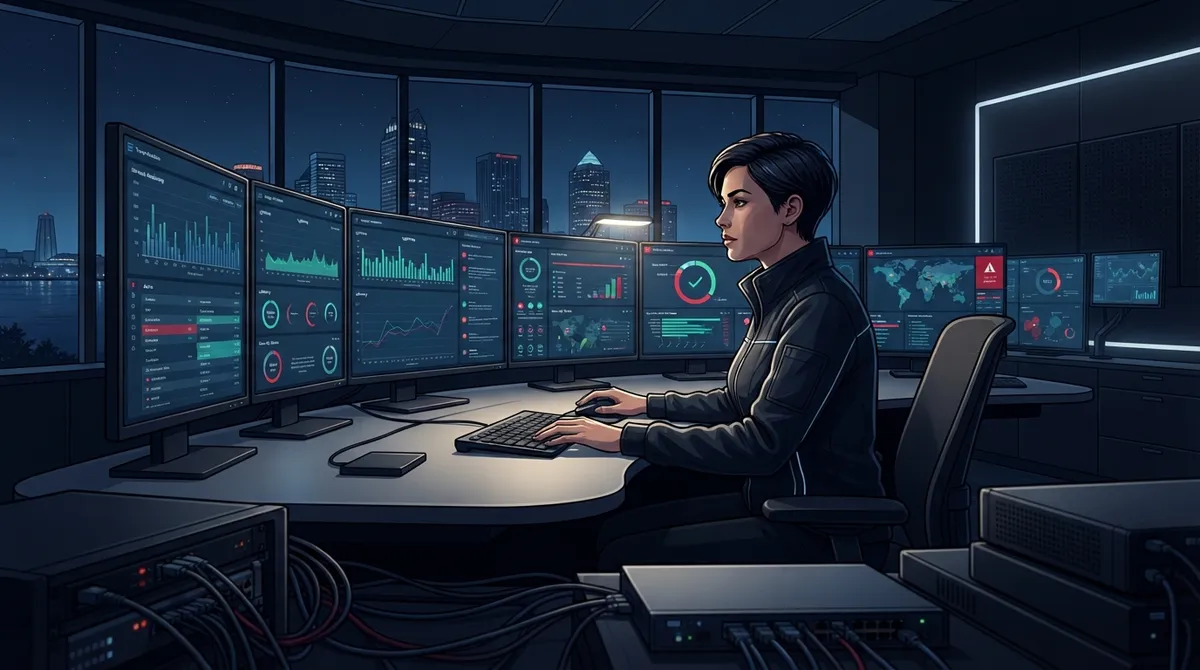
Ever wonder what actually happens to your business network at 2 a.m.? While your team is home asleep, your internet, phones, and security systems are still working hard. If something breaks, do you find out right away, or do you find out the next morning when customers start calling to complain? That’s the real question behind 24 hour monitoring services tampa businesses are searching for right now.
Tampa companies run on connectivity. Your VoIP phones, your Wi-Fi, your firewall, your security cameras, they all depend on a network that never sleeps. Downtime doesn’t wait for business hours, so your monitoring shouldn’t either. In this friendly guide, we’ll walk through 12 things a good 24-hour monitoring service should cover, so you know exactly what to look for and what questions to ask before you sign anything.

1. Continuous Internet Connection Monitoring
The heart of any monitoring service is watching your internet connection around the clock. This means tracking whether your circuit is up, checking bandwidth usage, and flagging any dips in performance. A dropped connection at midnight can mean lost cloud backups or failed transactions, so catching it fast matters.
If your business relies on cloud applications or remote access, this kind of watchfulness isn’t optional anymore. You can learn more about why reliable connectivity matters so much in our article on high-speed internet tips that save Tampa businesses money.
2. Router, Switch, and Firewall Health Checks
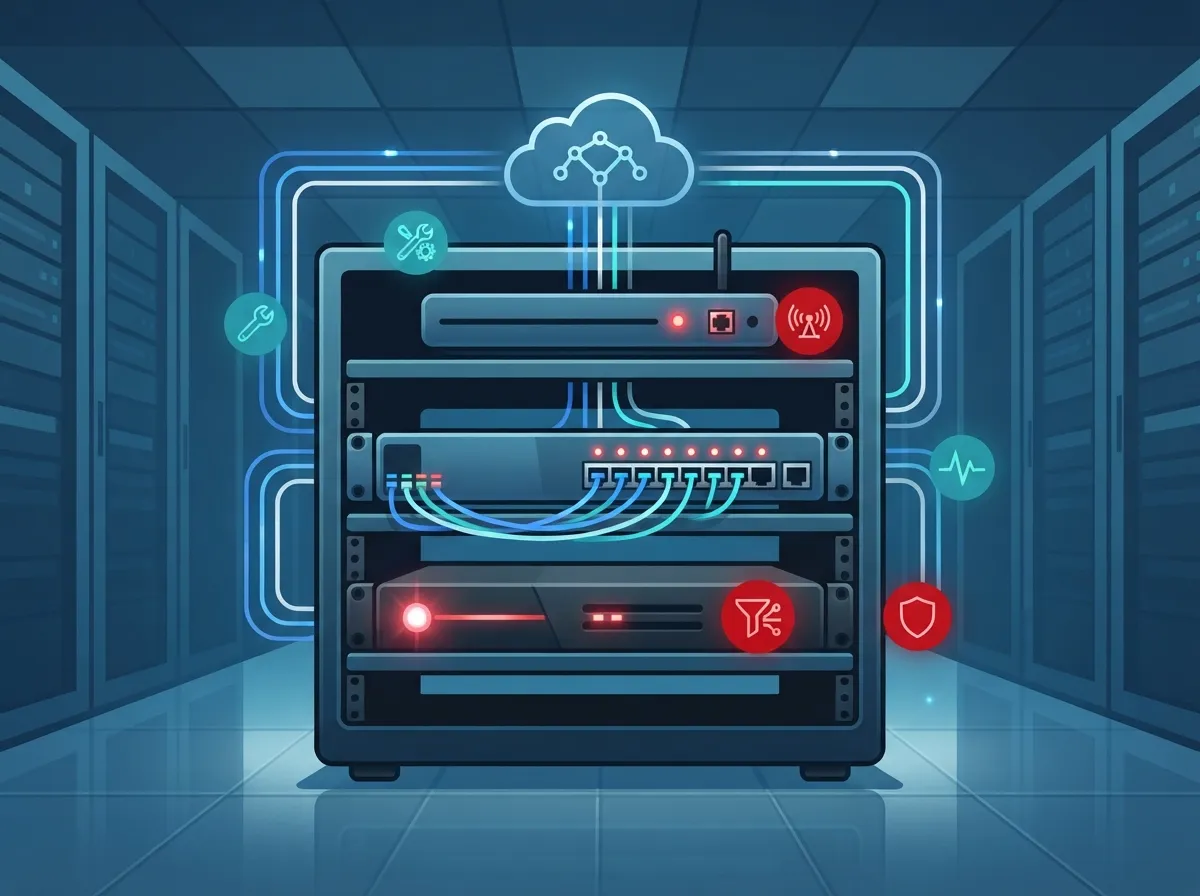
Your network hardware works nonstop, and it needs eyes on it just as much as your internet line does. Monitoring services track the health of routers, switches, and firewalls to catch failing equipment before it causes an outage.
Think of it like a check-engine light for your network. A good monitoring setup notices small warning signs, like rising temperatures or memory errors, long before a full breakdown happens.
3. Wireless Network Performance Tracking
Wi-Fi issues are sneaky. They don’t always cause a total outage, they just slow things down until everyone’s frustrated. Around-the-clock monitoring watches wireless access points for signal problems, overloaded channels, and dead zones.
This is especially important for offices with lots of connected devices, like tablets at checkout counters or laptops in conference rooms. Consistent Wi-Fi keeps your team productive and your customers happy.
4. VoIP Call Quality and Voice Network Monitoring
Choppy calls and dropped conversations are more than annoying, they can cost you business. Voice traffic is sensitive to network hiccups like latency, jitter, and packet loss, so monitoring these factors specifically for VoIP is a must.
If you’ve already made the switch to cloud phones, you know how much smoother things run when call quality stays solid. Curious about which providers do this well? Check out our breakdown of which cloud-based phone system is best for Tampa businesses.
5. Server and Cloud Application Uptime Monitoring
Your servers and cloud apps, whether it’s email, file sharing, or line-of-business software, need to stay online too. Monitoring services keep tabs on server performance and flag issues like high CPU usage or failed backups.
This kind of coverage gives you peace of mind that your data and daily tools are protected, even during off hours when nobody’s watching the screen.
6. Security Event and Threat Monitoring
Cybersecurity threats don’t punch a time clock. Suspicious login attempts, malware signals, and unusual network activity can happen at any hour, which is why security monitoring is a separate but related piece of the puzzle.
A dedicated Security Operations Center, sometimes called a SOC, reviews firewall alerts, endpoint logs, and authentication activity for red flags. It’s worth asking your provider whether their “24/7 monitoring” includes this layer or just basic network health checks.
7. Alert Validation and Escalation Procedures
Here’s something a lot of businesses don’t think about: not every alert needs action, and not every alert gets the same priority. A quality monitoring service does more than send notifications, it reviews alerts, decides what’s urgent, and knows who to call.
Ask your provider these questions before committing:
- Who reviews alerts, and how fast?
- What counts as a critical issue versus a minor one?
- How do you escalate a problem that needs immediate attention?
- Do you open tickets with my internet provider on my behalf?
- Will I get a summary of what happened and how it was fixed?
These answers separate a real monitoring partner from a dashboard that just blinks red without doing anything about it.
8. Backup Internet and Failover Monitoring
If your main internet connection goes down, does your business have a backup ready to kick in automatically? Monitoring services should track failover circuits too, making sure that backup connection actually works when it’s needed.
This is a smart step for any business that can’t afford downtime, especially call centers, medical offices, or retail locations. If you haven’t looked into dedicated fiber or failover options yet, our guide on why Tampa businesses need dedicated fiber internet is a great place to start.
9. Structured Cabling and Physical Infrastructure Checks
It’s easy to forget that a lot of network problems start with the wires themselves. Loose connections, damaged cabling, or outdated wiring can cause slowdowns that monitoring software might mistake for something else.
Providers who understand your physical setup, not just the software side, can troubleshoot faster. This is one reason working with a company that also handles structured cabling installation gives you a fuller picture of your network’s health.
10. Cloud Video Security and Access Control Monitoring
If your business uses cloud security cameras or access control systems, these need round-the-clock attention too. Monitoring should include checking that cameras stay online, footage is recording properly, and access logs look normal.
A break in camera coverage overnight is exactly when you don’t want it. Learn more about how these systems protect your business in our article on what security cameras really do for your business.
11. Reporting, Documentation, and Log Retention
Good monitoring isn’t just about catching problems, it’s about keeping records too. You should receive regular reports showing uptime, incidents, and how issues were resolved. This documentation matters for compliance, insurance, and simply understanding your network’s history.
Ask how long your provider keeps logs and whether you can access reports whenever you need them. Transparency here builds trust and helps you make smarter decisions down the road.
12. Clear Support and Response-Time Commitments
This might be the most important item on the list. Monitoring is only half the story, what happens after an alert fires matters just as much. Some Tampa providers offer 24/7 monitoring but only business-hours support. Others promise a set response time, like four hours, for onsite visits.
| Service Element | What to Ask | Why It Matters |
|---|---|---|
| Monitoring Coverage | Is it 24/7/365 or business hours only? | Determines when issues get caught |
| Help Desk Availability | Is support staffed overnight and weekends? | Affects how fast you get a human on the phone |
| Escalation Path | Who handles critical vs. minor issues? | Keeps urgent problems from getting lost in a queue |
| Onsite Response SLA | How fast can a technician arrive in person? | Matters when remote fixes aren’t enough |
| ISP Coordination | Will they open tickets with your carrier? | Saves you time chasing down providers yourself |
Don’t assume “24/7” always means the same thing. Read the fine print, or better yet, ask directly. A trustworthy provider will explain their process clearly instead of hiding behind vague marketing language.
Why One Trusted Partner Makes Monitoring Easier
Juggling separate vendors for internet, phones, cabling, and security cameras makes monitoring more complicated than it needs to be. When one company understands your entire setup, from the wiring in your walls to the cloud apps your team uses daily, problems get caught and fixed faster.
At Ideal Solutions Provider, we’ve spent over 24 years helping Tampa businesses simplify their telecom and IT setups. We work with 35+ vetted suppliers, so we can compare options honestly and recommend what actually fits your business, not just what earns us a commission. Many companies we audit find out they’re overpaying, underperforming, or both, and fixing that starts with a clear picture of what’s actually happening on your network.
Whether you need better internet reliability, a smarter phone system, or security cameras that actually get watched, we act as your single point of contact so you’re not stuck managing five different vendors during a crisis. You can follow our latest updates and behind-the-scenes tips on Facebook, Instagram, or YouTube for real examples of how businesses like yours are upgrading their setups.
Bringing It All Together
Twenty-four hour monitoring isn’t just a nice extra, it’s become a basic expectation for businesses that depend on connectivity to operate. From internet uptime to VoIP quality, from firewalls to cloud cameras, every piece of your network deserves attention around the clock. The businesses that thrive are the ones who catch small problems before they become expensive emergencies.
If you’re not sure what your current provider actually monitors, or if you’ve never asked, now’s a great time to find out. A quick conversation could reveal gaps you didn’t know existed, or confirm that you’re already in good hands. Either way, you’ll sleep better knowing your network has someone watching it, even while you’re not.
Ready to see what real 24-hour coverage looks like for your Tampa business? Contact us today for a free consultation, or call us to talk through your current setup with a friendly expert who actually wants to help.
FAQs
Q: What do 24-hour monitoring services include for Tampa businesses?
A: Great question! Most 24-hour monitoring covers your internet connection, routers, firewalls, Wi-Fi, servers, cloud apps, VoIP quality, and security alerts. The goal is simple: catch problems before they turn into outages that hurt your business.
Q: Does 24/7 monitoring include after-hours technical support?
A: Not always, and this trips up a lot of business owners. Some providers monitor around the clock but only offer support during business hours, so it’s smart to ask directly what happens if something breaks at midnight.
Q: How quickly can a Tampa provider respond to an internet or phone outage?
A: Response times vary quite a bit between providers, so this is worth pinning down before you sign anything. Some Tampa companies promise a few hours for onsite visits, while others focus purely on remote fixes first.
Q: Can monitoring detect VoIP call quality problems like static or dropped calls?
A: Yes, and this is actually one of the more valuable parts of good monitoring! Providers can track latency, jitter, and packet loss specifically tied to voice traffic, which helps catch call quality issues before your team even notices.
Q: How much do 24-hour monitoring services cost for a small Tampa business?
A: Costs really depend on how much you’re monitoring and what level of support comes with it, so there’s no one-size-fits-all number. The best way to get a real answer is a free consultation where someone reviews your actual setup and needs.





