
Key Takeaways
-
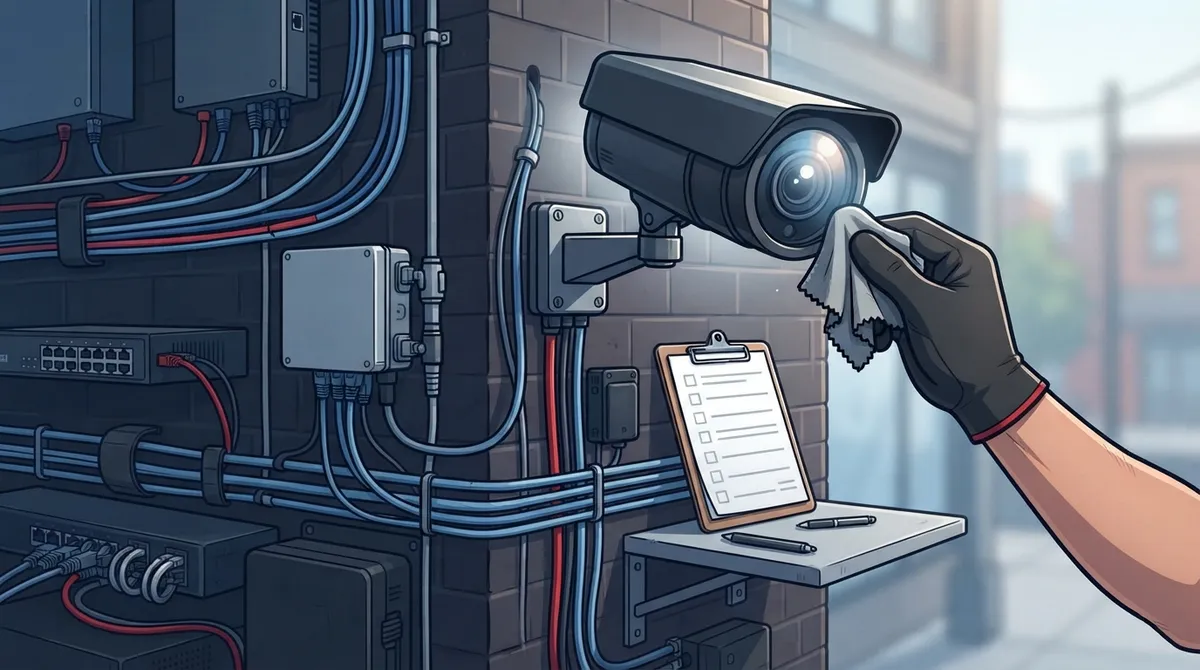
A maintained security camera system requires checking cameras, network infrastructure, cabling, power supply, storage, and firmware updates together—not just lens cleaning. Unmaintained cameras become useless decorations that don't record or retrieve footage when needed.
-
IP cameras send video over your network, so camera problems are often network problems. Check PoE switches, Ethernet cabling condition, VLAN configuration, bandwidth, and latency to prevent blind spots caused by hidden network weak links.
-
Follow a practical maintenance schedule: daily monitoring alerts, weekly visual checks, monthly physical inspections, quarterly network/storage reviews, and annual professional diagnostics. Outdoor cameras need more frequent cleaning every 3-6 months due to weather, dust, and corrosion.
-
Implement remote monitoring as an early warning system to catch offline cameras, storage failures, and power issues instantly, then confirm everything works through physical inspections. Regular spot checks ensure footage is actually recording, retrievable, and backed up without errors.
-
Document every inspection, repair, firmware version, and storage status in maintenance records. These records are critical for troubleshooting, insurance claims, compliance verification, and proving your system was properly maintained after security incidents.
-
Review your camera coverage after renovations, lighting changes, security incidents, or weather events. A single telecom partner managing cameras, network, internet, and storage together simplifies maintenance and prevents tracking multiple vendors separately.
Picture this: something happens at your business, and you go to pull up the footage. Your heart sinks when you see a blank screen. Maybe the camera went offline weeks ago and nobody noticed. This happens more often than you’d think, and it’s completely avoidable. Business security camera maintenance isn’t just about wiping dust off a lens. It’s a full system of checks that keeps your cameras, network, and recordings working together the way they should.
If your cameras run over your network (and most do these days), maintenance touches everything from your structured cabling to your internet connection to your cloud storage. That’s good news, actually. It means one trusted partner can help you manage it all instead of juggling separate vendors for cameras, networking, and internet. In this guide, we’ll walk through exactly what business security camera maintenance should cover, how often to do it, and how to build a simple system so you’re never caught off guard again.

Why Business Security Camera Maintenance Matters More Than Ever
The security camera world is growing fast. The global surveillance camera systems market was worth about USD 48.87 billion in 2025 and is expected to reach USD 114.91 billion by 2033, growing at roughly 11.31% each year. Here in the U.S. alone, the market sat around USD 13.25 billion in 2025 and is projected to climb to USD 29.71 billion by 2033. More businesses are investing in cameras, which means more businesses need a plan to keep them working.
Here’s the thing many owners miss: a camera that isn’t maintained is basically a decoration. It might look like it’s watching your property, but if the footage isn’t recording, retrievable, or clear, it won’t help you when you actually need it. Good maintenance protects your investment, your evidence, and your peace of mind.
What’s Actually Included in Business Security Camera Maintenance
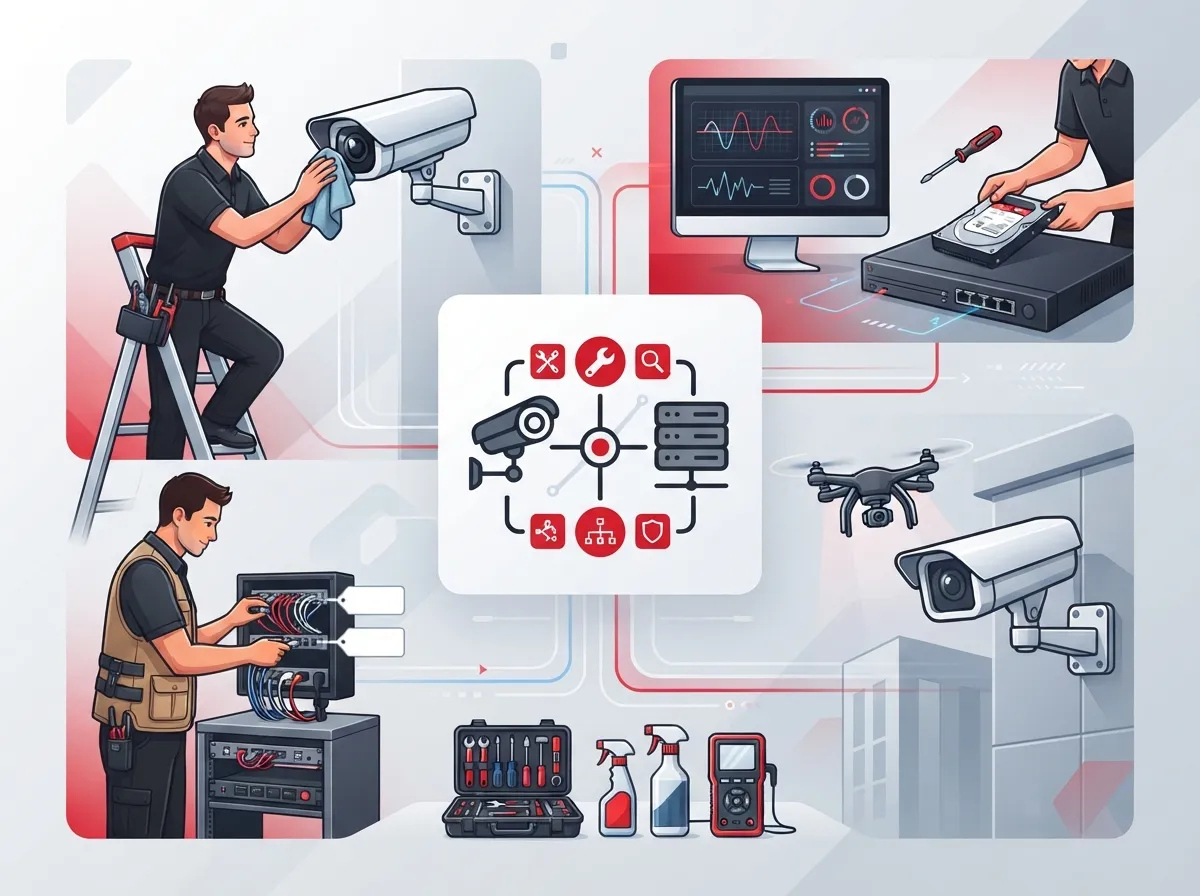
A lot of business owners think maintenance just means cleaning the lens once in a while. In reality, it’s a much bigger job. Here’s what a thorough maintenance program should cover:
- Camera condition, housing, and mounting hardware
- Field of view and image clarity, both day and night
- Cabling, power supply, and connection points
- Network health, including switches, bandwidth, and latency
- Recording infrastructure like NVRs, DVRs, or cloud storage
- Firmware and software update status
- User access permissions and login security
- Documentation of past service and repairs
Notice how much of that list touches your network and internet setup? That’s why business security camera maintenance really overlaps with telecom management. If you’re already working with a provider for your business high-speed internet services, it makes sense to have that same team keep an eye on your cameras too.
How IP Cameras Connect to Your Telecom Network
Most modern business cameras are IP cameras, meaning they send video over your network instead of a separate wire straight to a recorder. This is great for flexibility, but it also means camera problems are often really network problems in disguise.
When technicians check IP camera systems, they should be looking at:
- PoE (Power over Ethernet) switch performance, since many cameras get both power and data through one cable
- Ethernet cabling condition, especially at outdoor entry points
- VLAN configuration, so camera traffic doesn’t choke your regular business internet
- Available bandwidth and latency across your network
- Wireless link strength for any cameras that aren’t hardwired
- Remote access availability, so you can pull up footage from anywhere
If your cabling was installed years ago, or you’ve added cameras piecemeal over time, you might have some weak links hiding in your setup. A professional structured cabling review can catch issues before they turn into blind spots on your camera system.
How Often Should You Service Business Security Cameras?
There’s no single answer here, since it depends on your environment. But there is a solid rhythm most businesses can follow. Here’s a practical schedule based on common industry guidance:
| Frequency | What to Check |
|---|---|
| Daily / Continuous | Camera availability and recording alerts through remote monitoring |
| Weekly | Visual checks and image quality review |
| Monthly | Physical inspection and equipment cleaning |
| Quarterly | Network, power, storage, and firmware checks |
| Annually | Full professional diagnostic review of hardware, software, and positioning |
Outdoor cameras usually need cleaning every 3 to 6 months, while indoor cameras can often go 6 to 12 months between cleanings. Businesses with dust, grease, coastal salt air, or heavy foot traffic should lean toward the shorter end of that range.
Special Attention for Outdoor Cameras
Outdoor units work a lot harder than indoor ones. They deal with rain, heat, cold, condensation, bugs, and the occasional bird that decides your camera housing is a good nesting spot. All of that can block the lens, damage seals, or corrode connections over time.
When checking outdoor cameras, technicians should look for:
- Condensation or fogging inside the housing
- Corrosion on mounts, brackets, or connectors
- Vegetation growth blocking the field of view
- Physical damage from weather events or impact
- Cracked or degraded cable jacketing at entry points
It’s smart to test cameras at both daytime and nighttime, too. Glare, shadows, and low light can all mess with image quality in ways you won’t notice during a quick daytime glance.
Making Sure Footage Is Actually Recording and Retrievable
Here’s a hard truth: a lot of businesses only discover a recording problem after they need the footage and it’s not there. Regular maintenance should confirm, not assume, that everything is working.
A solid check should confirm:
- Storage capacity on your NVR, DVR, or cloud platform isn’t maxed out
- Retention settings match your business needs and any compliance requirements
- Time stamps are accurate and synced across all cameras
- Backup systems are working and haven’t silently failed
- There are no unexplained gaps in the recording timeline
- Disk or storage health looks normal, with no warning signs of failure
- Footage can actually be exported and played back without errors
Businesses using cloud storage often have an easier time here, since cloud video security systems can flag storage issues automatically. Still, it’s worth a manual spot check now and then, just to be sure.
Firmware, Software, and Cybersecurity Updates
Cameras are basically small computers now, which means they need updates just like any other device on your network. Skipping updates can leave your system open to security risks, not just performance issues.
Good practice includes:
- Testing updates before rolling them out system-wide, when possible
- Scheduling updates during low-traffic hours to avoid disruption
- Documenting which firmware version is running on each device
- Following manufacturer guidance for update timing and compatibility
This is another spot where having a telecom partner pays off. Instead of trying to track update schedules for every camera brand yourself, a managed service provider can handle it as part of your ongoing support plan.
Remote Monitoring: Your Early Warning System
Physical inspections are important, but they only happen occasionally. Remote health monitoring fills the gaps in between. It can catch problems the moment they happen instead of weeks later.
Remote monitoring tools typically flag:
- Cameras that have gone offline unexpectedly
- Storage devices approaching failure
- Unusual bandwidth spikes that suggest a problem
- Power interruptions affecting camera uptime
- Repeated connection drops between the camera and network
Think of remote monitoring as a smoke detector and physical inspection as the fire drill. You need both. One alerts you fast, the other confirms everything is actually working the way it should.
Keeping Records That Actually Help You
Every inspection and repair should be documented. This isn’t just busywork. Good records help with troubleshooting, insurance claims, compliance reviews, and planning for future equipment upgrades.
A useful maintenance record should include:
- Camera identification and location
- Date of inspection
- Technician name or company
- Findings and any issues discovered
- Repairs completed
- Current firmware version
- Storage status at time of check
- Any downtime recorded
- Recommended follow-up actions
If you ever need to prove your system was properly maintained after an incident, these records are worth their weight in gold.
When to Review Your Camera Coverage
Your building changes over time, and your camera coverage should keep up. It’s worth reviewing your setup after:
- Renovations or new construction on your property
- Lighting changes, indoors or outdoors
- Security incidents or attempted break-ins
- Severe weather events
- Any camera repositioning or equipment swaps
A quick daytime and nighttime test after these changes can reveal new blind spots or glare issues you wouldn’t otherwise notice.
Why a Telecom Partner Makes Maintenance Easier
Managing cameras, network switches, internet connectivity, and storage all separately gets complicated fast. That’s where working with an experienced telecom expert makes a real difference. A combined approach can bundle camera maintenance with network monitoring, managed connectivity, backup power checks, and cybersecurity controls, all under one service agreement.
At Ideal Solutions Provider, we’ve spent over 24 years helping Tampa businesses and companies nationwide manage their full communications stack, including cloud video security systems. We work with 35+ vetted suppliers, so you get an honest comparison instead of a one-size-fits-all pitch. Whether you need help with your business network setup or want a second opinion on your camera system’s health, we’re happy to take a look. You can also follow our updates and tips on Facebook, Instagram, and YouTube.
Building Your Own Maintenance Checklist
If you want to start improving your camera maintenance today, here’s a simple approach to get going:
- List every camera on your property with its location and purpose
- Set up remote monitoring alerts if you haven’t already
- Schedule a monthly walk-through for visual checks and cleaning
- Book a quarterly network and storage review
- Plan one full professional inspection each year
- Keep a simple log or spreadsheet for every check and repair
None of this requires fancy tools or a huge budget. It just takes consistency, and maybe a good Internet Service Provider connection that can support your cameras without slowing everything else down.
Wrapping Up: Protect What You’ve Already Invested In
Your security cameras are only as good as the maintenance behind them. A little consistent attention goes a long way toward avoiding blank screens, missing footage, and unpleasant surprises. Whether you handle checks in-house or bring in a partner to manage the whole system, the goal is the same: cameras that actually work when you need them most.
If you’d rather not manage all these moving pieces alone, our team is ready to help. Contact us today for a free consultation, or give us a call to talk through your current setup and find out where you might be able to save money or close security gaps.
FAQs
Q: How often should a business security camera system be serviced?
A: A good rule of thumb is monthly visual checks, quarterly network and storage reviews, and one full professional inspection every year. Outdoor cameras usually need extra attention every 3 to 6 months because weather really takes a toll on them. If your cameras sit in a dusty warehouse or a busy retail spot, lean toward the more frequent end of that schedule.
Q: What is included in commercial security camera maintenance?
A: It covers a lot more than lens cleaning! You’re looking at camera condition, mounting, cabling, network health, power supply, storage capacity, firmware updates, and access permissions. Basically, anything that could stop your cameras from recording clear, retrievable footage deserves a spot on the checklist.
Q: How do I know whether my business cameras are recording properly?
A: The best way is to actually pull up footage regularly and check for gaps, blurry playback, or missing time stamps. Remote monitoring tools can also alert you the moment a camera goes offline or storage starts filling up. Doing both gives you real confidence that your system will deliver when it matters.
Q: What should a business do when a security camera goes offline?
A: First, check the basics: power, network connection, and cabling at that specific camera. If it’s still down, look at your switch and internet connection, since a lot of offline cameras are actually network problems in disguise. If you’re stuck, a telecom and security partner can usually track down the issue faster than trial and error.
Q: How much video storage does a business security camera system need?
A: It really depends on how many cameras you have, their resolution, and how long you need to keep footage. Higher resolution cameras and longer retention periods both eat up storage fast, so it’s worth reviewing your retention settings at least once a quarter. Cloud storage can make this easier to scale up or down as your needs change.





