

Key Takeaways
-
Cloud video security stores footage offsite, protecting recordings even if cameras are damaged or stolen, unlike traditional DVR systems that can fail or be stolen during break-ins.
-
Ensure your internet connection has at least 25-50 Mbps reliable upload speed and conduct a professional site assessment to identify blind spots, high-risk areas, and proper camera placement before installation.
-
Choose cloud storage plans with adequate retention—basic plans store 7-14 days, standard 30 days, and extended 60-90+ days—based on your industry's liability requirements and incident reporting timelines.
-
Select a local provider with in-state support, faster response times, and familiarity with Orlando's building codes and climate to avoid being stuck on hold with distant call centers during emergencies.
-
Integrate cloud cameras with access control systems to track who entered doors and when, and verify your provider offers local backup storage that syncs after internet outages to maintain coverage during storms.
-
Plan for scalability by choosing a system that easily expands to multiple locations on one dashboard, avoiding costly rebuilds as your Orlando business grows across Central Florida.
Picture this: your Orlando business gets broken into over the weekend, and when you go to pull up the security footage, the system won’t even turn on. Sound stressful? You’re not alone. So many business owners in Orlando invest in cameras, only to realize later that they made avoidable mistakes that left them exposed. The good news is that cloud video security Orlando FL solutions have come a long way, and with the right setup, you can watch your business from anywhere, sleep better at night, and finally stop worrying about “what if.”
In this friendly guide, we’re walking through 13 common mistakes Orlando businesses make with cloud video security, so you can dodge them entirely. Whether you run a small shop or manage a growing enterprise with multiple locations, this list will help you make smarter choices. Let’s dig in together, because your peace of mind matters, and we’re rooting for you to get this right the first time.
Why Orlando Businesses Are Moving to Cloud Video Security
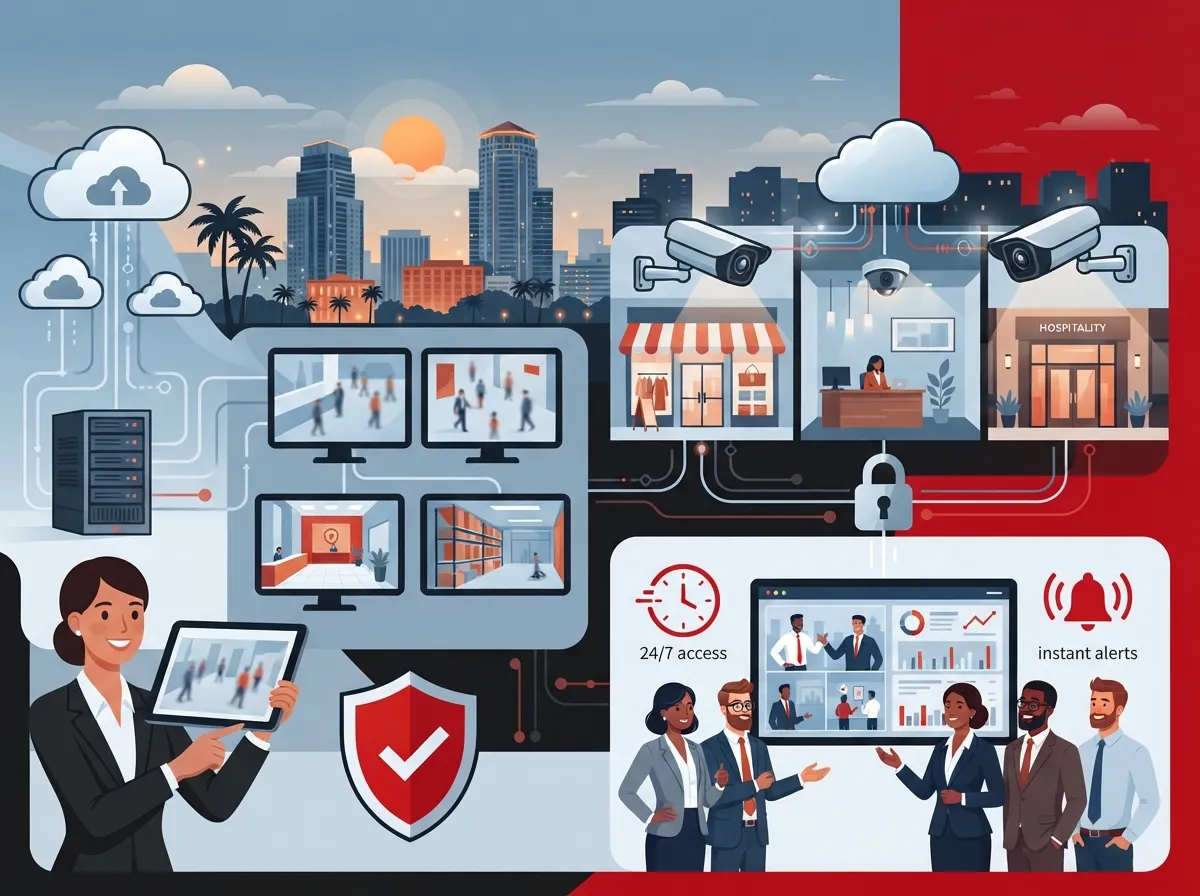
Orlando is booming with new businesses, tourism traffic, and growing commercial districts. That growth means more foot traffic, more deliveries, and unfortunately, more opportunities for theft or liability issues. Cloud-based video security gives you a way to watch over your property without being tied to a clunky on-site recorder that can fail or get stolen along with everything else.
Unlike old-school DVR systems, cloud video security stores your footage safely offsite. That means even if someone smashes your camera or steals your hardware, your recordings are still safe and accessible. Business owners across Central Florida are catching on fast, and for good reason.
The Real Cost of Getting It Wrong
Choosing the wrong cloud video security setup isn’t just inconvenient. It can cost you thousands in lost inventory, liability claims, or missed evidence during an investigation. Let’s make sure that doesn’t happen to you.
Mistake 1: Choosing Cameras Based on Price Alone
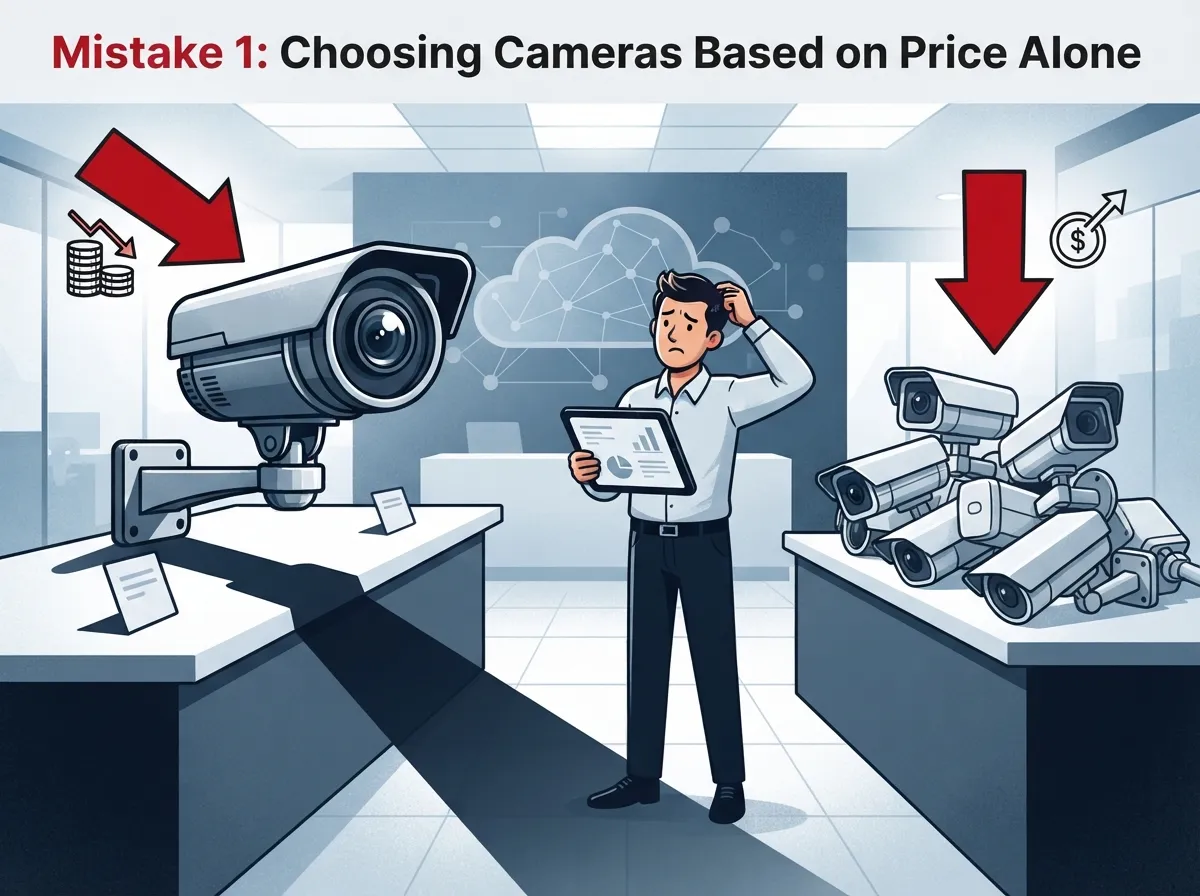
We get it, budgets matter. But picking the cheapest cameras on the market often means blurry footage, poor night vision, and unreliable cloud uploads. Instead, think about total value: image quality, storage reliability, and support.
- Cheap cameras often lack proper night vision for parking lots
- Low-end sensors struggle with Orlando’s bright sun glare
- Budget systems may not integrate with your existing network
- Poor cameras can void insurance claims due to unclear footage
Mistake 2: Skipping a Professional Site Assessment
Every Orlando property is different. A restaurant on International Drive has different needs than a warehouse near the airport. Skipping a proper walkthrough means you’ll likely end up with blind spots you didn’t even know existed.
What a Good Assessment Should Include
- Mapping entry and exit points across the property
- Identifying high-risk areas like cash registers or loading docks
- Checking lighting conditions at different times of day
- Reviewing your current internet bandwidth and network setup
- Planning camera placement for maximum coverage with minimal overlap
Mistake 3: Ignoring Internet Bandwidth Requirements
Cloud cameras need a steady, strong internet connection to upload footage in real time. If your Orlando office is running on outdated or overloaded internet, your video quality will suffer, or worse, footage might not upload at all.
This is why pairing your security system with a solid internet plan matters so much. If you’re not sure your current setup can handle it, check out this guide on choosing the right internet speed for your business before you install any cameras.
Mistake 4: Overlooking Cloud Storage Limits
Not all cloud storage plans are created equal. Some providers only keep footage for a few days before it’s overwritten, which can be a huge problem if an incident isn’t reported right away.
| Storage Plan Type | Typical Retention | Best For |
|---|---|---|
| Basic Cloud Plan | 7-14 days | Low-risk retail spaces |
| Standard Cloud Plan | 30 days | Most small to mid-size businesses |
| Extended Cloud Plan | 60-90+ days | Warehouses, healthcare, high-liability sites |
Want to dig deeper into how storage timelines work? This breakdown on cloud video security footage storage facts is a great starting point.
Mistake 5: Forgetting About Remote Access Needs
One of the biggest perks of cloud video security is being able to check your cameras from your phone, whether you’re at home, traveling, or checking on a second location across town. If your system doesn’t offer smooth mobile access, you’re missing out on one of the best parts of going cloud-based.
Features to Look For
- Live streaming from any smartphone or tablet
- Instant motion alerts sent straight to your phone
- Multi-location viewing on a single dashboard
- Secure login with two-factor authentication
Mistake 6: Not Planning for Multiple Locations
Franchise operators and growing companies often start with one location in mind, then quickly realize they need a system that scales. If your cloud video security setup can’t easily expand to new Orlando sites, you’ll end up paying for a rebuild later.
A scalable system lets you add cameras and locations without starting from scratch. This matters even more if you’re planning growth across Central Florida or nationwide.
Mistake 7: Overlooking Structured Cabling Needs
Cameras need reliable wiring to function properly, especially in larger commercial buildings. Skipping proper structured cabling can lead to signal loss, dropped connections, and constant troubleshooting headaches.
If your Orlando building has outdated wiring, it’s worth reviewing your options. Learn more about how structured cabling supports both VoIP phones and security cameras for a smoother, more reliable network.
Mistake 8: Not Integrating Security With Access Control
Cameras alone only tell part of the story. Pairing your video system with access control lets you see exactly who entered a door and when, adding another layer of protection.
Benefits of Combining Both Systems
- Faster identification of unauthorized entries
- Better tracking of employee and visitor activity
- Simplified investigations after an incident
- One dashboard for managing both systems
Curious how these systems work together? This resource on cloud-based access control for businesses explains it well.
Mistake 9: Failing to Ask About Internet Outage Backup
Orlando gets its fair share of storms, and power or internet outages happen. If your cloud cameras stop working the moment the internet drops, you’ve got a serious gap in coverage during exactly the moments you need protection most.
Ask your provider how their system handles outages. Many solutions include local backup storage that syncs once connectivity returns, so you’re never left in the dark.
Mistake 10: Choosing a Provider With No Local Support
When something goes wrong with your cameras, you don’t want to be stuck on hold with a call center in another state. Working with a provider who understands Orlando’s business landscape, and who can send a technician quickly, makes a huge difference.
- Faster response times for repairs
- Better understanding of local building codes
- Familiarity with Orlando’s climate and its impact on equipment
- Easier coordination for multi-site installations
Mistake 11: Overlooking Ongoing Maintenance and Support
Cameras aren’t a “set it and forget it” purchase. Lenses get dirty, firmware needs updates, and storage plans sometimes need adjusting as your business grows. Skipping regular maintenance shortens the life of your equipment and increases the odds of missed footage.
Simple Maintenance Steps to Stay Ahead
- Schedule quarterly lens cleaning and physical inspections
- Keep firmware and software updated automatically
- Review storage usage and adjust plans as needed
- Test remote access monthly to confirm everything works
Mistake 12: Not Comparing Multiple Providers
Many business owners just go with the first quote they get. But pricing, equipment quality, and support can vary a lot between providers. Comparing options helps you avoid overpaying or ending up with a system that doesn’t fit your needs.
| Comparison Factor | Why It Matters |
|---|---|
| Equipment Quality | Affects video clarity and long-term reliability |
| Cloud Storage Terms | Determines how long footage is kept and retrievable |
| Support Response Time | Impacts how fast issues get resolved |
| Scalability | Ensures the system grows with your business |
This is where working with an independent partner really pays off. Instead of getting locked into one brand’s sales pitch, you can compare several trusted options side by side.
Mistake 13: Going It Alone Without an Expert Partner
Setting up cloud video security might seem simple on the surface, but there are a lot of moving parts: internet requirements, cabling, storage plans, camera placement, and integration with other systems. Trying to piece it all together on your own often leads to costly mistakes.
This is exactly why Ideal Solutions Provider exists. With over 24 years of experience and partnerships with 35+ vetted suppliers, Ideal Solutions Provider helps Orlando businesses find the right cloud video security setup without the guesswork. They act as your single point of contact from consultation through installation and ongoing support, so you’re never left juggling multiple vendors.
What to Expect When Working With a Telecom Partner
- A free audit of your current setup and needs
- Side-by-side comparisons of camera brands and plans
- Help coordinating structured cabling and internet upgrades
- Ongoing support long after installation is complete
If you’re comparing options and want a deeper dive, check out this guide on the best cloud video security provider for businesses to see what separates a great setup from an average one.
Quick Recap: The 13 Mistakes to Avoid
- Choosing cameras based on price alone
- Skipping a professional site assessment
- Ignoring internet bandwidth requirements
- Overlooking cloud storage limits
- Forgetting about remote access needs
- Not planning for multiple locations
- Overlooking structured cabling needs
- Not integrating security with access control
- Failing to ask about internet outage backup
- Choosing a provider with no local support
- Overlooking ongoing maintenance and support
- Not comparing multiple providers
- Going it alone without an expert partner
Bringing It All Together for Your Orlando Business
Cloud video security doesn’t have to be complicated or stressful. When you avoid these common mistakes, you set your business up for reliable protection, easier peace of mind, and footage you can actually count on when it matters most. Small business owners, IT managers, and franchise operators alike benefit from taking a thoughtful, well-planned approach instead of rushing the process.
You can also follow along with helpful tips and behind-the-scenes updates on Facebook, catch quick visual walkthroughs on Instagram, or watch installation demos on YouTube. According to the Internet Service Provider standards your cameras rely on, a stable connection truly is the backbone of any cloud security system, so don’t overlook it.
Ready to Get Your Orlando Business Protected the Right Way?
You deserve a security system that actually works when you need it most, not one that leaves you guessing. Whether you’re just starting to explore cloud video security or you’re ready to upgrade an outdated setup, getting expert guidance makes all the difference. Reach out and contact us today for a free consultation, or simply call us to talk through your options with a real person who genuinely wants to help. Your business, your team, and your peace of mind are worth it.
FAQs
Q: What makes cloud video security better than traditional DVR systems for Orlando businesses?
A: Cloud video security stores your footage safely offsite, so even if someone damages or steals your cameras, your recordings stay protected. Plus, you get the bonus of checking in on your business from your phone anytime, which traditional DVR systems just can’t offer.
Q: How much internet speed do I need for cloud video security cameras?
A: It really depends on how many cameras you’re running and their resolution, but most small businesses need at least 25-50 Mbps of reliable upload speed. We always recommend getting a proper assessment first, so you’re not caught off guard later.
Q: Can cloud security cameras still work if my internet goes down?
A: Many modern systems include local backup storage that saves footage during an outage, then automatically syncs to the cloud once your connection is restored. It’s definitely worth asking your provider about this feature before you commit to a system.
Q: How long is footage typically stored with cloud video security?
A: Storage lengths vary widely, from as little as 7 days on basic plans up to 90 days or more on extended plans. Businesses with higher liability concerns, like healthcare or warehousing, usually benefit from longer retention windows.
Q: Is cloud video security a good fit for businesses with multiple Orlando locations?
A: Absolutely, and honestly, that’s where cloud systems really shine. You can monitor every location from one simple dashboard, which makes life so much easier for franchise operators and growing companies alike.





