
Key Takeaways
-
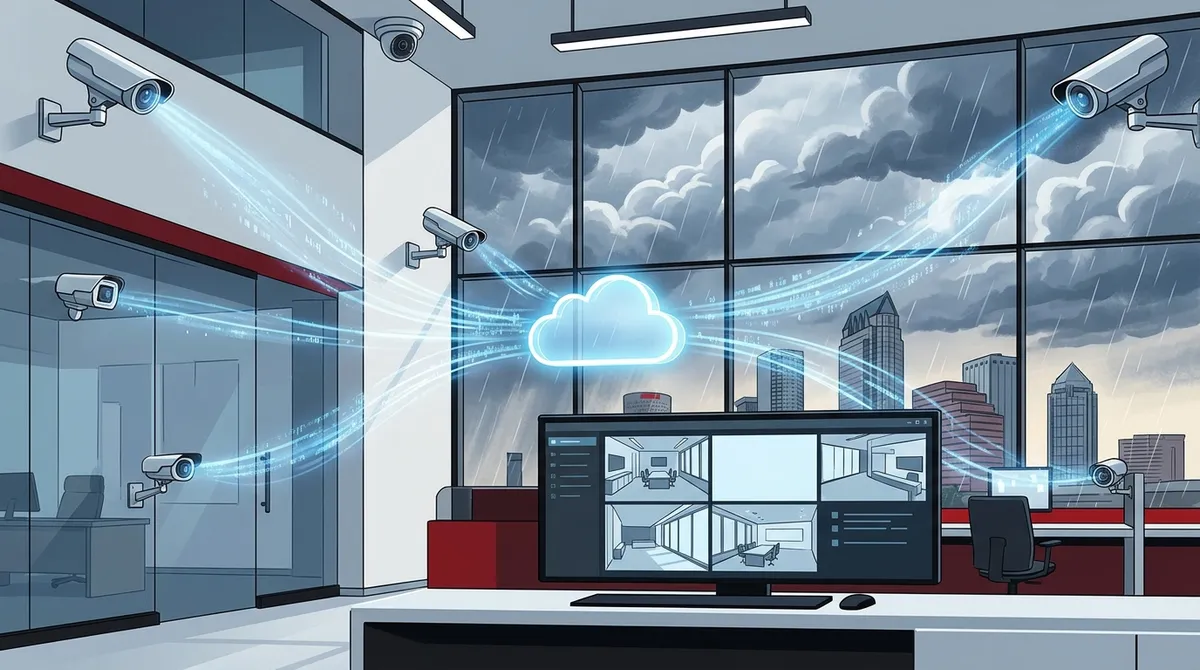
Cloud video security protects Tampa businesses from hurricanes, flooding, and power outages by storing footage on secure remote servers instead of vulnerable on-site equipment that can be stolen or damaged.
-
Professional installation and network preparation are essential for commercial cloud systems; your internet connection must be upgraded to handle camera bandwidth, which a qualified provider can assess and coordinate.
-
Multi-location Tampa businesses gain centralized management through unified dashboards, consistent camera deployment across sites, and ability to compare footage across locations—making cloud systems ideal for franchises and growing operations.
-
Cloud video security typically costs $150–$600 per camera plus $10–$50 monthly per camera for cloud storage, which is lower upfront than traditional DVR systems and offers better scalability as your business grows.
-
Integration with access control and alarm systems provides complete security visibility by connecting door entry events to camera recordings, enabling full incident investigation and daily operational oversight.
-
Choose a local Tampa provider with strong community knowledge and fast response times, ideally one bundled with telecom and IT services, rather than relying solely on national brands with slower support.
If you run a business in Tampa, security is probably always on your mind. Whether you manage a single office or multiple locations, keeping an eye on your property matters. Cloud video security has made this easier than ever. You can watch live camera feeds from your phone, store footage in the cloud, and get alerts in real time — all without bulky on-site equipment. But with so many options out there, how do you find the best cloud video security provider for businesses in Tampa? This guide breaks it down for you in plain language so you can make a smart, confident choice for your business.
What Is Cloud Video Security for Businesses?
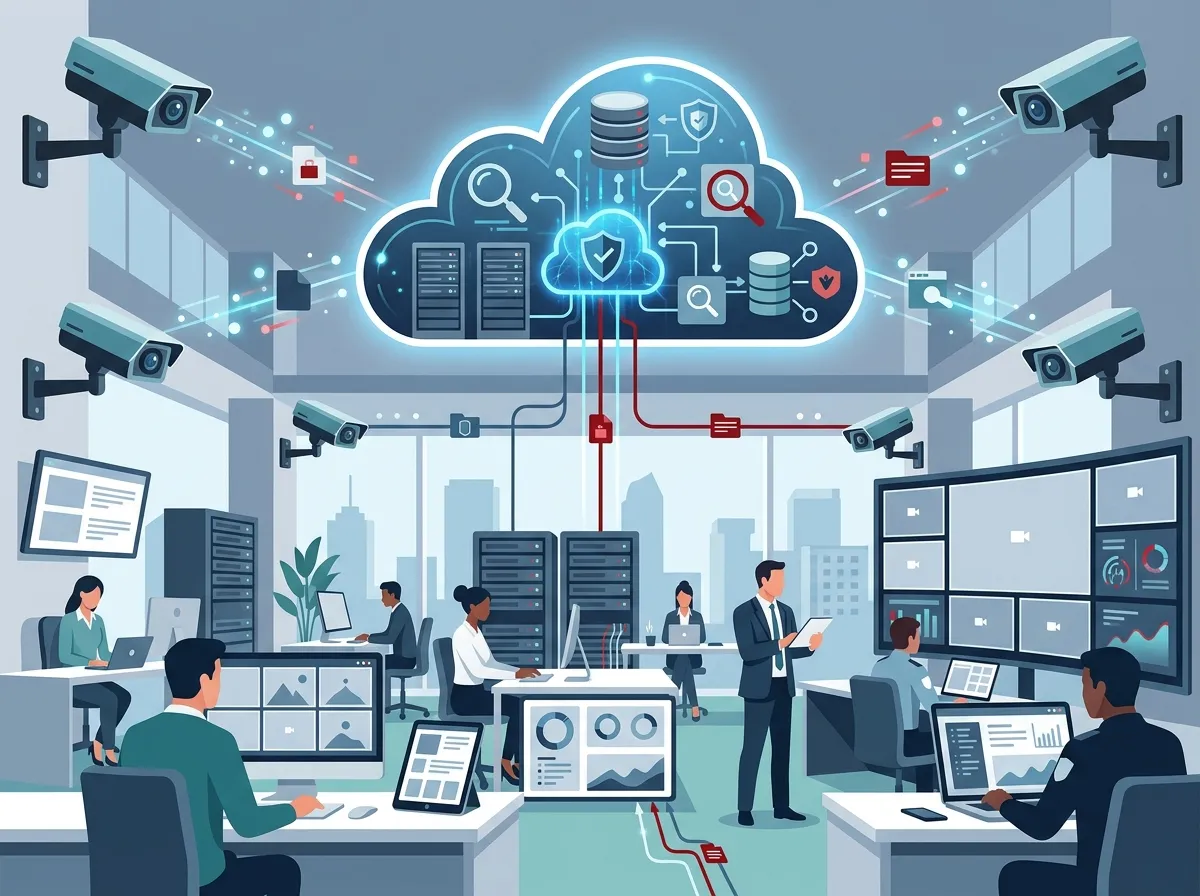
Cloud video security uses internet-connected cameras to record and store footage online instead of on a local hard drive. Traditional systems rely on a DVR or NVR device stored on-site. If that device fails or gets stolen, your footage is gone. Cloud systems solve this problem by sending video data to secure remote servers.
For Tampa businesses, this is a big deal. Hurricanes, flooding, and power outages can wipe out on-site equipment. Cloud storage keeps your footage safe no matter what happens at your location. You can also access your cameras remotely from anywhere — a major advantage for business owners who travel or manage multiple sites.
If you want to learn more about how these systems work, check out cloud video security solutions designed specifically for commercial properties.

Why Tampa Businesses Need Cloud Video Security in 2026
Tampa’s business landscape is booming. More companies are opening locations across Hillsborough and Pinellas counties every month. With growth comes increased security needs. Here are some key reasons cloud video security makes sense for Tampa businesses right now:
- Remote access: View live or recorded footage from your phone or laptop anywhere.
- Scalability: Add cameras as your business grows without replacing your whole system.
- Cloud storage: No on-site recording equipment means less hardware to maintain.
- Integration: Cloud cameras work alongside cloud-based access control systems and alarms.
- Cost efficiency: Lower upfront hardware costs compared to traditional DVR setups.
- Real-time alerts: Get notified immediately when motion is detected.
The Tampa security market is competitive. According to SafeHome’s Tampa directory, there are 88 security providers serving the area. That means you have choices — but it also means you need to know what to look for.
Key Features to Look for in a Cloud Video Security Provider
Not all cloud video security providers are created equal. Before you commit to any system, make sure it checks these boxes:
1. Commercial-Grade Camera Hardware
Business cameras need to handle more than a home system does. Look for high-resolution indoor and outdoor cameras with night vision, wide-angle coverage, and weatherproof ratings. Tampa’s heat and humidity can wear out cheap equipment fast.
2. Secure Cloud Storage with Redundancy
Your provider should use encrypted cloud storage with backup redundancy. Ask how many days of footage are retained and whether you can access older recordings easily.
3. Mobile Access and Remote Monitoring
You should be able to pull up any camera on your smartphone at any time. This is essential for business owners who are not always on-site. Look for providers with intuitive mobile apps.
4. Integration with Access Control and Alarms
The best cloud video security systems connect with other security tools. When a door access event triggers a camera recording, you get a full picture of what happened. Learn more about how cloud-based access control works alongside camera systems.
5. Professional Installation and Support
DIY security cameras can work fine at home, but businesses need professional installation. Proper camera placement, cable management, and network configuration require expertise. Make sure your provider offers full installation services and ongoing technical support.
What to Expect from a Commercial Cloud Video Security Installation
Here is a simple step-by-step overview of what a typical commercial cloud video security installation looks like:
- Site assessment: A technician visits your location to map out camera placement and network requirements.
- System design: The provider recommends a camera count, resolution, and cloud storage plan based on your needs.
- Network preparation: Your business network must be set up to handle camera bandwidth. This may include upgrading your internet connection.
- Physical installation: Cameras are mounted, cabling is run, and the system is configured. Structured cabling services ensure a clean, reliable installation.
- Cloud setup and testing: The system is connected to cloud storage, mobile access is enabled, and everything is tested thoroughly.
- Training and handoff: Your team learns how to use the system, view footage, and respond to alerts.
A good provider walks you through every one of these steps and stays available afterward for questions and support.
Cloud Video Security vs. Traditional DVR Systems: A Clear Comparison
Many Tampa businesses still run older DVR or NVR-based camera systems. Here is how cloud video security stacks up against traditional setups:
| Feature | Cloud Video Security | Traditional DVR/NVR |
|---|---|---|
| Remote Access | Yes, via mobile app or browser | Limited, often requires VPN setup |
| Storage Location | Secure off-site cloud servers | On-site hard drives |
| Scalability | Easy — add cameras as needed | Limited by DVR channel capacity |
| Disaster Recovery | Footage safe even if equipment is stolen or damaged | Footage lost if hardware is destroyed |
| Maintenance | Lower — provider manages cloud infrastructure | Higher — on-site hardware needs regular upkeep |
| Upfront Cost | Typically lower hardware cost | Higher DVR/NVR equipment cost |
| Multi-Site Management | Centralized dashboard for all locations | Requires separate systems at each site |
For most Tampa businesses in 2026, cloud video security wins on nearly every point — especially for multi-location operations.
What Tampa Businesses Are Looking for in a Security Provider
Based on what the Tampa commercial security market shows us, businesses here tend to prioritize a few specific things when choosing a cloud video security provider:
- Local presence or fast local support response times
- Integration with broader security systems (access control, alarms, intercom)
- Centralized management for businesses with multiple Tampa-area locations
- Clear pricing without hidden fees
- Proven track record with commercial properties of similar size
Providers like Eagle Eye Networks, which serves the Tampa market, highlight the operational benefits of cloud surveillance — including improved customer service tracking and cost savings. Guardian Protection also serves Tampa commercial clients with cloud and mobile access and offers free on-site estimates for businesses.
How Ideal Solutions Provider Helps Tampa Businesses with Cloud Video Security
Ideal Solutions Provider is a Tampa-based telecom and IT partner with over 24 years of experience. They offer professionally installed cloud video security systems designed for commercial use. What makes them stand out is their single-point-of-contact approach.
Instead of juggling multiple vendors for cameras, cabling, networking, and internet, you work with one trusted partner. They handle consultation, installation, and ongoing support — all under one roof. That is a huge time-saver for busy business owners and IT managers. If you want to see real-world examples of their work, browse their video resources to get a feel for the quality of their installations.
They also ensure your network is ready to support your camera system. A cloud security setup is only as good as the internet connection behind it. Ideal Solutions Provider works with 35+ vetted internet providers to make sure your business high-speed internet can handle the bandwidth demands of cloud video surveillance.
Cloud Video Security Pricing: What to Expect in Tampa
Pricing for cloud video security varies based on several factors. Here is a general breakdown of what Tampa businesses typically encounter:
| Cost Factor | Typical Range | Notes |
|---|---|---|
| Camera Hardware (per camera) | $150 – $600+ | Depends on resolution, indoor/outdoor, and features |
| Professional Installation | $500 – $2,500+ | Varies by camera count and building complexity |
| Cloud Storage Subscription | $10 – $50/month per camera | Retention period affects cost (7, 30, 90 days) |
| Multi-Site Management Platform | $50 – $200/month | Centralized dashboard for multiple locations |
Keep in mind that getting the right system for your specific needs matters more than finding the lowest price. A poorly designed system costs more in the long run through service calls and gaps in coverage. For smart ways to budget your telecom and security investment, check out this helpful guide on what security cameras really do for your business.
Multi-Location Businesses: Cloud Security Has a Clear Advantage
If you operate a franchise or manage multiple Tampa-area locations, cloud video security becomes even more valuable. Here is why it is the smart choice for multi-site operators:
- Unified dashboard: View all locations from one platform without switching between systems.
- Consistent setup: Deploy the same camera models and configurations across every site for easier management.
- Centralized alerts: Get all motion or security alerts in one place, no matter which location triggers them.
- Easier upgrades: Add new cameras or locations without replacing infrastructure at existing sites.
- Cross-location review: Compare footage across locations when investigating incidents.
For franchise operators and growing businesses, this kind of centralized visibility is not just convenient — it is essential. The right provider should have experience deploying cloud security systems across multiple commercial locations. Learn more about cloud video security systems Tampa FL businesses love and see how multi-site setups are handled.
Questions to Ask Before Choosing a Tampa Cloud Video Security Provider
Before signing any agreement, make sure you ask these important questions:
- Do you offer free on-site assessments before providing a quote?
- What happens to my footage if I lose internet connectivity temporarily?
- Can your system integrate with my existing access control or alarm system?
- What is your response time for technical support issues?
- Do you offer ongoing maintenance plans or just installation?
- How is footage encrypted and protected in the cloud?
- Are you familiar with Tampa’s commercial building requirements and local regulations?
A provider that answers these questions confidently and clearly is a provider worth trusting. You can also follow Ideal Solutions Provider on Facebook for updates, tips, and examples of commercial security installations in the Tampa area.
Choosing Between a Local Tampa Provider and a National Brand
This is a common question for Tampa business owners. Here is a quick comparison to help you decide:
| Factor | Local Tampa Provider | National Security Brand |
|---|---|---|
| Response Time | Fast — often same-day or next-day | May vary — depends on regional service teams |
| Local Market Knowledge | Strong — familiar with Tampa buildings and codes | Variable — may lack local expertise |
| Personalized Service | High — direct relationship with your account | Lower — often handled through call centers |
| Multi-State Coverage | May be limited | Strong nationwide reach |
| Bundled Telecom Services | Often available with telecom partners | Usually security-only |
The best outcome for many Tampa businesses is working with a local partner that also has national-level resources and supplier networks. That combination gives you responsive service and broad capabilities. For more on cloud-based installations in Tampa, check out how to choose cloud security cameras for Tampa commercial buildings.
You can also follow Ideal Solutions Provider on Instagram to see behind-the-scenes looks at their commercial installations across Tampa Bay and beyond.
Final Thoughts: Finding the Best Cloud Video Security for Your Tampa Business
Finding the best cloud video security provider for businesses in Tampa comes down to three things: the right technology, reliable installation, and dependable ongoing support. You need cameras that perform in Florida’s climate, cloud storage that keeps your footage safe, and a team that picks up the phone when something goes wrong.
For Tampa businesses that also want to bundle their security setup with VoIP phones, high-speed internet, structured cabling, and network infrastructure, working with a single experienced partner makes life a lot simpler. That is exactly what the right telecom and IT partner can offer you.
Watch real commercial installation examples and tips on the Ideal Solutions Provider YouTube channel to see what a professionally designed cloud security system looks like in action.
Ready to protect your Tampa business with a smart, scalable cloud video security system? Reach out to our team today for a free consultation and on-site assessment — no pressure, just honest advice tailored to your business needs. You can also give us a call at 813-388-4935 and we will be happy to help you get started.
FAQs
Q: Who is the best cloud video security provider for businesses in Tampa?
A: The best provider depends on your specific needs, but look for one that offers commercial-grade cameras, professional installation, and strong local support. Tampa businesses benefit most from providers who also understand networking and telecom — so your cameras, internet, and access control all work together seamlessly.
Q: What features should Tampa businesses look for in a cloud security camera system?
A: At minimum, you want high-resolution indoor and outdoor cameras, secure cloud storage with at least 30-day retention, mobile app access, and integration with your access control or alarm system. For Tampa specifically, weatherproof cameras rated for heat and humidity are a must!
Q: Can cloud security cameras integrate with access control and alarm systems?
A: Absolutely — and that integration is one of the biggest advantages of modern cloud video security. When your cameras connect with your access control system, you get a complete picture of every entry event, which is incredibly useful for investigations or daily oversight of your business.
Q: Are cloud video security systems suitable for multi-location Tampa businesses?
A: Yes, and they are actually ideal for multi-site operators. A cloud-based system lets you manage all your locations from one dashboard, view footage across sites from your phone, and add new cameras without replacing existing hardware. Franchise owners and growing businesses love this flexibility.
Q: How much does cloud video surveillance cost for a business in Tampa?
A: Costs vary depending on camera count, resolution, and cloud storage needs, but most Tampa businesses budget between $150 and $600 per camera for hardware, plus a monthly cloud storage subscription starting around $10 to $50 per camera. Getting a free on-site estimate from a local provider is the best way to get an accurate number for your specific setup.





