
Key Takeaways
-
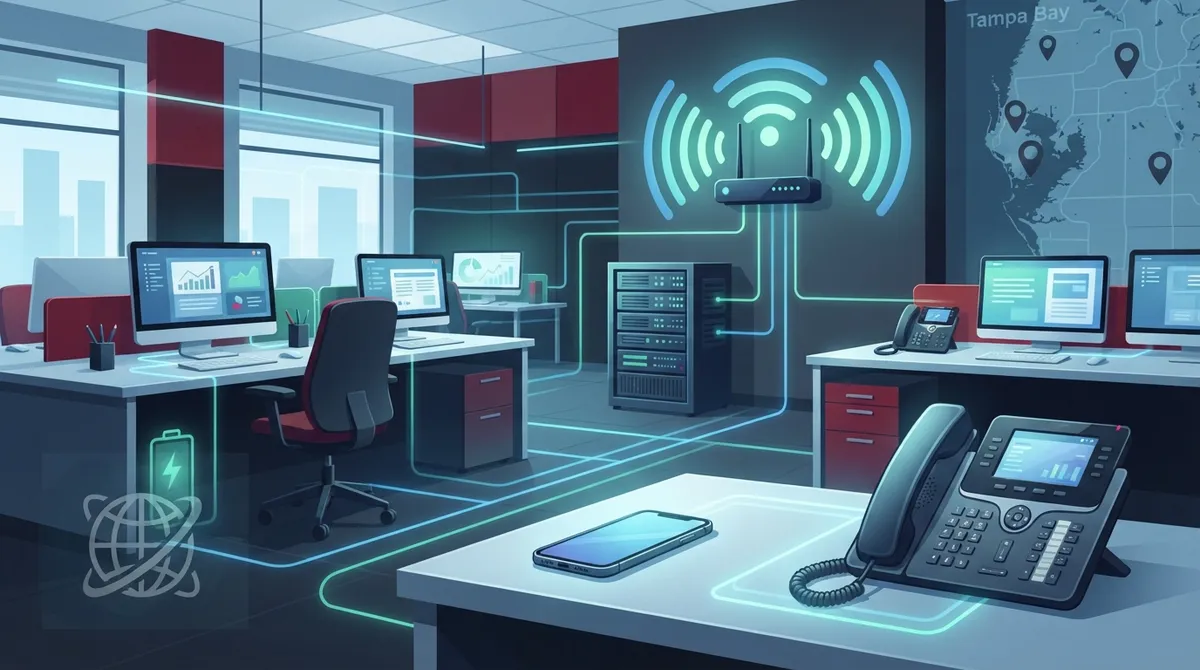
Check your internet connection and bandwidth before switching to cloud PBX, as call quality depends on your internet speed, router capacity, and Wi-Fi coverage—a great system on weak connectivity will sound choppy.
-
Review the full cost beyond per-user rates, including desk phones, installation, number porting, taxes, internet upgrades, and optional add-ons, as advertised prices of $15-$50 per user rarely tell the complete story.
-
Register 911 locations correctly for each user and device, update addresses when staff moves or works remotely, and get your provider's emergency-calling process in writing to ensure FCC compliance and safety.
-
Ask about network prioritization (quality of service) to ensure voice traffic stays clear during busy times, and plan for outages with battery backup for routers and consider automatic call forwarding to mobile phones.
-
Verify service level agreement details in your contract, including specific uptime commitments, support hours, response times, and outage credits, rather than relying on provider claims alone.
-
Work with a single telecom partner who handles consultation, installation, and ongoing support across phones, cabling, internet, and security to avoid vendor finger-pointing and simplify troubleshooting.
Picture this: your office phone rings, but the person who needs to answer it is working from home, another teammate is at a job site, and your front desk is slammed. With a traditional phone system, that call might go straight to voicemail. With a cloud PBX in Tampa, it finds the right person on the right device in seconds.
If you run a business in Tampa Bay, you have probably heard the buzz about cloud PBX. Maybe your old phone box is acting up. Maybe you are opening a second location. Or maybe you just want to stop paying for hardware you barely understand. Whatever brought you here, you are in the right place.
In this friendly guide, we will walk through 14 practical tips to help you choose, set up, and get the most from a cloud PBX. We will keep the language simple and the advice honest. Whether you own a small shop, manage an office, or oversee several franchise sites, there is something here for you.
What Is a Cloud PBX, Anyway?
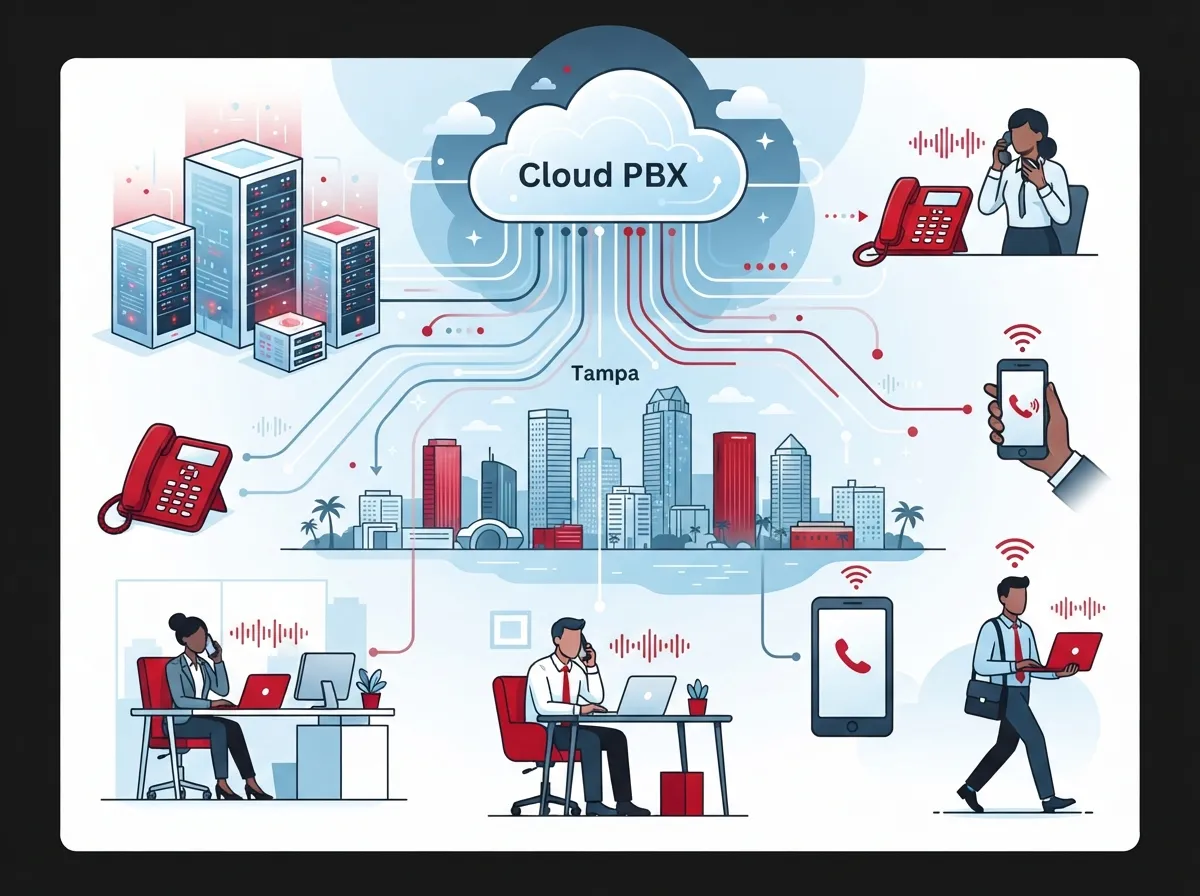
A cloud PBX (private branch exchange) is a business phone system hosted by a service provider and reached over the internet. Instead of keeping a bulky phone box in a closet, your provider runs the system for you. Your team connects through desk phones, computers, or mobile apps.
Common features include auto attendants, call queues, extensions, voicemail, call forwarding, business texting, and conferencing. Many systems also connect with customer relationship management (CRM) software. Exactly what you get depends on the provider and plan.
Want a deeper primer? Our guide on what a cloud-based phone system is and whether you need one covers the basics in plain English.
14 Cloud PBX Tampa Tips to Get It Right
1. Start With Your Real Needs, Not a Feature List
Before you talk to any provider, jot down how your team actually uses the phone. How many people need a line? Do you take lots of inbound calls? Does anyone work remotely?
A short list of real needs keeps you from paying for bells and whistles you will never use. It also makes quotes easier to compare.
2. Check Your Internet Before You Buy Anything
Here is the big one. Call quality depends on your internet connection, your local network, and your provider’s infrastructure. A great cloud PBX on a weak connection will sound choppy.
Before you switch, review your bandwidth, router capacity, and Wi-Fi coverage. If you are unsure how much speed you need, read what internet speed you need for VoIP in Tampa.
3. Look at the Full Price, Not Just the Per-User Rate
Advertised prices can be tempting, but they rarely tell the whole story. Published estimates for core voice service vary widely by source. One 2026 buyer’s guide reports about $20 to $50 per user per month, while Business.com cites roughly $15 to $45. One Tampa-area provider, TSS, advertises small-business service starting at $18 per user per month, though that is a provider-specific starting point, not a market average.
| Cost Item | Why It Matters |
|---|---|
| User licenses | The main monthly charge, billed per person |
| Desk phones | One-time or leased hardware cost |
| Installation | Setup and configuration fees |
| Number porting | Fees to move your existing numbers |
| Taxes and fees | Often added after the quoted rate |
| Internet upgrades | May be needed for good call quality |
| Optional add-ons | Texting, recording, advanced analytics |
For a closer look at budgeting, see how much a VoIP phone system costs for a Tampa business.
4. Ask About Number Porting Early
Good news: you can usually keep your existing Tampa business phone number. The FCC requires interconnected VoIP providers and telephone companies to follow local number portability rules.
Still, the process has steps and timelines. Ask your provider how porting works, how long it takes, and what happens to your service during the switch. Our walkthrough on keeping your phone number when switching to VoIP in Tampa can help you plan.
5. Take 911 Seriously
This tip is a safety one, so please do not skip it. The FCC says interconnected VoIP providers have 911 obligations, but location information and call routing can differ from traditional phone service.
Here is what to do:
- Register the physical address for each user or device
- Update locations when people move desks, offices, or work remotely
- Train your staff on how 911 works with your system
- Ask your provider to explain its emergency-calling process in writing
The FCC’s VoIP and 911 service guide is a helpful, trustworthy place to learn more.
6. Make Sure Voice Traffic Gets Priority
Think of your network like a highway. Video streams, file downloads, and phone calls all share the same road. Without a plan, a big download can cause jittery calls.
Ask whether your router and network can prioritize voice traffic. This setting, often called quality of service, helps calls stay clear even when the office is busy.
7. Plan for Power and Internet Outages
Storms are part of life in Tampa Bay. A cloud PBX needs internet and power at your site, so it pays to plan ahead.
- Use battery backup for your router and key network gear
- Ask about automatic call forwarding to mobile phones during outages
- Consider a backup internet connection for critical sites
- Confirm the provider’s outage procedures in the contract
A little prep means your customers can still reach you when the weather turns nasty.
8. Read the Service Level Agreement Carefully
Providers often advertise strong uptime, redundancy, and security. That is great, but claims should match the paperwork. Verify them in your contract and service level agreement (SLA).
Look for specific uptime commitments, support hours, response times, and what credits you receive if service falls short. If something is vague, ask for it in plain words.
9. Choose Hardware That Fits How You Work
A cloud PBX can route calls to desk phones, computers, and mobile apps. That flexibility is wonderful for hybrid teams.
Think about who needs what. Your receptionist may love a classic desk phone. Your sales team might prefer a mobile app. Your remote workers may only need a headset and a laptop. Mix and match based on real habits.
10. Test Integrations With Your Daily Tools
If your team lives inside a CRM, make sure your phone system plays nicely with it. Click-to-call, call logging, and screen pop-ups can save everyone time.
Do not assume an integration is included. Confirm that it works with the exact software you use, and whether it costs extra.
11. Understand Security and Compliance Needs
Your phone system carries sensitive conversations. Ask how the provider protects data, encrypts calls, and controls access. If you work in healthcare or finance, check that the system fits your compliance requirements.
Strong passwords, user permissions, and regular updates matter on your side too. Security is a team sport.
12. Think Ahead for Growth and Multiple Locations
One of the best perks of cloud PBX is easy scaling. You can add users or support multiple locations without buying new on-site phone hardware.
That is especially handy for franchise operators and growing companies. If you expect to open another site next year, choose a system that grows with you. Our post on scalable versus fixed telecom systems explains why this matters.
13. Do Not Forget Your Cabling and Network Gear
Here is something people often miss. Even the best cloud phone service depends on solid wiring and a healthy network. Messy or outdated cabling can drag down call quality.
If your office has aging wires or too few ports, it may be time for an upgrade. Learn how structured cabling services can give your phones, computers, and cameras a dependable foundation. You can also read about structured cabling to understand the basics.
14. Work With One Partner Who Can See the Whole Picture
Juggling separate vendors for phones, internet, cabling, and security can feel like herding cats. When something breaks, everyone points fingers at someone else.
A single point of contact can simplify life. Ideal Solutions Provider is a Tampa-based telecom and IT partner with over 24 years of experience and relationships with 35+ vetted suppliers. They help with consultation, installation, and ongoing support, so you are not left guessing. If you want to see how this works, check out 11 reasons to use one telecom partner in Tampa FL.
Cloud PBX vs. Traditional Phone System: A Quick Comparison
| Feature | Cloud PBX | Traditional On-Site PBX |
|---|---|---|
| Hosting | Provider hosts it | Box installed at your business |
| Upfront hardware | Lower, mostly phones | Higher, includes PBX appliance |
| Adding users | Often quick and simple | May need new hardware |
| Multiple locations | Easier to connect | Usually more complex |
| Remote work | Supported through apps | Often limited |
| Maintenance | Handled mostly by provider | Handled by you or your IT team |
For a deeper comparison, see the 6 key differences between VoIP and traditional phone systems.
A Simple Step-by-Step Path to Switching
Ready to move forward? Here is an easy roadmap you can follow:
- Audit your current setup. List your lines, numbers, phones, and monthly costs.
- Check your network. Review bandwidth, Wi-Fi, routers, and cabling.
- Define your must-have features. Think auto attendants, call queues, texting, and integrations.
- Compare providers fairly. Look at support, SLAs, security, contract terms, and all costs.
- Plan your number port. Confirm timelines and avoid service gaps.
- Set up 911 locations. Register every user and device address correctly.
- Train your team. A short walkthrough saves lots of frustration later.
If you want a more detailed version, our guide on switching your business phone to the cloud in Tampa goes step by step.
Mistakes to Dodge Along the Way
Even smart business owners trip up sometimes. Watch out for these common slip-ups:
- Choosing only on the lowest per-user price
- Skipping a network readiness check
- Forgetting to update 911 locations after a move
- Not reading the contract’s cancellation terms
- Ignoring training for staff
You can learn from others’ lessons in 5 hosted PBX mistakes Tampa small businesses must avoid and 15 cloud phone system mistakes Tampa small businesses make.
Why Local Support Makes a Difference
Tampa businesses have unique needs. Hurricane season, growing neighborhoods, and a mix of older and newer buildings can all affect your phone setup. Local knowledge helps.
That said, whichever provider you pick, verify their coverage, support availability, and track record yourself. A friendly sales pitch is nice, but written commitments are better.
If you are still weighing options, our article on how to choose cloud-based phone system providers in Tampa FL offers a handy checklist. You can also explore Ideal Solutions Provider’s cloud based phone systems to see what a full-service approach looks like.
Ready to Make the Switch?
A cloud PBX can make your business feel more connected, more flexible, and a lot less stressful to manage. The key is to prepare your network, plan your number port, set up 911 correctly, and compare the full cost, not just the headline price.
You do not have to figure it all out alone. If you would like a friendly expert to review your current setup and point out where you might save, contact us for a free consultation, or call us to talk it through. We are happy to help you find a cloud PBX plan that truly fits your Tampa business.
FAQs
Q: What is a cloud PBX phone system, and how does it work?
A: A cloud PBX is a business phone system hosted by a provider and reached over the internet, so you do not need a bulky phone box at your office. It routes calls to desk phones, computers, and mobile apps, and often includes features like auto attendants, voicemail, and call queues. Think of it as your phone system living in the cloud instead of your closet.
Q: How much does cloud PBX cost for a Tampa business?
A: Published estimates for core voice service range from roughly $15 to $50 per user per month, depending on the source and plan. Your final cost also depends on phones, installation, number porting, taxes, internet upgrades, and any add-ons, so always ask for the full monthly and one-time totals.
Q: Can I keep my existing Tampa business phone number when switching to cloud PBX?
A: In most cases, yes. The FCC requires interconnected VoIP providers and telephone companies to follow local number portability rules. Just confirm the porting process and timeline with your provider so there are no surprises during the switch.
Q: How does 911 work with a cloud PBX or VoIP phone system?
A: Interconnected VoIP providers have 911 obligations, but location information can work differently than on a traditional phone line. Be sure to register the correct address for each user or device and update it whenever someone moves or works remotely, then ask your provider how emergency calls are routed.
Q: What internet setup does a cloud PBX need?
A: Call quality depends on your internet connection, router capacity, Wi-Fi coverage, and how your network handles voice traffic. Before switching, check your bandwidth, consider battery backup for key gear, and see whether your network can prioritize calls so they stay clear.





