
Key Takeaways
-
Yes, you can keep your existing Tampa phone number (813 or 727) when switching to VoIP through a process called number porting, which transfers your number from your old carrier to your new VoIP provider.
-
Number porting typically takes 7-14 business days for standard local numbers; keep your old service active during this time to avoid losing your number and ensure zero call interruption.
-
You’ll need a recent phone bill, current account number, matching business name, billing address, and a signed Letter of Authorization (LOA) that your new VoIP provider supplies.
-
Most porting fees are free with many Tampa VoIP providers, though some charge $20-$50 per number; always confirm costs upfront before signing up.
-
You can port multiple business lines simultaneously and even toll-free numbers (800, 888, 877); work with your provider to ensure all numbers are eligible before starting the process.
-
Once porting completes, your calls automatically route through your new VoIP system without notifying customers or reprinting materials, plus you gain mobile apps, video conferencing, and often lower monthly costs.
Switching your business phone system to VoIP is one of the smartest moves you can make in 2026. But here’s the big question most Tampa business owners ask right away: “Can I keep my existing phone number?” The short answer is yes — and we’re going to show you exactly how it works.
Your business phone number is more than just digits. It’s on your website, your business cards, your Google listing, and in the memory of every customer who’s ever called you. Losing it would be a real headache. Thankfully, a process called number porting makes it possible to bring your existing number with you when you switch to cloud-based phone systems. Whether your number has a Tampa area code like 813 or 727, you’re likely in great shape to make the switch without missing a beat.
Let’s walk through everything you need to know — step by step, nice and simple.

What Is Number Porting and Why Does It Matter?
Number porting is simply the process of moving your existing phone number from your old carrier to your new VoIP provider. Think of it like transferring your streaming subscriptions when you get a new TV — you don’t lose your shows, you just switch where they play.
This process is regulated and supported across the telecom industry. Most VoIP providers in Tampa support number porting for local business lines. That includes traditional landlines, business numbers, and even toll-free numbers in many cases. If you’re curious about how VoIP differs from traditional phone systems, understanding porting is a great place to start.
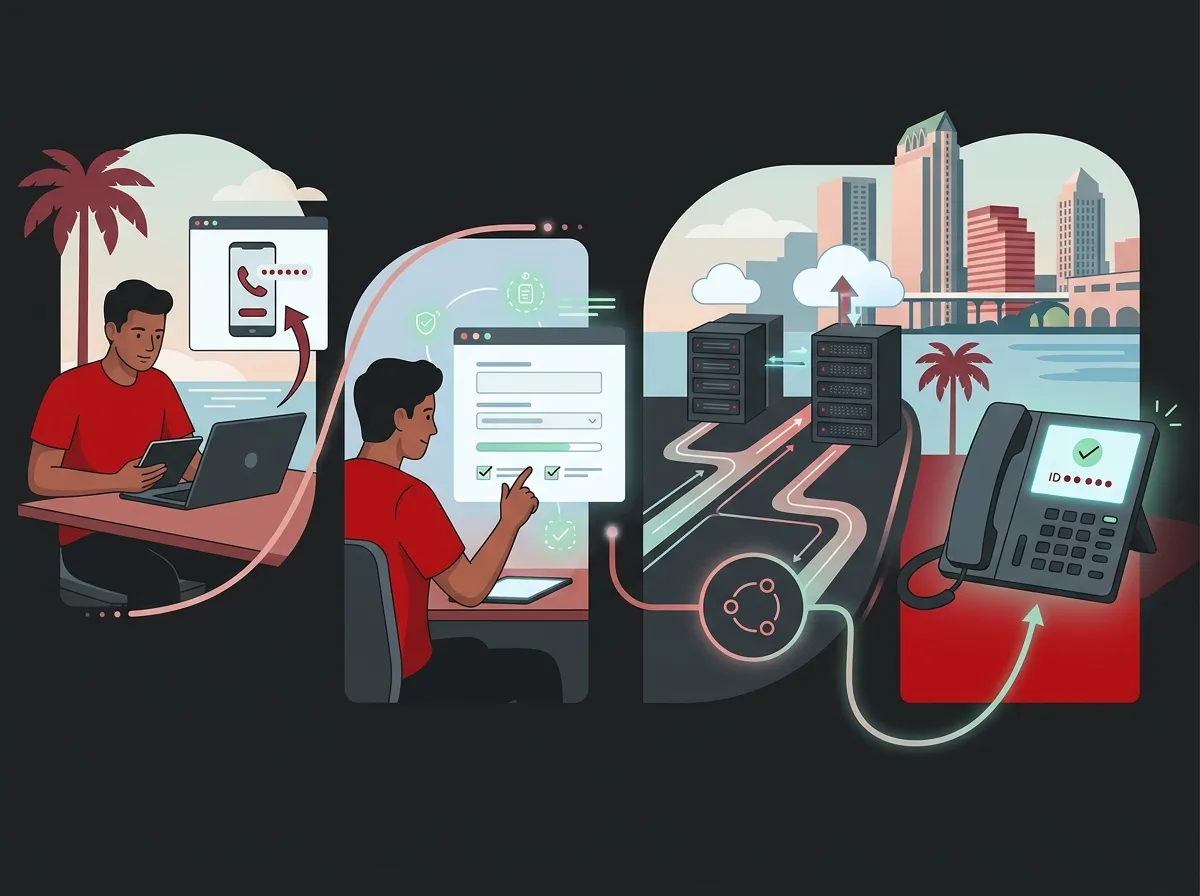
Step-by-Step: How to Port Your Number to VoIP in Tampa
The porting process is straightforward when you know what to expect. Here’s a clear breakdown of how it works:
- Choose your new VoIP provider. Start by selecting a VoIP provider that supports number porting in the Tampa area. Make sure they cover area codes 813 and 727. A trusted partner like Ideal Solutions Provider can help you compare vetted options and find the best fit for your business needs.
- Confirm your number is eligible for porting. Not all numbers can be ported. Your number must be active, in good standing, and within the new provider’s coverage area. Check with your new provider early to confirm eligibility before making any decisions.
- Gather your account documents. You’ll need a recent phone bill or account statement from your current carrier. This proves you are the authorized owner of the number you want to port.
- Sign a Letter of Authorization (LOA). This is a simple form that gives your new VoIP provider permission to request the number transfer from your old carrier. Your new provider will usually supply this document for you to sign.
- Submit the porting request. Your new VoIP provider submits the LOA and your account information to the old carrier. From here, the process is largely handled behind the scenes.
- Keep your old service active. This is critical. Do NOT cancel your current phone service until the port is fully complete. Canceling early could cause your number to be released and lost permanently.
- Confirm the port is complete. Once the porting is done, your number is officially live on your new VoIP system. Your new provider will confirm this, and you can then cancel your old service.

How Long Does Number Porting Take in Tampa?
Timing is one of the most common concerns for business owners. Nobody wants their phones going dark during business hours. Here’s what you can realistically expect:
| Porting Scenario | Estimated Timeline |
|---|---|
| Standard local business number (813 or 727) | 7–14 business days |
| Toll-free number port | 5–10 business days |
| Multiple lines ported simultaneously | Up to 2–3 weeks depending on carrier |
| Complex or disputed number transfers | 3–4 weeks or more |
Most Tampa businesses can expect their number port to finish within 1 to 2 weeks. Keeping your old service active during this window ensures there’s zero gap in your phone coverage. For more tips on making a smooth transition, check out these 5 steps to switch your business phone to the cloud in Tampa.
What Documents Do You Need to Port Your Number?
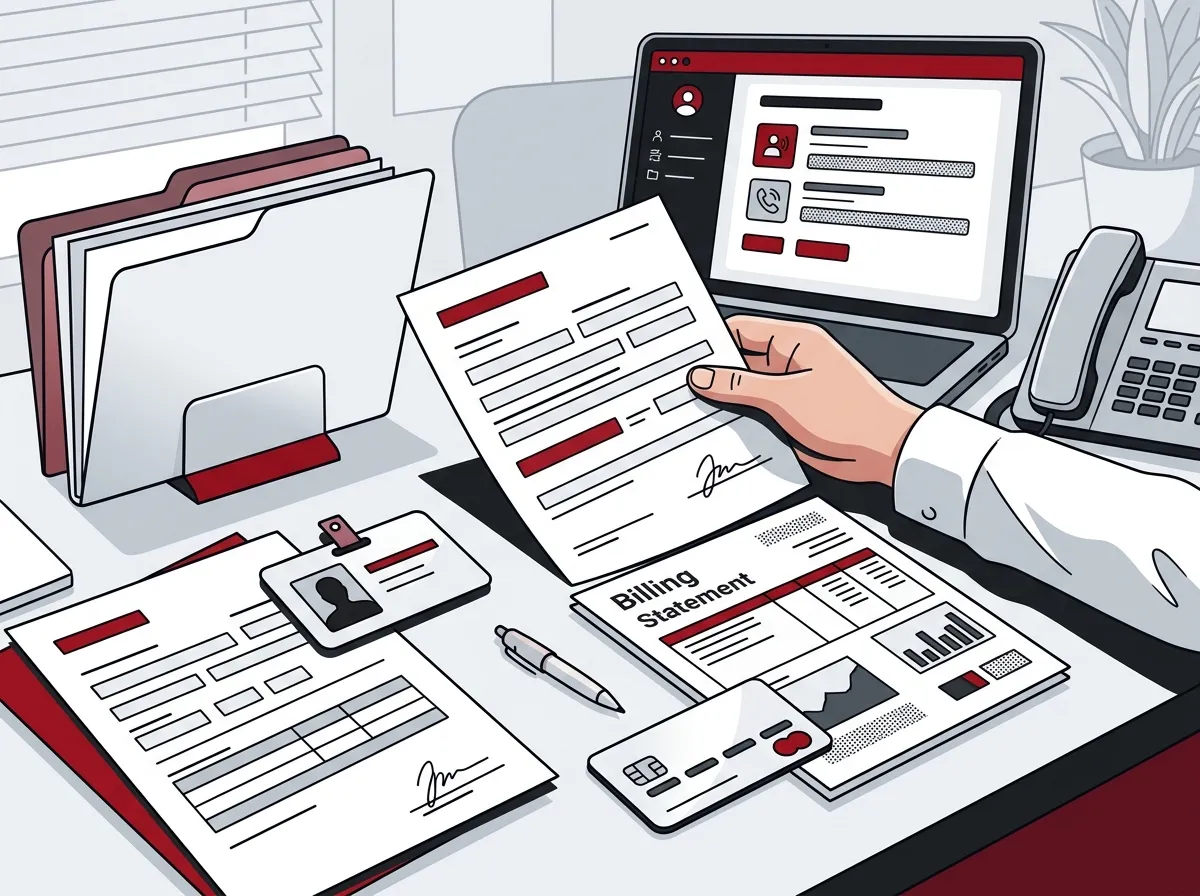
Being prepared makes the process much faster. Here’s a quick list of what you’ll typically need:
- A recent phone bill or invoice from your current carrier (usually the most recent month)
- Your current account number with your old carrier
- The name on the account (must match exactly as it appears with your carrier)
- Your billing address on file with the current carrier
- A signed Letter of Authorization (LOA) — your new provider supplies this form
- The phone number(s) you want to port
Getting these documents ready before you start the process can shave days off the timeline. If anything is mismatched — like a slightly different business name — it can delay approval from your old carrier.
Can You Port Multiple Business Lines at Once?
Yes! If your Tampa office has multiple phone lines, most VoIP providers can port them all as part of the same request. This is common for businesses moving from a legacy PBX system to a modern cloud phone system. However, porting multiple lines at once may take slightly longer and requires that all numbers be listed clearly in your porting request. Talk to your VoIP provider upfront about how they handle bulk porting.
You can also learn more about common pitfalls to avoid during this process by reading about hosted PBX mistakes Tampa small businesses must avoid.
Are All Tampa Phone Numbers Eligible for Porting?
Most are — but not all. Here are the situations where porting may not be possible:
- Inactive or disconnected numbers: If your number has already been canceled, it may be too late to port it.
- Numbers outside the provider’s coverage area: If your new VoIP provider doesn’t support your area code, porting won’t work.
- Numbers tied to contracts: Some carriers have early termination clauses that can complicate the process.
- Incorrect account information: A mismatch in your documents can cause the port request to be rejected by the old carrier.
Working with an experienced provider is the best way to avoid these issues. A good VoIP partner will check eligibility for you upfront and guide you through any complications.
Does Number Porting Cost Anything?
This varies by provider. Some VoIP providers in Tampa offer free number porting as part of their setup package. Others may charge a one-time porting fee. Here’s a simple comparison to keep in mind:
| Porting Cost Type | What to Expect |
|---|---|
| Free porting (included in setup) | Common with many cloud VoIP providers |
| One-time porting fee | Typically $20–$50 per number |
| Bulk porting discount | Sometimes available for 5+ lines |
| Expedited porting fee | May apply if you need a faster transfer |
Always ask your new VoIP provider about porting fees before you sign anything. A trustworthy provider will be upfront about all costs. To better understand the full picture of what VoIP costs for your Tampa business, take a look at how much a VoIP phone system costs for a business in Tampa.
What Happens to Your Calls During the Porting Process?
Here’s the good news: if you keep your old service active during the port, your calls will continue to ring through normally. You won’t lose any incoming calls or confuse your customers. The transition happens seamlessly in the background.
Once the port is complete, calls to your existing number will automatically route through your new VoIP system. No need to notify customers of a number change. No reprinting business cards. No updating your website. Everything just works — with better features and often a lower monthly bill.
For even more insight into making the switch go smoothly, the video resources from Ideal Solutions Provider are a great place to explore real-world examples and walkthroughs.
Comparing VoIP Features: What Else You Gain When You Switch
Keeping your number is just the beginning. Here’s a quick look at what Tampa businesses typically gain when they move to VoIP:
| Feature | Traditional Phone | VoIP System |
|---|---|---|
| Keep existing number | Sometimes | Yes (via porting) |
| Mobile app for calls | No | Yes |
| Video conferencing | No | Yes |
| Auto-attendant / IVR | Limited | Yes |
| Scalability | Difficult | Easy |
| Monthly cost | Higher | Usually lower |
If you want to dig deeper into what makes VoIP such a strong choice for Tampa businesses, check out 14 reasons to switch to a cloud phone system in Tampa. You might be surprised by how many boxes it checks for your business.
Tips for a Smooth Number Port in Tampa
A little preparation goes a long way. Here are some practical tips to help the process go as smoothly as possible:
- Start the porting process early. Don’t wait until the last minute. Initiate the port request as soon as your new VoIP account is set up, so you have plenty of time before any contracts expire.
- Double-check all account details. Make sure the name, address, and account number on your porting documents match exactly what your current carrier has on file. Even small typos can cause rejection and delays.
- Don’t cancel your old service too soon. This is the most common mistake. Wait for written confirmation from your new provider that the port is complete before you cancel anything.
- Test your new system in advance. Set up your new VoIP system on a temporary number first. That way, your team can get comfortable with the features before your main number transfers over.
- Ask your provider about a porting timeline. Get a clear estimated date in writing so you can plan around it and ensure staff are available to confirm the cutover goes smoothly.
Need help choosing the right VoIP provider for your Tampa business? This guide on how to choose a business VoIP solutions provider in Tampa is a fantastic resource to get you started.
Can You Keep a Toll-Free Number Too?
Yes — in most cases, toll-free numbers (like 800, 888, or 877 numbers) can also be ported to a VoIP system. The process is similar to porting a local number, but toll-free numbers are managed through a separate registry called the Responsible Organization (RespOrg) system. Your new VoIP provider will handle the process on your behalf, but it’s worth confirming they support toll-free porting before you commit.
Also keep in mind that a reliable internet connection is essential for VoIP quality. If you’re upgrading your phone system, it may be a great time to also review your bandwidth. Explore your options with business high-speed internet services to make sure your network can support your new system. You can also check out 13 high-speed internet for business tips that save money for some helpful cost-saving ideas.
If you’re exploring your broader telecom infrastructure, don’t overlook the importance of structured cabling services — a strong physical network foundation supports everything from VoIP to security systems. You can learn more about what structured cabling involves on Wikipedia’s overview of structured cabling.
How Ideal Solutions Provider Can Help
Ideal Solutions Provider has been helping Tampa-area businesses navigate telecom decisions for over 24 years. As an independent partner with access to 35+ vetted suppliers, they don’t push one-size-fits-all solutions. Instead, they compare options across carriers to find the right VoIP system for your specific needs — and they handle the number porting process right alongside you.
Whether you’re a small business owner wanting to simplify communications, an IT manager coordinating a multi-line upgrade, or a franchise operator managing locations across Tampa Bay, having a single point of contact makes everything easier. You can also follow along with helpful tips and updates on their Facebook page, Instagram, and YouTube channel.
Keep Your Number, Upgrade Your System
Switching to VoIP in Tampa doesn’t mean starting over. With number porting, you get to keep your trusted business phone number while gaining all the benefits of a modern, cloud-based communication system. The process is straightforward, usually takes 1 to 2 weeks, and is handled largely by your new provider.
The key is working with a knowledgeable partner who can confirm eligibility, prepare your documents, and guide you through the process without unnecessary stress. Ready to make the move? Get in touch with our team today for a free consultation, or give us a call at 813-388-4935 — we’d love to help your Tampa business communicate better, starting with keeping the number you already have.
FAQs
Q: Can I keep my existing phone number when switching to VoIP in Tampa?
A: Yes, in most cases you can! Through a process called number porting, your Tampa business number — including area codes 813 and 727 — can be transferred to your new VoIP system. Your new provider handles the request on your behalf, so it’s simpler than it sounds.
Q: How long does number porting take when switching to VoIP in Tampa?
A: Most standard local number ports complete within 7 to 14 business days — so about 1 to 2 weeks. The exact timeline can vary based on your current carrier and account conditions, but your new VoIP provider should give you an estimated date upfront.
Q: Will my business have phone downtime during the porting process?
A: Not if you keep your old service active! As long as you don’t cancel your current phone service before the port is complete, your calls will continue routing normally. The switch happens seamlessly in the background — no disruption, no missed calls.
Q: What documents do I need to port my business number to VoIP?
A: You’ll typically need a recent phone bill, your current account number, the business name on the account, and your billing address. Your new VoIP provider will also ask you to sign a Letter of Authorization (LOA), which they supply — it gives them permission to initiate the transfer.
Q: Does number porting to VoIP cost anything for Tampa businesses?
A: It depends on the provider. Some include number porting for free as part of their setup, while others may charge a one-time fee — typically around $20 to $50 per number. Always ask about porting fees before you sign up so there are no surprises!





