
Key Takeaways
-
Healthcare video systems must obtain a signed Business Associate Agreement (BAA) if the cloud provider creates, receives, stores, or transmits patient footage, as this footage may constitute protected health information under HIPAA.
-
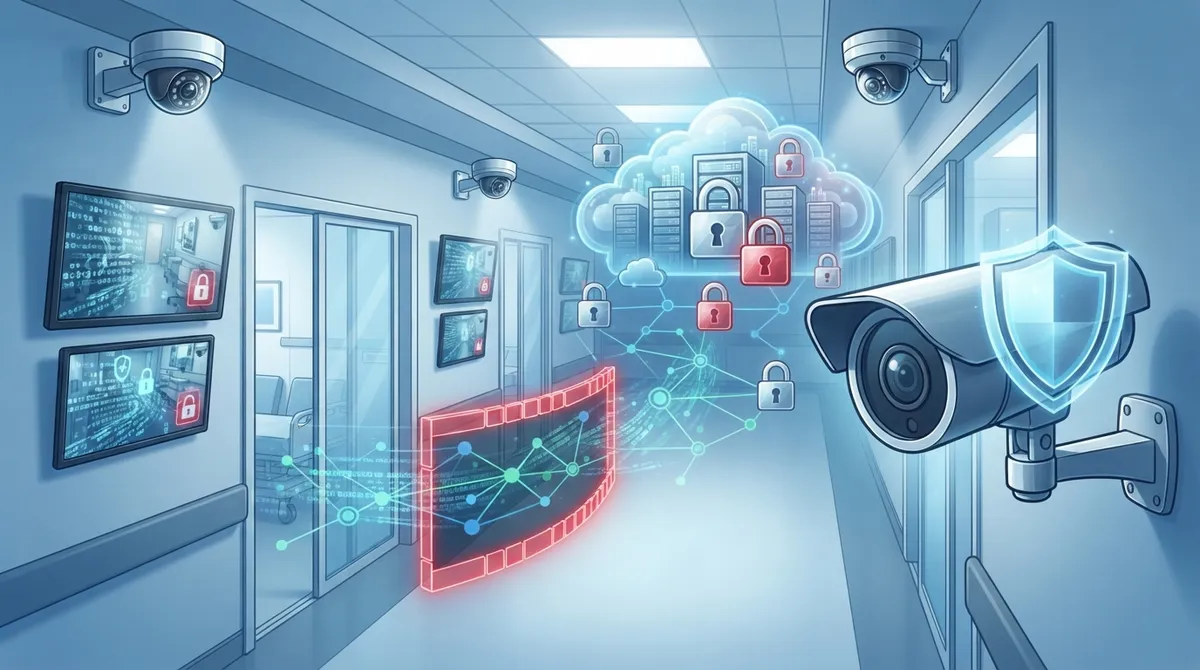
Implement network segmentation by placing cameras on a separate VLAN isolated from electronic health records systems to prevent a compromised camera from providing hackers access to sensitive clinical data.
-
Enable encryption both in transit and at rest for all video footage, combined with multifactor authentication and role-based access permissions to reduce breach risk and maintain compliance during HIPAA audits.
-
Deploy edge recording as local backup storage on cameras or nearby devices so critical footage is retained even during internet outages, then syncs to cloud storage once connectivity is restored.
-
Define and enforce privacy zones with masking rules for exam rooms, bathrooms, and sensitive areas while posting clear signage to patients about video surveillance to ensure compliance with privacy-by-design principles.
-
Work with a single telecom partner experienced in healthcare to manage cameras, network connectivity, firewall protection, and cellular failover together rather than juggling separate vendors that create security gaps.
Running a clinic or hospital is hard enough without worrying if your security cameras are putting patient privacy at risk. Cloud video security for healthcare has become a must-have, not a nice-to-have. It helps you watch over your building while keeping patient information safe. But healthcare is different from a retail store or office. Cameras near patient areas can capture protected health information, or PHI, and that means extra rules apply. This guide walks you through 15 practical, friendly tips to help you choose, install, and manage cloud video security the right way. Whether you run a single family practice or a multi-site hospital network, these tips will help you protect your patients, your staff, and your peace of mind. We will also show you why the right telecom partner matters just as much as the cameras themselves.

Why Healthcare Facilities Need a Different Approach to Cloud Video Security
Healthcare buildings are not like other workplaces. You have patients walking through hallways, sensitive records nearby, and staff handling private conversations all day long. A basic camera setup from a big-box store simply will not cut it here.
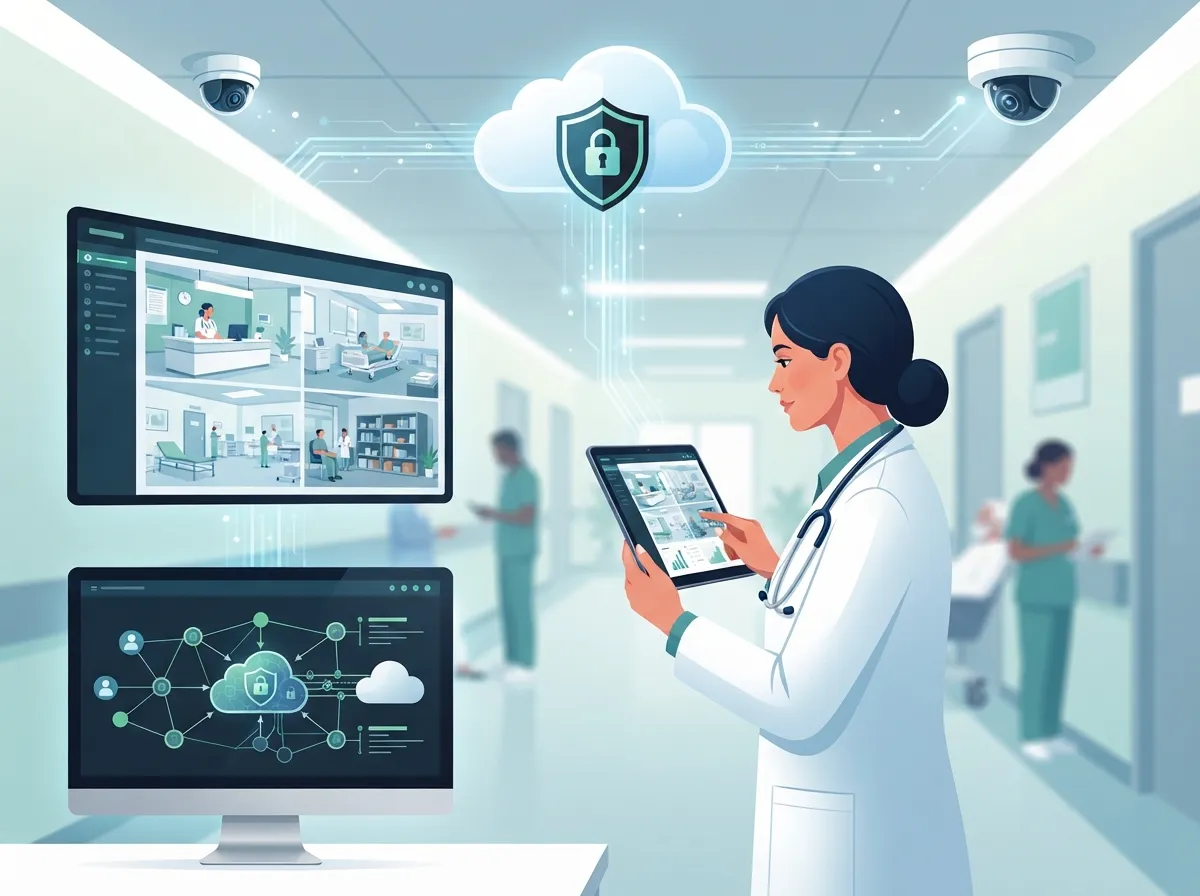
Cloud video security for healthcare combines internet-connected cameras, video management software, secure cloud storage, remote monitoring, and managed connectivity into one system. When done right, a business telecom partner can deliver the cameras, the network, the installation, and the ongoing monitoring as a single managed service. That means fewer headaches for you and fewer weak links for hackers to exploit.
The HIPAA Factor You Cannot Ignore
Here is something a lot of healthcare offices do not realize until it is too late. If your cameras capture patients, visitors, or clinical activity in a way that identifies someone, that footage may count as protected health information. The HIPAA Security Rule requires covered entities and their partners to use proper safeguards for electronic PHI. That includes administrative, physical, and technical protections, not just a padlock on the server room door.
15 Tips for Smarter Cloud Video Security in Healthcare Settings
1. Confirm Whether Your Camera Vendor Needs a Business Associate Agreement
If your cloud video provider creates, receives, stores, or transmits PHI on your behalf, you likely need a signed Business Associate Agreement, or BAA. Do not skip this step. Ask your vendor directly and get it in writing before you sign any contract.
2. Choose Encryption in Transit and at Rest
Your video footage should be encrypted both while it travels over the network and while it sits in cloud storage. This is one of the simplest ways to reduce the risk of a data breach reaching patient records.
3. Use Role-Based Access Permissions
Not every staff member needs access to every camera feed. Set up role-based permissions so front-desk staff, security teams, and administrators only see what they need to see. This limits exposure if a login gets compromised.
4. Turn On Multifactor Authentication
A password alone is not enough anymore. Multifactor authentication adds a second layer of protection, like a text code or app confirmation, before anyone can log into your video system.
5. Keep an Audit Log of Who Viewed What
Audit logs track every login, every video pull, and every export. This creates accountability and gives you a paper trail if you ever need to prove compliance during a HIPAA audit.
6. Segment Your Network So Cameras Cannot Touch Patient Records
Cameras and other Internet of Things devices are a favorite target for hackers because they are often poorly secured. Placing cameras on a separate VLAN, isolated from your electronic health records system, keeps a camera hack from spreading to sensitive data. This is exactly the kind of network design work covered in our guide on enterprise network infrastructure services.
7. Build In Redundant, Reliable Connectivity
Your cameras and cloud storage depend on a steady internet connection. Fiber lines, business broadband, and cellular failover all help keep your system running during an outage. If you want to understand more about connectivity options, check out our article on dedicated fiber internet for businesses.
8. Add Edge Recording as a Backup
Edge recording stores footage locally on the camera or a nearby device in case your internet connection drops. This way, you do not lose critical footage during an outage, and it still syncs to the cloud once the connection returns.
9. Set Clear Privacy Zones and Masking Rules
Not every corner of a clinic needs full video coverage. Define privacy zones for exam rooms, bathrooms, and other sensitive areas. Masking certain zones on camera keeps you compliant and respects patient dignity.
10. Decide on a Retention Policy That Fits Your Needs
How long should you keep footage? That depends on your facility type and any legal requirements in your state. Work with your provider to set retention rules that balance storage costs with the need for evidence during investigations. Our post on cloud video security footage storage breaks this down further.
11. Vet Your Cloud Provider Thoroughly
Ask about data ownership, storage location, subcontractors, and breach notification procedures. A good vendor should also support disaster recovery and be ready to help during a HIPAA audit if needed.
12. Post Signage and Get Proper Consent
Patients and visitors should know cameras are present. Clear signage is not just a courtesy, it is often part of your privacy-by-design responsibilities as a healthcare organization.
13. Train Staff on Camera Policies and Incident Response
Even the best camera system fails if your team does not know how to use it. Train staff on how to request footage, how to respond to law-enforcement requests, and who to call during a security incident.
14. Combine Video Security With Access Control
Pairing cloud video with cloud-based access control systems gives you a fuller security picture. You get video evidence plus a record of exactly who entered which door and when.
15. Work With a Single Telecom Partner Who Understands Healthcare
Juggling separate vendors for cameras, internet, and network security creates gaps. A single point of contact, like Ideal Solutions Provider, can manage your cameras, connectivity, and cybersecurity together so nothing falls through the cracks.
Understanding the Real Risk: Healthcare Breach Numbers
The numbers tell a clear story. Healthcare organizations remain a top target for cybercriminals, and video systems are part of that attack surface if left unprotected.
| Metric | Data Point |
|---|---|
| Large healthcare breaches reported (2025 analysis) | 697 to 772 incidents, affecting 61.5+ million individuals |
| Share caused by hacking or IT incidents | Approximately 80.5% |
| Breaches at healthcare providers | 523 reported |
| Breaches involving business associates | 128 reported |
| Average breach size (2025) | Approximately 86,699 individuals |
| Average breach size (2024) | Approximately 389,707 individuals |
These figures come from HHS OCR breach data compiled by industry analyses. The message is simple: any connected device, including your security cameras, can become an entry point if it is not properly secured.
Cloud Storage vs. On-Premises vs. Hybrid: Which Fits Your Facility?
Deciding how to store your footage is one of the biggest choices you will make. Here is a quick comparison to help guide the conversation with your provider.
| Storage Model | Best For | Key Consideration |
|---|---|---|
| Full Cloud Storage | Multi-site clinics, hospitals wanting centralized visibility | Requires strong, reliable internet |
| On-Premises Only | Small practices with limited bandwidth | Higher maintenance, harder to scale |
| Hybrid (Edge Plus Cloud) | Facilities needing backup during outages | Balances cost, reliability, and compliance |
Steps to Roll Out Cloud Video Security at Your Facility
Getting started does not need to feel overwhelming. Here is a simple sequence many healthcare clients follow:
- Audit your current camera setup and network capacity.
- Identify areas that may capture PHI and plan privacy zones.
- Confirm BAA requirements with any vendor handling video data.
- Design network segmentation to isolate cameras from clinical systems.
- Install redundant connectivity, including cellular failover if needed.
- Set access permissions and multifactor authentication for all users.
- Train staff on policies, incident response, and footage requests.
- Schedule regular reviews of retention settings and vendor contracts.
This kind of structured rollout is easier when structured cabling and network design are handled by professionals familiar with structured cabling best practices, ensuring your cameras have a stable physical and digital foundation.
What a Managed Telecom Partner Brings to the Table
A telecom provider that understands healthcare should bring more than cameras to the conversation. Consider these benefits when comparing providers:
- Managed Wi-Fi and LAN design that keeps clinical devices separate from cameras
- SD-WAN or secure routing for reliable, monitored connectivity
- Firewall management and ongoing network monitoring
- Cellular backup to keep systems online during outages
- Unified communications so your phone and video systems work together
- A responsive service desk for fast troubleshooting
This kind of bundled approach is exactly what makes working with an established Internet Service Provider partner valuable, especially one that also understands compliance-sensitive environments like healthcare.
Common Mistakes Healthcare Facilities Make With Cloud Video Security
Even well-meaning facilities can stumble. Watch out for these common missteps:
- Assuming the camera vendor automatically covers HIPAA compliance
- Placing cameras on the same network as electronic health records
- Skipping multifactor authentication because it feels inconvenient
- Ignoring retention policies until storage costs spiral out of control
- Failing to train new staff on camera and privacy procedures
- Choosing the cheapest internet plan instead of one built for reliability
Avoiding these pitfalls early saves you time, money, and stress down the road. If you are unsure where your current setup stands, it may be worth reviewing your options with a trusted cloud video security provider who understands healthcare needs specifically.
Bringing It All Together for Your Facility
Cloud video security for healthcare is not just about watching hallways. It is about protecting patients, staff, and sensitive data while staying compliant with strict regulations. The right combination of encrypted storage, network segmentation, reliable connectivity, and staff training makes all the difference. Following you on social media is a great way to stay updated on security trends, and we regularly share tips on our Facebook, Instagram, and YouTube channels.
With over 24 years of experience and partnerships across 35+ vetted suppliers, Ideal Solutions Provider can help your healthcare facility build a cloud video security system that actually fits your needs, not a one-size-fits-all package. From cameras to connectivity to compliance conversations, we handle it as one coordinated plan instead of scattered pieces. If you are ready to see how your current setup measures up, reach out to our team for a free consultation or give us a call today to talk through your facility’s specific needs.
FAQs
Q: Is cloud video security HIPAA compliant for hospitals and medical practices?
A: It can be, but compliance depends on how the system is set up, not just the technology itself. You need encryption, access controls, audit logs, and often a signed business associate agreement to keep things HIPAA friendly.
Q: Does a cloud video surveillance provider need to sign a HIPAA business associate agreement?
A: Yes, if that provider creates, stores, or transmits footage that counts as protected health information. It is always worth asking your vendor directly and getting the agreement in writing before you move forward.
Q: How much bandwidth does cloud video surveillance require for a clinic or hospital?
A: It varies based on camera count, resolution, and how many locations you are monitoring. A good telecom partner can calculate your exact needs and recommend a connection that keeps everything running smoothly.
Q: Should healthcare facilities use cloud storage, on-premises recording, or a hybrid model?
A: Many healthcare facilities find a hybrid model works best, combining cloud storage with local edge recording as backup. This keeps footage safe even if your internet connection drops for a moment.
Q: Can telecom providers manage healthcare cameras, connectivity, monitoring, and compliance together?
A: Absolutely, and honestly, that is the easiest way to do it. Working with one trusted partner means your cameras, network, and security policies all work together instead of being handled by separate, disconnected vendors.





